
AoBot Trader
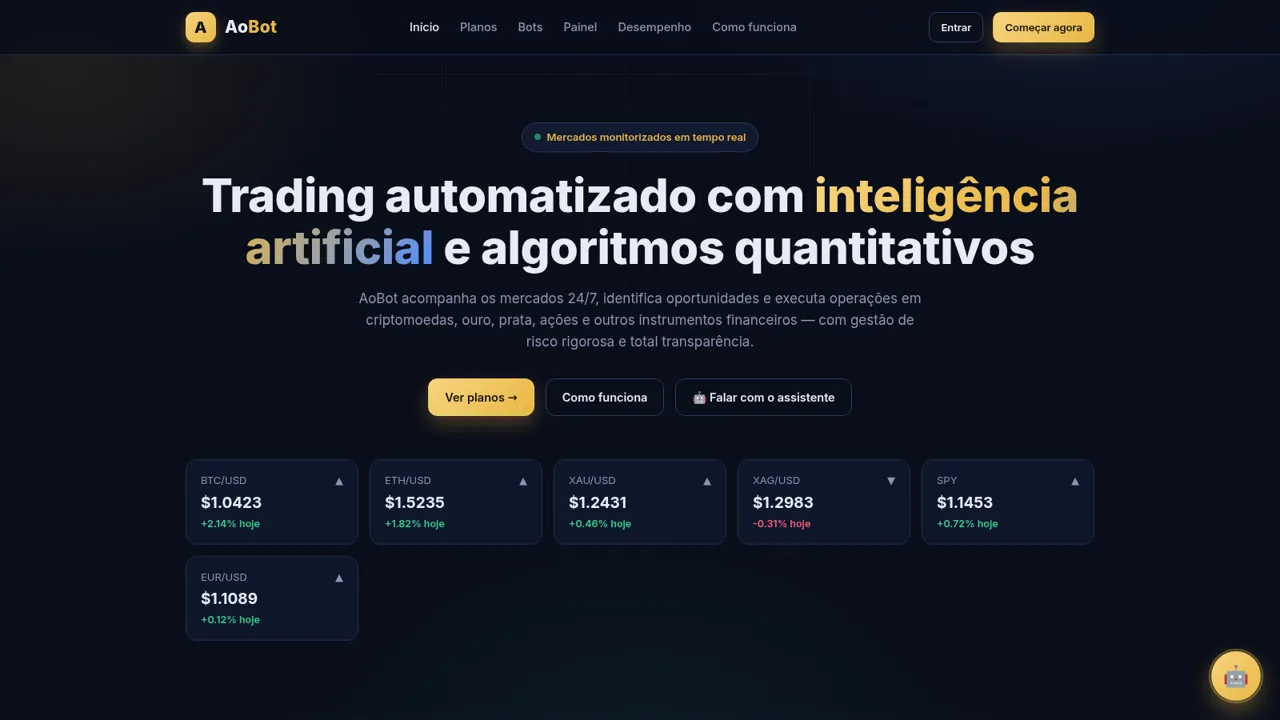
Explore automated trading plans, quantitative strategies, and a data-rich demonstration dashboard with built-in risk controls.
AoBot Trader is a Portuguese-language product demonstration for an automated trading platform based on artificial intelligence and quantitative algorithms. It covers cryptocurrencies, gold, silver, equities, and forex instruments, with five plans arranged by minimum capital, investor profile, strategy access, and relative risk. Visitors can compare plans, enter a deposit amount to receive a bot recommendation, review the platform workflow and safeguards, and open a demonstration control panel showing account equity, profit and loss, exposure, margin, positions, transaction history, reports, and automated risk limits. The site repeatedly identifies its dashboard values as fictional demonstration data and includes trading-risk disclosures.
Highlights
Five bot plans
Plans span entry to pro
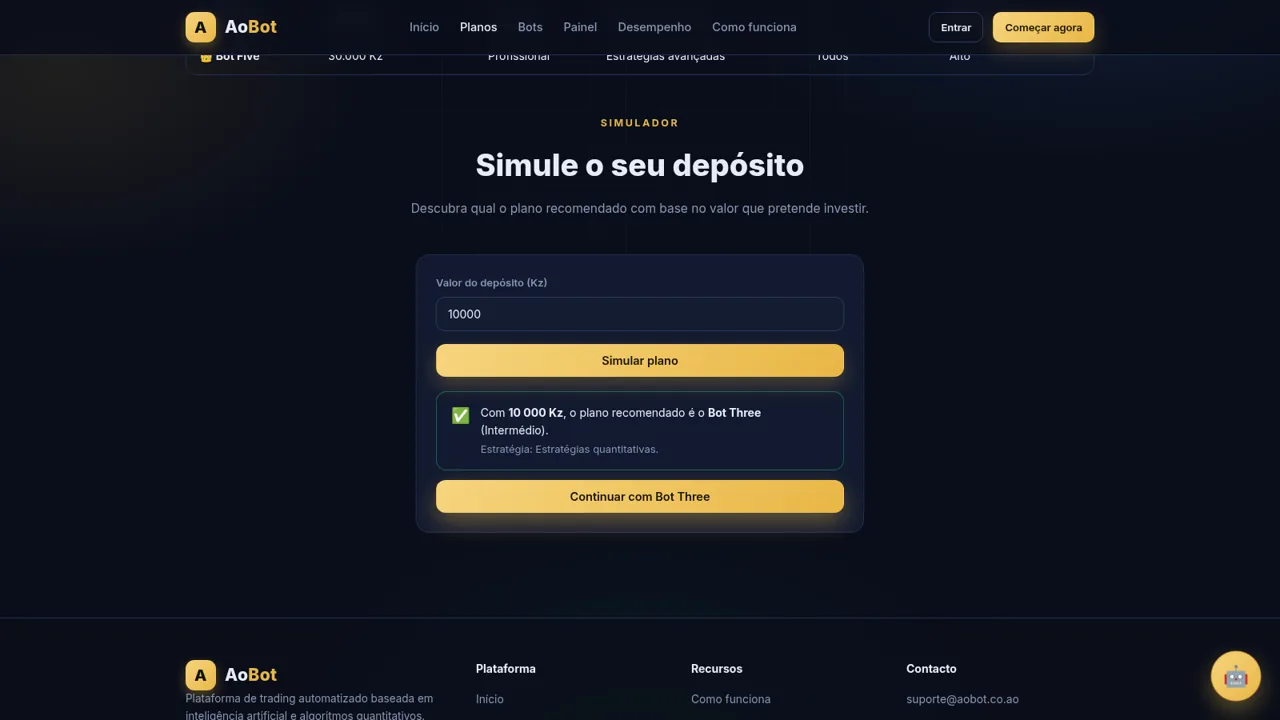
Deposit simulator
Recommends a matching bot
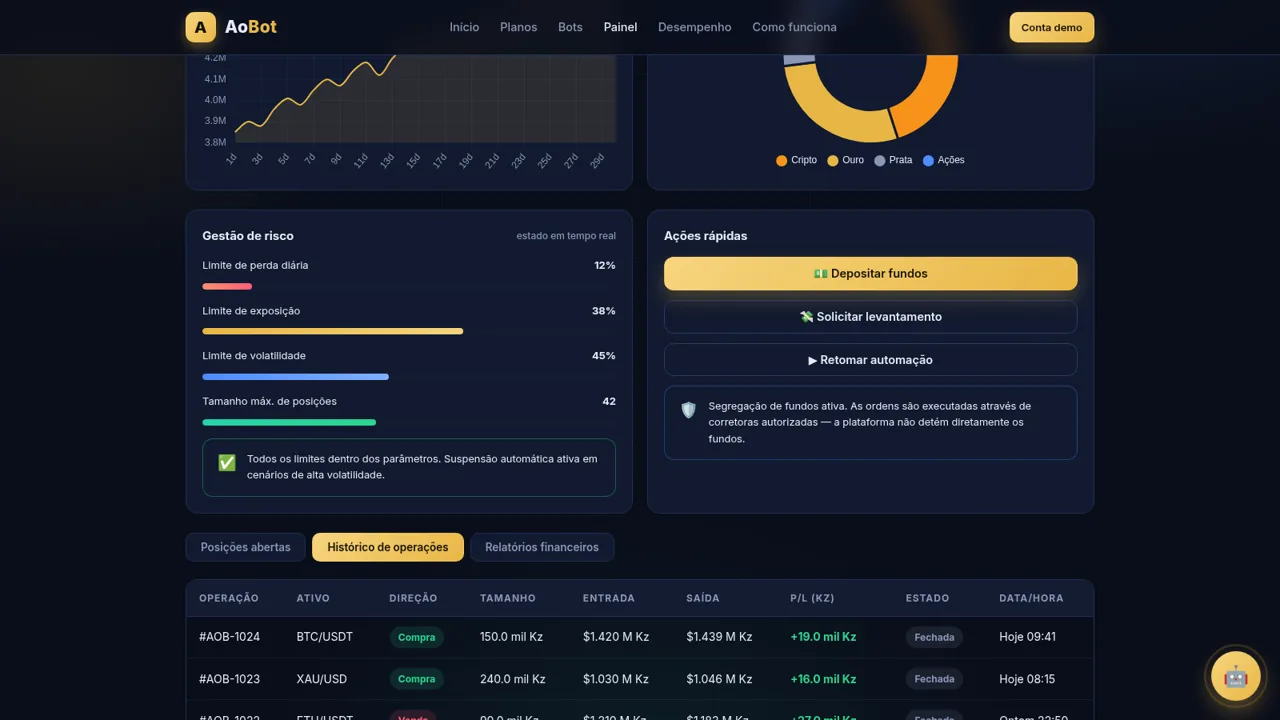
Detailed dashboard
Shows metrics and trades
Risk controls
Tracks automated limits
Strategy coverage
Six methods are explained
How to Use
Review the available plans
Open the Plans page and compare the five bot tiers by minimum capital, investor profile, active bots, strategy set, support level, and relative risk before selecting an option.
Simulate a deposit
Enter a proposed amount in Angolan kwanza in the deposit simulator and select the simulation action. The page displays a recommended bot tier and offers a continuation control for that result.
Inspect the demonstration dashboard
Open the Control Panel to review fictional account balance, equity, daily and total profit, win rate, exposure, margin, capital evolution, allocation, and current risk limits.
Explore trading records
Use the dashboard tabs to switch between open positions, transaction history, and financial reports. Each view updates the central table or report controls with relevant demonstration records.
Read strategy and risk information
Visit the explanatory sections to understand trend following, momentum, mean reversion, arbitrage, quantitative models, dynamic management, security safeguards, and the platform risk disclosure.
Similar Sites
 63
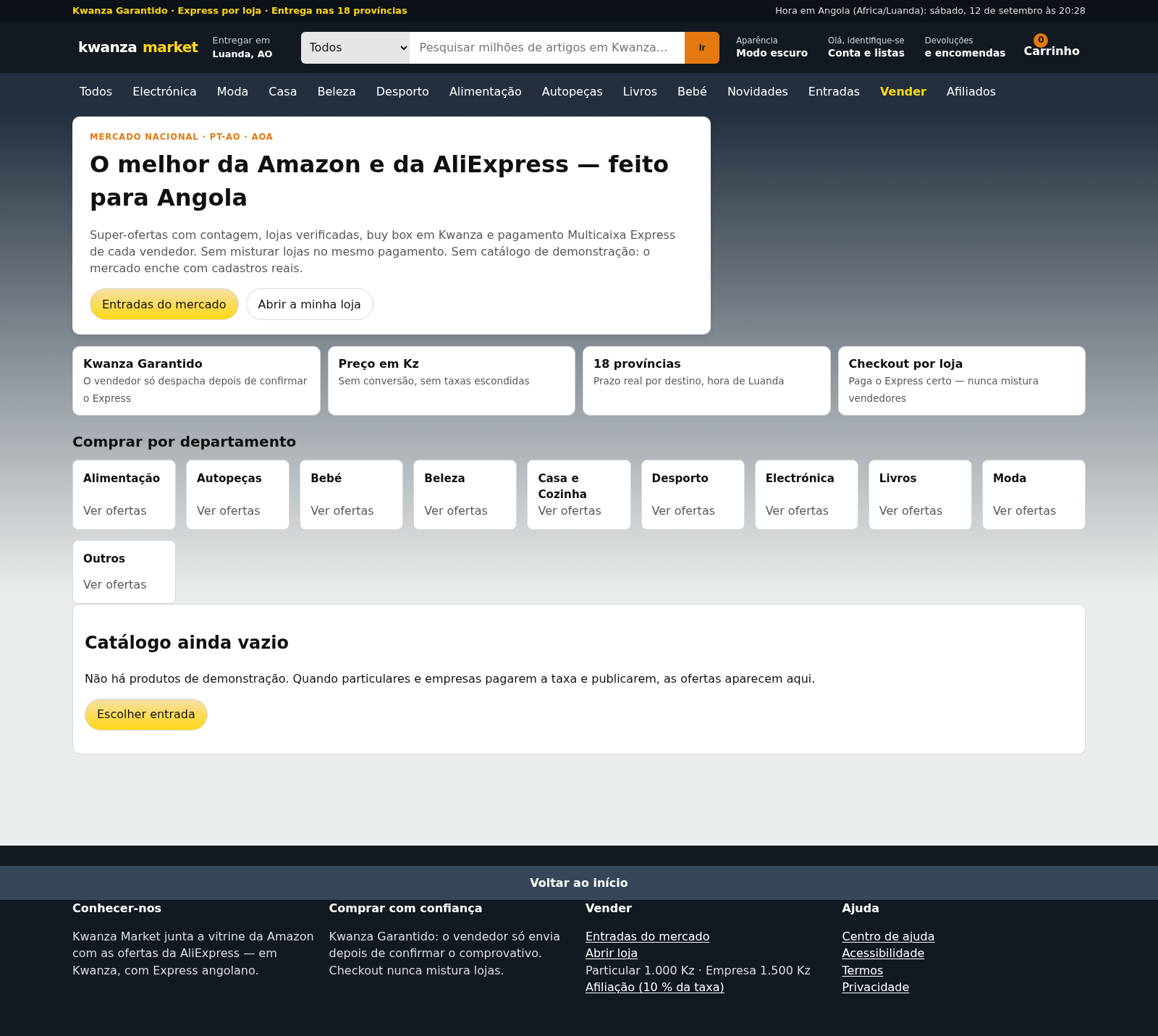
63Kwanza Market
Mercado de Angola: compre e venda em Kwanza com Multicaixa Express.
 14
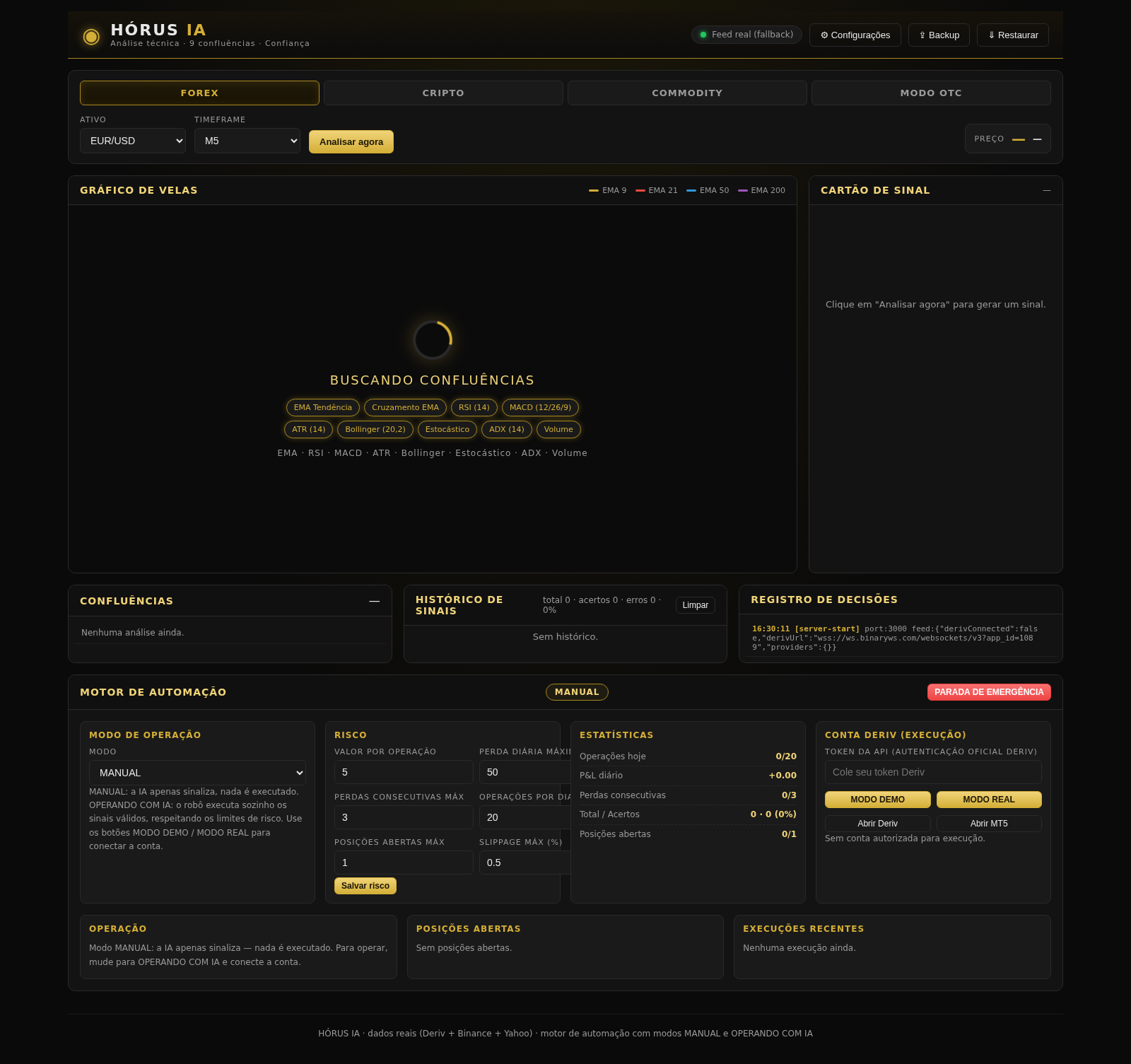
14HÓRUS IA - Sinais de Trading
Réplica do HÓRUS IA - sinais de trading com análise técnica, IA e confiança
 5
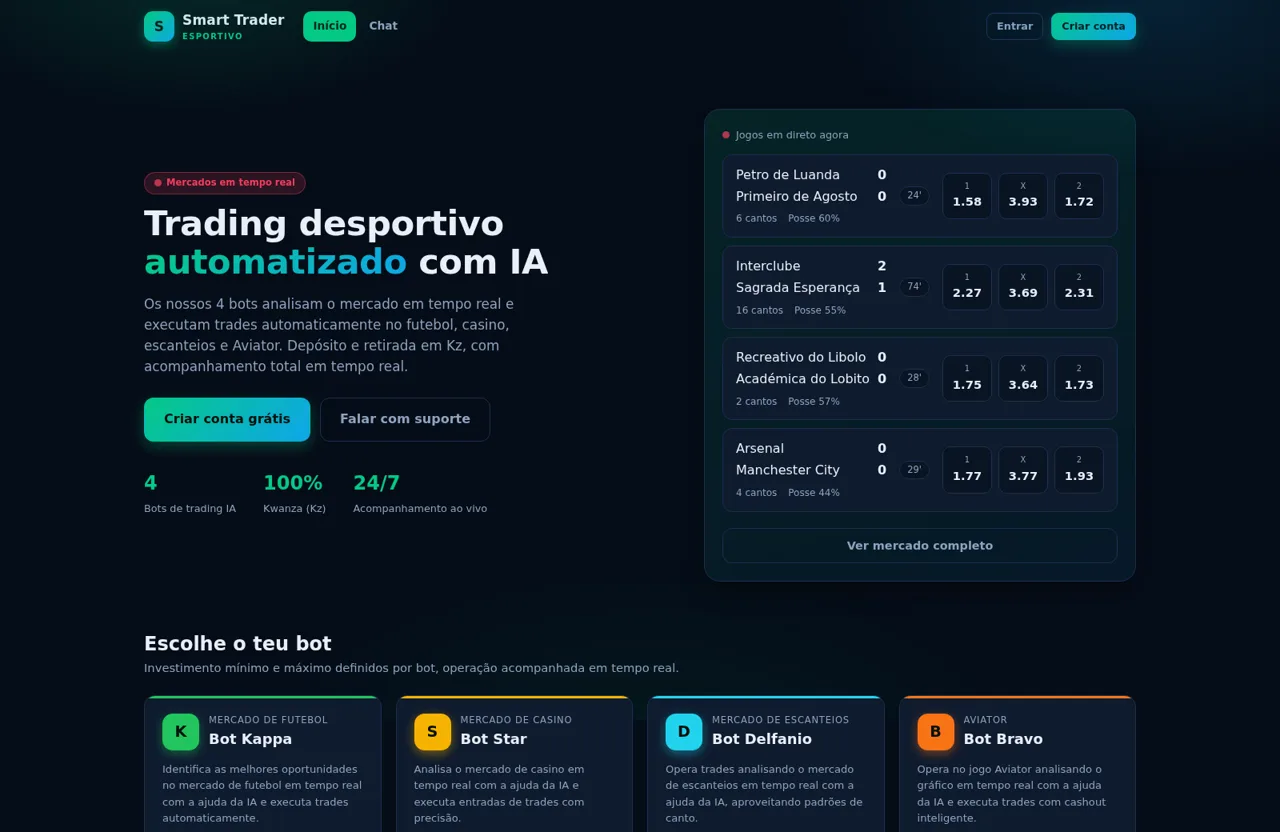
5Smart Trader Esportivo
Trading desportivo automatizado em Angola com bots de trading IA e depósito/retirada em Kz
 4
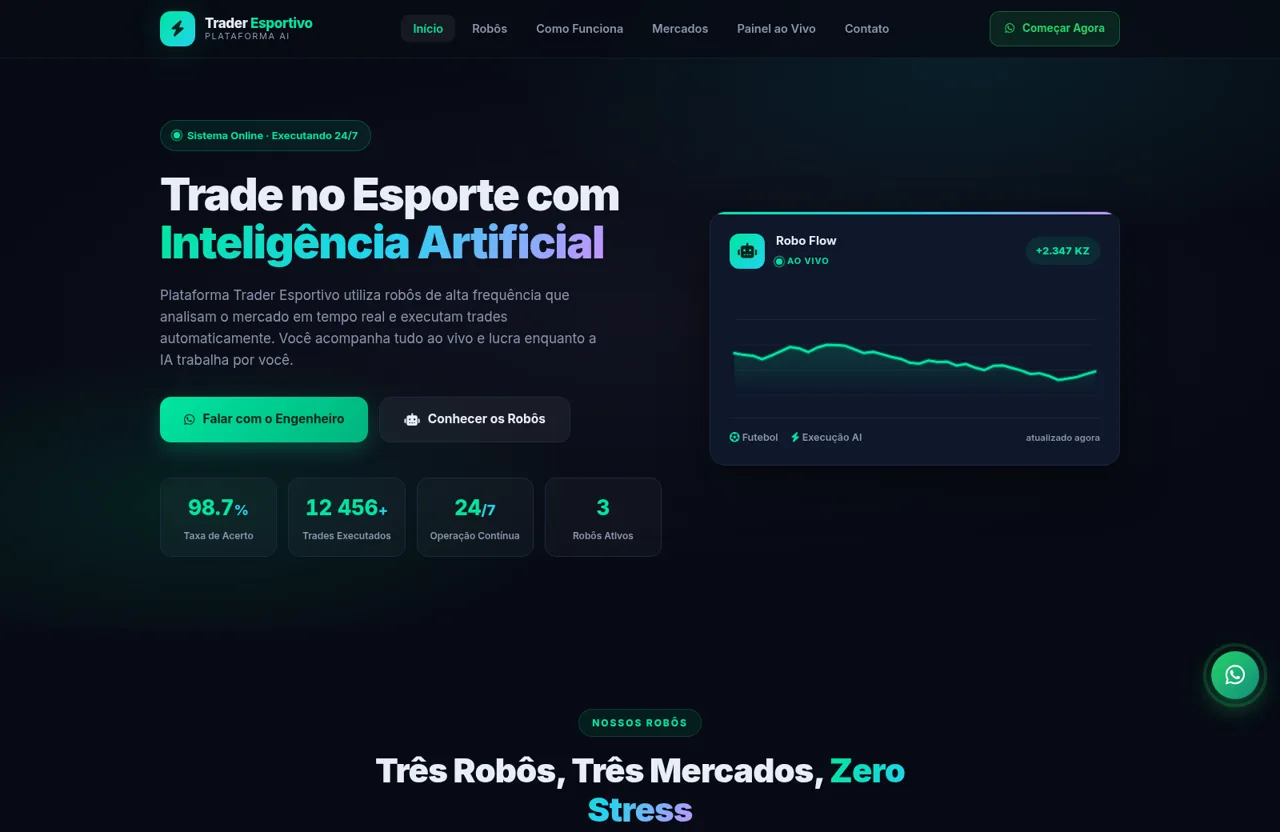
4Trader Esportivo
Robôs de trading com IA para futebol, cassino ao vivo e escanteios
 1
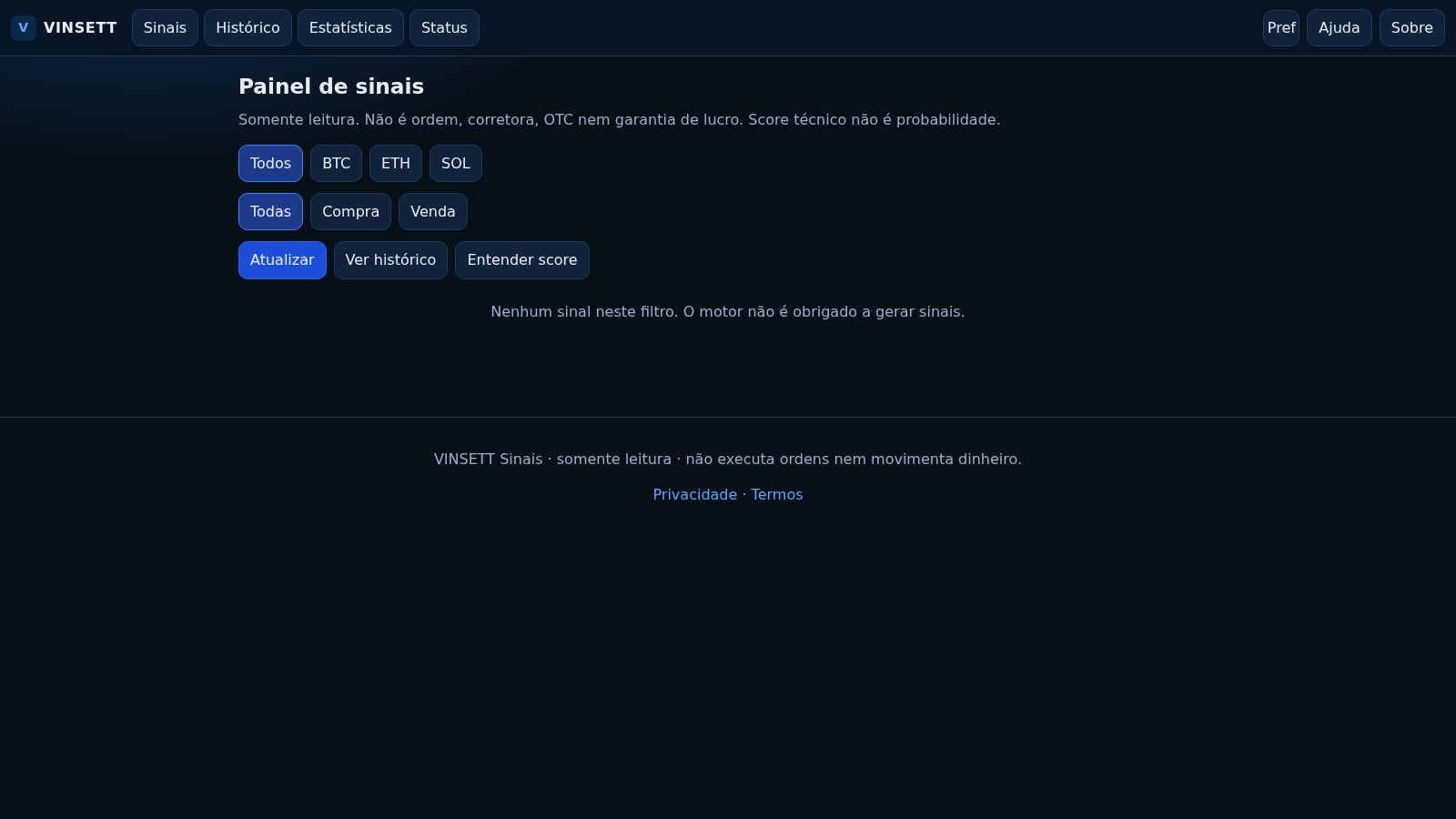
1VINSETT Sinais
Painel público somente leitura de sinais BTC/USD, ETH/USD e SOL/USD. Não executa ordens.
 417
417Smile Patisserie
Smile Patisserie menu: cakes, oriental, bakery, and WhatsApp cart