
TIME MACHINE 1982
Turn any year into a cassette-style list of 20 hit songs.
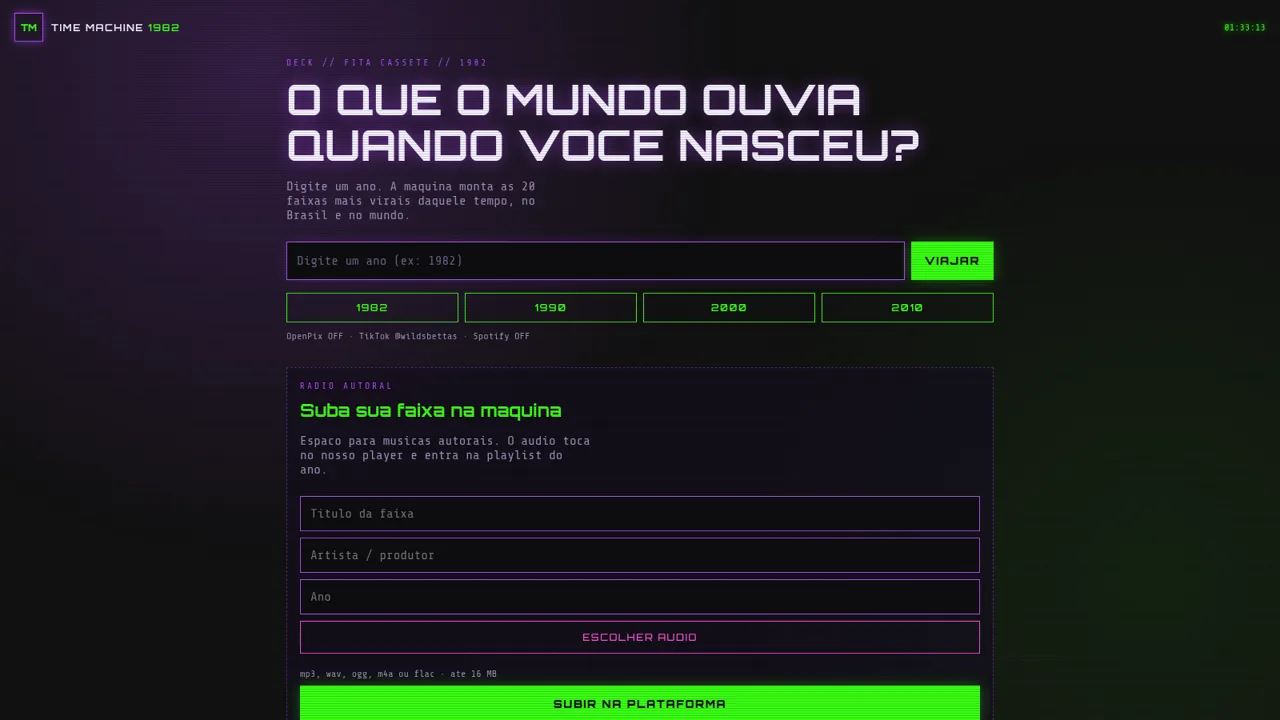
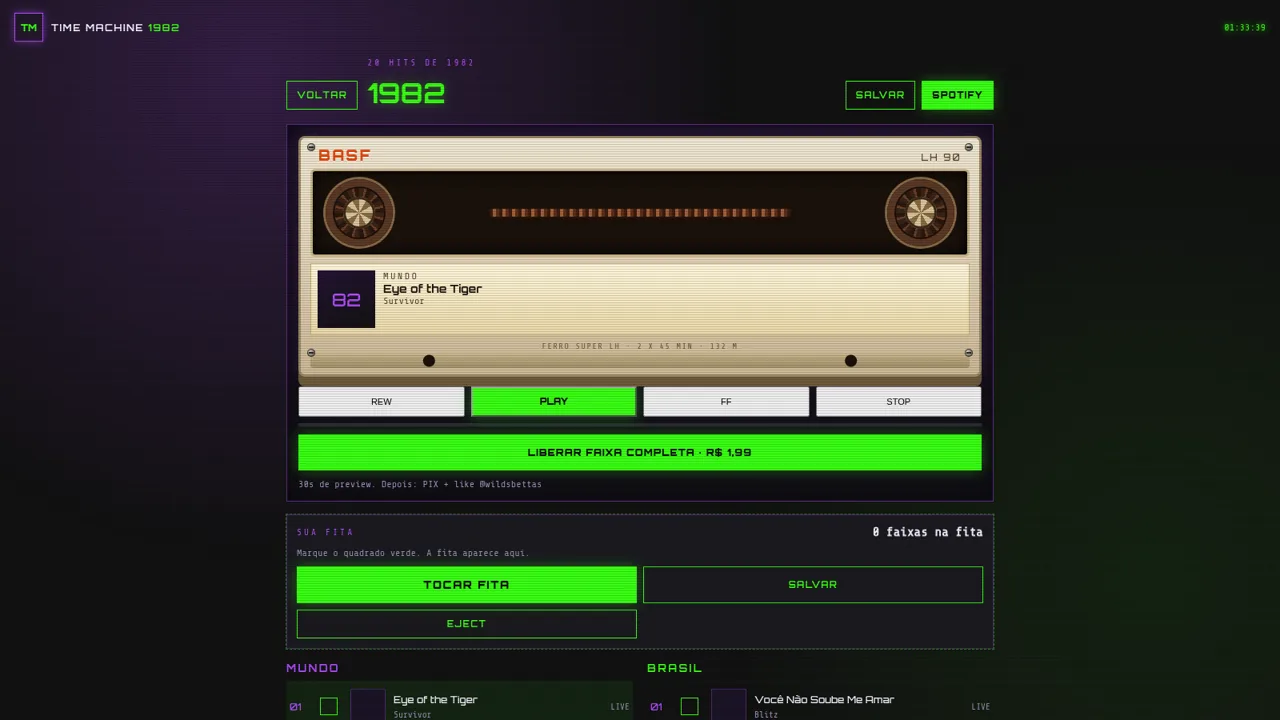
TIME MACHINE 1982 is a retro browser experience built around music nostalgia. You type a year, and the page assembles a cassette-tape styled chart of 20 tracks for that year, with separate world and Brazil sections and ranked entries. The interface imitates a cassette deck with rewind, play, forward and stop controls, a blank tape area where selected tracks are collected, and saved year playlists. There is also a Radio Autoral form for submitting original audio files, plus links to a TikTok profile and an optional Spotify connection. The visual language is a dark CRT terminal with neon green and purple accents.
Highlights
Year hit charts
20 tracks per year
World and Brazil
Two ranked charts
Cassette deck UI
Transport buttons
Save playlists
Keep favourite years
Original uploads
Send your own audio
Retro CRT visuals
Neon tape deck look
How to Use
Choose a year
On the landing screen, type a four-digit year into the field or pick one of the suggested years, then press VIAJAR. The page switches to a cassette-tape view showing the hits for that year, split into MUNDO and BRASIL lists.
Explore the tape deck
Click a row in either ranked list to select a track, then use REW, PLAY, FF and STOP on the cassette deck. The selected song appears on the tape label; during this review the player reported that no preview was available for the chosen track.
Build and save a tape
Tick the green square beside tracks to add them to SUA FITA, then use TOCAR FITA, SALVAR or EJECT. Saved years appear under MEUS ANOS SALVOS on the home screen.
Submit an original track
On the home screen, fill in the track title, artist or producer and year, choose an audio file up to 16 MB in mp3, wav, ogg, m4a or flac, then press SUBIR NA PLATAFORMA to add it to the year playlist.
Unlock the full tape
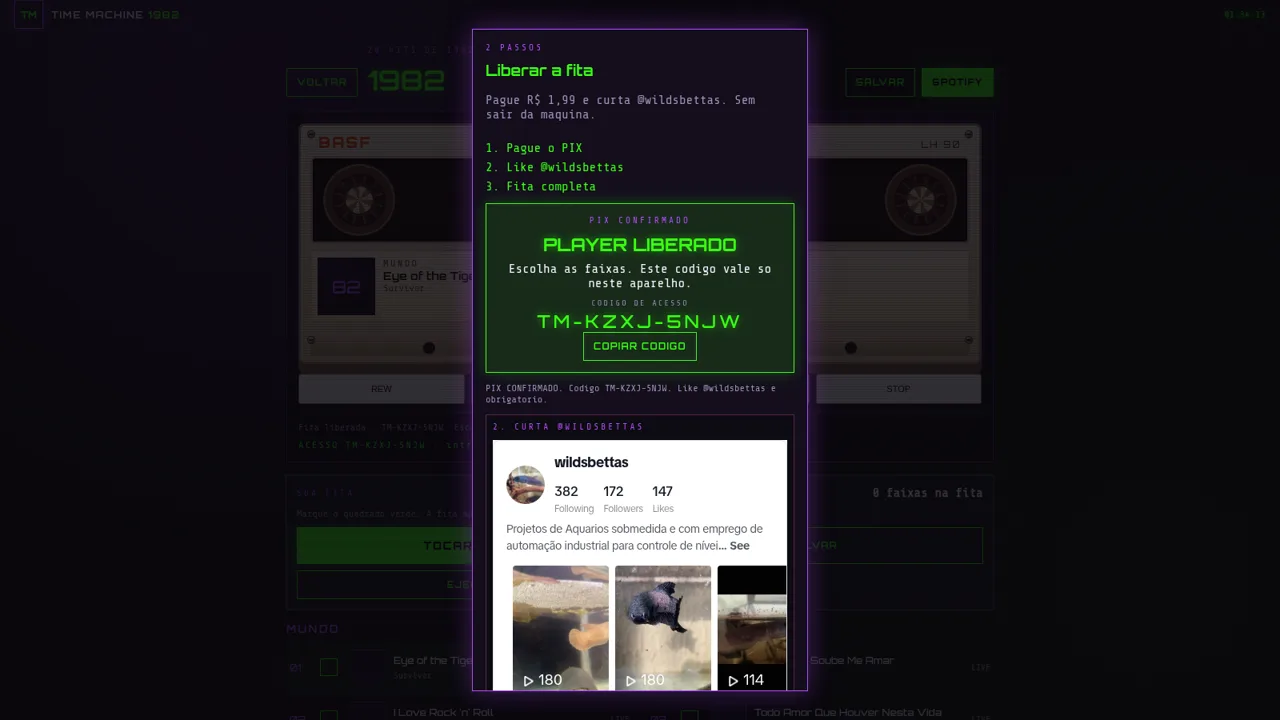
Press the green unlock button on a year page to open the two-step PIX panel. It asks for a PIX payment of R$ 1,99 and a like on the @wildsbettas TikTok profile, then issues a per-device access code. OpenPix was marked OFF during the review, so the panel showed a demo confirmation instead of a QR code.
Similar Sites
 88
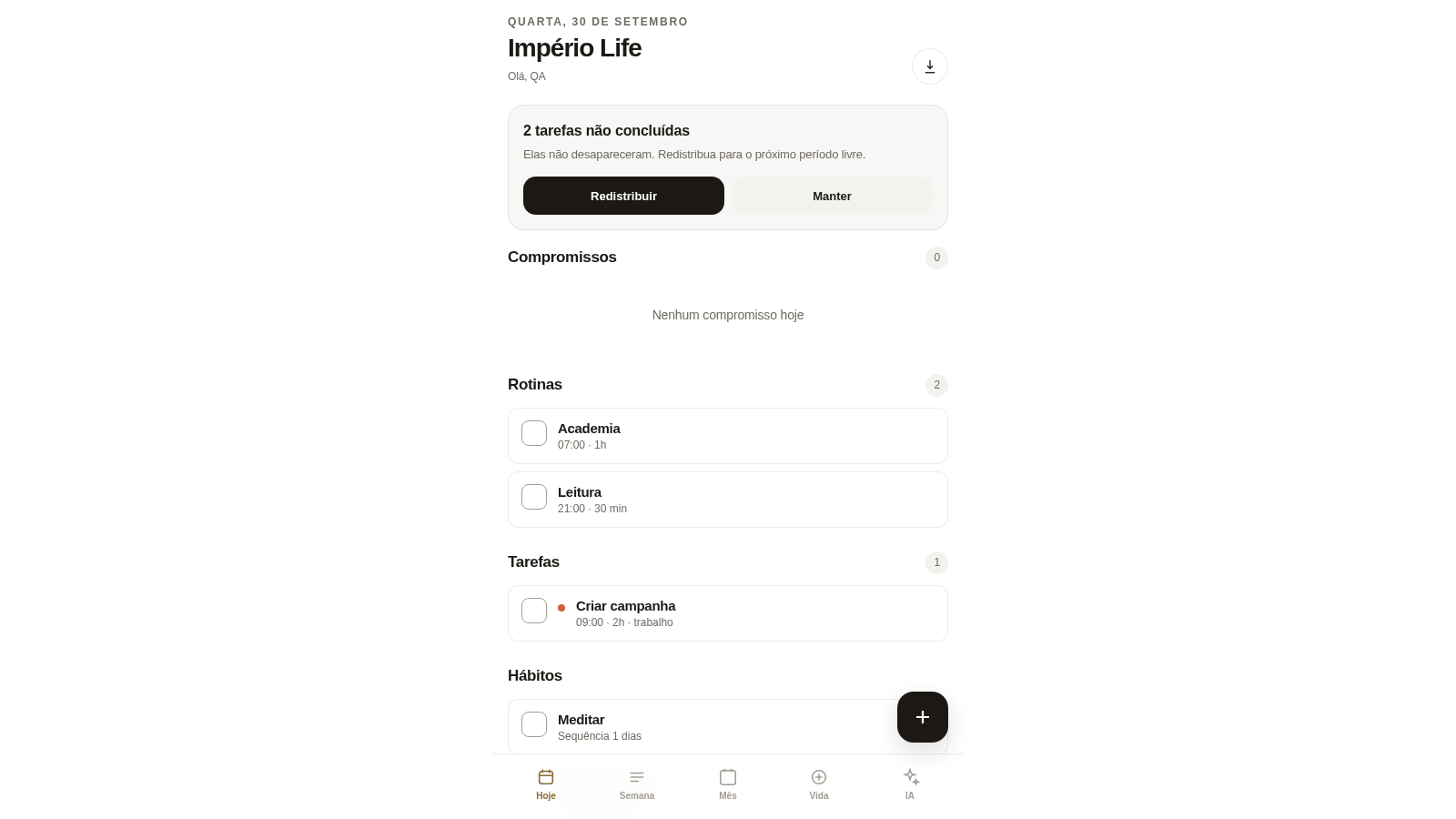
88Império Life
Organização pessoal: tarefas, rotinas e planejamento semanal.
 23
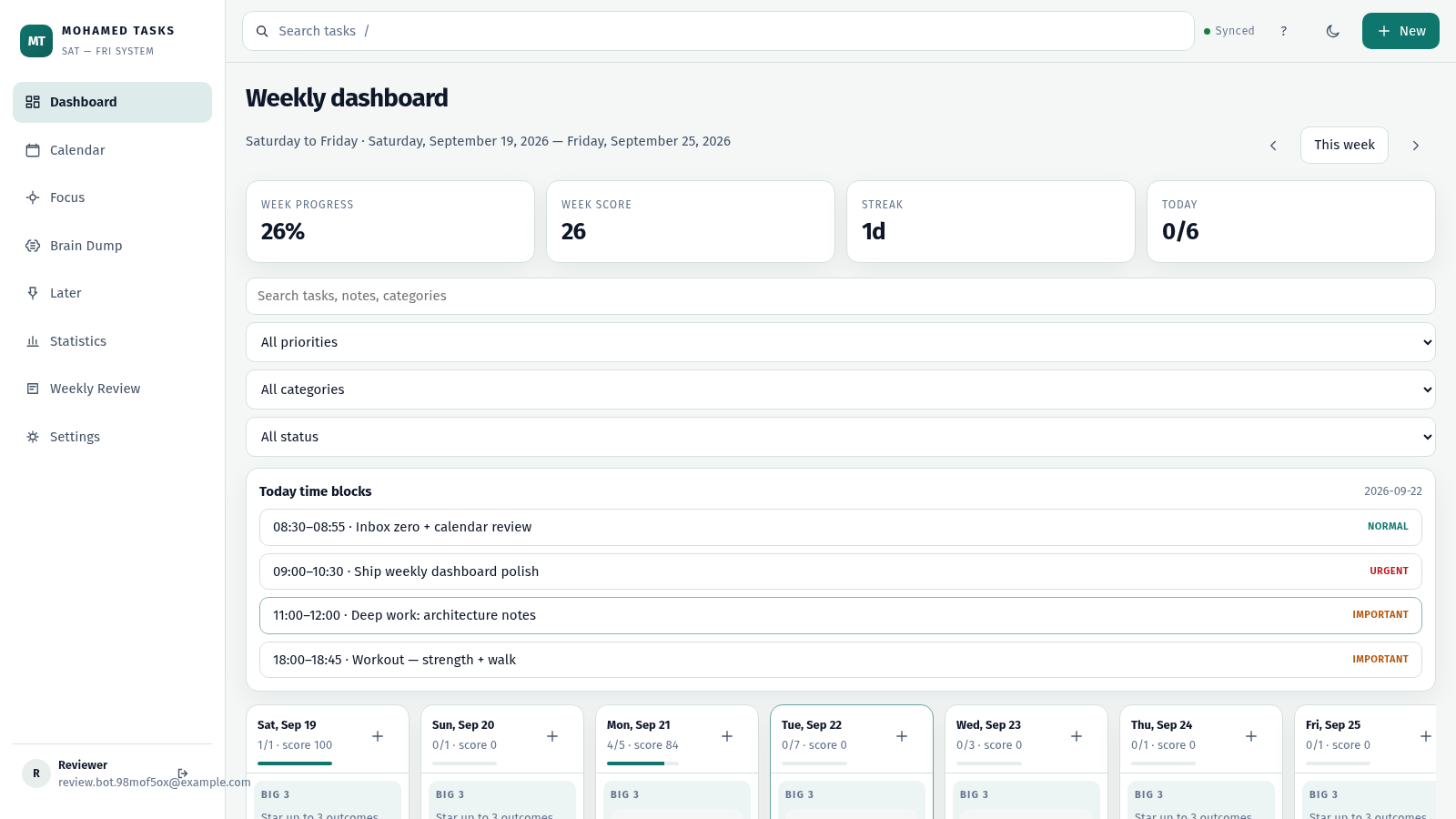
23MOHAMED TASKS
Weekly productivity dashboard with cloud sync, Big 3, and focus mode.
 19
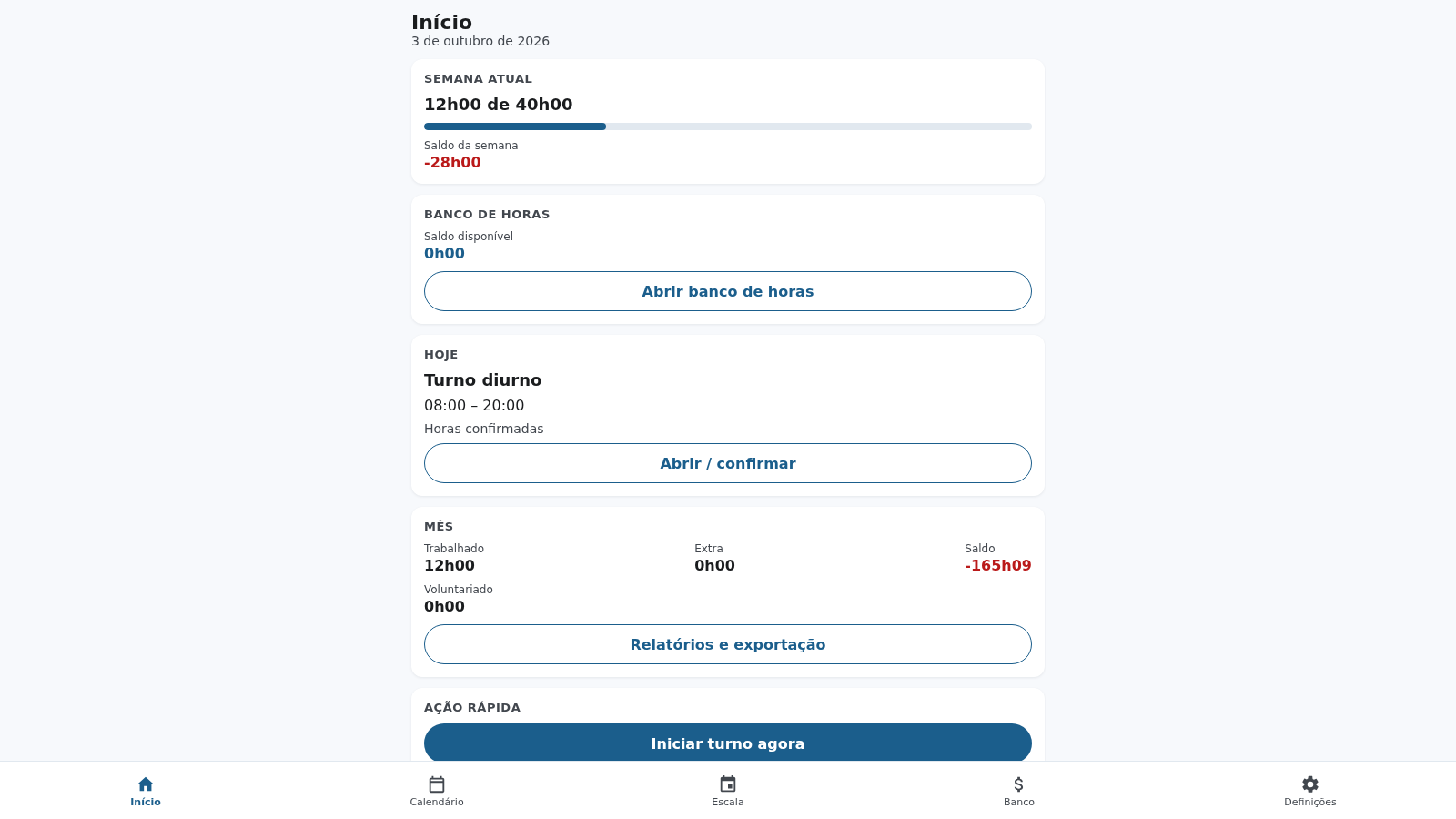
19TurnosPT
Registo e controlo de horas de trabalho por turnos, incluindo noturnos. Funciona offline.
 19
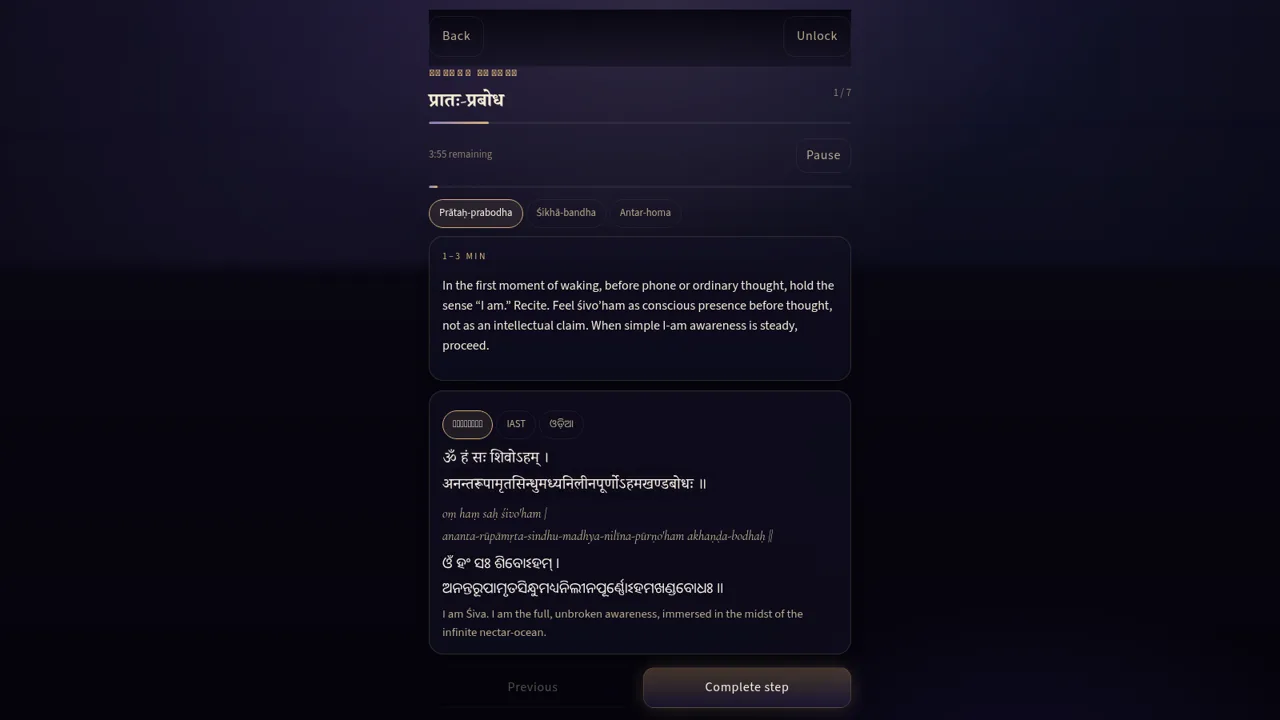
19Trika Hṛdaya Sādhana
Private offline-first SAUḤ practice companion
 14
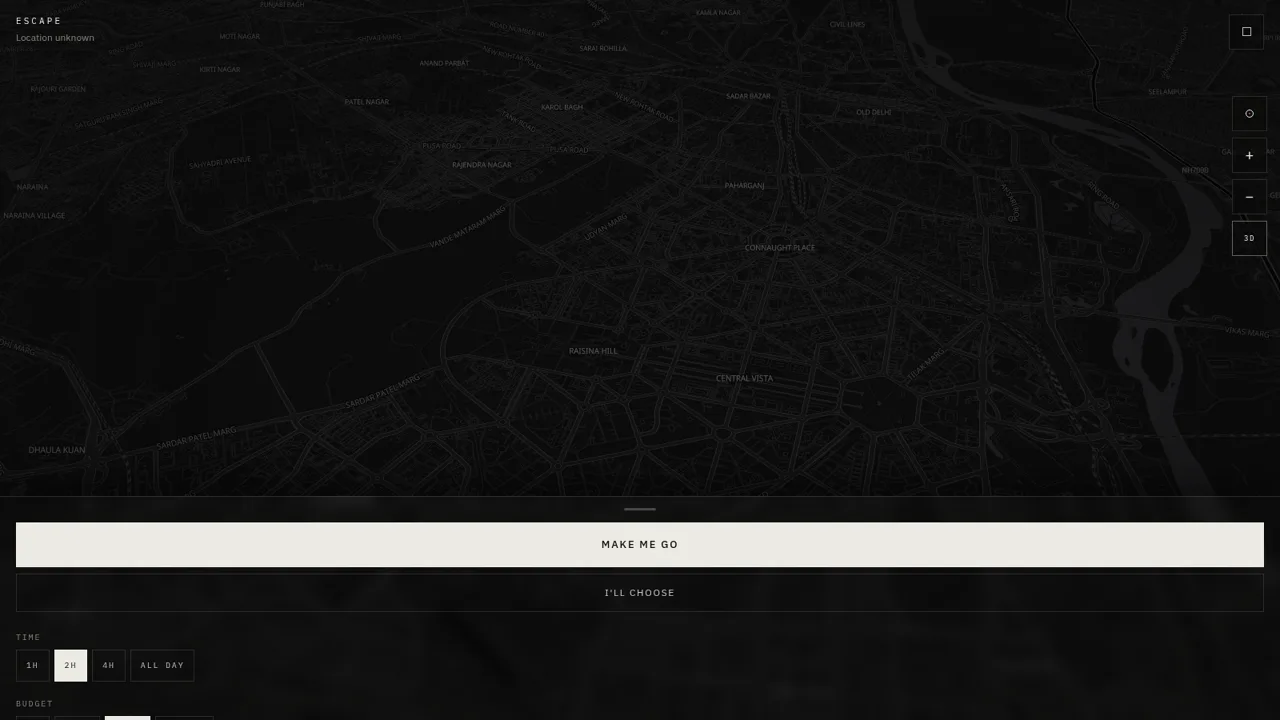
14ESCAPE
Escape — research places, check live weather, and plan your getaway.
 14
14NEXT — Find Your Next Step
NEXT turns your goals, time, and energy into one useful action.