
TurnosPT
Track day and night shifts, working hours and your hour bank in the browser
TurnosPT is an offline, browser-based time tracker for shift workers. It lets users register daytime and night shifts, choose templates or custom hours, and record vacation, days off, volunteering, holidays and hour-bank drawdowns. A dashboard shows the current week, monthly totals and balance, while weekly, monthly and annual calendars organise the schedule. An hour bank tracks credited, used and adjusted hours, settings control weekly hours and overtime rules, and reports can be exported as PDF, CSV or a JSON backup. All data is stored in the browser's local storage, so there is no account and the app keeps working offline.
Highlights
Shift logging
Log day/night shifts
Calendar views
Month and year views
Hour bank
Track overtime hours
Reports
Export PDF or CSV
Offline data
Keeps data local
How to Use
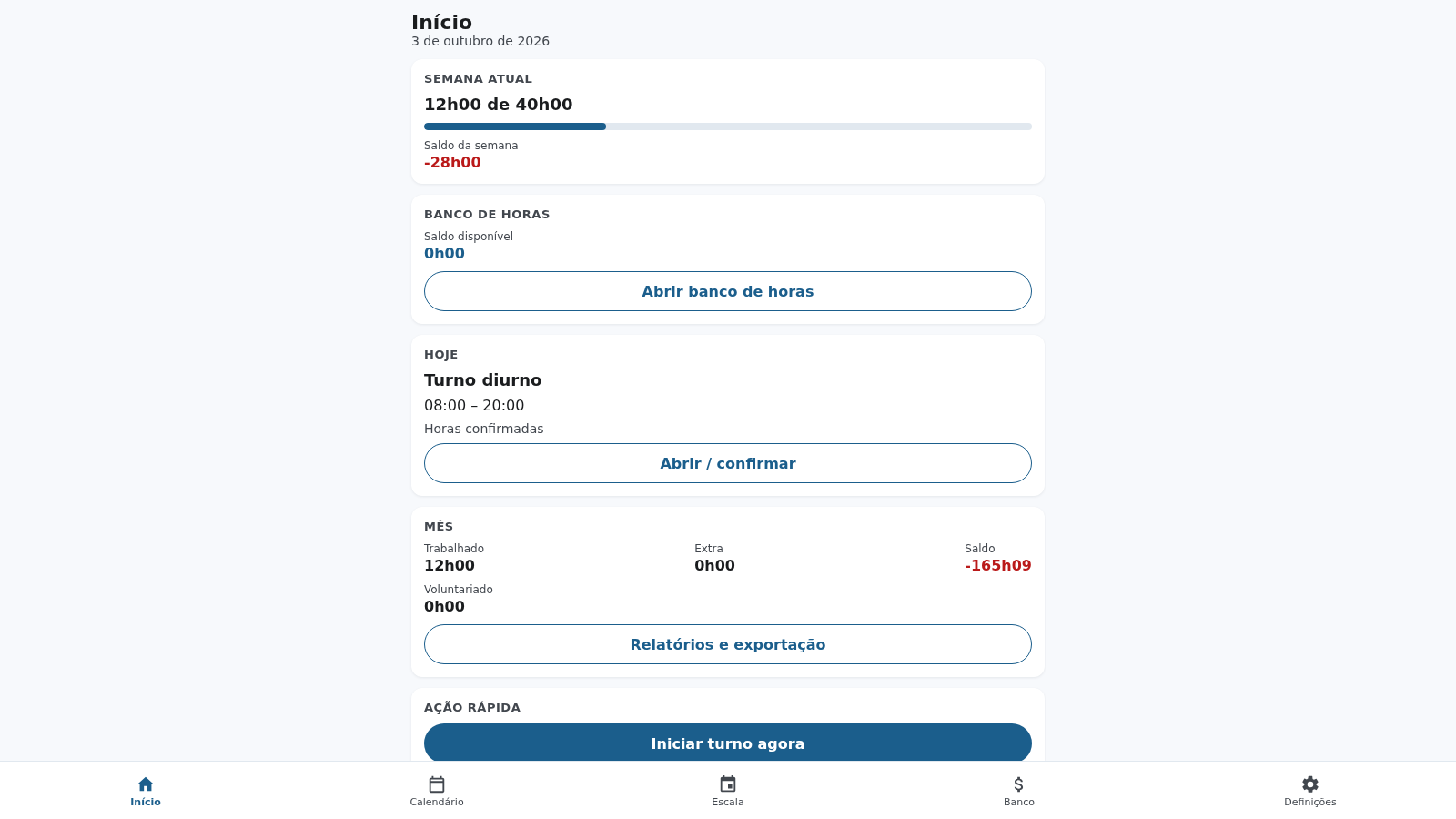
Read the home dashboard
The Início screen shows the current week's worked hours against the contracted total, a progress bar, the weekly balance, the available hour-bank balance, today's planned shift and the monthly summary of worked, extra and volunteering hours. It also offers a quick action that stamps the current time as an entry or exit without leaving the screen.
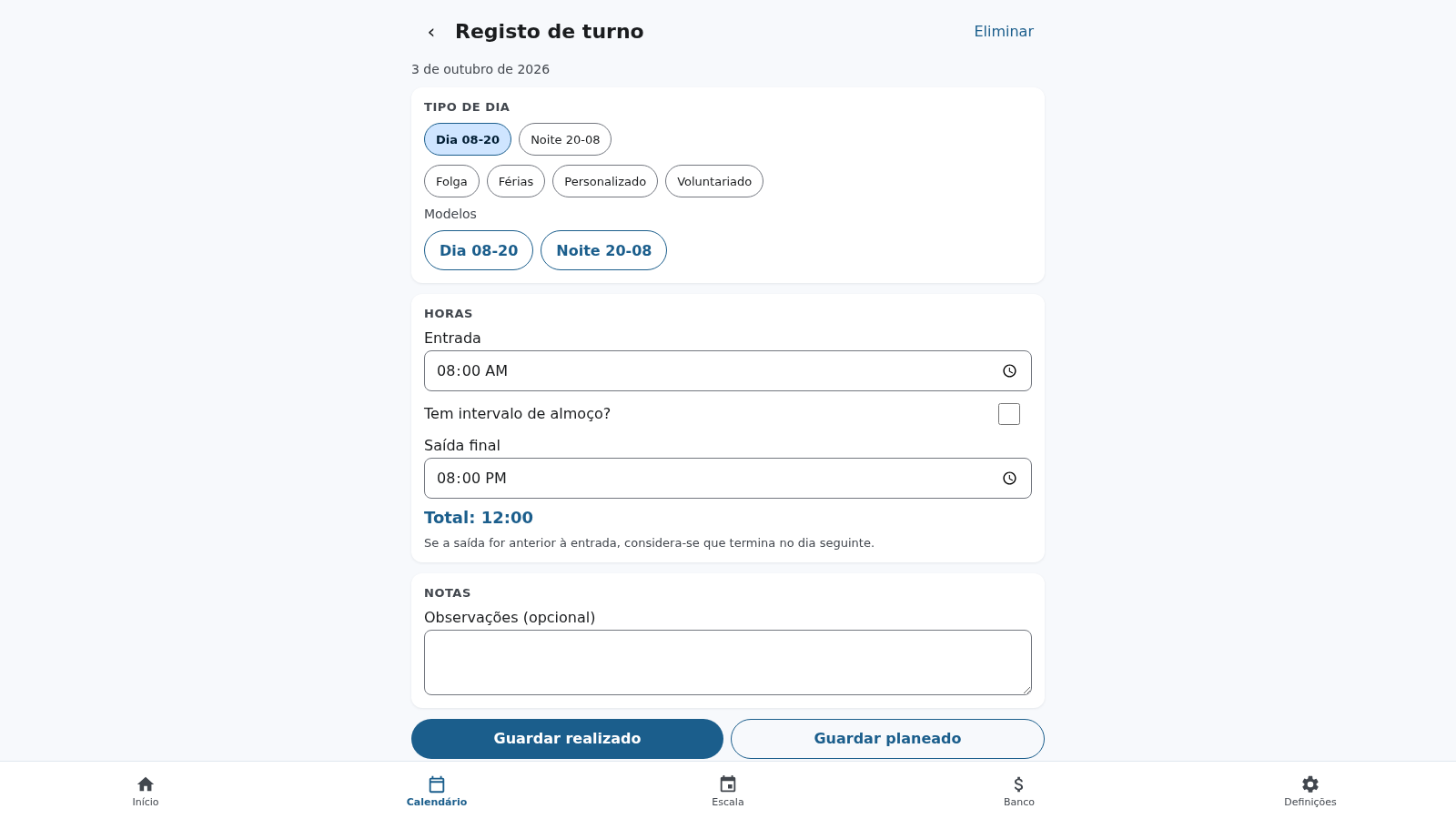
Register a shift
Tap Registar turno to open the shift form. Choose a day type such as day, night, off, vacation, custom or volunteering, or apply a template, then set the entry and exit times. The total recalculates as you edit, a lunch-break toggle is available, and overnight shifts are counted toward the following day when the exit is earlier than the entry. Save as realised or planned.
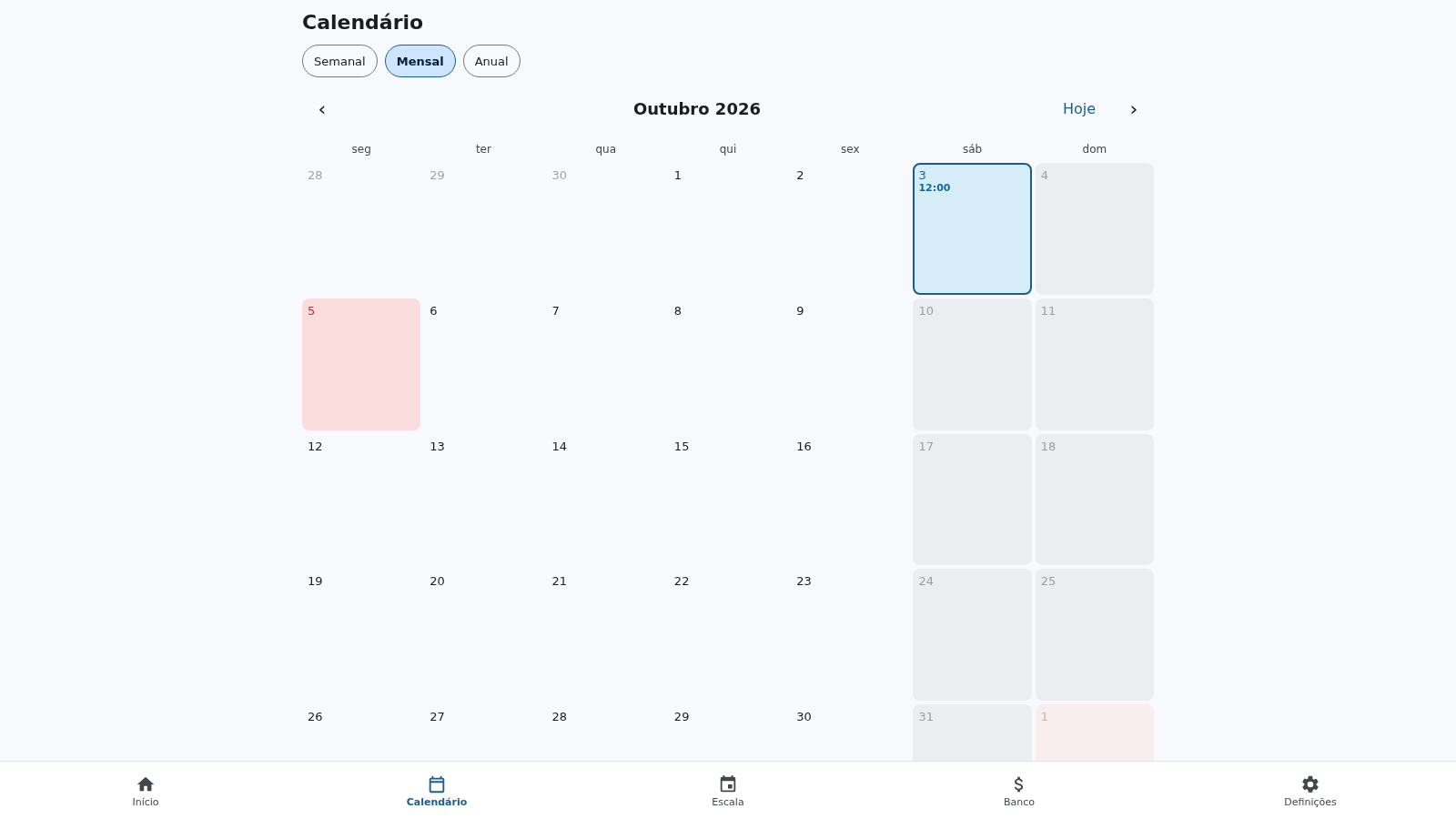
Review the calendar and schedule
The Calendário tab switches between weekly, monthly and annual views and shows logged hours directly on each day, with previous and next navigation plus a Today button. The Escala tab lets you tap several days to select them and apply one shift at once, copy the previous week, or open an individual day's registration.
Manage the hour bank and settings
The Banco tab shows the available, credited, used and adjusted balances, with buttons to draw down hours or add a manual credit and a movement history. The Definições tab controls weekly hours, the start of the week, three overtime rules, default lunch minutes, a warning threshold, the municipal holiday, shift templates and the light, dark or system theme.
Export reports and backups
The reports screen, reachable from the dashboard or settings, summarises worked, contracted, balance, extra and drawn-down hours for a month or year and lists the shifts in the period. From there you can export a PDF through the browser print dialog, a semicolon-separated CSV for Excel, or a full JSON backup that can be restored on another device.
Similar Sites
 3
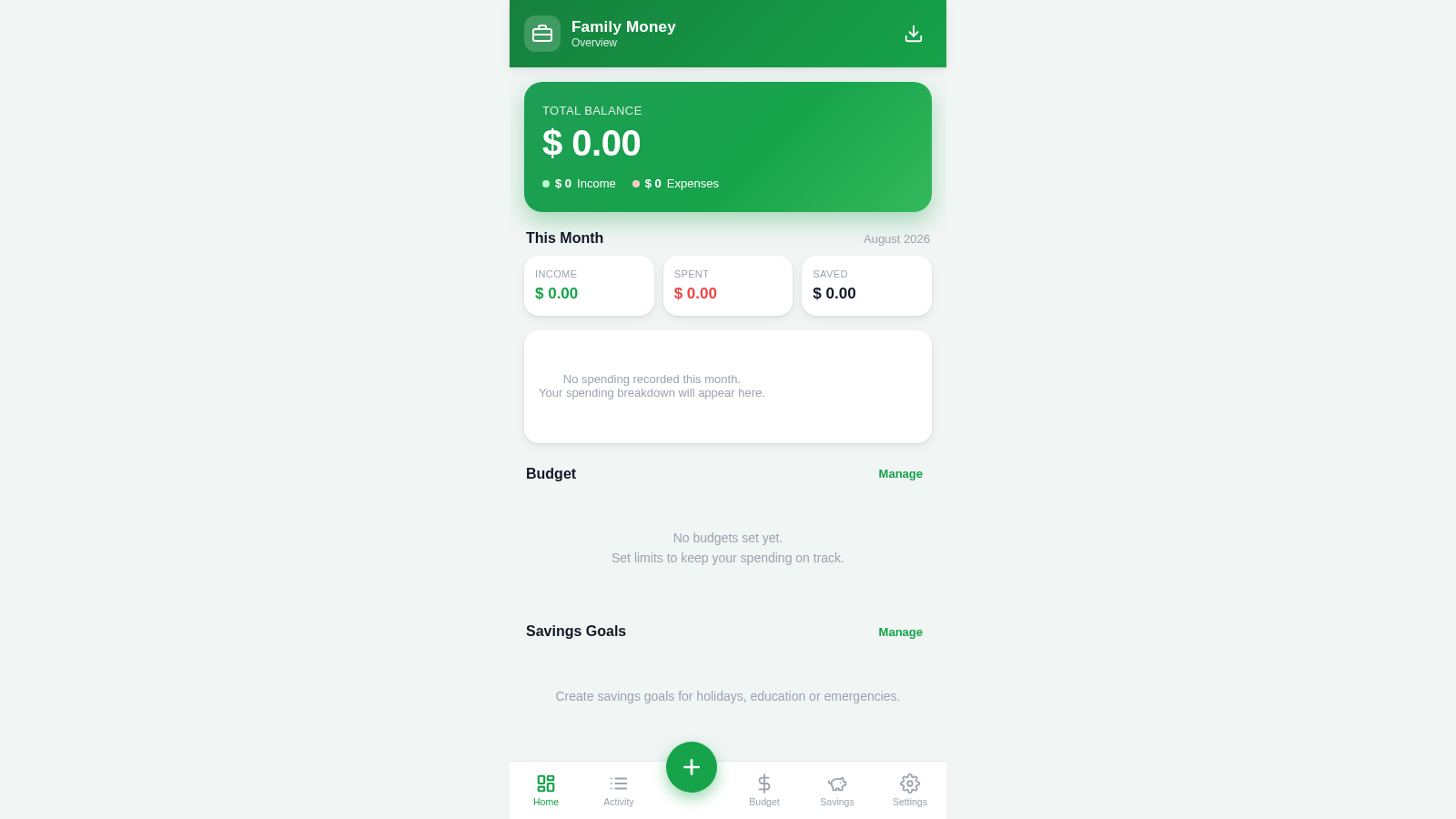
3Family Money Manager
Track income, expenses, budgets and savings for your family.
 129
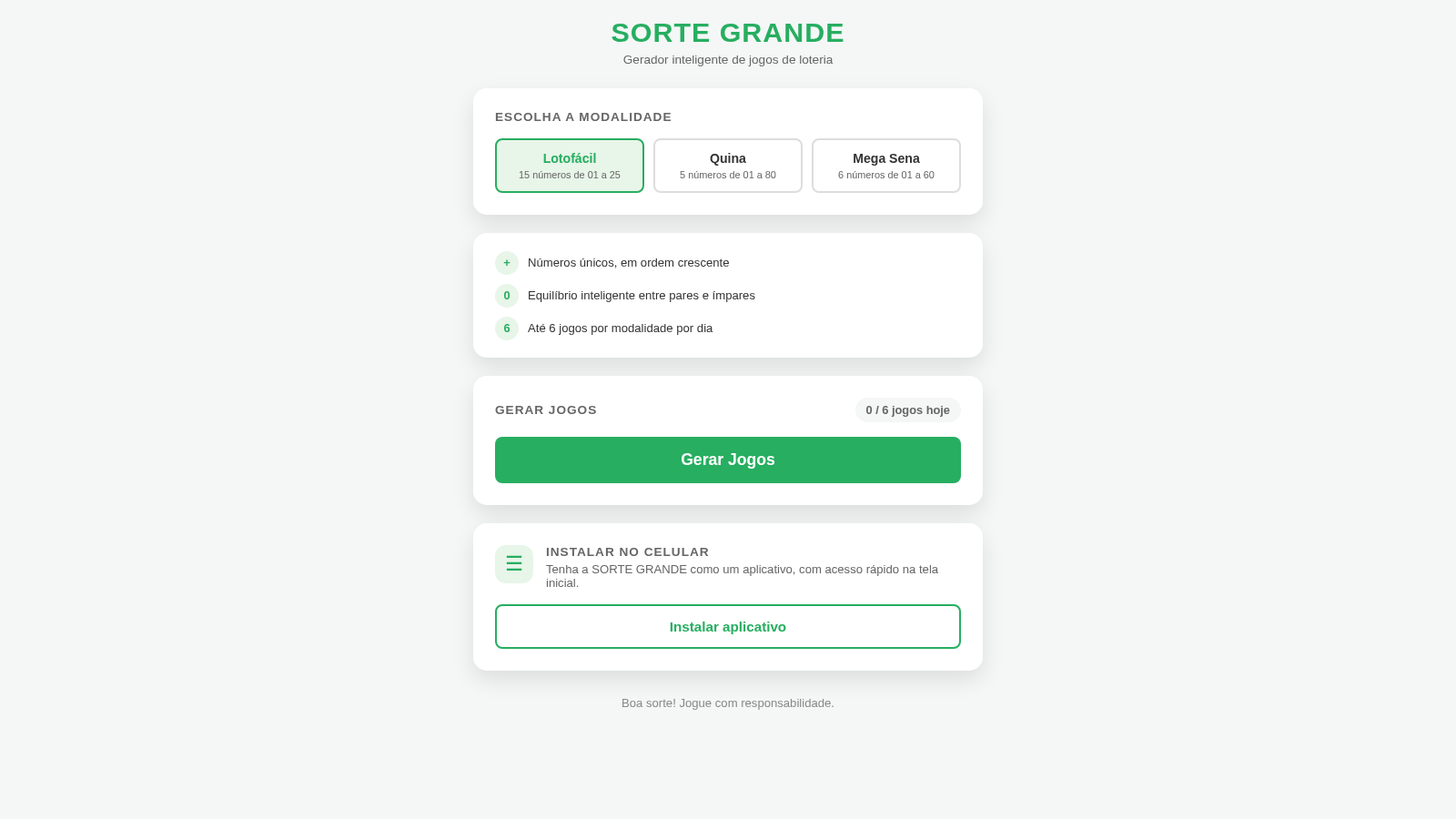
129Sorte Grande
Gerador inteligente de jogos de loteria (Lotofácil, Quina e Mega Sena)
 88
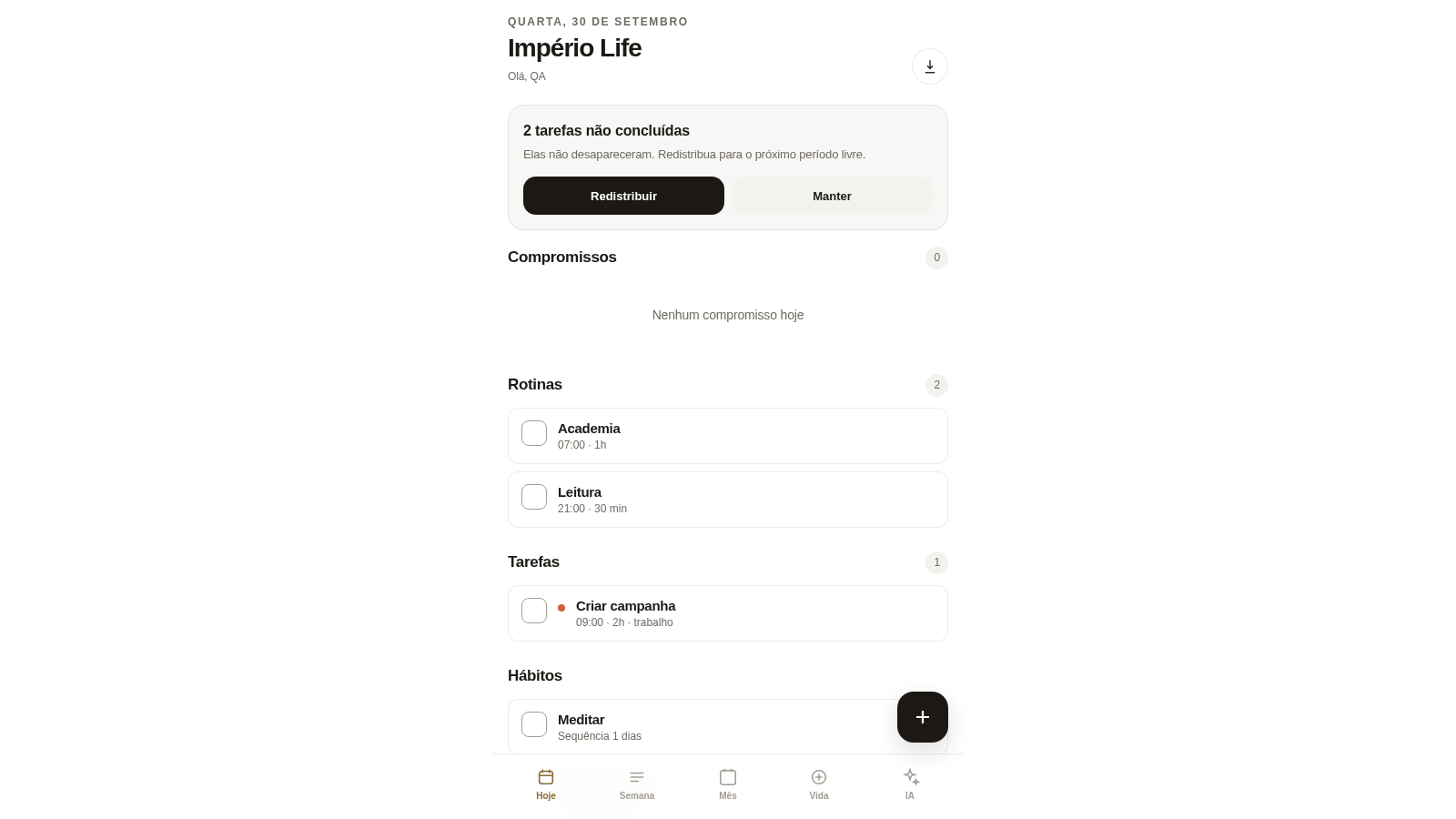
88Império Life
Organização pessoal: tarefas, rotinas e planejamento semanal.
 35
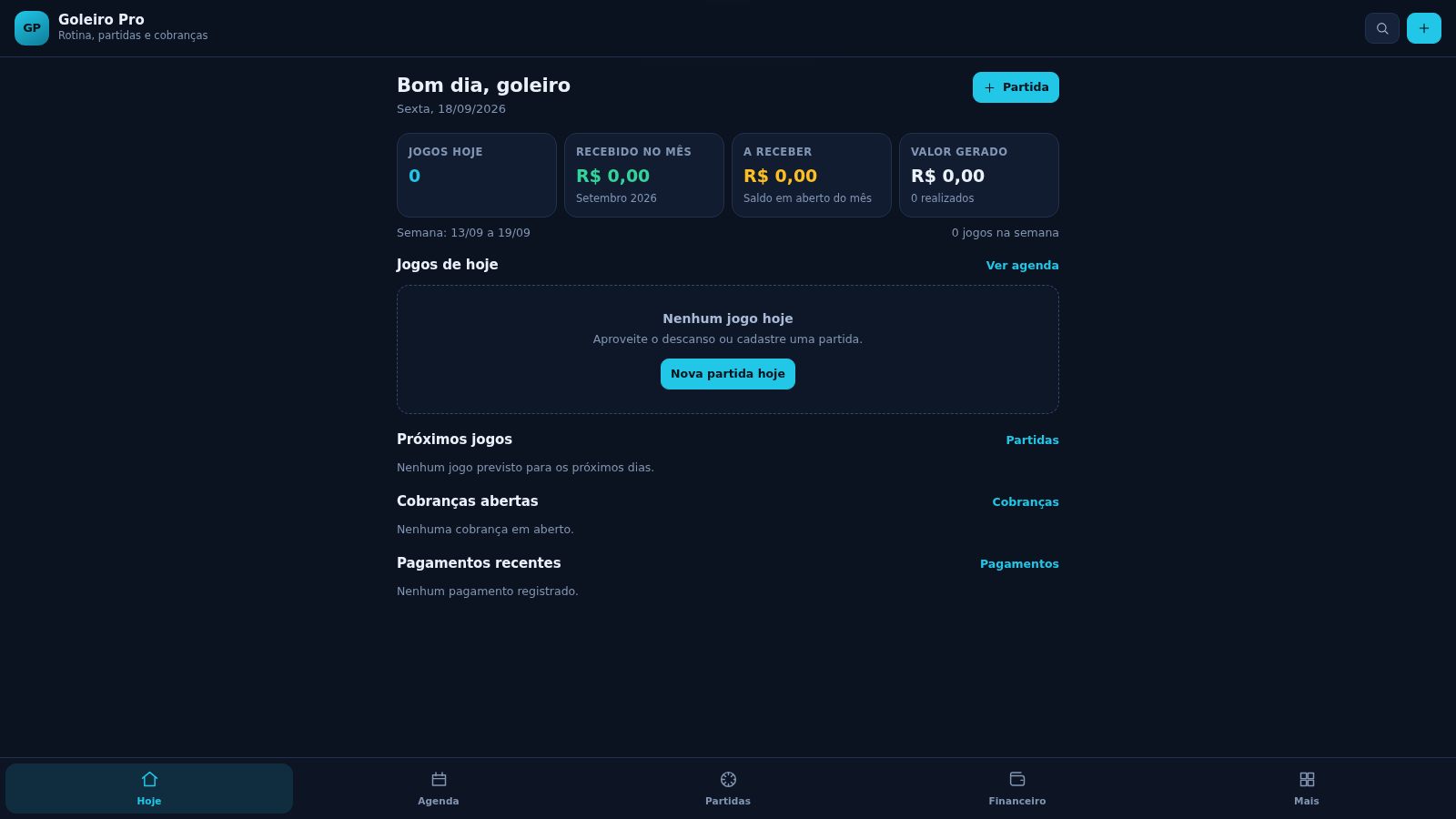
35Goleiro Pro
Controle pessoal de rotina, partidas, cobrancas, pagamentos e recibos do goleiro.
 33
33CONVIVA
CONVIVA — O familiar acompanha. O idoso vive. O Conviva conecta.
 29
29MuscleTri
App web mobile-first de treinos, alimentação e evolução física.