
J.A.R.V.I.S.
A voice-first sci-fi HUD that keeps todos, contacts, notes, calendar and skill workflows in one console
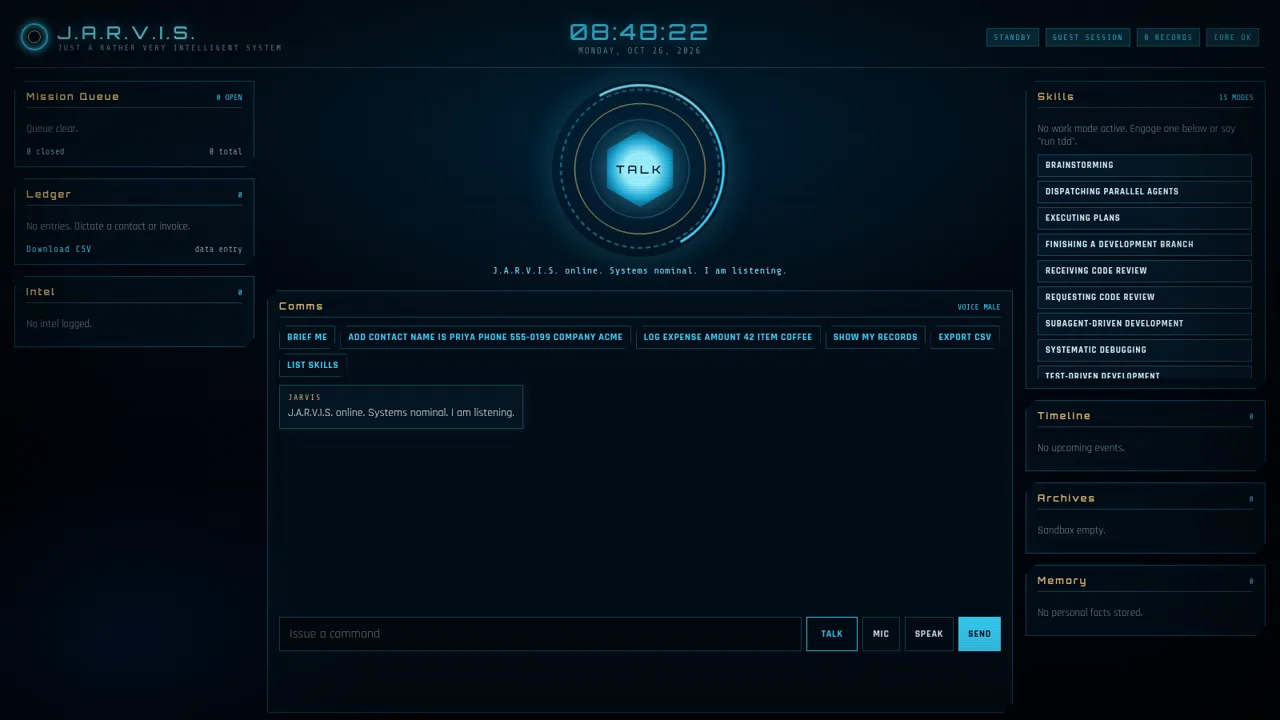
J.A.R.V.I.S. is a personal assistant interface built as a dark, cinematic heads-up display. A central glowing TALK ring sits between a mission queue, a contact and expense ledger, an intel notes panel, a calendar timeline, archives and a memory store. The comms area accepts natural-language commands and has preset chips for adding a contact, logging an expense, showing records, exporting CSV and listing skills. Fifteen guided skill modes cover developer workflows such as brainstorming, planning, debugging, test-driven development and code review. A guest session starts immediately, records can be exported as CSV, and saved data remains after a page reload.
Highlights
Holographic HUD
Glowing ring console
Voice-first input
Mic, speech and chat
Unified life log
Todos and contacts
15 skill modes
Six-step workflows
CSV export
Records to CSV
Session memory
Kept after reload
How to Use
Open the console
Load the site in a desktop browser and the console appears with a live clock, four status badges and five side panels. The center shows the TALK ring, a greeting in Comms and the command field, so you can start typing or pick a preset chip right away.
Issue commands
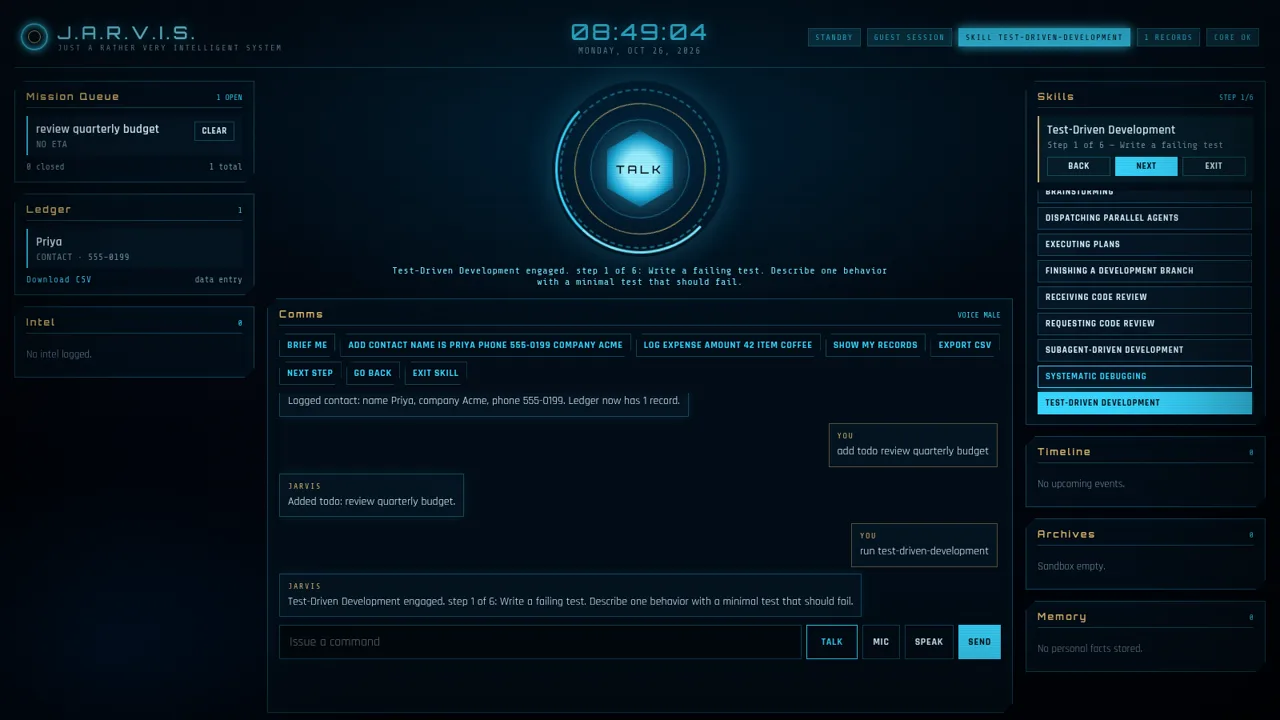
Type a natural-language instruction such as adding a todo or a contact into the Issue a command field and press Enter or Send. J.A.R.V.I.S. replies in the Comms log, and the matching panel count and list update immediately. The preset chips under the heading run the same commands.
Run a skill mode
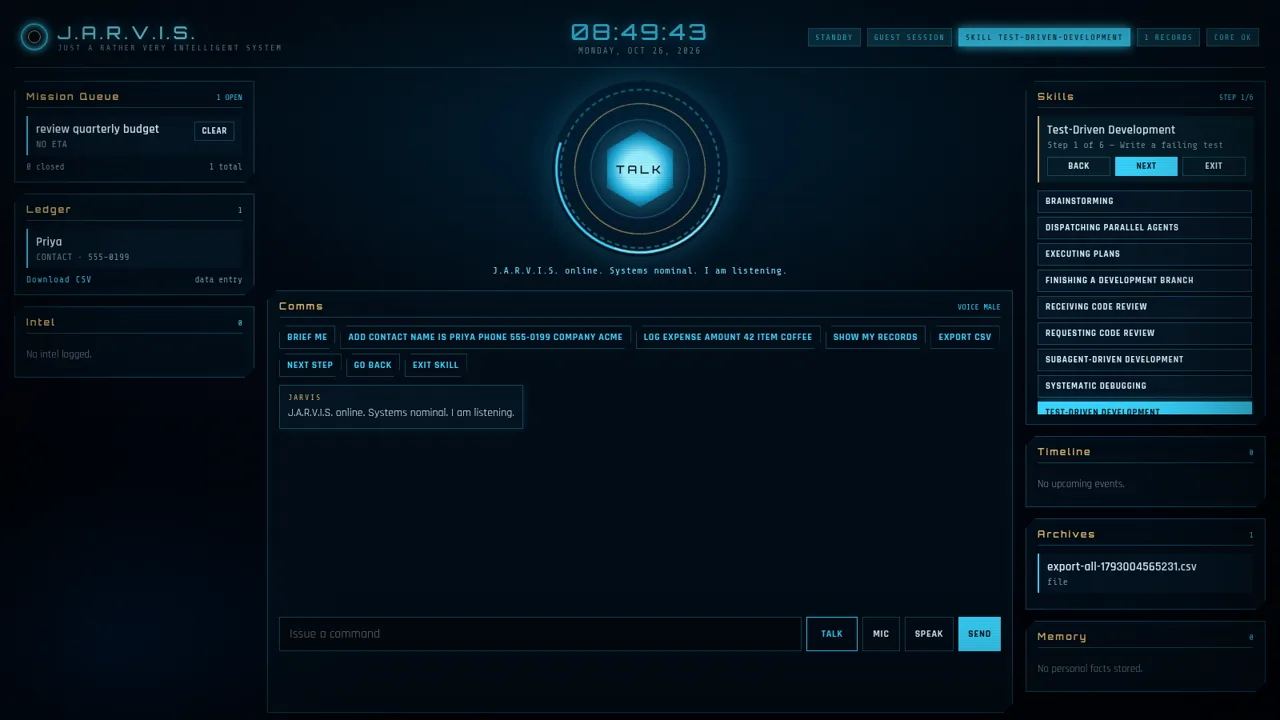
Pick any of the fifteen skills in the right column. The header badge switches to the active skill, the panel shows a step counter with Back, Next and Exit controls, and the instruction for the current step appears in Comms and under the ring. Use Next Step or Go Back to move, or Exit Skill to leave the mode.
Manage records
Use Show my records to list saved entries, clear a finished task from Mission Queue, and use Export CSV or Download CSV to obtain a CSV file. Each export also adds a file entry to Archives, while the header record count reflects new contacts or expenses.
Continue later
Saved todos, contacts and the current skill step remain after a page reload, while the Comms history returns to the opening greeting. Voice controls need microphone permission; text commands work without it.
Similar Sites
 122
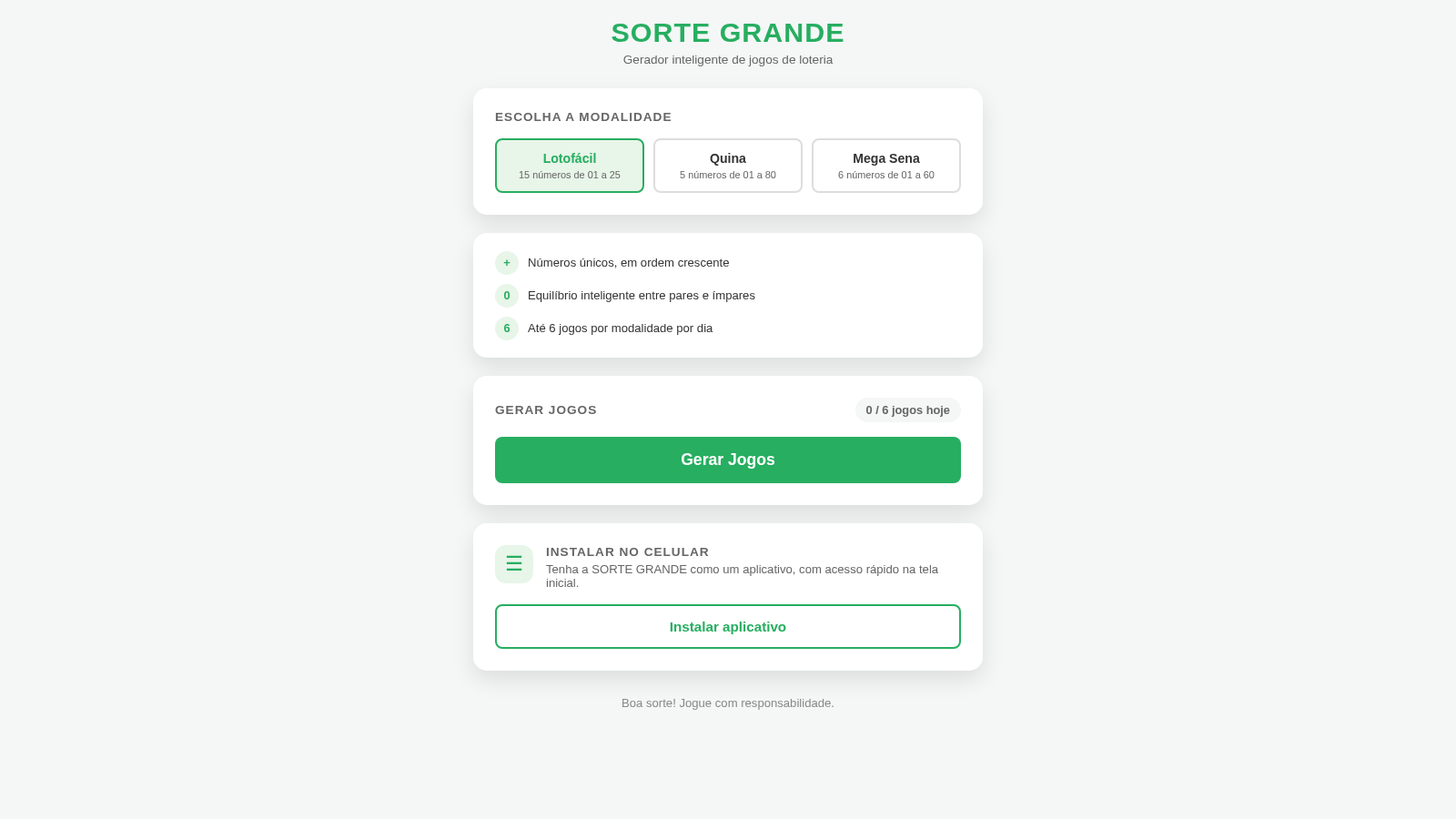
122Sorte Grande
Gerador inteligente de jogos de loteria (Lotofácil, Quina e Mega Sena)
 87
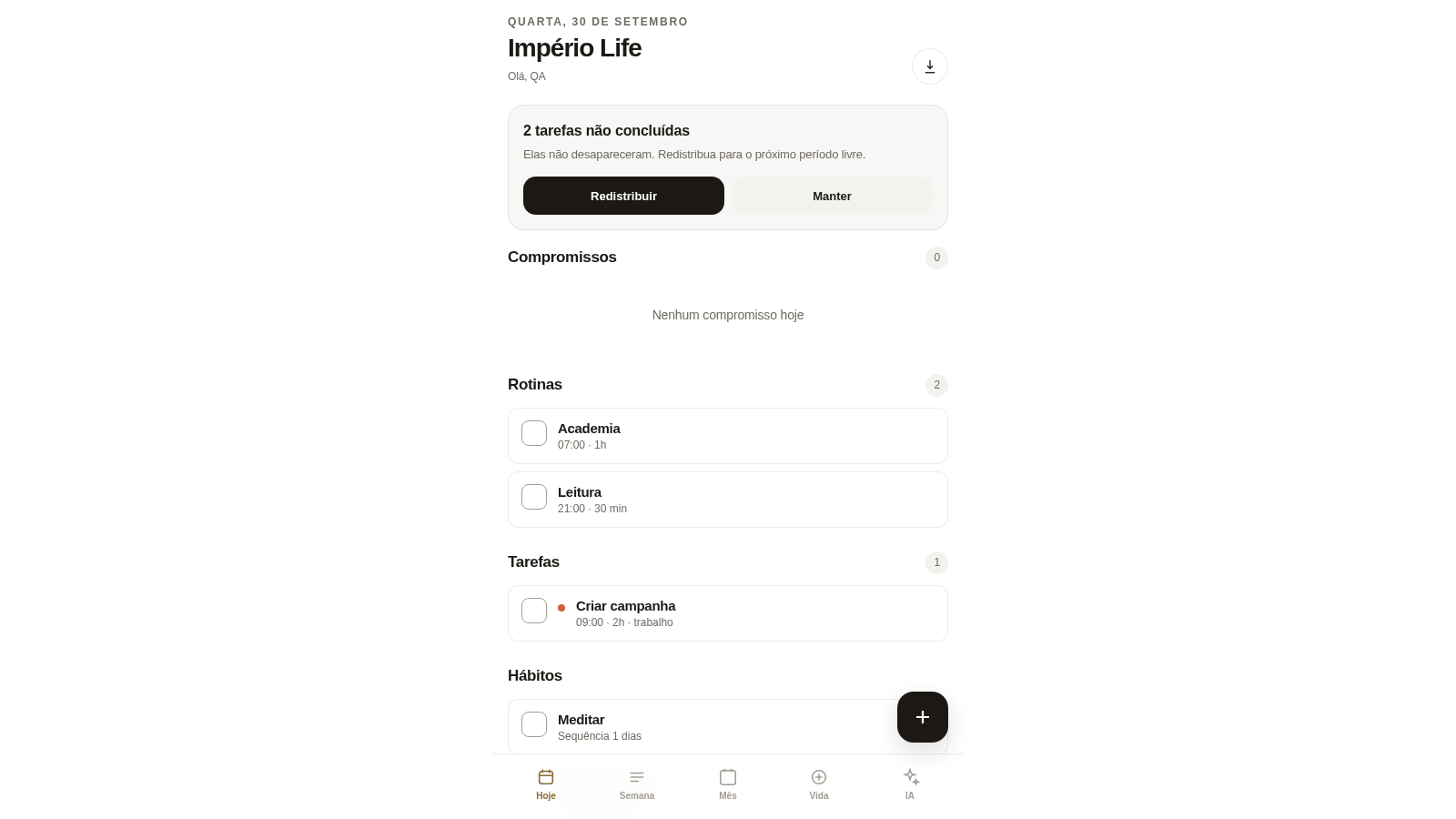
87Império Life
Organização pessoal: tarefas, rotinas e planejamento semanal.
 35
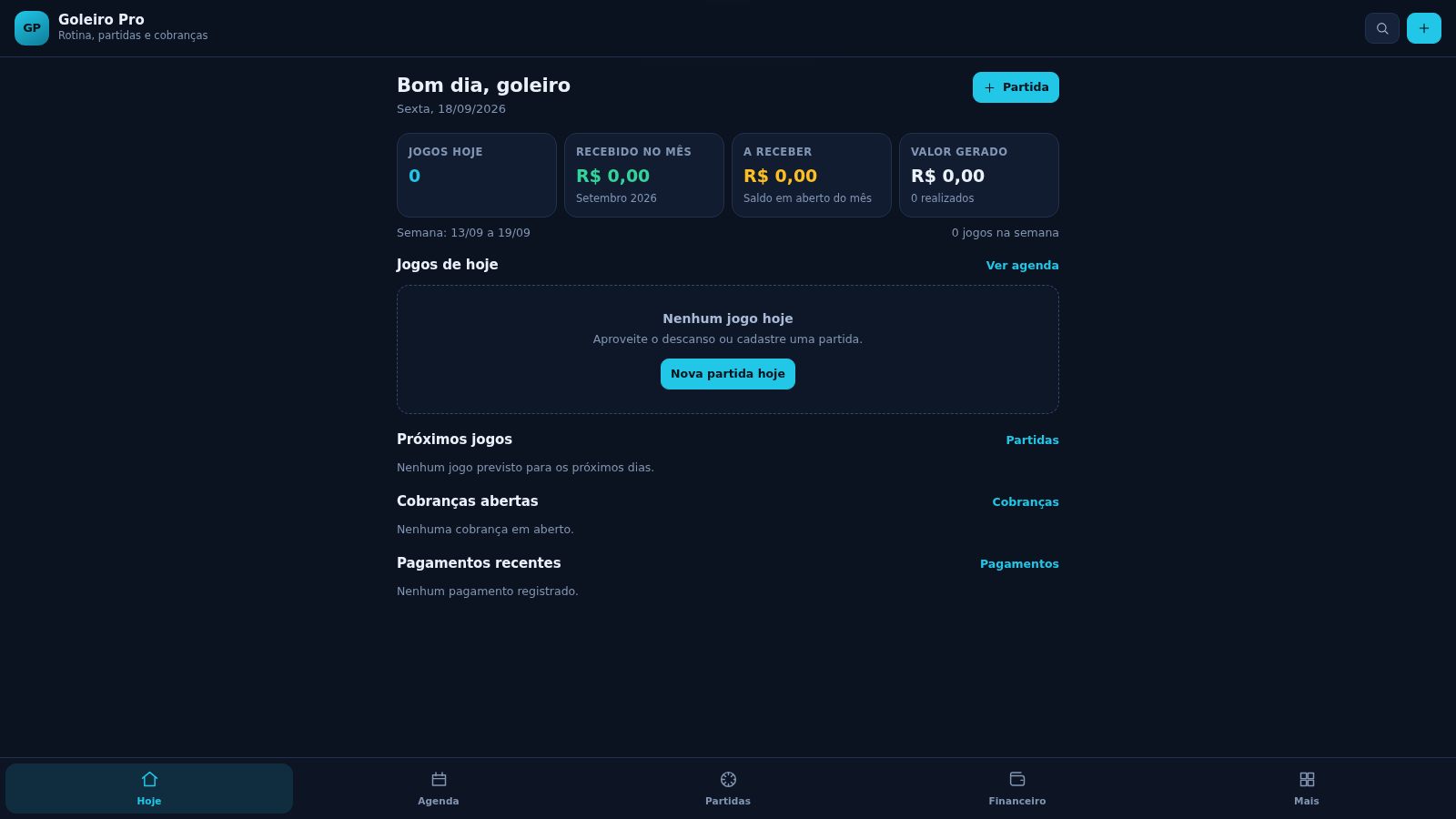
35Goleiro Pro
Controle pessoal de rotina, partidas, cobrancas, pagamentos e recibos do goleiro.
 33
33CONVIVA
CONVIVA — O familiar acompanha. O idoso vive. O Conviva conecta.
 28
28MuscleTri
App web mobile-first de treinos, alimentação e evolução física.
 23
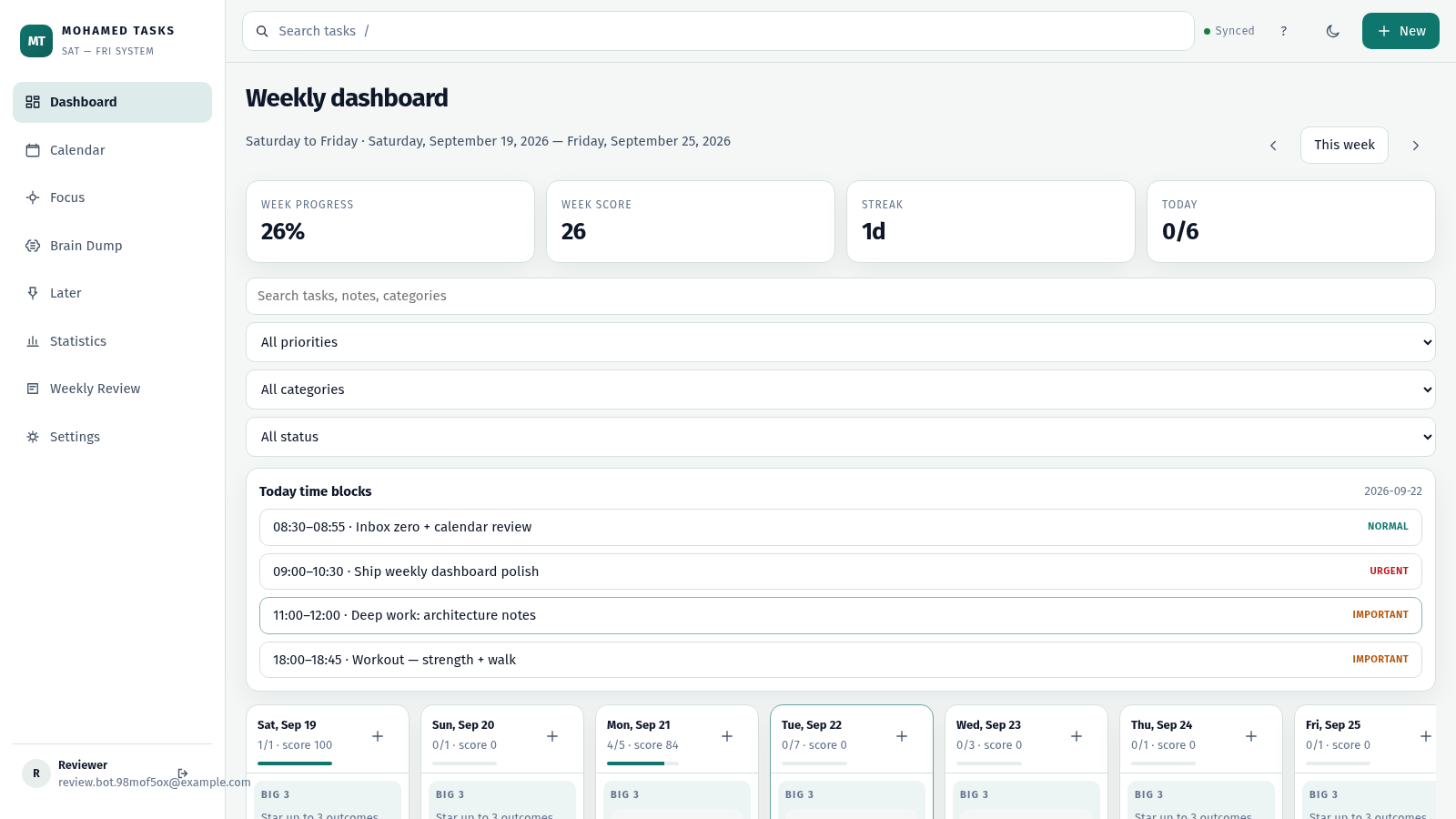
23MOHAMED TASKS
Weekly productivity dashboard with cloud sync, Big 3, and focus mode.