
Ágape Music
A Portuguese worship-team app for rehearsals, chord charts, studies and vocal training
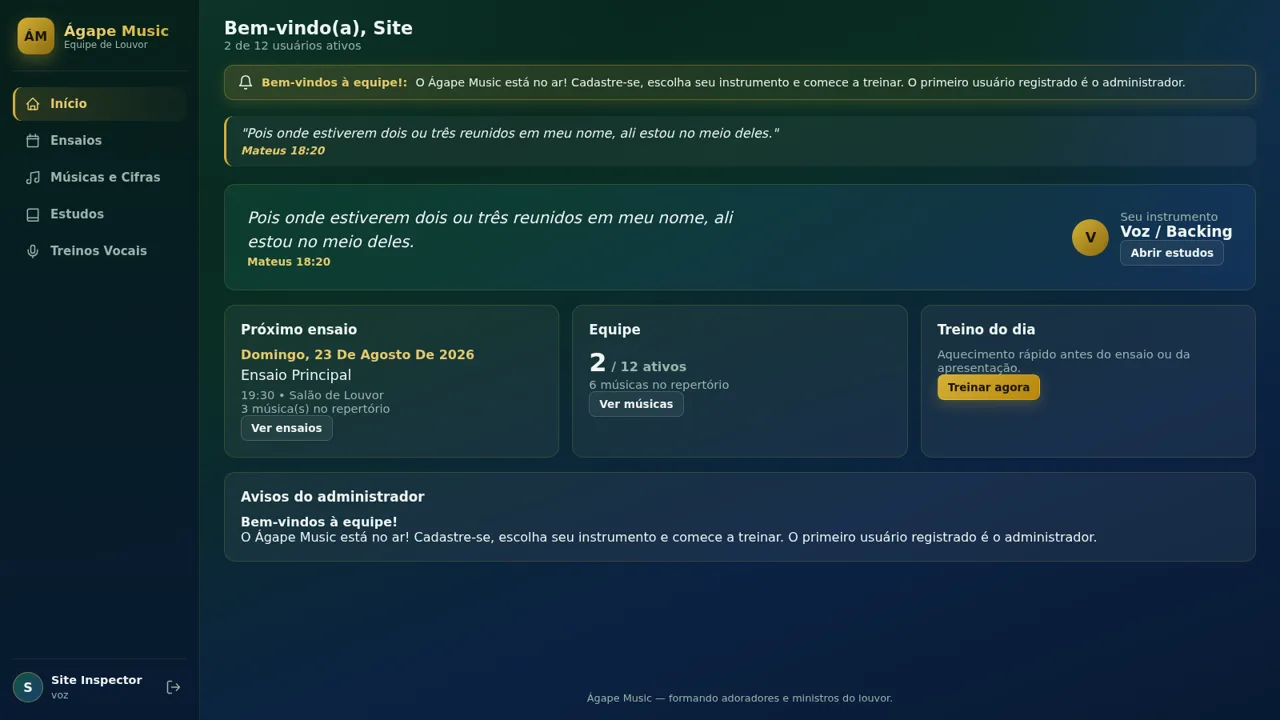
Ágape Music is a Portuguese-language web app made for a church worship team. After an account is created the user picks an instrument and a team role, then lands on a dashboard that gathers announcements, a bible verse, the next rehearsal, the team size and the song count. A side navigation opens five sections: the home dashboard, rehearsal dates with set lists, a song and chord library with online chord charts and offline downloads, instrument-specific study notes for six instruments, and guided vocal training grouped by level with a completion counter.
Highlights
Rehearsal planner
Dates, venues, sets
Chord library
Charts and downloads
Instrument studies
Guides per instrument
Vocal training
Drills with progress
Team dashboard
Members and notices
How to Use
Create an account
Open the site and press Criar conta on the login screen. Enter a full name, an email and a password of at least four characters, then choose your instrument from Violão, Contrabaixo, Bateria, Teclado, Guitarra or Voz / Backing and optionally a team role. Submitting the form signs you in; the page notes that the first registered user becomes the administrator.
Use the dashboard
The home screen greets you by name and shows how many of the twelve accounts are active. Cards link to your instrument studies, the next rehearsal, the song library and the daily vocal routine, and an admin announcement is displayed with a rotating bible verse.
Open a song and its chord chart
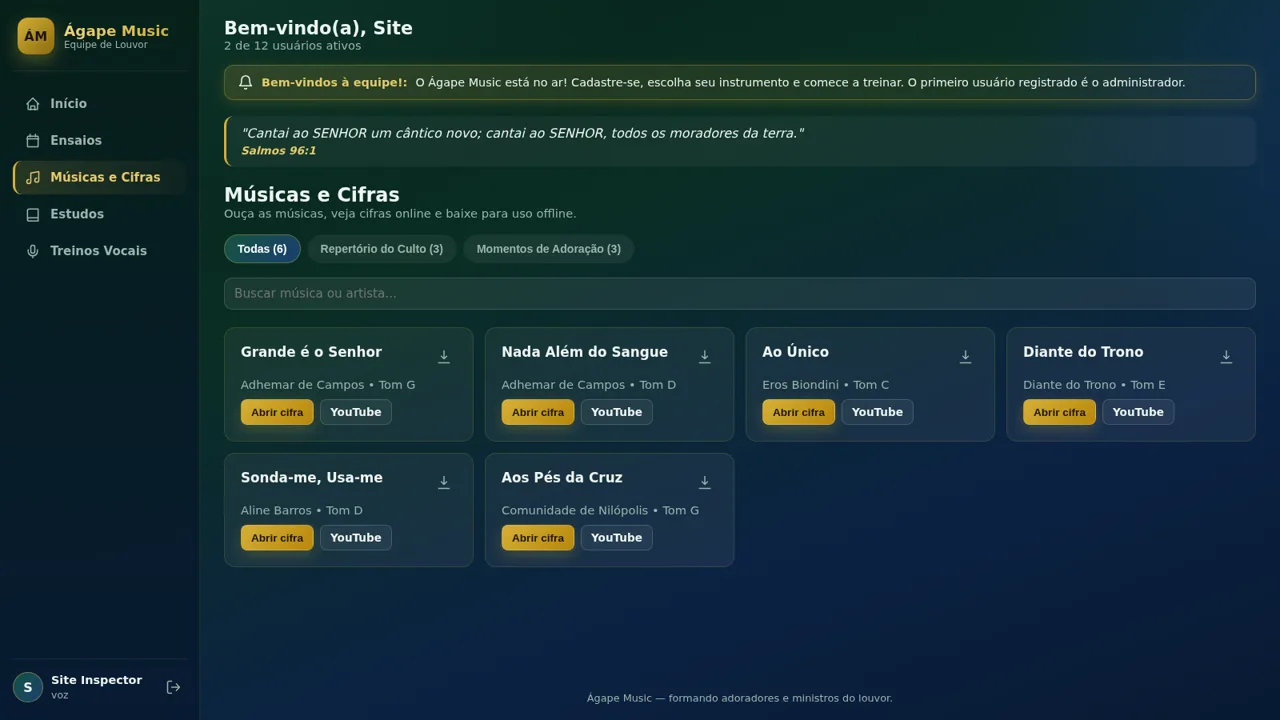
In Músicas e Cifras, filter by Todas, Repertório do Culto or Momentos de Adoração, or search by title. Press Abrir cifra to load the chart in a modal, switch between the Cifra and Letra tabs, close it when done, follow the YouTube link, save the chart for offline use, or add the song to one of the playlists from the dropdown.
Follow a rehearsal
The Ensaios page lists each rehearsal with a date badge, start time, room and a note. Under each entry the set list appears as buttons; pressing a song button opens its chord chart so the member can review the material before the meeting.
Study your instrument
On the Estudos page pick your instrument from the tab row. The page swaps in that instrument's role description and five expandable topics; clicking a topic opens a short practical paragraph. A closing tip suggests practising about twenty minutes a day.
Work through vocal training
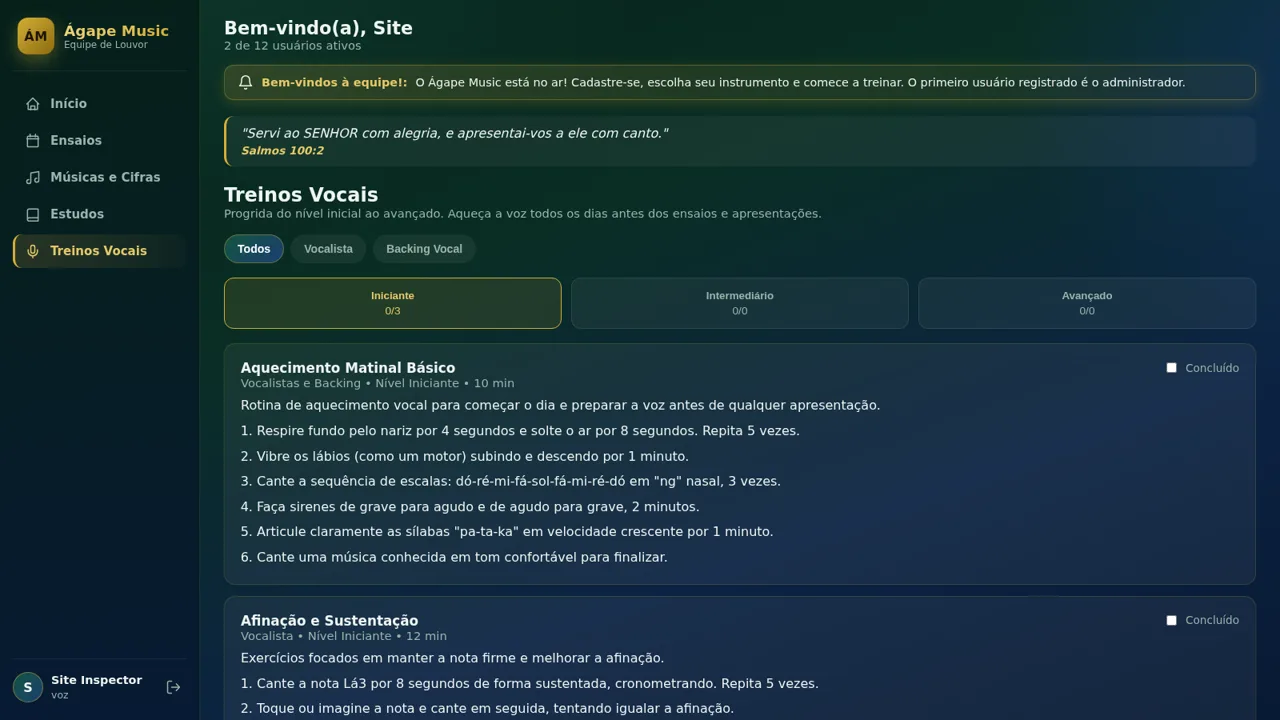
Treinos Vocais groups drills by Iniciante, Intermediário and Avançado, each level showing a completed counter. Filter by Vocalista or Backing Vocal, read the drill's step list, then tick the Concluído checkbox to mark it done; the counter on the level button updates immediately.
Similar Sites
 20
PulseTube
Independent platform for discovering YouTube videos, Bangla music, Shorts, entertainment, and movie trailers.
 7
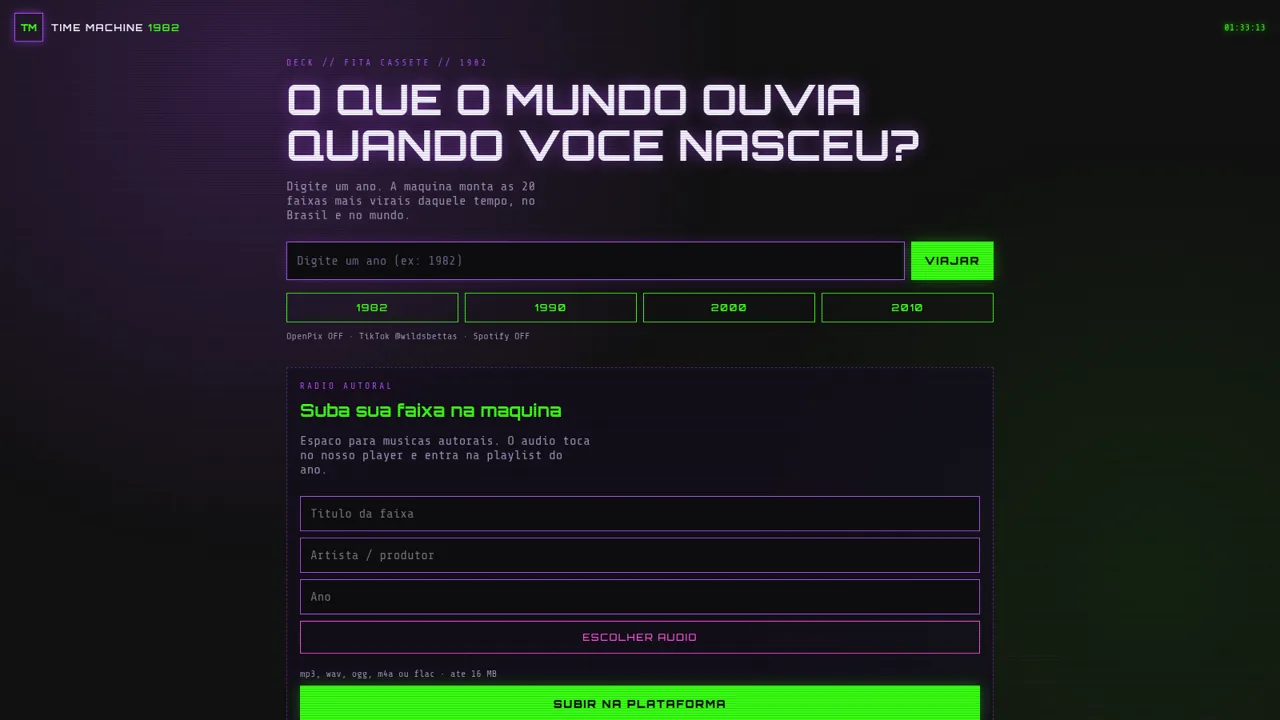
TIME MACHINE 1982
Maquina do tempo sonora: fita cassete, hits por ano, PIX e like TikTok
 2
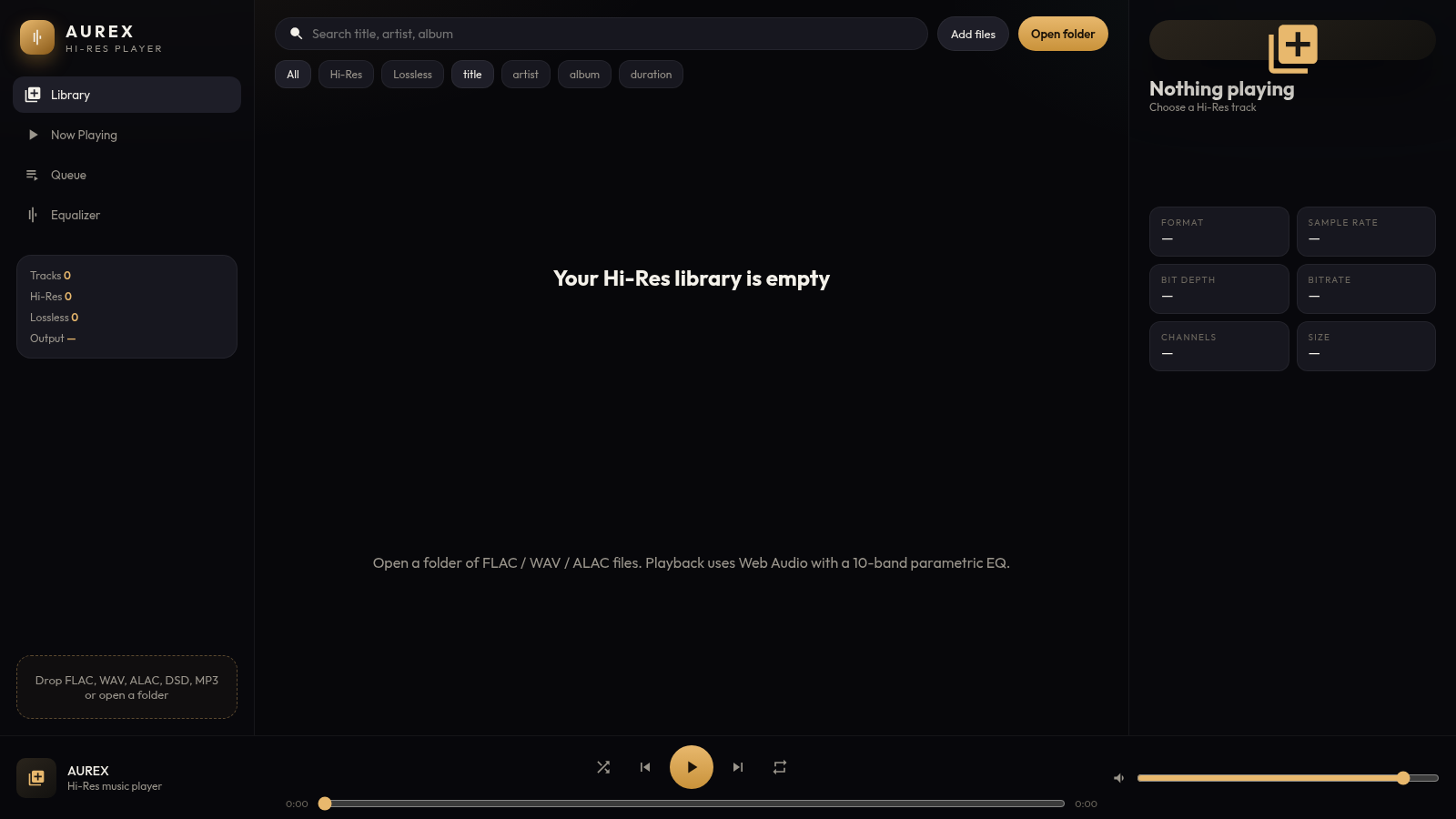
Resvi
Poweramp-style Hi-Res player for FLAC, WAV, and lossless audio.
 146
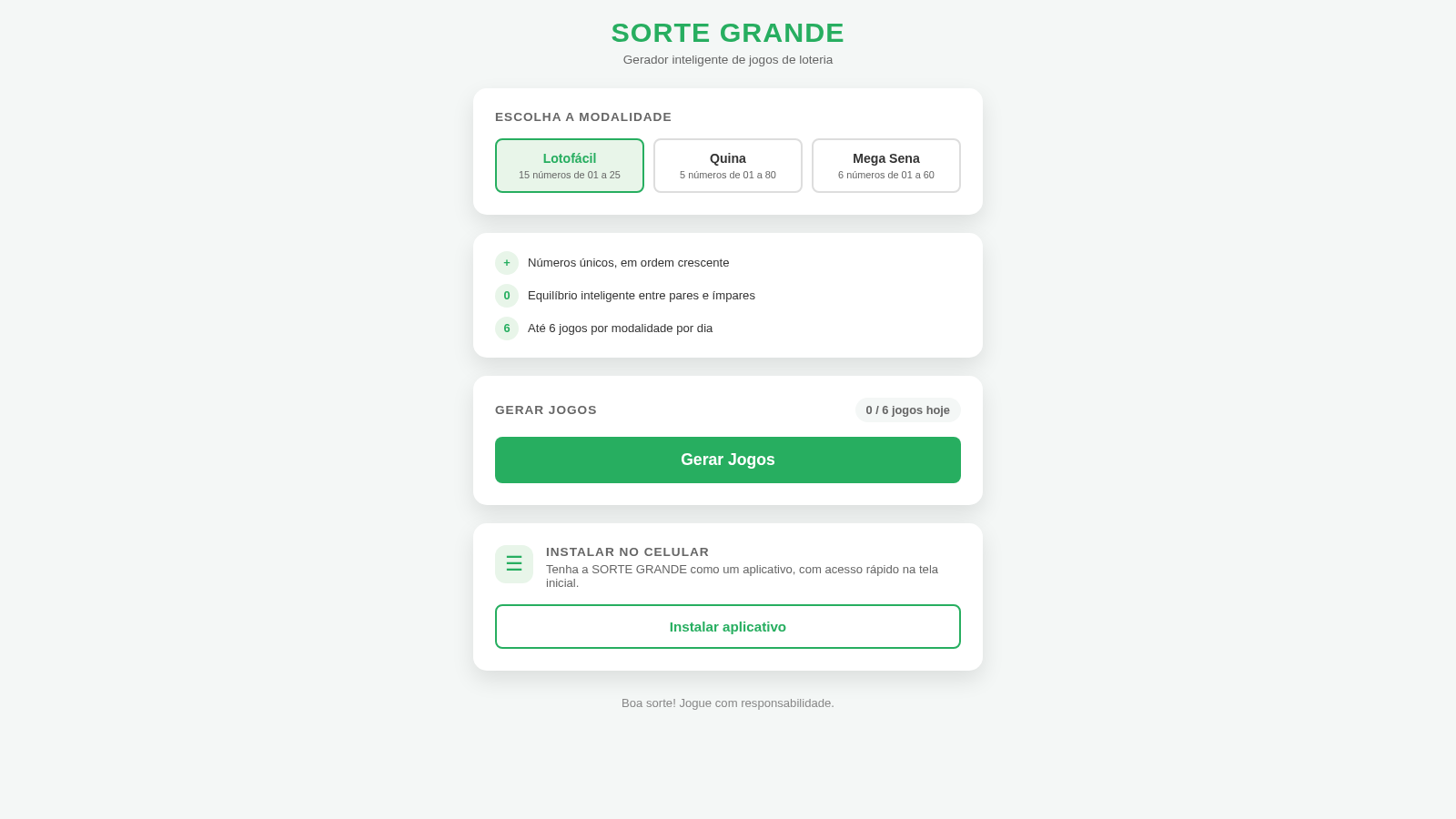
Sorte Grande
Gerador inteligente de jogos de loteria (Lotofácil, Quina e Mega Sena)
 88
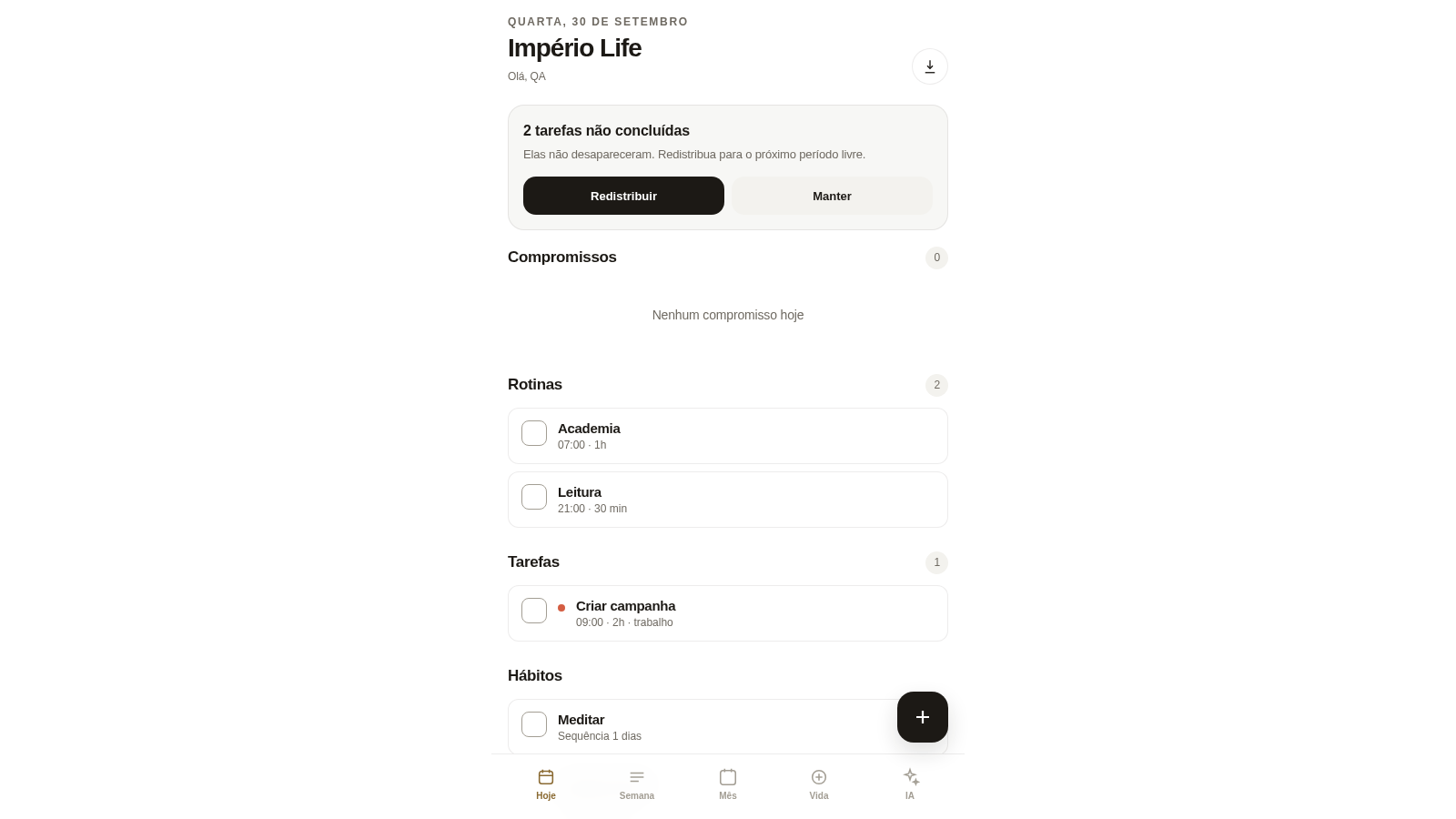
Império Life
Organização pessoal: tarefas, rotinas e planejamento semanal.
 36
Goleiro Pro
Controle pessoal de rotina, partidas, cobrancas, pagamentos e recibos do goleiro.