
Central Hacker Chat
A hacker-themed workspace for chatting across multiple AI models and custom API providers.
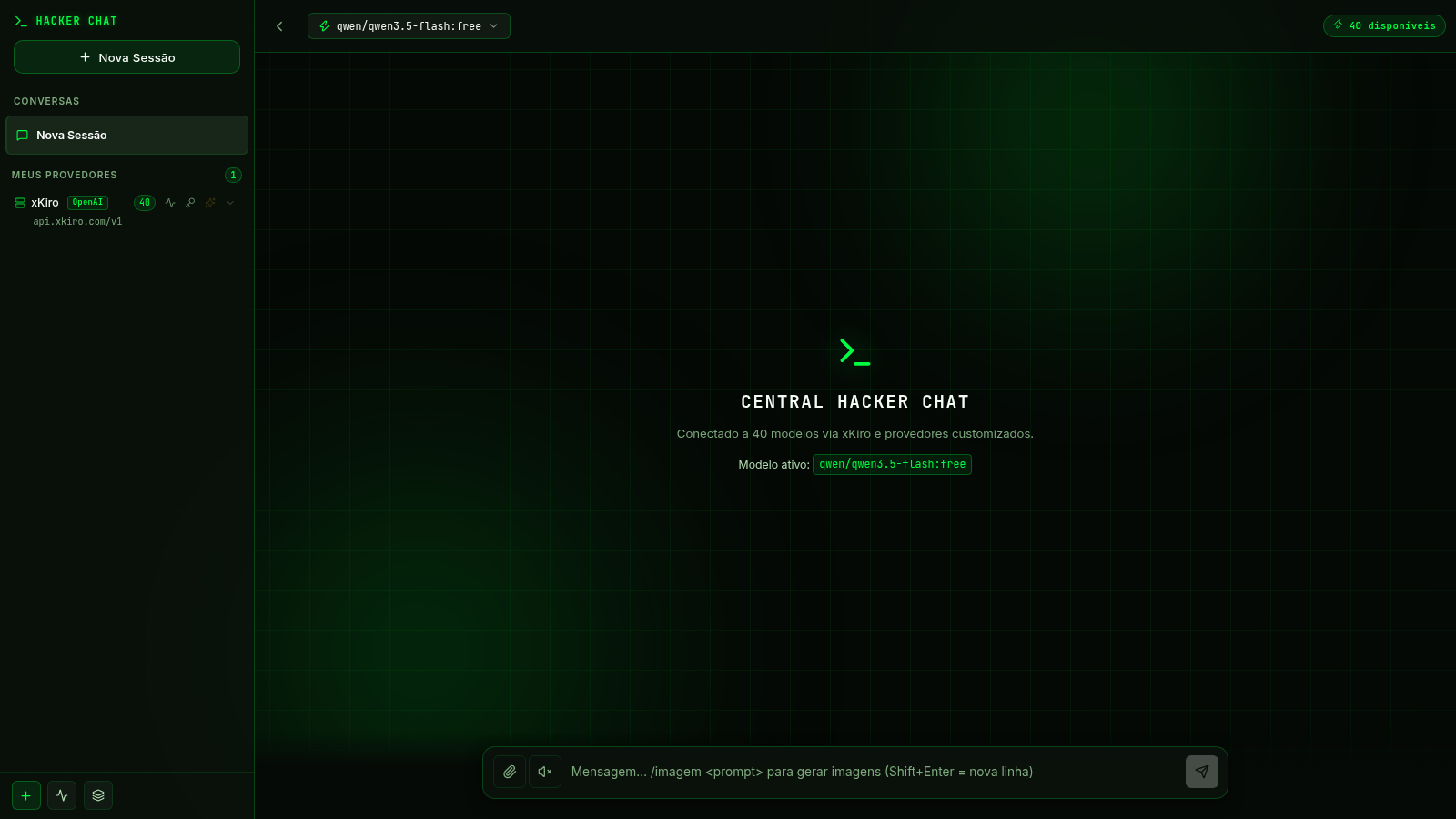
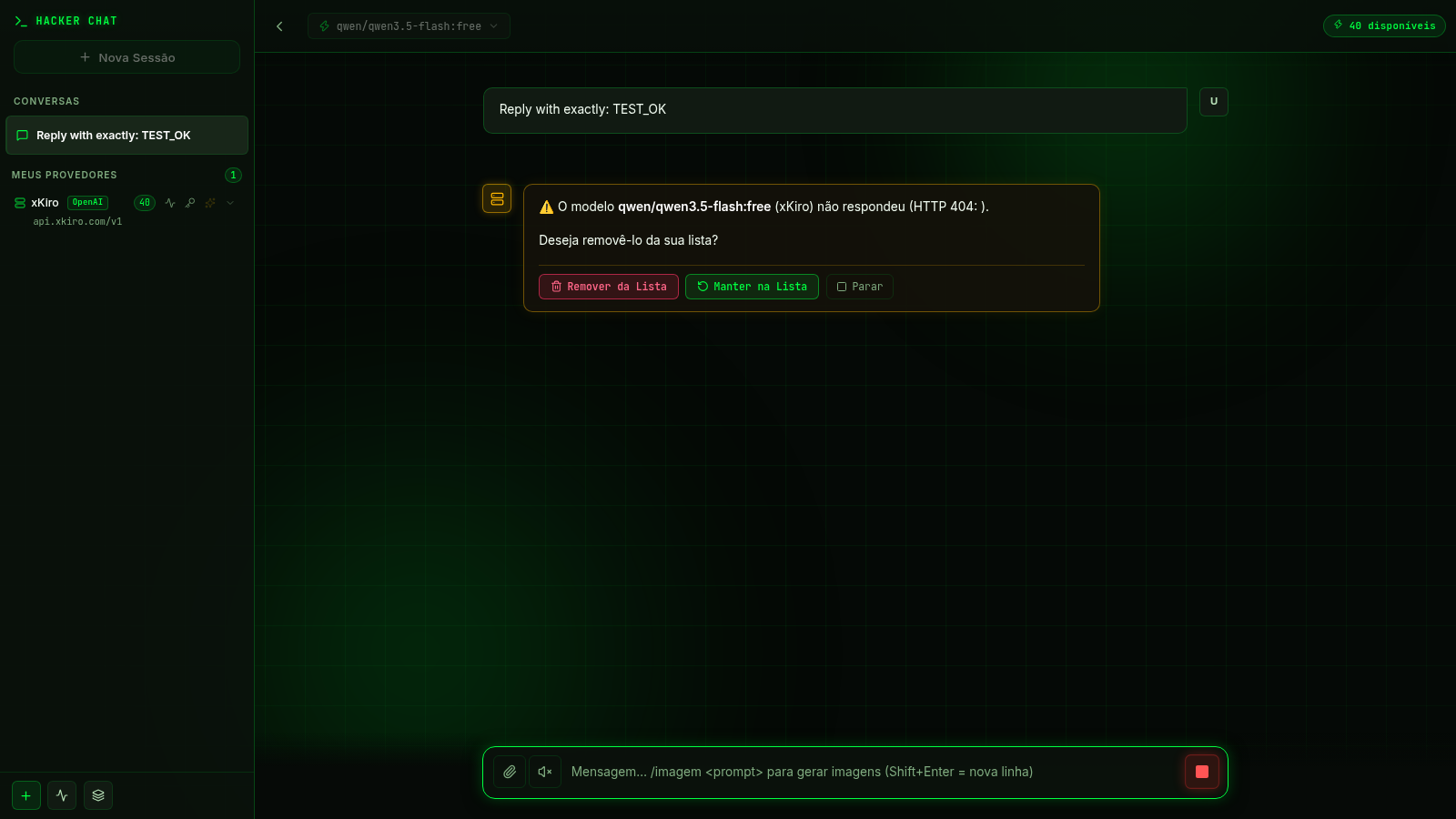
Central Hacker Chat is a Portuguese-language AI conversation workspace styled like a dark terminal. It presents a resizable session sidebar, a searchable selector containing 40 models, conversation history controls, file attachments, a voice toggle, and a composer that also advertises an image-generation command. Users can manage the built-in xKiro provider or add OpenCode Zen, OpenAI-compatible, Cloudflare Workers AI, and TokenRouter endpoints with custom model IDs. During inspection, the interface and local session tools worked, but the tested default Qwen model could not return an answer because the chat completion endpoint responded with HTTP 404.
Highlights
40 Model Choices
Searchable model menu
Provider Control
Custom API endpoints
Session History
Rename and delete chats
Terminal Styling
Consistent hacker theme
How to Use
Choose a model
Open the model selector in the top bar, filter the available list if needed, and choose a model from the displayed Qwen, MiniMax, DeepSeek, Mistral, OpenAI, or SenseNova options.
Start and manage a session
Use the New Session control in the sidebar to create a conversation. Existing sessions appear under the conversation list and provide controls for renaming or deleting the saved entry.
Compose a message
Enter a prompt in the bottom composer, optionally attach a file or enable the JARVIS voice control, and submit it with the send button. The interface displays the user message and the provider response or a visible error state.
Configure a provider
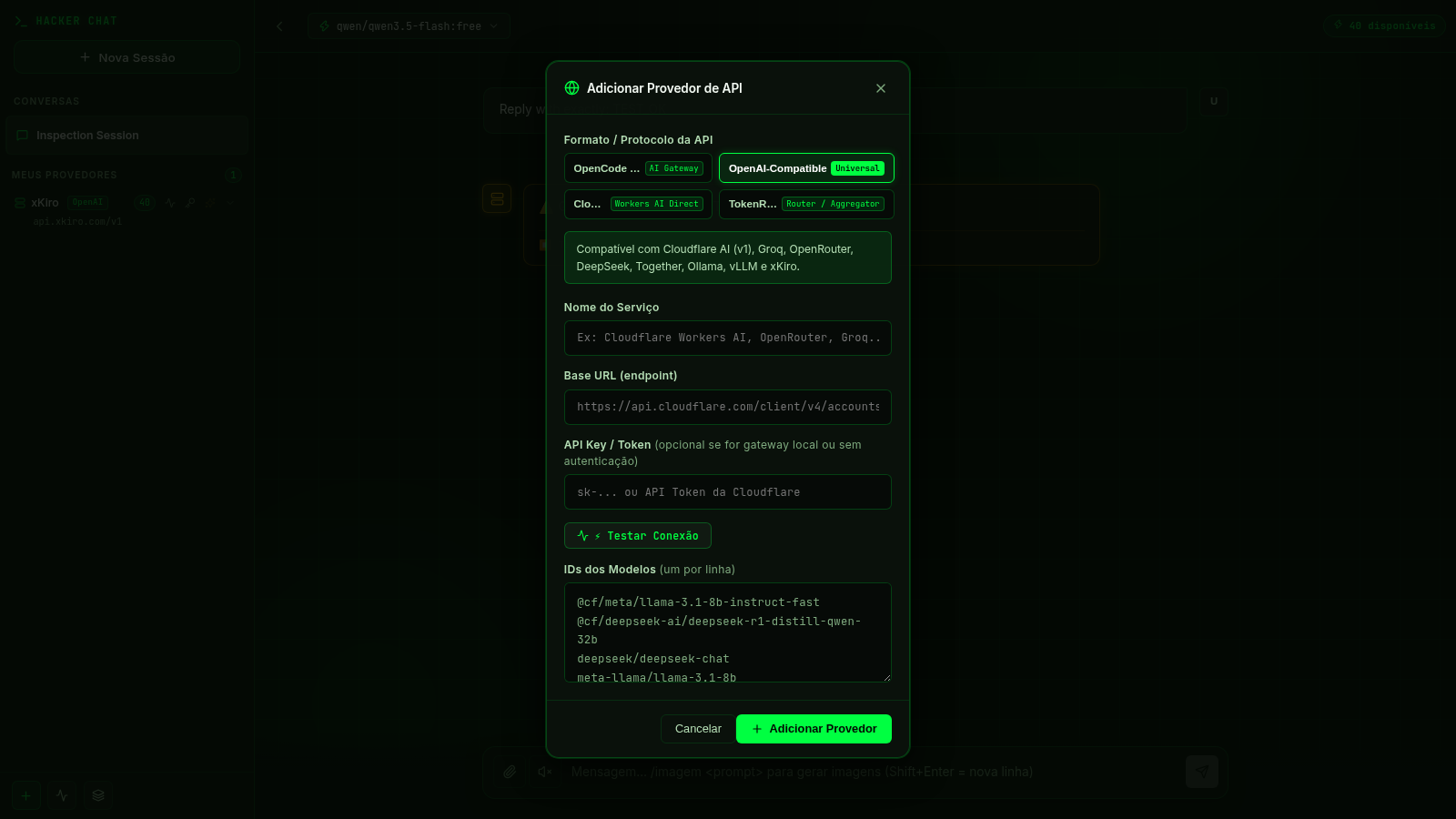
Open Add Provider, select an API protocol, then enter the service name, base URL, optional token, and model identifiers. A connection-test control is available before adding the provider. Avoid entering credentials on shared devices because provider keys are stored in the browser.
Similar Sites
 10
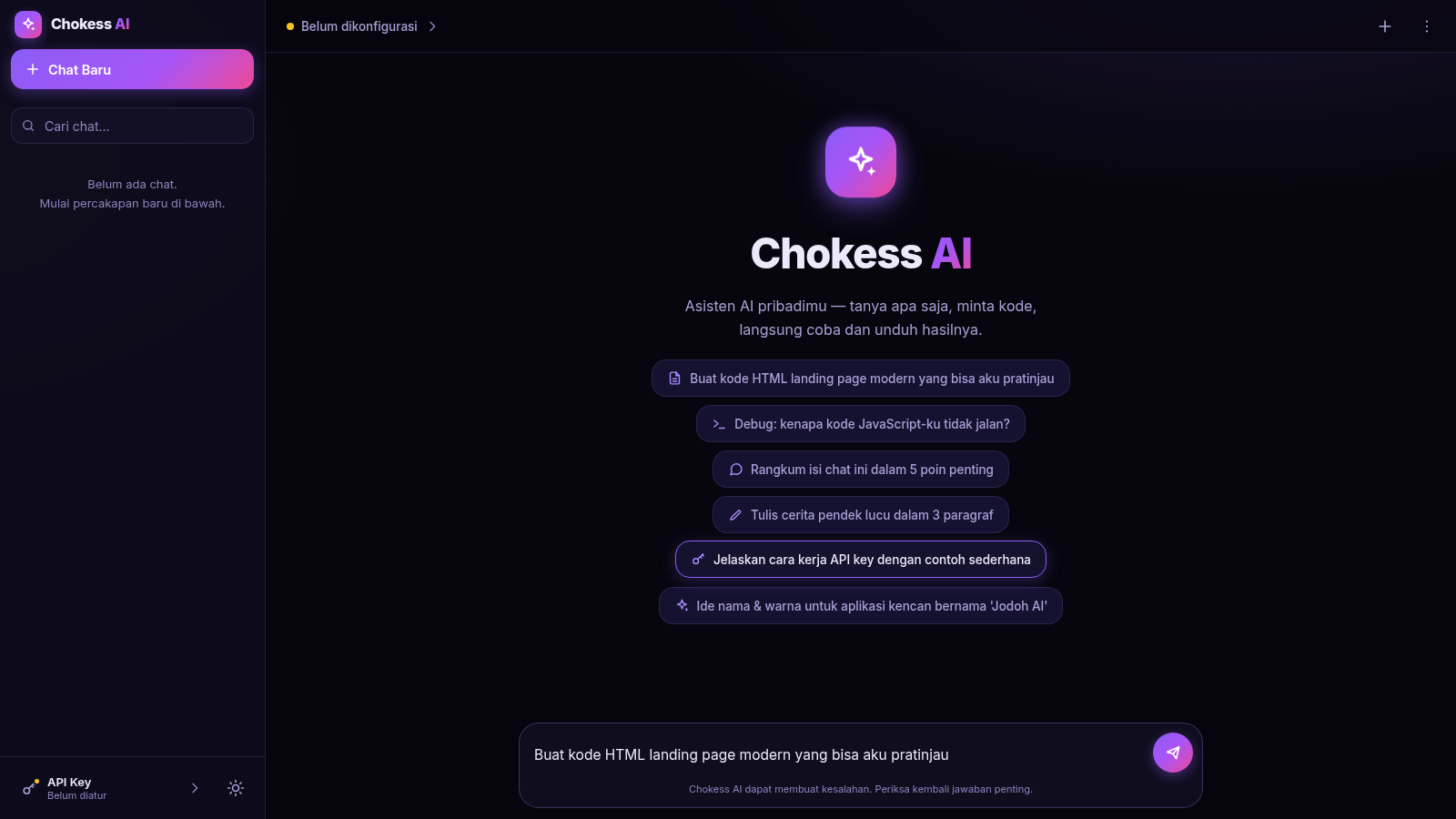
10Chokess AI — Personal AI Chat
Chat AI pribadi dengan API key sendiri, mendukung Claude & OpenAI
 7
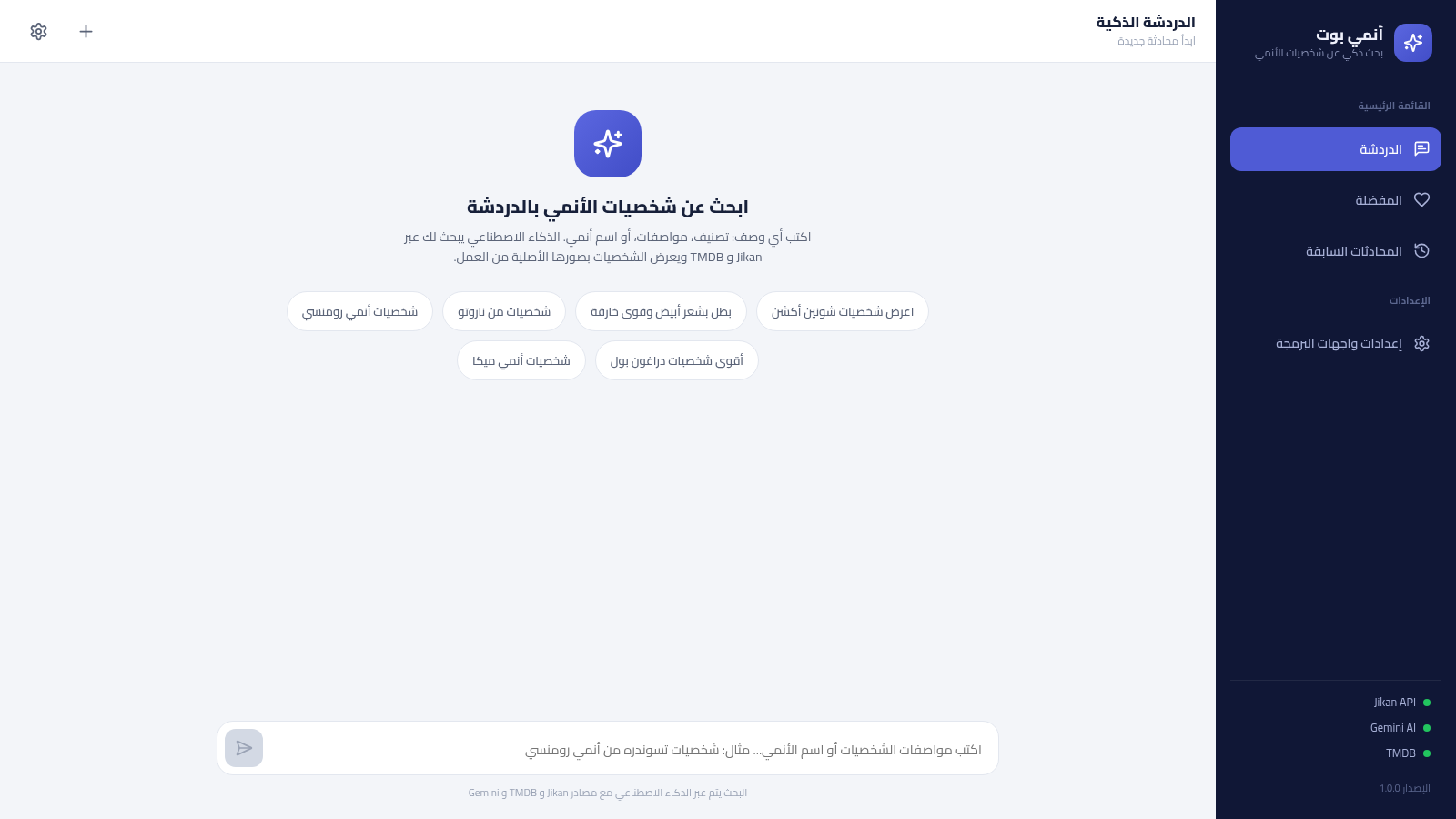
7أنمي بوت - بحث ذكي عن شخصيات الأنمي
بحث ذكي عن شخصيات الأنمي بالعربية عبر الذكاء الاصطناعي، يعتمد على Jikan و TMDB ويحفظ مفضلتك ومحادثاتك
 6
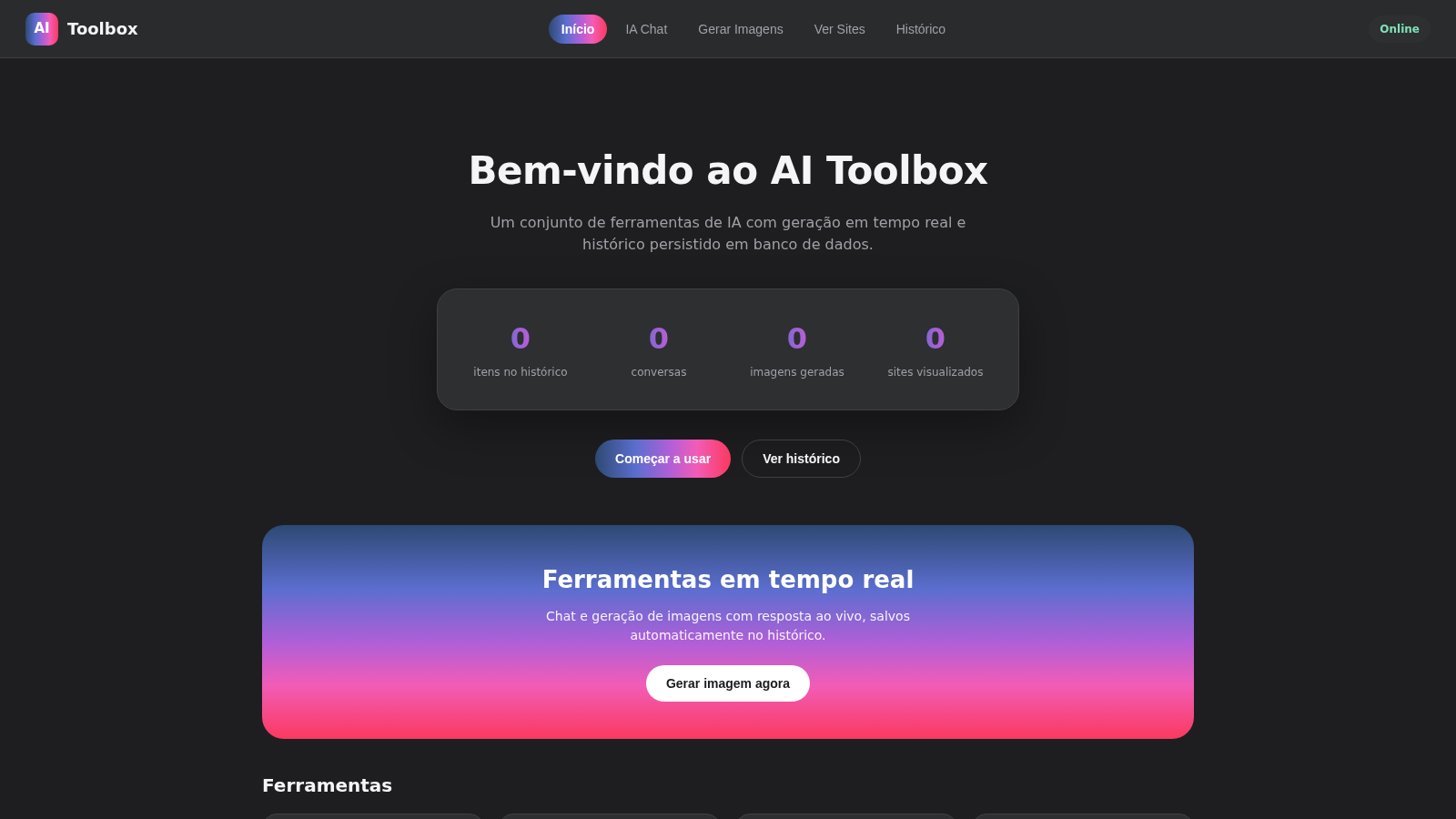
6AI Toolbox
IA chat e geracao de imagens em tempo real com historico salvo
 3
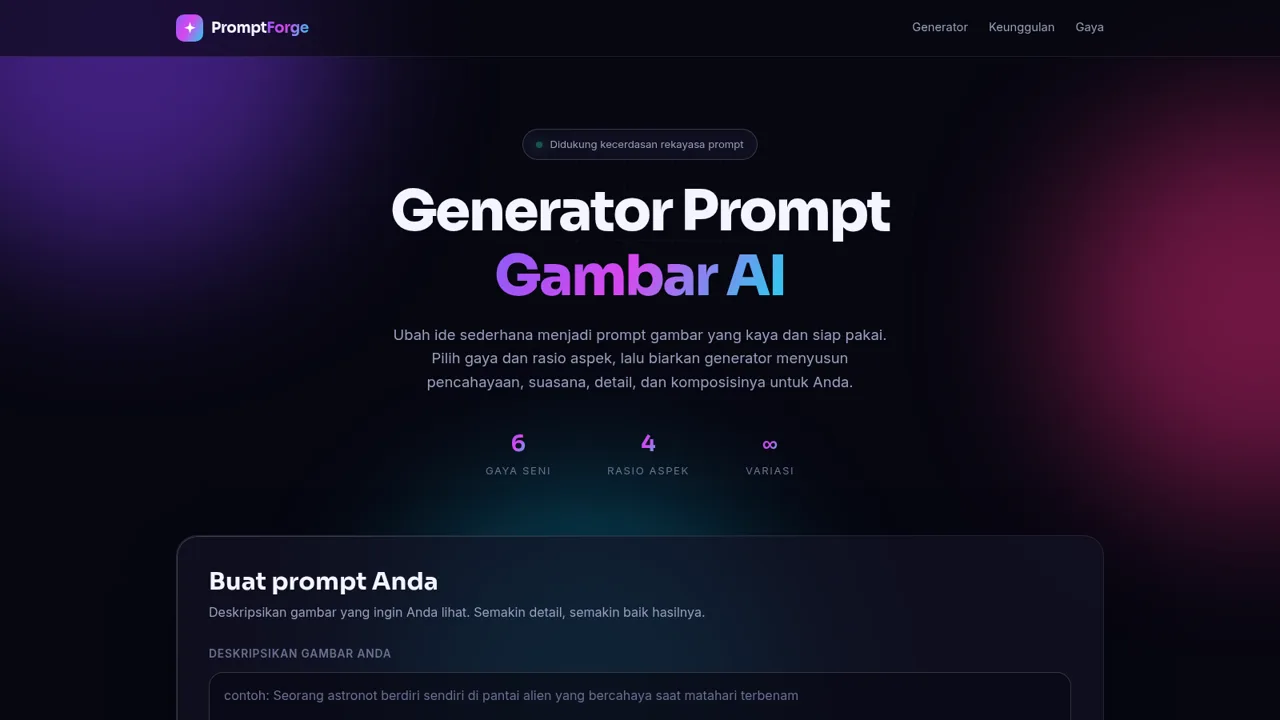
3Generator Prompt Gambar AI
Hasilkan prompt gambar AI yang detail dari ide, gaya, dan rasio aspek.
 94
94OhMyPS - AI Image Editor
Brush, describe, and quickly edit part of an image with AI.
 80
80PDF Master AI
Private in-browser PDF toolkit to convert, merge, compress, edit, and protect files.