
Generator Prompt Gambar AI
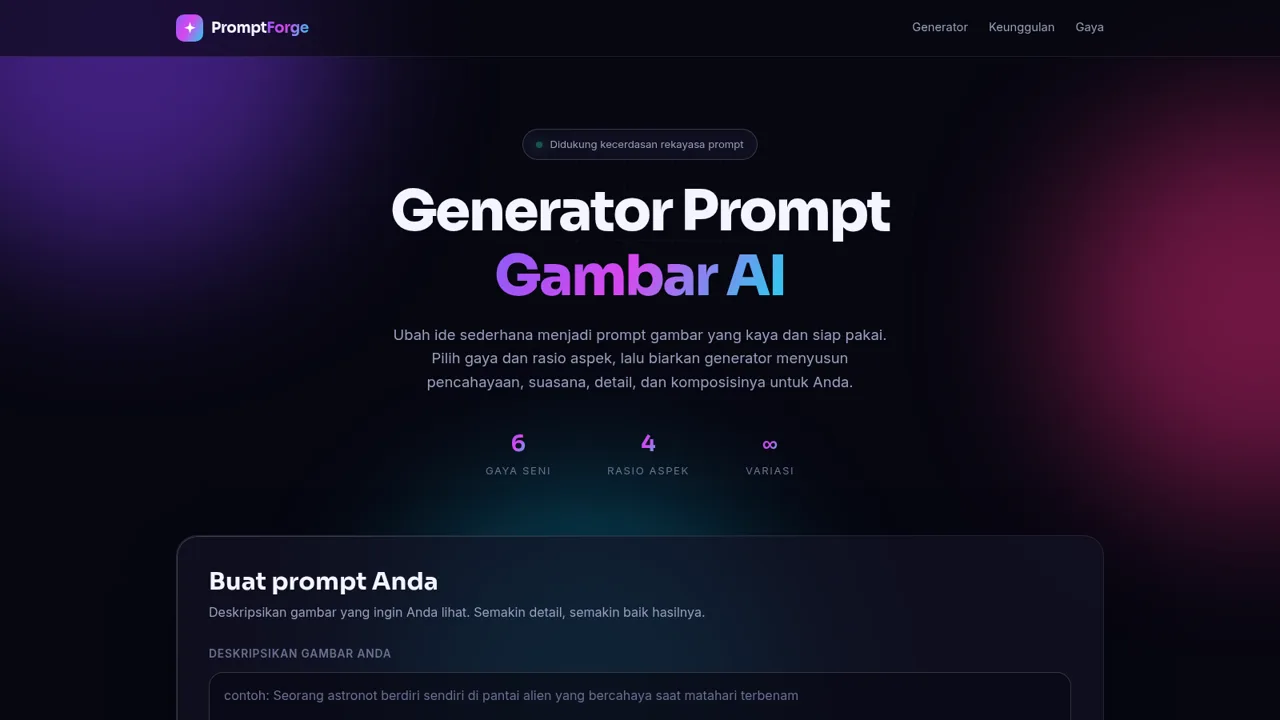
Turn a short idea into a structured, ready-to-use AI image prompt
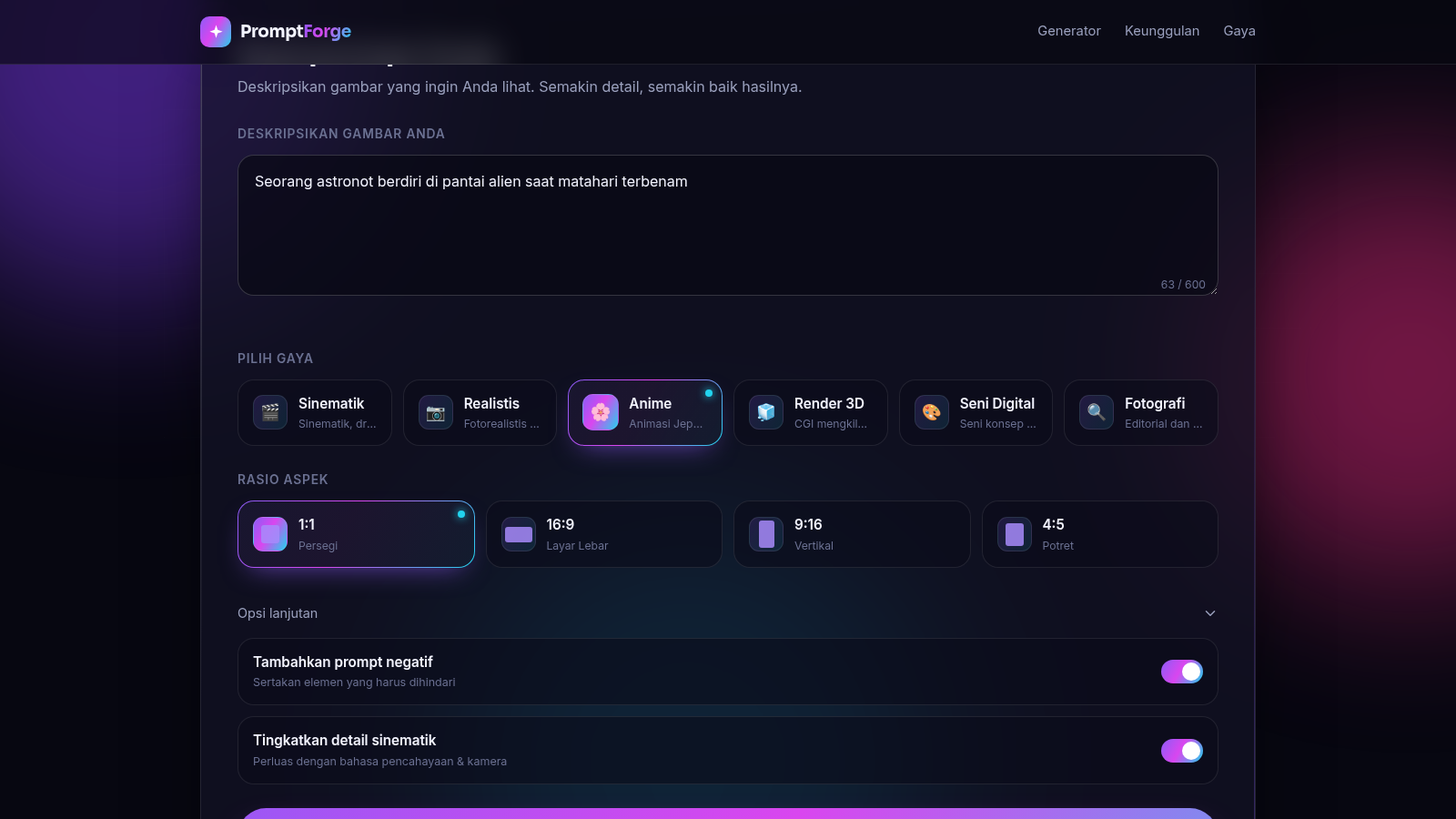
PromptForge, presented as Generator Prompt Gambar AI, is a browser based tool that converts a simple image idea into a detailed, structured AI image prompt. You describe the image in a text box with a 600 character limit, choose one of six art styles (Cinematic, Realistic, Anime, Render 3D, Digital Art and Photography), and pick an aspect ratio from 1:1 Square, 16:9 Widescreen, 9:16 Vertical and 4:5 Portrait. Two advanced options let you add a negative prompt and enhance cinematic detail. Pressing the generate button assembles mood, lighting, color palette, composition, detail, camera and quality sections plus style keywords, then shows the finished prompt with its character count, a matching negative prompt, a row of tags, a copy button and a regenerate button. The rest of the page explains the features and repeats the six visual styles.
Highlights
Six art styles
Cinematic to 3D art
Four aspect ratios
1:1, 16:9, 9:16, 4:5
Negative prompts
Auto artifact filter
Instant prompt copy
Copy in one click
How to Use
Describe your image
Open the generator section and type a description of the image you want into the text box. A live counter shows the character usage up to the 600 character limit, so you can see how much room remains before generating.
Pick a style and ratio
Select one of the six style cards, such as Anime or Render 3D, each showing its own emoji and short description, then choose an aspect ratio from 1:1, 16:9, 9:16 or 4:5. Open the advanced options panel if you want to toggle the negative prompt and the cinematic detail enhancement.
Generate and copy
Press the generate button to build the prompt locally in the page. A status line confirms success and the result card appears with the full prompt, a matching negative prompt and a row of tags. Use the copy button to grab the prompt, or the second button to reset the form and start another idea.
Similar Sites
 20
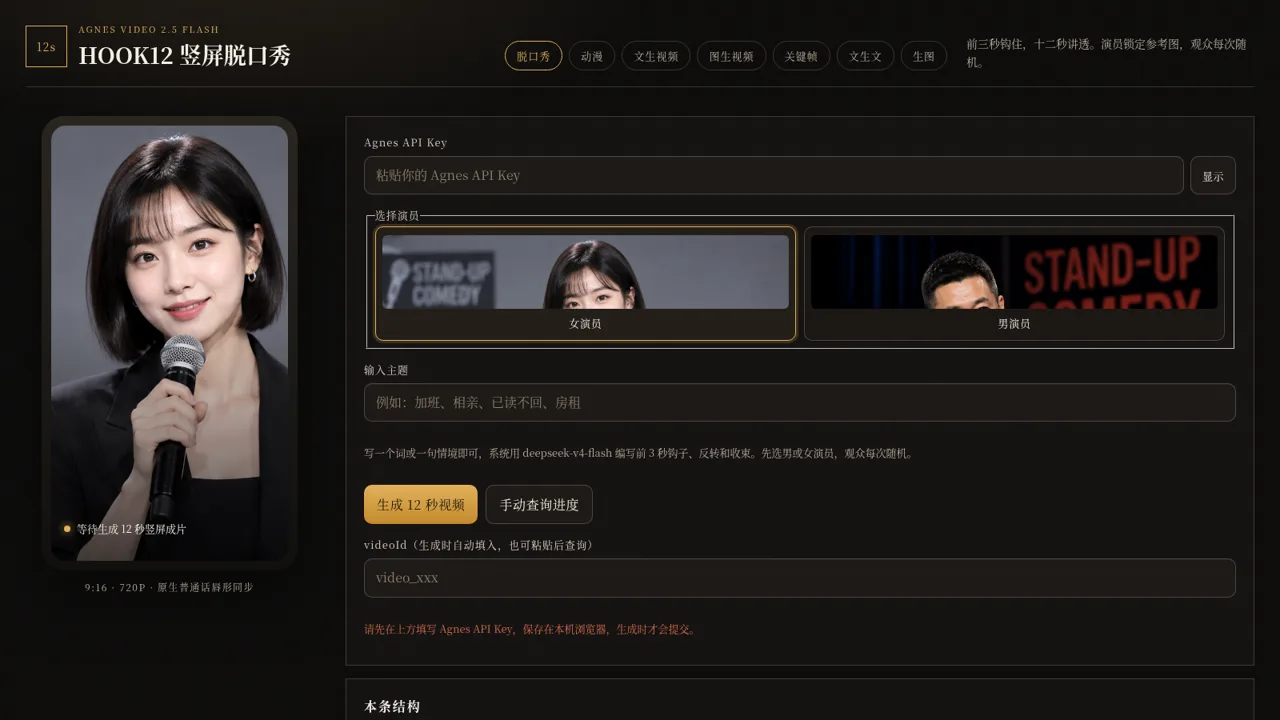
20HOOK12 Agnes 创作台
脱口秀、动漫、文生/图生/关键帧视频与文生文、生图工作台。
 94
94OhMyPS - AI Image Editor
Brush, describe, and quickly edit part of an image with AI.
 79
79PDF Master AI
Private in-browser PDF toolkit to convert, merge, compress, edit, and protect files.
 77
77BJJ STAT — ANALISE. ENTENDA. EVOLUA.
Scout de Jiu-Jitsu em um toque. Placar IBJJF, relatórios visuais e PWA offline.
 19
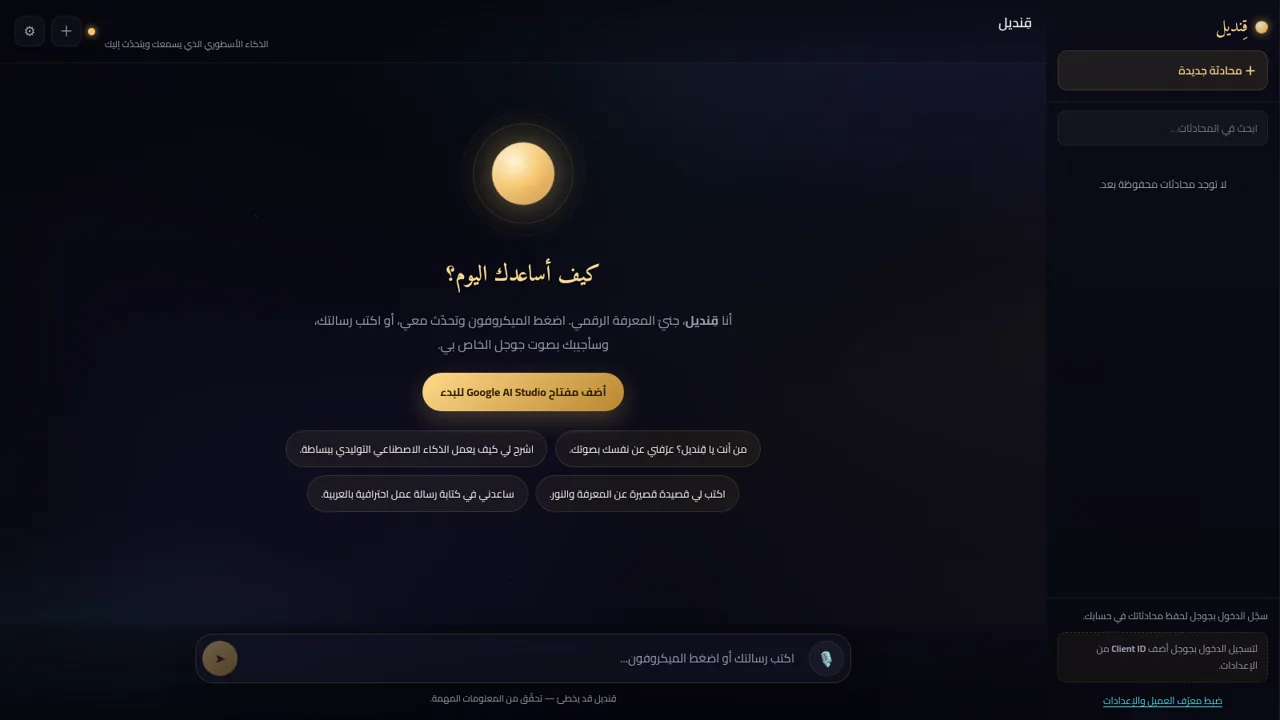
19قِنديل · الذكاء الأسطوري
مساعد ذكاء اصطناعي أسطوري: تحدّث معه بصوتك واستمع إلى ردّه بصوت جوجل
 17
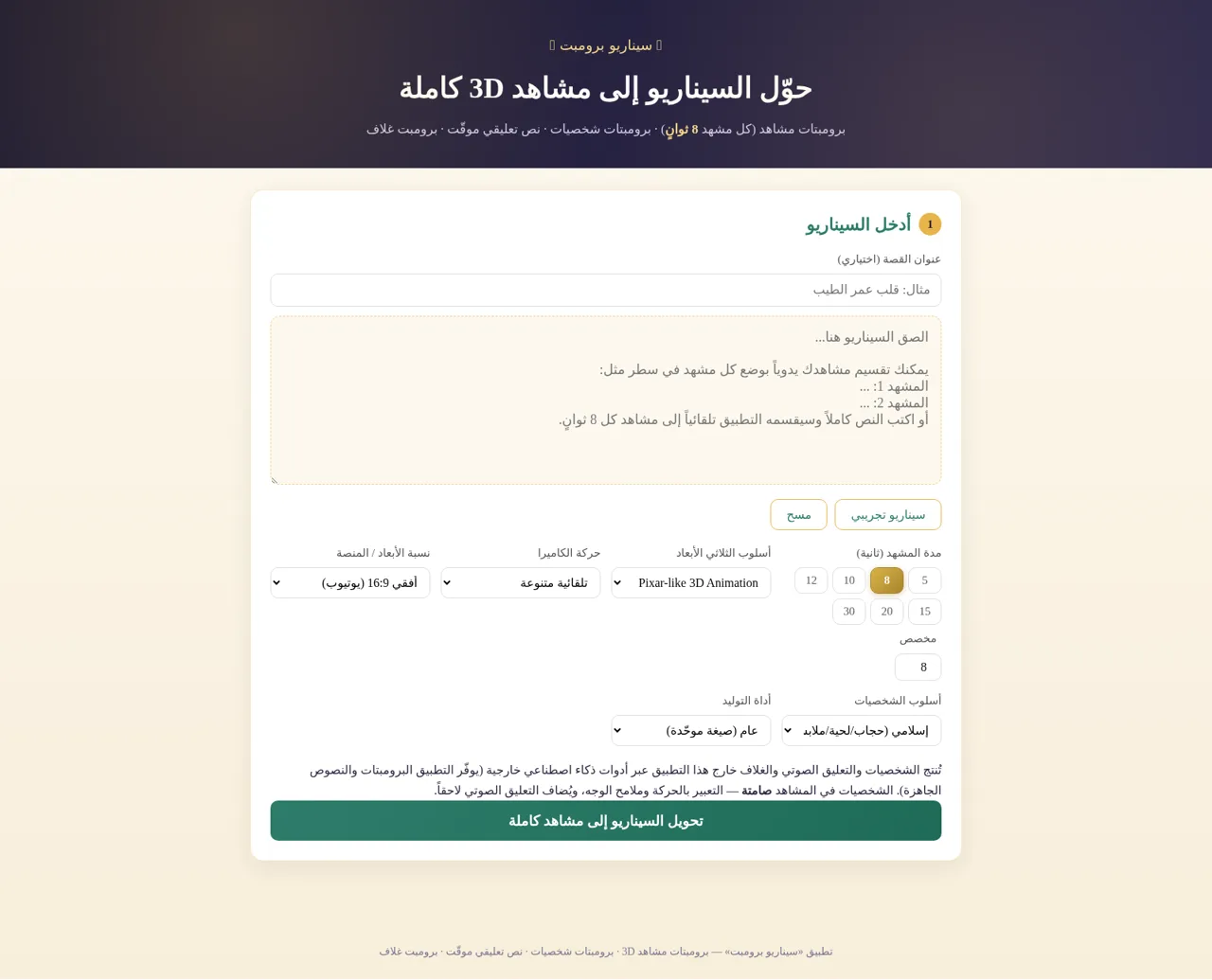
17سيناريو برومبت
حوّل السيناريو إلى برومبتات مشاهد 3D وشخصيات ونص تعليقي وبرومبت غلاف