
Follow-Up - Suprimentos
Track purchase orders by urgency, delay and supplier in one dashboard
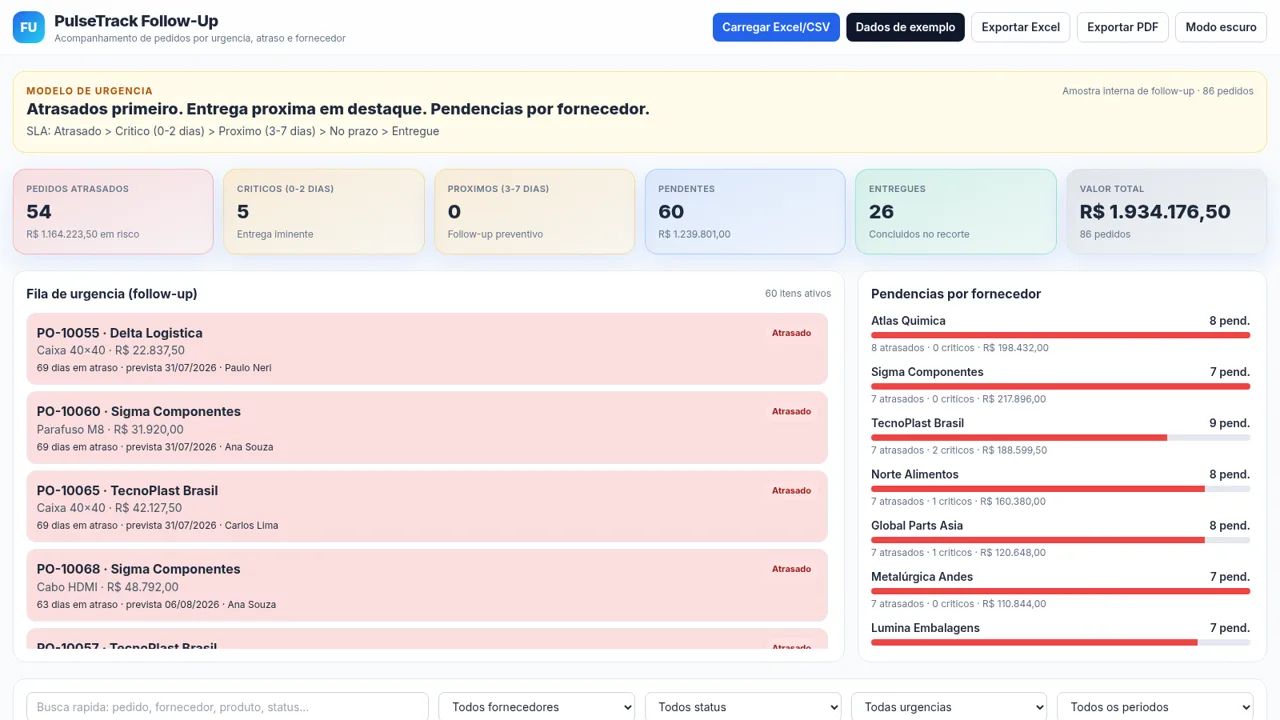
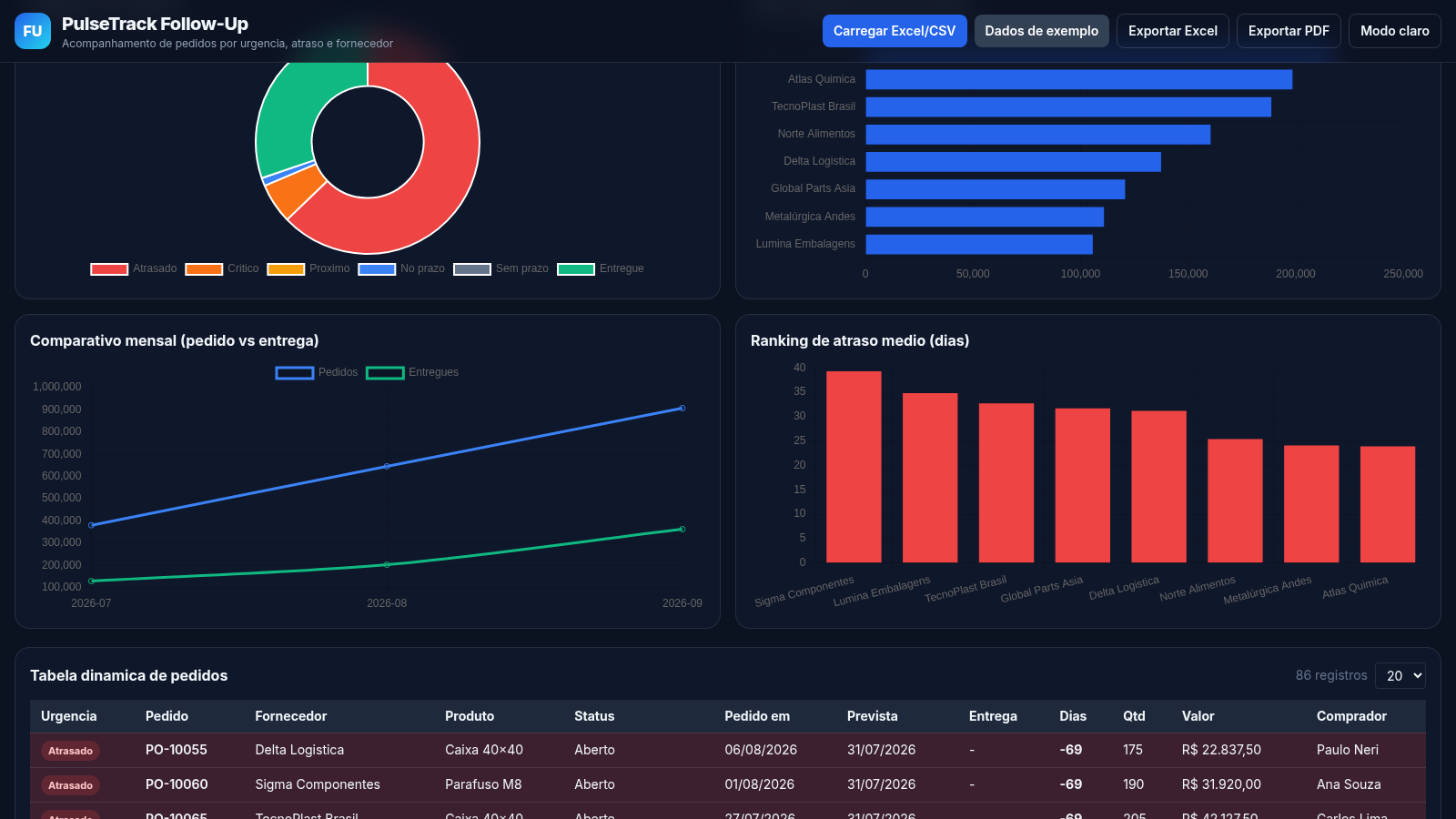
PulseTrack Follow-Up is a browser-based purchase order follow-up dashboard for procurement and supply chain work. It presents an urgency model that ranks overdue orders first, followed by critical, upcoming, on-time and delivered orders, and summarizes the current dataset with KPI cards for delayed, critical, upcoming, pending, delivered orders and total value. Users can work from the built-in 86-order sample or load their own Excel or CSV file, then search, filter by supplier, status, urgency and period, sort and page through a dynamic order table, review four charts, switch to a dark theme, and export the data to Excel or PDF. The interface language is Portuguese.
Highlights
Urgency-first view
Overdue orders surfaced first
86-order sample
Ready-made demo dataset
Four live charts
Donut, bar and line visuals
Excel and CSV import
Load your own spreadsheets
Sortable order table
Twelve columns with paging
Dark mode
Full theme switch on demand
Excel and PDF export
Download the current report
How to Use
Open the dashboard
Open the site in a browser and the dashboard loads immediately with the built-in 86-order sample, so the KPI cards, urgency queue, supplier panel, charts and table are all filled without any setup.
Read the urgency model
At the top, the banner explains the SLA order: overdue, then critical within 0 to 2 days, then upcoming within 3 to 7 days, then on time and delivered. The six cards below summarize how many orders fall into each bucket and the total value at risk.
Search, filter and sort
Use the quick search box to match an order id, supplier, product or status, and combine it with the supplier, status, urgency and period dropdowns. Click any table column header to sort, and use the page-size selector and previous or next buttons to move through records.
Load and export data
Click Carregar Excel/CSV to pick a spreadsheet file and the dashboard recalculates the cards, charts and table from it. Dados de exemplo restores the sample, while Exportar Excel and Exportar PDF download the current view.
Switch theme
The Modo escuro button toggles the entire interface, including text, cards and the canvas charts, between the light and dark palettes without reloading the page.
Similar Sites
 23
233RLTEXTIL
SISTEMA DE GESTÃO DE FACÇÃO
 6
6Church Servants Tracker
Simple mobile-first tracker for church servant attendance and weekly service records.
 6
6Sorriso Elegante
Ortodontia moderna em Maputo: avaliação, aparelhos e alinhamento do sorriso.
 4
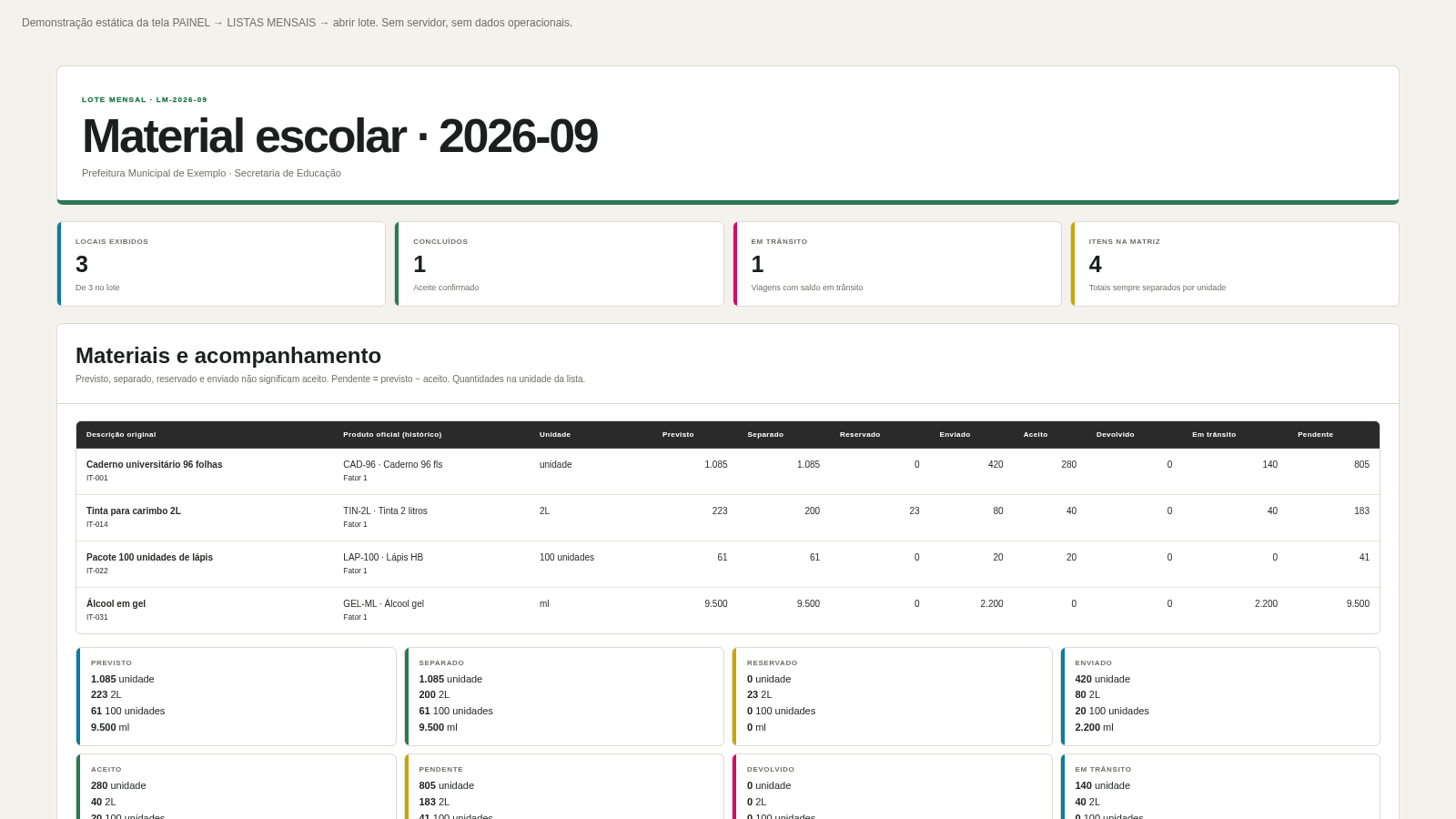
4Comercial Lobo Listas Mensais
Painel de lote mensal: resumo por unidade e destinos físicos expansíveis.
 3
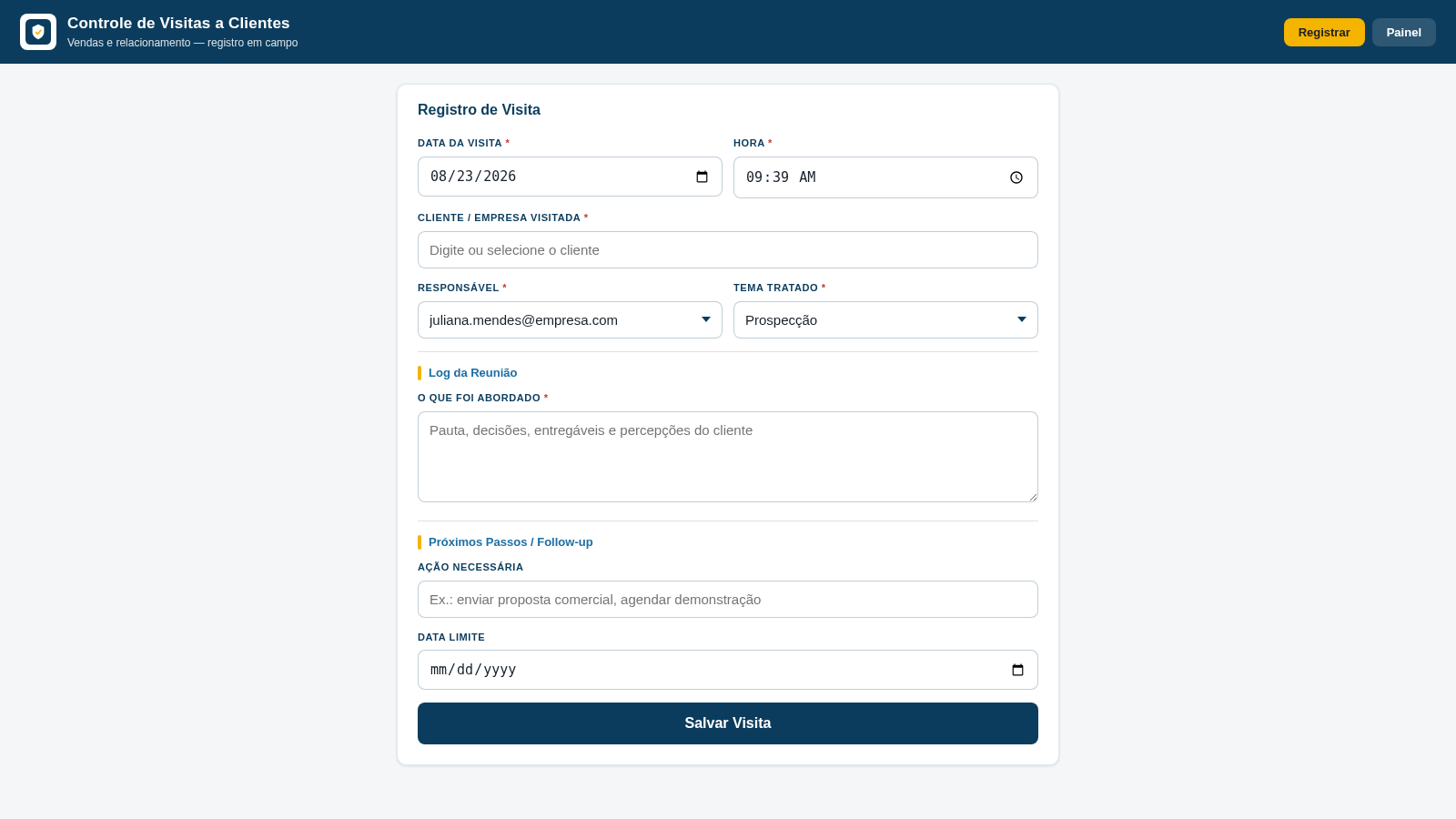
3Controle de Visitas a Clientes
Registro de visitas, temas tratados e follow-ups para equipes de vendas.
 1
1Amlak AI
Local-first real-estate CRM with reminders, calendar, backup, and ad parsing