
Amlak AI
A local-first real-estate CRM that keeps all data on the device
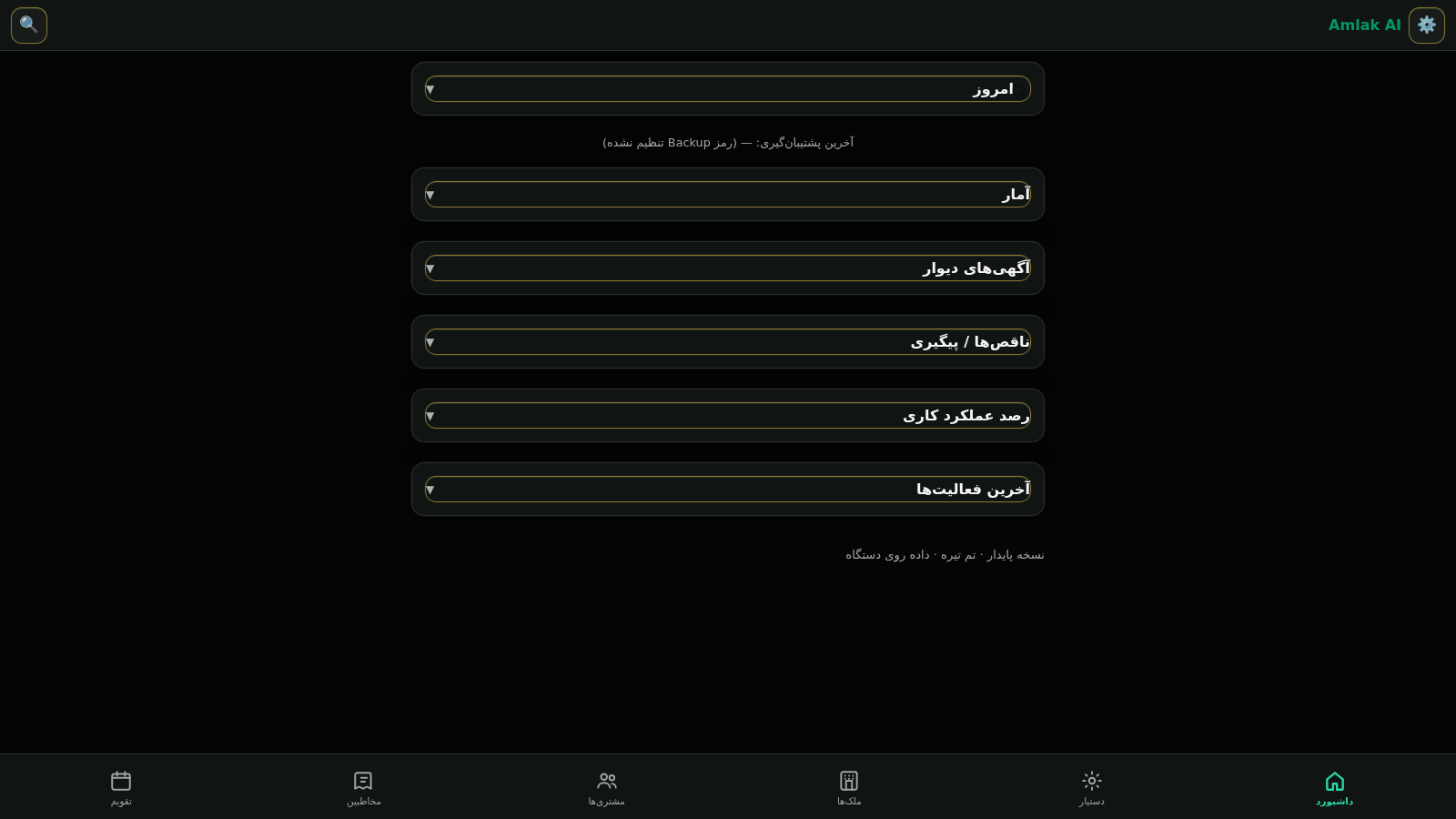
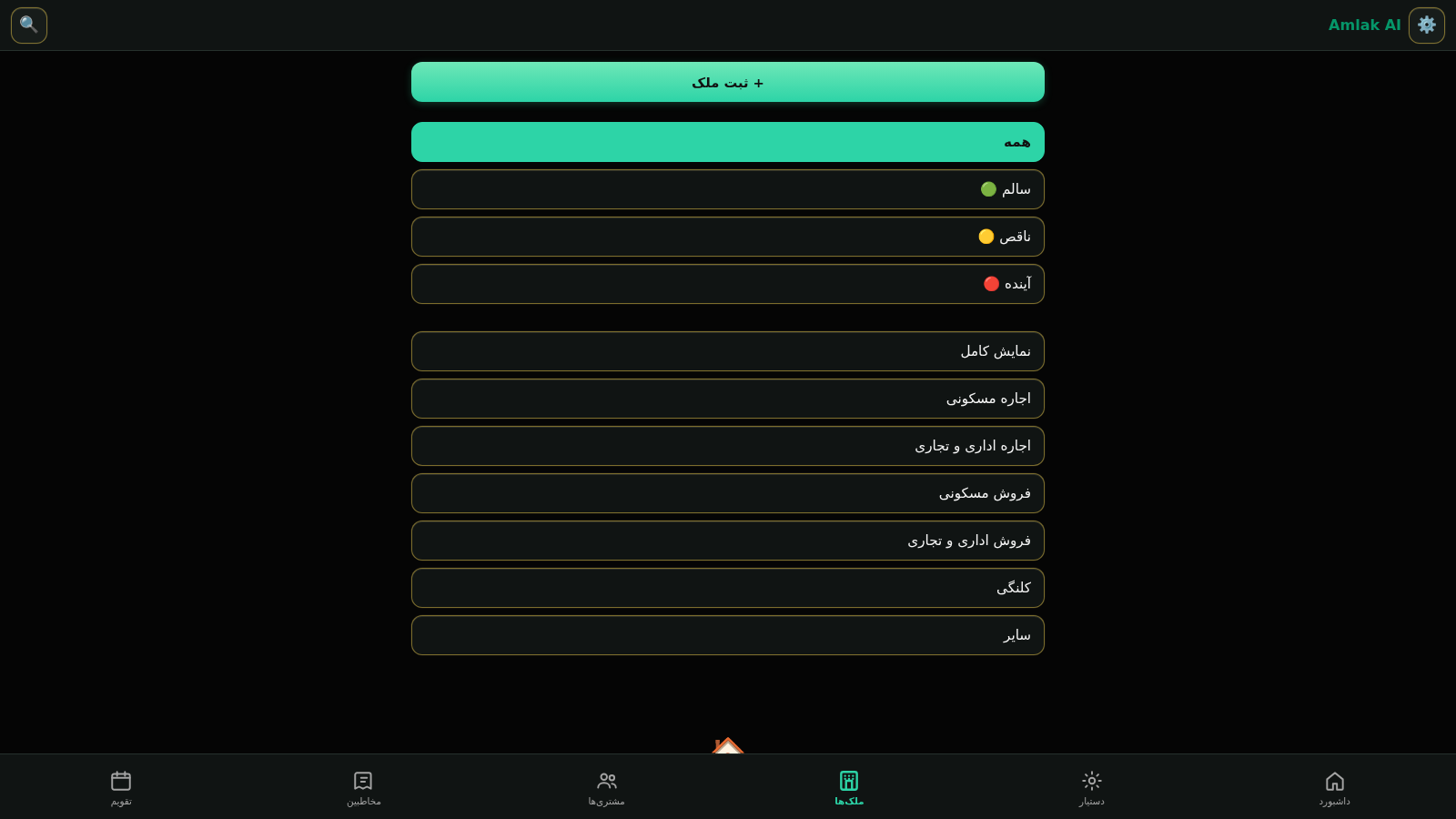
Amlak AI is a browser-based real-estate CRM aimed at individual agents and small property offices working with the Iranian market. The app stores its data on the device with no server and no account. It groups work into six sections: a dashboard of collapsible cards for today, statistics, Divar ads, incomplete and follow-up items, performance tracking and recent activity; an offline assistant with a command box and an ad parser; properties, customers and contacts lists; and a Jalali calendar. A settings drawer adds data health checks, an encrypted backup and export pipeline for JSON and PDF, search and match tools, and smart alerts. Reminders and follow-up tracking run through the dashboard and calendar.
Highlights
Offline ad parsing
Paste ad, get fields
Local-first storage
Data stays on device
Encrypted backups
Password-locked JSON
Jalali calendar
Reminders included
Built-in assistant
No internet needed
Property listings
Filter by type
How to Use
Open and orient yourself
Load the page and the dashboard appears with a stack of collapsible cards covering today, statistics, Divar ads, incomplete and follow-up items, performance and recent activity. The bottom bar switches between dashboard, assistant, properties, customers, contacts and calendar, and the gear in the header opens settings.
Add a property from an ad
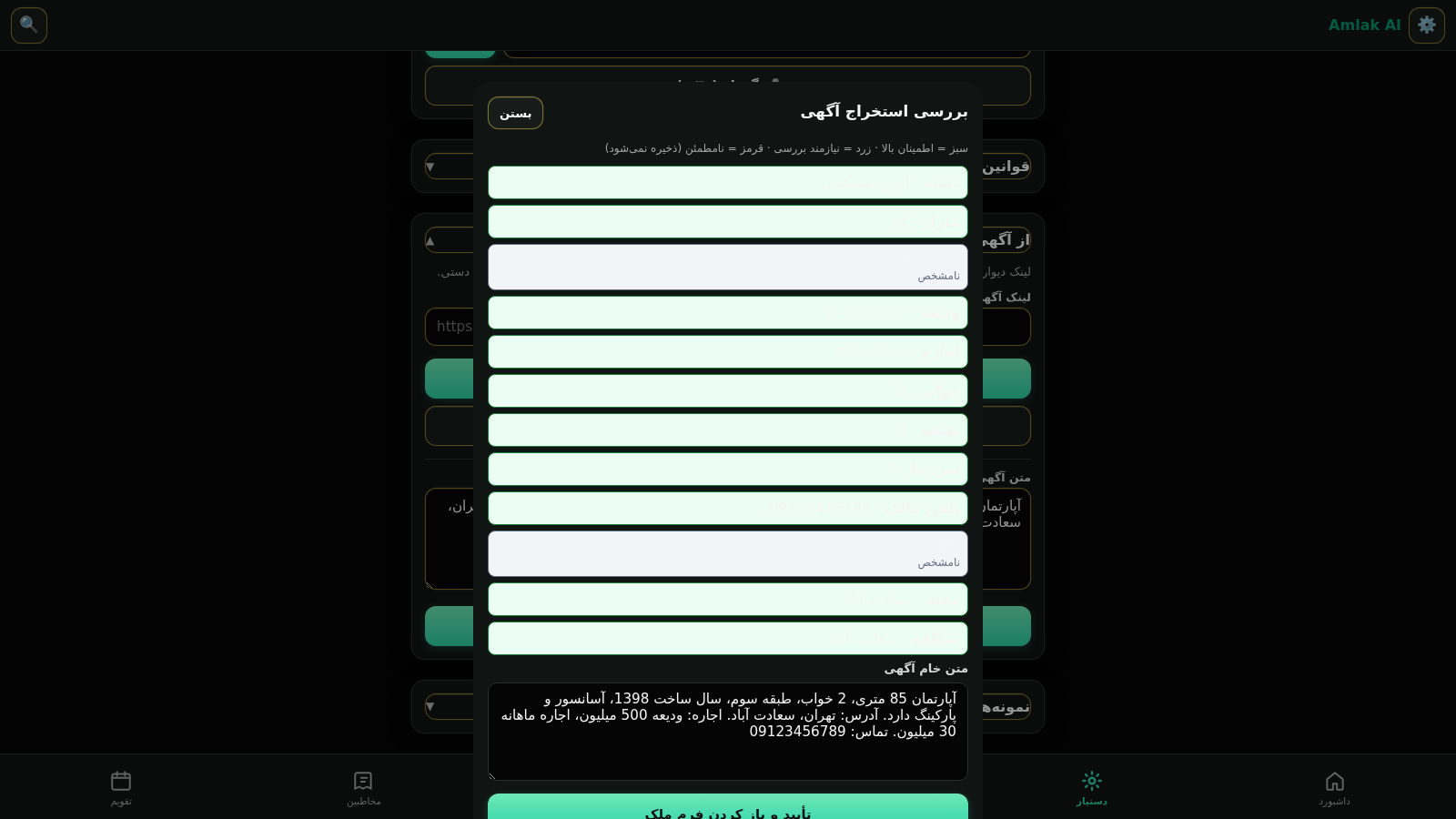
Open the assistant, expand the Divar ad group, paste a listing link or the ad text, and press the extract button. The app shows a review dialog that marks each extracted field as high, medium or uncertain confidence, keeps the raw text editable, and offers a confirm button that opens a pre-filled property form. Fields judged uncertain are not saved until you correct them.
Track customers and follow-ups
Use the properties, customers and contacts sections to keep records, then rely on the dashboard cards and the Jalali calendar to see reminders and follow-up items. The calendar and the reminder strip at the bottom surface what needs attention next.
Protect your data with backups
Open settings and expand the backup group, set a backup password of eight to sixteen characters, then use the JSON or PDF export buttons. JSON backups are encrypted with that password and cannot be recovered if it is lost, while PDF files are readable reports and are not encrypted. Automatic backups stay off until a password is set.
Check the app health
In settings, expand the data health group to see counts of files, customers, contacts, contracts and open reminders plus the schema version, then press the core self-test button. It reports whether the core and its main relationships are healthy.
Similar Sites
 126
126Agenda de Pedidos - Confeitaria
Agenda digital de pedidos para confeitaria com integração WhatsApp
 49
49SGI CONTROL
Sistema Integrado de Gestão da Qualidade (ISO 9001) com painel B2B multiempresa
 70
70Breno's Pizza
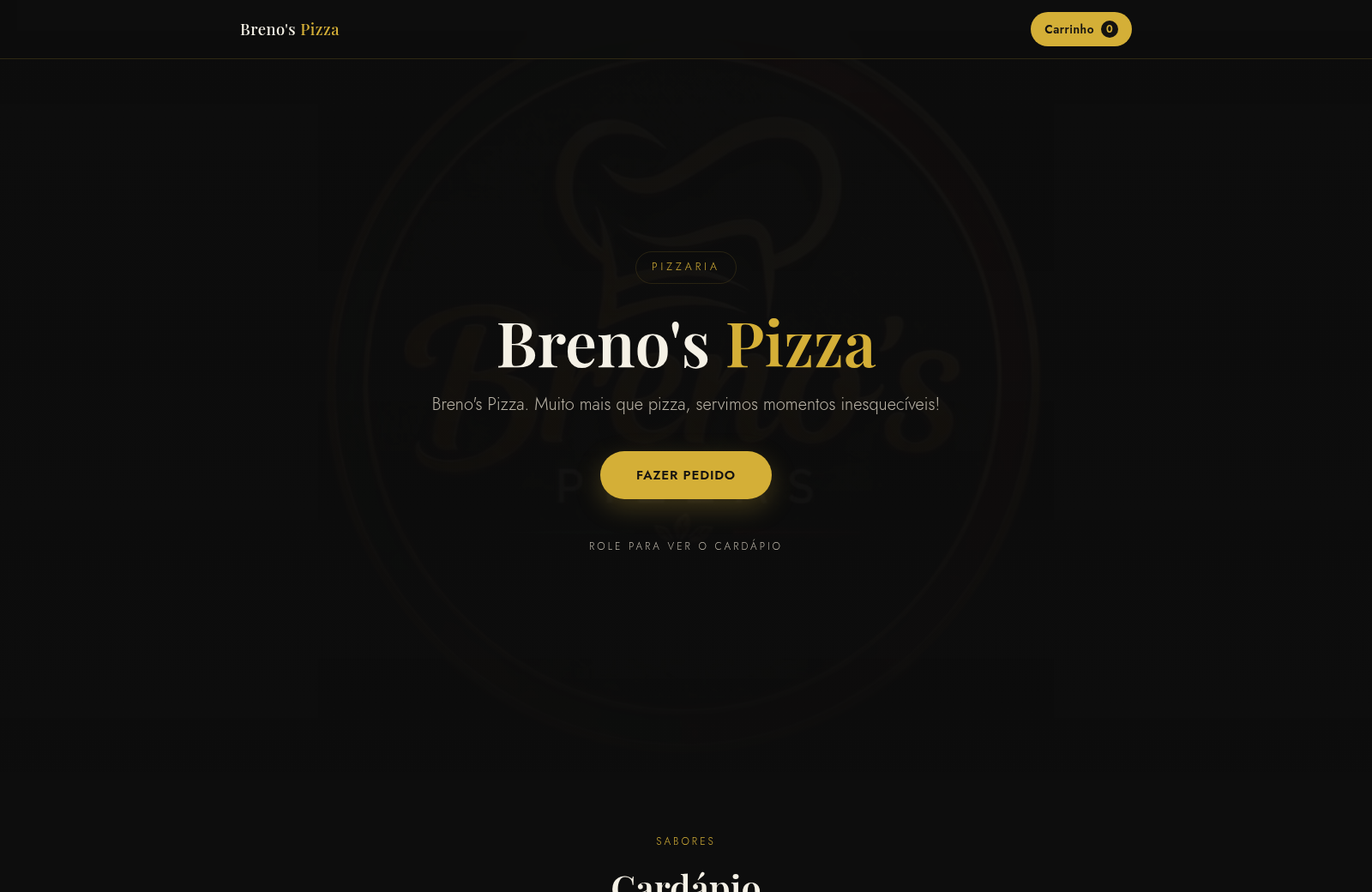
Breno's Pizza. Muito mais que pizza, servimos momentos inesqueciveis! Peça a sua pizza pelo WhatsApp.
 65
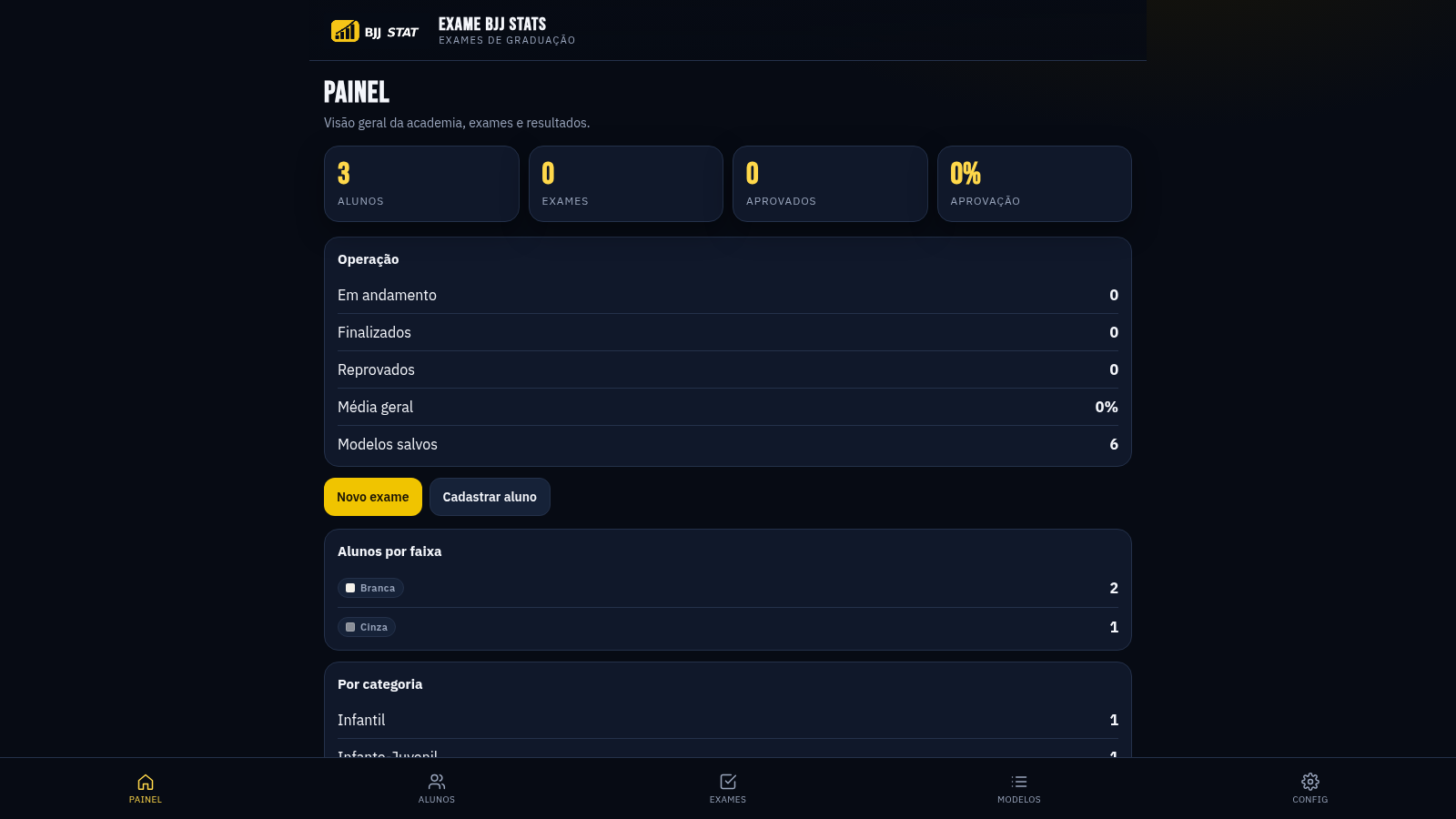
65EXAME BJJ STATS
Sistema profissional de exames de graduação BJJ, com modelos por faixa e relatório APROVADO/REPROVADO.
 63
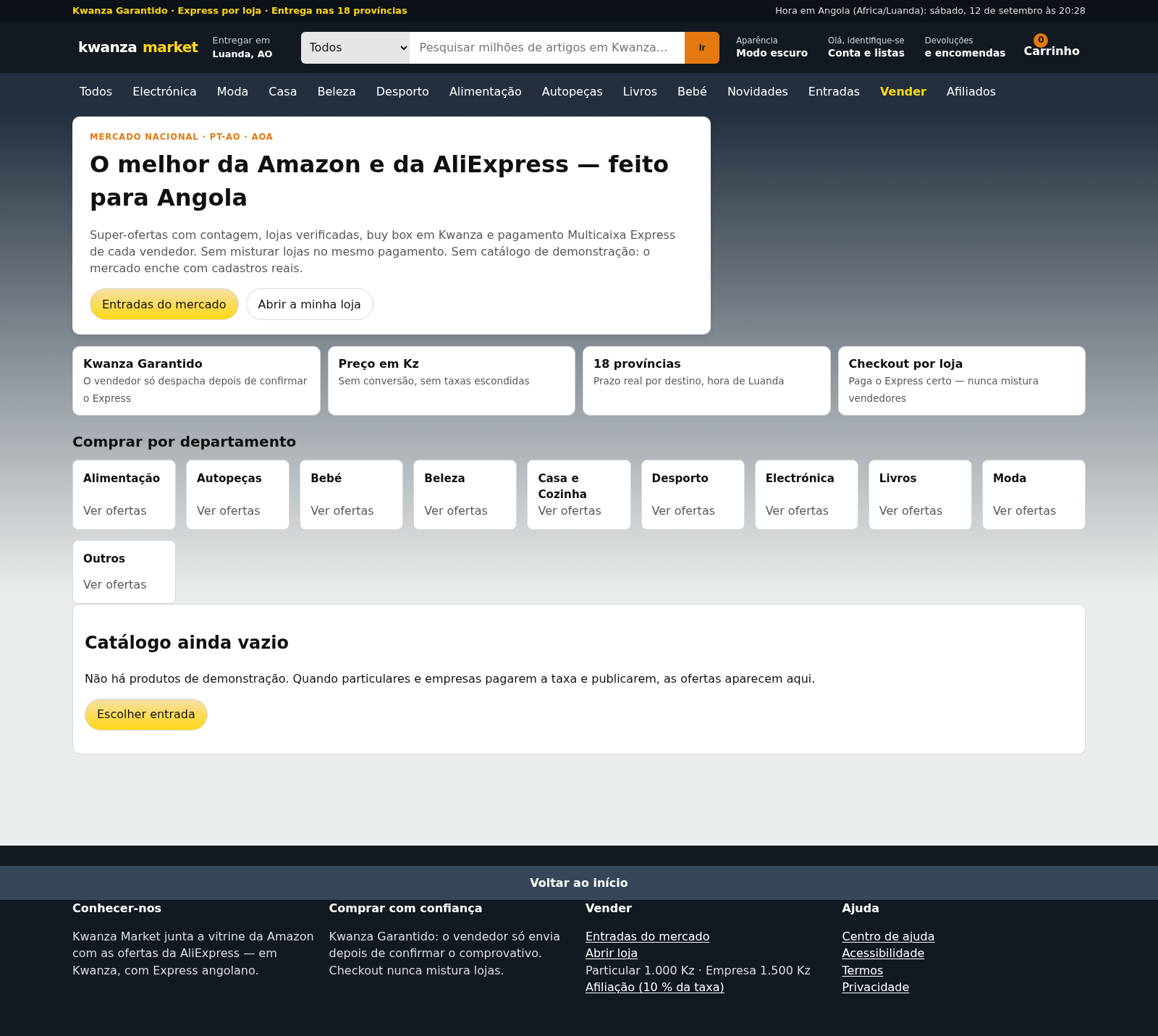
63Kwanza Market
Mercado de Angola: compre e venda em Kwanza com Multicaixa Express.
 61
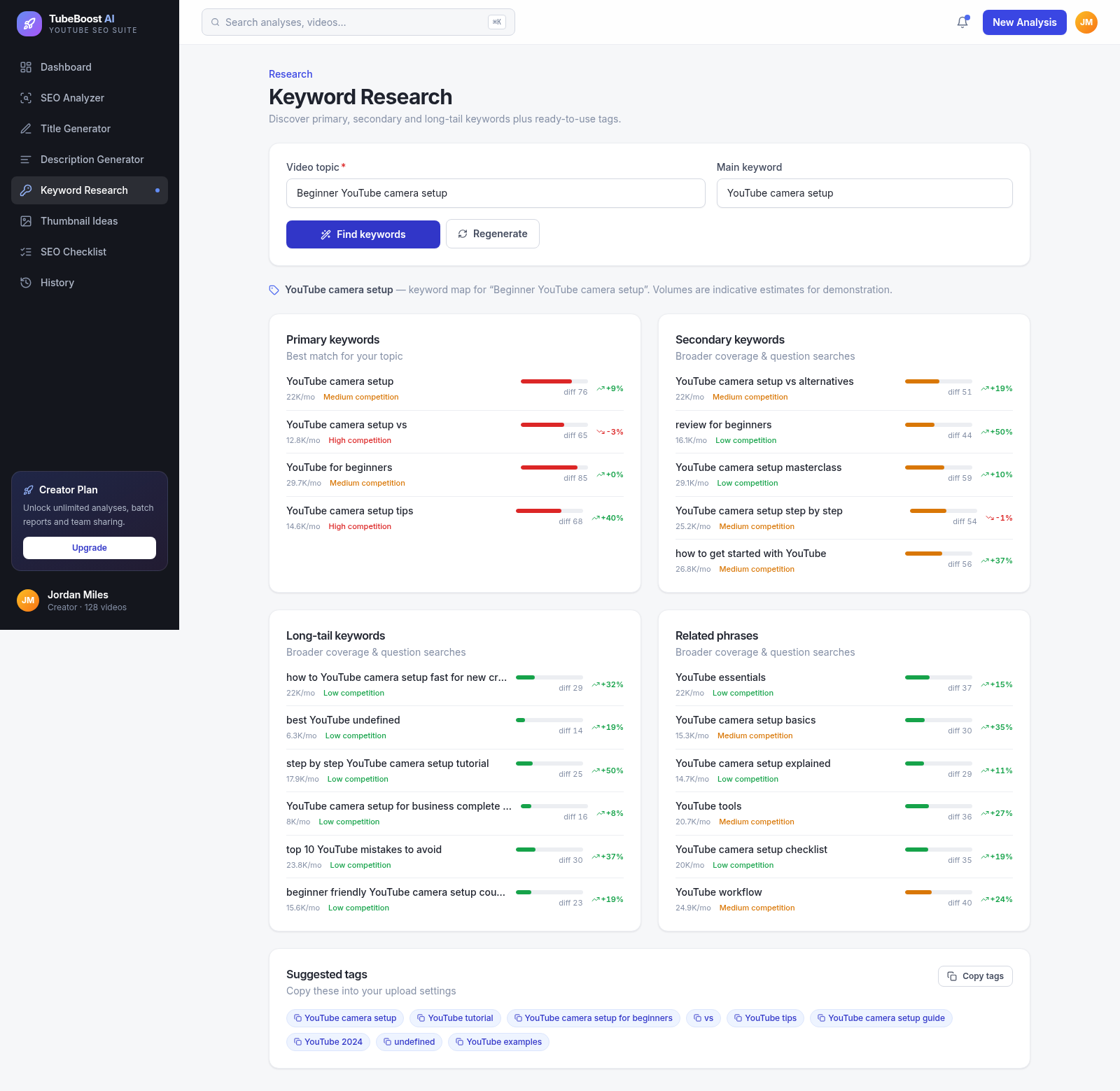
61TubeBoost AI — YouTube SEO
AI YouTube SEO tool: titles, descriptions, keywords, thumbnails.