
Church Servants Tracker
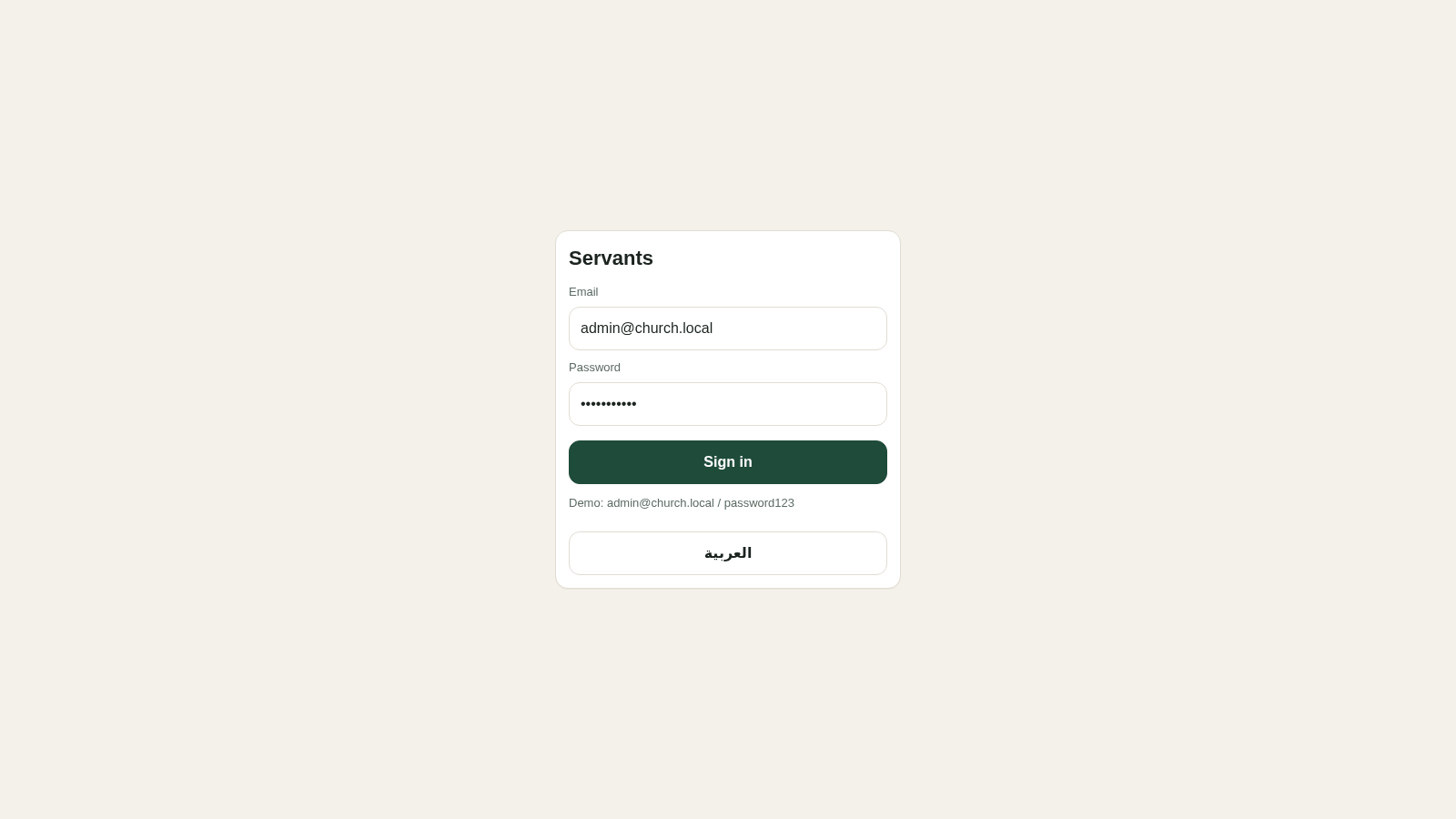
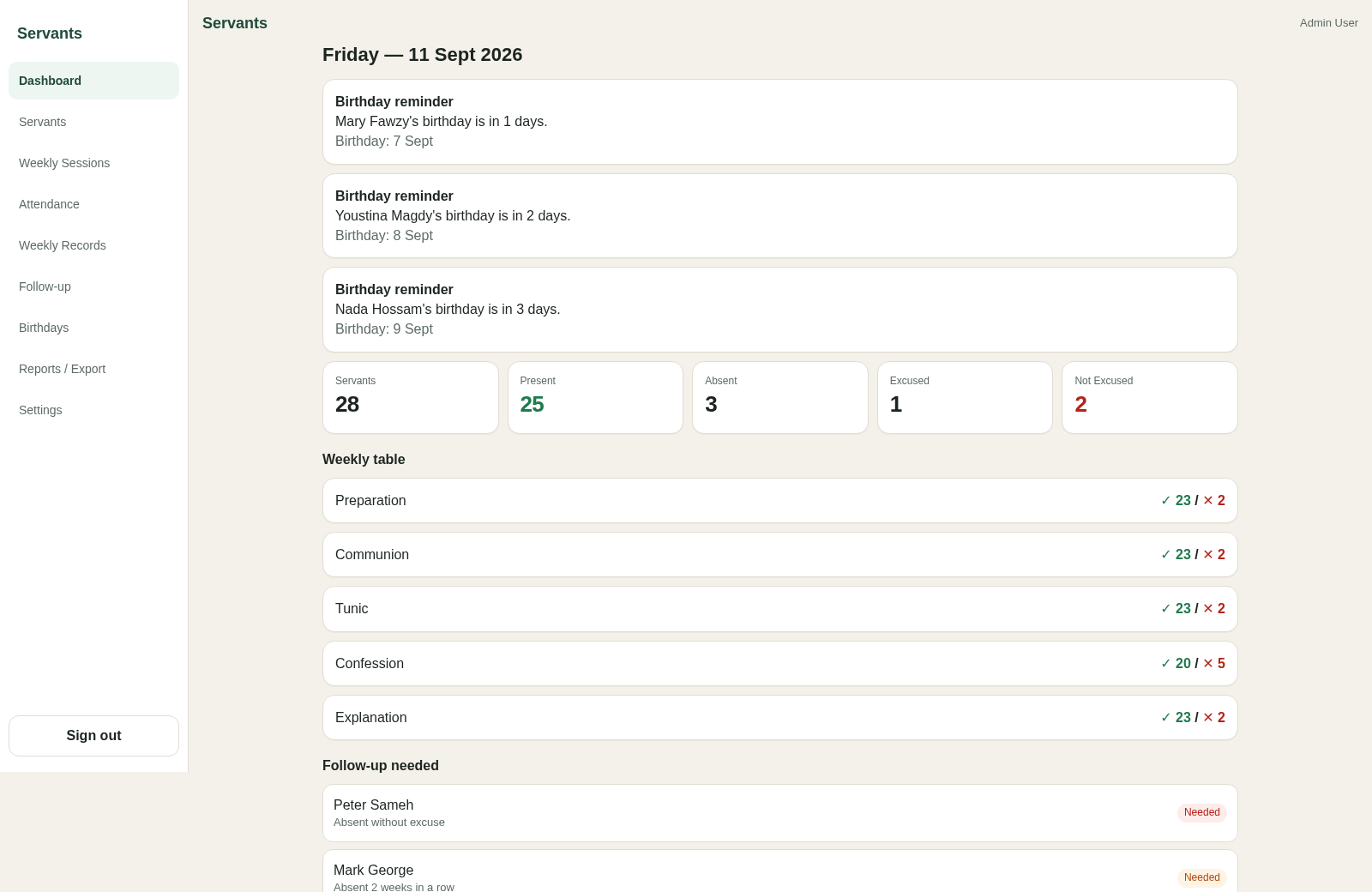
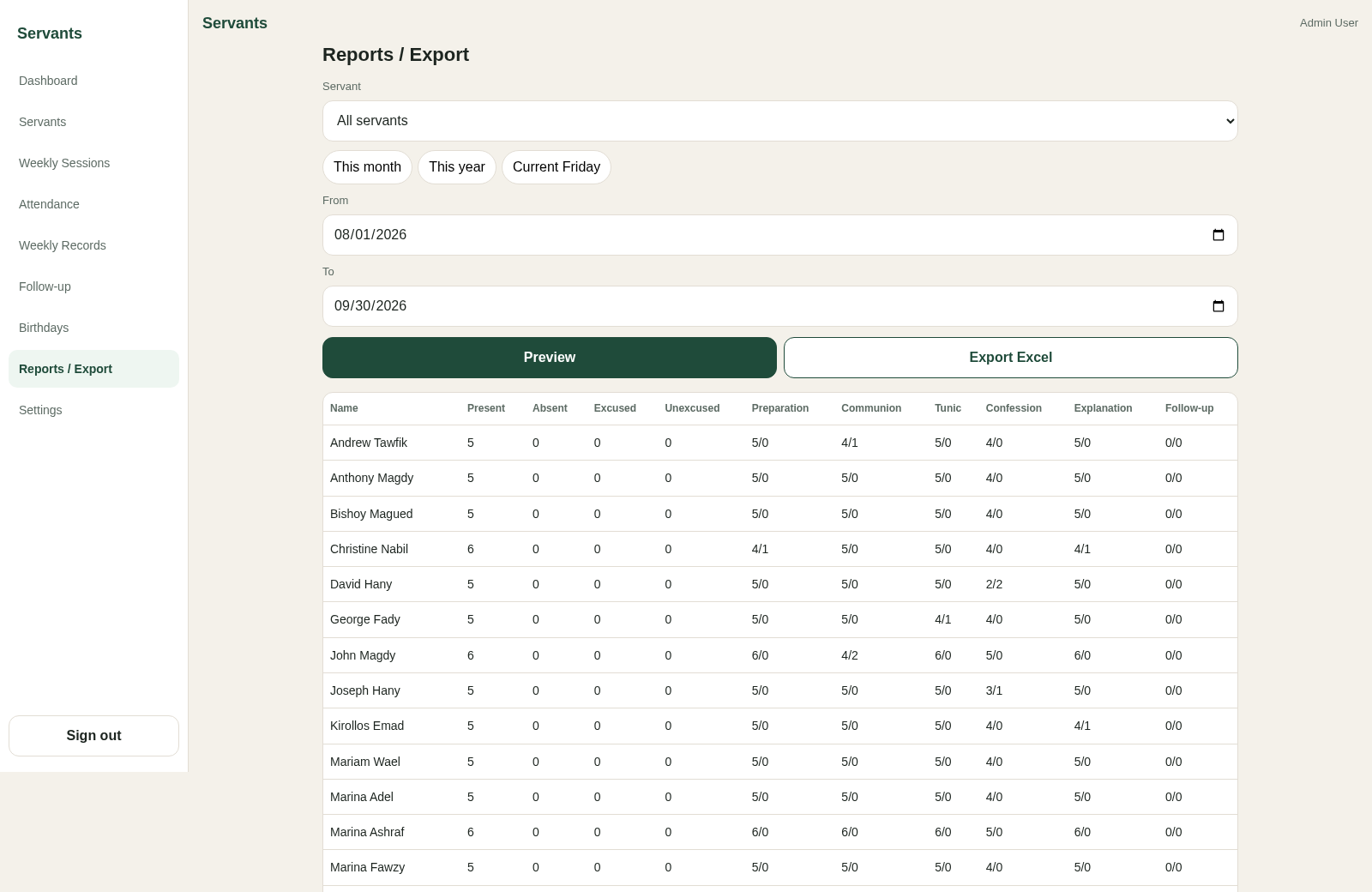
Track church servants, weekly attendance, ministry records, follow-up needs, and reports from one dashboard.
Servants is an authenticated church ministry administration application. Its dashboard summarizes the current Friday session with servant totals, attendance breakdowns, weekly preparation and participation measures, follow-up needs, upcoming birthdays, and recent session status. Administrators can maintain servant profiles, import or export Excel data, print QR cards, record attendance by scanning a QR code or entering a servant code, review weekly records, manage follow-up, and generate date-filtered reports for all servants or a selected person.
Highlights
Attendance Check-In
QR and code entry
Weekly Records
Five service measures
Follow-Up Alerts
Flags attendance needs
Detailed Reports
Preview and export
How to Use
Sign in with the demo account
Open the login page and use the displayed demo email and password. After successful authentication, the application opens the dashboard with the current session summary, reminders, and navigation to every management area.
Review or maintain servant records
Open Servants to search the directory, view names and codes, add a new profile, edit or deactivate an existing record, import an Excel file, export the list, or open the printable QR card page.
Record session attendance
Open Attendance, choose a Friday session, then scan a servant QR card or enter a servant code and select Check In. The attendance list displays each person with a time and present state or an absence classification.
Preview ministry reports
Open Reports / Export, choose all servants or one person, select a preset period or enter a date range, and select Preview. The page produces a table covering attendance, excuses, weekly measures, and follow-up counts, with an Excel export option available.
Similar Sites
 14
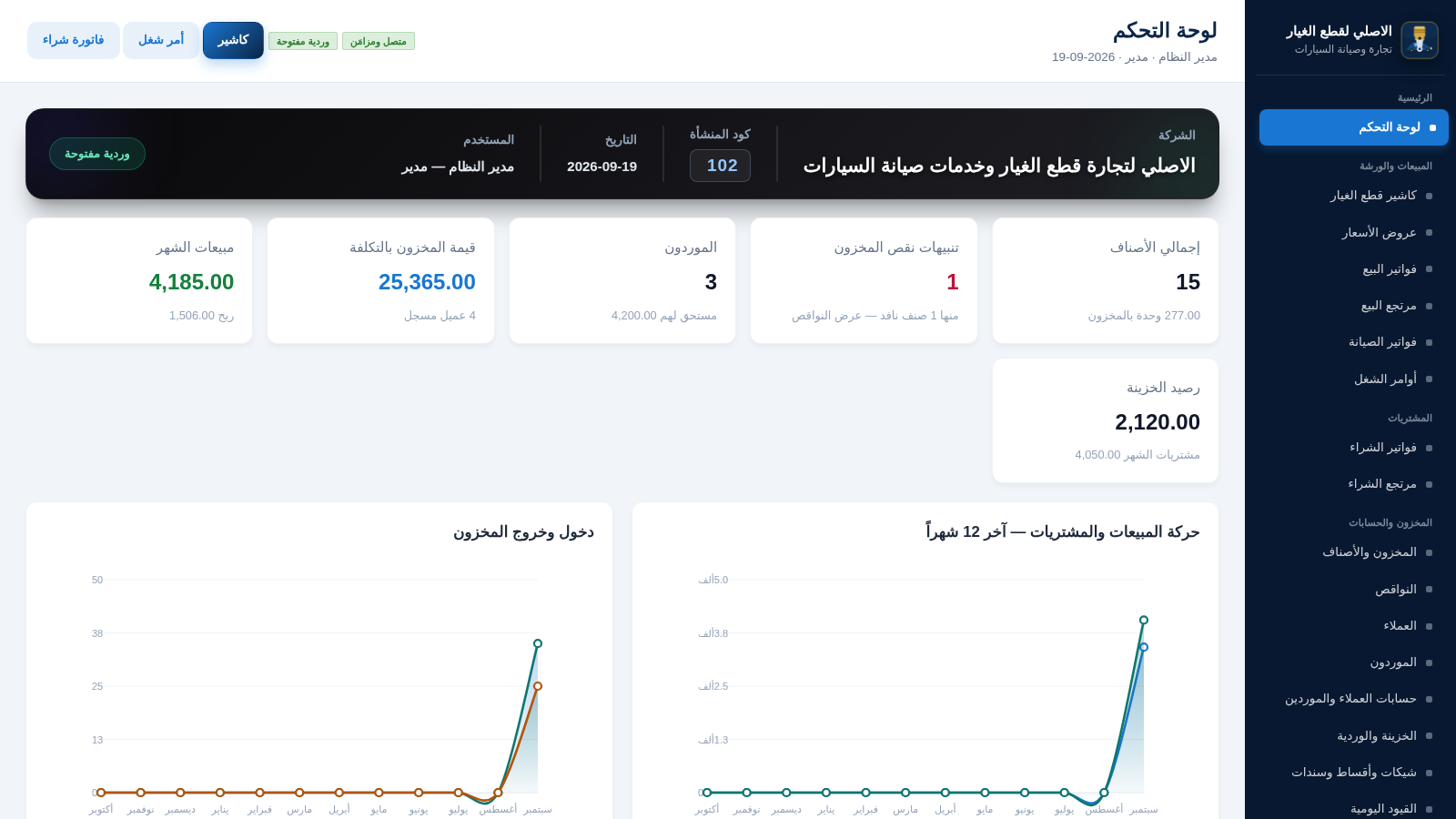
14الاصلي لقطع الغيار
نظام ERP عربي لمحل قطع غيار وصيانة السيارات
 13
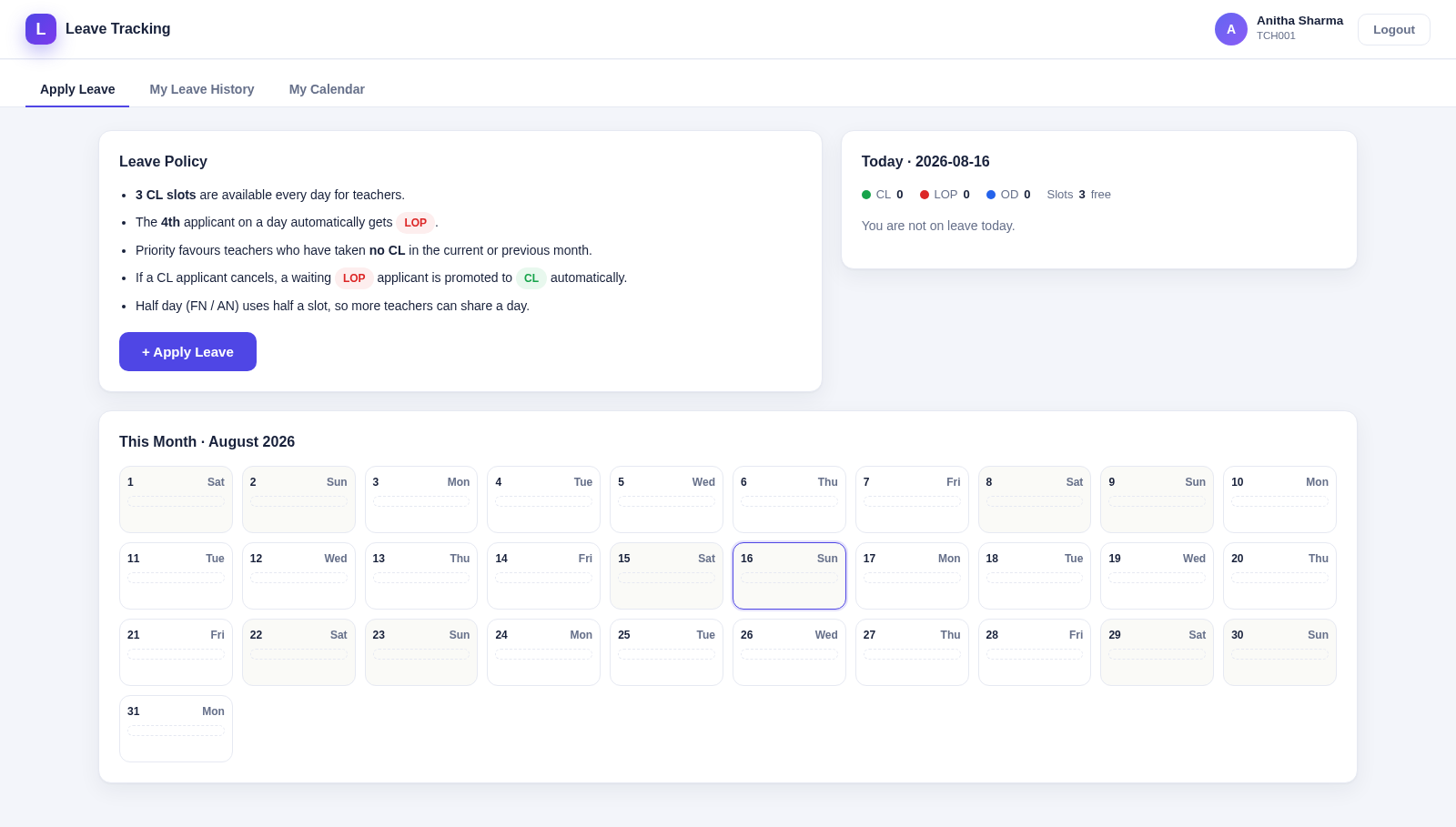
13Leave Tracking System
Teacher leave tracker: CL/LOP/OD, daily slots, calendars & CSV import
 12
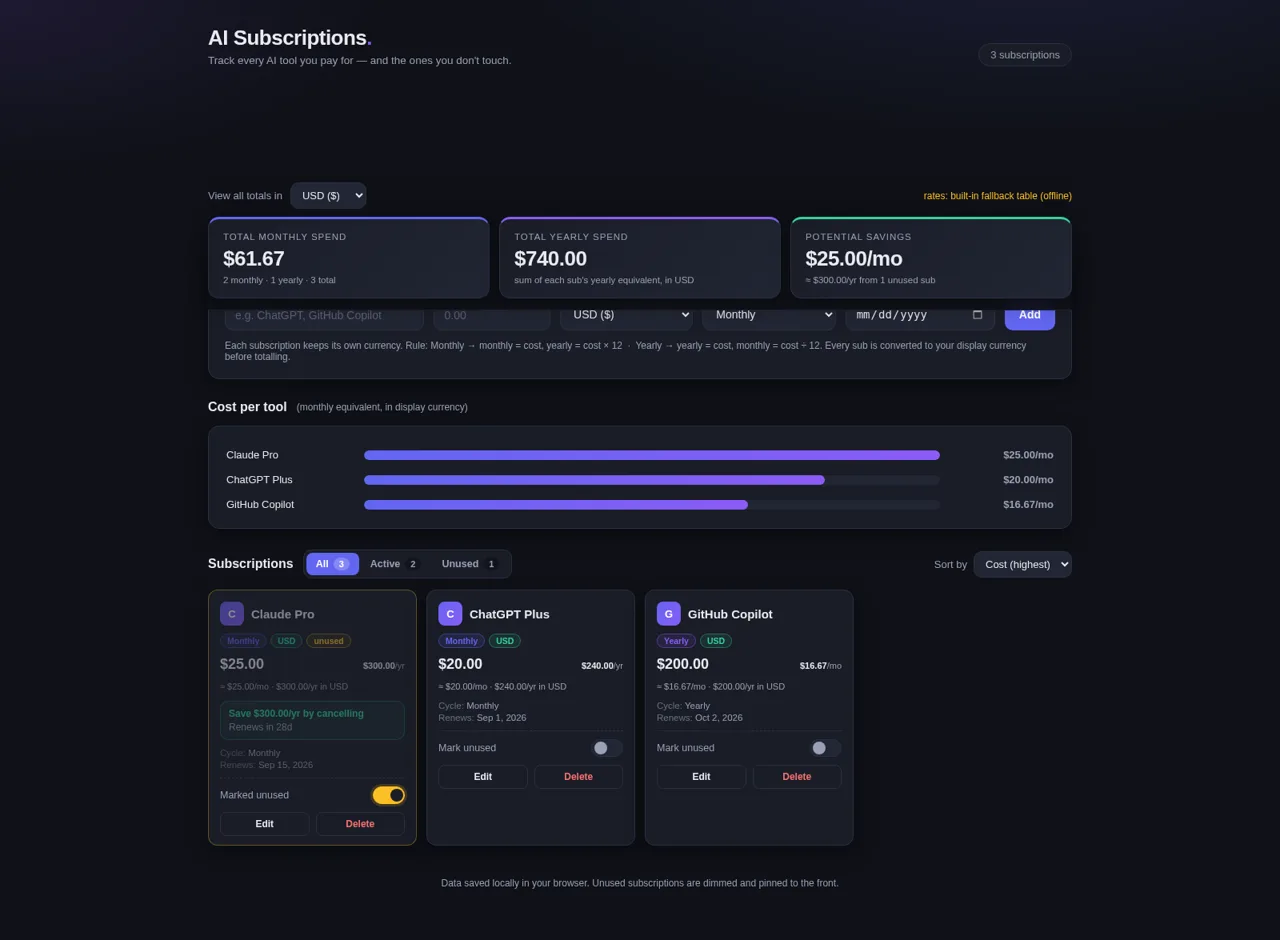
12AI Subscriptions Tracker
Track every AI tool you pay for — and the ones you don't touch.
 5
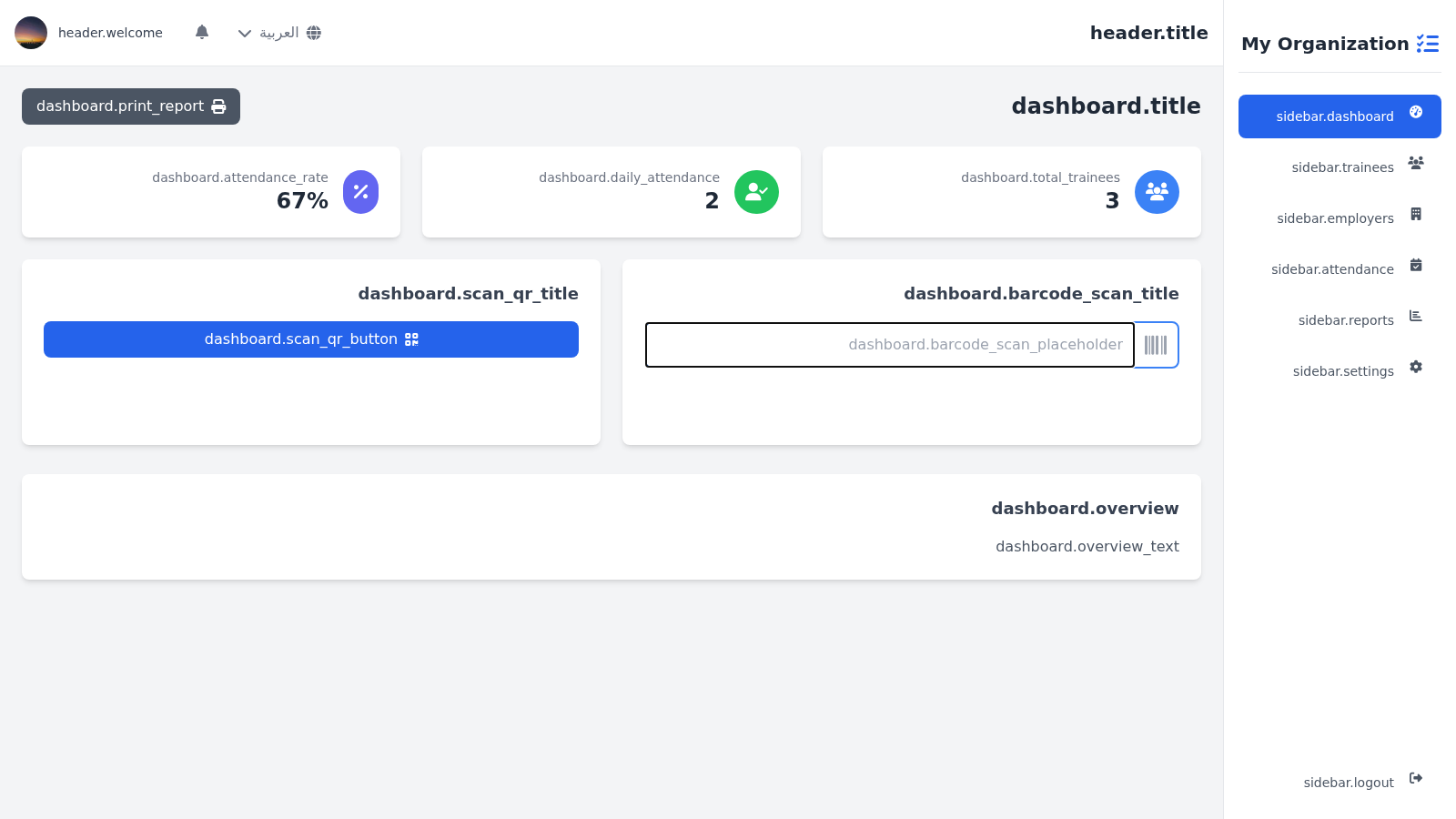
5Gestion des Stagiaires
Gestion des stagiaires, presence et evaluations
 3
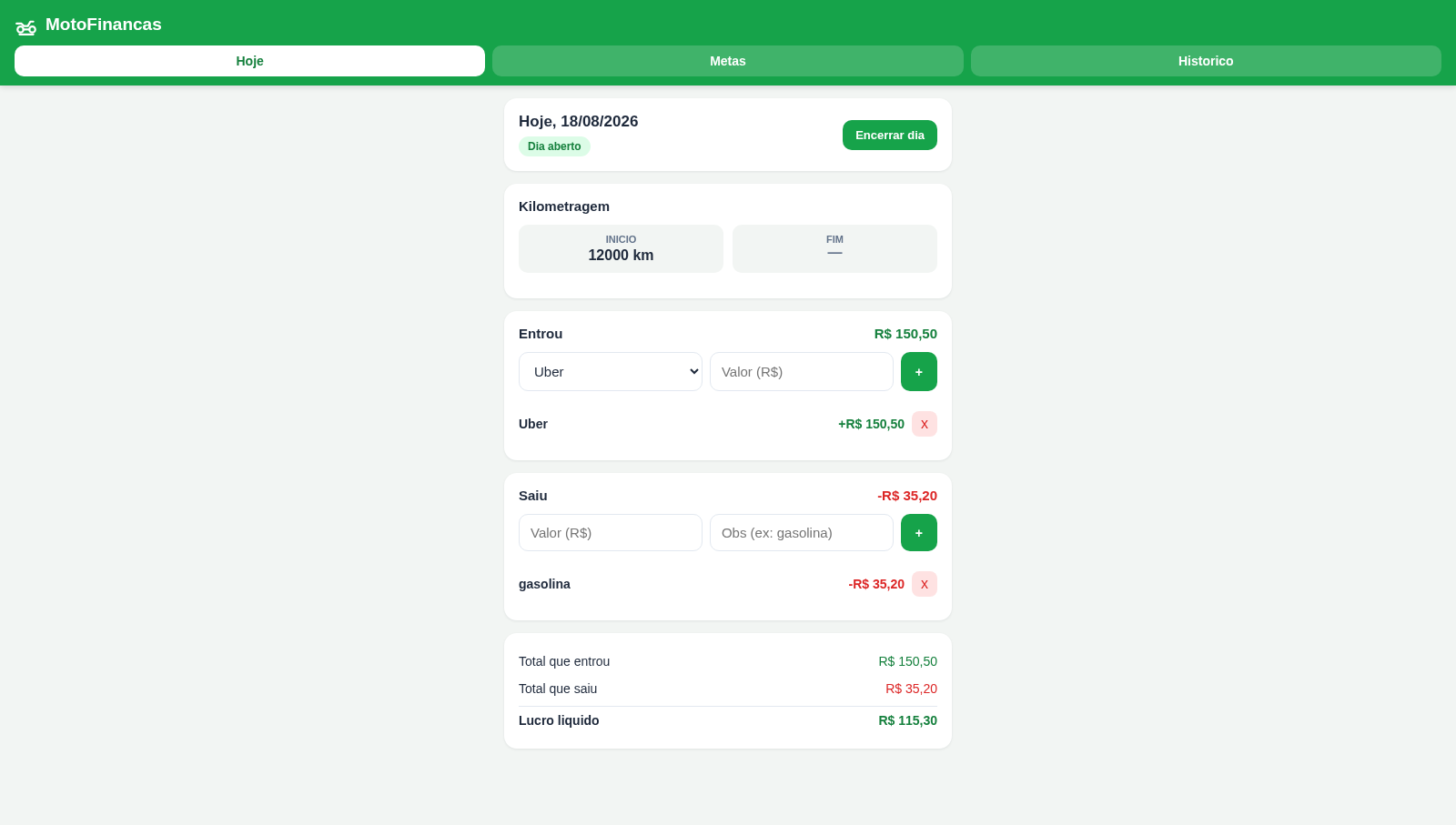
3MotoFinancas
Controle diário de ganhos e gastos com metas de economia para motoboy
 3
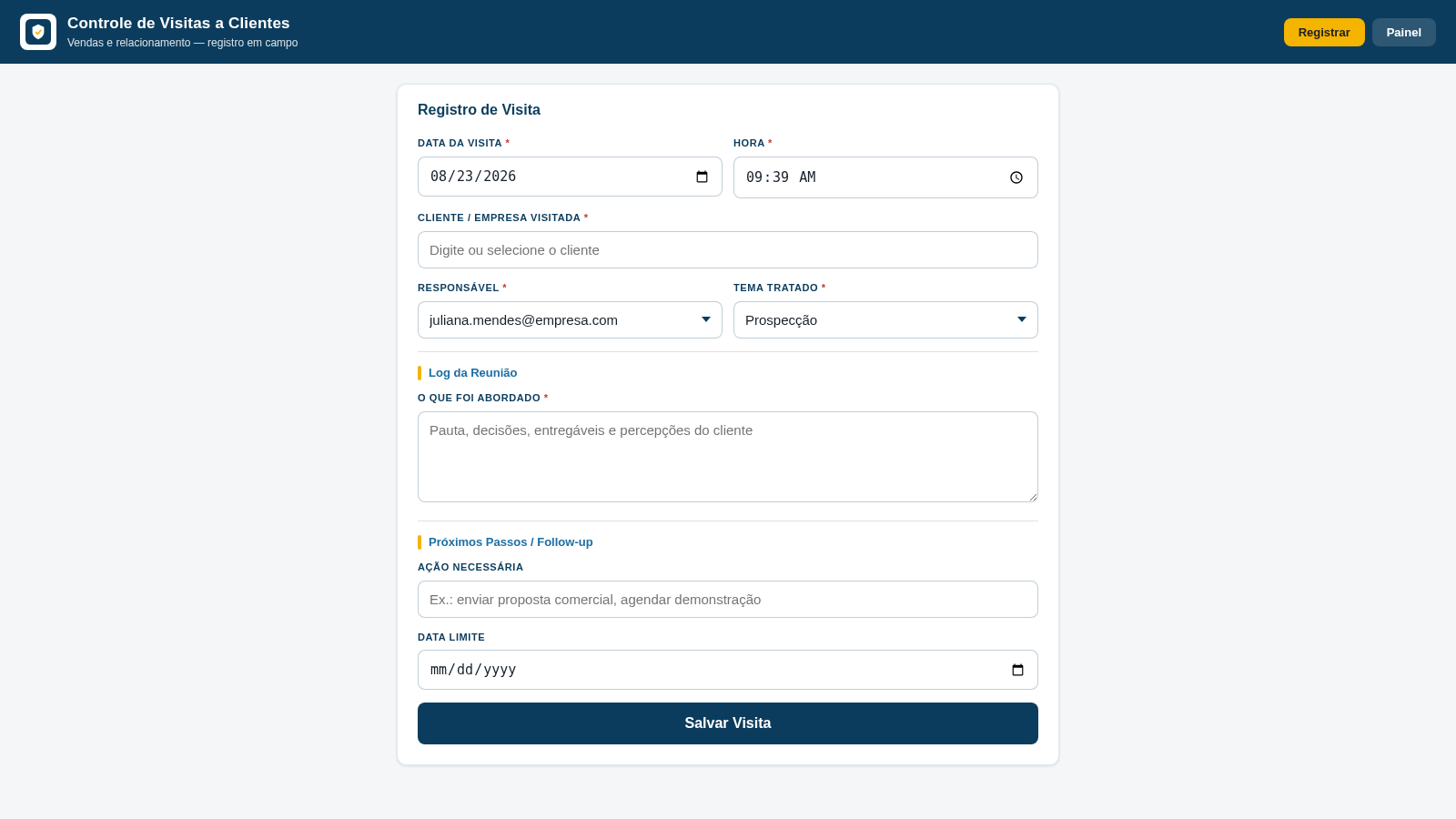
3Controle de Visitas a Clientes
Registro de visitas, temas tratados e follow-ups para equipes de vendas.