
Trilum — Layered Strategy Game
Stack three layers, cast shadows and link a network to win
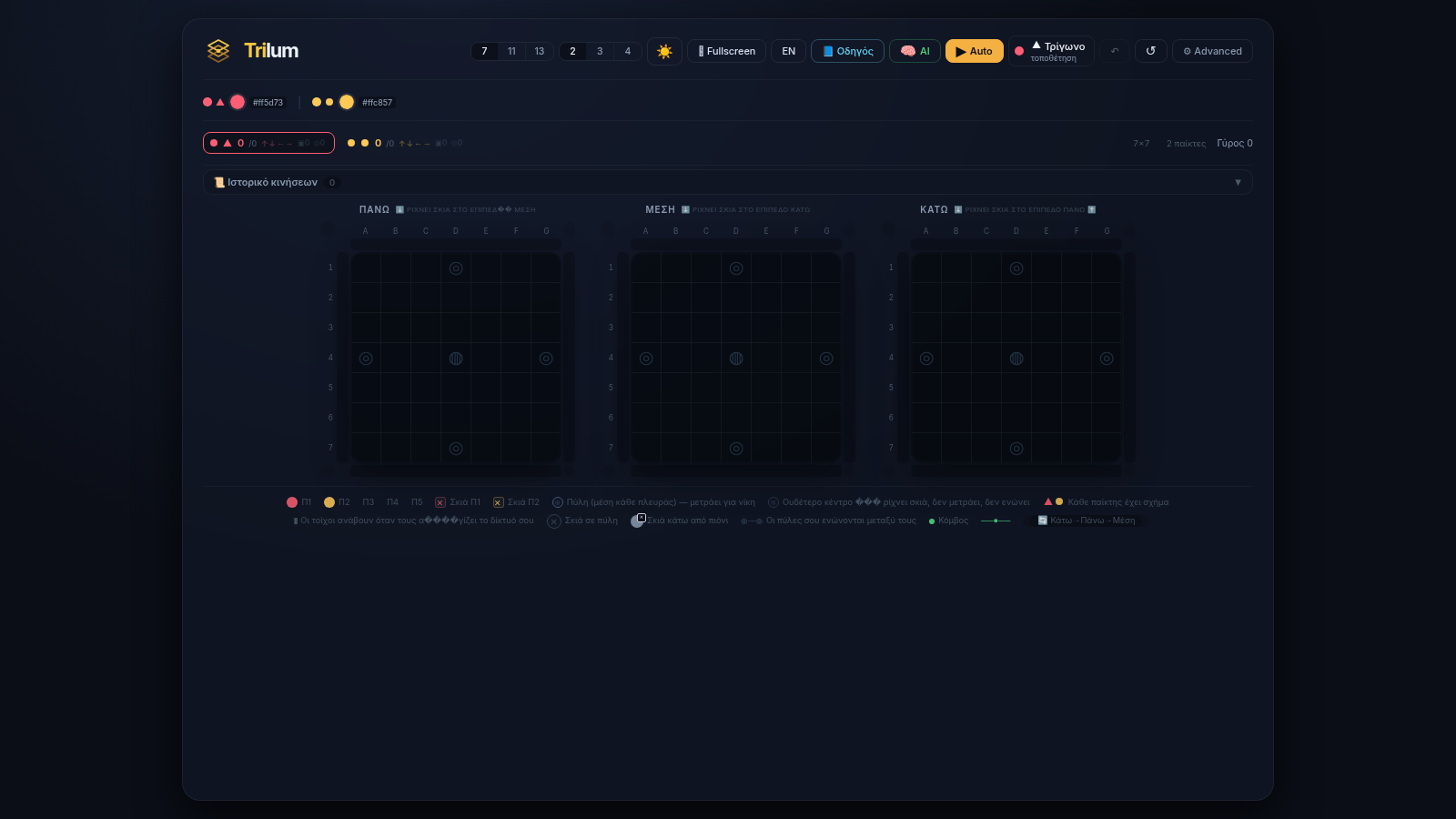
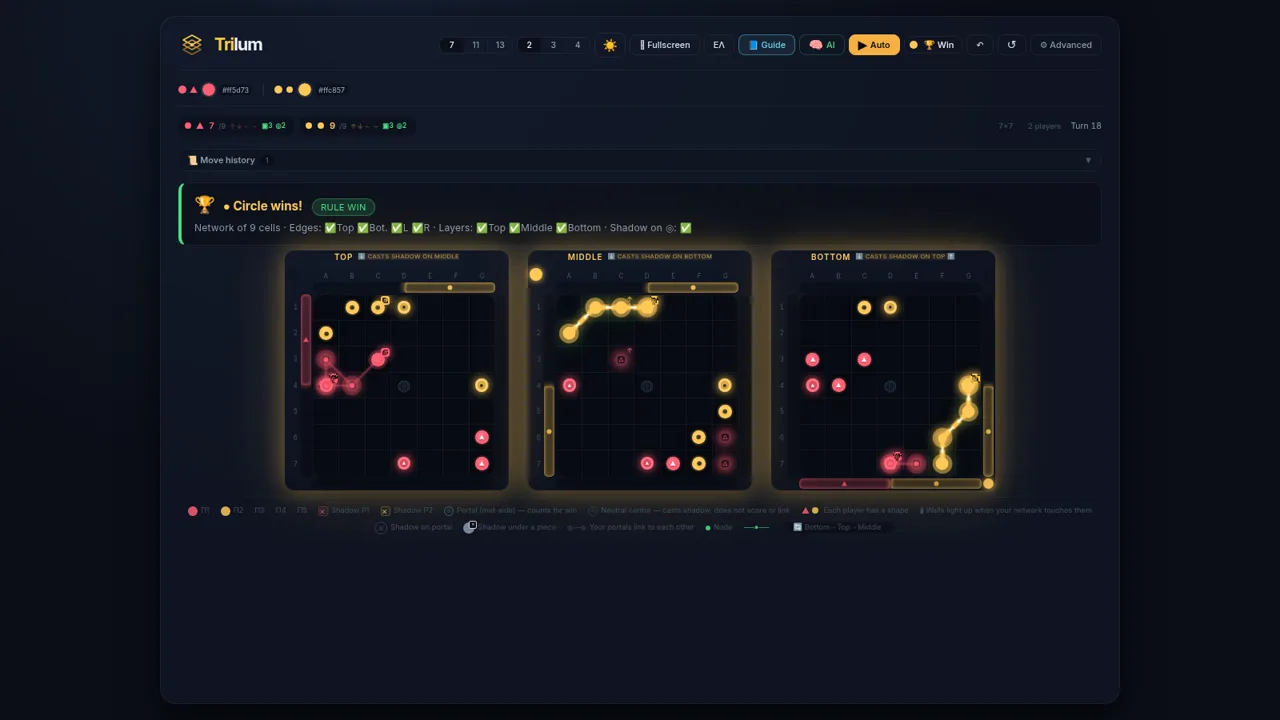
Trilum is a turn-based abstract strategy game that runs entirely in the browser. It is played on three stacked 7x7 boards named Top, Middle and Bottom. On each turn a player clicks an empty cell on the active layer to place a piece, and that piece casts a shadow onto the next layer: Top casts onto Middle, Middle onto Bottom and Bottom wraps back to Top. The goal is to build the largest connected shadow network that touches all four outer edges, reaches all three layers and passes through at least one portal. Players can face an adjustable AI or share the board with up to five participants, and a nine step tutorial, move history, replay, Auto play and several rule variants are included.
Highlights
Three-layer boards
Pieces cast shadows
Portal win rule
Edges plus a portal
Tutorial guide
Step by step lessons
Rule variants
Try alternate rules
AI opponent
Adjustable AI
Replay and Auto
Review or auto play
How to Use
Open the game
Load the page and the three boards appear immediately with no account or install. The interface starts in Greek; the language button in the top bar toggles between Greek and English, and there is also a light and dark theme switch and a fullscreen button.
Learn the rules
Press Guide to step through a short interactive tutorial that explains the three layers, how a placement casts a shadow onto the next layer, and the win condition of a connected network that touches all four edges and a portal. You can skip it at any time and reopen it later.
Place your pieces
Click any highlighted cell on the active layer to place a piece. Its shadow appears on the target layer, the walls it touches light up, and the score badges for network size, edges, layers and portals update right away while the turn counter advances.
Adjust the match
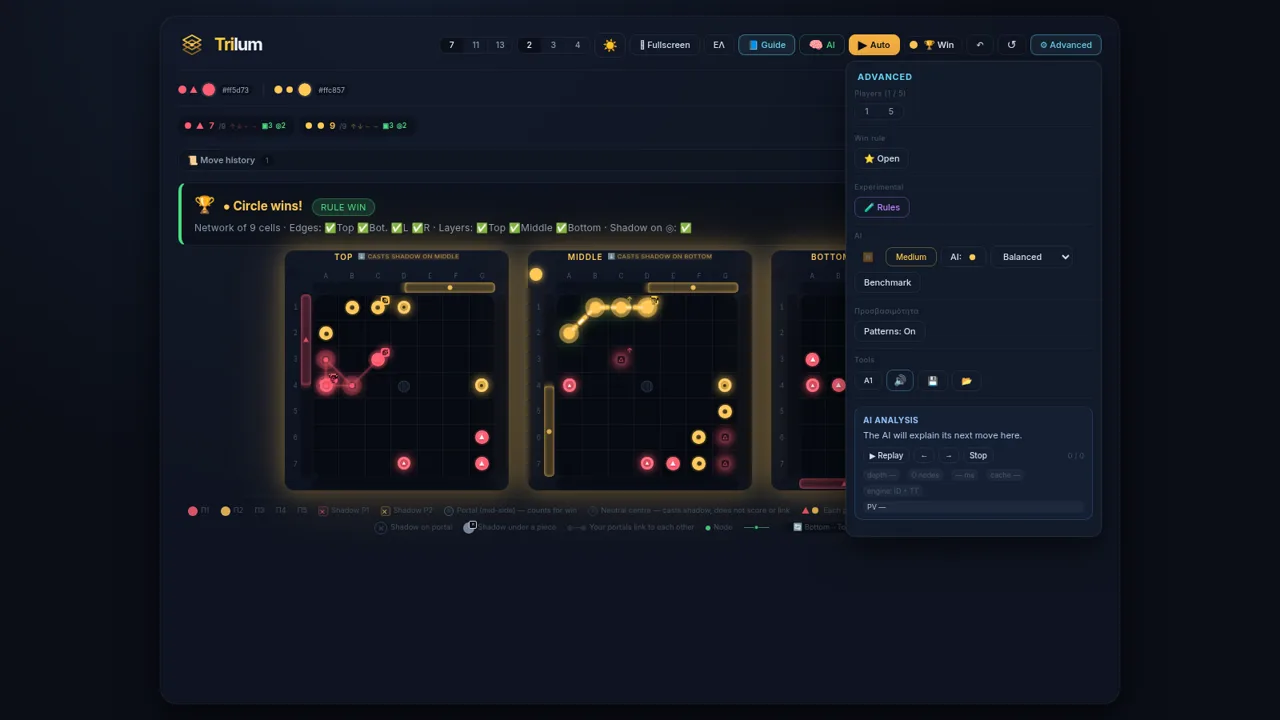
Use the top bar to choose a board size (7, 11 or 13) and a player count (2 to 5). Open Advanced to set the win rule, AI difficulty and AI style, or to enable experimental rules such as No Spill, Double Spill, Reverse Shadow and Sudden Death 30.
Finish or review
Keep placing pieces until one player meets the win condition and the result banner appears with the conditions it satisfied. After that you can use undo, redo, the move history, replay controls or Auto play to study the game and repeat it.
Similar Sites
 2
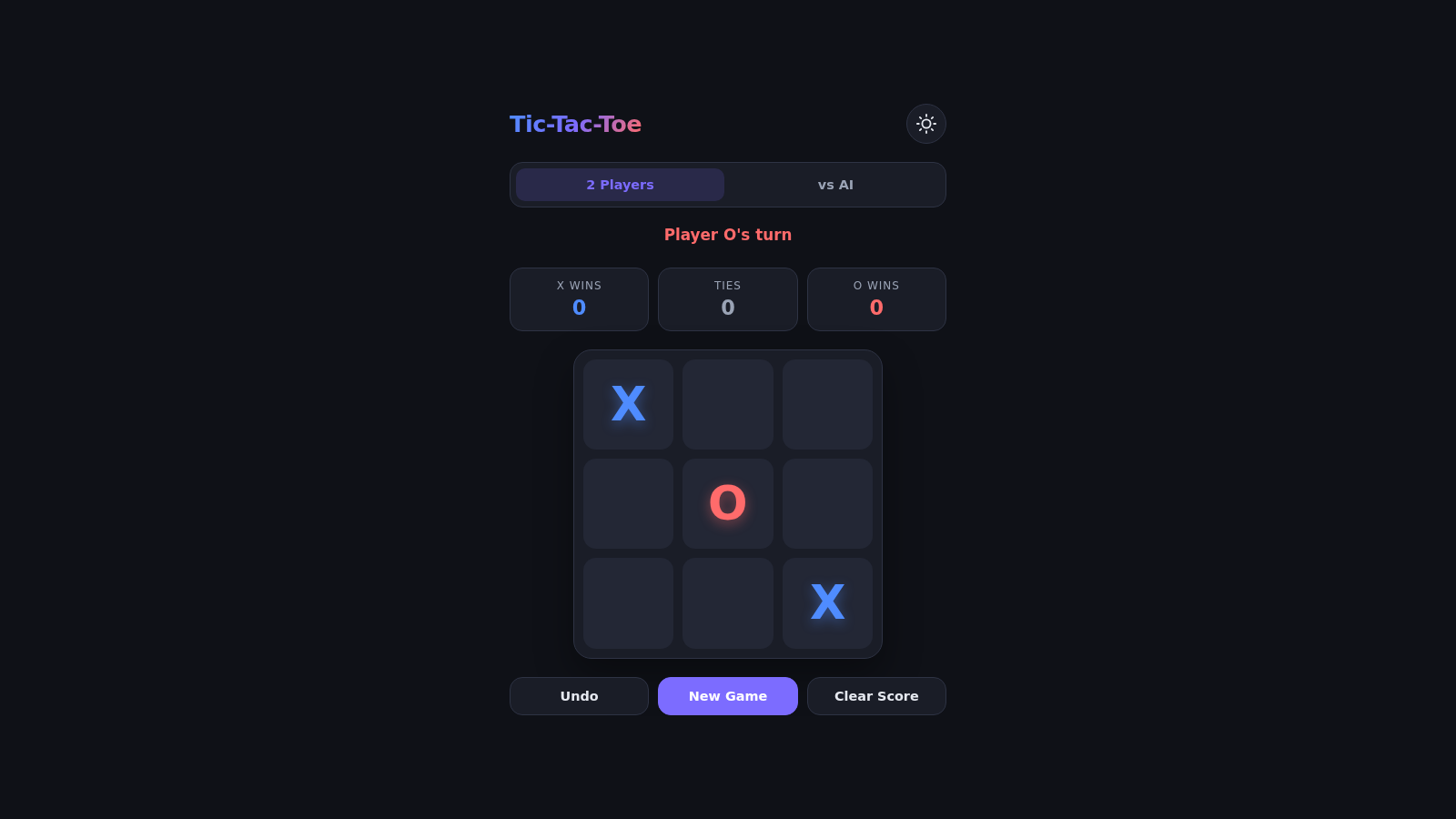
2Tic-Tac-Toe
A zero-dependency Tic-Tac-Toe game with unbeatable AI.
 1
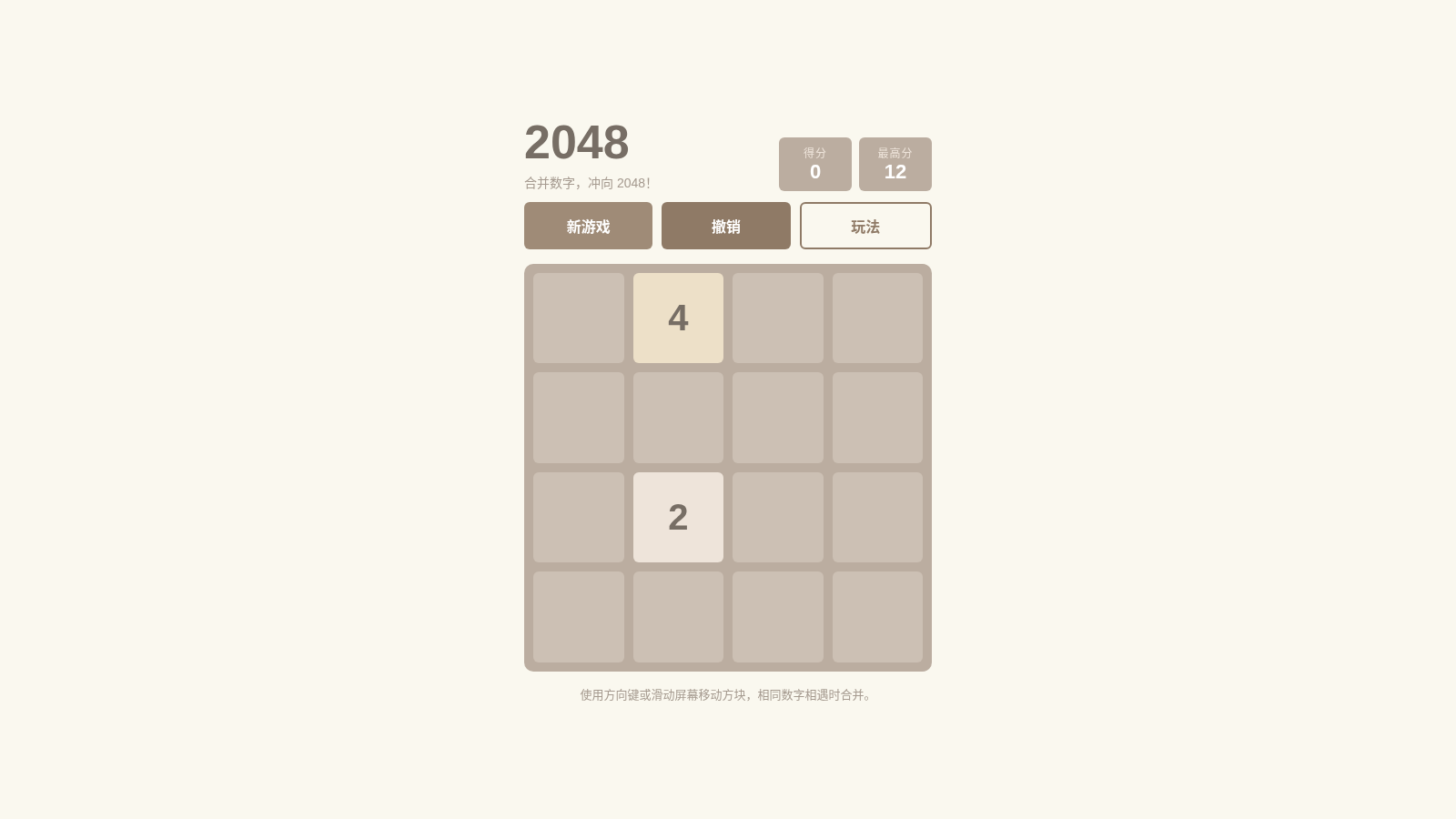
12048
Classic 2048 number-merging mini game. Use the arrow keys or swipe the screen; when identical number tiles meet, they merge — push for a higher score!
 62
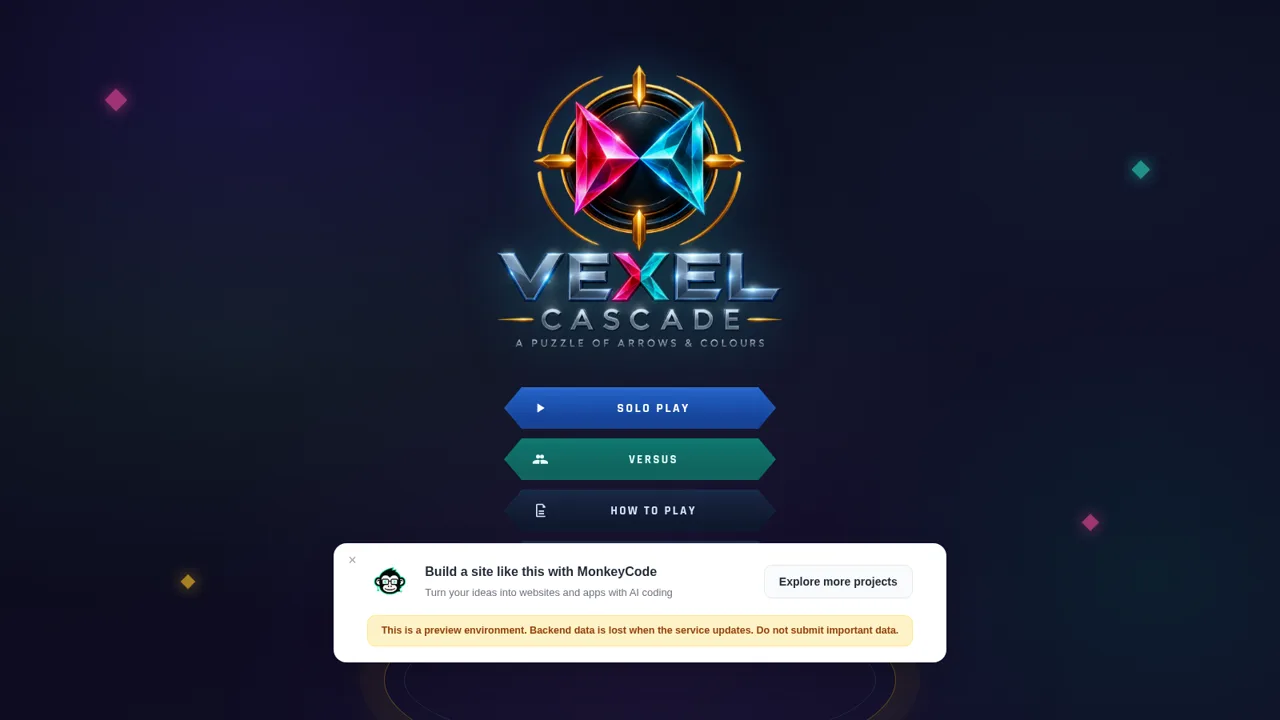
62Vexel: Cascade
Directional arrow puzzle with solo and versus rooms
 60
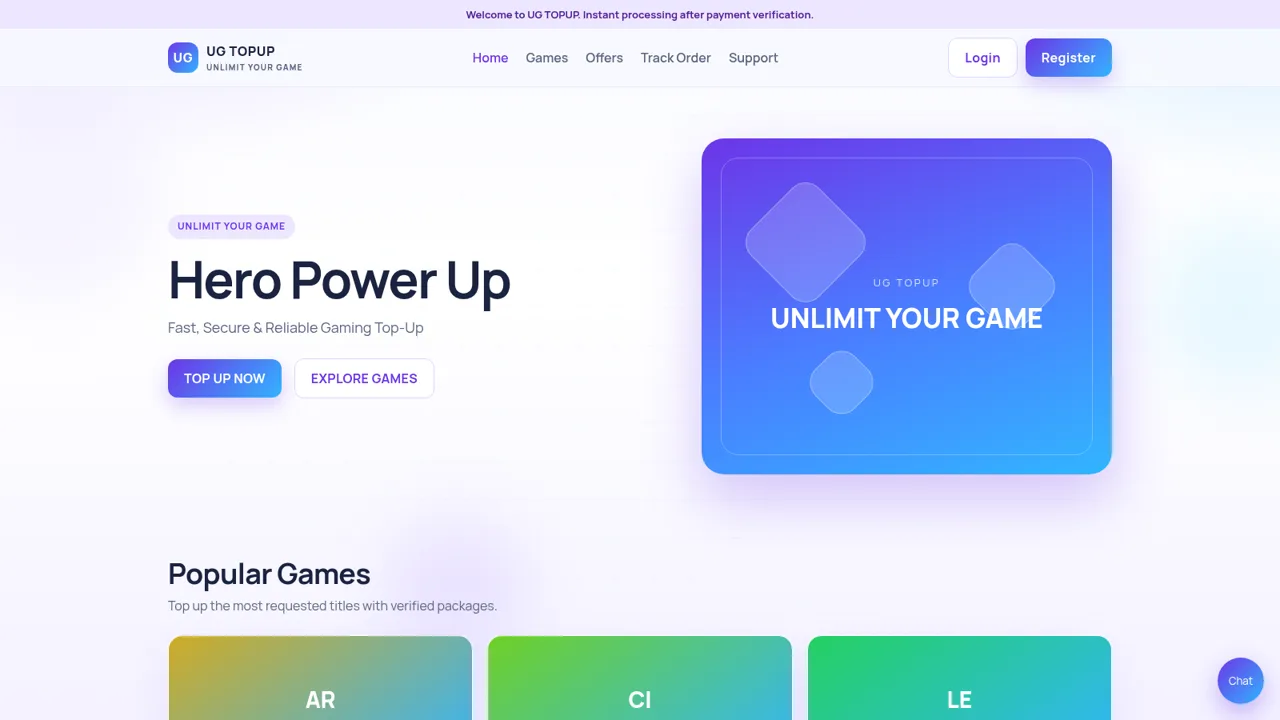
60UG TOPUP
Fast, secure gaming top-up for diamonds, UC, coins and crystals.
 45
45Turbo Rush 3D
3D racing game - dodge traffic, grab nitro, and cross the finish line first
 42
42GameStore
Gift cards, Robux, contas e skins com entrega automatica.