
GameStore
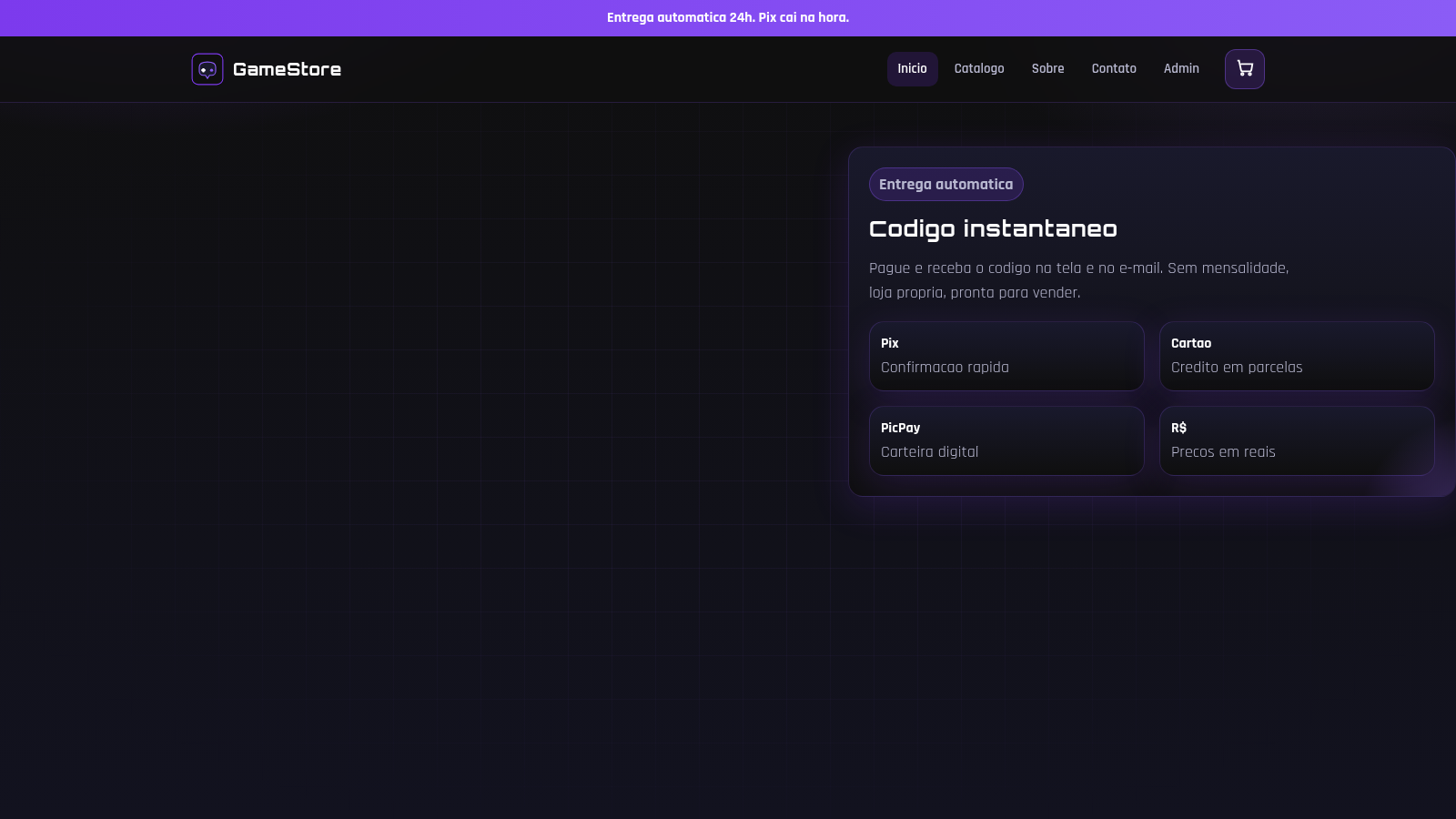
A gamer storefront for instant digital buys: cards, Robux, accounts, skins and items.
GameStore is a Brazilian online store for digital game goods. Visitors can browse a catalog of gift cards for Google Play, Steam, PlayStation, Xbox and Netflix, Robux packs, Roblox, Free Fire and Valorant accounts, skins, diamonds and UC. Each product page shows a large illustration, a description, the price in reais, the current stock and a quantity selector. Shoppers add items to a sliding cart drawer, adjust quantities, then complete a guest checkout that asks for name, e-mail, WhatsApp and CPF and lets them choose Pix, credit card or PicPay. After confirming, an order page displays the order number and the delivered redemption code together with a purchase summary and a button back to the catalog.
Highlights
Instant delivery
Code after payment
Wide game catalog
Robux, cards, skins
Multiple payments
Pix, card and PicPay
Guest checkout
No account required
Cart and search
Filter by category
How to Use
Browse the catalog
Open the Catalogo page to see every product. Use the Todos, Gift Cards, Robux, Contas, Skins e Itens and Outros buttons or the search box to narrow the list, then click a product card to open its detail page.
Check a product
The product page shows the illustration, the description, the price in reais and the current stock. Set the quantity with the minus and plus buttons and press Adicionar ao carrinho to place the item in the cart.
Review the cart
A cart drawer opens on the right. It lists each item and its price, lets you change quantities with minus and plus, shows the total and offers the Finalizar compra button that leads to the checkout page.
Complete the checkout
Enter your full name, e-mail, WhatsApp and CPF, add any game ID or nick in the observations field, and pick Pix, Cartao de credito or PicPay. Press Confirmar pedido to place the order.
Get your code
After confirmation the order page displays the order number and the delivered redemption code along with a summary of the purchase. Use Comprar de novo to return to the catalog, and save the code before leaving.
Similar Sites
 421
421Smile Patisserie
Smile Patisserie menu: cakes, oriental, bakery, and WhatsApp cart
 500
500حاسبة رسوم الجمعية
حاسبة رسوم الجمعية لوكلاء Money Fellows — حساب القسط وصافي القبض شهر بشهر.
 51
51SGI CONTROL
Sistema Integrado de Gestão da Qualidade (ISO 9001) com painel B2B multiempresa
 126
126Agenda de Pedidos - Confeitaria
Agenda digital de pedidos para confeitaria com integração WhatsApp
 49
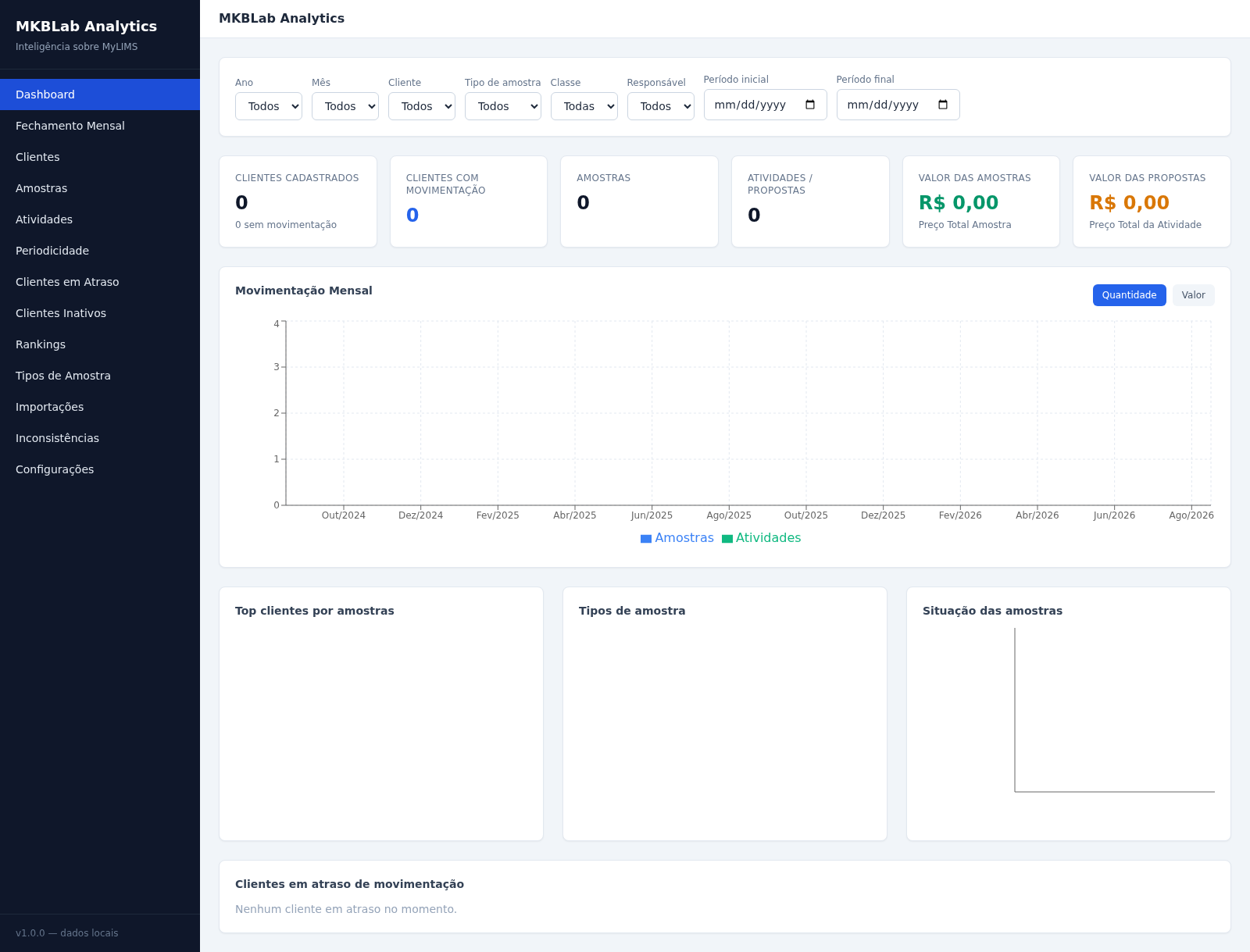
49MKBLab Analytics
Dashboard gerencial com importação de relatórios XLSX do MyLIMS
 71
71Breno's Pizza
Breno's Pizza. Muito mais que pizza, servimos momentos inesqueciveis! Peça a sua pizza pelo WhatsApp.