
UG TOPUP
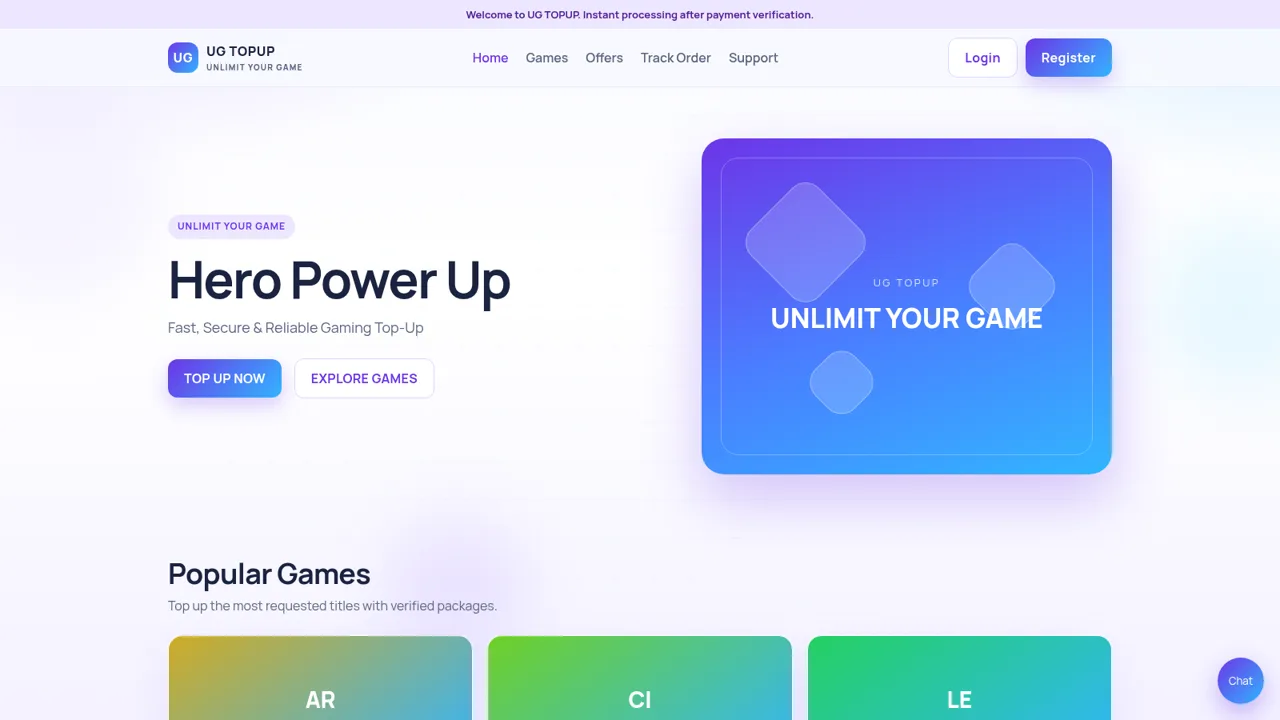
Choose a game package, create a top-up order, submit transfer proof, and track delivery online.
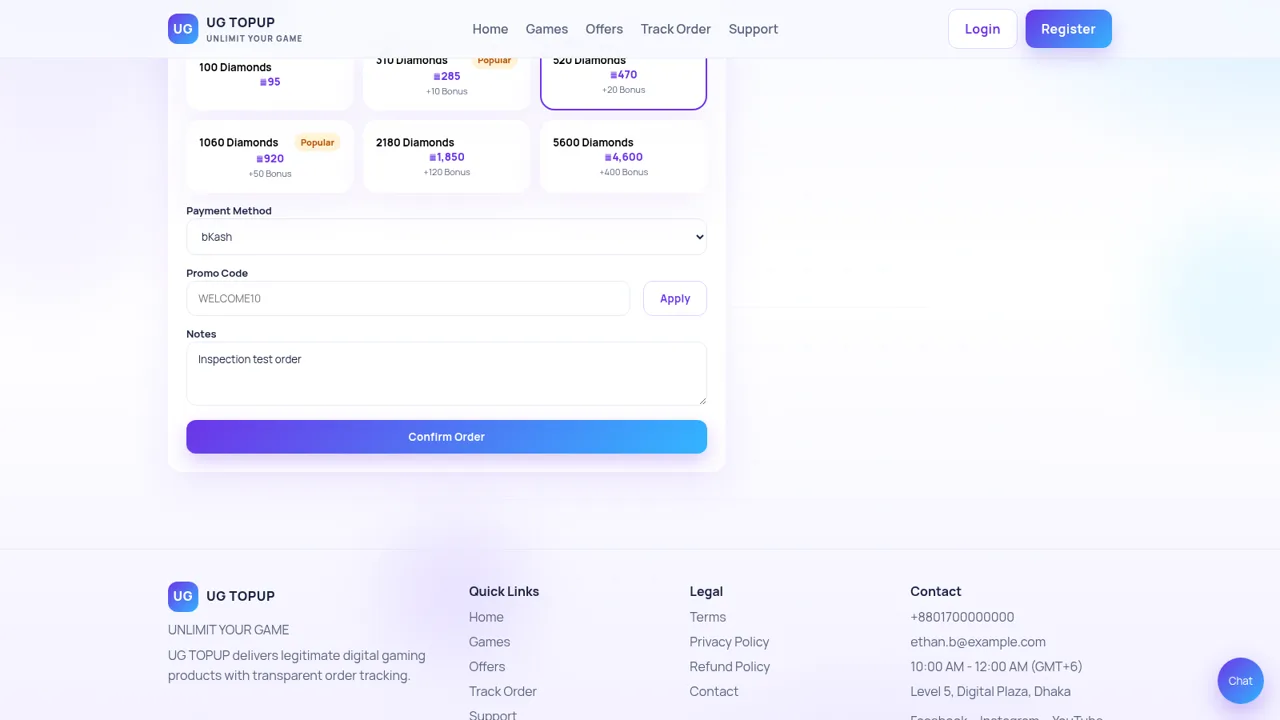
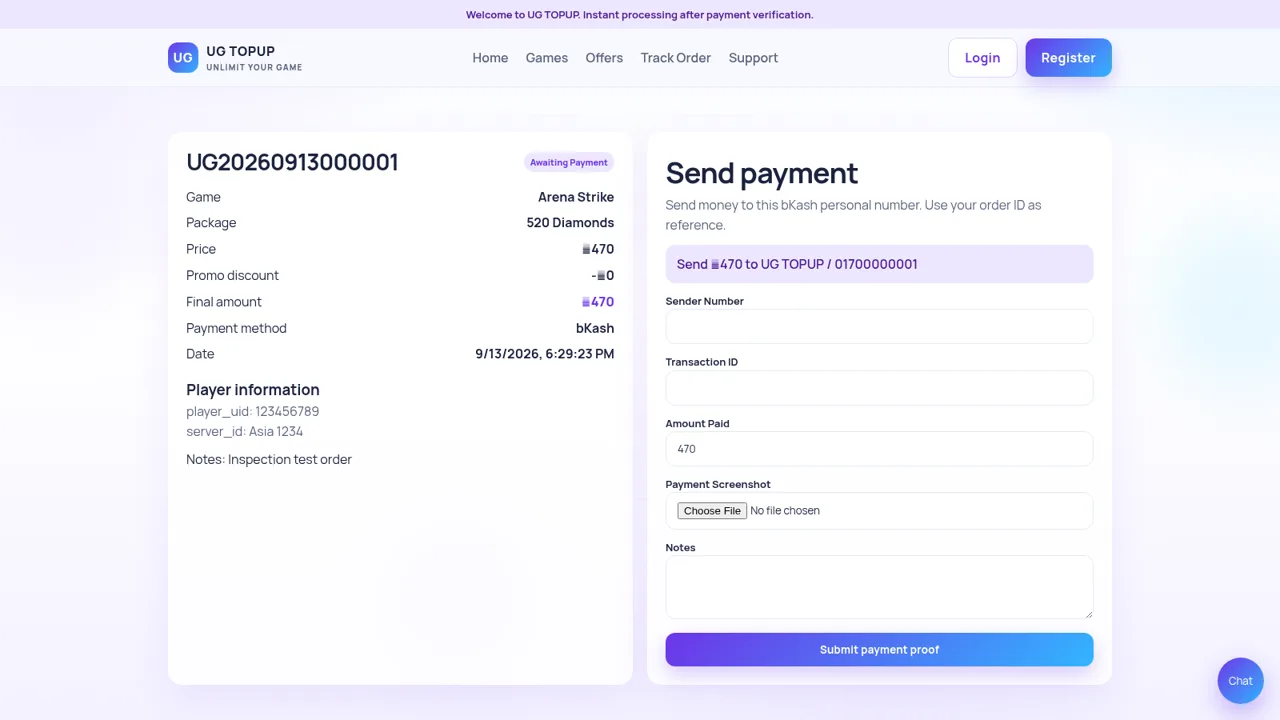
UG TOPUP is a gaming recharge storefront centered on manually verified payments and traceable orders. Its catalog includes titles such as Arena Strike, City Football 25, Legend Arena, Shadow Ops, Mythic Quest, and Speed Kart World. A customer selects a game, enters the required player UID and server information, chooses a currency package and payment method, and confirms the order. The resulting page shows a unique order ID, purchase summary, payment destination, current status, and a form for submitting sender details, transaction ID, amount, screenshot, and notes. The site also provides featured promotions, promo-code entry, order tracking, live chat, support links, account registration, and policy pages.
Highlights
Guided Top-Up
Game-to-order flow
Package Choice
Prices and bonuses
Order Tracking
Unique status IDs
Payment Proof
Transfer verification
How to Use
Choose a game and package
Open the game catalog or the top-up page, select a supported title, and compare the listed currency packages. Selecting a package updates the price, bonus information, and order summary on the same page.
Enter player and payment details
Provide the player UID and server information requested for the selected game, choose a supported payment method, and optionally enter a promo code or notes. Review the final amount in the order summary before continuing.
Create the order
Select Confirm Order to generate a unique order record. The next page displays the chosen game, package, player information, final amount, payment method, creation time, and the current awaiting-payment status.
Send payment proof
Transfer the displayed amount to the payment destination shown on the order page, then enter the sender number and transaction ID, confirm the paid amount, attach a payment screenshot, and submit the proof for manual verification.
Track fulfillment
Keep the generated order ID and use the Track Order entry to revisit status information. Support, live chat, and contact routes are available if payment verification or delivery needs assistance.
Similar Sites
 13
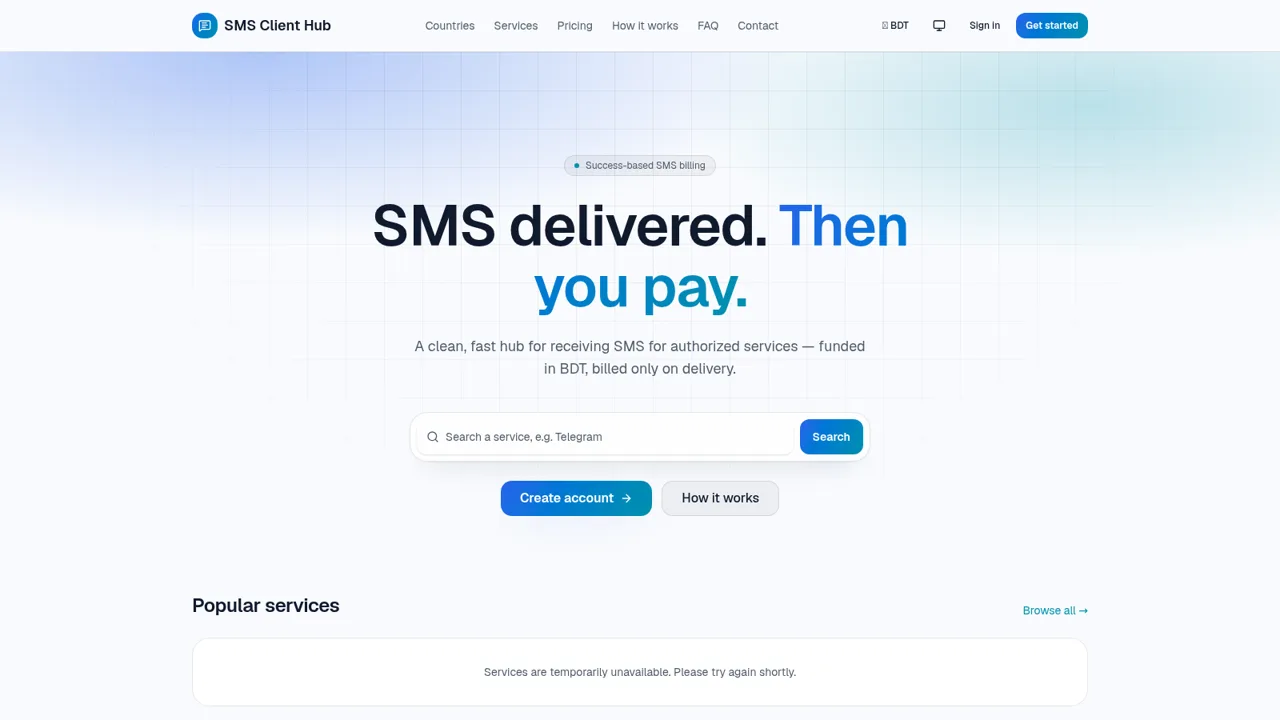
13SMS Client Hub
Success-based SMS services with a BDT wallet.
 26
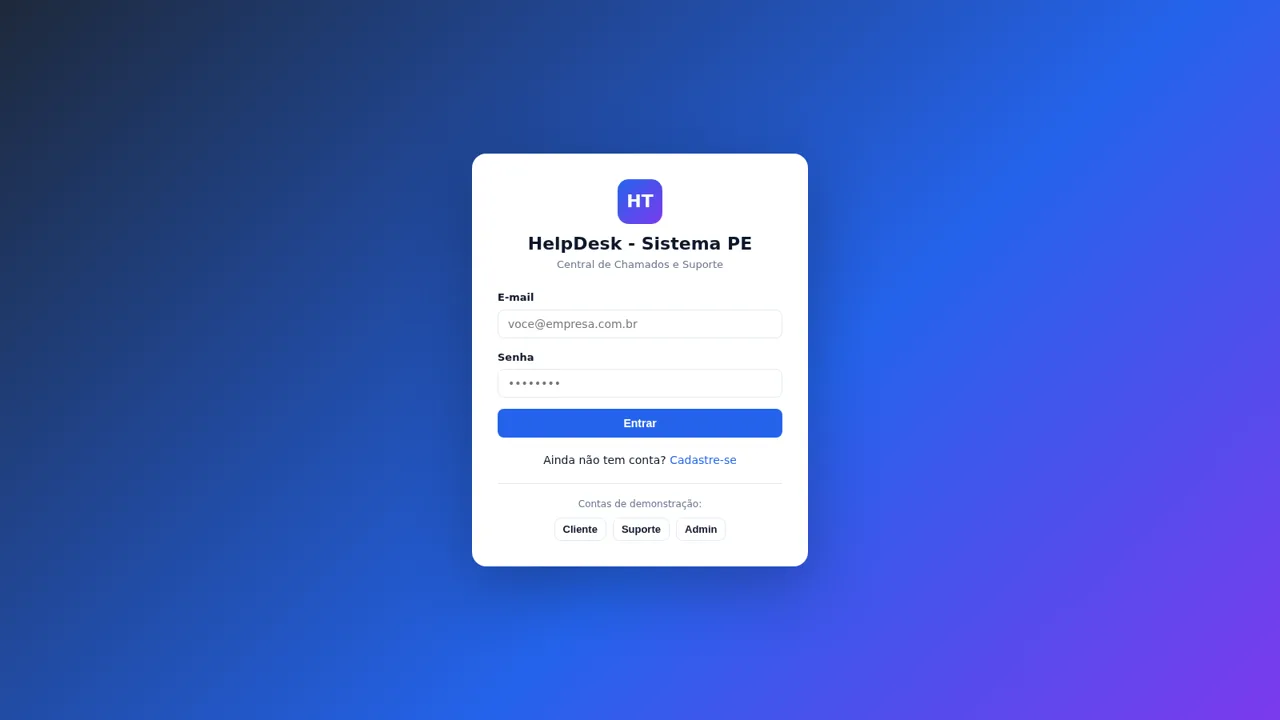
26HelpDesk - Sistema PE
Chamados e suporte com chat, painel admin e configurações de marca
 69
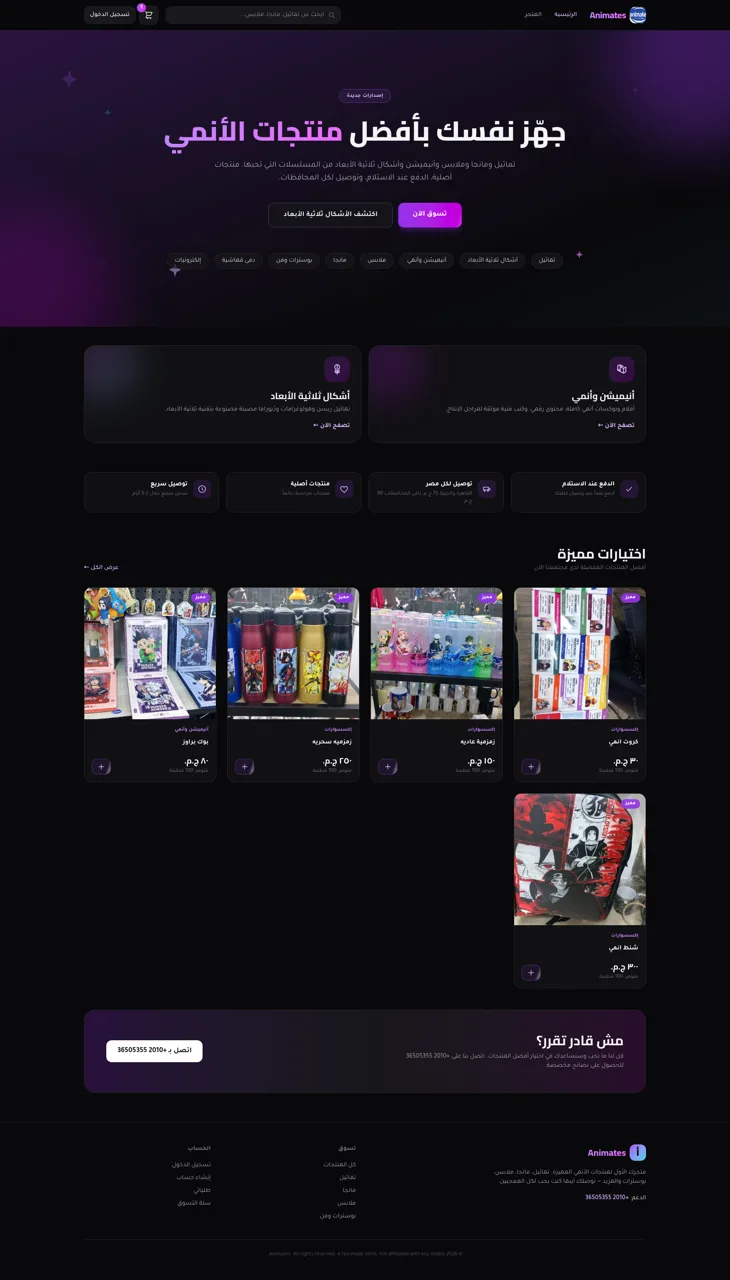
69Animates — Anime Merch Store
Full-stack Arabic RTL anime merch store with COD checkout and admin dashboard
 63
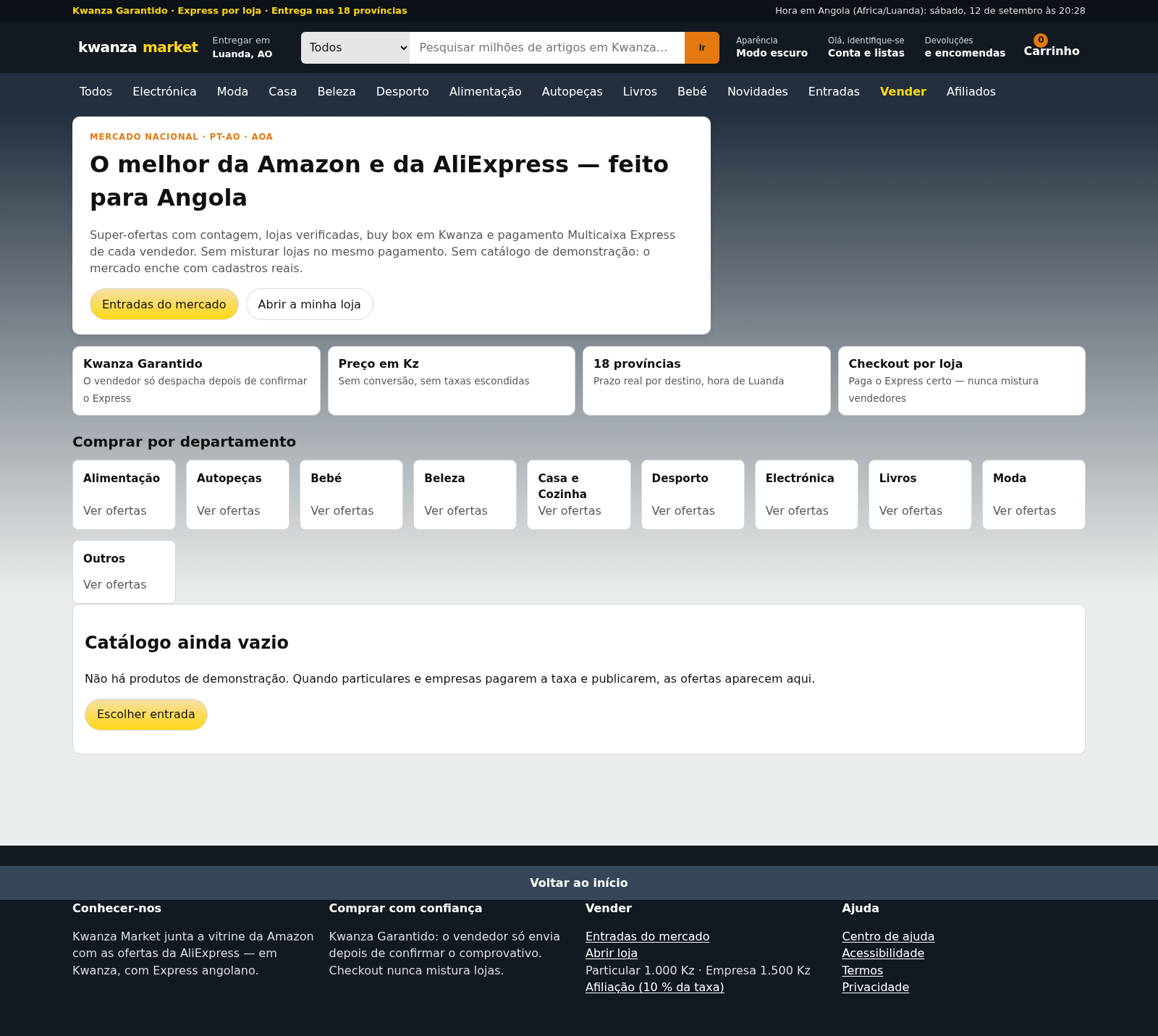
63Kwanza Market
Mercado de Angola: compre e venda em Kwanza com Multicaixa Express.
 56
56Ferreira atelier
Venda de fotografias digitais e impressas com PIX, cartao e boleto.
 49
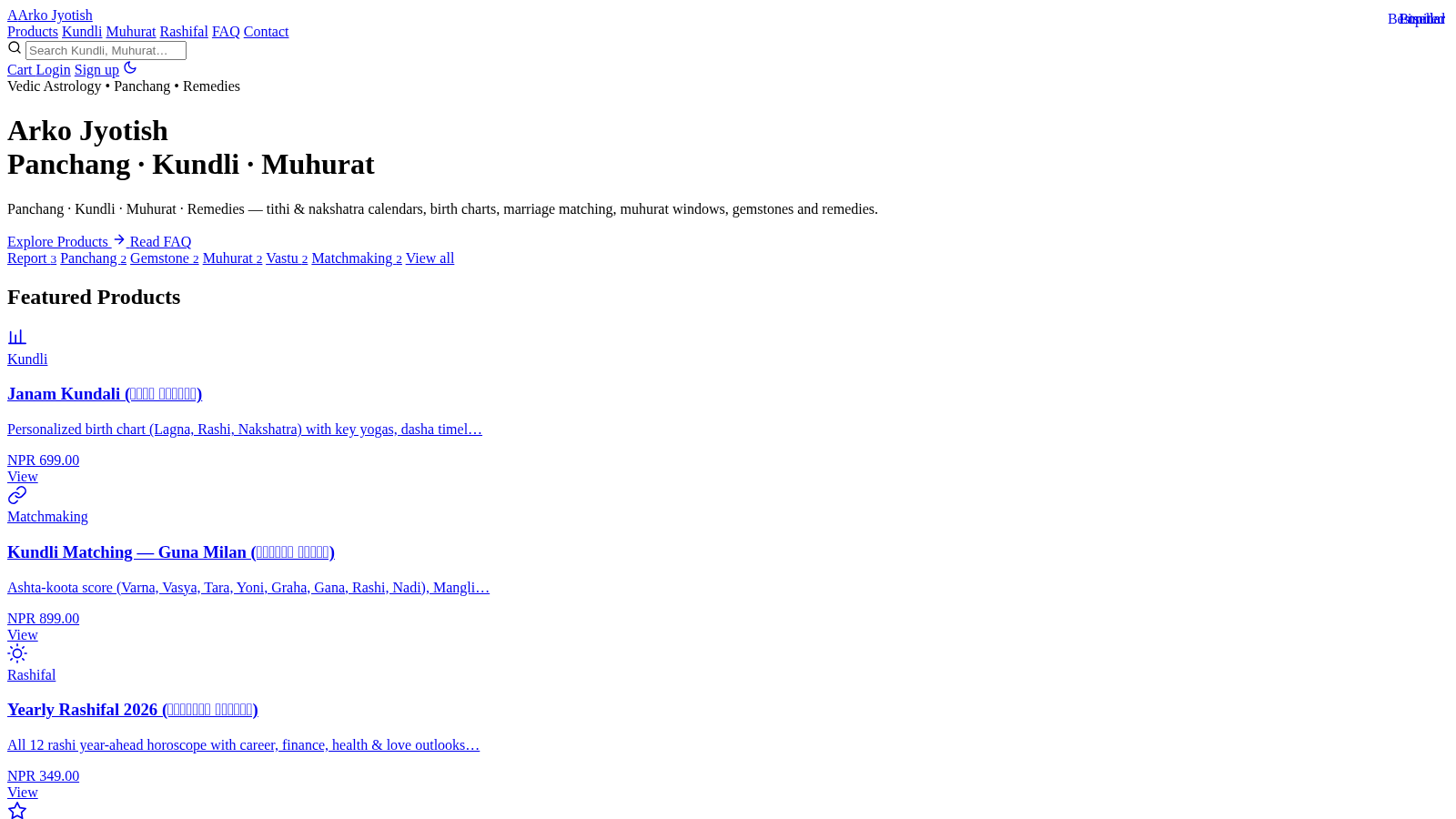
49Arko Jyotish
Astrology storefront: kundli, panchang, muhurat & rashifal PDF reports