
Max Build
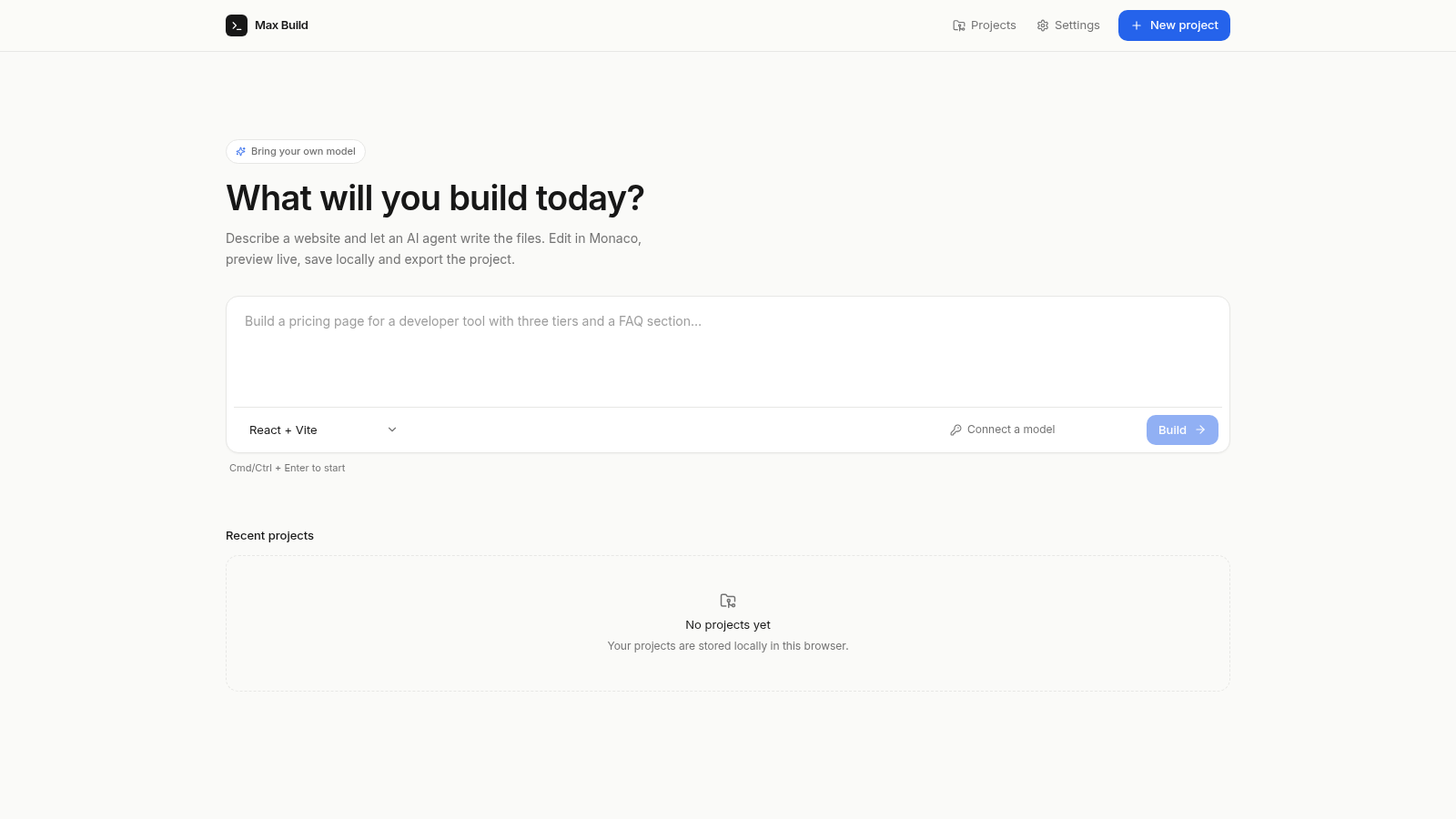
Describe a website, generate files, edit code and preview it live.
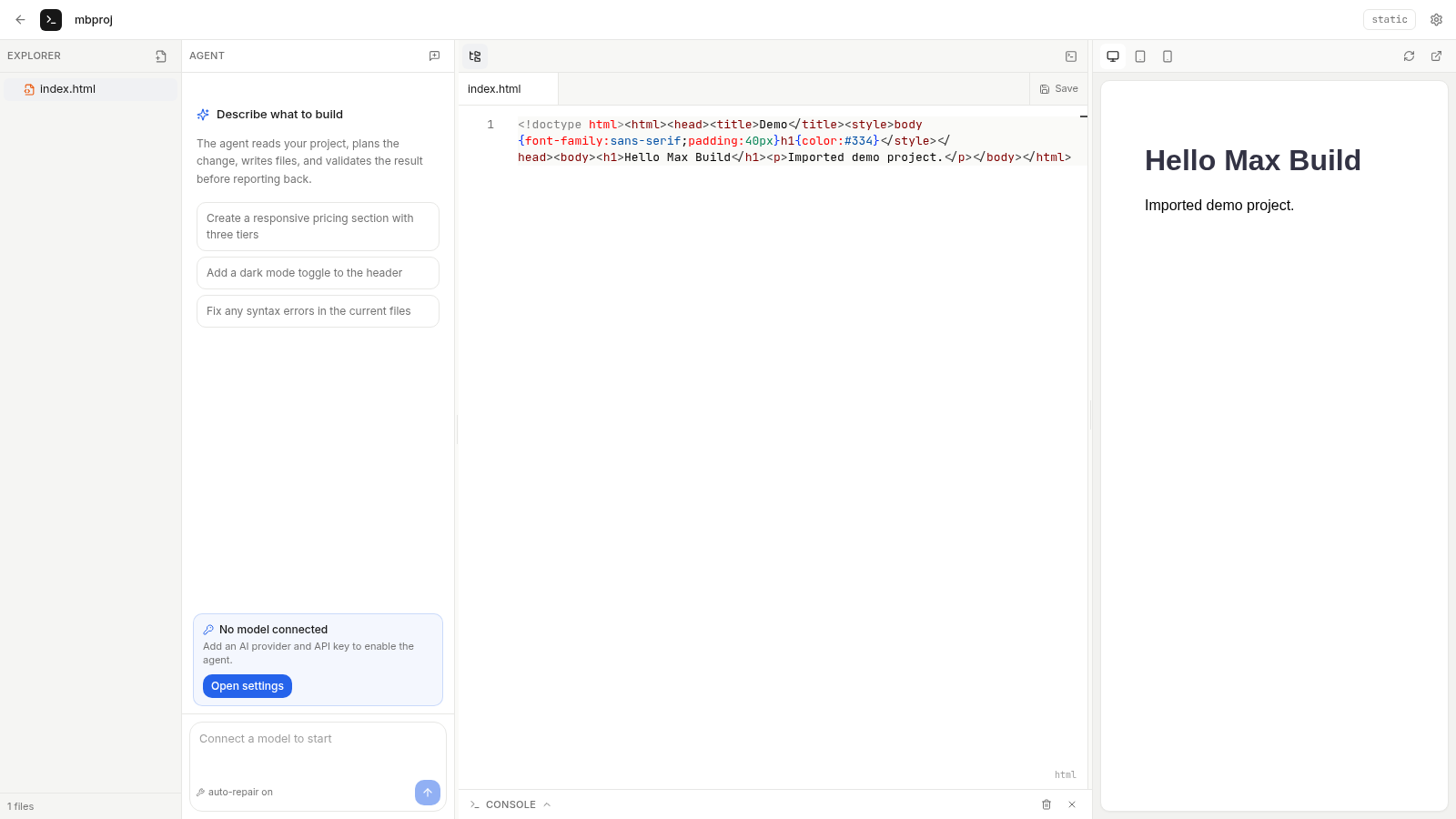
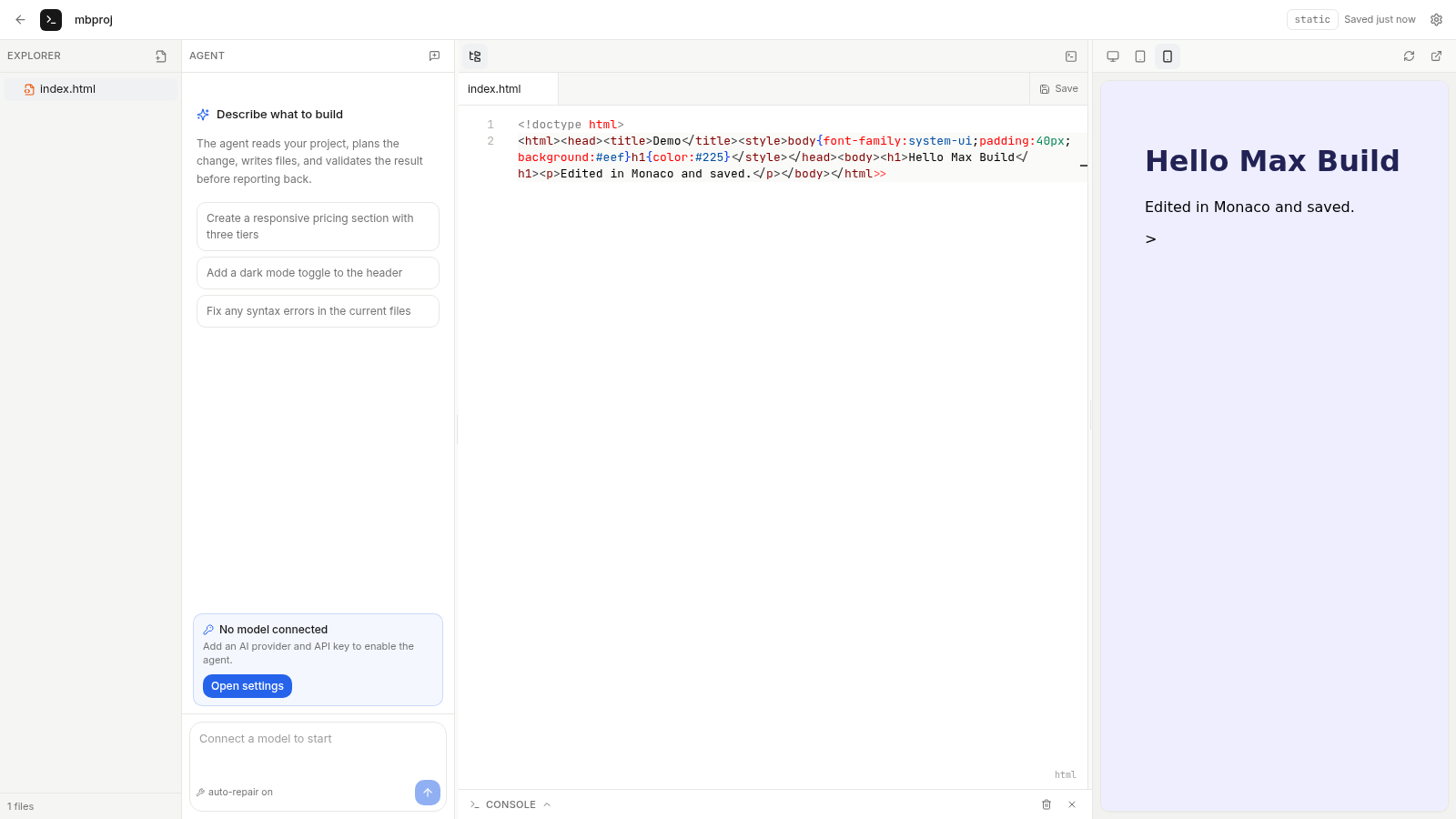
Max Build is a browser-based AI web IDE. Users describe a site in plain language and connect their own model provider so an agent can write the project files, or they can start from one of four templates and import an existing ZIP archive. The workspace includes a file explorer, a Monaco code editor, an agent chat column, a console and a live iframe preview with desktop, tablet and mobile widths. Projects and settings are stored locally in the browser, and projects can be exported at any time.
Highlights
AI site generation
Describe and generate
Monaco code editor
Edit project files
Responsive previews
Switch device widths
Local-first storage
Projects in browser
Your own model
OpenAI Gemini Claude
How to Use
Create or import a project
From the home page, type a project name and choose Blank HTML, Landing Page, React + Vite or React + TypeScript in the New project dialog, or use Import ZIP to load an existing archive. Either path opens the project workspace and lists the files in the explorer.
Edit code and save
Select a file in the explorer to load it into the Monaco editor, make changes, and press Save. The header shows a saved timestamp after the change is written to local storage, and the file tree updates when files are added, renamed or deleted.
Check the live preview
The right column renders the current files in an iframe. Use the desktop, tablet and mobile buttons to change the preview width, reload the frame after a save, or open it in a new tab for a full-page view.
Connect a model for AI builds
Open Settings and add a provider with a name, type, API base URL, API key and model. Once a provider is saved, the agent chat becomes available, and prompts such as creating a pricing section can be sent to generate or modify files.
Export your work
Use Export projects in Settings or export from the project list to download the stored projects as an archive. The site notes that API keys stay in the browser and are not included in exported files.
Similar Sites
 2
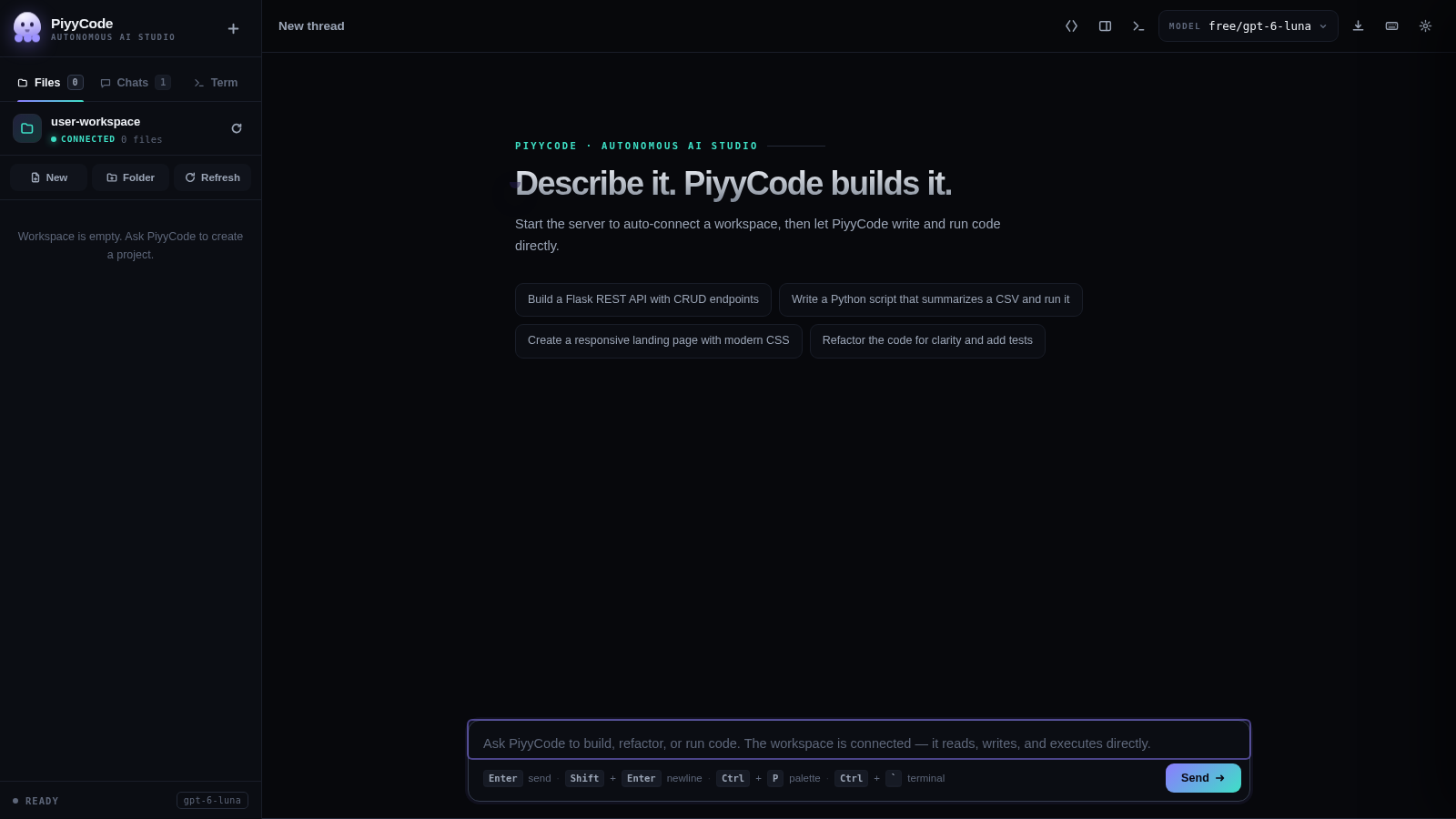
2PiyyCode
AI coding studio: live thinking, multi-provider models, workspace terminal.
 16
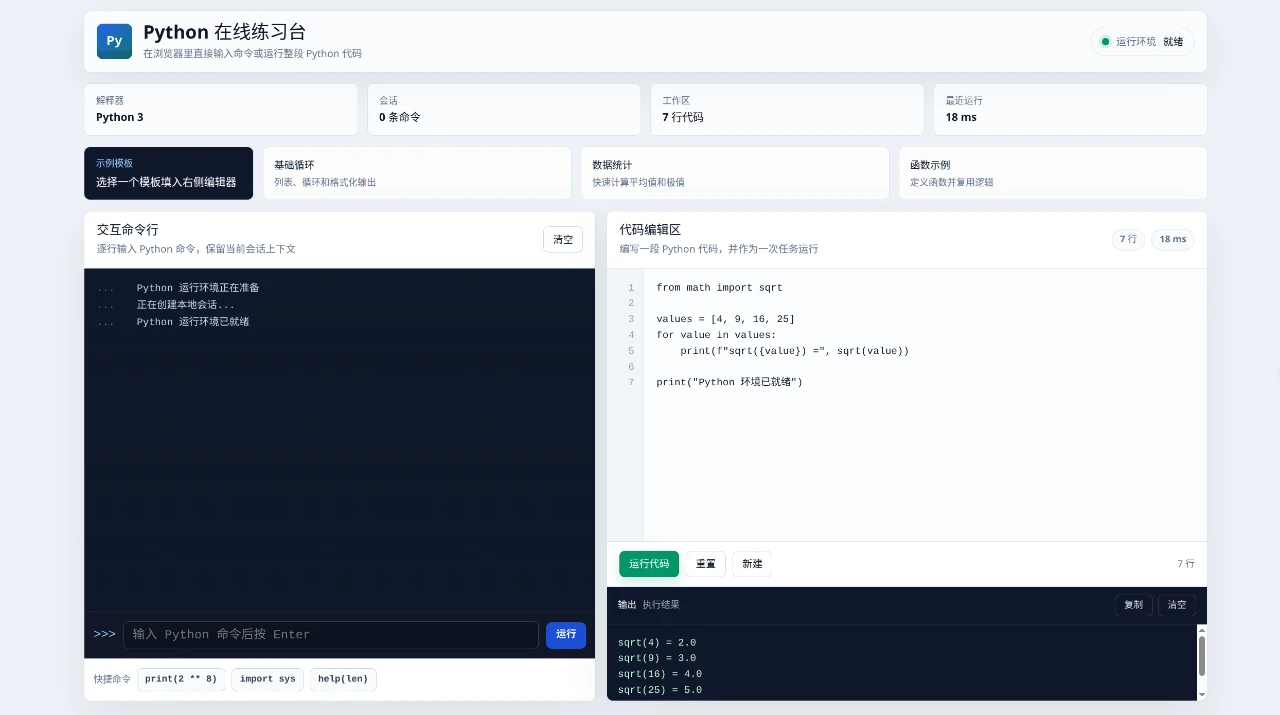
16Web Python Emulator
Python Online Practice Lab is an interactive browser-based workspace for trying Python without a separate installation.
 23
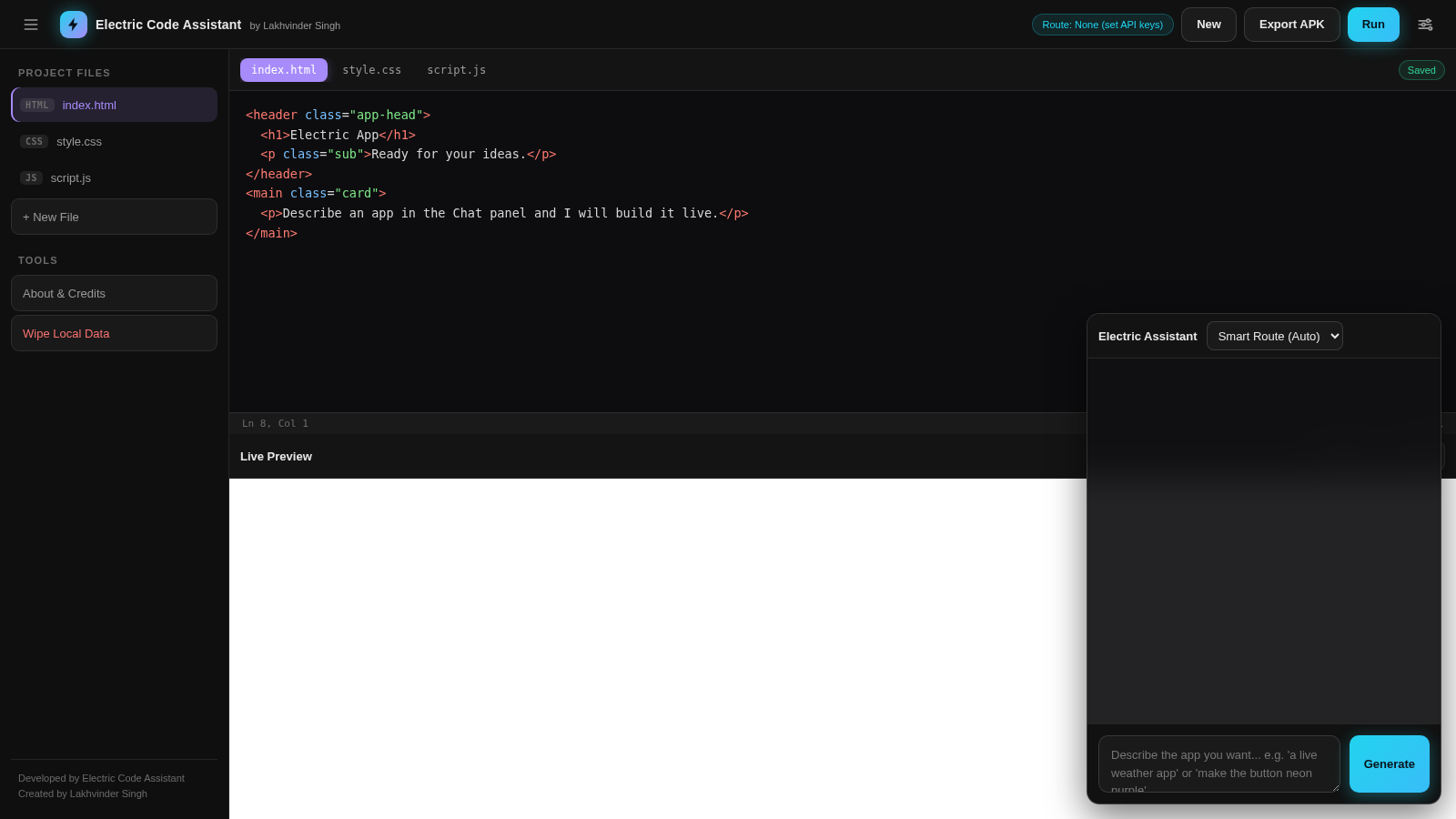
23Electric Code Assistant
Ultra-lightweight AI web IDE: build apps with AI, live preview, APK export
 20
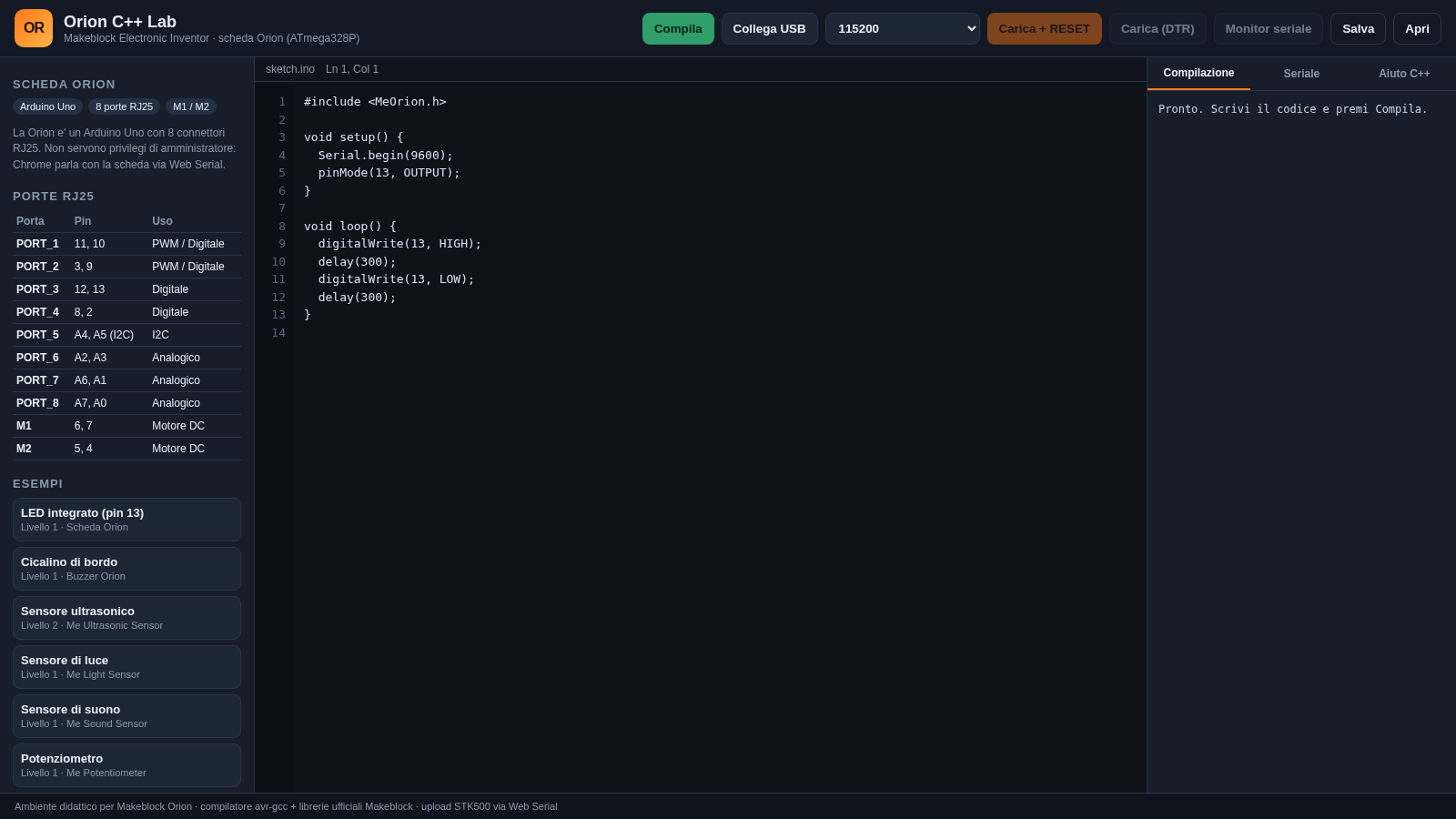
20Orion C++ Lab
Compila e carica sketch C++ sulla scheda Makeblock Orion dal browser.
 14
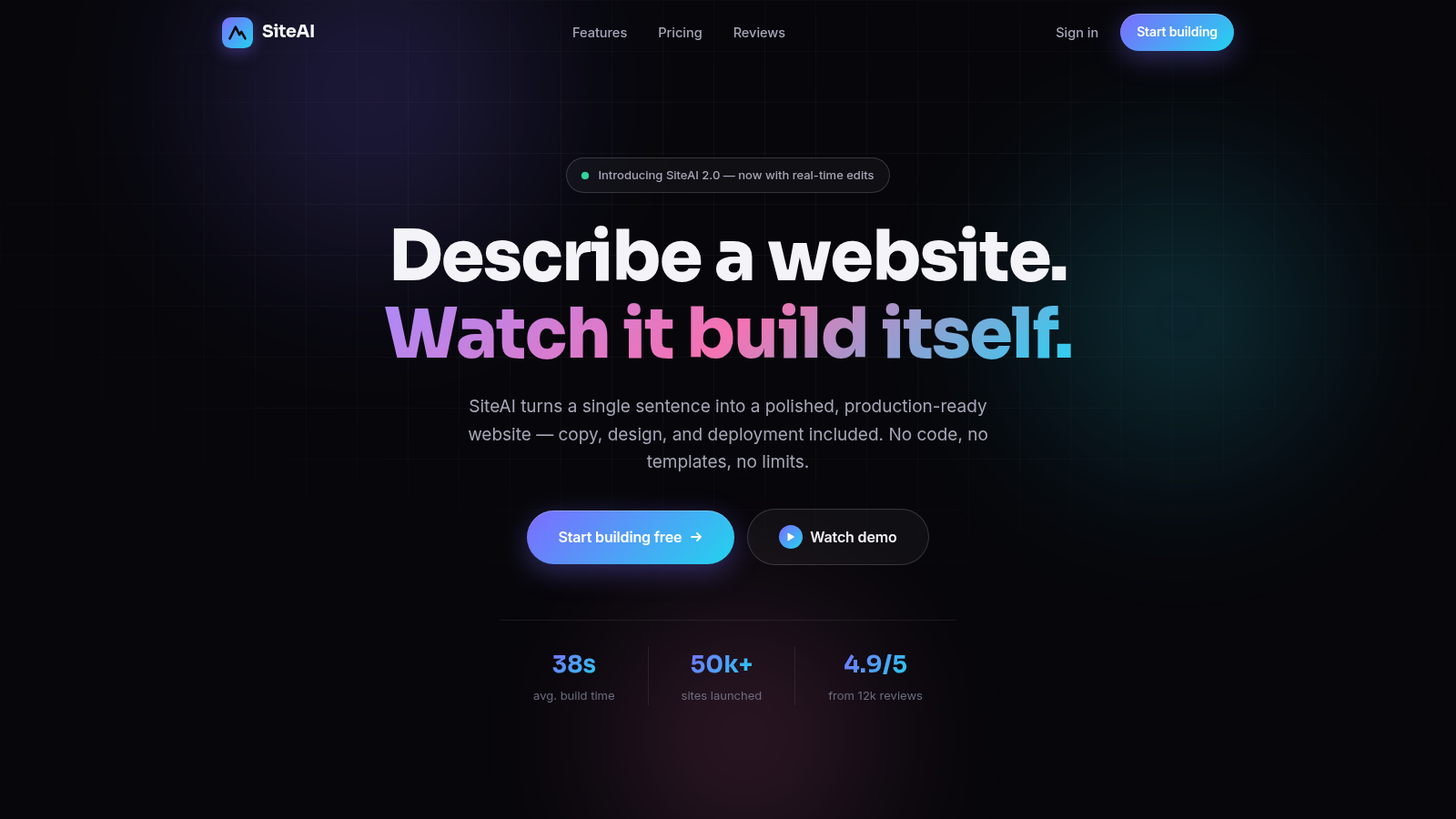
14SiteAI — The AI Website Builder
The AI website builder that turns plain language into production-ready websites.
 14
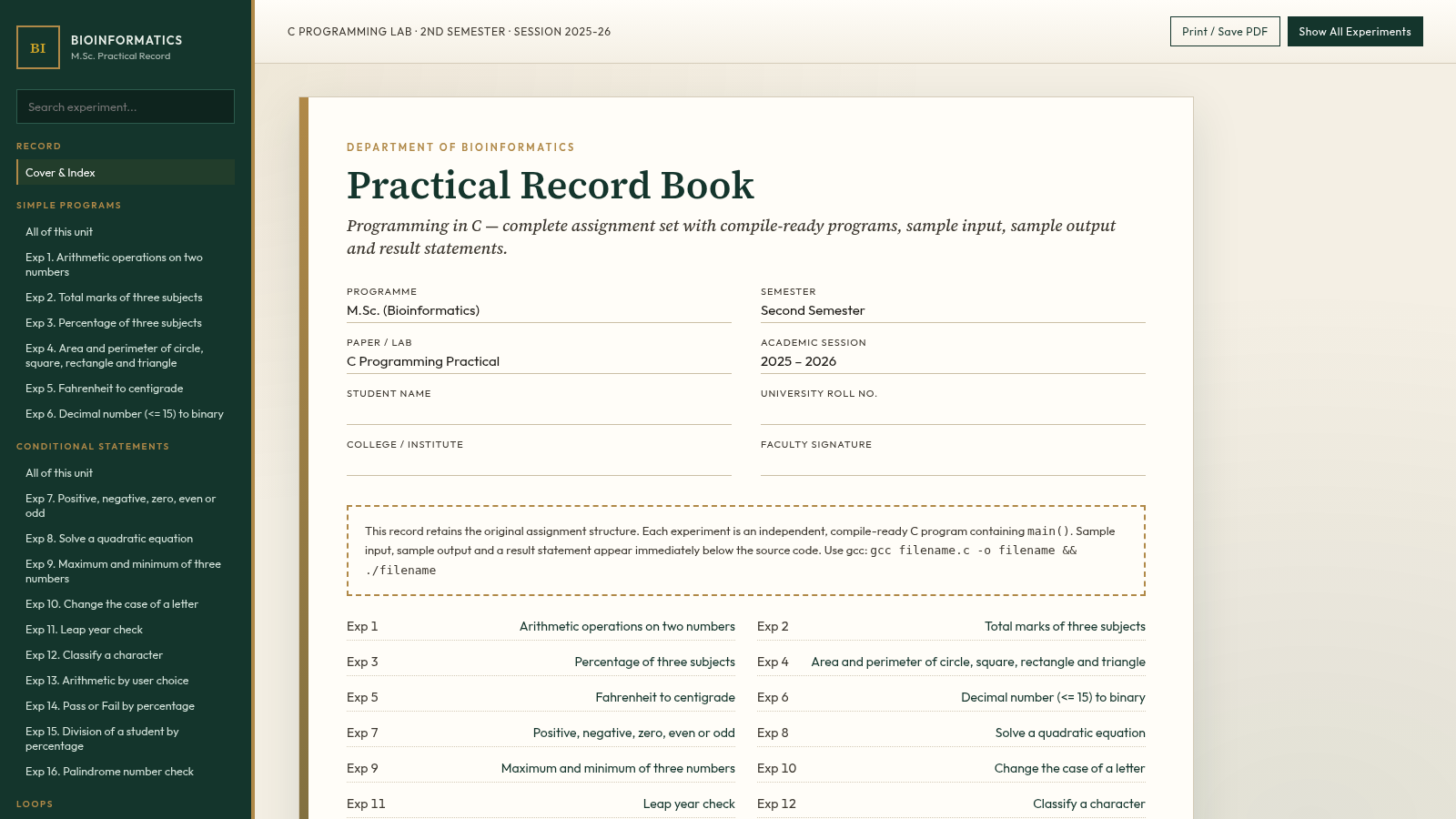
14C Programming Practical Record
M.Sc. Bioinformatics 2nd Sem C lab record with 105 compile-ready programs.