
SW Strategist
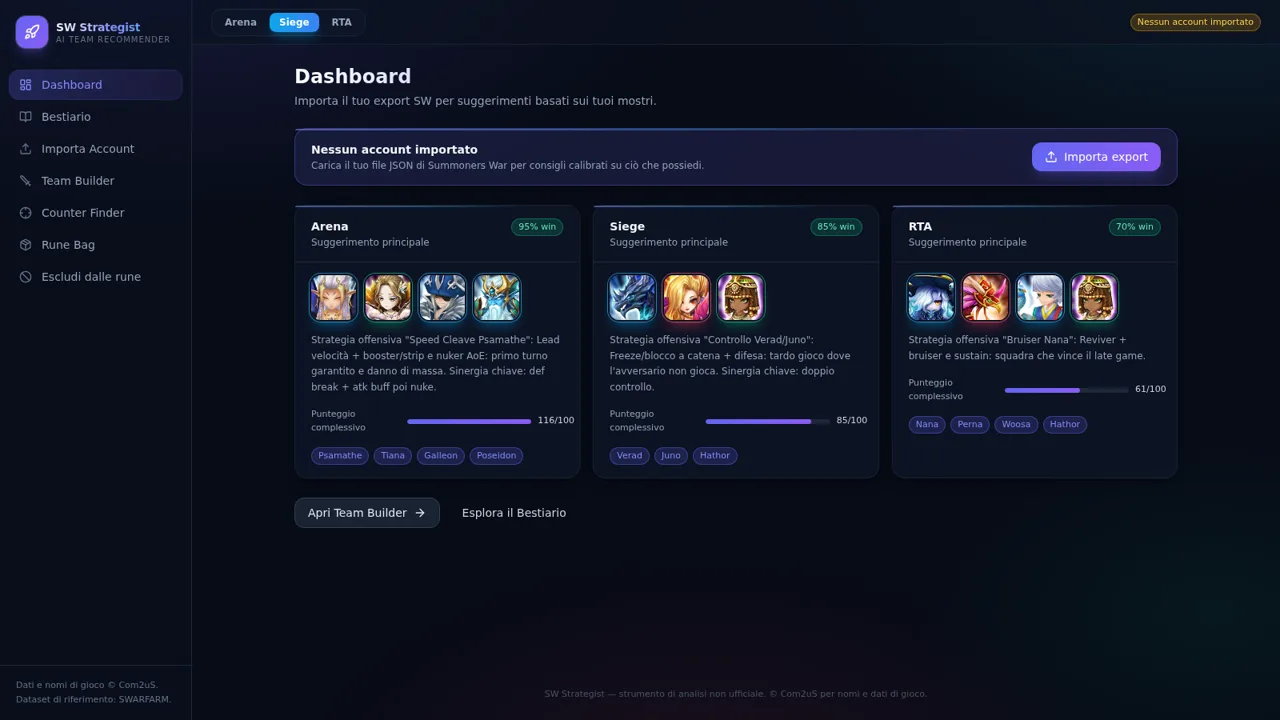
Build, compare, and counter Summoners War teams with searchable monster data and account-aware strategy guidance.
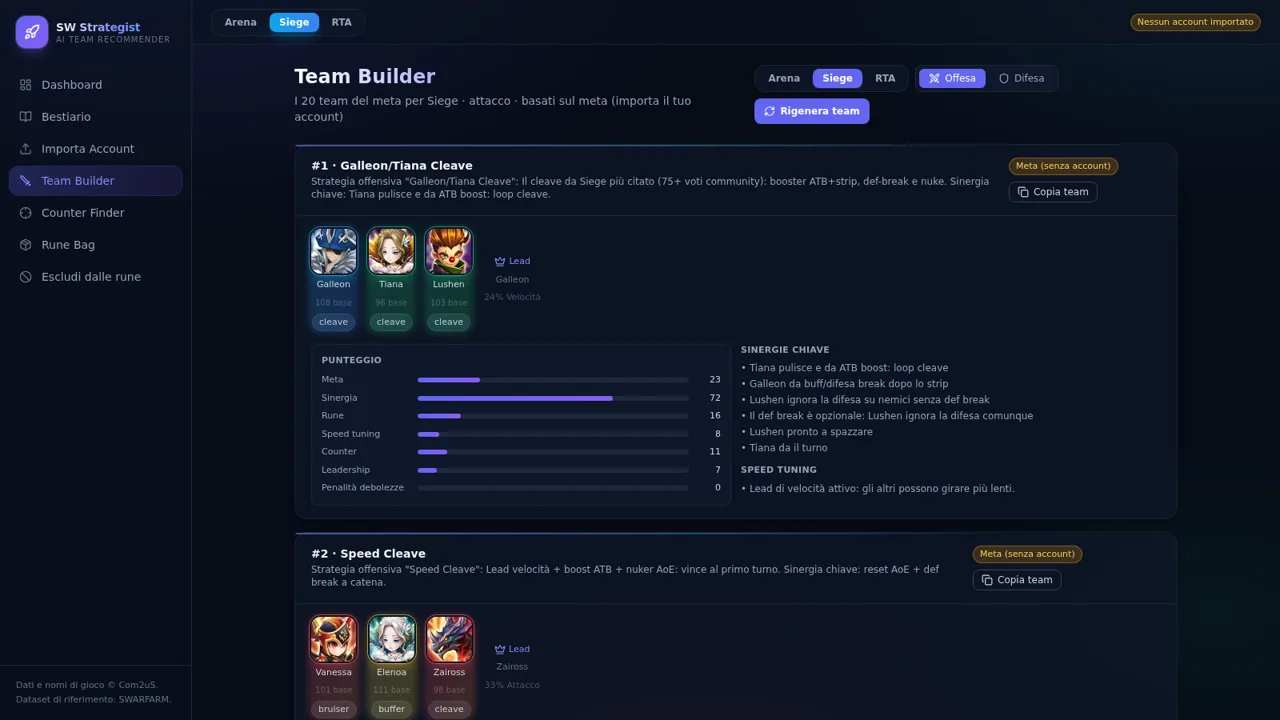
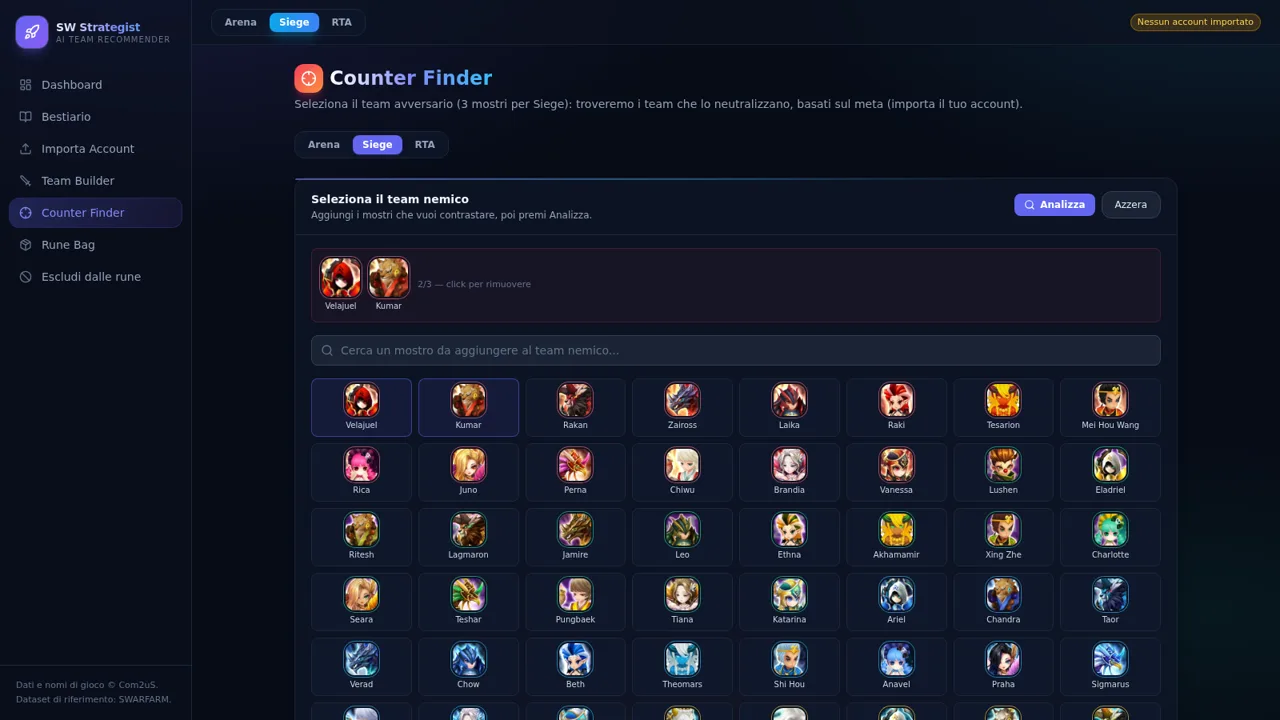
SW Strategist is an unofficial Italian-language planning companion for Summoners War. It combines a searchable bestiary of 3,089 monsters with team recommendations for Arena, Siege, and RTA. Team cards explain strategy, roles, leadership effects, synergy, speed tuning, rune readiness, counter strength, and weakness penalties. The Counter Finder lets users assemble an opposing lineup and generates ranked teams with elemental matchups and specific counter reasons. Players can also import a Summoners War Hub or SWOP JSON export to calibrate suggestions against their owned monsters, runes, and artifacts; the page states that imported data remains local to the browser.
Highlights
Three PvP modes
Arena, Siege, and RTA
Deep bestiary
3,089 searchable monsters
Counter analysis
Ranked teams with reasons
Local account data
JSON stays in the browser
Actionable scoring
Synergy, runes, and speed
How to Use
Explore the monster catalog
Open Bestiario to browse the full monster dataset. Search by name or family, filter by elemental attribute and star level, and change the sort order between meta score, stars, and name to narrow the catalog.
Generate a team list
Open Team Builder, choose Arena, Siege, or RTA, then select offense or defense. The page presents up to 20 meta teams with member roles, leadership effects, score components, key synergies, speed guidance, weaknesses, and rune readiness. Use the copy, link, or PNG controls when a composition is useful.
Analyze an enemy lineup
Open Counter Finder and select the required enemy monsters from the searchable catalog. Once the lineup is sufficiently defined, press Analizza to receive ranked counter teams, counter percentages, elemental relationships, and concise explanations of which mechanics answer each threat.
Personalize recommendations
Open Importa Account and select a Summoners War export in Hub or SWOP JSON format. The site processes the file locally, then uses owned monsters, equipped runes, and artifacts to calibrate team and rune guidance rather than relying only on general meta data.
Review rune readiness
After importing an account, open Rune Bag to inspect rune efficiency, sets, and keep suggestions. Team recommendations also report whether each proposed member has the required equipped runes, helping distinguish a strong theoretical team from one that is currently buildable.
Similar Sites
 5
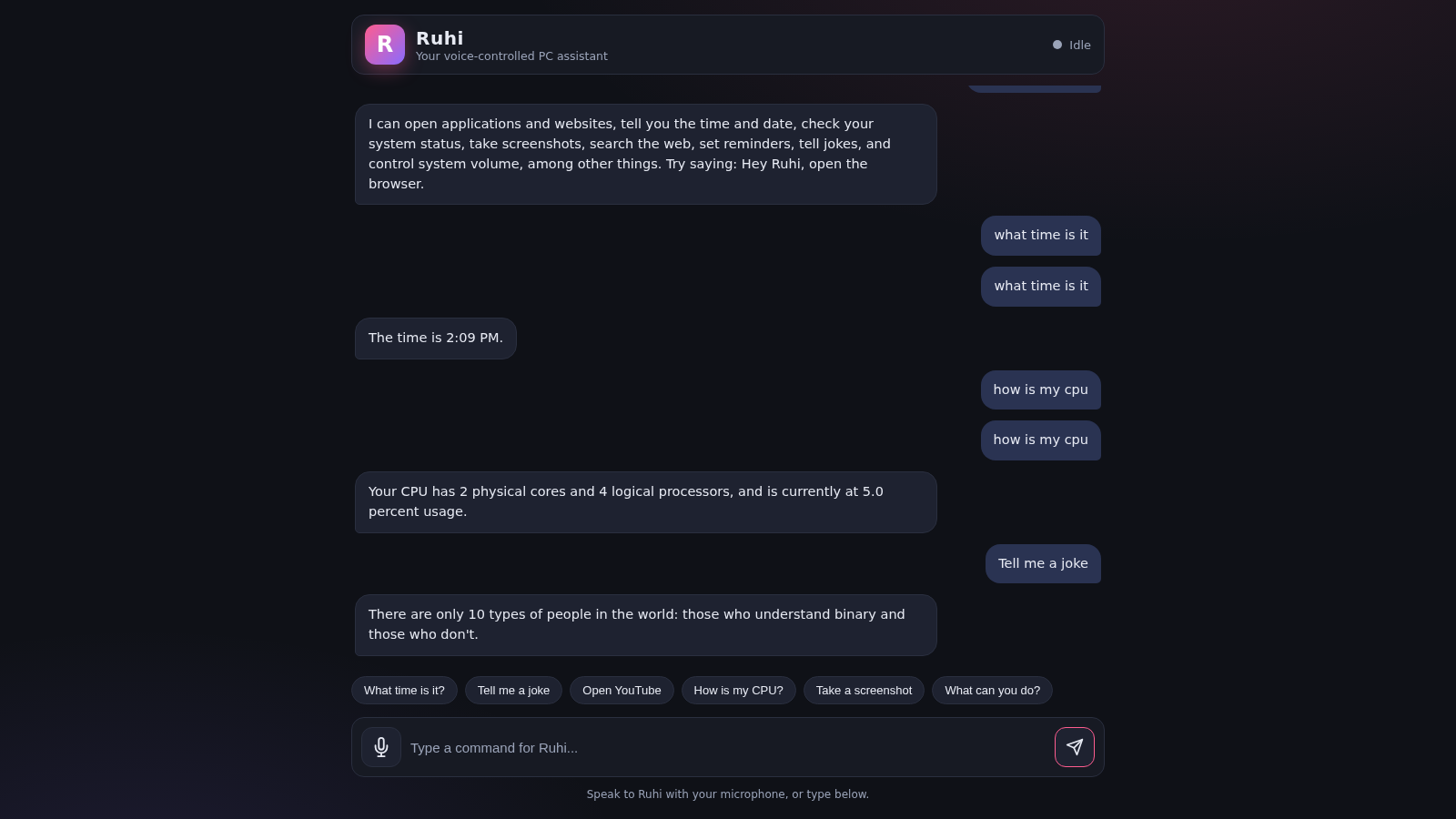
5Ruhi - Voice Assistant
A voice-controlled AI assistant that operates your PC and answers your commands.
 4
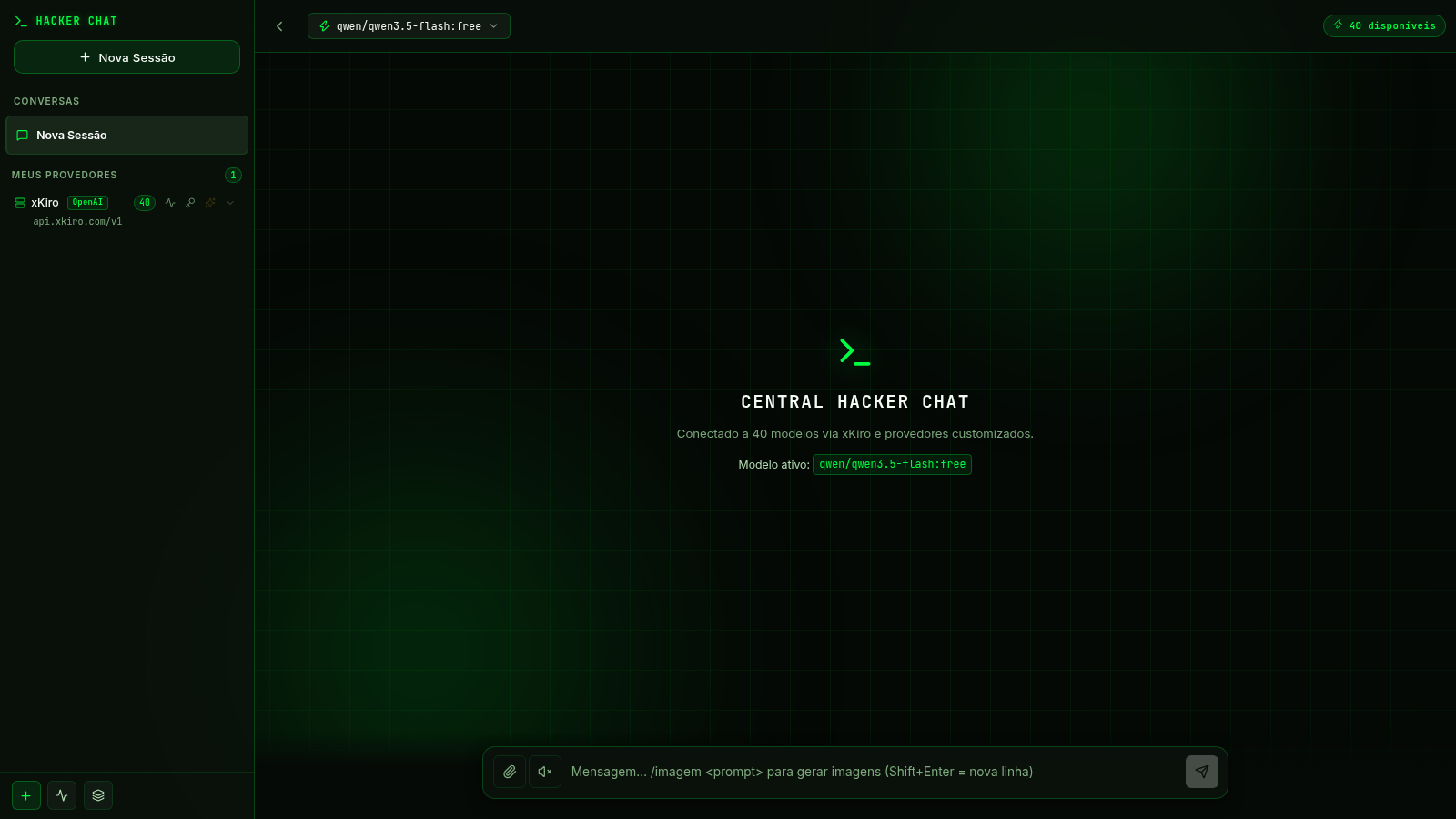
4Central Hacker Chat
Assistente de IA pessoal com tema hacker, multi-modelo e histórico de conversas.
 4
4keyr
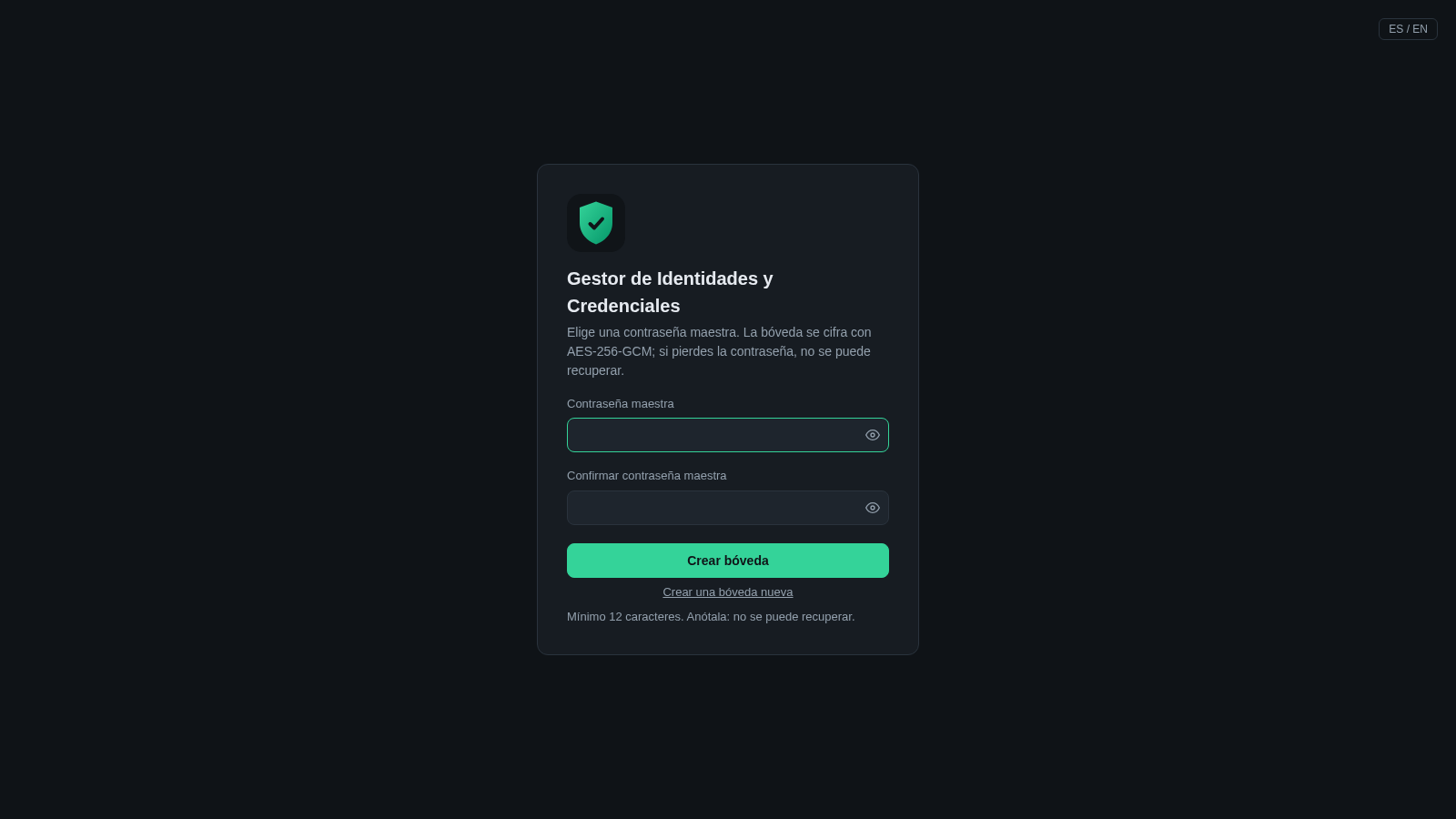
Disposable email aliases and strong passwords in an AES-256-GCM encrypted vault
 94
94OhMyPS - AI Image Editor
Brush, describe, and quickly edit part of an image with AI.
 81
81PDF Master AI
Private in-browser PDF toolkit to convert, merge, compress, edit, and protect files.
 77
77BJJ STAT — ANALISE. ENTENDA. EVOLUA.
Scout de Jiu-Jitsu em um toque. Placar IBJJF, relatórios visuais e PWA offline.