
Miroboard
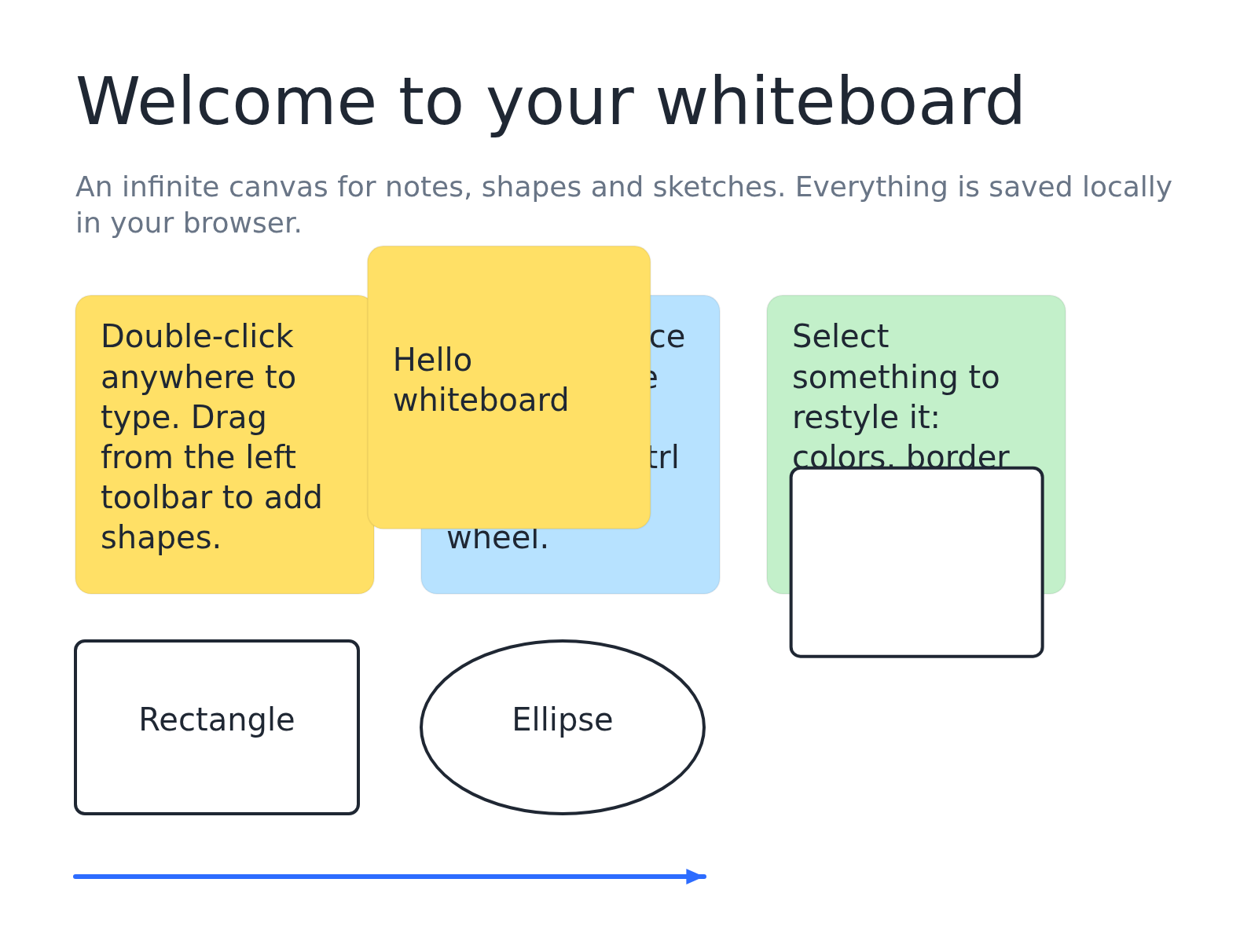
An infinite browser whiteboard for notes, shapes and sketches
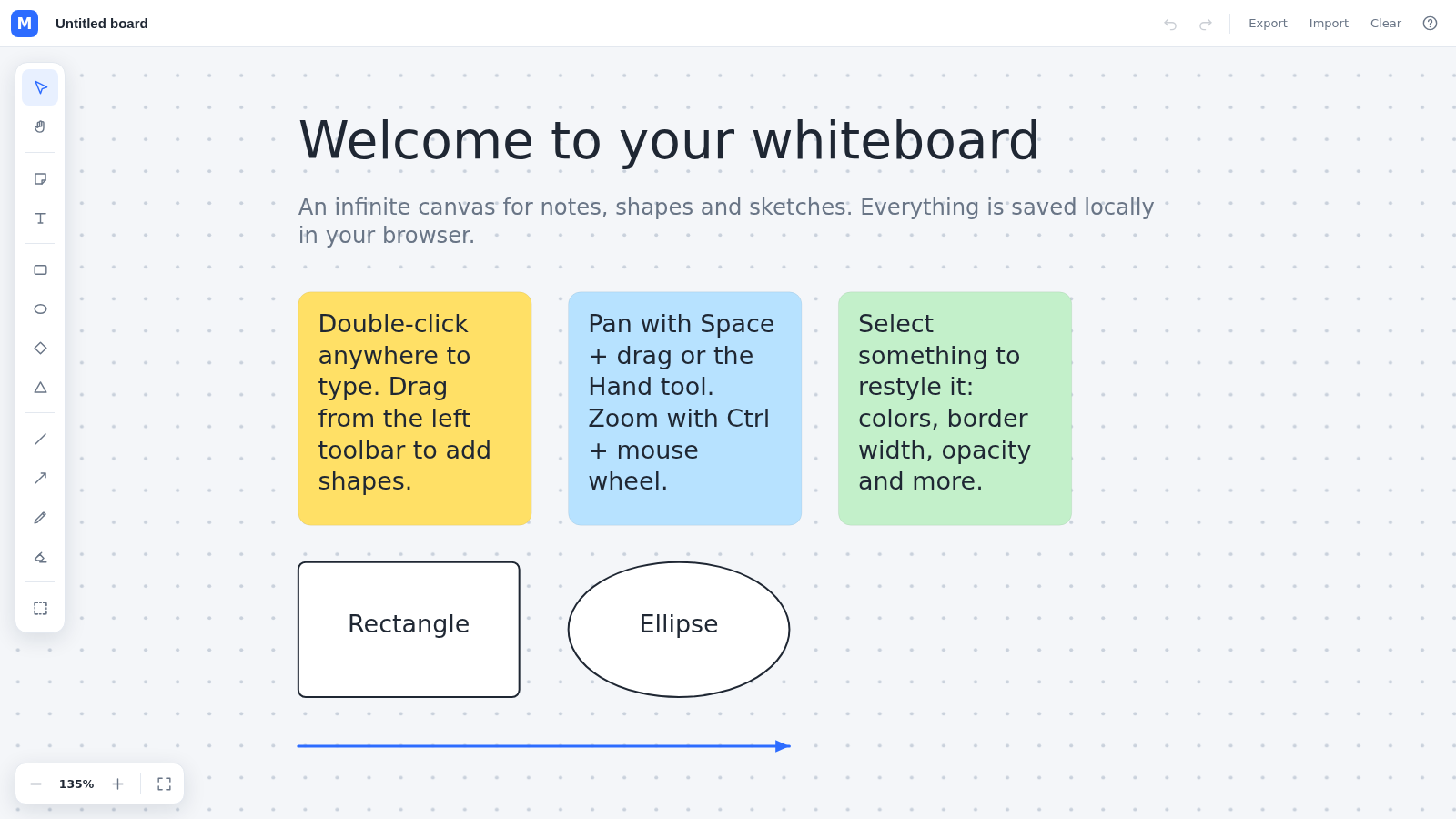
Miroboard is a personal whiteboard that runs fully in the browser with no sign-up. It presents an infinite dotted canvas plus a vertical toolbar with select, pan, sticky note, text, rectangle, ellipse, diamond, triangle, line, arrow, pen, eraser and frame tools. Selecting any element opens a style panel for fill color, border width, border color, text color, font size, alignment, opacity and layer order, along with duplicate and delete actions. The board can be renamed, undone and redone, exported to PNG, SVG or JSON, re-imported, or cleared. Everything is stored locally in the browser.
Highlights
Infinite canvas
Zoom and pan freely anywhere
Rich shape tools
Notes, text and six shapes plus pen
Full style panel
Colors, borders, opacity and layering
Export and import
Save as PNG, SVG or JSON backup
Saved locally
No account, data stays in browser
How to Use
Open the canvas
Load the page and you land on an infinite dotted whiteboard. The header shows the board name, undo and redo, export, import, clear and a help button, while the left toolbar lists every drawing tool.
Add content
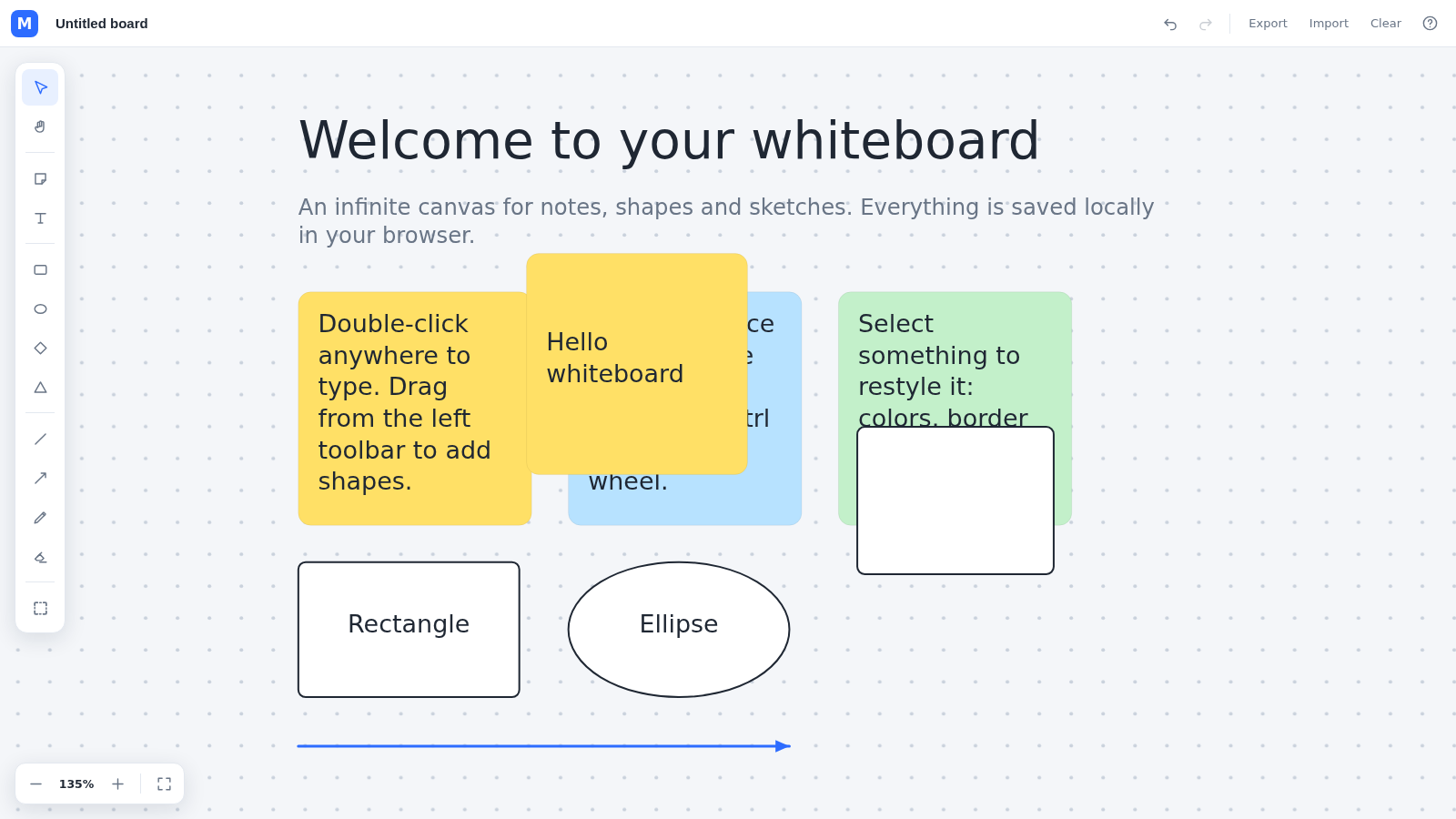
Click a tool on the left toolbar, such as sticky note, rectangle or pen, then click or drag on the canvas to place it. Double-clicking empty canvas types text, and the first screen already shows a welcome example made of notes and shapes.
Style and arrange
Select any element to open the style panel on the right, where you can change fill, border width and color, text color, font size, alignment and opacity, or send it back, bring it forward, duplicate or delete it.
Move around and undo
Pan with Space plus drag or the hand tool, zoom with Ctrl plus the mouse wheel, and use undo and redo whenever a change needs reverting. A help dialog lists all keyboard shortcuts.
Save and export
Use Export to download the board as a PNG image, an SVG vector or a JSON backup, and use Import to bring a JSON backup back. The board name can be edited and everything is kept in local browser storage.
Similar Sites
 57
57ToolCraft - Free Online Tools
Free, fast, privacy-friendly online tools & expert guides - all in your browser.
 6
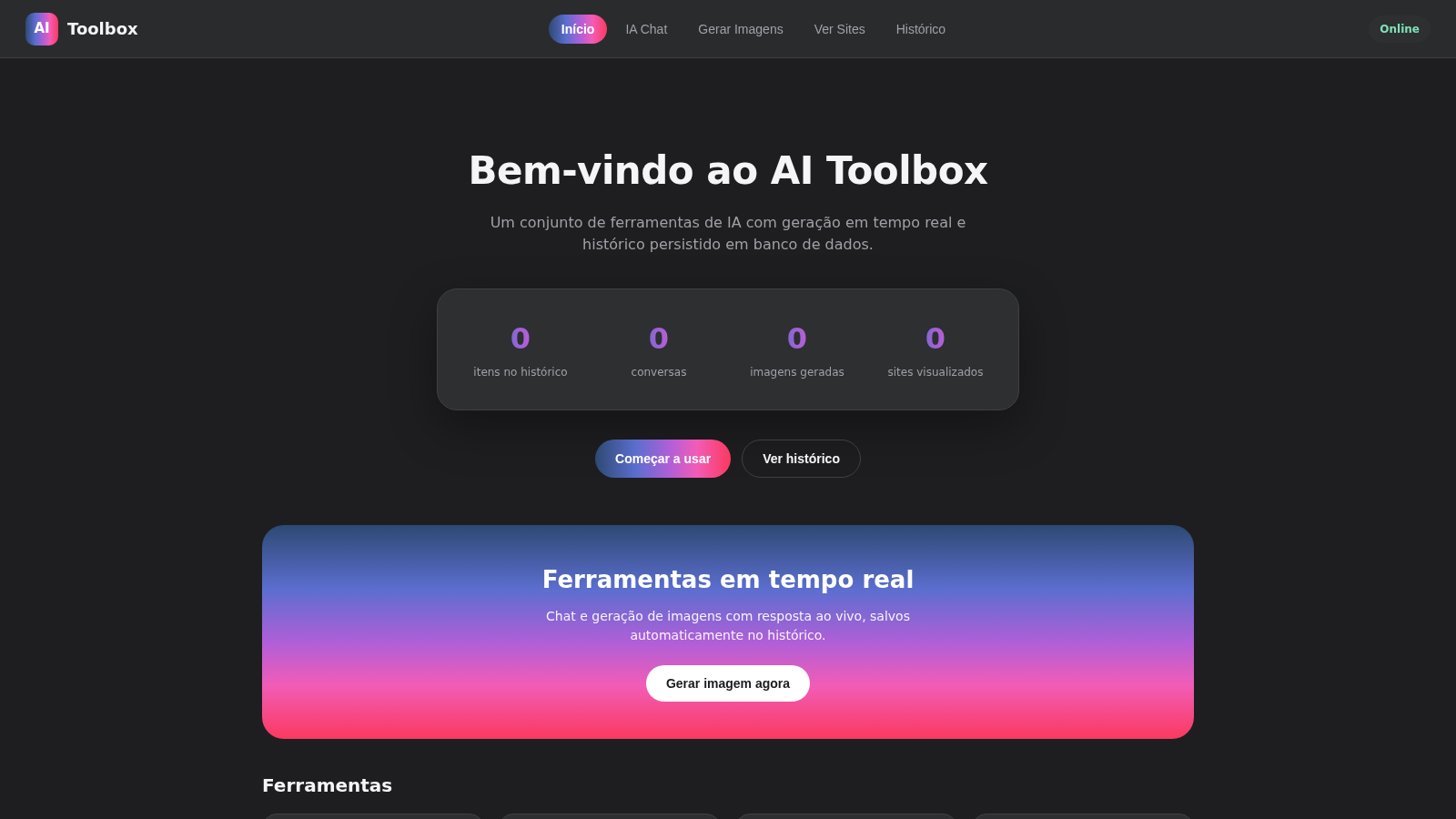
6AI Toolbox
IA chat e geracao de imagens em tempo real com historico salvo
 3
3CARTOON STUDIO 2D
Estudio profissional de animacao 2D cartoon quadro a quadro
 94
94OhMyPS - AI Image Editor
Brush, describe, and quickly edit part of an image with AI.
 79
79PDF Master AI
Private in-browser PDF toolkit to convert, merge, compress, edit, and protect files.
 77
77BJJ STAT — ANALISE. ENTENDA. EVOLUA.
Scout de Jiu-Jitsu em um toque. Placar IBJJF, relatórios visuais e PWA offline.