
Gestão Psicossocial
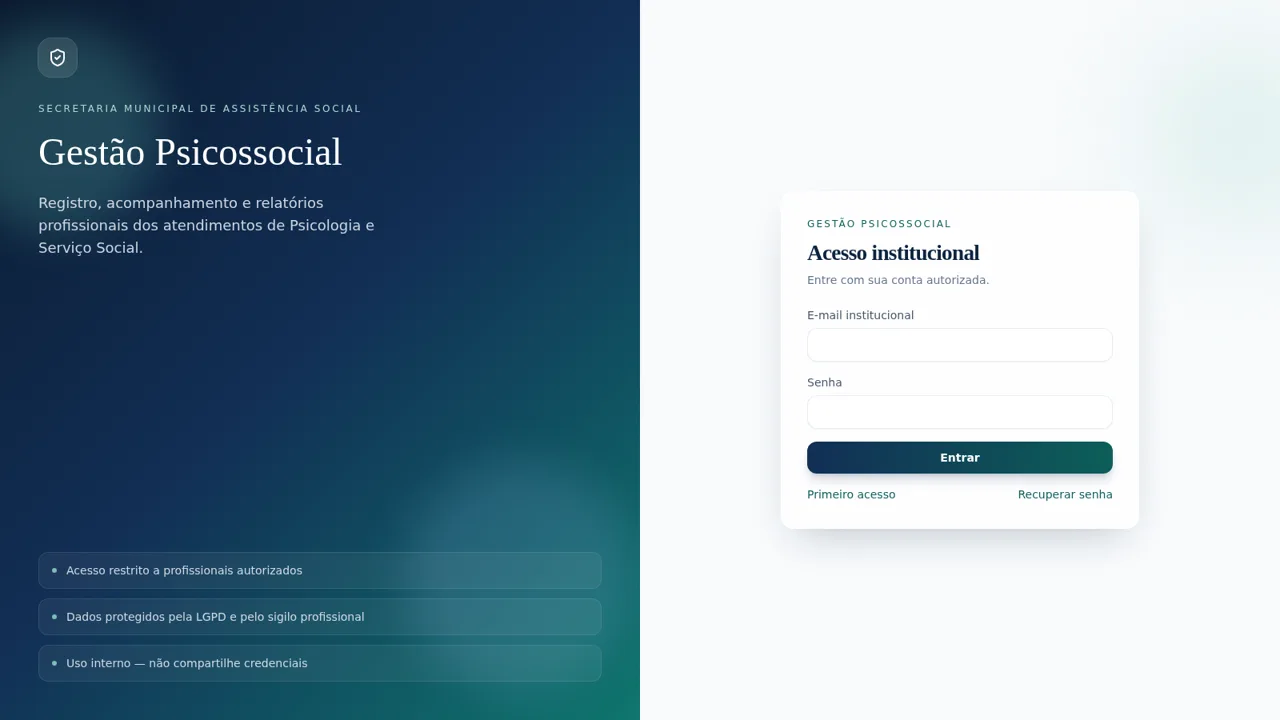
An internal psychosocial case management system for recording, tracking and reporting social assistance attendances.
Gestão Psicossocial is a browser-based internal system for a municipal social assistance department. Staff sign in to register psychology and social work attendances, follow each case through statuses, review indicator dashboards, generate official monthly reports and manage users, catalogs and audit records. The demo data covers children, adolescents, women and elderly people, with forwarding agencies such as CRAS, CREAS and Conselho Tutelar.
Highlights
Live indicator board
Totals and charts
Masked case list
Filter and search
Case detail views
Full record data
Official reports
Generate and print
Role-based admin
Users and audit
Team observations
Shared case notes
Catalog controls
Manage service types
LGPD-first design
Masked personal data
How to Use
Sign in with the demo account
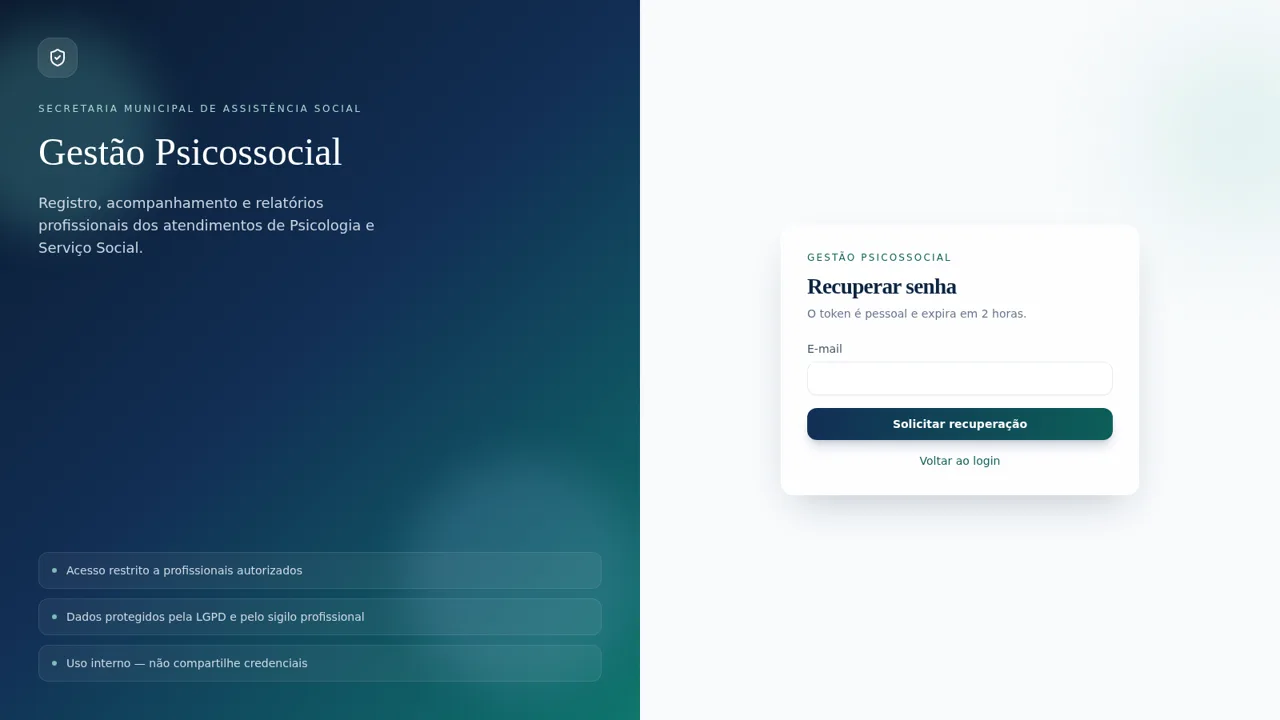
Open the site and use the institutional sign-in form. The login page publishes a demo account, including its e-mail and password, so no private invitation is needed. After signing in, the dashboard opens with a Portuguese interface and a sidebar for Painel, Atendimentos, Novo atendimento, Relatórios, Minha conta and Administração.
Read the indicator dashboard
The Painel page shows period totals, unique people, cases in follow-up, pending items, referrals and completed cases. Filters for month, year, professional, category, type and status recalculate the cards below. The monthly evolution line chart and the category donut chart give a quick view of the selected period, and the recent attendances table links directly to each protocol.
Browse and open attendance records
Atendimentos lists ten demo cases with protocol, date, name, masked CPF, category, professional, forwarding agency, status and update time. Search by name, CPF or protocol, combine the available filters, sort columns and open a protocol to view the full record. The detail page shows the unmasked CPF, demand, description, team observation, destination and restricted professional notes.
Create or edit a case
Novo atendimento opens a form split into identification, classification and professional record. Date, CPF, full name, forwarding agency, responsible professional, service type, category, status, demand and objective description are required, and the protocol is generated automatically. Existing cases also offer Edit and Archive actions.
Generate an official report
Relatórios lets you choose the report type, a managerial or detailed version, the period, professional, category, type, forwarding agency and status. Pressing Gerar relatório builds a document with totals, breakdowns by professional, category, type and agency, a status table and a minimized record table. Imprimir / salvar PDF opens the browser print dialog, and reports have no public link.
Administer users and catalogs
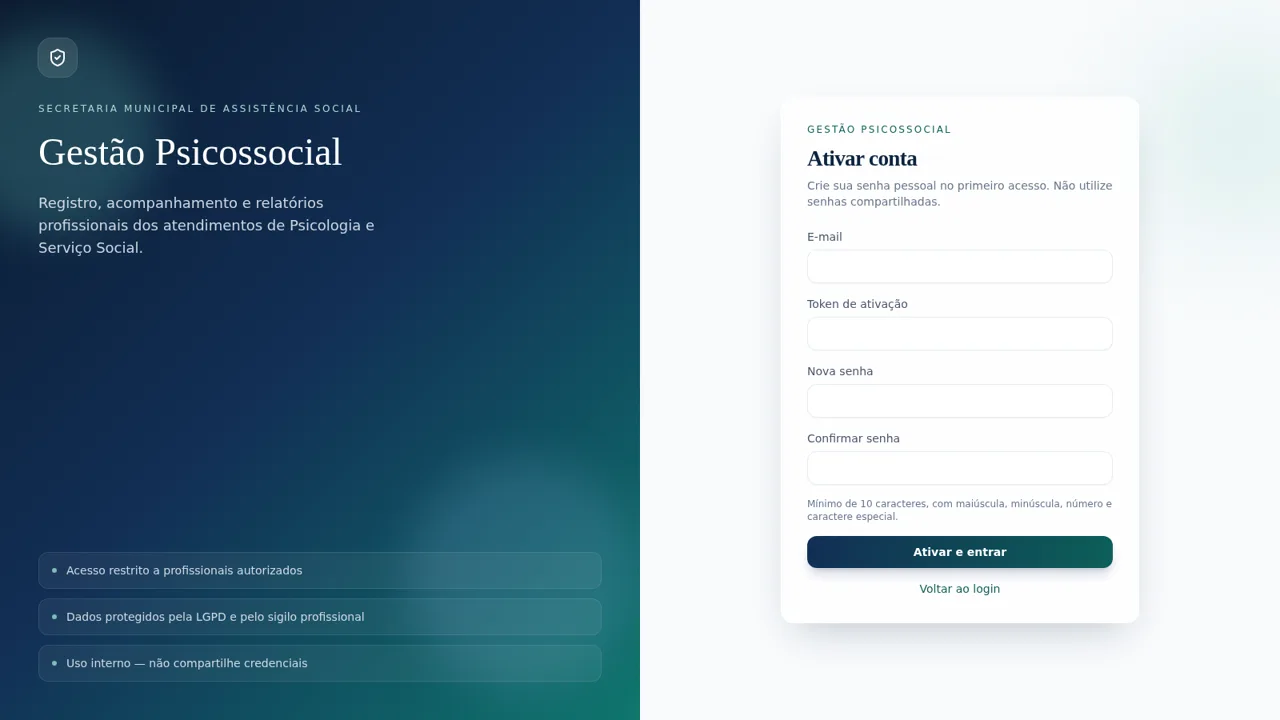
Administração contains tabs for Usuários, Catálogos, Instituição, Auditoria and Minha senha. The user table shows roles, activation state, last access and actions for deactivation or a new token. Catálogos manages attendance types, forwarding agencies and statuses, while Auditoria lists recorded actions such as sign-ins.
Similar Sites
 51
51SGI CONTROL
Sistema Integrado de Gestão da Qualidade (ISO 9001) com painel B2B multiempresa
 30
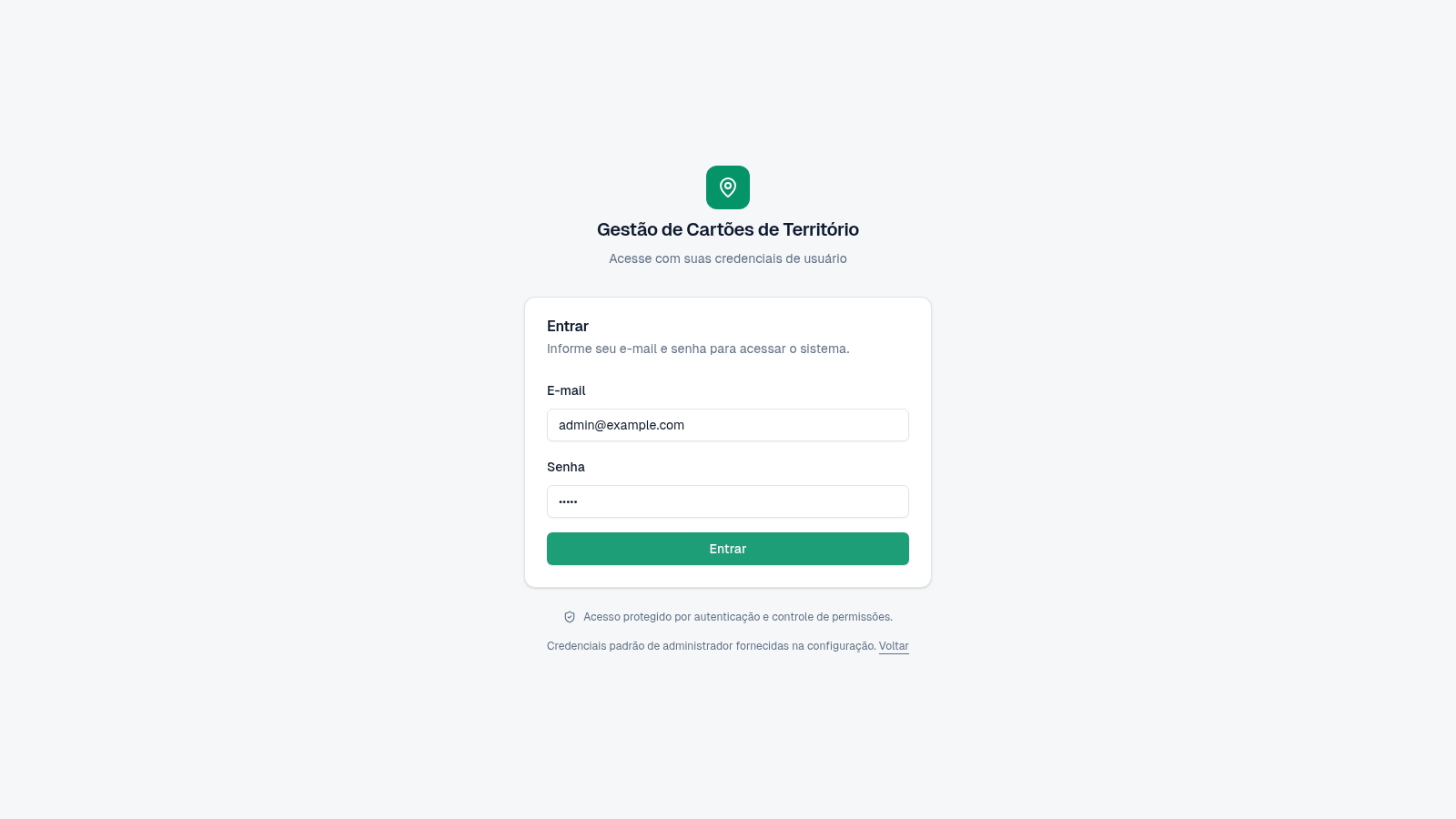
30Cartões de Território
Gestão de cartões e territórios com grupos, designações e histórico.
 23
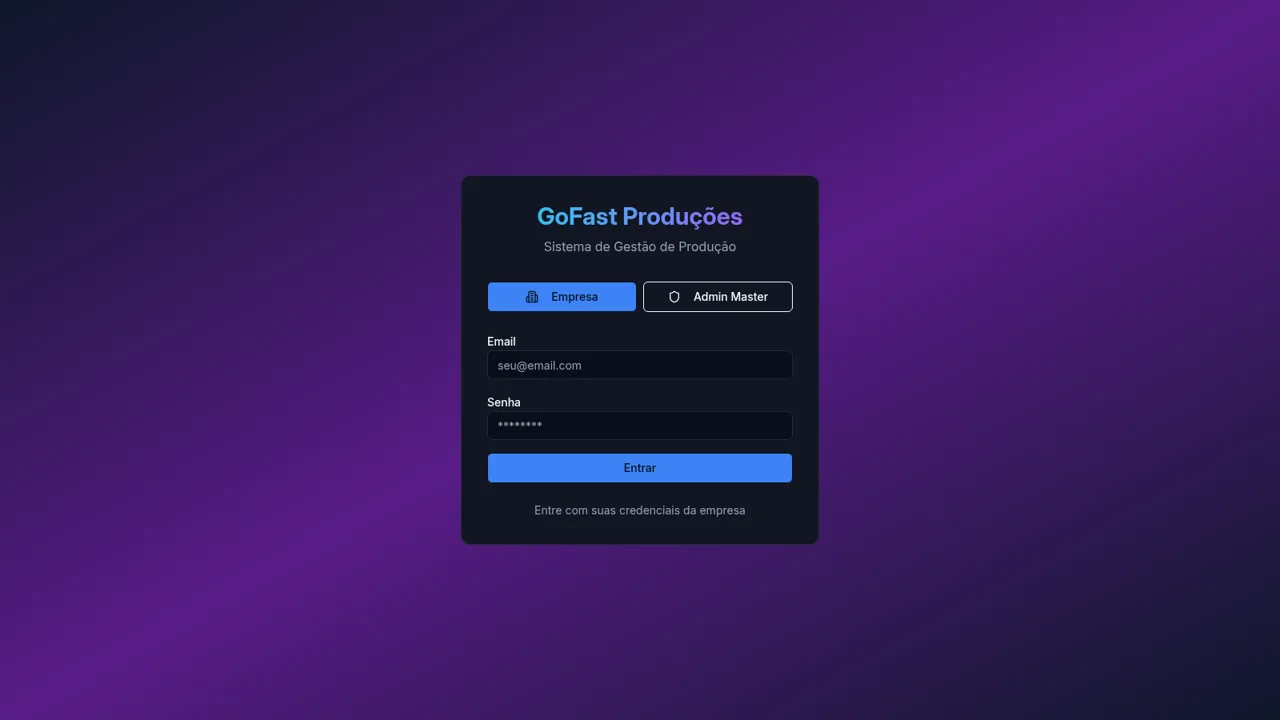
233RLTEXTIL
SISTEMA DE GESTÃO DE FACÇÃO
 17
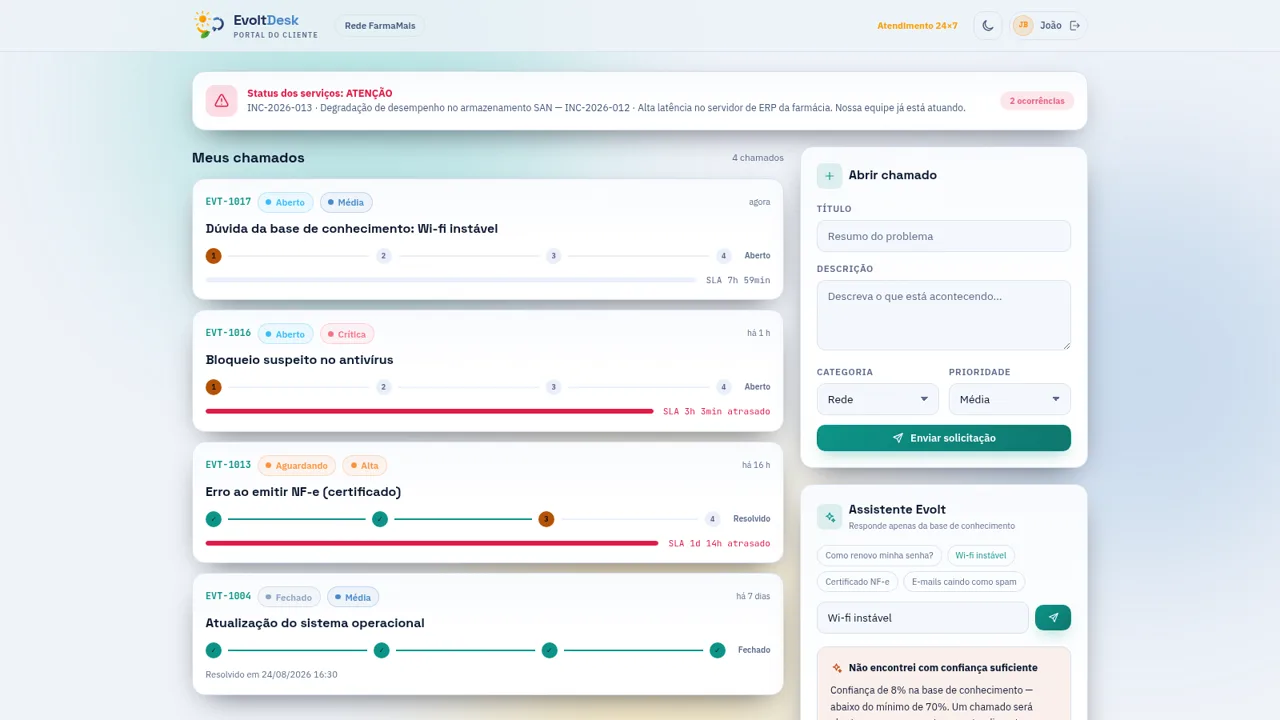
17EvoltDesk · Service Desk ITIL
EvoltDesk — Service Desk ITIL v4 · Gestão de TI
 6
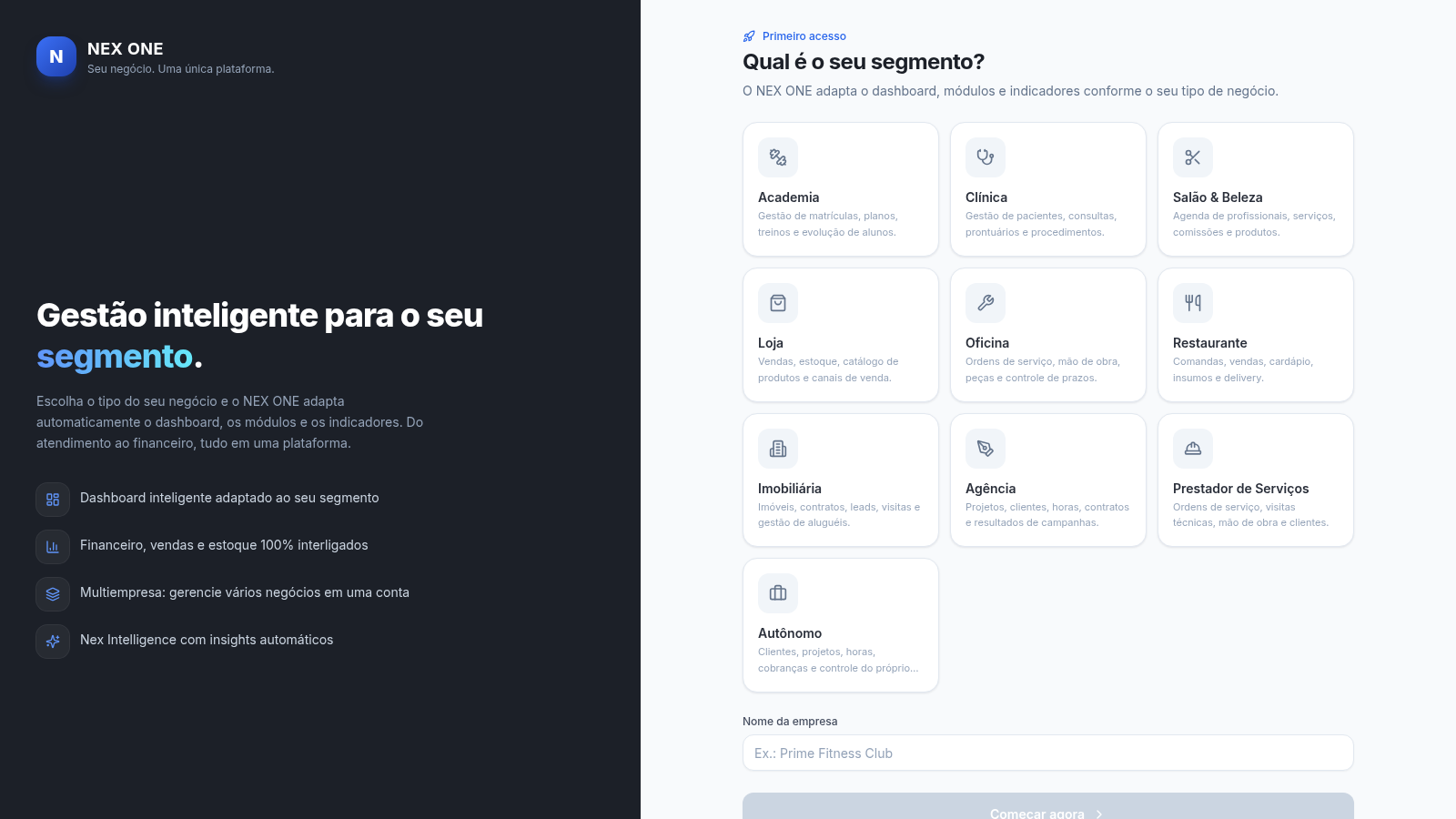
6NEX ONE - Gestão de negócios
SaaS de gestão multi-nicho: dashboard, vendas, clientes, financeiro e estoque.
 13
13Sistema de Separação
Combinação exata, gestão de estoque em tempo real e histórico auditável.