
EvoltDesk · Service Desk ITIL
Run ITIL-aligned support operations from tickets and SLAs to assets, incidents, changes, and reports.
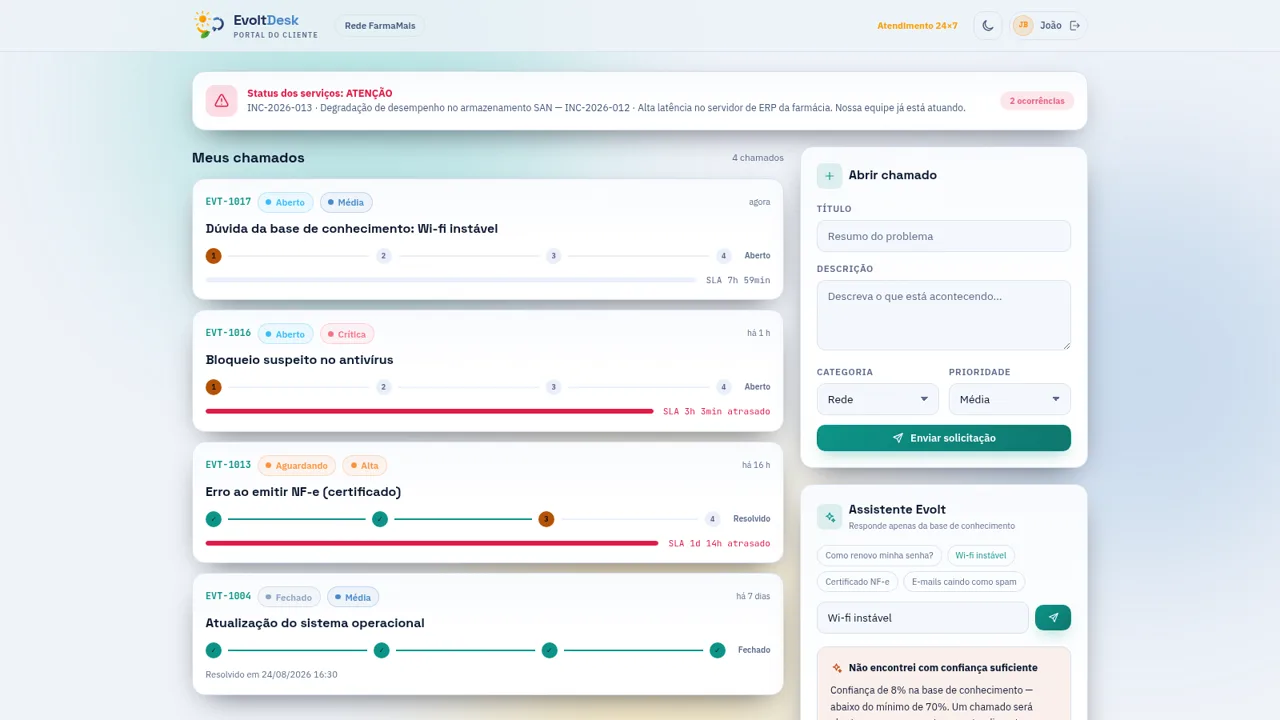
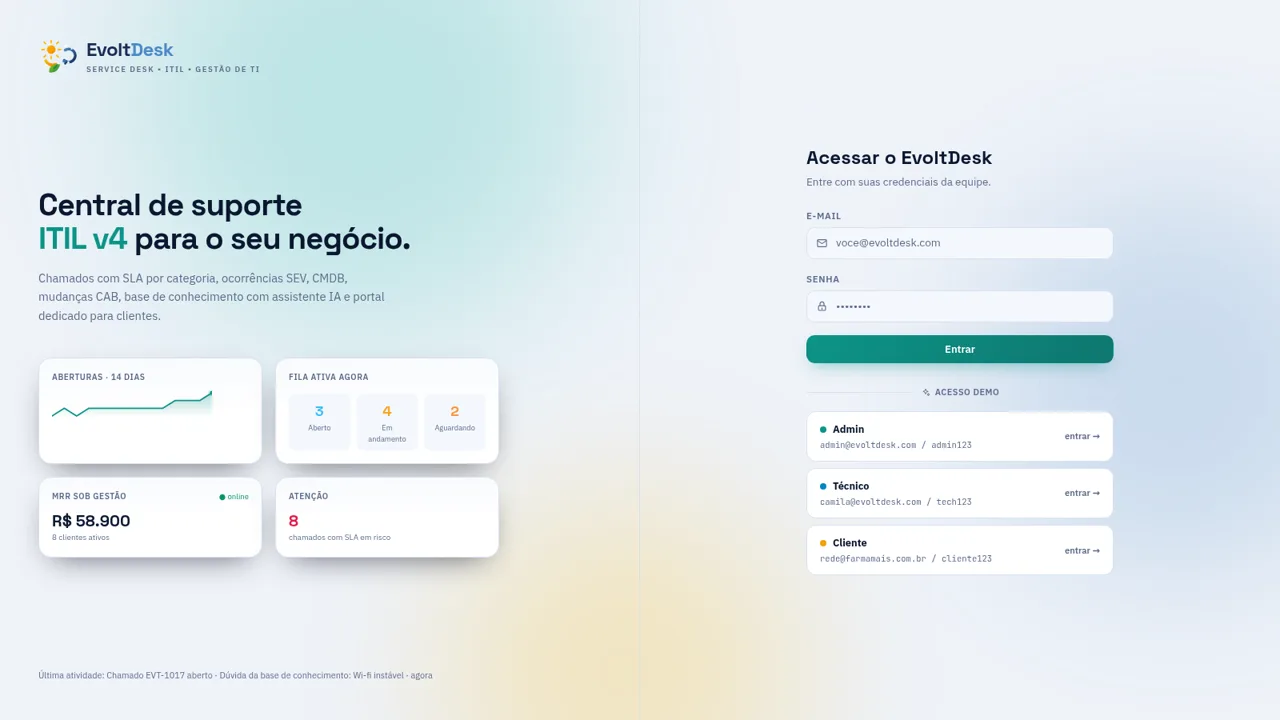
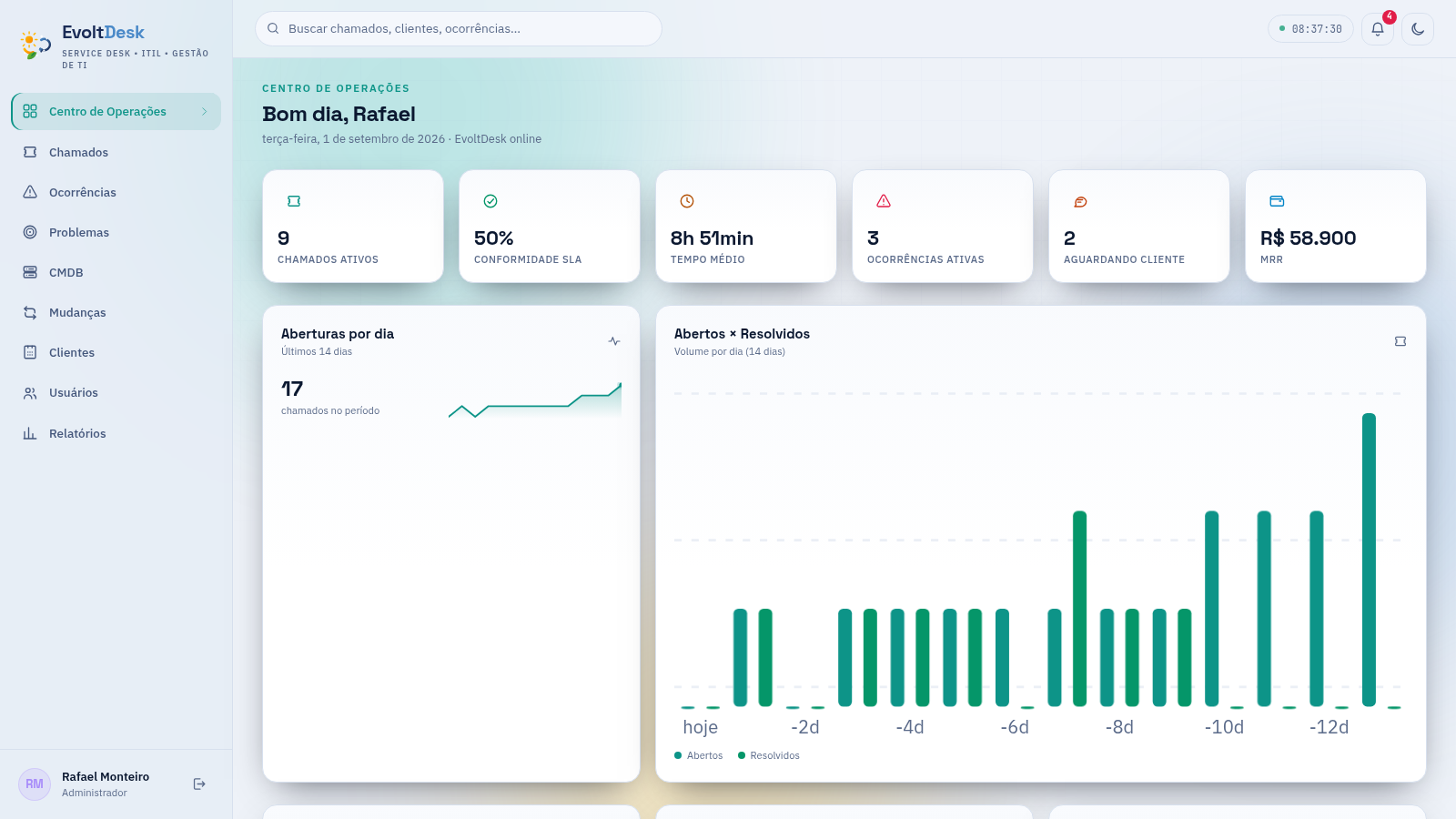
EvoltDesk is a Portuguese-language IT service management application for support teams and managed service providers. Its operations center summarizes active tickets, SLA compliance, average handling time, incidents, customer revenue, queue status, category volume, technician workload, and recent activity. Administrators can work through a detailed ticket queue, inspect requester and SLA data, change ticket status and priority, assign technicians, connect CMDB assets, add internal notes, review conversations, and track CSAT. Separate modules cover major incidents, problems and known errors, infrastructure assets, CAB-based change requests, customers, users, and reporting. The sign-in screen includes working demo access for administrator, technician, and client roles.
Highlights
Live Operations
SLA and queue metrics
Ticket Workflow
Stateful ITIL handling
Connected CMDB
Assets linked to work
CAB Changes
Risk and approval flow
Three Demo Roles
Admin, tech, client
How to Use
Choose a demo role
Open the landing page and select the administrator, technician, or client demo shortcut. The shortcut signs in with the displayed credentials and opens the workspace for that role.
Review current operations
Start in the Operations Center to check active ticket counts, SLA compliance, average handling time, incident severity, queue distribution, technician workload, and the latest operational events before choosing work to address.
Manage the support queue
Open Tickets, then use status tabs, priority and customer selectors, or queue search to narrow the list. Select a row to inspect its customer, requester, category, SLA deadline, assignment, linked asset, timeline, conversation, and satisfaction data.
Advance a ticket
From the ticket detail panel, use the available state action, assign a technician, adjust priority, link an asset, or record an internal note. The interface updates the status and adds a timestamped system entry to the ticket timeline.
Inspect assets and changes
Use CMDB to filter infrastructure assets by type, status, or customer. Open Changes to review RFC type, risk, current approval stage, maintenance progression, and rollback position across the CAB workflow.
Similar Sites
 3
3Loja Advance - Manutenção
Manutenção de impressoras, notebooks, computadores e smartphones com garantia.
 3
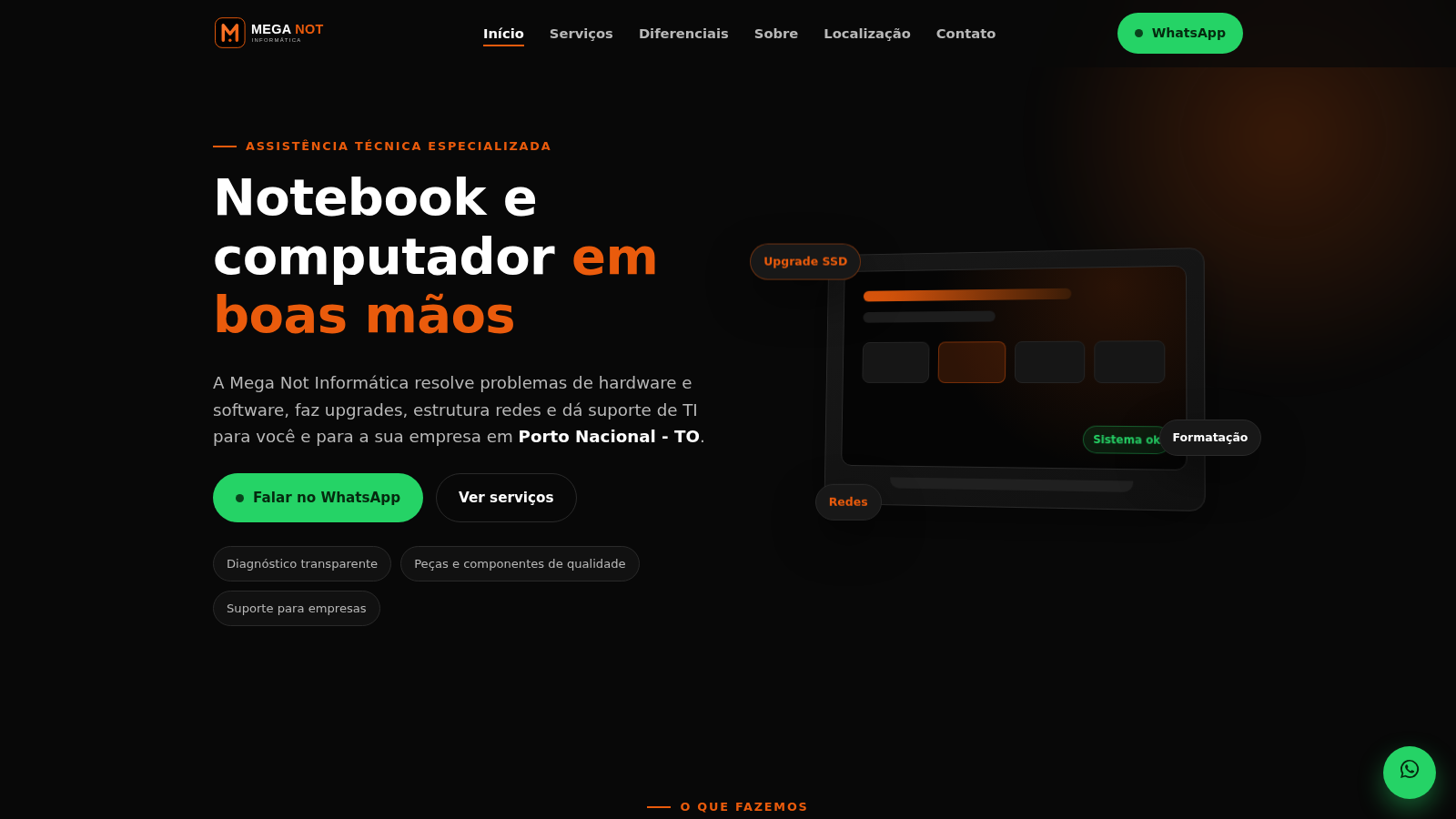
3MEGANOT
Assistência técnica em notebooks, redes e TI em Porto Nacional - TO
 53
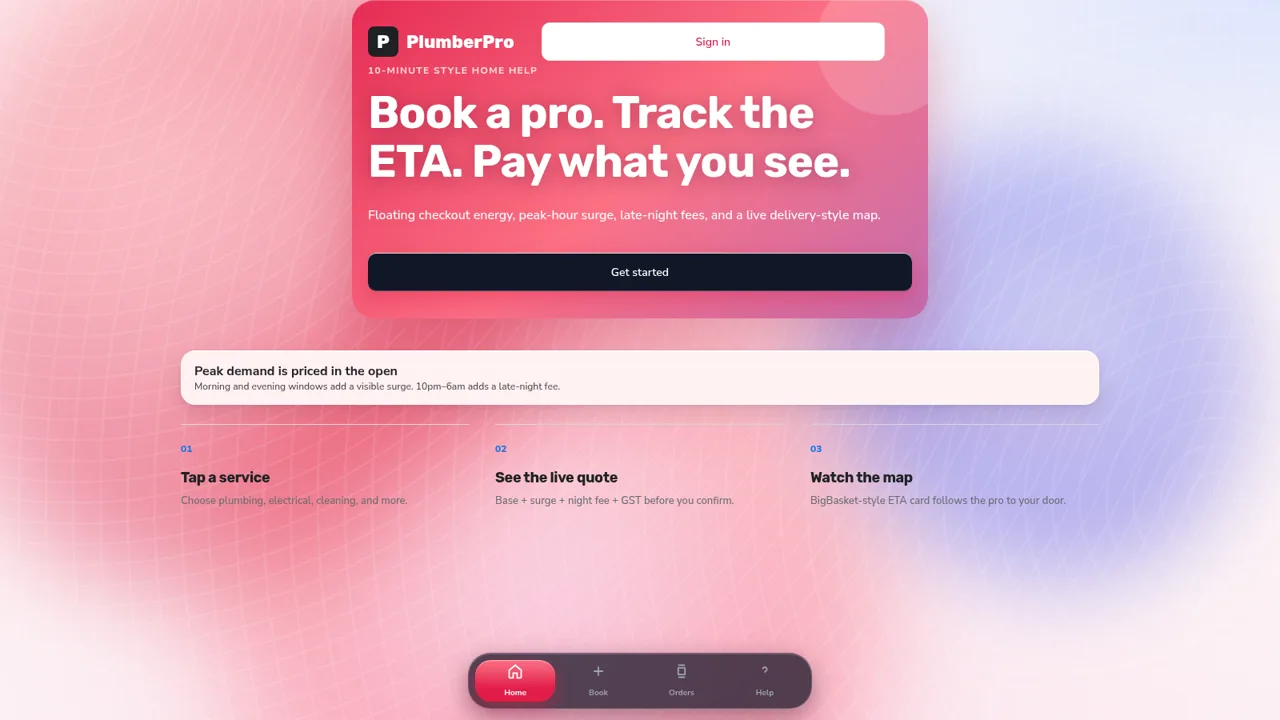
53PlumberPro
Book home services in minutes with live ETA and transparent surge and late-night pricing.
 49
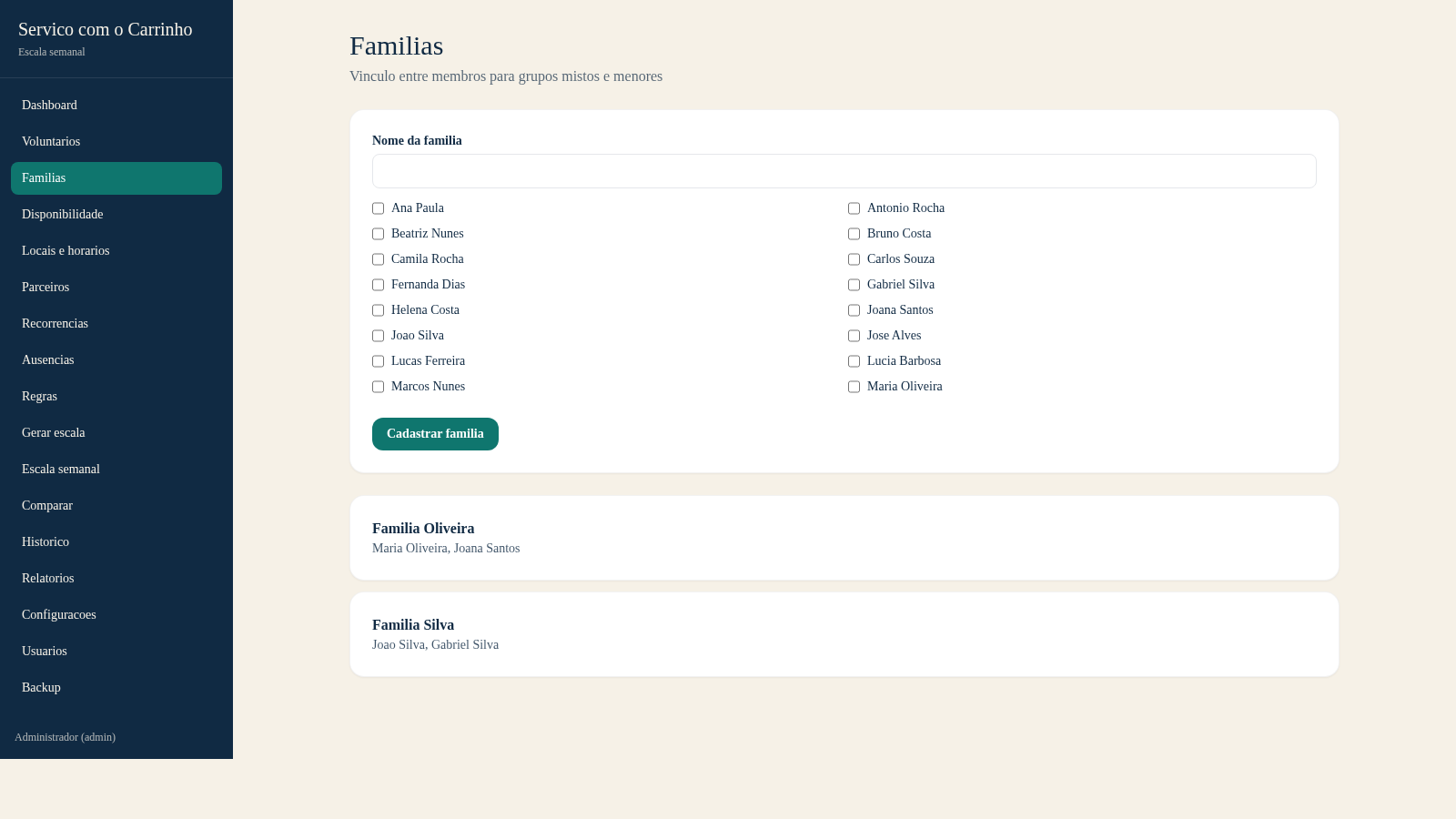
49Escala do Carrinho
Sistema de administracao e geracao automatica da escala semanal do Servico com o Carrinho
 43
43DKW System CRM com IA
CRM white label com WhatsApp, Instagram, IA e automações
 43
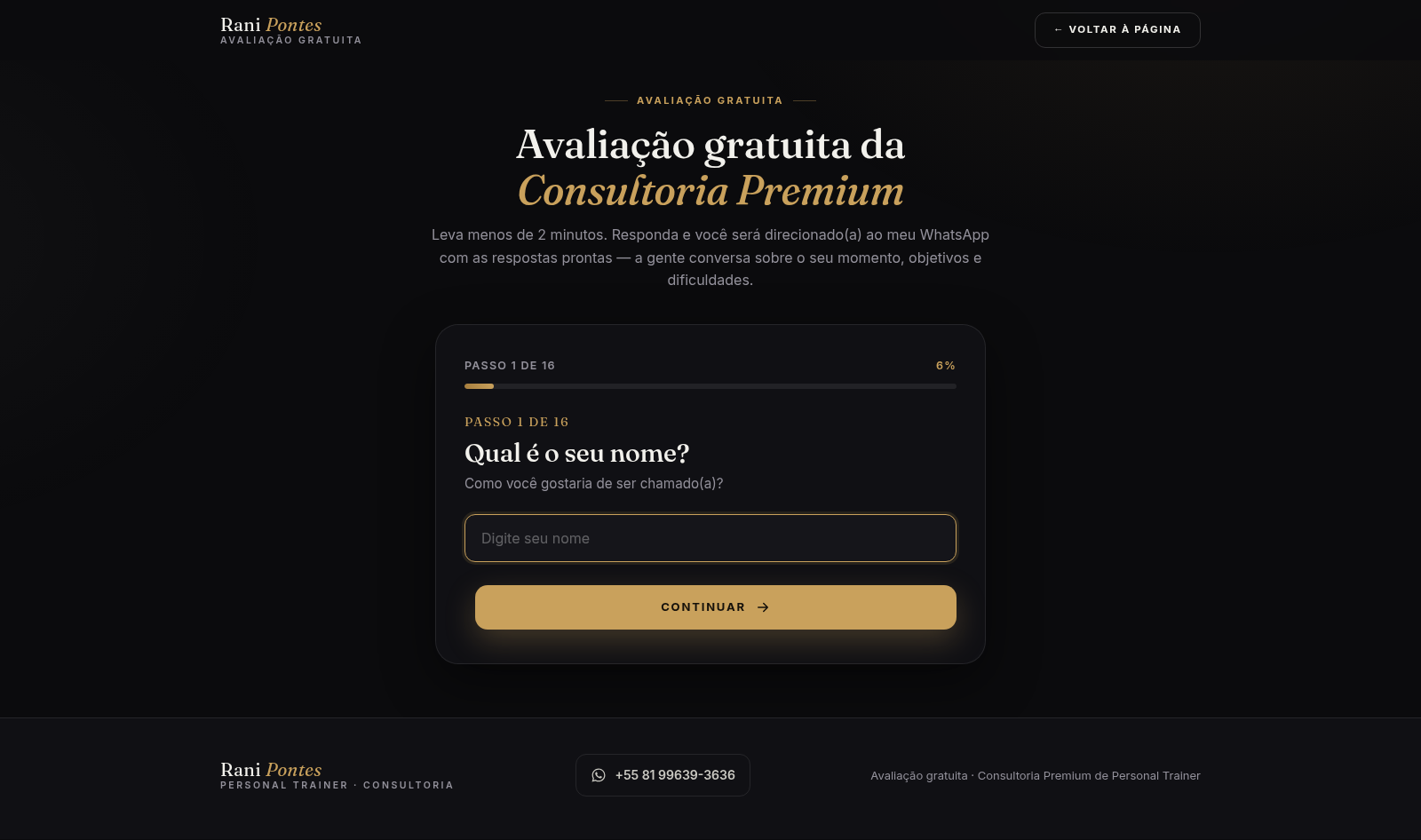
43Rani Pontes | Consultoria Premium
Avaliação grátis com Rani Pontes Personal