
Sinalo
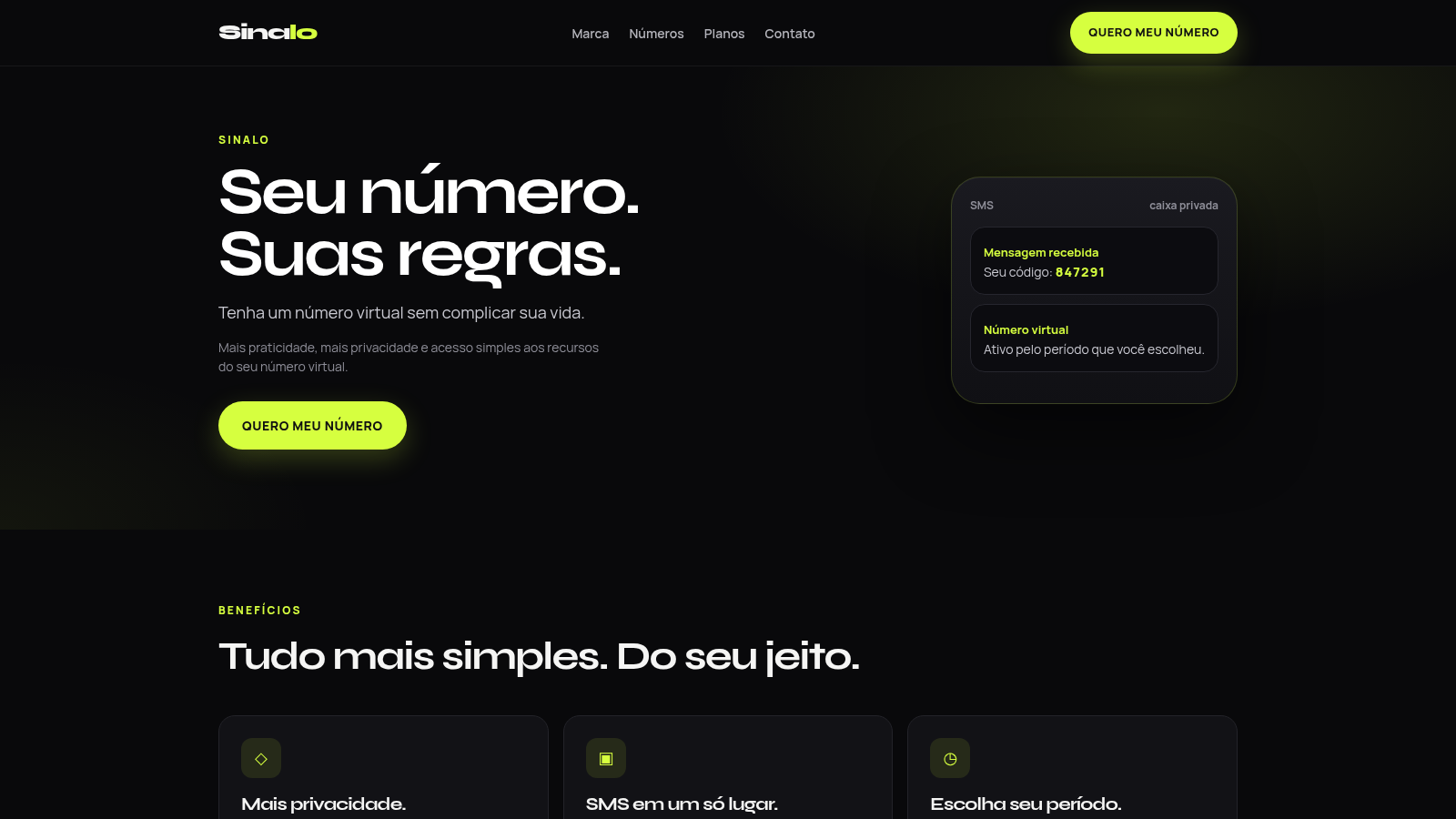
Pick a country, choose a temporary number and read your SMS in a private inbox
Sinalo is a Portuguese-language storefront for temporary virtual phone numbers used to receive SMS. The home page explains the service and shows plan cards, then the number flow lets you choose a country, narrow down to a region, and pick one of six available lines before selecting a 7, 15 or 30 day plan. Creating an order opens a page with the assigned number, price and a payment link, and after payment confirmation the same order page turns into a waiting screen with an SMS inbox and a status checklist.
Highlights
Country catalog
Over 60 countries to browse
Region filtering
Brazil split by area codes
Private SMS inbox
Messages in your order page
Three plan lengths
7, 15 or 30 days
No signup needed
Buy without an account
How to Use
Choose country and region
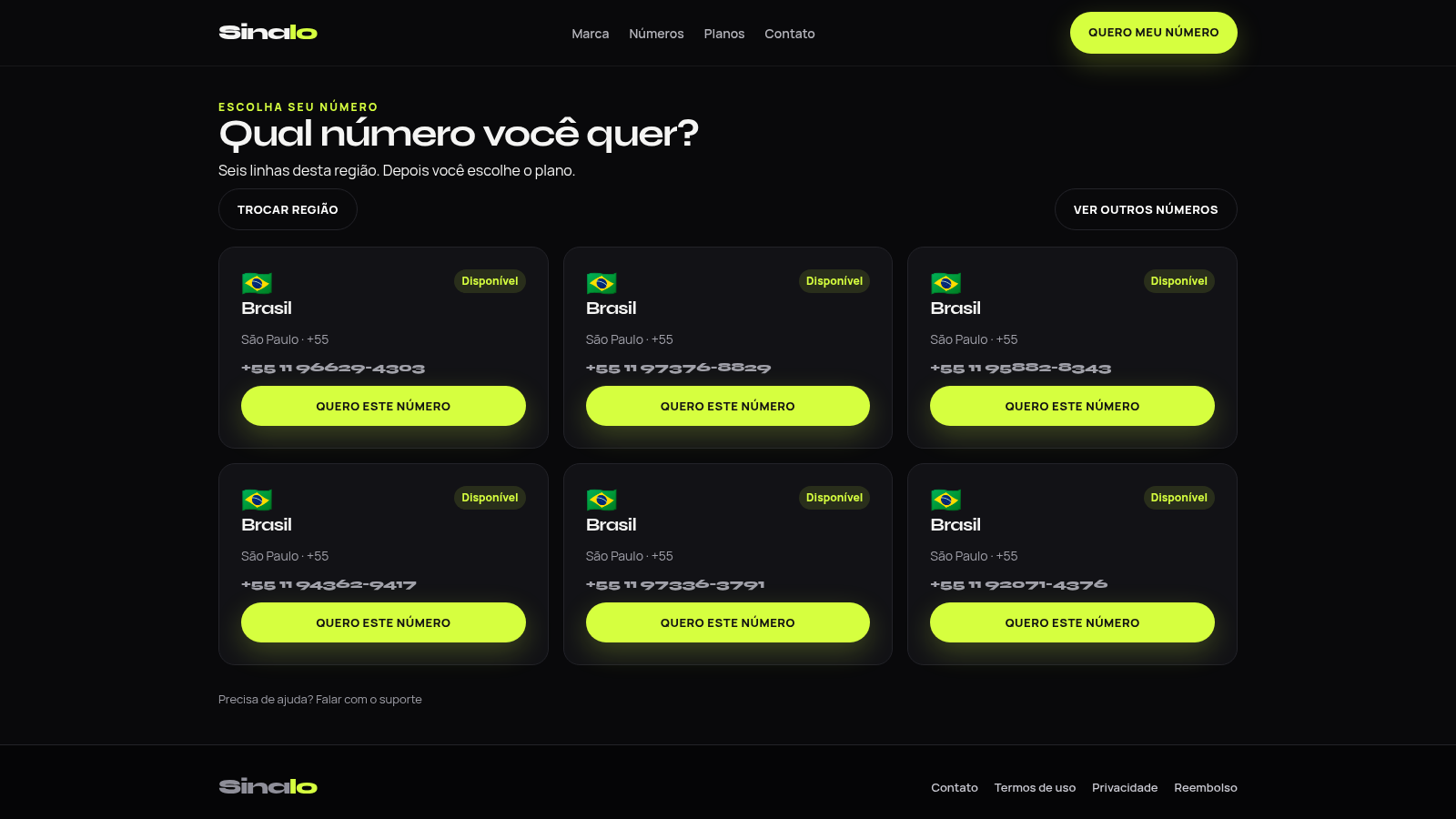
On the Numbers section, open the country picker and search by country name or dialing code, then select a country and a region. Brazil, for example, lists twelve area codes from Sao Paulo to Ceara. The next screen shows six available lines for the chosen region with their full numbers.
Pick a number and plan
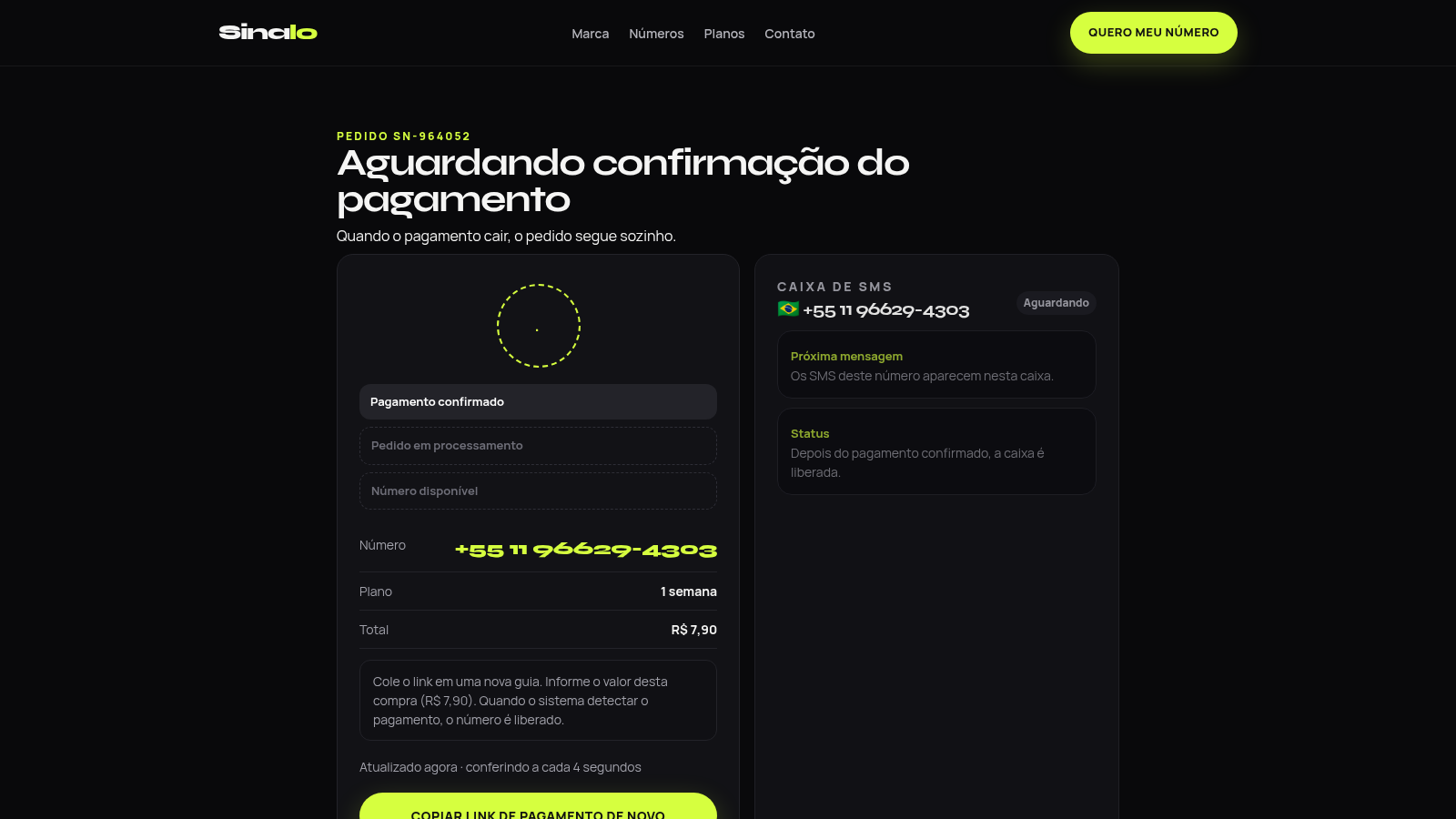
Press the button under the line you want and the site moves to a plan page that keeps your number at the top. Compare the three durations and prices, then select one to create an order. The order page shows an order code such as SN-964052, the chosen number, the plan and the total.
Pay and track the order
Use the copy payment link button to open the Mercado Pago checkout in a new tab and pay the exact amount shown. Copying the link alone does not confirm anything; the order page polls the server every four seconds and moves through payment confirmed, order processing and number available as the status changes.
Read SMS in the private inbox
Once the order becomes active, the inbox panel on the right side of the order page lists messages received by that number. The page is reached through a long private token in the URL, so keep the link to return to the inbox later, since there is no account or password.
Get help if activation stalls
The support page opens a form where you choose a subject such as payment, activation, SMS reception or refund, optionally add the order code and a contact, and send a message. The page returns a ticket reference and states that the team replies through the contact you provided.
Similar Sites
 94
94OhMyPS - AI Image Editor
Brush, describe, and quickly edit part of an image with AI.
 81
81PDF Master AI
Private in-browser PDF toolkit to convert, merge, compress, edit, and protect files.
 77
77BJJ STAT — ANALISE. ENTENDA. EVOLUA.
Scout de Jiu-Jitsu em um toque. Placar IBJJF, relatórios visuais e PWA offline.
 59
59ToolCraft - Free Online Tools
Free, fast, privacy-friendly online tools & expert guides - all in your browser.
 30
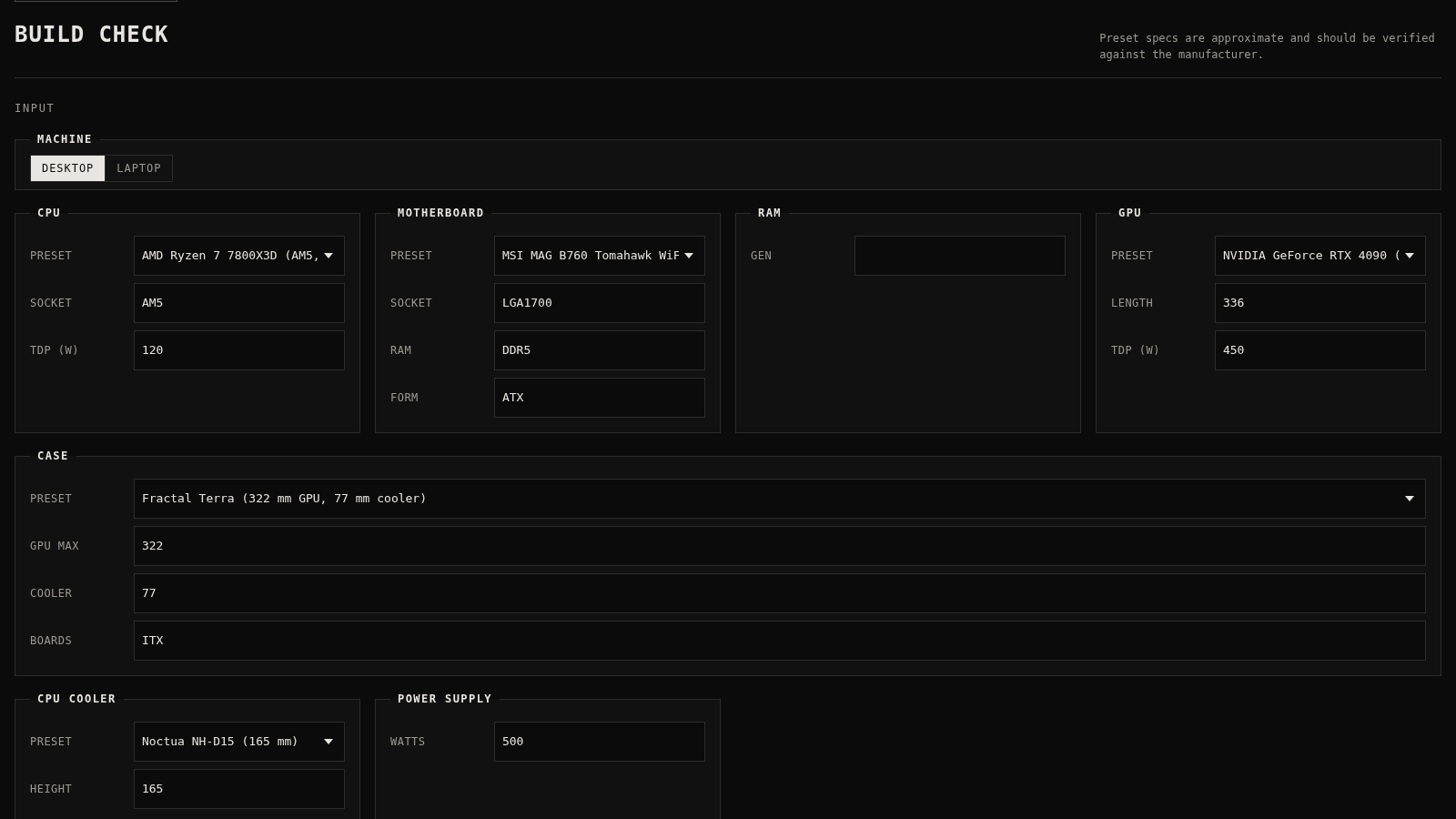
30PC Build Checker
Check desktop and laptop PC builds for compatibility, scores, and upgrades.
 22
22AuroraOS
A desktop OS inside a single HTML file - apps, terminal, games, music