
Countdown
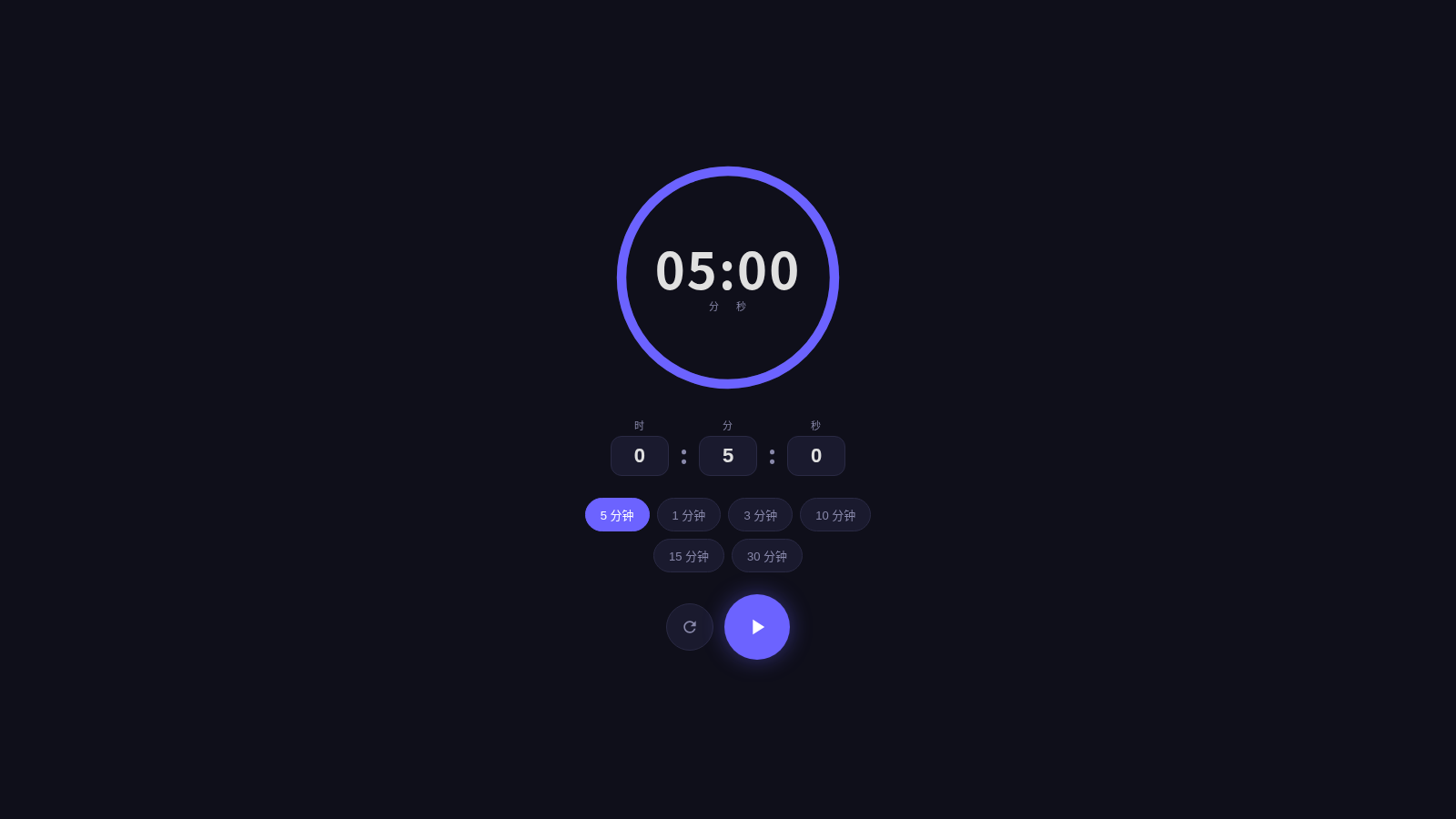
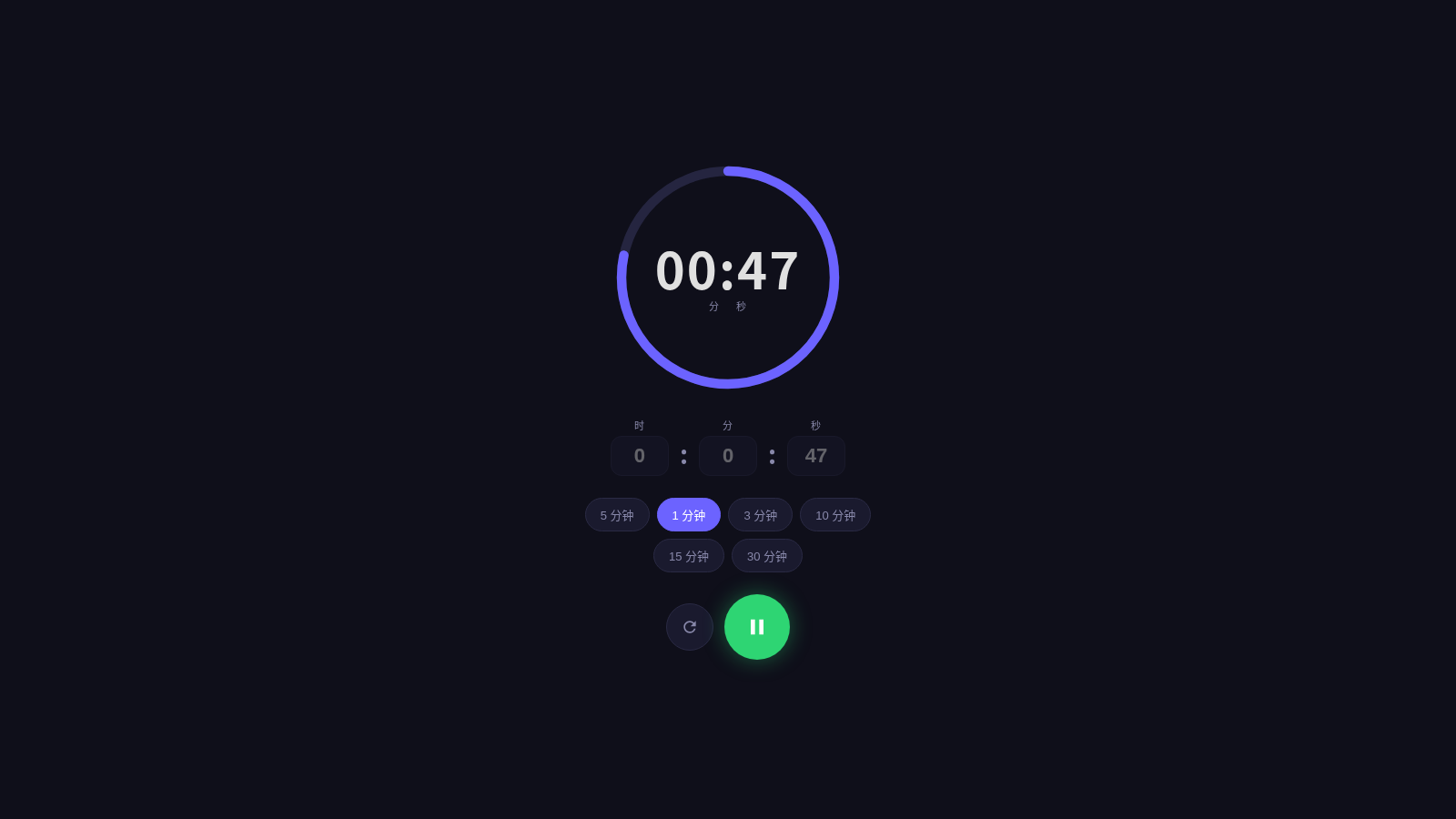
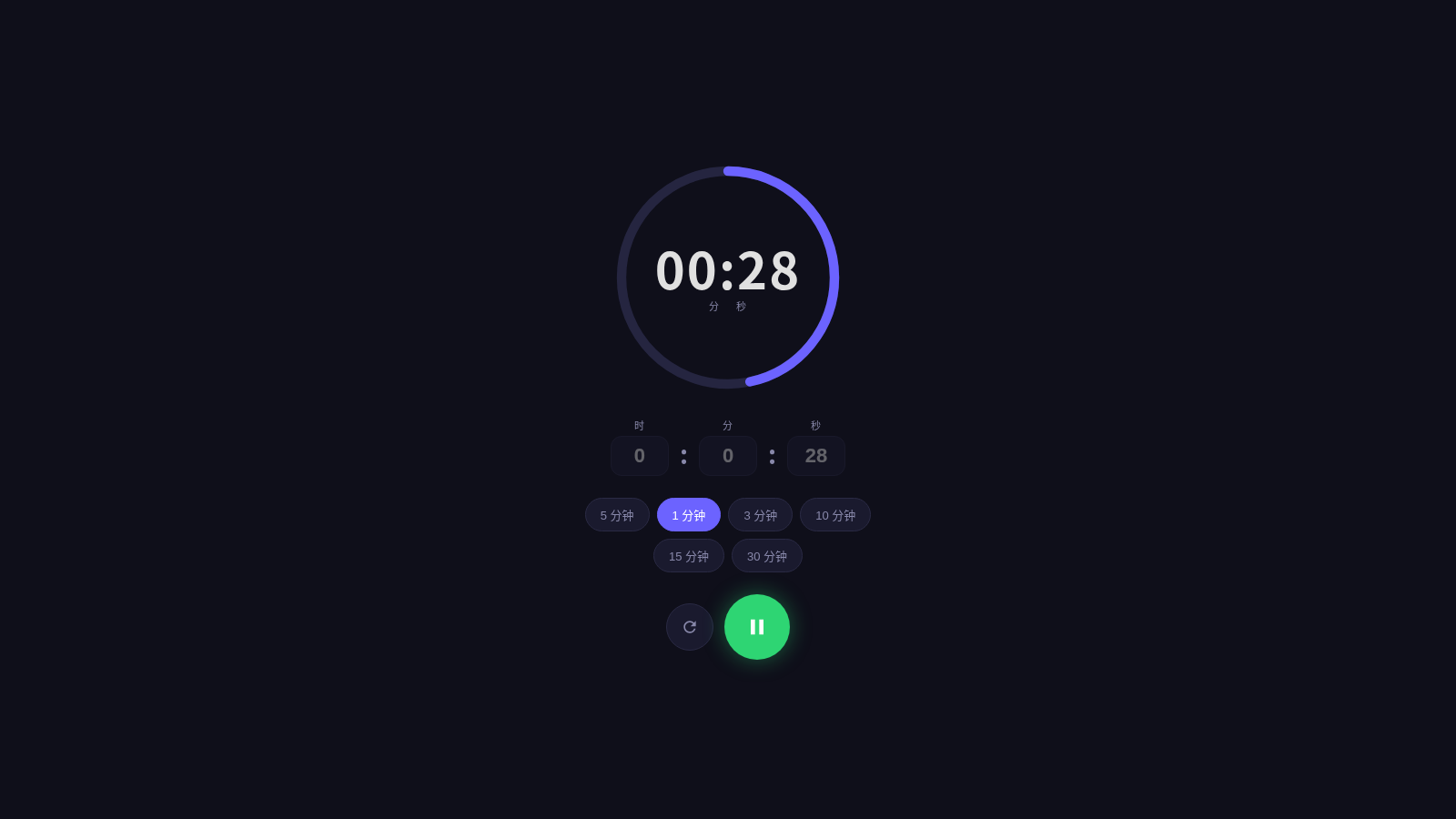
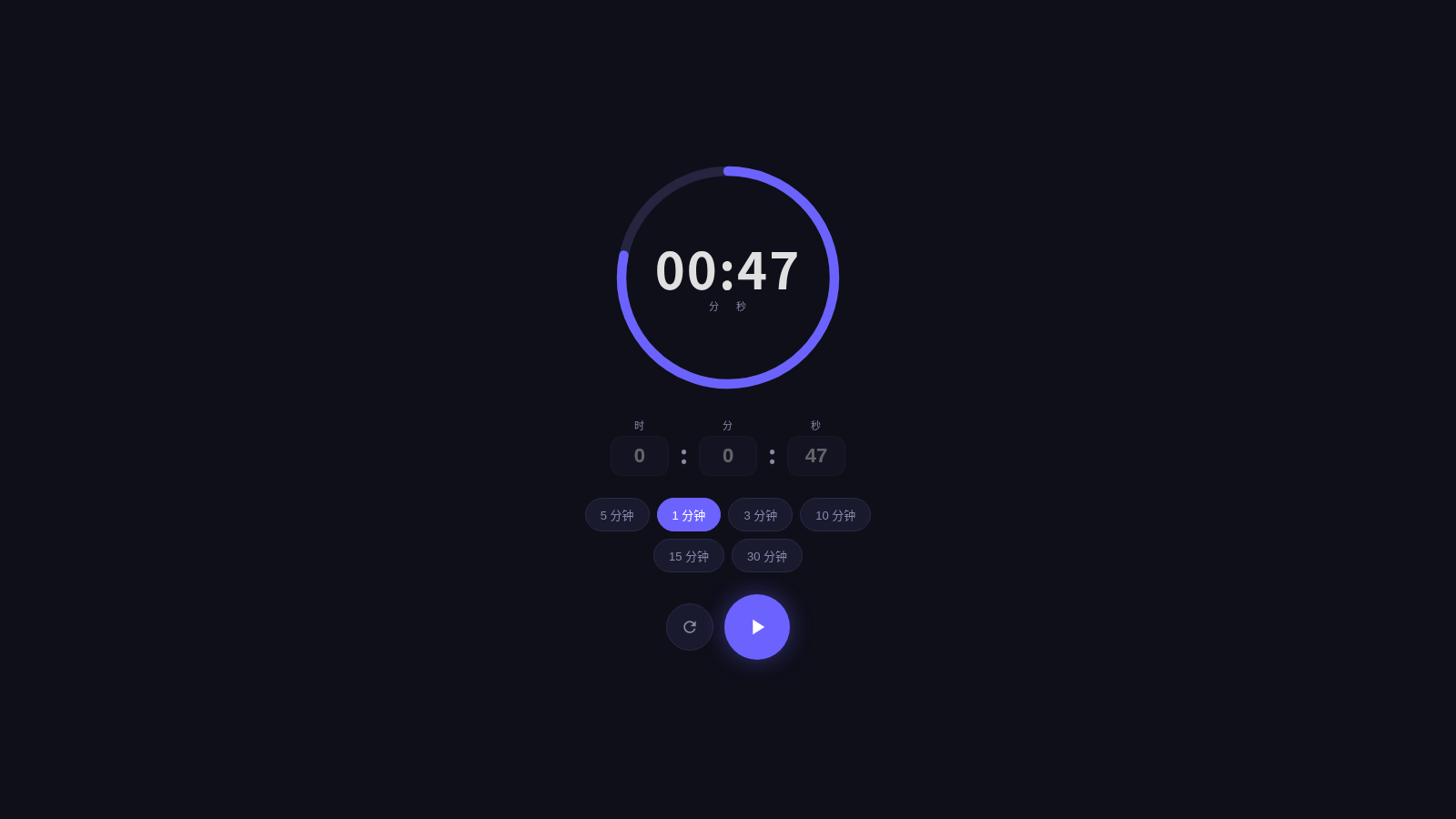
Set a custom duration or choose a preset, then track the remaining time on a clear circular display.
Countdown is a compact single-page timer for short, focused activities. The main circular display shows the remaining minutes and seconds, while three numeric fields let users set hours, minutes, and seconds directly. Quick presets cover six common durations from one to thirty minutes. Dedicated start and reset buttons keep the timing flow simple and visible without requiring navigation, registration, or installation.
Highlights
Quick presets
Six common durations
Custom duration
Edit hours, minutes, seconds
Clear display
Large circular countdown
How to Use
Choose a duration
Select one of the 1, 3, 5, 10, 15, or 30 minute preset buttons to update the countdown immediately, or enter a custom value in the hour, minute, and second fields.
Start the countdown
Press the circular start control below the presets. The central display begins counting down from the selected duration and keeps the remaining time prominent on screen.
Reset when needed
Use the circular reset control to return the timer to its configured state, then select another preset or edit the numeric fields before starting a new session.
Similar Sites
 94
94OhMyPS - AI Image Editor
Brush, describe, and quickly edit part of an image with AI.
 80
80PDF Master AI
Private in-browser PDF toolkit to convert, merge, compress, edit, and protect files.
 77
77BJJ STAT — ANALISE. ENTENDA. EVOLUA.
Scout de Jiu-Jitsu em um toque. Placar IBJJF, relatórios visuais e PWA offline.
 59
59ToolCraft - Free Online Tools
Free, fast, privacy-friendly online tools & expert guides - all in your browser.
 30
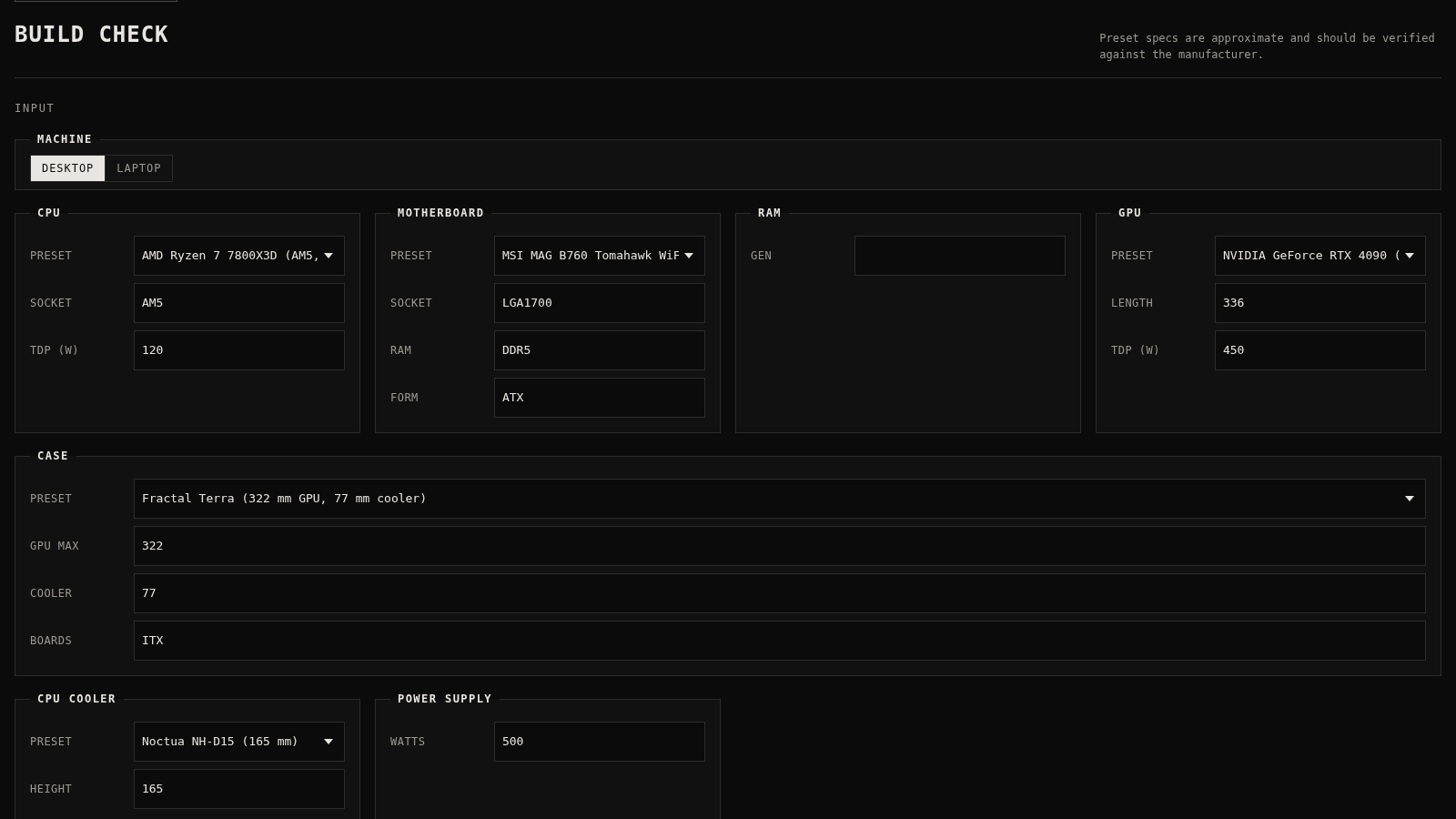
30PC Build Checker
Check desktop and laptop PC builds for compatibility, scores, and upgrades.
 22
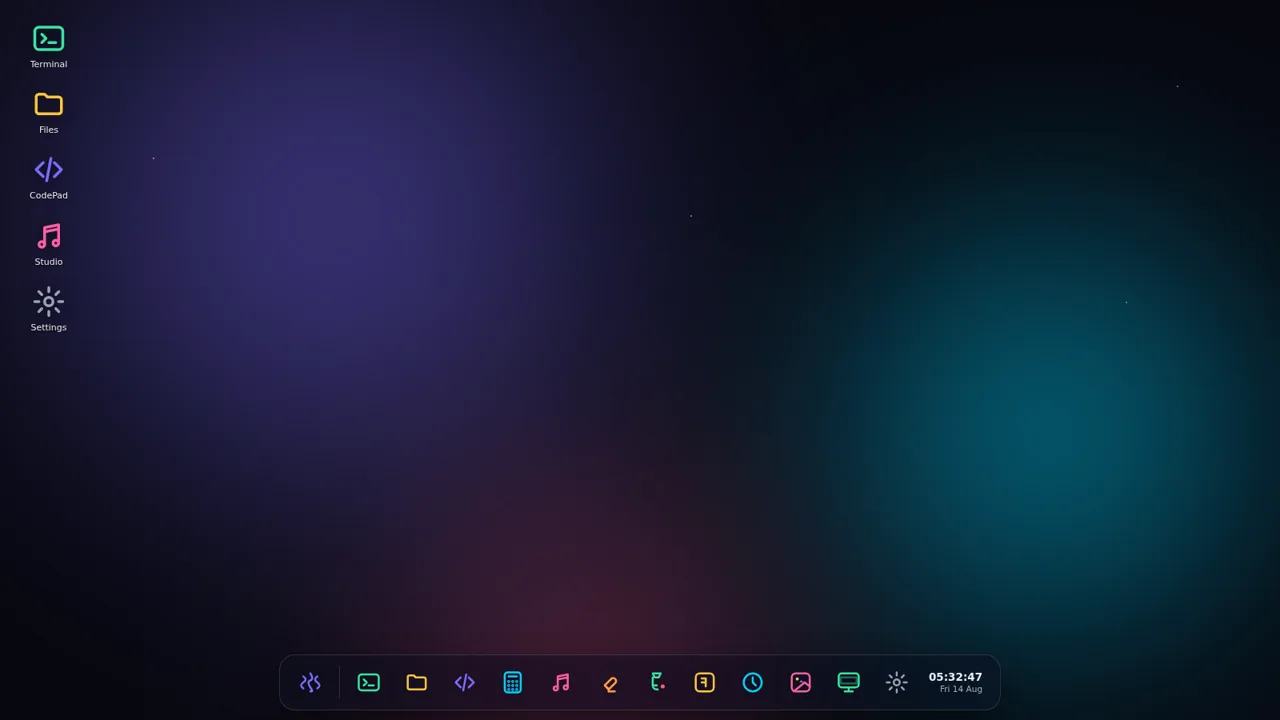
22AuroraOS
A desktop OS inside a single HTML file - apps, terminal, games, music