
Lumiere POS Dashboard
Run salon appointments, checkout, sales, staffing, and analytics from one bilingual POS workspace.
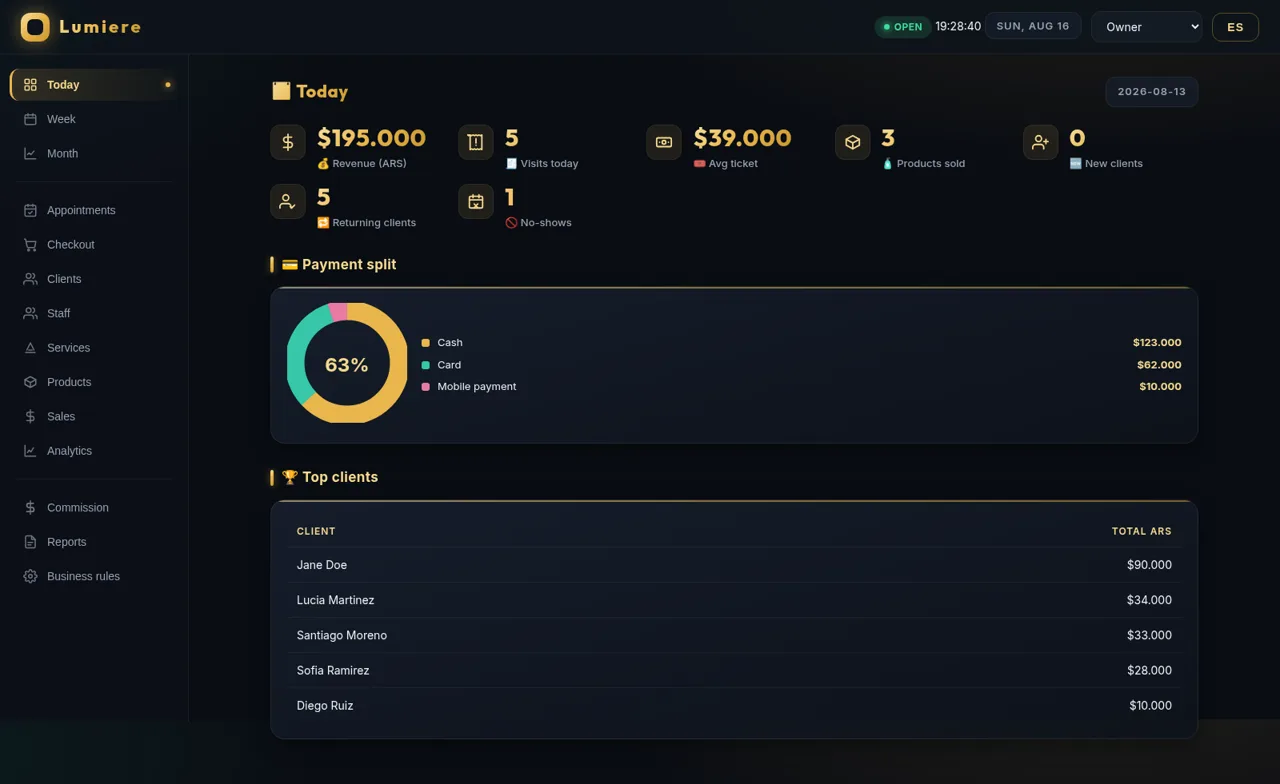
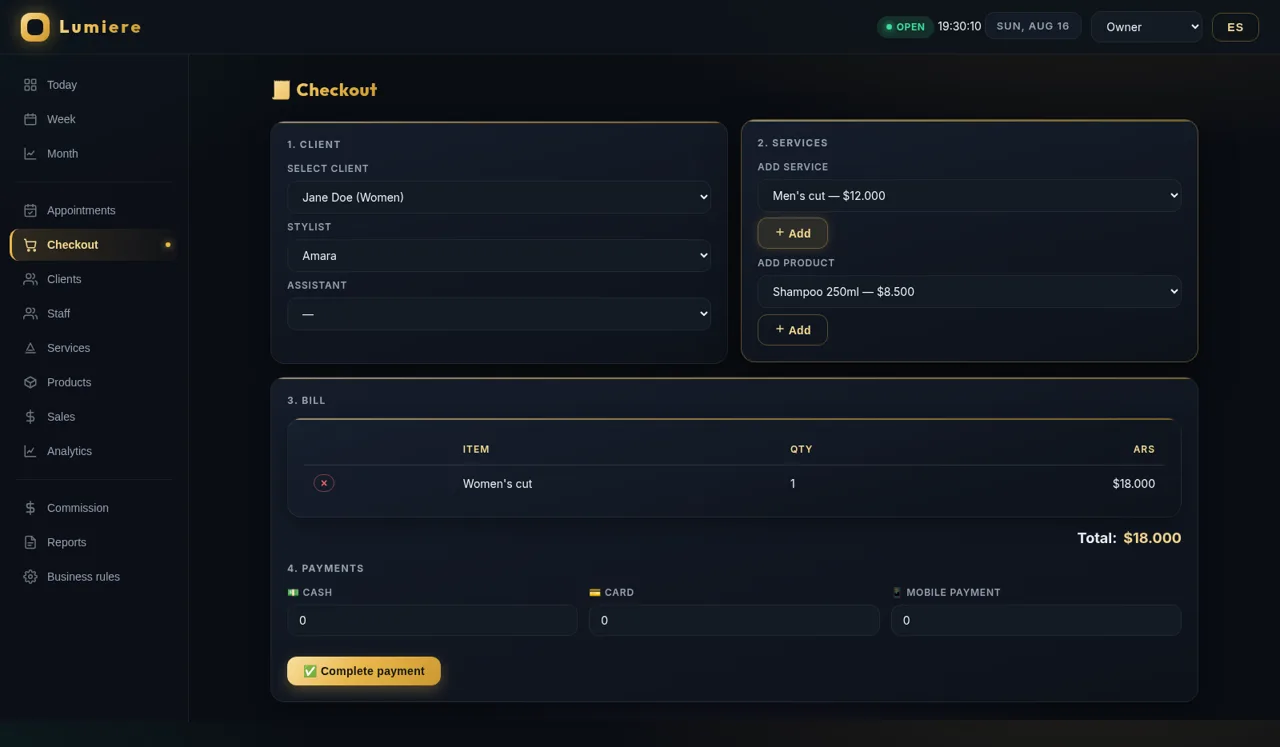
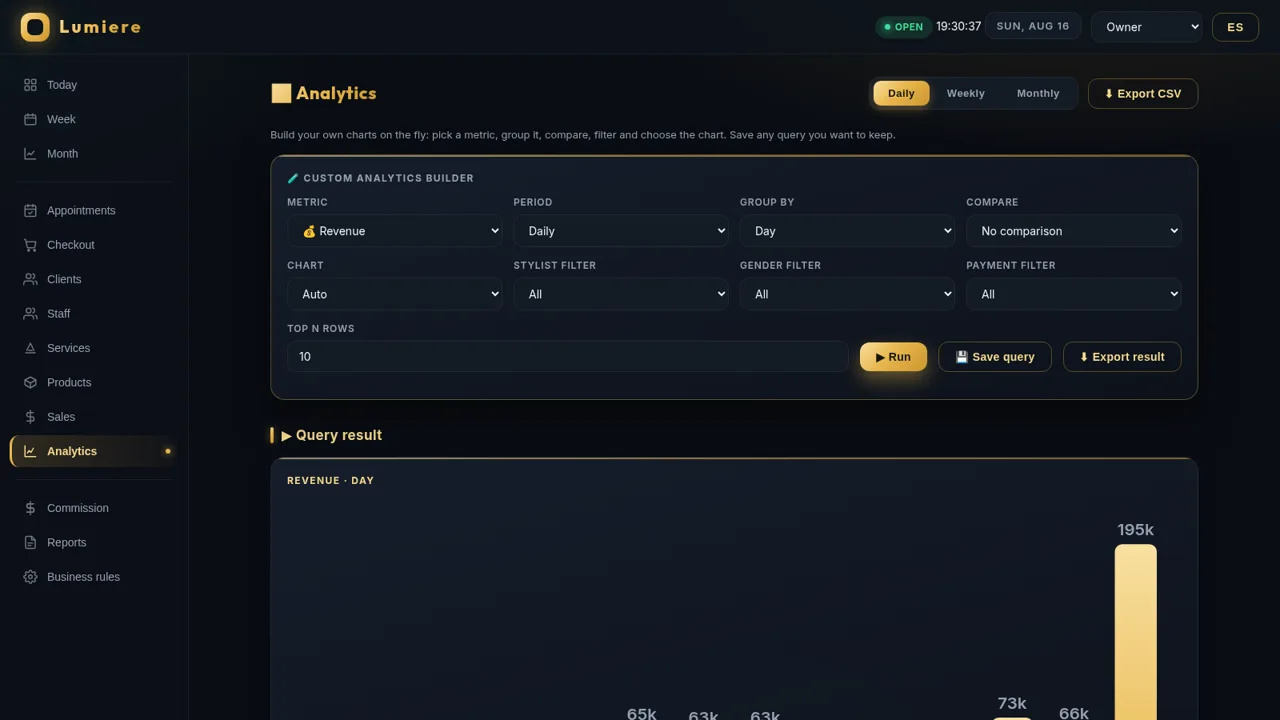
Lumiere POS is an interactive management dashboard designed around the daily workflow of a beauty salon. It presents operational snapshots for revenue, visits, ticket size, product sales, returning clients, no-shows, payment methods, and top customers. The navigation opens dedicated areas for appointments, checkout, clients, staff, services, products, sales, analytics, commissions, reports, and business rules. Users can assemble a bill from a detailed salon service and retail product catalog, assign staff, split payment amounts across cash, card, and mobile payment, and complete the transaction. The resulting sale is added to the sales history. A configurable analytics builder supports different metrics, periods, grouping dimensions, comparisons, chart types, filters, saved queries, and exports. The interface can switch between English and Spanish and offers Owner, Administrator, and Receptionist role views without requiring an account.
Highlights
Complete Checkout
Build and settle bills
Salon Operations
Manage daily workflows
Custom Analytics
Build filtered charts
Bilingual UI
Switch English or Spanish
How to Use
Review daily performance
Open Today, Week, or Month from the sidebar to review revenue, visits, average ticket value, product sales, client retention, no-shows, payment distribution, and leading clients for the selected period.
Check the appointment schedule
Choose Appointments to browse dated bookings with client, service, staff, and status information. Use the date field to focus the schedule and the new appointment control to view the demo booking behavior.
Complete a checkout
Open Checkout, select a client, stylist, and optional assistant, then add one or more services or products. Review the itemized bill, enter payment amounts under cash, card, or mobile payment, and complete the payment to add the transaction to Sales.
Explore business analytics
Open Analytics and choose a metric, period, grouping, comparison, and chart format. Apply staff, gender, or payment filters, set the number of rows, and run the query. Useful configurations can be saved, while displayed data and sales records can be exported.
Change language or role
Use the language button in the header to switch between English and Spanish. Select Owner, Administrator, or Receptionist from the role menu to inspect the dashboard from different operational perspectives.
Similar Sites
 69
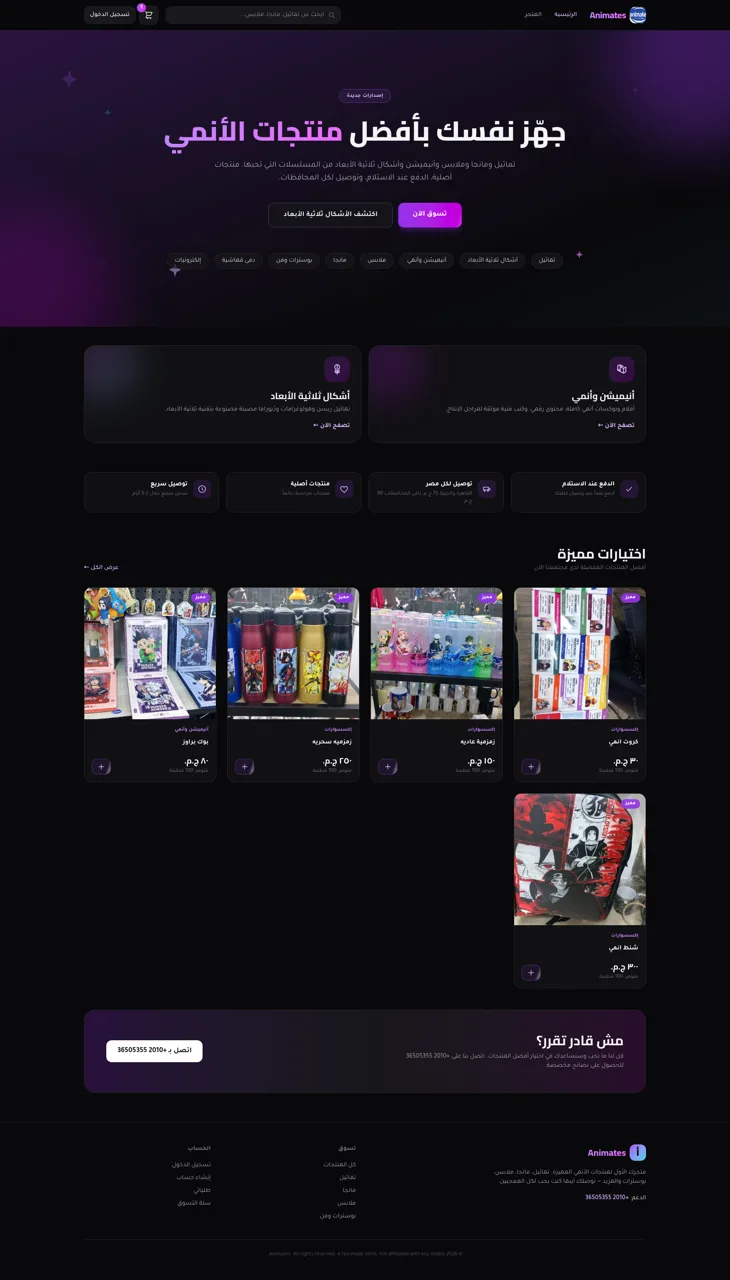
69Animates — Anime Merch Store
Full-stack Arabic RTL anime merch store with COD checkout and admin dashboard
 30
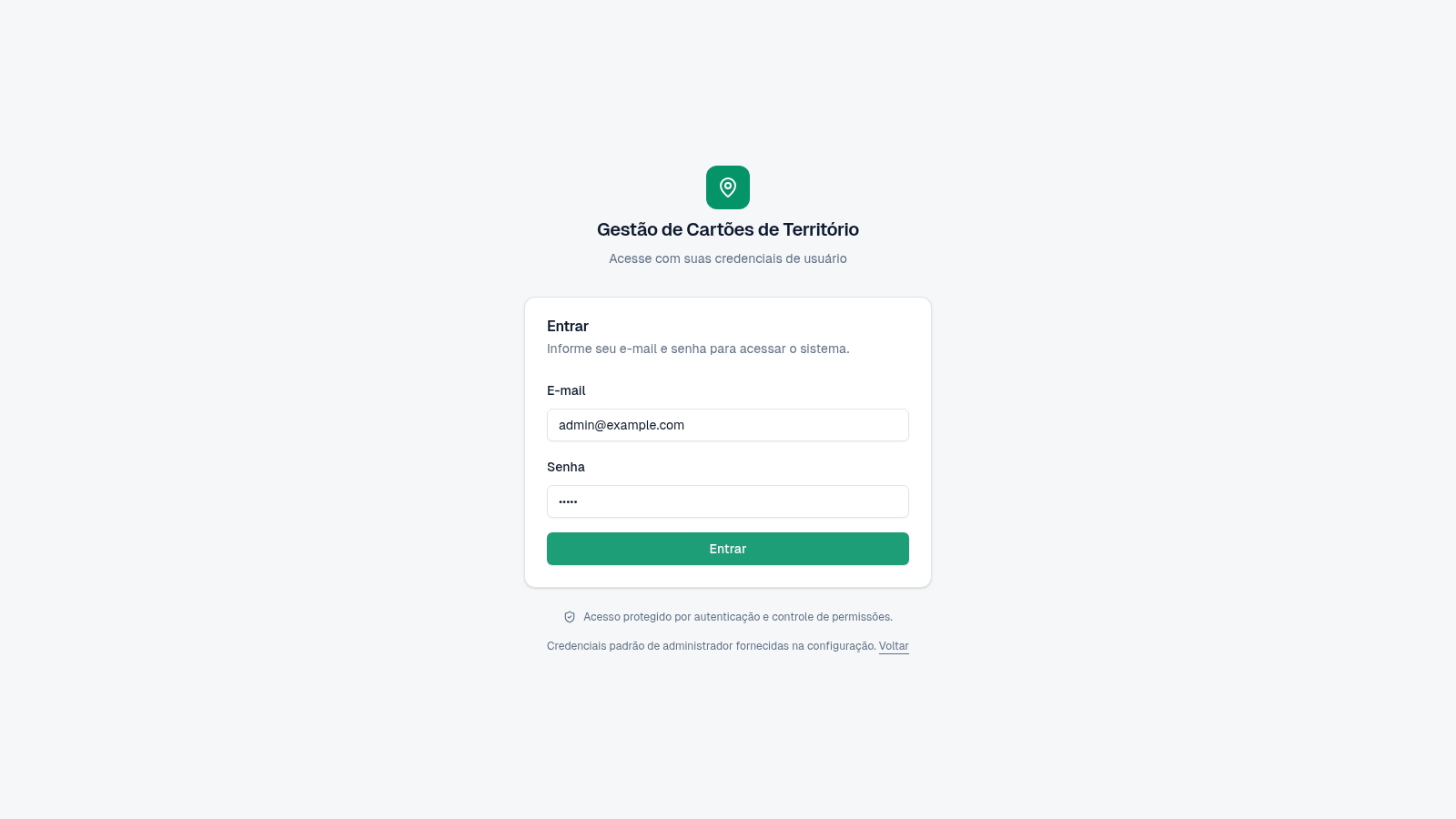
30Cartões de Território
Gestão de cartões e territórios com grupos, designações e histórico.
 18
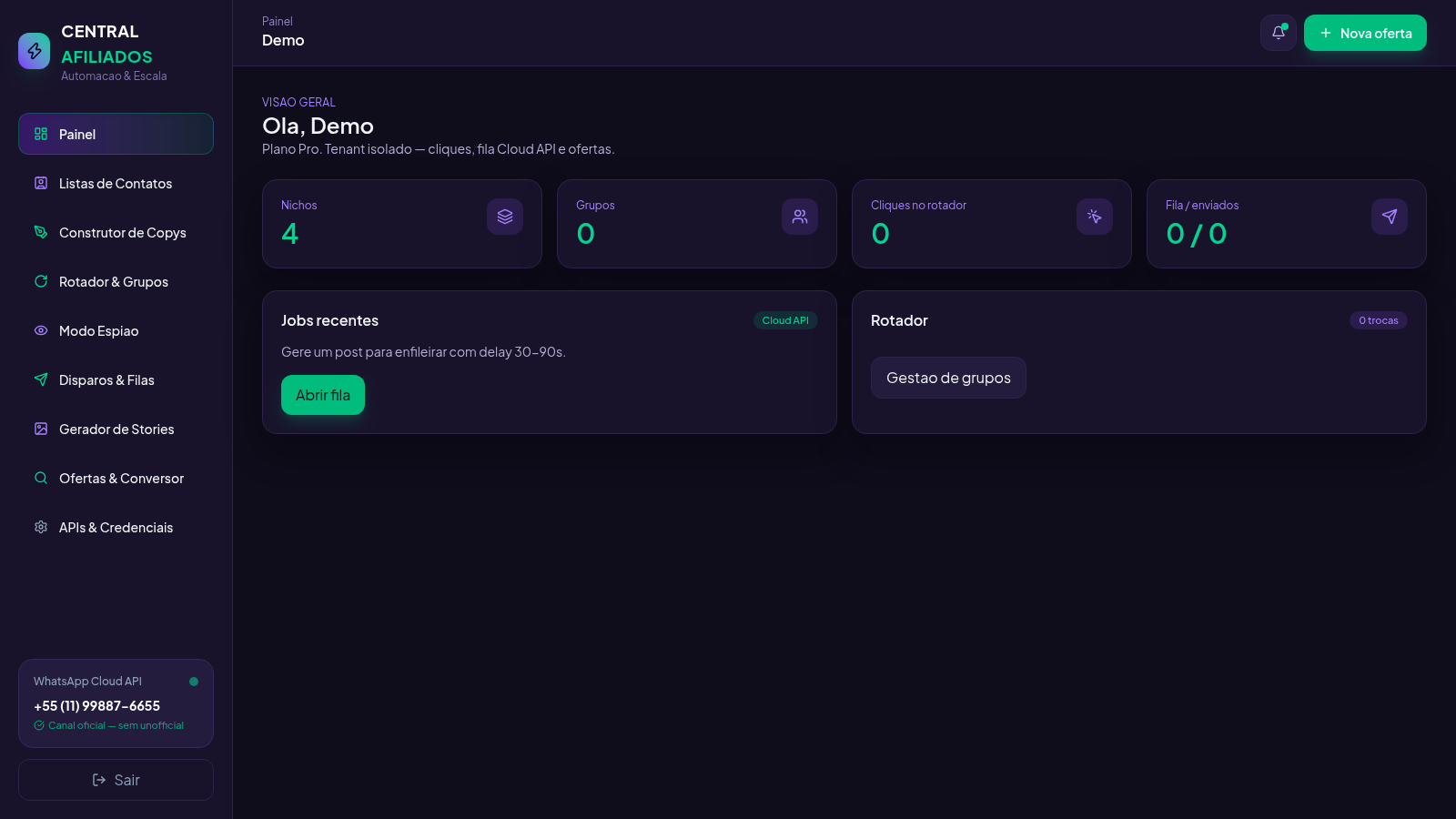
18Central Afiliados
SaaS multi-tenant de ofertas, conversão de links e rotador de grupos
 12
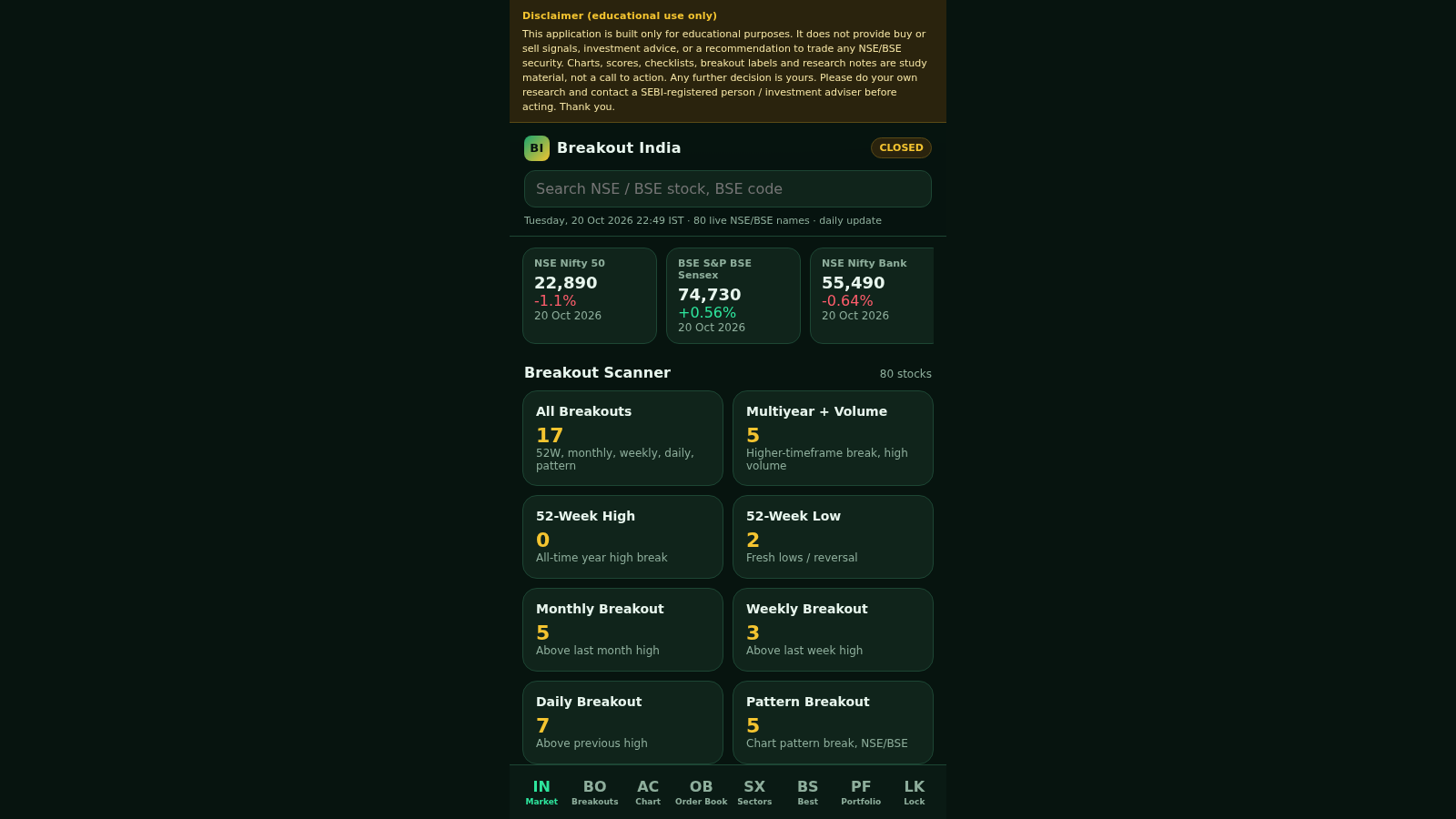
12vision stream
Educational purpose
 2
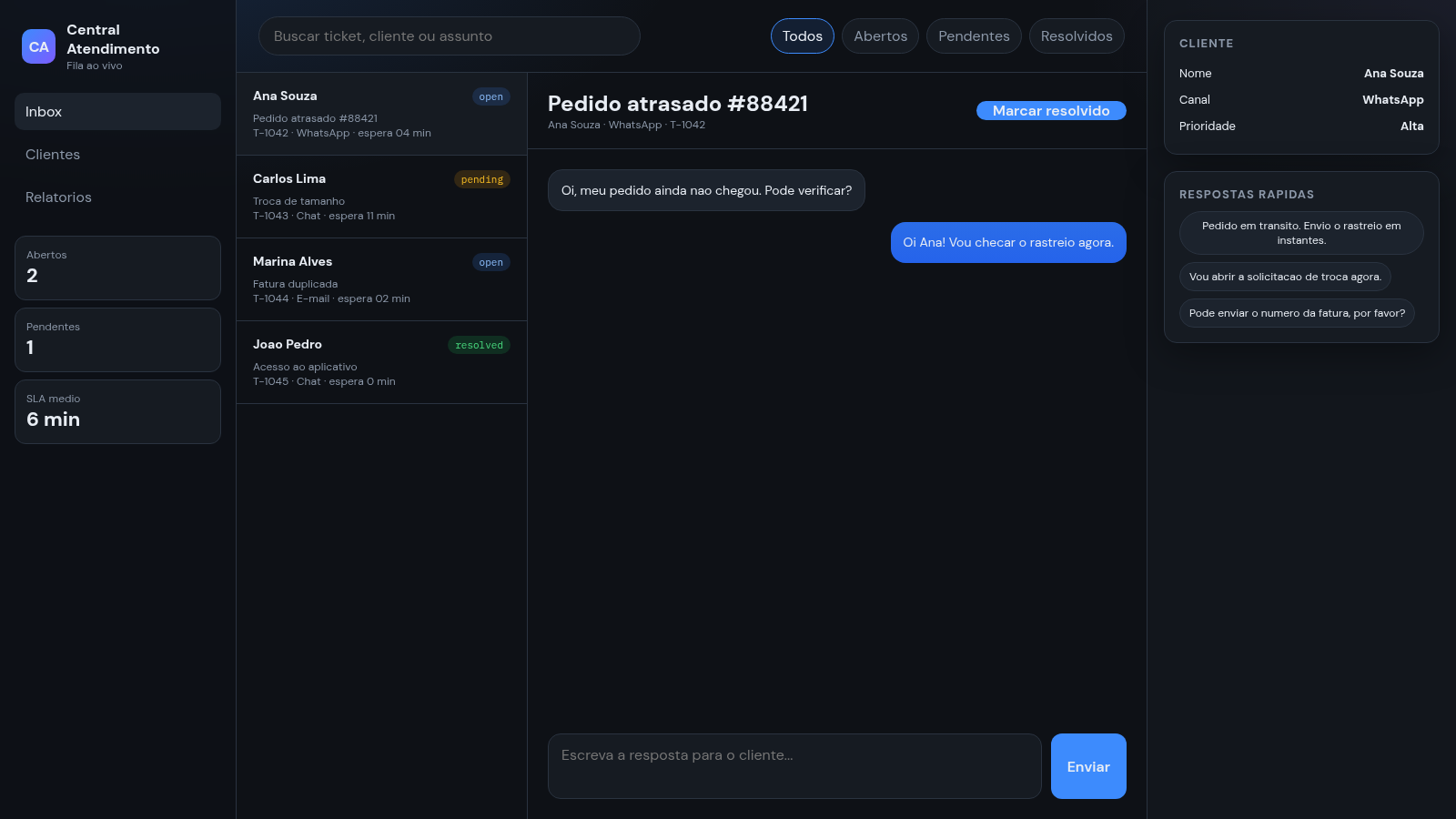
2Central de Atendimento
Painel de atendimento com fila de tickets, chat e respostas rapidas.
 1
1Crypto News Platform
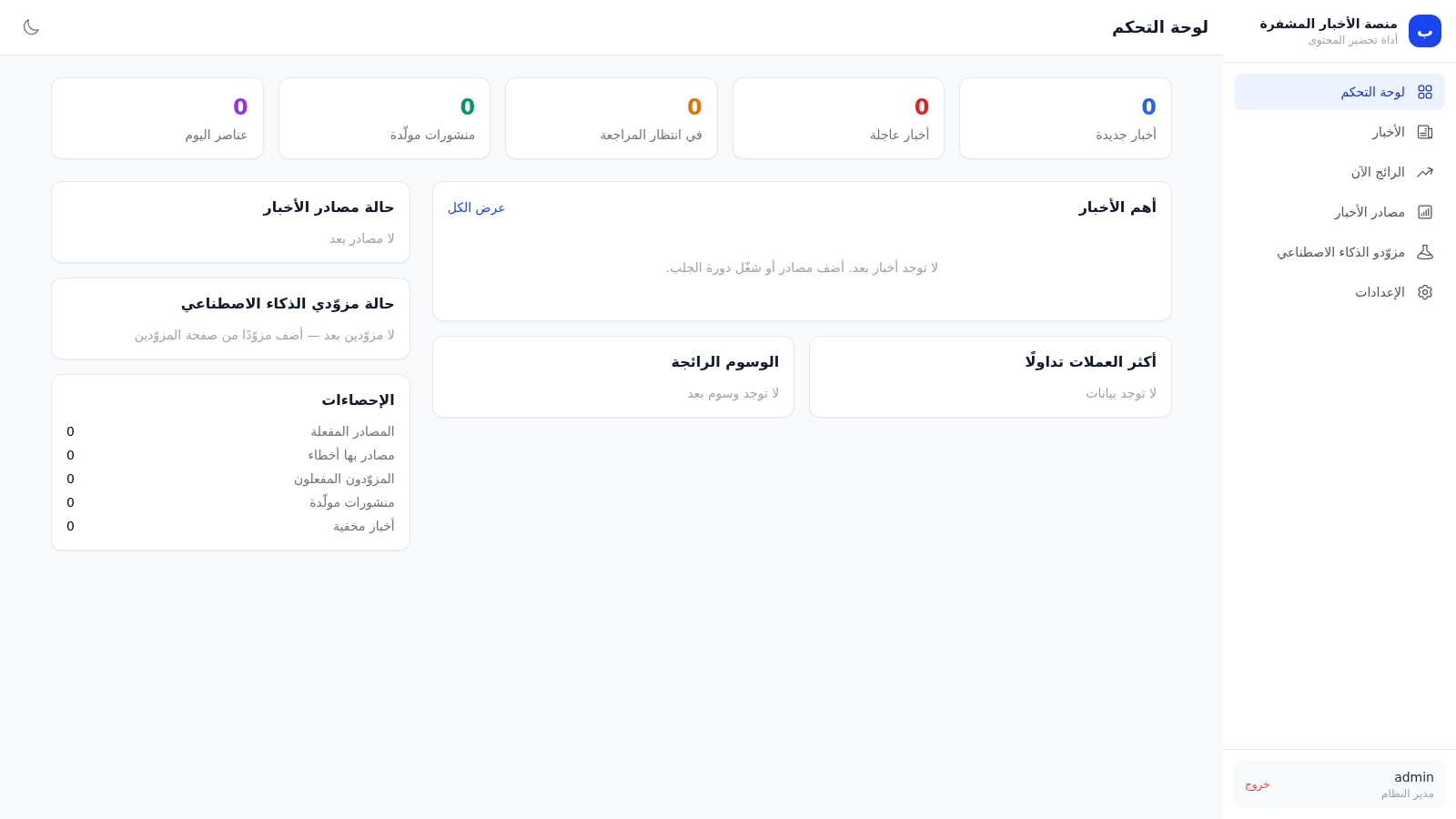
Personal crypto news monitoring with AI analysis and X post preparation