
ERP ISAC
A complete retail ERP for sales, cash, stock and finance
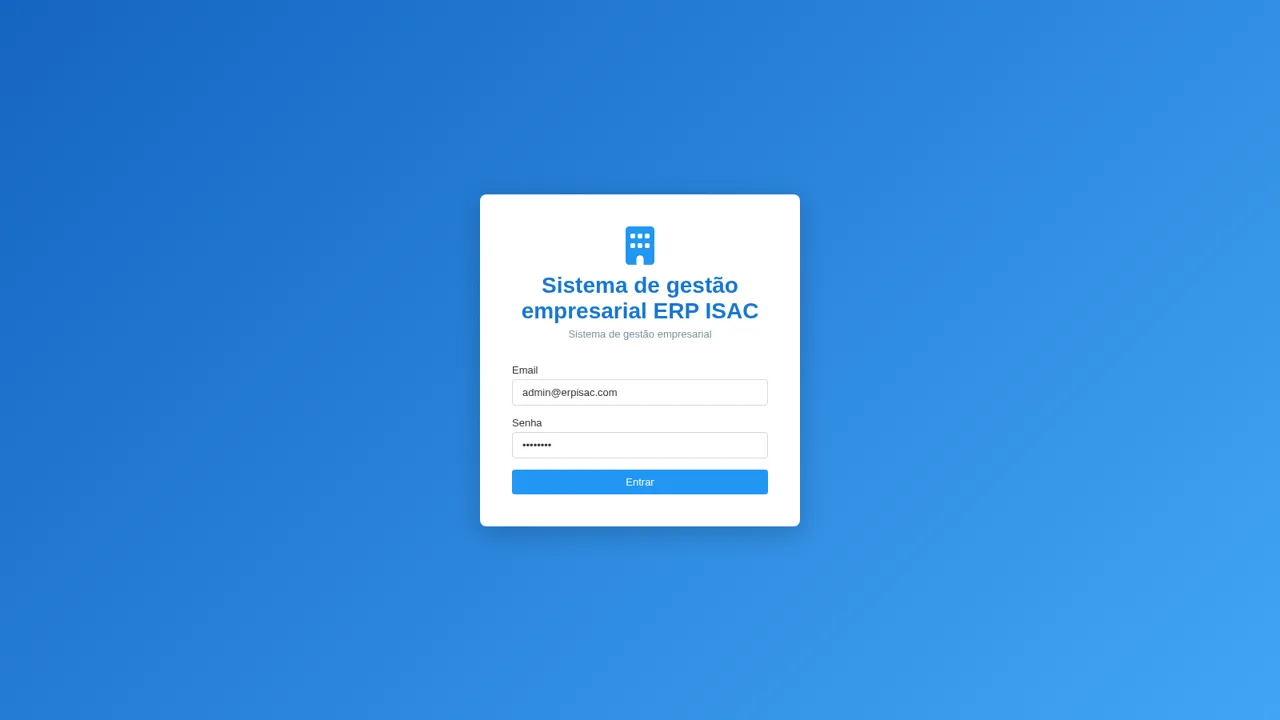
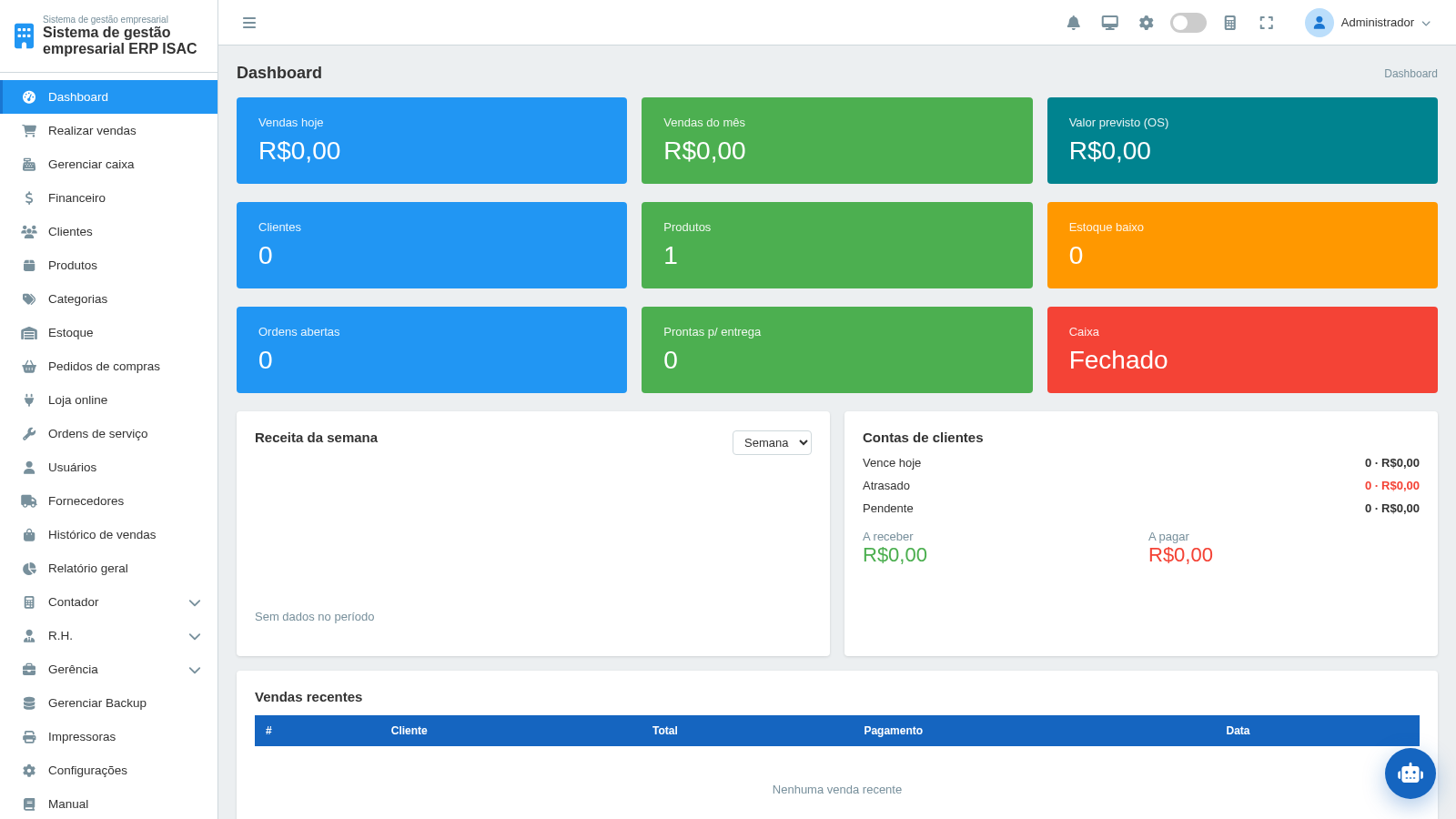
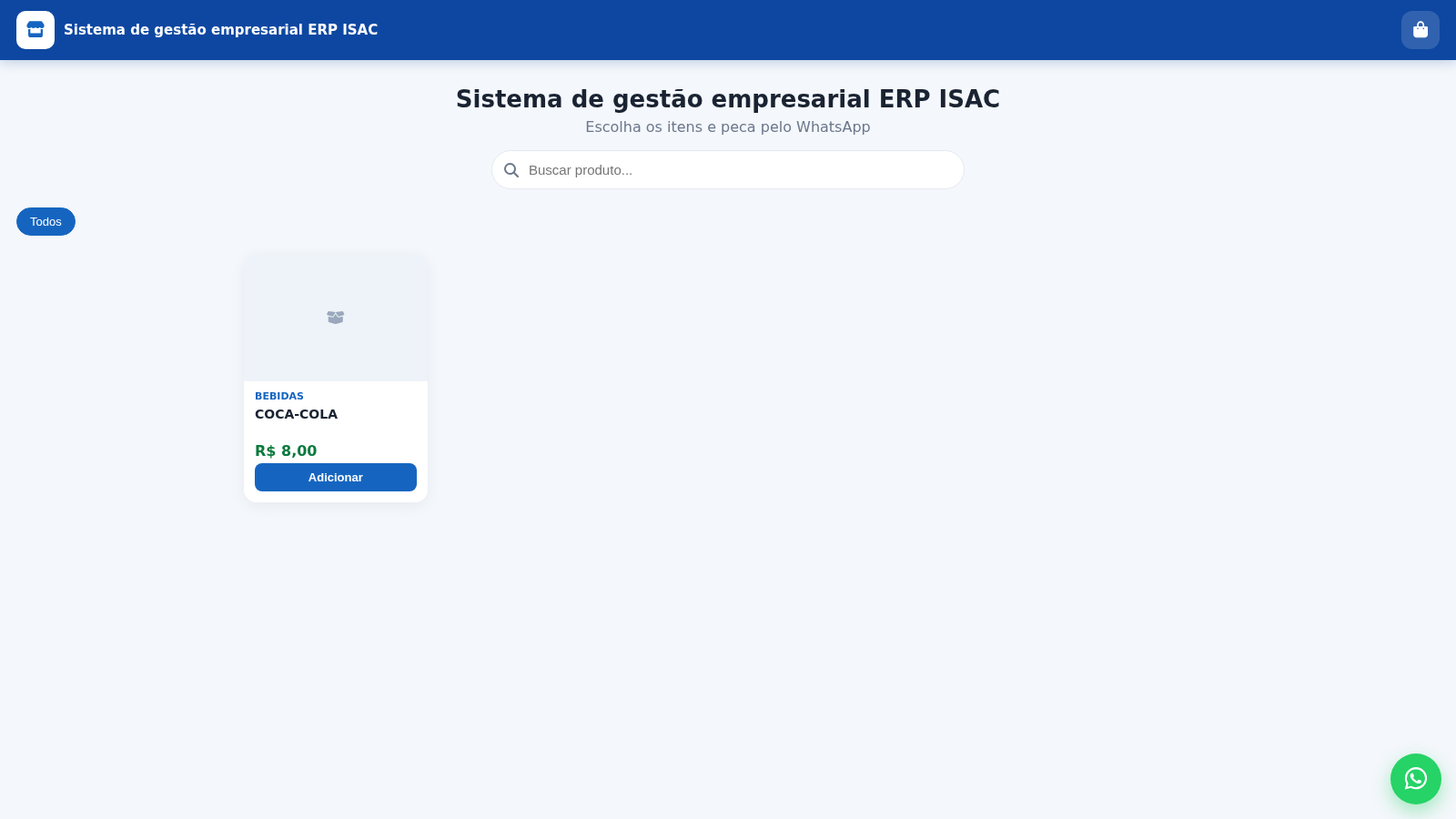
ERP ISAC is a browser-based management system for small retail businesses. It opens on a sign-in screen with demo credentials already filled in, then leads to a dashboard with summary cards and recent sales. From the sidebar users can run a point-of-sale checkout, open and manage the cash register, register products and categories, track stock, review finances and receivables, browse sales history, inspect general and DRE reports, manage purchase and service orders, users, suppliers, backups, printers and settings. A separate public catalog page lets customers add items and send an order through WhatsApp.
Highlights
Point of sale
Fast cart checkout
Cash register
Open, in and out
Stock control
Auto stock updates
Finance
Receivables tracking
Online store
WhatsApp ordering
How to Use
Sign in to the demo
Open the site and keep the pre-filled demo credentials ([email protected] and admin123), then press Entrar. The dashboard loads with summary cards and a recent sales table, and the full module list appears in the left sidebar.
Open the cash register
Go to Gerenciar caixa and choose Abrir caixa. Set or keep the opening amount and confirm with Abrir so the point of sale becomes available for new sales.
Run a sale
In Realizar vendas, type a product name such as COCA-COLA in the search field, pick the suggestion to add it to the cart, then press F7 to finalize. Choose the payment method, review subtotal, discount, net and change, and confirm. A prompt asks whether to print the receipt, and the sale then appears in Histórico de vendas while stock and finance figures update.
Browse the online catalog
Use the Loja link from Produtos or the Loja online menu to open the public catalog page. Add products to the order, fill in your name and WhatsApp number, and press Pedir no WhatsApp to send the order to the store.
Similar Sites
 14
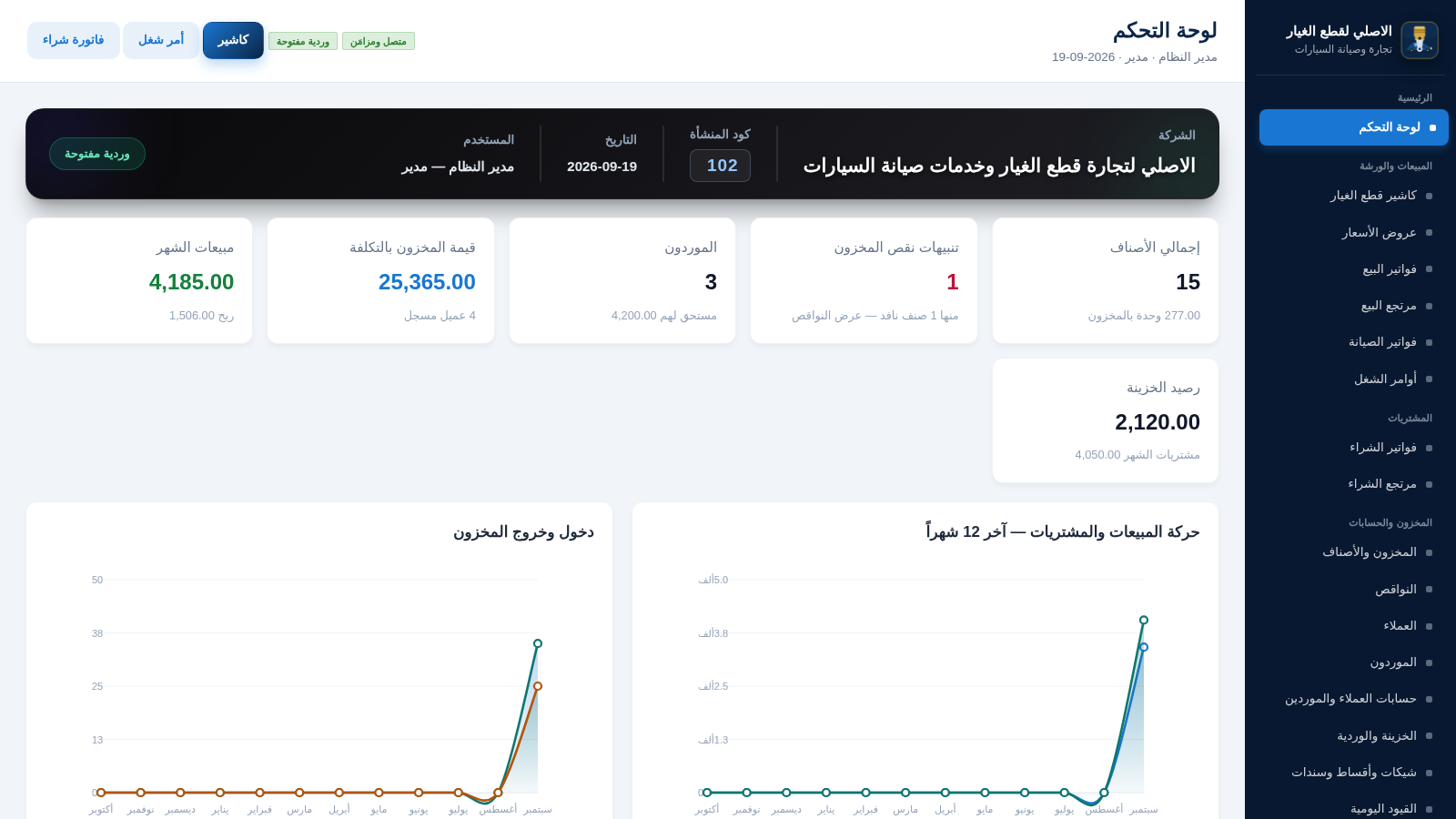
14الاصلي لقطع الغيار
نظام ERP عربي لمحل قطع غيار وصيانة السيارات
 1
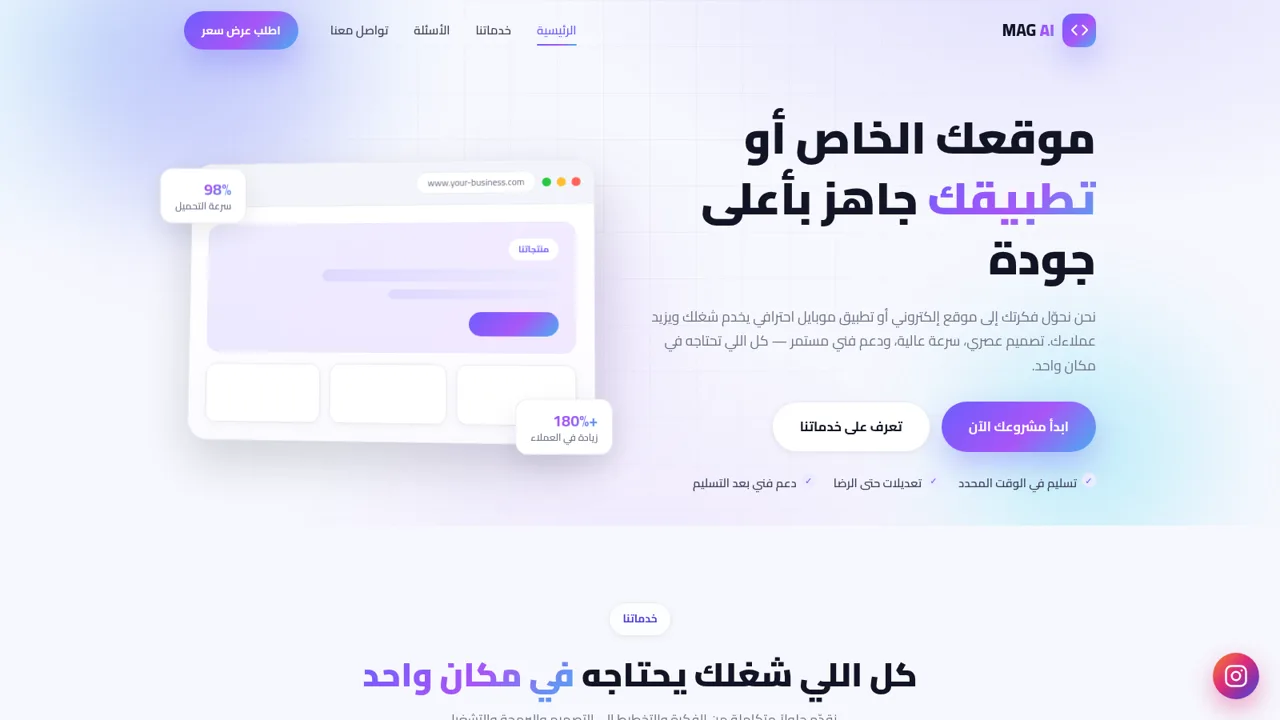
1MAG AI - تصميم مواقع وتطبيقات
استوديو متخصص في تصميم وتطوير المواقع الإلكترونية وتطبيقات الموبايل
 10
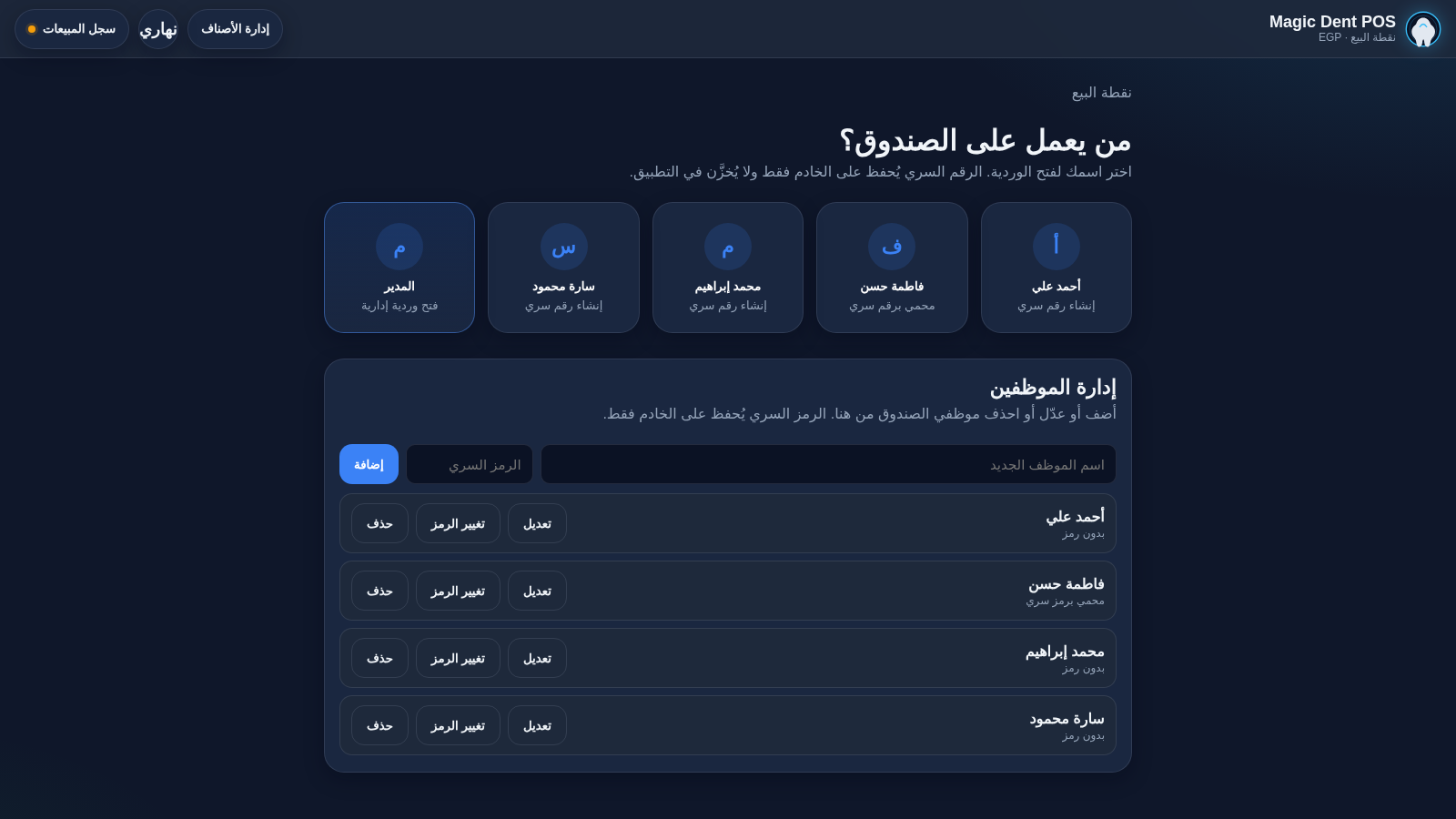
10Magic Dent POS
Arabic dental clinic POS for cashiers, invoices, and catalog
 26
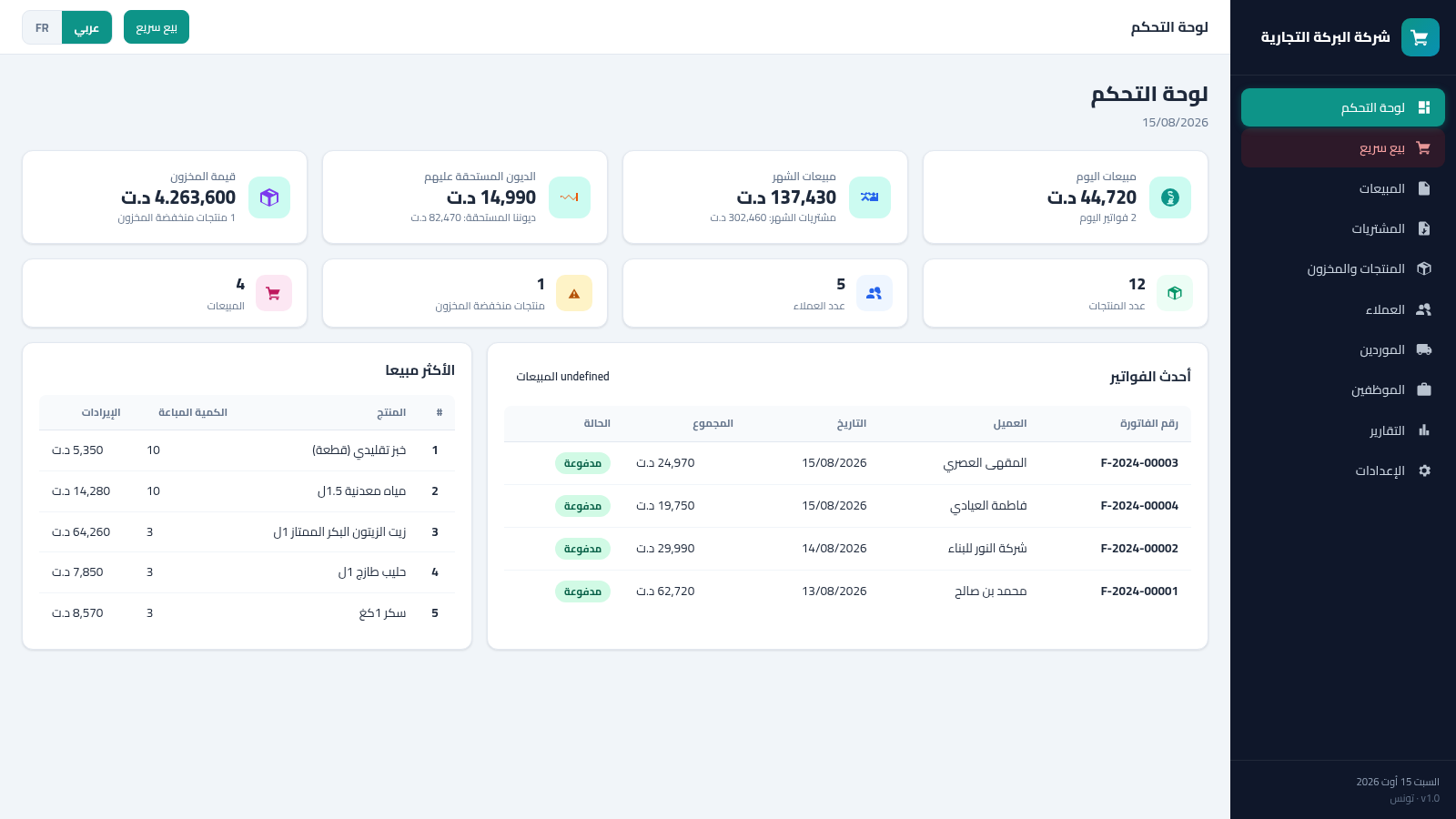
26Tunisia ERP Commercial
Gestion commerciale: ventes, achats, factures, stock, clients - dinar tunisien AR/FR
 12
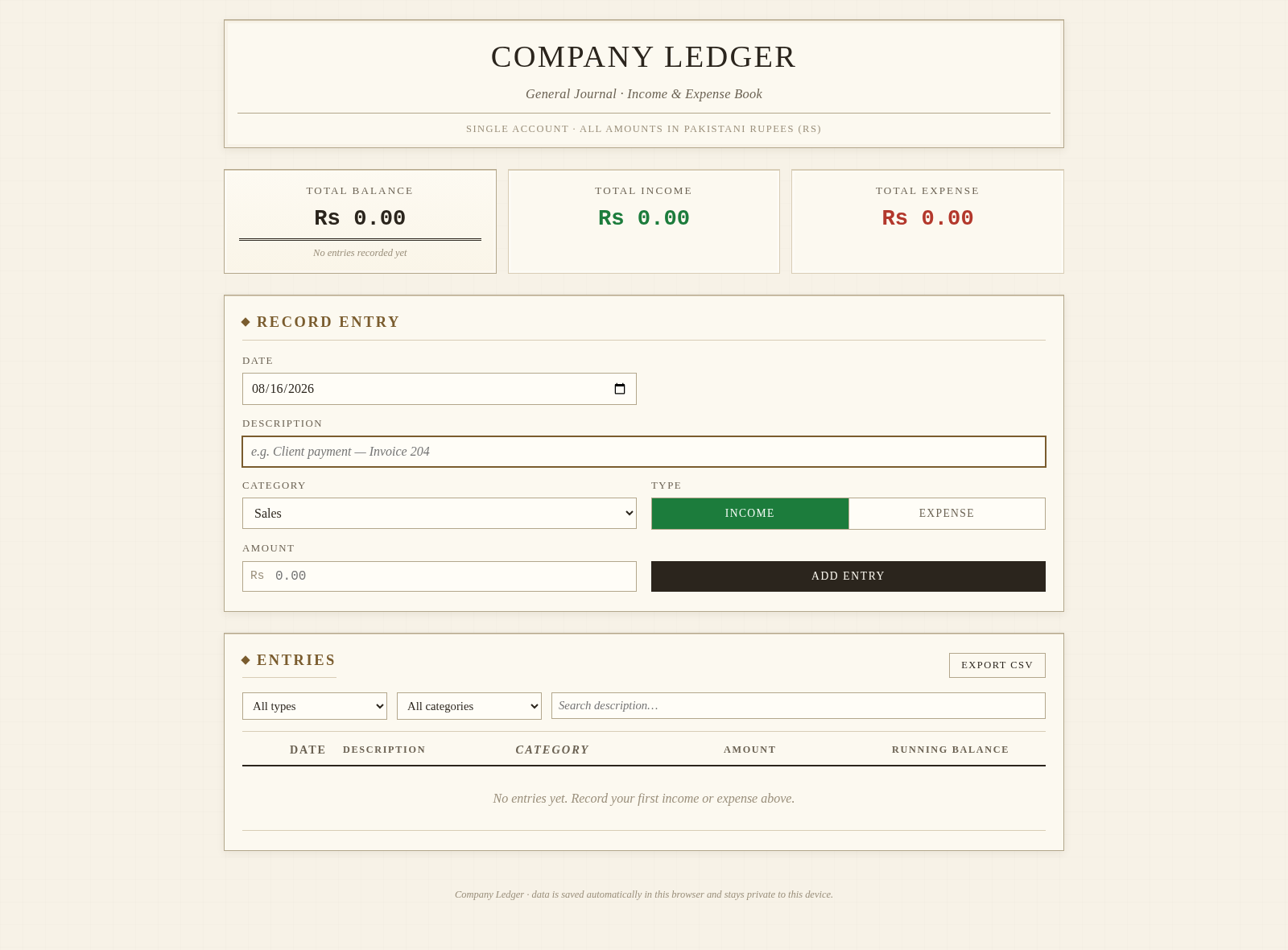
12Company Bookkeeper
Accounting app: invoicing, inventory, purchases, ledgers, reports, multi-role.
 10
10Neuron'arte · Growth Marketing
Growth marketing que conecta estratégia, conteúdo, aquisição, relacionamento e processo comercial para gerar oportunidades de negócio.