
شحن بلس
A complete Arabic shipping operations dashboard for Egyptian logistics teams
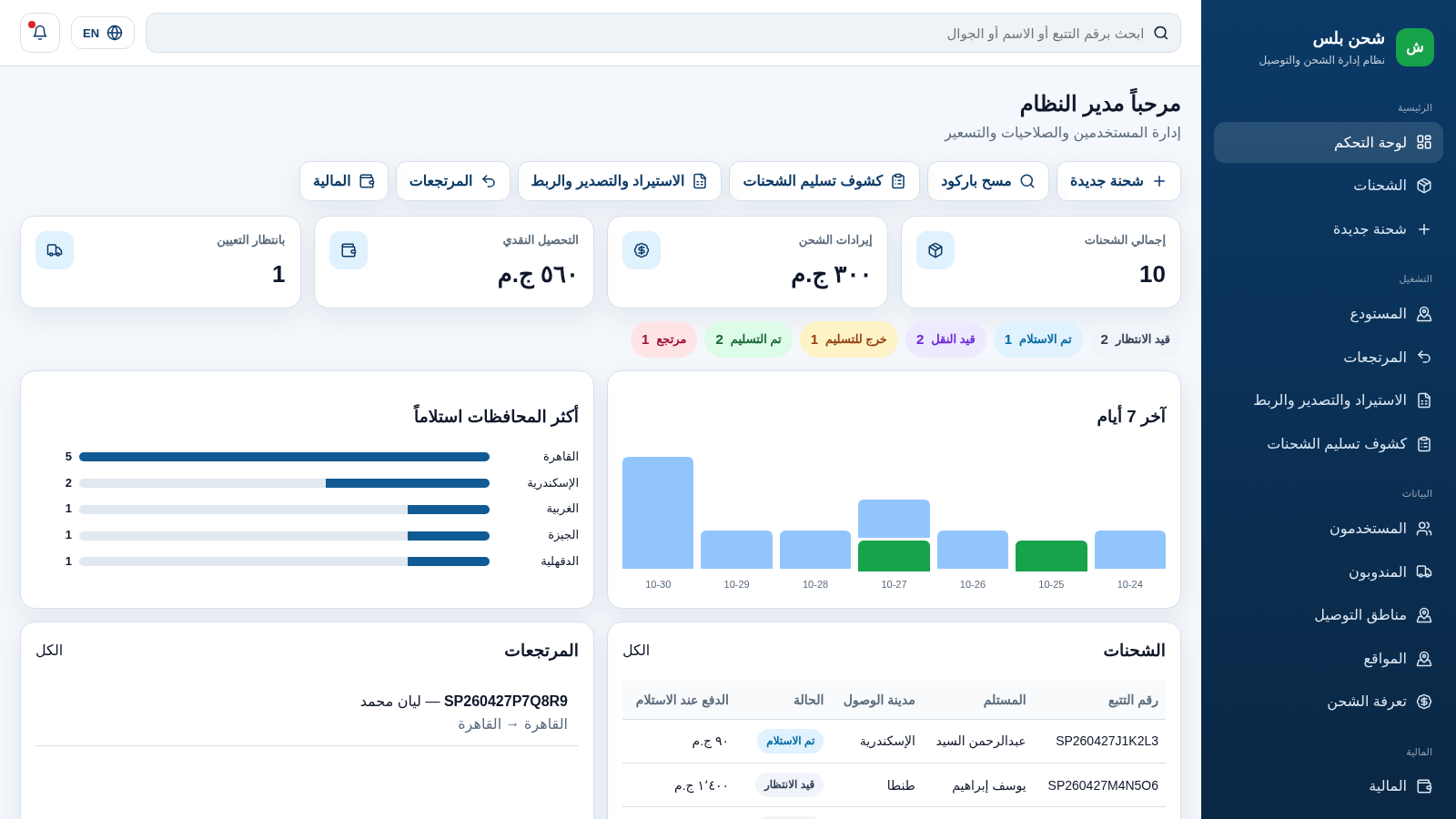
Shahn Plus is a browser-based shipping management platform designed for Egyptian sellers, couriers, and warehouses. After signing in with one of the demo accounts, users get a right-to-left dashboard with shipment totals, revenue, cash-on-delivery collection, pending assignments, status breakdowns, weekly charts, and governorate statistics. The platform covers creating and filtering shipments, opening a shipment to review its details and tracking timeline, assigning couriers, updating statuses, printing waybills, managing warehouse and returns, configuring delivery zones and rates, handling financial settlements and transactions, viewing reports and audit logs, sending messages, and letting customers track a parcel from a public tracking page. All amounts are shown in Egyptian pounds.
Highlights
Live dashboard
Stats and charts
Shipment tracking
Public and internal
Courier assignment
Assign and update
COD finance
Collections, fees
Role-based access
Admin to warehouse
Arabic RTL UI
Clean RTL layout
How to Use
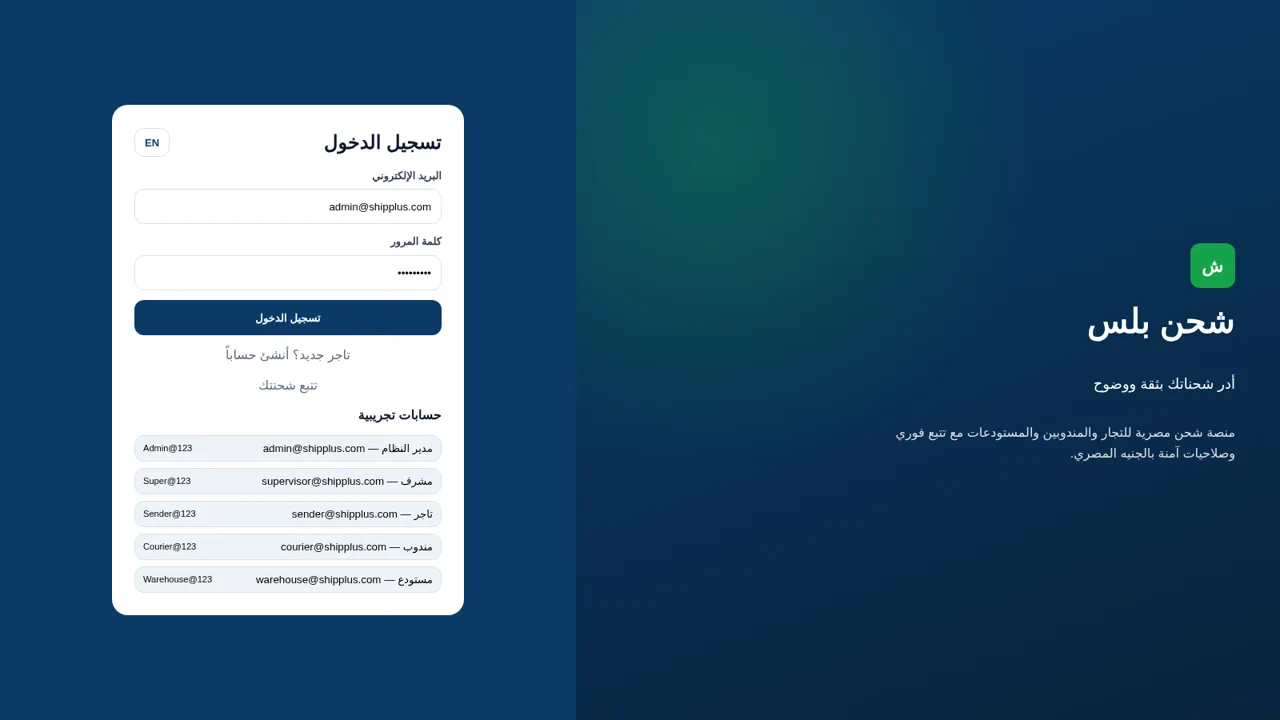
Sign in with a demo role
Open the login page and choose one of the listed demo accounts, such as the system administrator, supervisor, seller, courier, or warehouse. The email and password are filled automatically, and pressing the login button takes you to the dashboard for that role. New sellers can also use the registration link from the same screen.
Review the dashboard
The home page shows total shipments, shipping revenue, cash-on-delivery collection, and shipments waiting for assignment. Below the summary cards you can see status counters, a seven-day chart, the governorates with the most deliveries, a recent shipments table, and a returns list. Each status counter is a link that opens the shipment list with the matching filter.
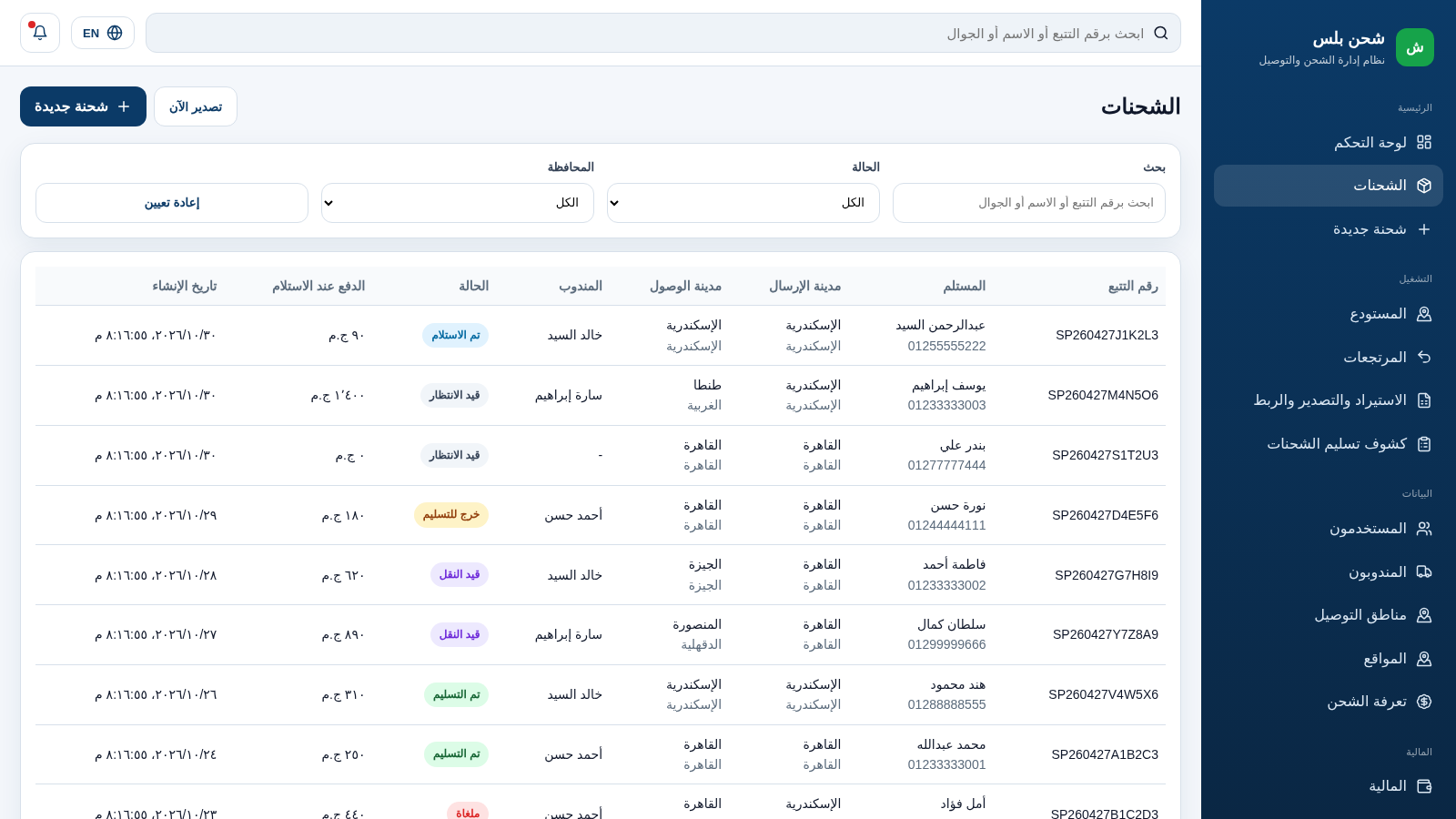
Manage a shipment
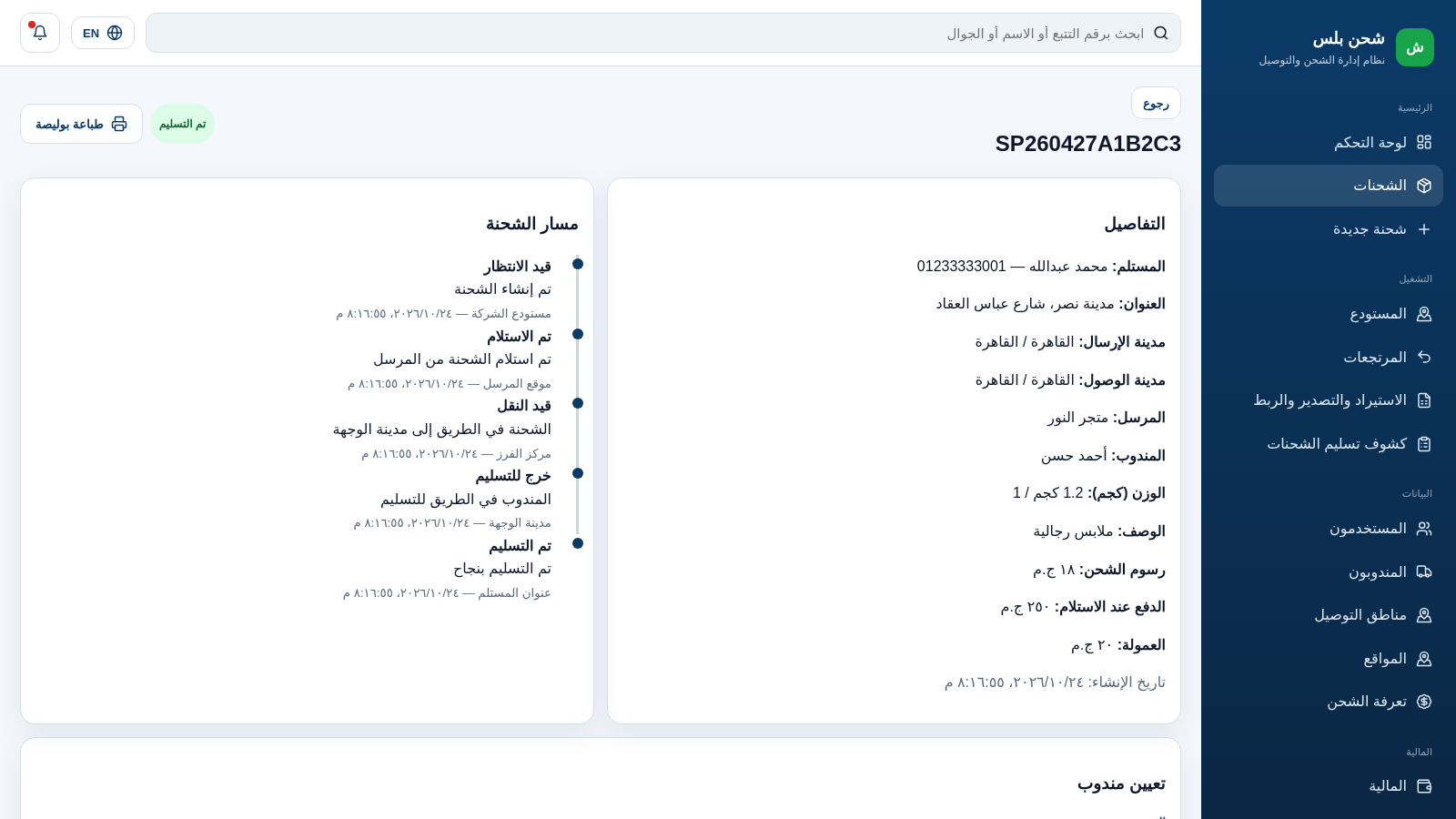
Open the shipments page and use the search box, status dropdown, or governorate dropdown to narrow the list. Selecting a tracking number opens the detail view, where you can read recipient and address information, review the status timeline, choose a courier from the assignment dropdown, change the current status with a location and notes, and open the waybill print panel.
Track a parcel publicly
The tracking page accepts a tracking number and returns the current status plus the delivery timeline. It can be used without opening the full shipment detail, which makes it suitable for sharing with recipients who only need to know where their parcel is.
Handle finance
The finance page summarizes the balance, number of transactions, settlements, and courier cash holdings. It lists cash held by each courier, lets you create a settlement request with an amount and note, and shows settlement rows with approve, reject, or mark-as-paid actions depending on their state. A transaction table records shipping fees, cash collections, courier commissions, and net COD credits.
Similar Sites
 501
501حاسبة رسوم الجمعية
حاسبة رسوم الجمعية لوكلاء Money Fellows — حساب القسط وصافي القبض شهر بشهر.
 49
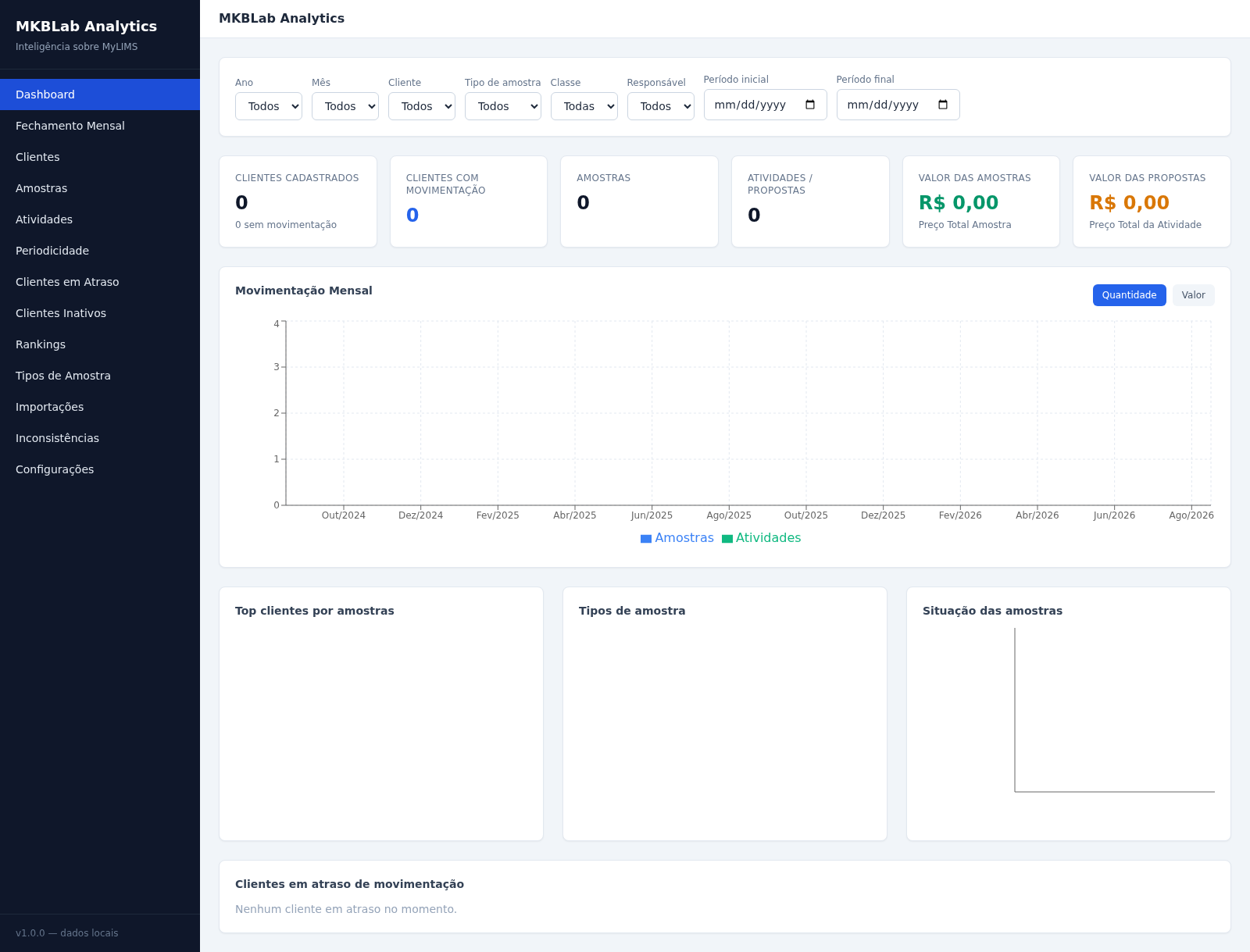
49MKBLab Analytics
Dashboard gerencial com importação de relatórios XLSX do MyLIMS
 13
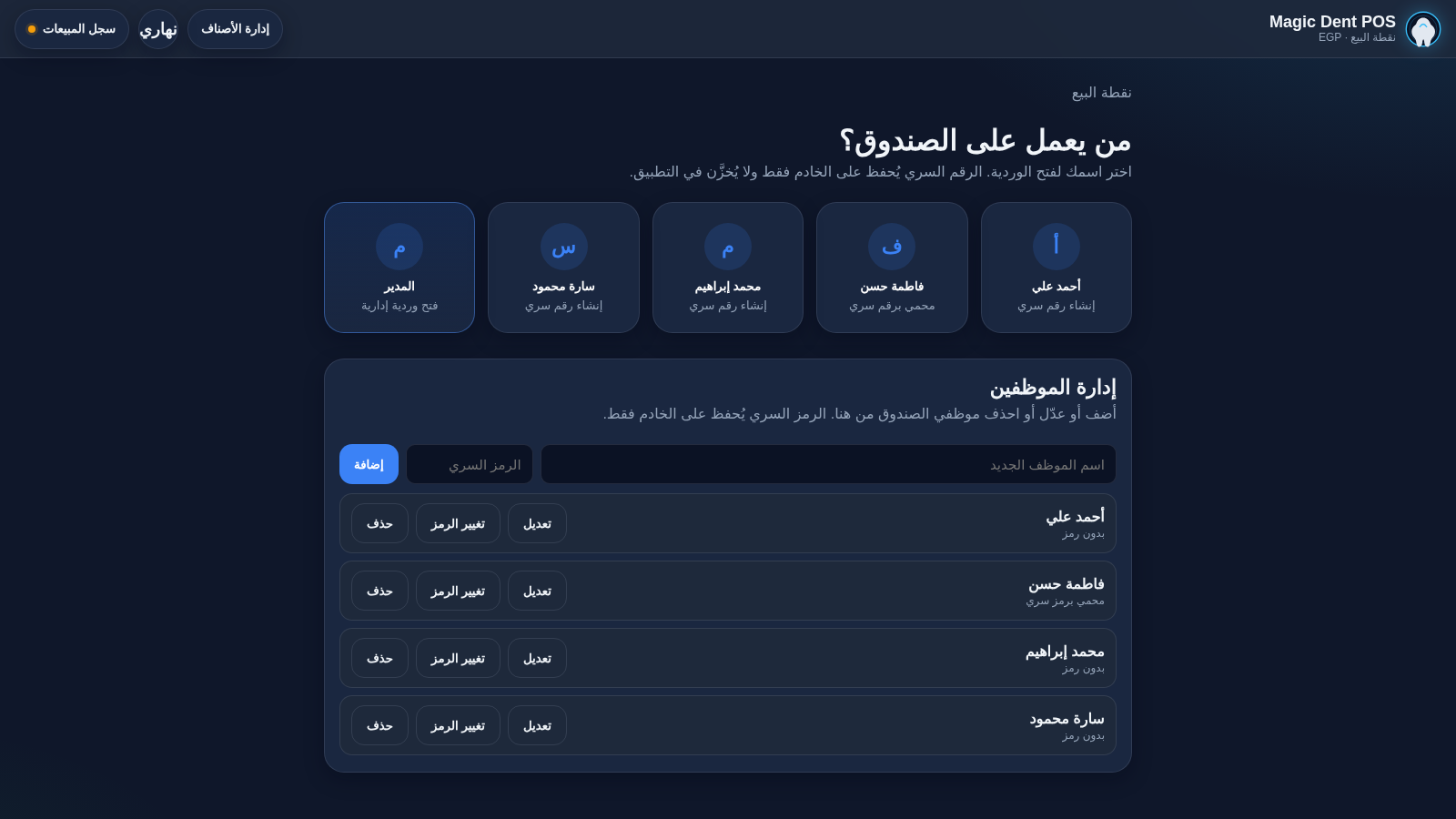
13Magic Dent POS
Arabic dental clinic POS for cashiers, invoices, and catalog
 13
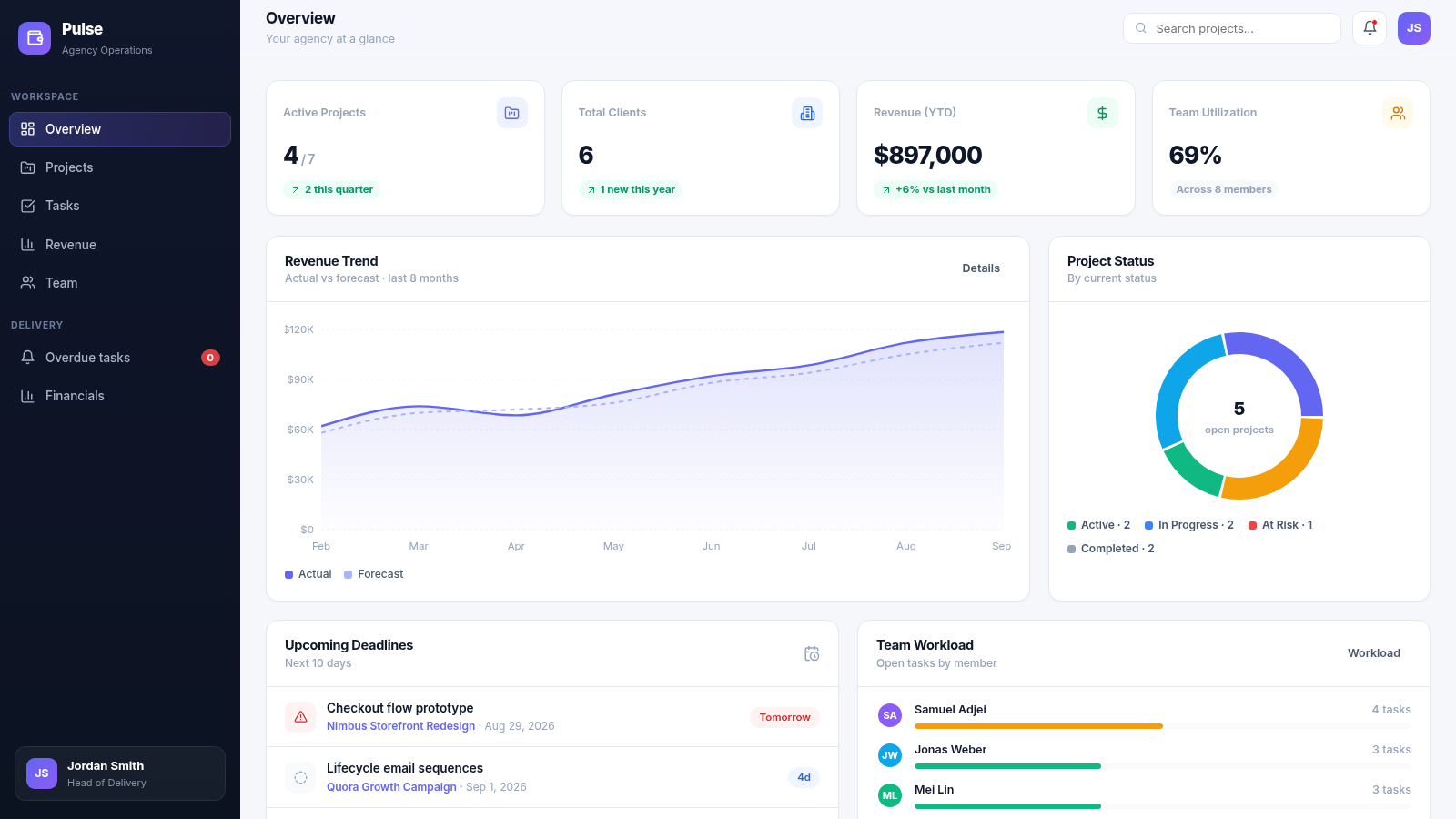
13Pulse Agency Ops Dashboard
Project management & revenue analytics dashboard for digital agencies
 8
8ELMOTAHEDA
Agricultural machinery and spare parts for the Egyptian market
 6
6Dairy Milk Manager
Dairy management: milk distribution, billing, herd, labor & feed tracking