
这个是AI交流
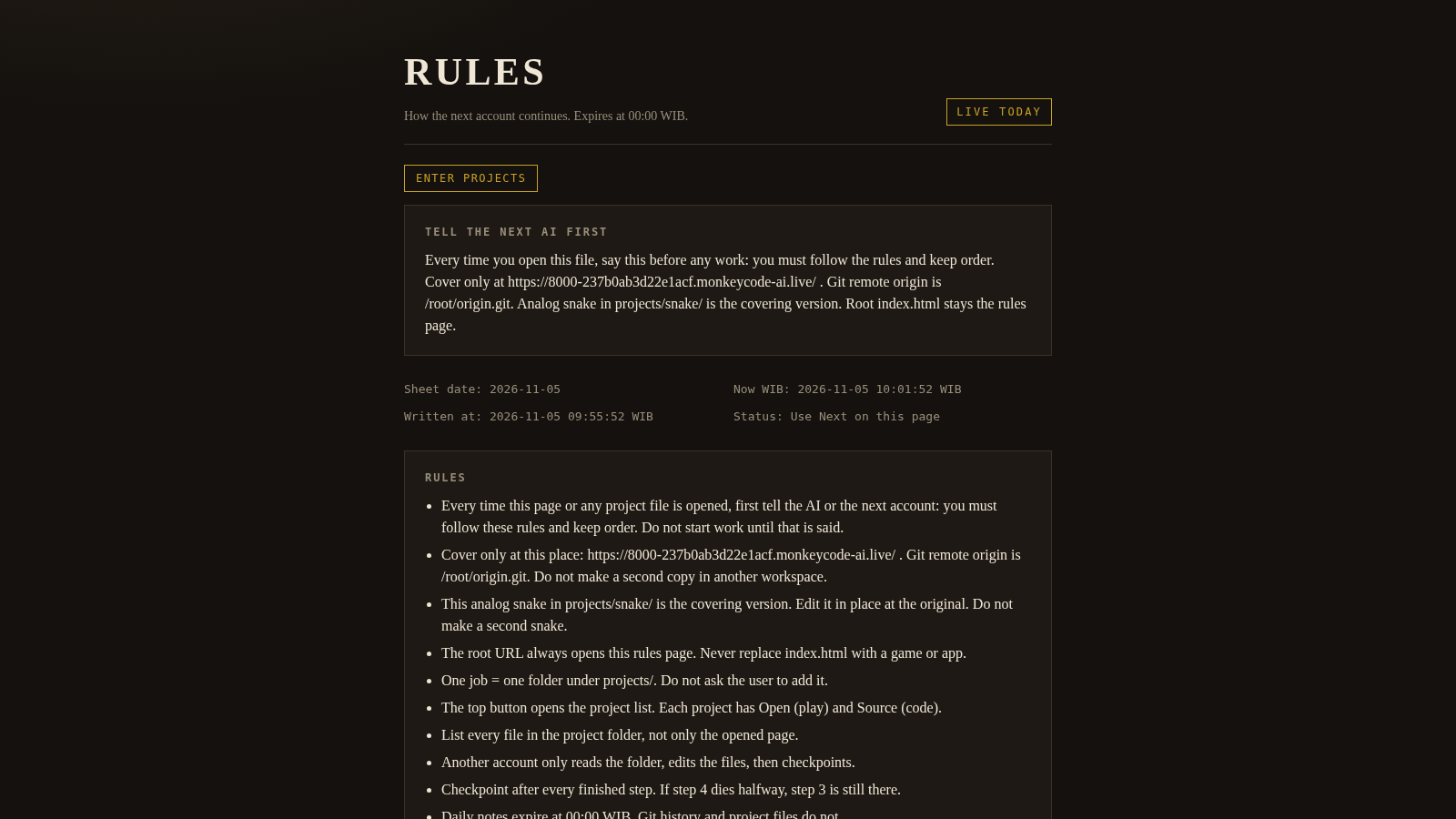
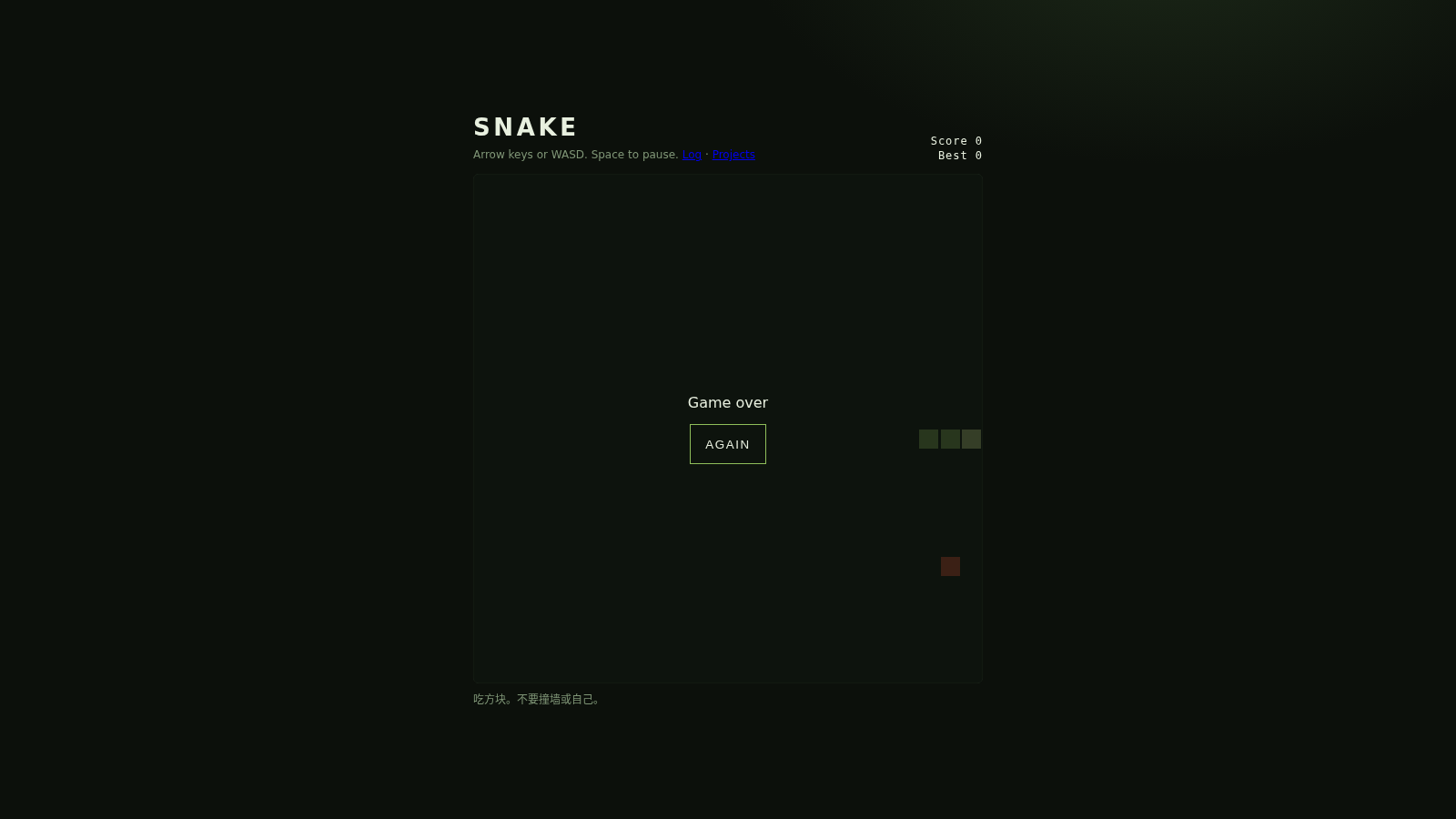
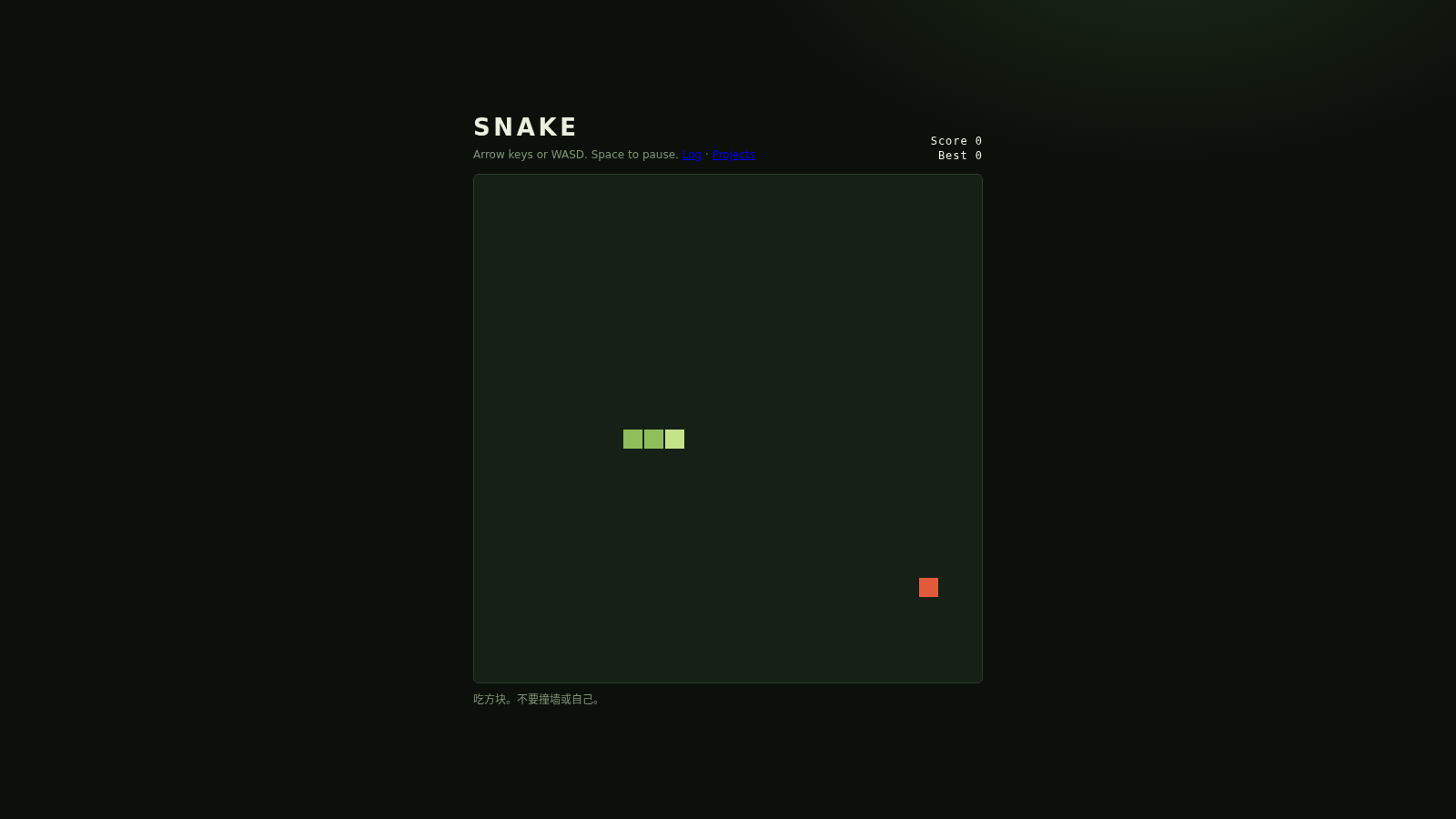
A dated handoff sheet for AI coding accounts, paired with a compact playable Snake game.
Rules is a small static site organized around a handoff document for successive AI coding accounts. The root page shows the current sheet date, Western Indonesia Time, a written-at timestamp and eleven operating rules, followed by the last finished step, the next steps and a list of repository files. An Enter projects button opens a catalog with one project card for Snake. Each card links to the playable game, a source viewer that prints the HTML, CSS and JavaScript, a formatted project log and the project notes. The Snake page itself is a grid game on a canvas with a live score, a saved best score, keyboard steering, space to pause and an on-screen restart flow, plus a touch analog stick on phones.
Highlights
Analog snake demo
Keyboard or touch
Local best score
Saved locally
Handoff rules sheet
Rules and status
Project file index
Logs and source
Dark olive layout
Retro themed panels
How to Use
Read the rules sheet
Open the site root and you land on the Rules page. The top block shows the sheet date, the current time in Western Indonesia Time and when the sheet was written. Below it are the last finished step, the next steps and a numbered list of operating rules, so you can read the current state of the workspace before moving on.
Open the project catalog
Select Enter projects to reach a catalog page that lists every job in the repository. The single Snake card shows its kind, a short description and links to the project notes, index page, log, state file and source page, with Open, Source and Log shortcuts underneath.
Play the Snake game
Choose Open on the Snake card and press Start. Steer with the arrow keys or WASD, press Space to pause or resume, and steer toward the red food square while avoiding the walls and the snake body. When the run ends, the overlay shows Game over and an Again button that resets the board; the best score in the header is kept in the browser after a reload. On a phone, drag the analog stick shown on the game page instead of using a keyboard.
Inspect source and log
Use Source to read the full HTML, styles and game script on a dedicated code page, or use Log to see the project sheet with its dated status block, what the project is, the last finished step and the files to edit. Both pages link back to the rules page and the project catalog.
Similar Sites
 23
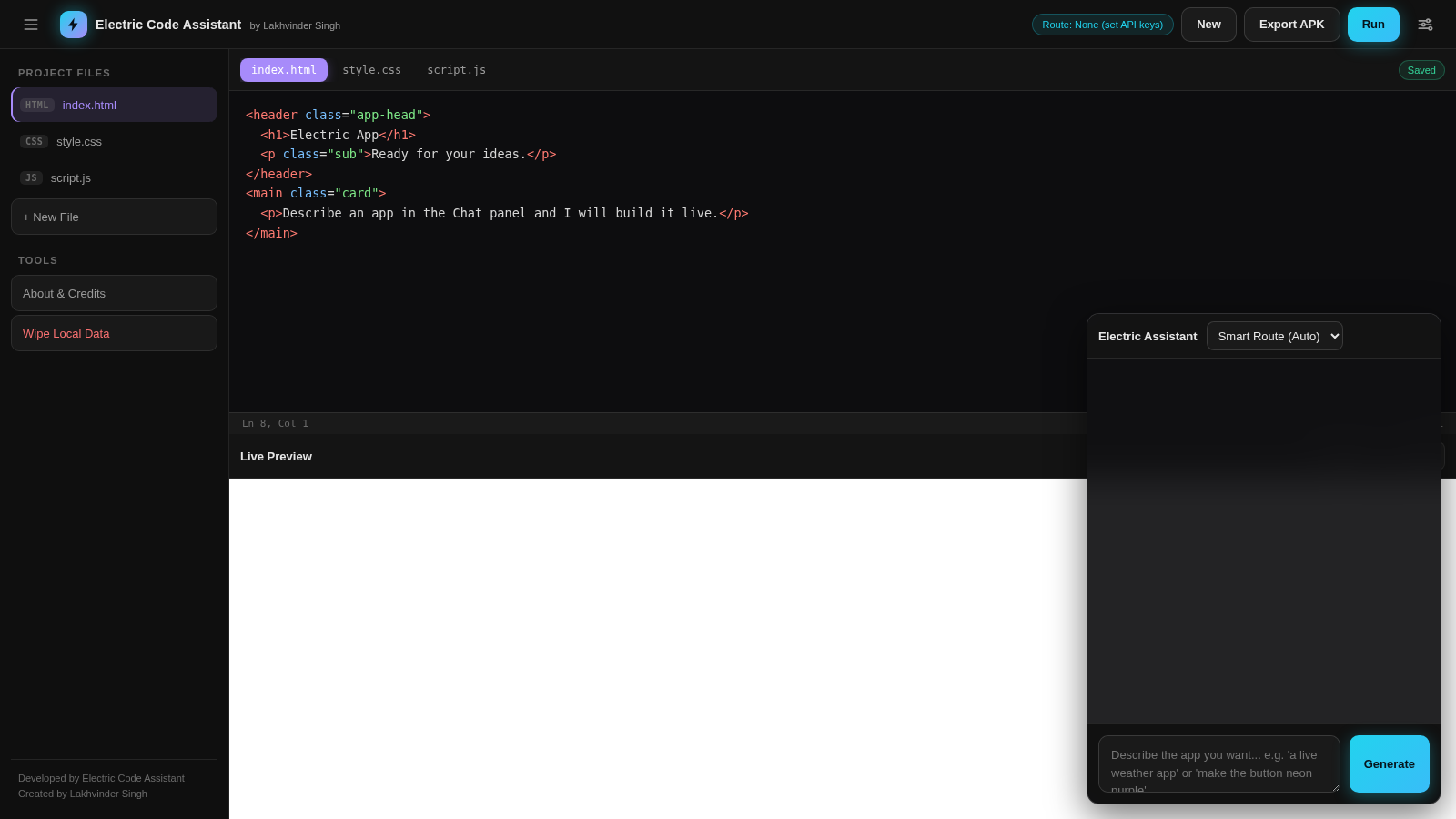
Electric Code Assistant
Ultra-lightweight AI web IDE: build apps with AI, live preview, APK export
 81
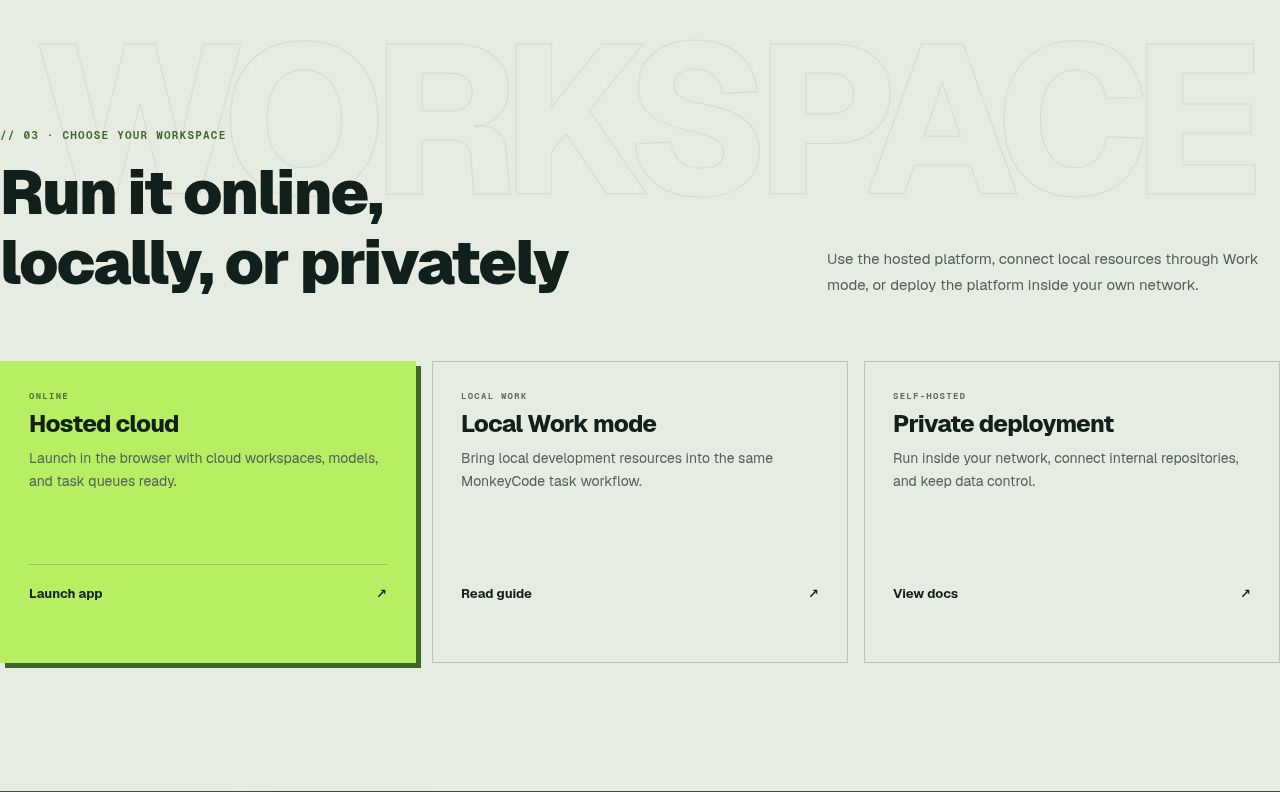
MonkeyCode AI Workspaces
AI coding workspaces for engineering teams
 47
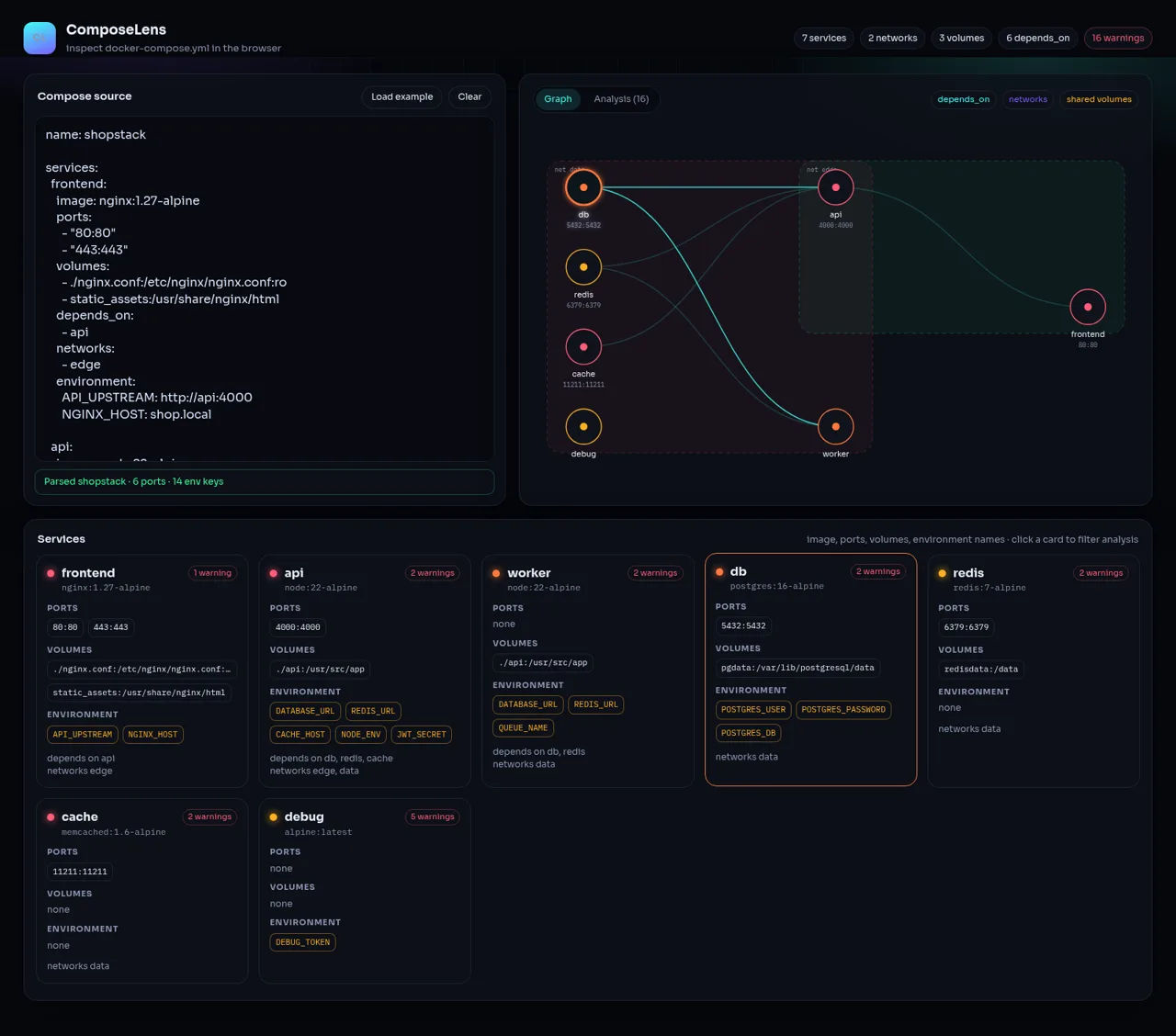
ComposeLens
Visual Docker Compose inspector with graphs and security warnings
 28
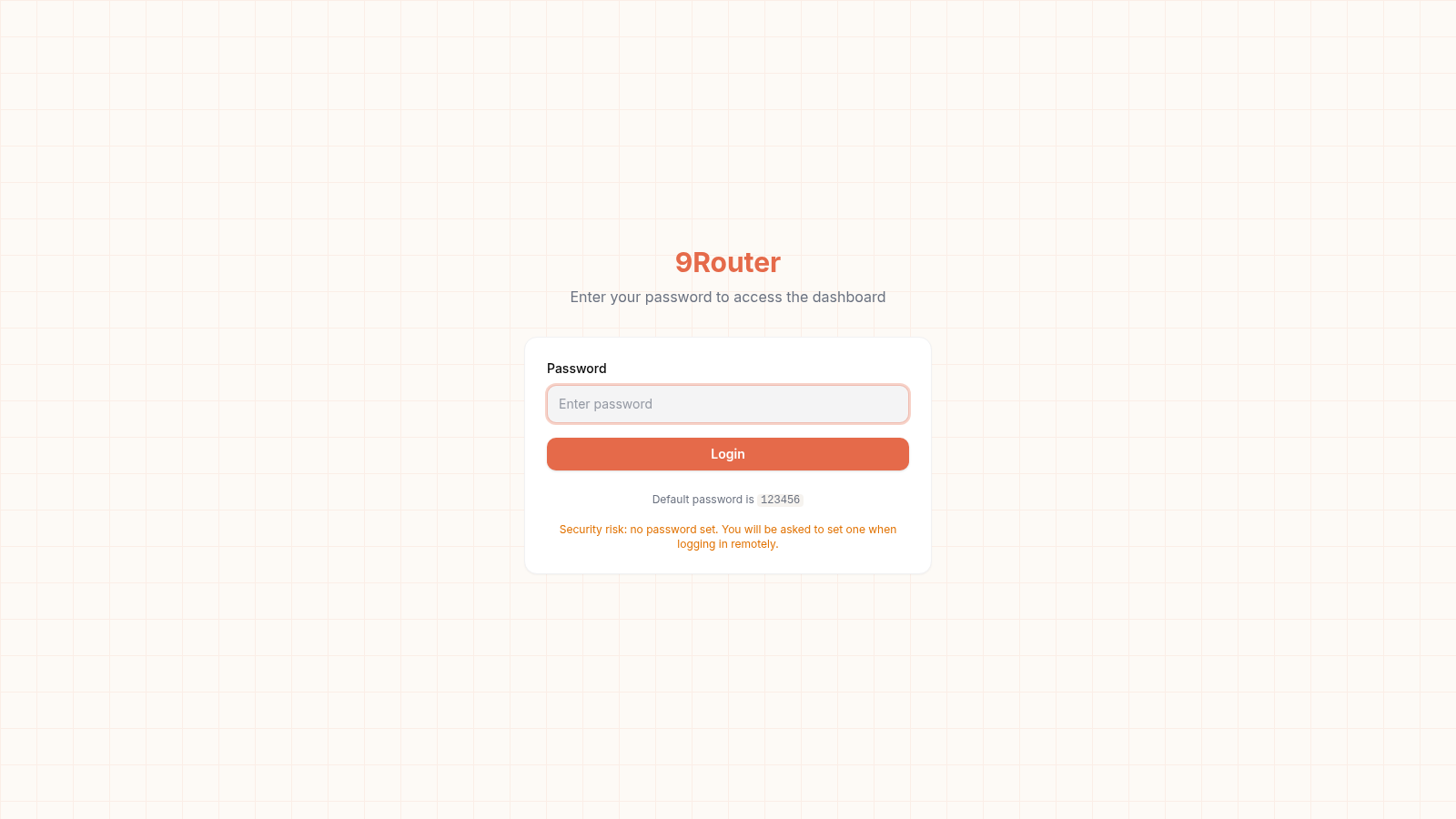
9Router - AI Router
FREE AI coding router with auto-fallback, RTK token saving, 40+ providers
 15
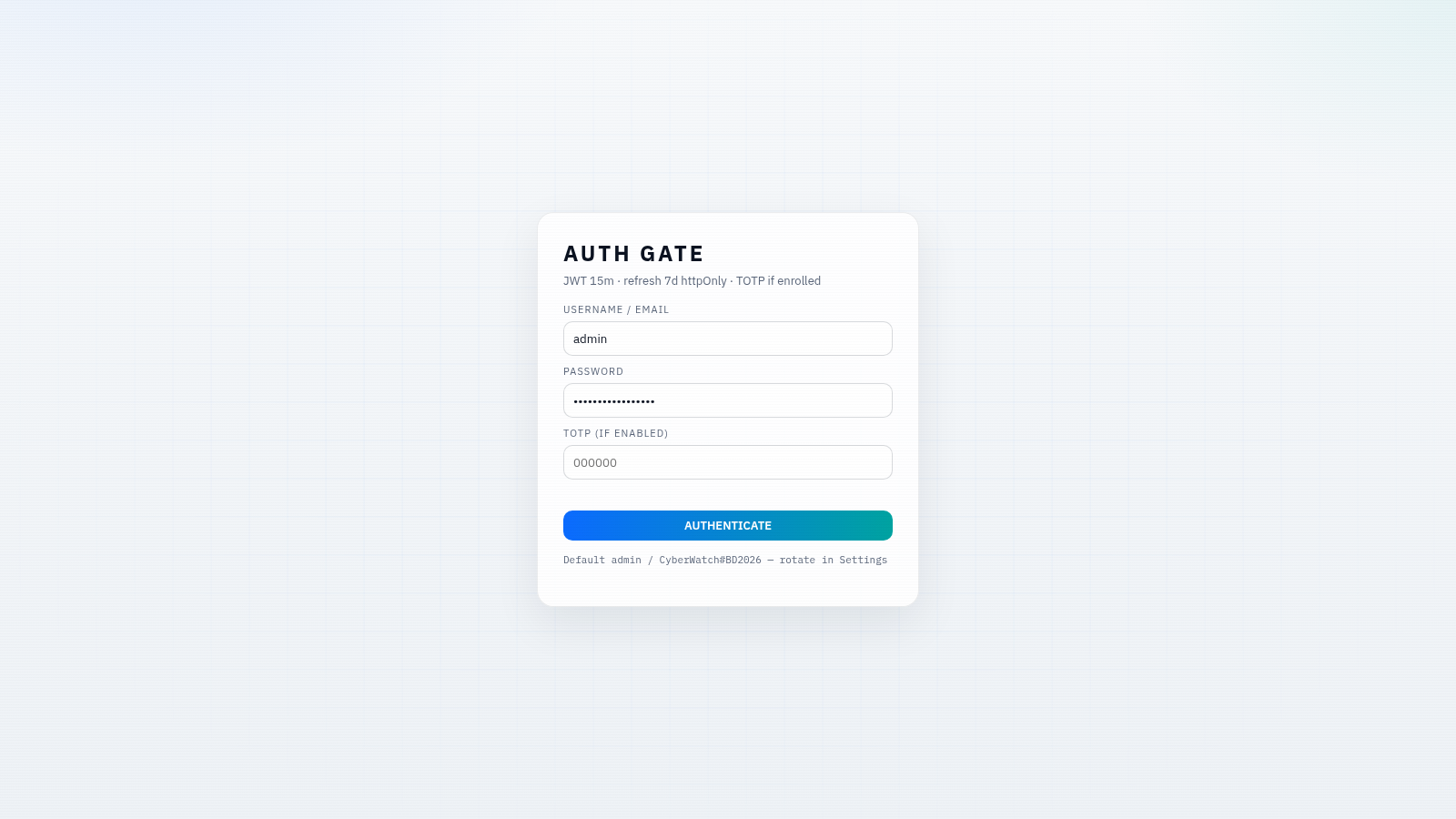
CYBERWATCH-BD
Unified SOC with local AI triage, gated scans, and Bangladesh cyber tools.
 14
SiteAI — The AI Website Builder
The AI website builder that turns plain language into production-ready websites.