
ViralShopee AI
A Shopee affiliate workspace that finds viral products and turns them into trackable campaigns.
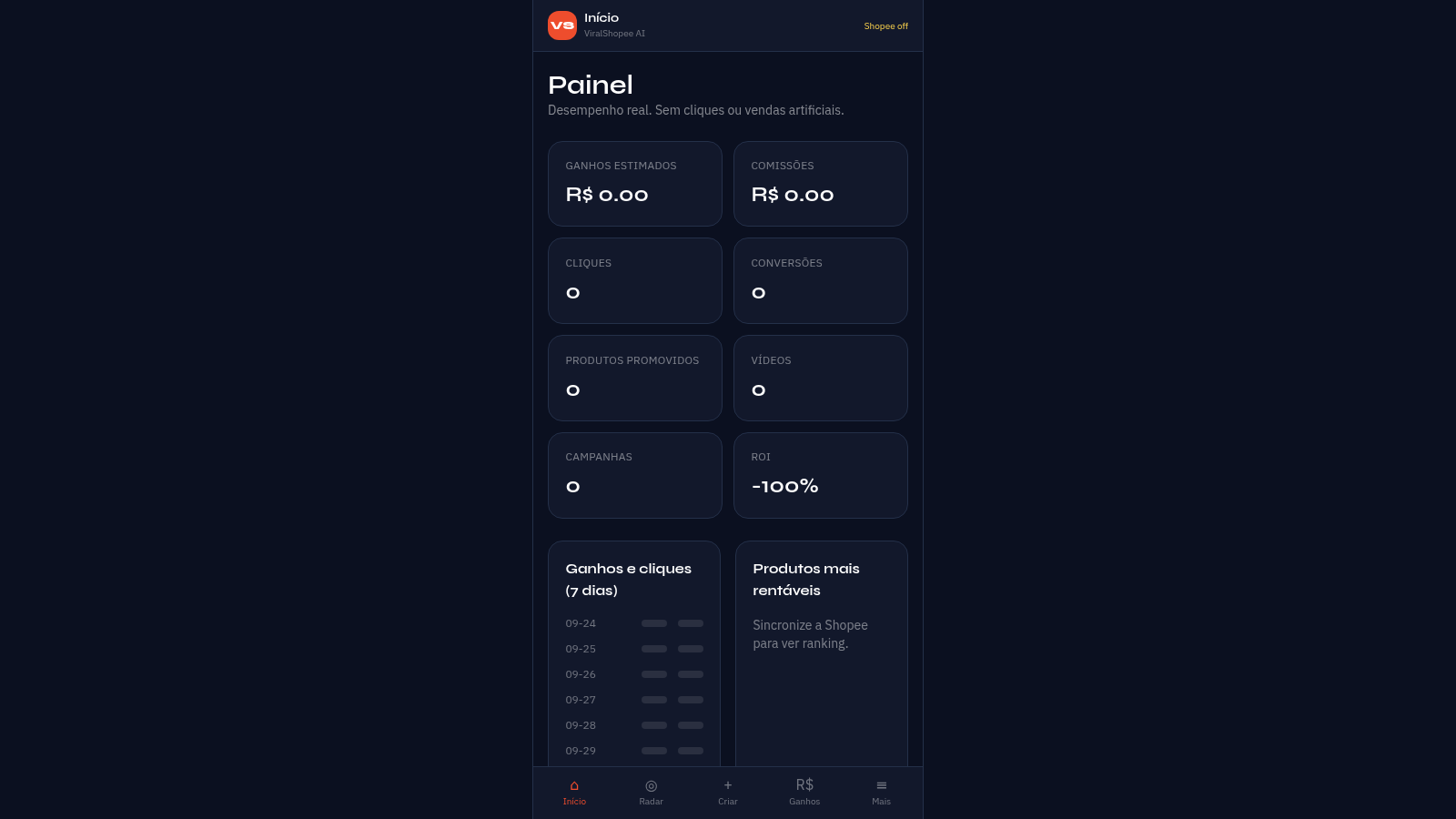
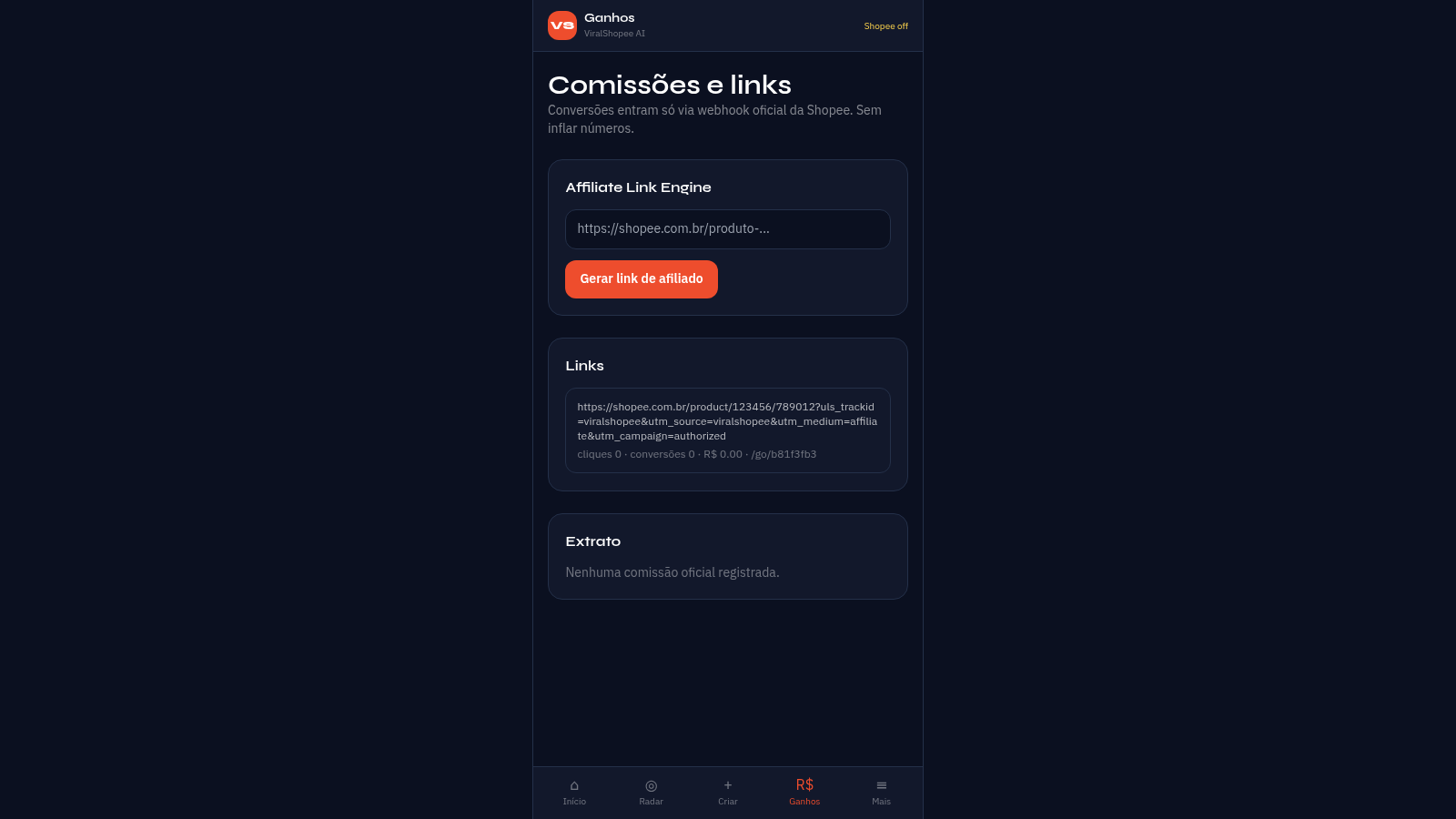
ViralShopee AI is a browser-based workspace for Shopee affiliate marketers, mainly aimed at the Brazilian market. After creating an account you get a Painel dashboard with estimated earnings, commissions, clicks, conversions, promoted products, videos, campaigns and ROI, plus a seven-day performance chart. A Radar Viral tab is meant to surface product opportunities, Criar is an AI studio that produces original video scripts and links, and Ganhos contains an Affiliate Link Engine that turns a Shopee product URL into a trackable link with a short redirect and a links list. Mais holds the account, the official Shopee Open API connection form, a publishing centre with a scheduling queue for TikTok, Instagram, YouTube, Facebook and Pinterest, and an AutoPilot mode that runs a product-to-campaign cycle. Conversions are recorded only through the official Shopee webhook.
Highlights
Viral product radar
Finds opportunities
Link engine
Adds tracking params
AI script studio
Writes video scripts
AutoPilot mode
Runs campaign cycles
Publishing queue
Schedules content
How to Use
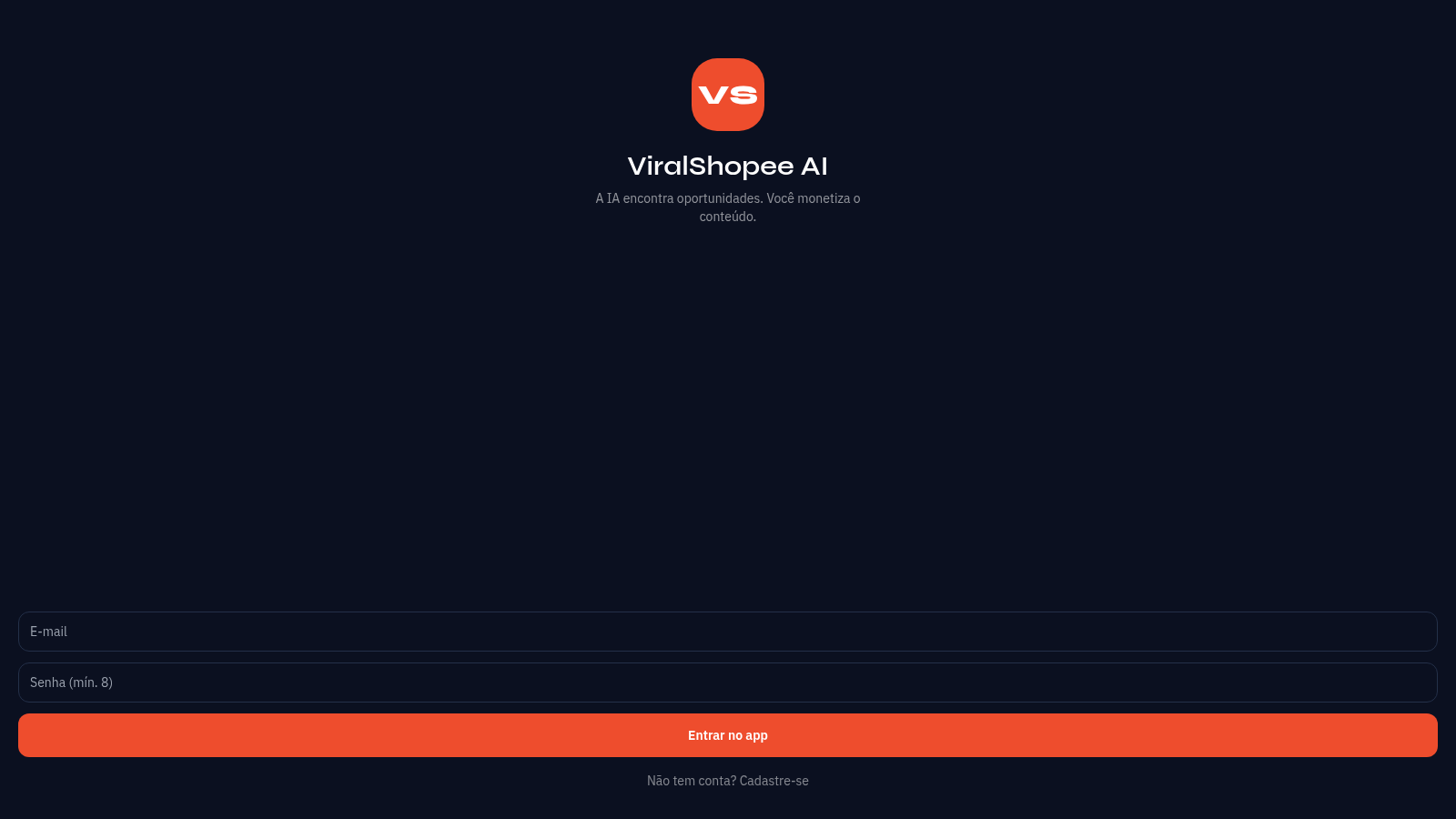
Create an account
Open the site and fill the registration form with a name, an email and a password of at least eight characters. After submitting, the app signs you in automatically and lands on the Painel dashboard, where the bottom navigation gives access to every section.
Connect the Shopee API
Go to Mais and open Conectar Shopee. Enter your affiliate App ID, App Secret, Affiliate ID and optional Shop ID, pick the region, then save the credentials. The secret is stored encrypted and you can test the connection and sync products, which fills the Radar and the product selector in Criar.
Generate affiliate links
In the Ganhos section, paste a Shopee product URL into the Affiliate Link Engine and press Gerar link de afiliado. The app returns a trackable URL with tracking parameters and a short /go redirect, and adds it to the Links list with counters for clicks, conversions and earnings.
Create and schedule content
In Criar, choose a synced product and press Gerar roteiro + link to build an original video script. Then open Central de publicacao, connect a channel such as TikTok or Instagram, prepare a job and send it to the authorised queue so it can be scheduled.
Enable AutoPilot
On the AutoPilot screen, switch on automatic mode, set the daily quota, the minimum viral score and the target channels, then save or run a cycle manually. A cycle scores products, builds campaigns, writes scripts and queues them, publishing only through official APIs.
Similar Sites
 18
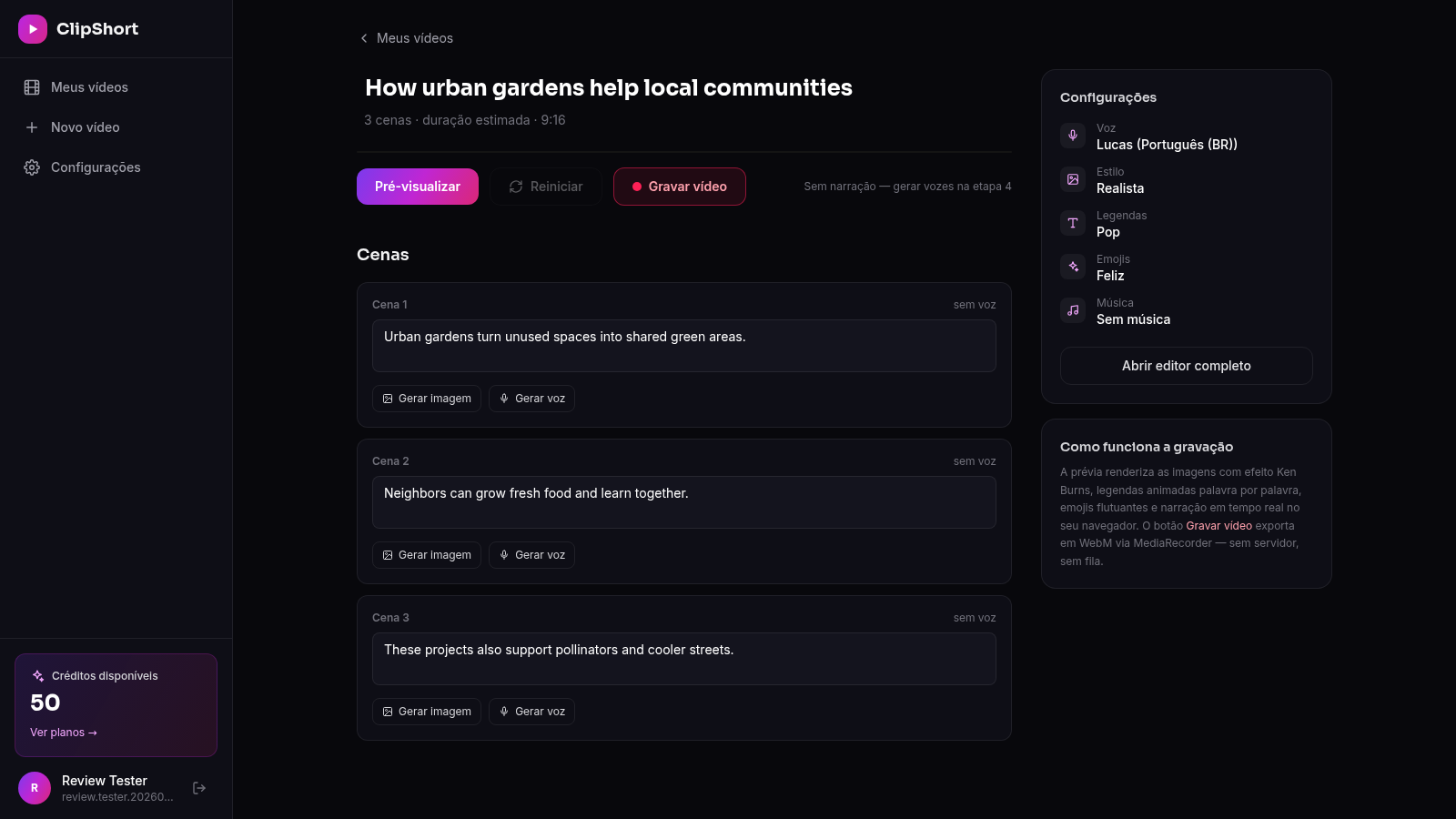
18ClipForge
Crie TikToks, Reels e Shorts com IA: roteiro, imagens, vozes realistas, legendas e música em minutos
 51
51SGI CONTROL
Sistema Integrado de Gestão da Qualidade (ISO 9001) com painel B2B multiempresa
 126
126Agenda de Pedidos - Confeitaria
Agenda digital de pedidos para confeitaria com integração WhatsApp
 70
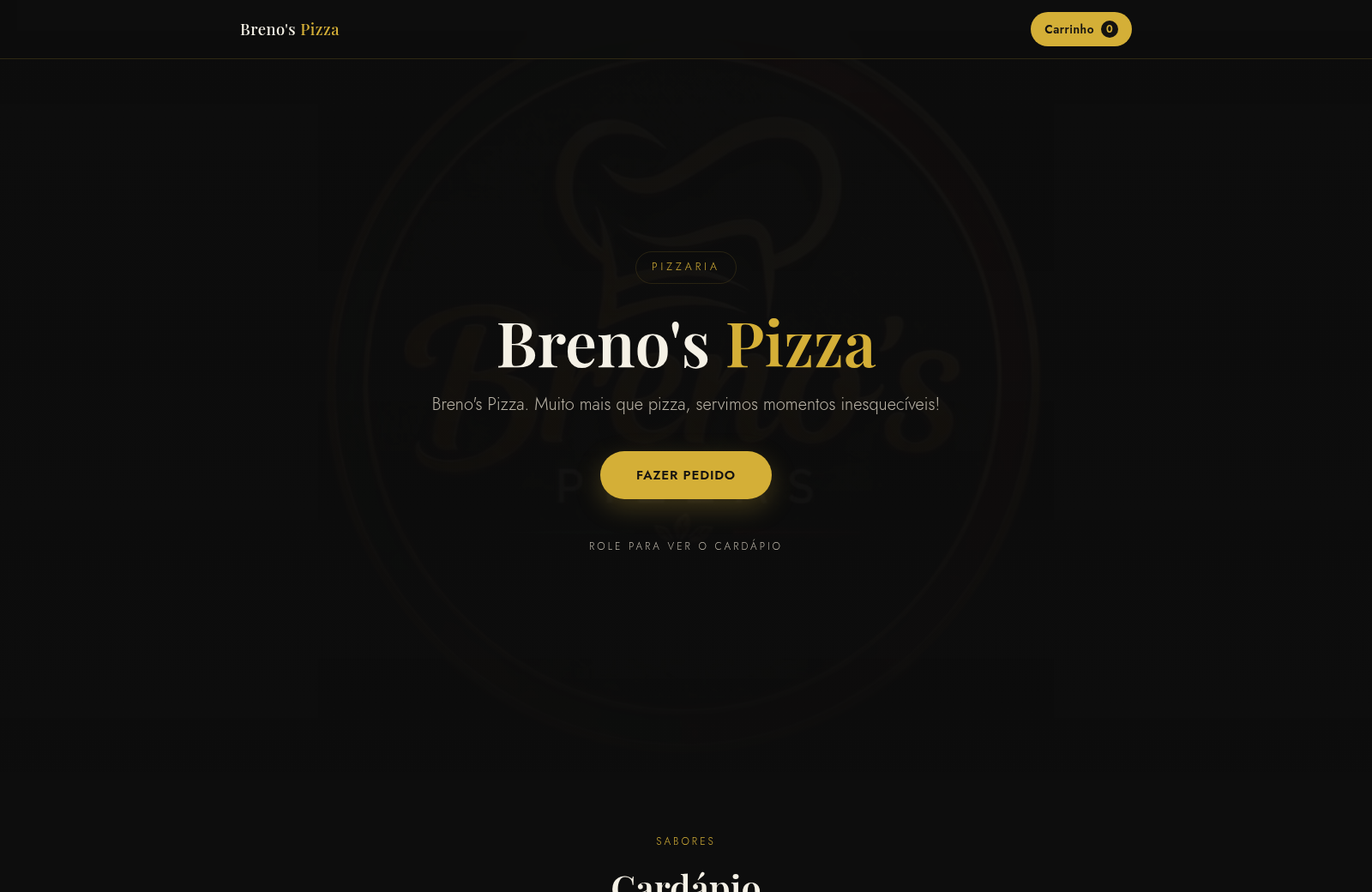
70Breno's Pizza
Breno's Pizza. Muito mais que pizza, servimos momentos inesqueciveis! Peça a sua pizza pelo WhatsApp.
 65
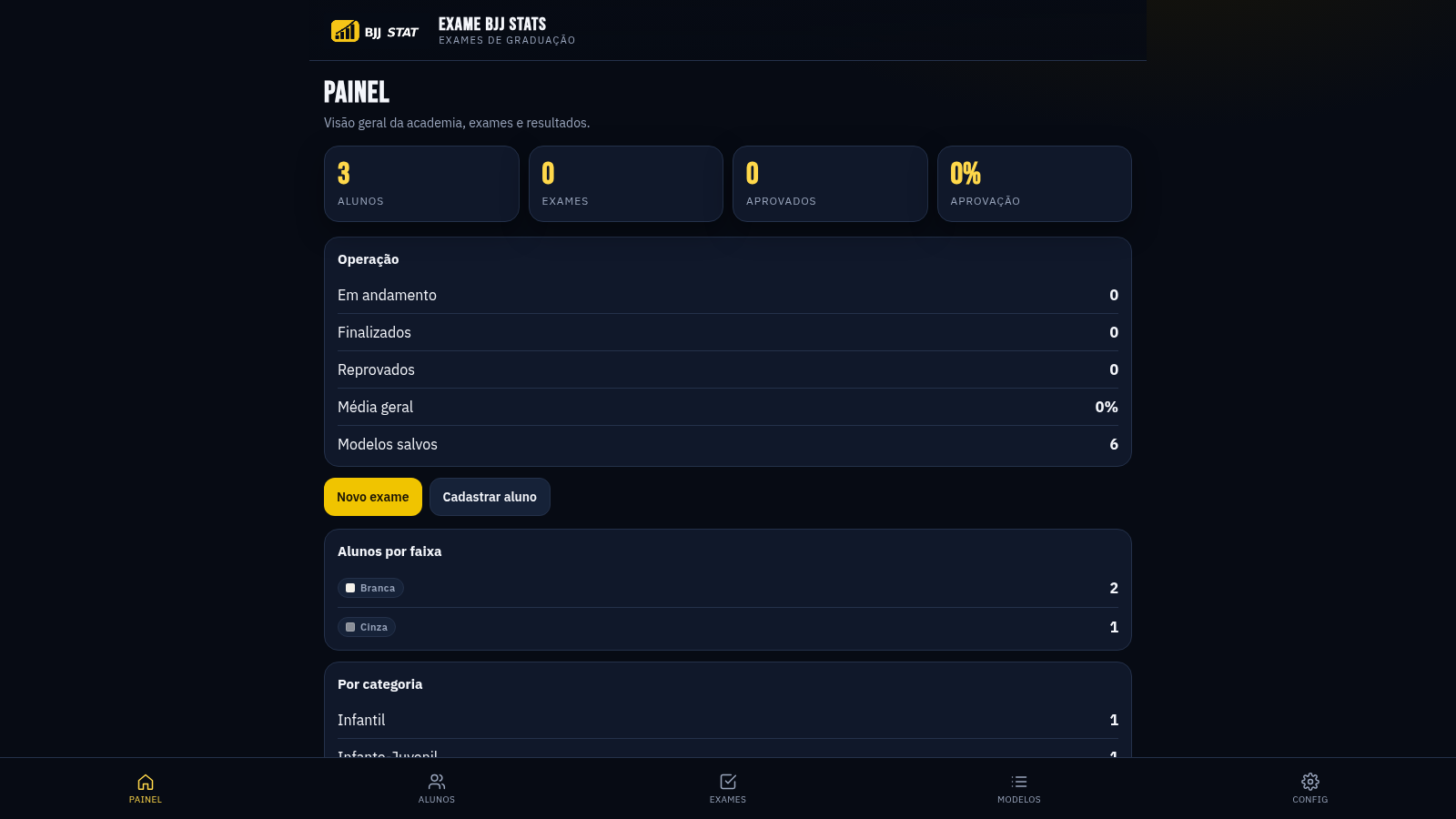
65EXAME BJJ STATS
Sistema profissional de exames de graduação BJJ, com modelos por faixa e relatório APROVADO/REPROVADO.
 63
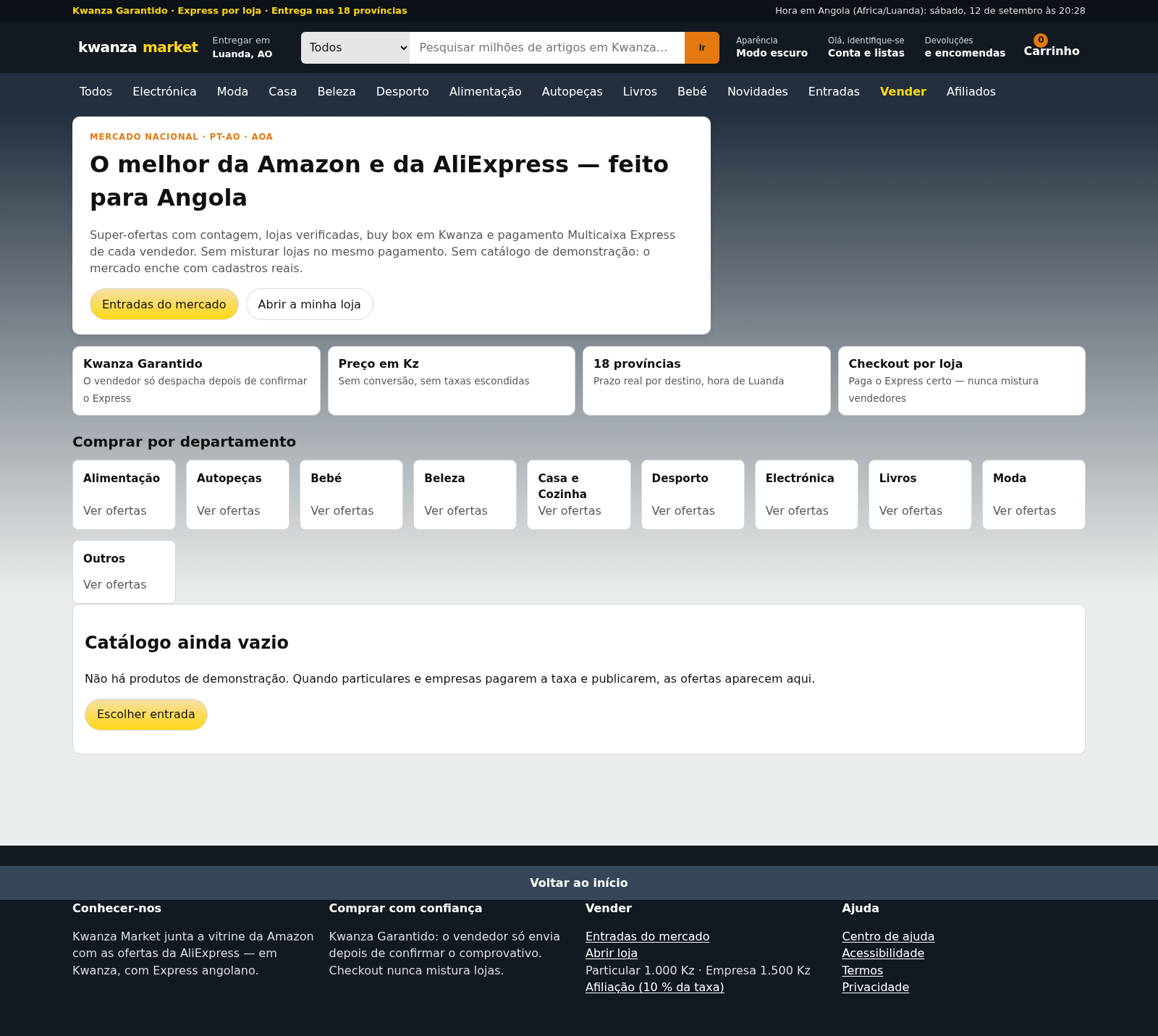
63Kwanza Market
Mercado de Angola: compre e venda em Kwanza com Multicaixa Express.