
TubeBoost AI — YouTube SEO
Analyze and improve YouTube metadata from one focused creator workspace.
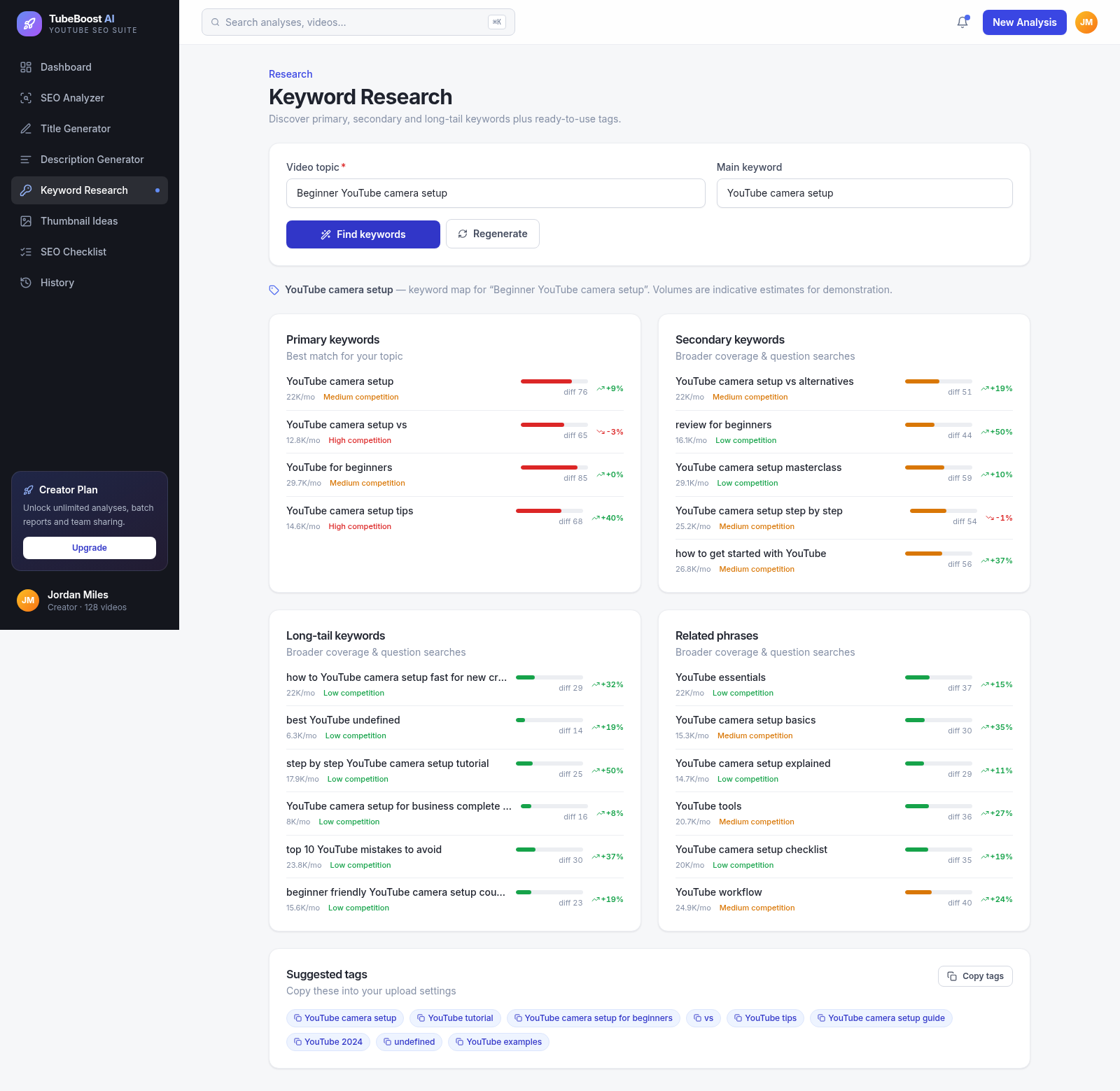
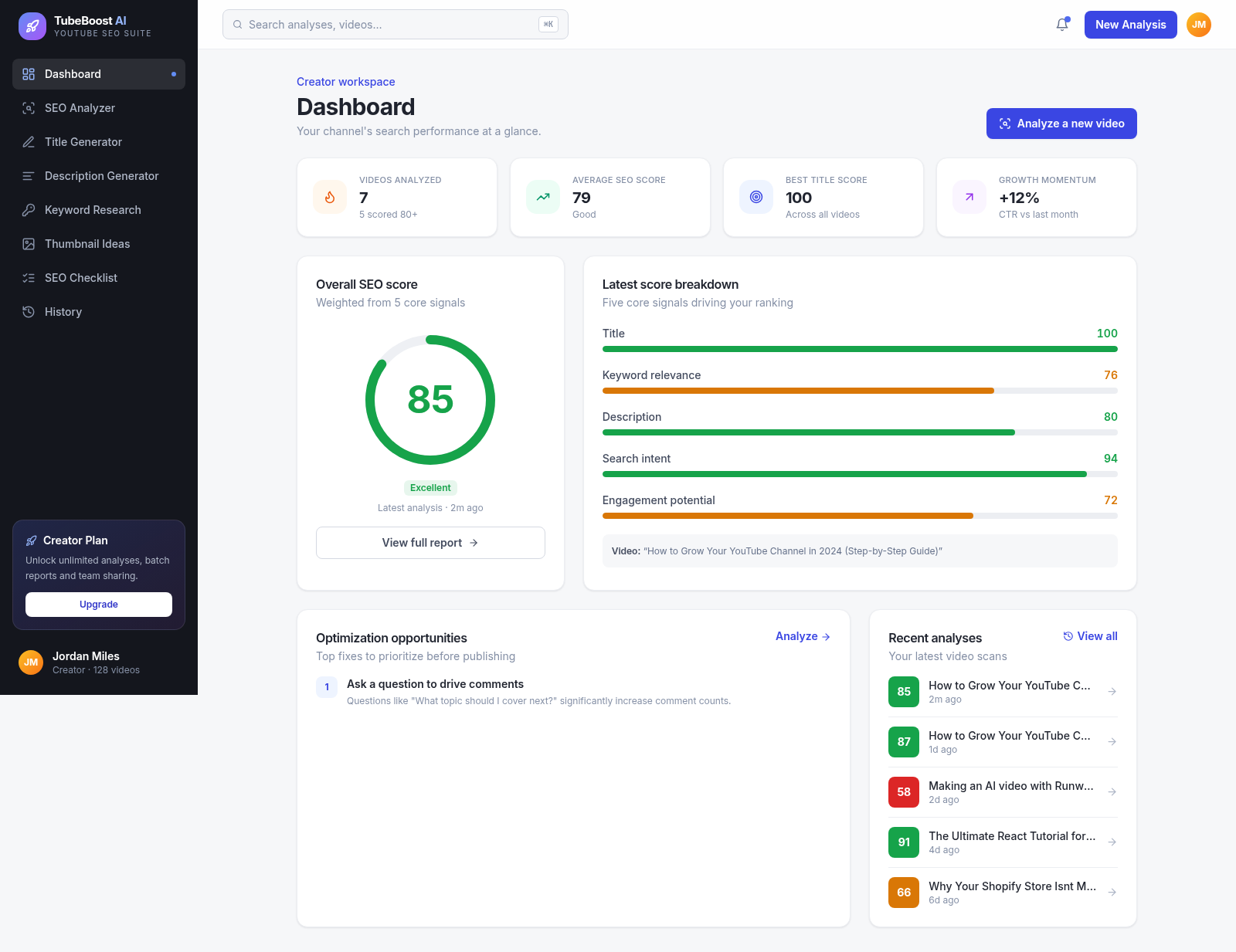
TubeBoost AI is an interactive YouTube SEO suite built around a creator dashboard. Users can paste a draft title and description, define a primary keyword, topic, and audience, and receive an overall SEO score with component scores, detected strengths, keyword signals, length guidance, and prioritized improvements. Separate tools generate eight scored title patterns, research primary through long-tail keywords with indicative trends and difficulty, prepare descriptions, suggest thumbnail concepts, track a publishing checklist, and retain analysis history.
Highlights
Scored SEO reports
Five signals and fixes
Eight title patterns
Scored reusable options
Keyword mapping
Terms, trends, and tags
Unified workspace
Tools share one sidebar
How to Use
Analyze a draft video
Open SEO Analyzer, enter the planned title and description, then add the main keyword, topic, and intended audience. Select Analyze video to receive an overall score, five component scores, detected strengths, keyword signals, length guidance, and prioritized optimization opportunities.
Generate title options
Open Title Generator and provide a video topic and main keyword. Generate titles to receive eight alternatives based on recognizable patterns such as how-to, numbered list, question, personal story, and myth-busting, each with length, rationale, and scoring information.
Build a keyword map
Open Keyword Research, enter the topic and primary phrase, and select Find keywords. Review the grouped primary, secondary, long-tail, and related terms together with indicative difficulty and trend values, then copy the suggested tags for upload settings.
Finish the publishing workflow
Use the description, thumbnail, and checklist modules to prepare the remaining metadata and publishing tasks. Return to History when you need to revisit previously analyzed videos and compare earlier optimization work.
Similar Sites
 6
6TagGen AI
Gera tags de alta entrega para o algoritmo usando apenas o título
 31
31CreatrixAI — AI Content Studio
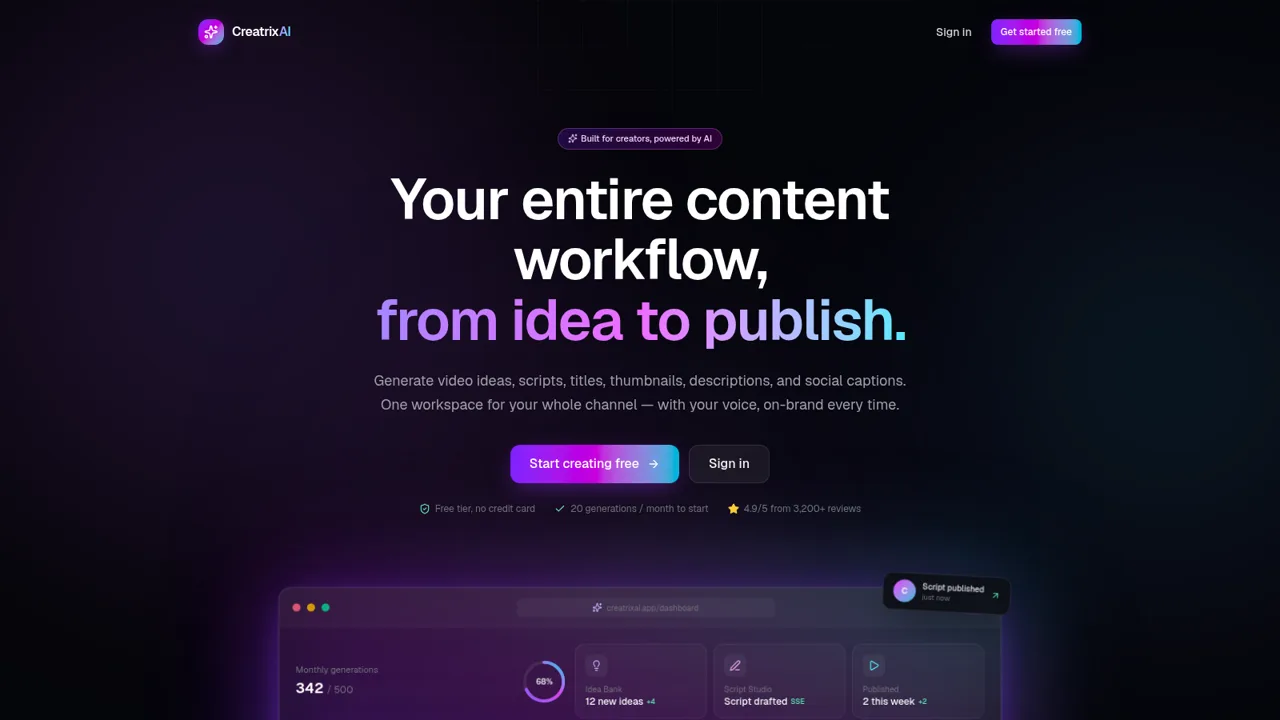
AI workspace for YouTube creators: ideas, scripts, titles, thumbnails.
 27
27ShudhBharat Marketing OS
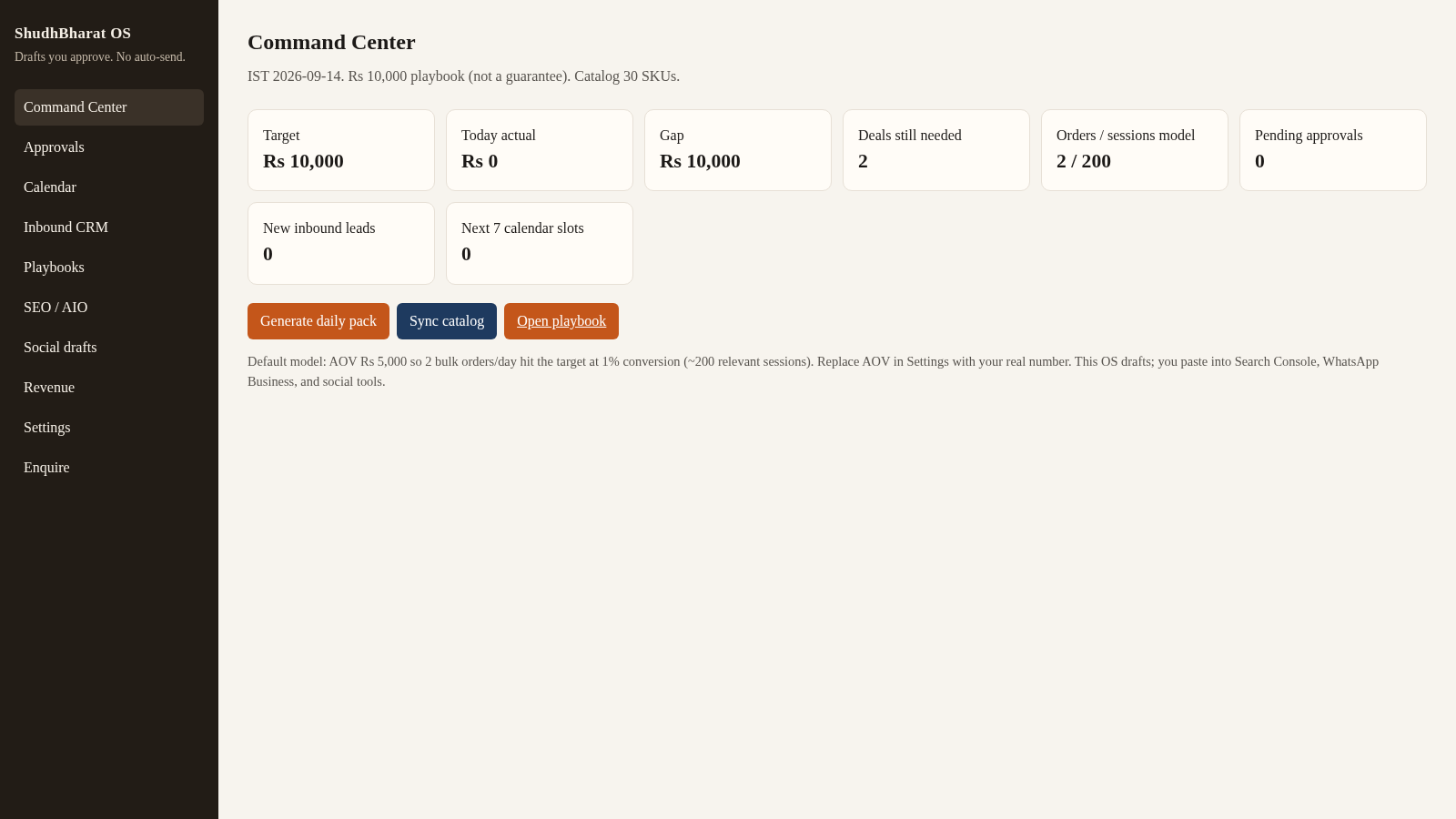
Human-approved SEO, social, and bulk-order drafts for ShudhBharat India.
 26
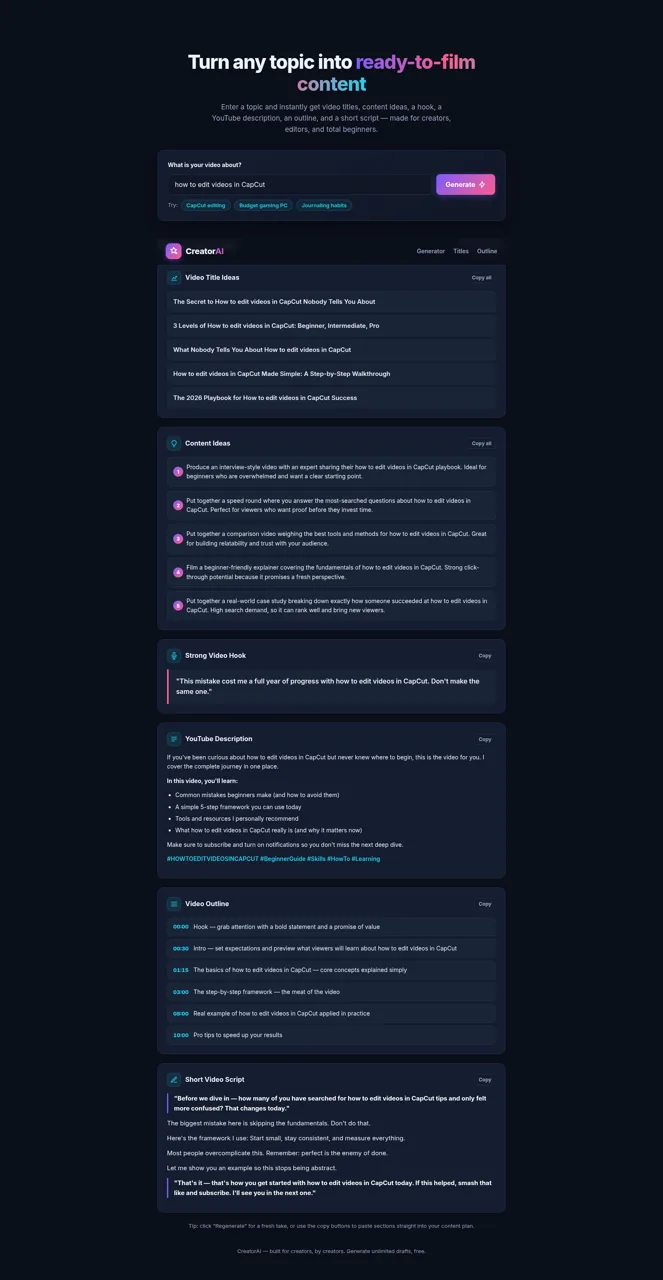
26CreatorAI – AI Content Idea & Script Generator
Generate YouTube video titles, content ideas, hooks, descriptions, outlines, and scripts from any topic.
 22
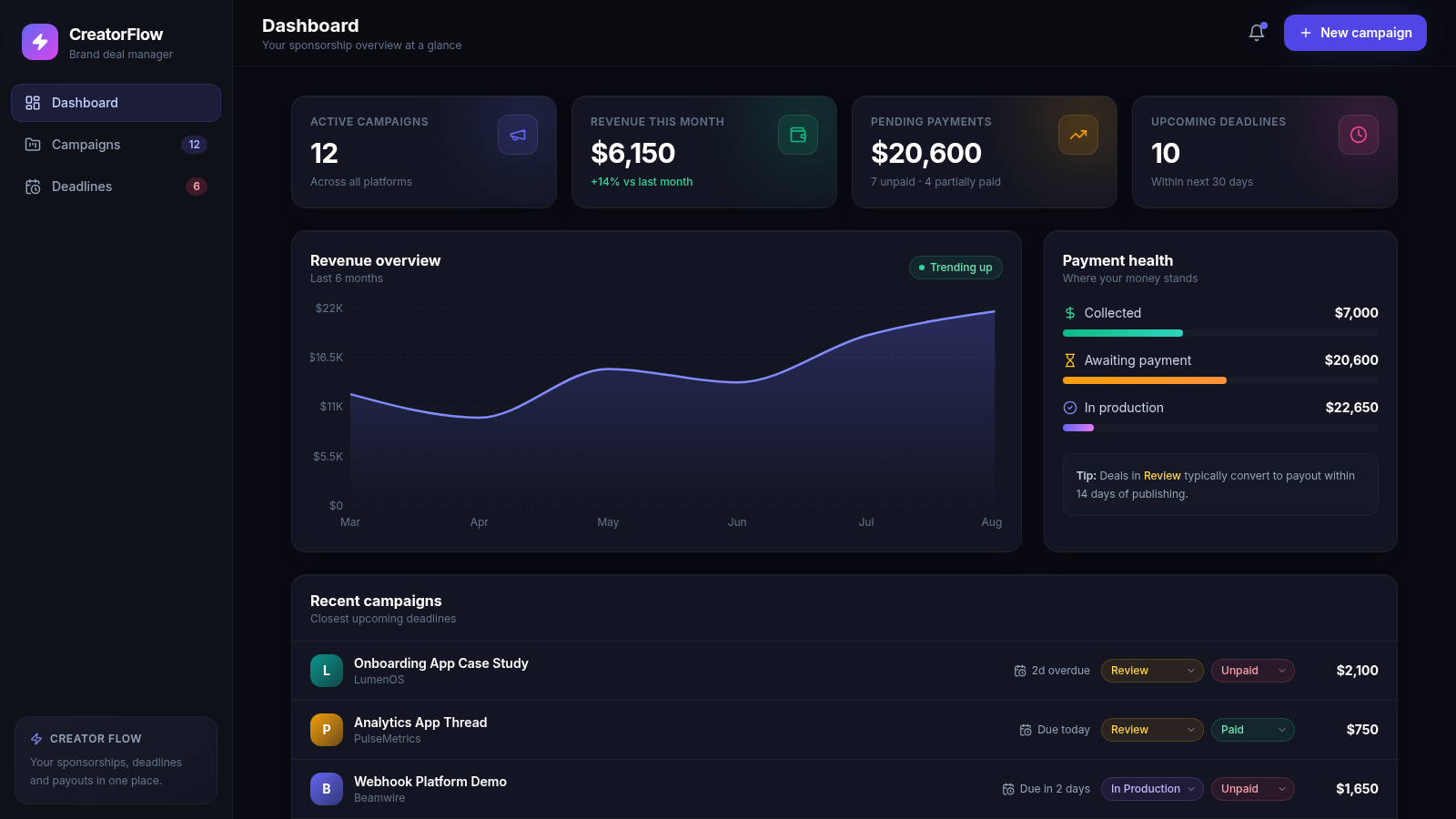
22CreatorFlow — Brand Deals
Sponsorship and brand-deal management for content creators
 18
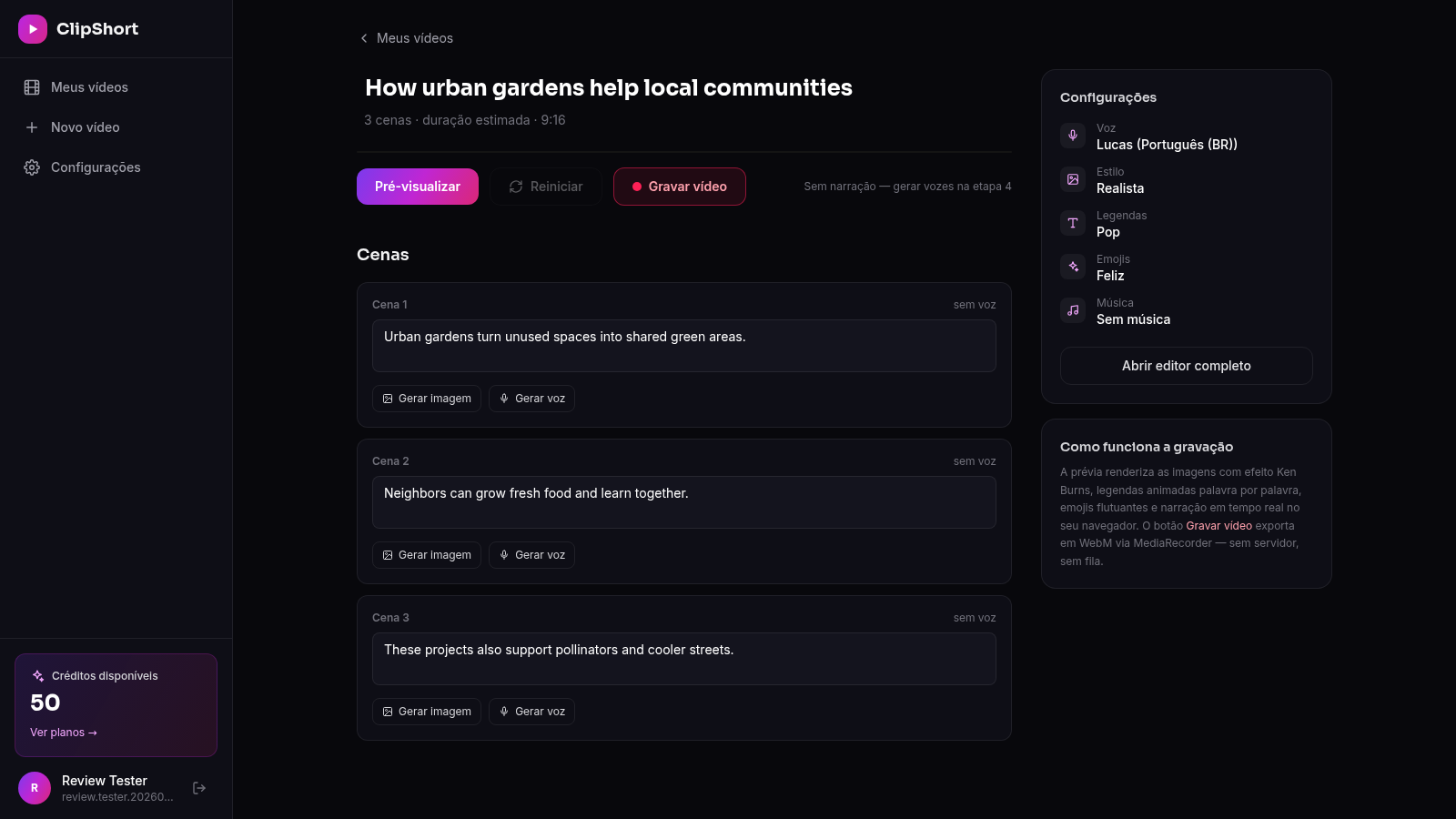
18ClipForge
Crie TikToks, Reels e Shorts com IA: roteiro, imagens, vozes realistas, legendas e música em minutos