
JTV MARATHI NEWS & SANSKAR JORVEKAR
Turn long Marathi kirtan talks into vertical shorts with subtitles
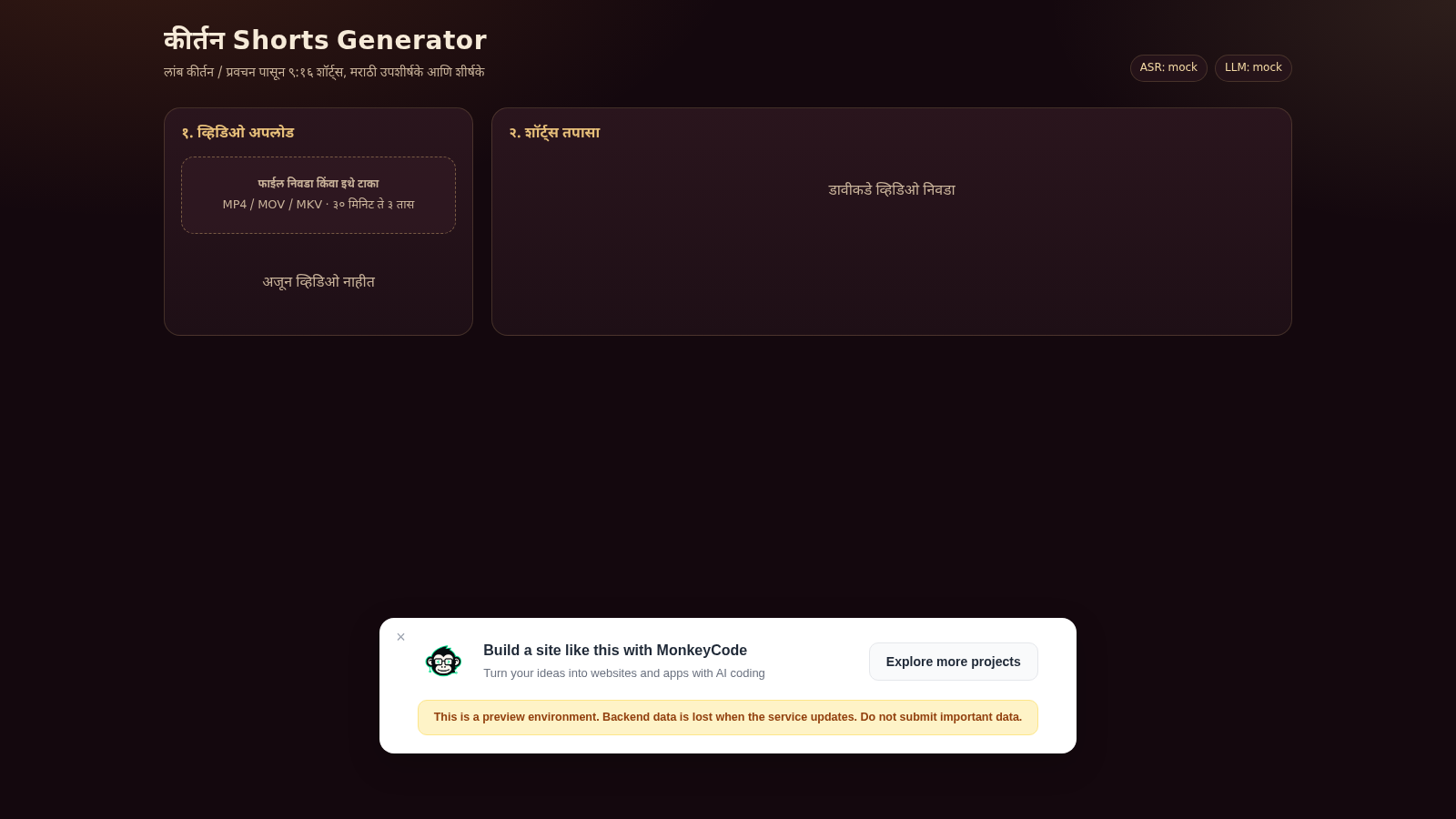
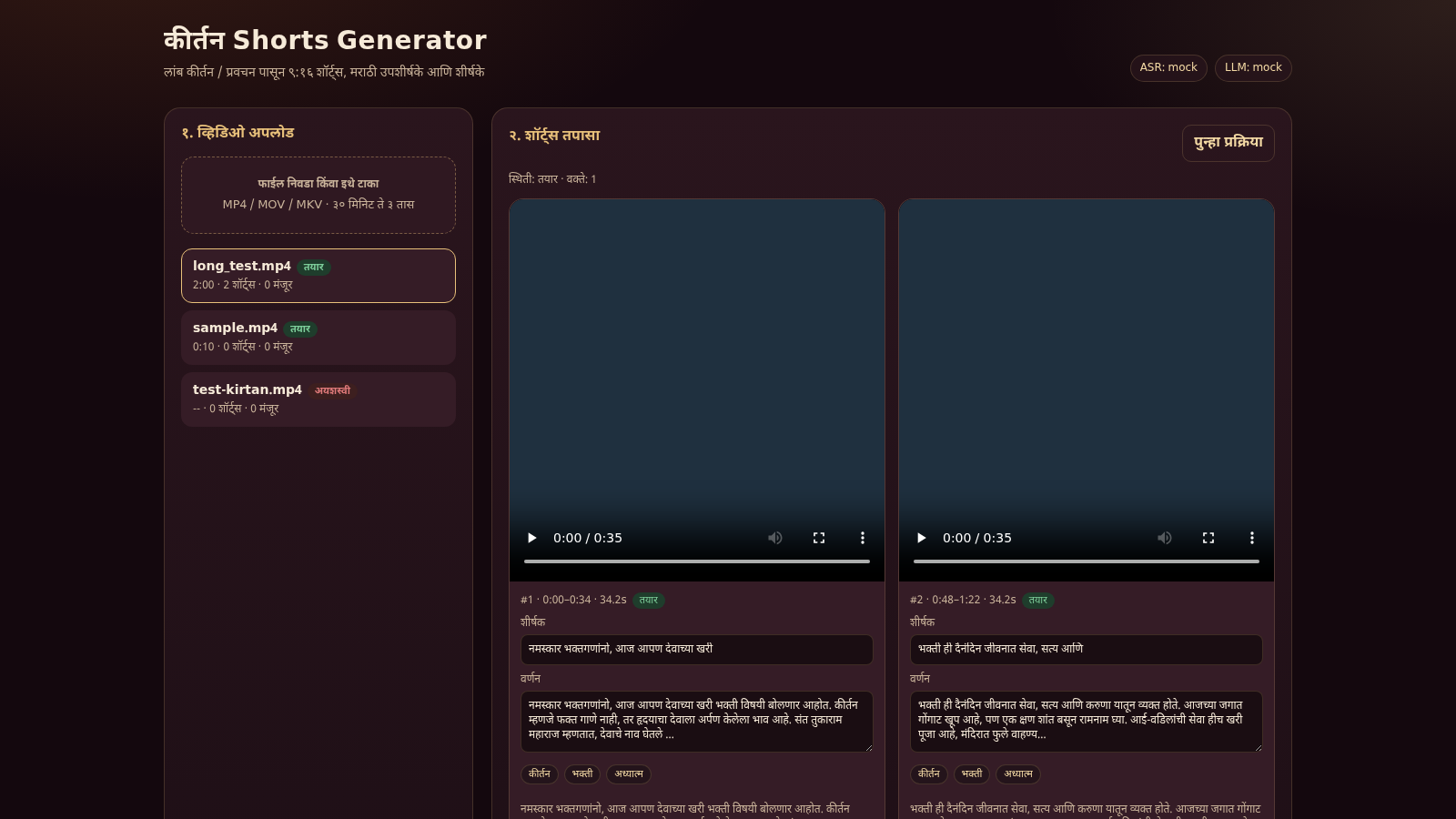
Kirtan Shorts Generator is a browser-based tool for repurposing long Marathi kirtan and pravachan recordings into short vertical videos. A user uploads an MP4, MOV or MKV file, the service measures its duration and transcribes the speech, then detects highlight segments and renders each one as a 9:16 clip with Marathi subtitles and a Marathi title. The interface is split into an upload panel on the left that lists every processed video with its status, duration, short count and approved count, and a review panel on the right. Each generated short appears as a card containing a vertical player, its time range and length, a status chip, an editable title and description, tag pills, a transcript excerpt, and buttons to save, approve, reject or download the clip.
Highlights
Long to short pipeline
Uploads long talks and cuts highlights
Marathi subtitles
Adds Marathi captions and titles
Editable clip cards
Edit title, description and tags
Approve or reject
Review each short before export
Clip download
Export rendered 9:16 video files
JSON metadata
Each clip also exports its metadata
How to Use
Upload a video
Open the site and use the upload panel on the left. Click the drop zone to choose a file or drag an MP4, MOV or MKV into it. The description suggests recordings between 30 minutes and 3 hours. After the upload completes, the file appears in the sidebar list with a status badge, and once processing finishes the badge reads ready along with the measured duration, the number of shorts and the number of approved clips.
Wait for processing
While the file is being handled, the status badge stays in a processing state and the sidebar refreshes automatically. When it turns ready, the right-hand review panel populates with the generated shorts. If a file cannot be read, the badge shows a failed state and the panel prints a short error message, which is what happens when the upload is not a valid video.
Review and edit shorts
Select a video in the left list and the review panel shows one card per generated short. Each card contains a vertical player with a time range and length, an editable title field, an editable description field, the detected tags, and the transcript excerpt used for that segment. Change the title, description or tags and press the save button to keep the edits for that clip.
Approve and download
On each clip card the approve button marks the short as approved and updates the approved counter in the sidebar, while the reject button marks it as rejected. The download link opens the rendered vertical video file for that clip. A separate JSON export for each clip provides its title, description, tags, start and end time and transcript snippet, which is useful when the clip needs to be described elsewhere.
Re-run or add more videos
The review panel includes a reprocess button that re-runs the pipeline for the selected video if the results need to be regenerated. The upload area remains available throughout, so several recordings can be queued and each one keeps its own list of shorts, approved counts and status.
Similar Sites
 94
94OhMyPS - AI Image Editor
Brush, describe, and quickly edit part of an image with AI.
 81
81PDF Master AI
Private in-browser PDF toolkit to convert, merge, compress, edit, and protect files.
 77
77BJJ STAT — ANALISE. ENTENDA. EVOLUA.
Scout de Jiu-Jitsu em um toque. Placar IBJJF, relatórios visuais e PWA offline.
 59
59ToolCraft - Free Online Tools
Free, fast, privacy-friendly online tools & expert guides - all in your browser.
 30
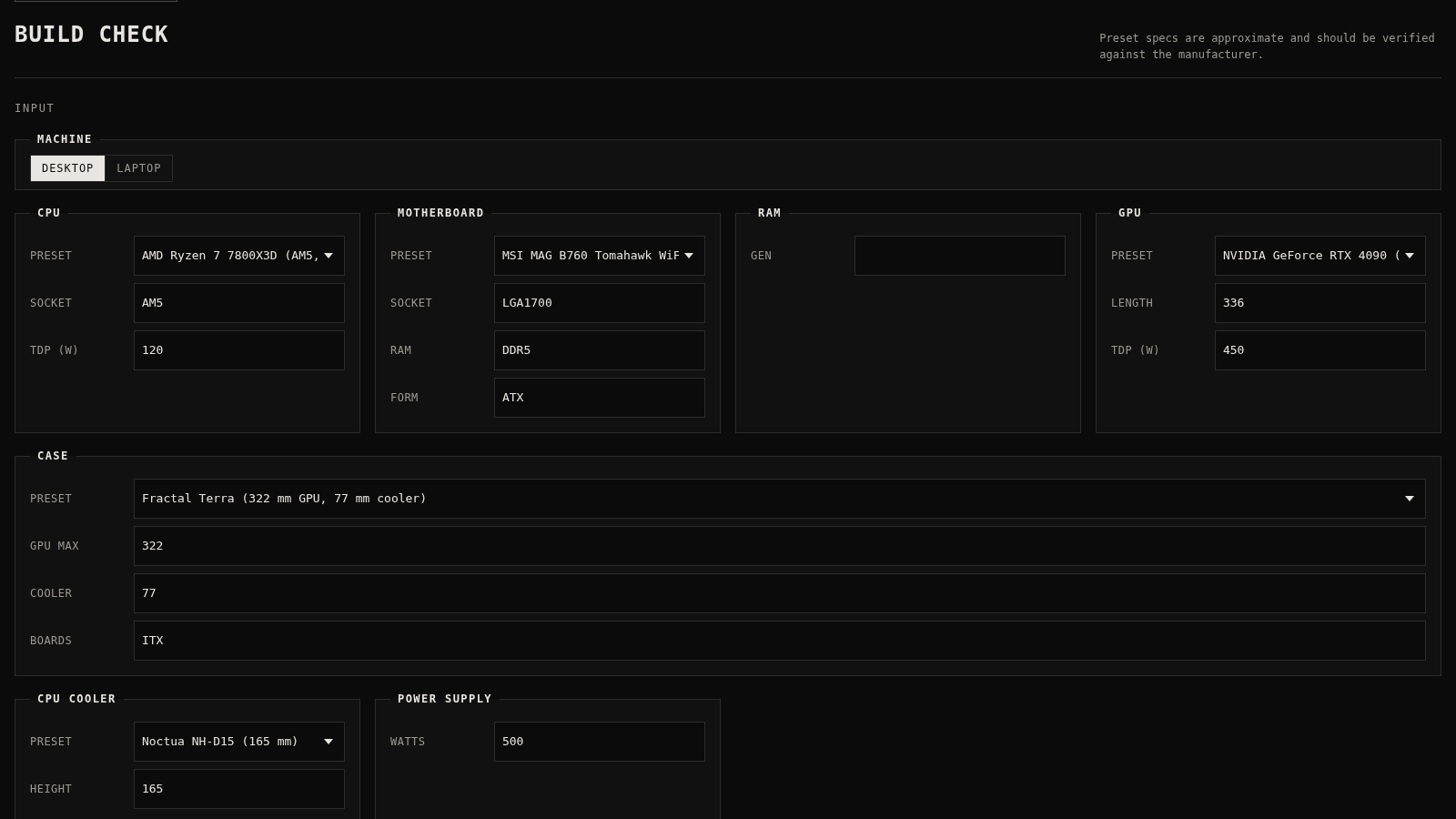
30PC Build Checker
Check desktop and laptop PC builds for compatibility, scores, and upgrades.
 22
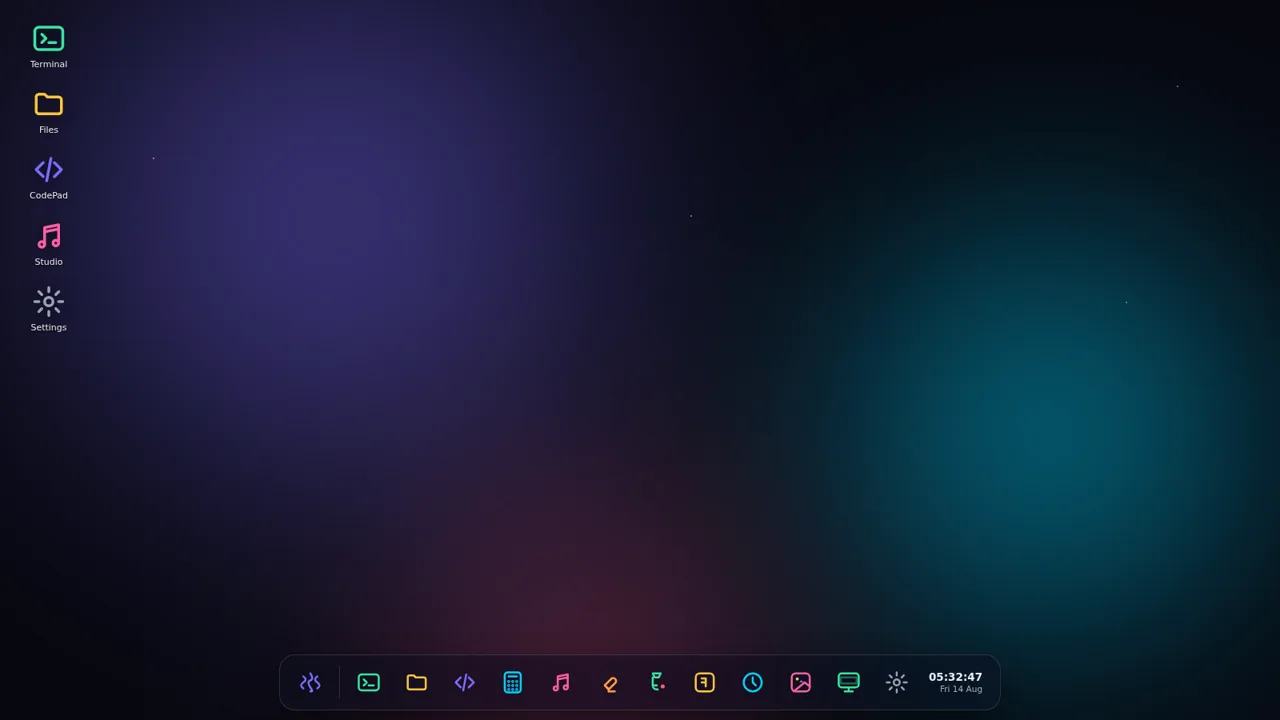
22AuroraOS
A desktop OS inside a single HTML file - apps, terminal, games, music