
Geodesic Post Studio
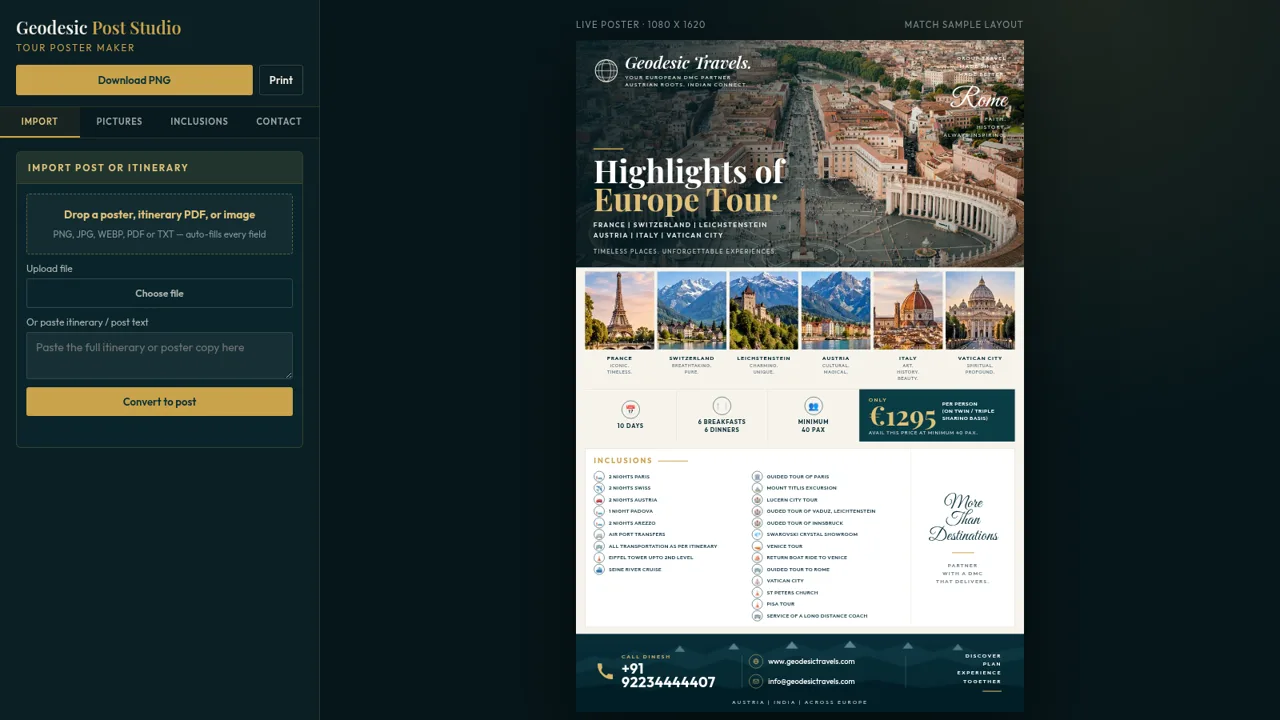
Turn travel itineraries, images, and sales copy into an editable portrait tour poster with live preview and PNG export.
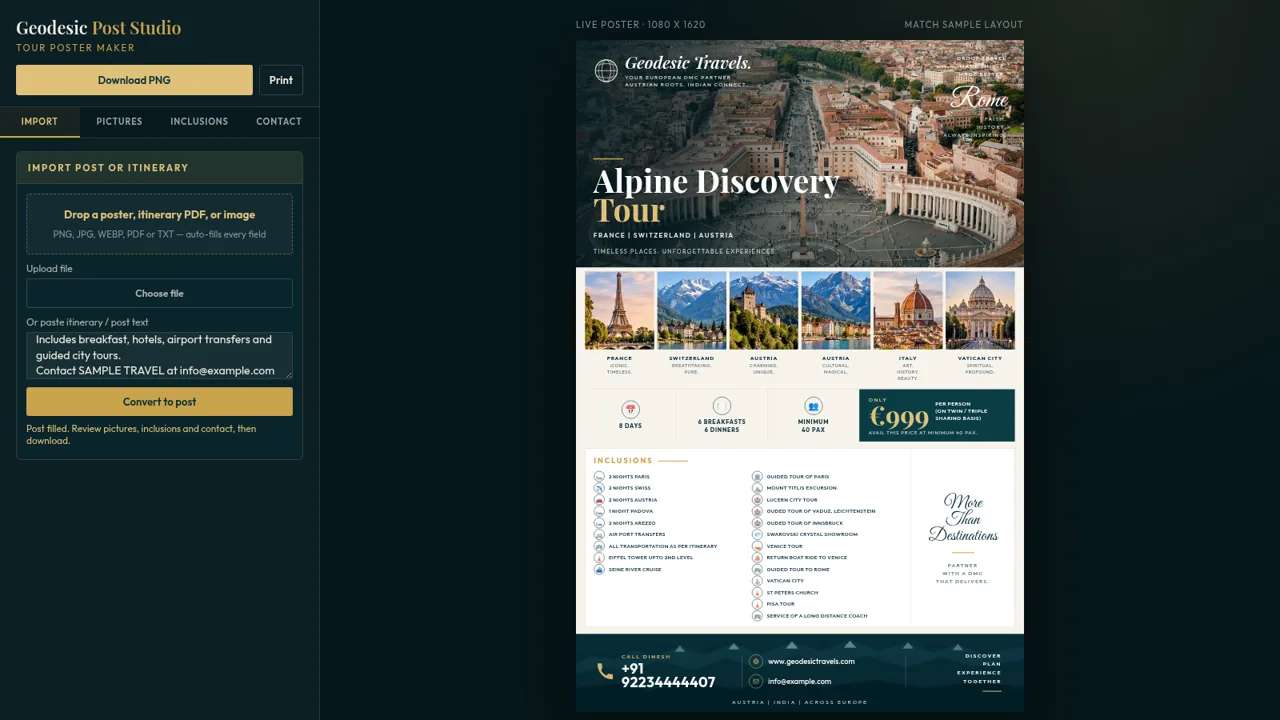
Geodesic Post Studio is a single-page poster production workspace designed around tour and destination marketing. It opens with a populated European group tour template and places editing controls beside a live 1080 by 1620 poster. Users can paste itinerary text or import a PNG, JPG, WEBP, PDF, or TXT file to populate fields, then refine hero and destination images, headlines, trip facts, pricing, inclusions, icons, partner copy, and contact information. The preview updates as fields change, and the final design can be downloaded as a PNG or sent to the browser print flow.
Highlights
Smart itinerary import
Text fills poster fields
Live visual editing
Changes update instantly
Flexible imagery
Upload or use image URLs
Detailed inclusions
Edit rows and icons
Ready for delivery
Download PNG or print
How to Use
Import the source material
Open the Import tab and either drop a supported poster or itinerary file, choose one from the device, or paste the full itinerary copy into the text area. Select Convert to post to parse the content; the page confirms conversion and updates recognized fields in the live poster.
Adjust pictures and headlines
Use the Pictures tab to upload replacement images or enter image URLs for the hero, destination tiles, logo, and footer. Edit destination names, captions, tour title, duration, pricing, and headline copy while watching the poster preview update beside the controls.
Review inclusions
Open the Inclusions tab to revise each included service, remove rows that do not apply, add new lines, and choose a suitable icon from the available travel, lodging, meal, transport, landmark, and activity symbols.
Finish contact details
Use the Contact tab to update the agency callout, phone number, website, email address, closing copy, and regional footer so the published poster points customers to the correct business.
Export the poster
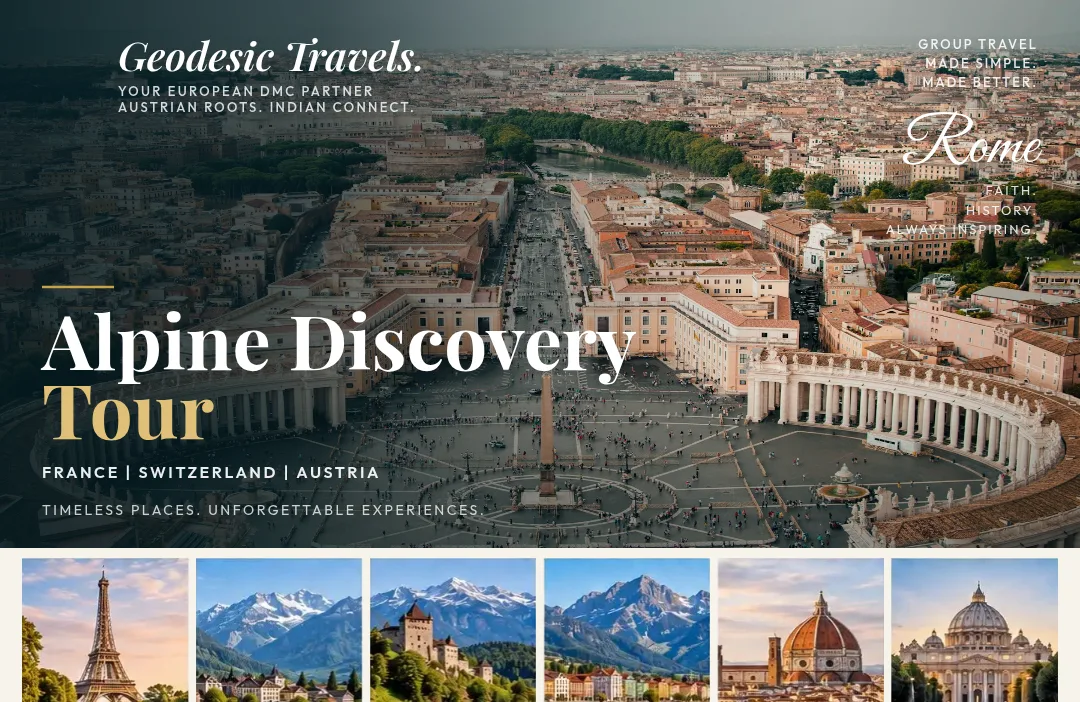
Review the complete 1080 by 1620 preview, then select Download PNG to generate an image file. Use Print when a paper or PDF workflow is preferred.
Similar Sites
 69
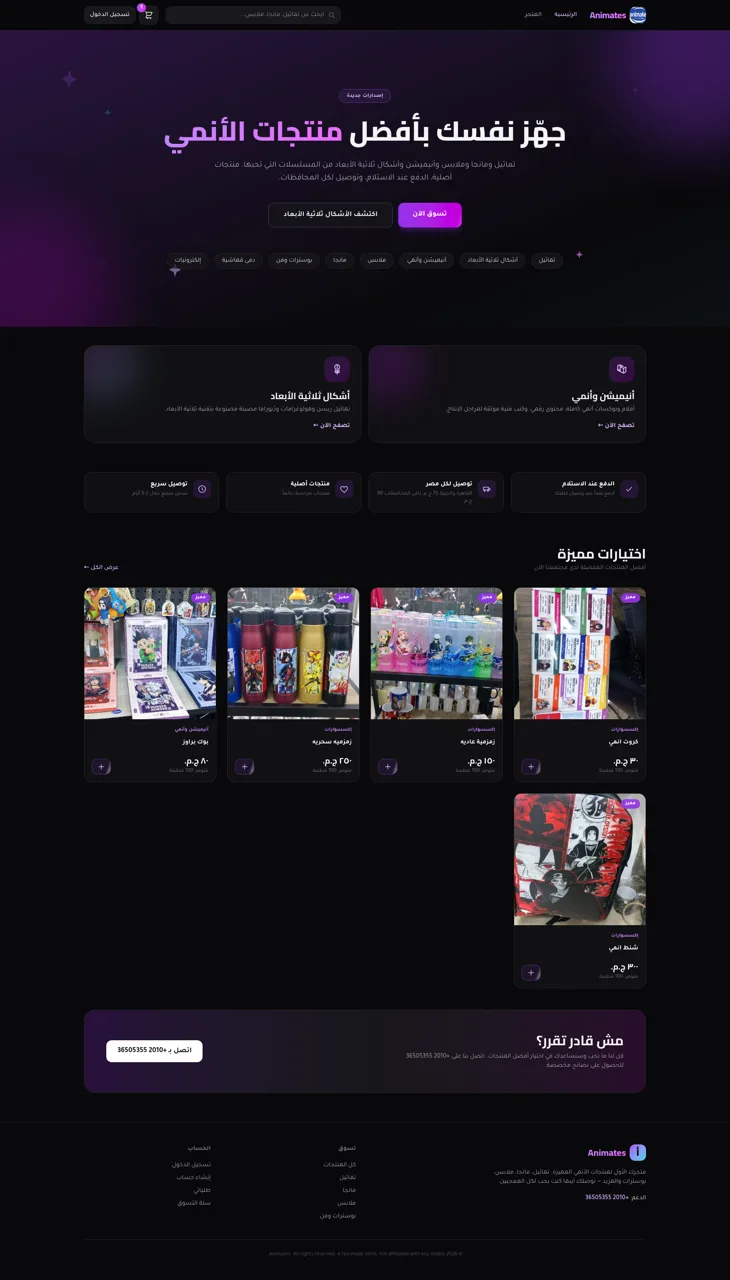
69Animates — Anime Merch Store
Full-stack Arabic RTL anime merch store with COD checkout and admin dashboard
 31
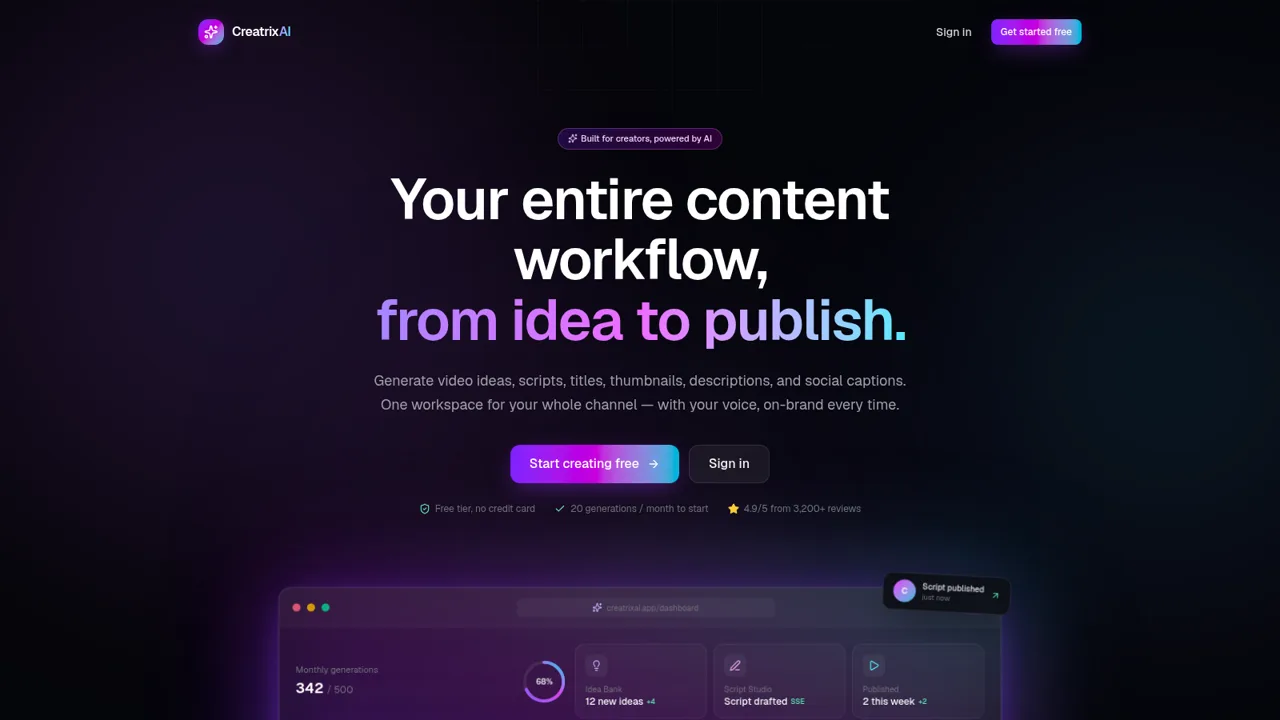
31CreatrixAI — AI Content Studio
AI workspace for YouTube creators: ideas, scripts, titles, thumbnails.
 31
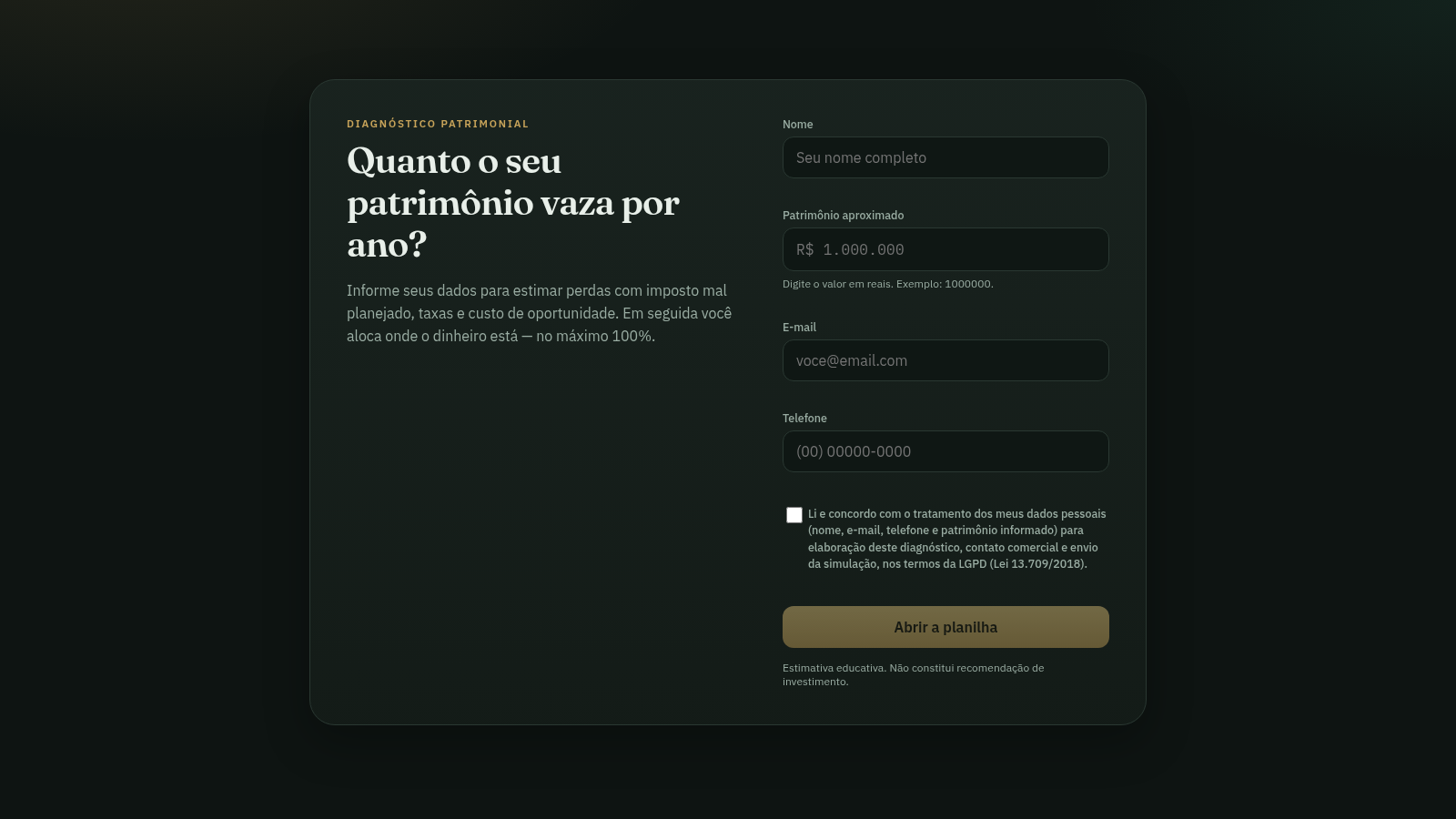
31Diagnóstico de vazamento patrimonial
Estime quanto seu patrimônio vaza por ano com imposto, taxas e oportunidade.
 23
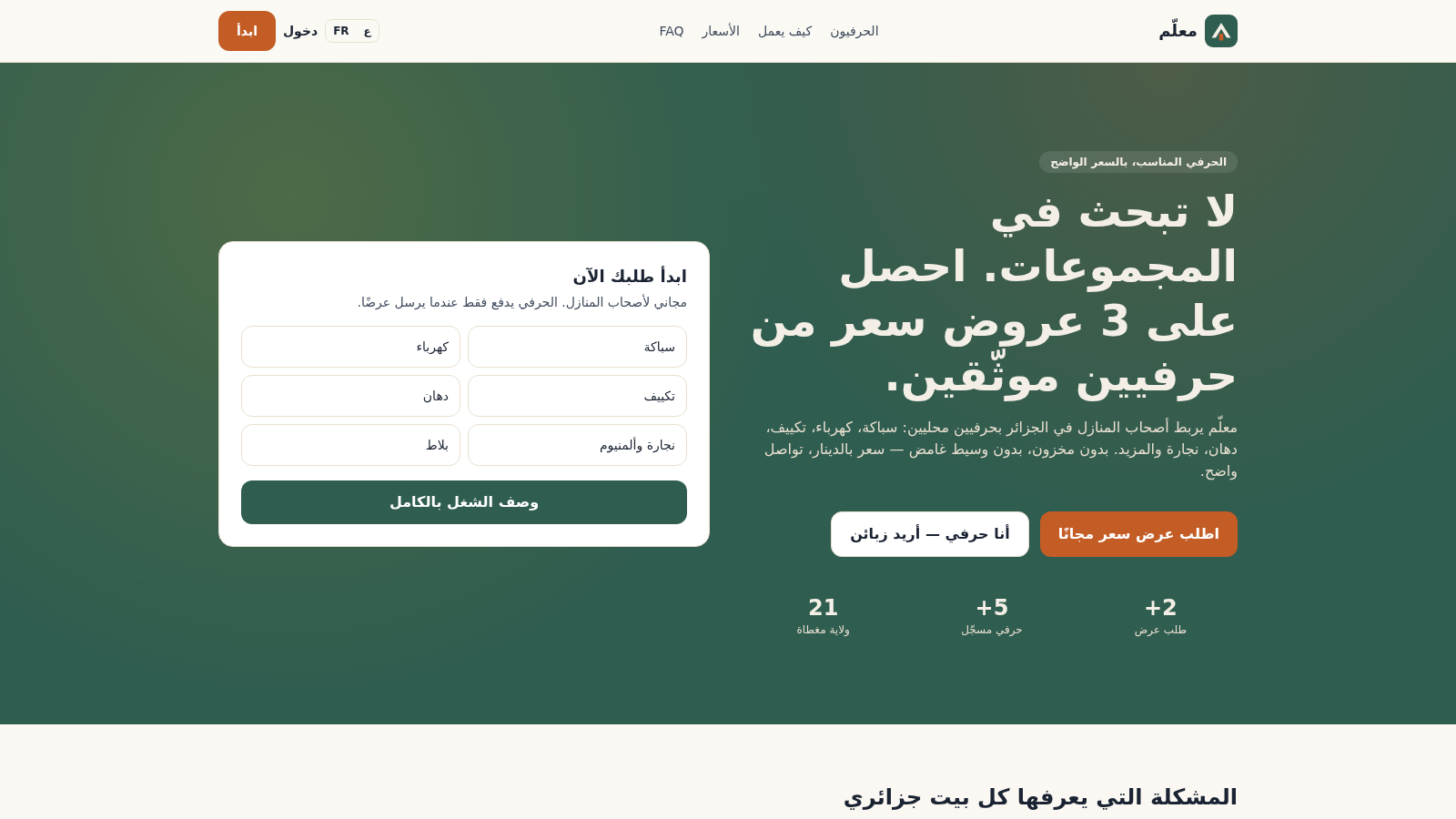
23معلّم Meallem
منصة جزائرية لطلب عروض الحرفيين ودفع الرصيد بالدينار عبر CCP وBaridiMob
 22
22ViralShopee AI
A IA encontra oportunidades. Você monetiza o conteúdo.
 15
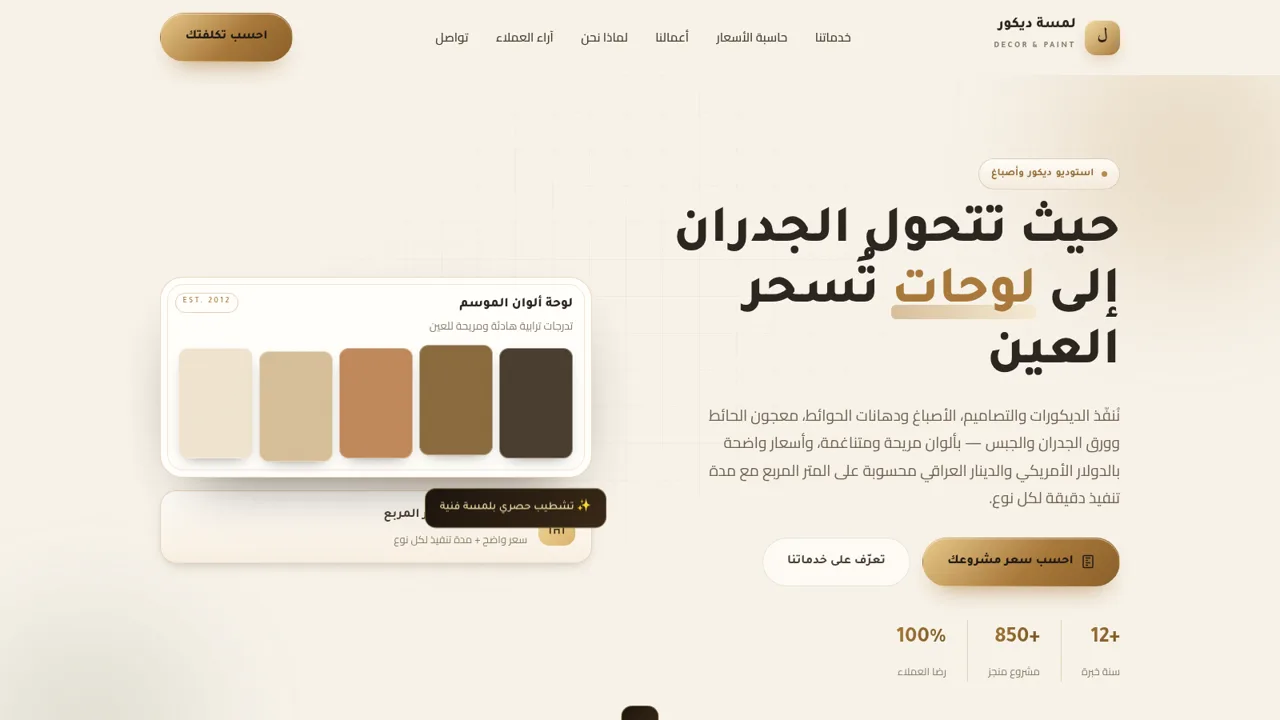
15لمسة ديكور
ديكور وأصباغ ومعجون حائط مع حاسبة أسعار بالدولار والدينار العراقي للمتر.