
CreatrixAI — AI Content Studio
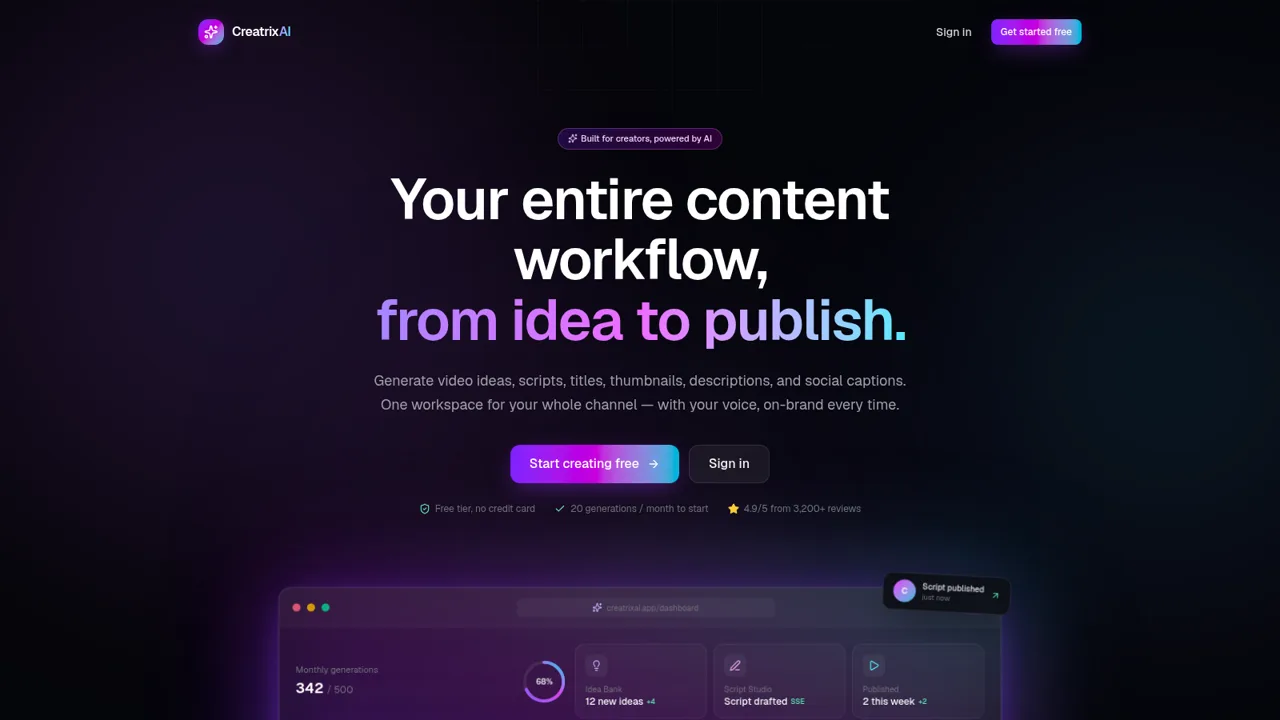
Plan, write, organize, and track creator content from one AI-assisted workspace.
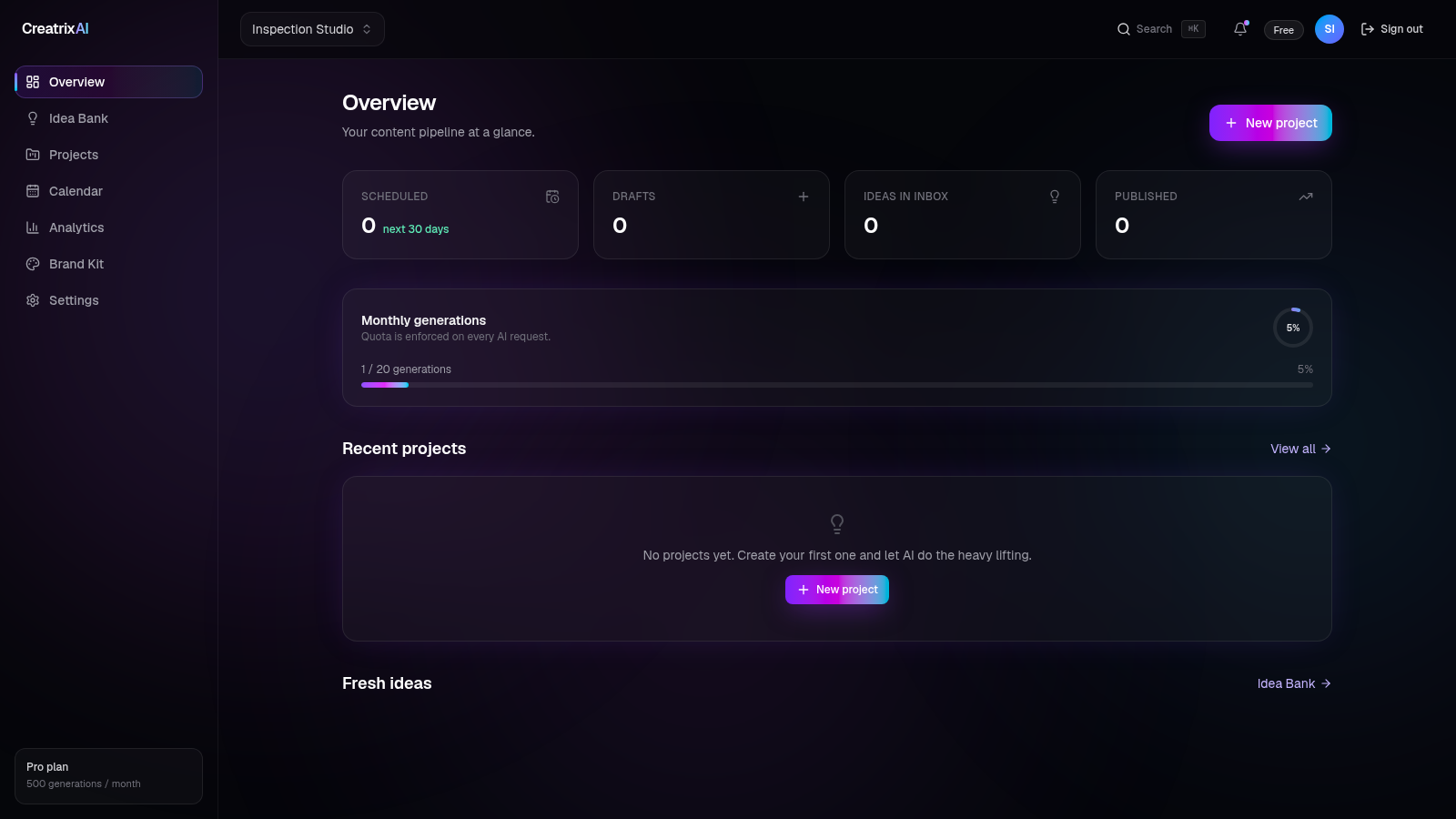
CreatrixAI is a creator operations workspace focused on YouTube videos and reusable social content. Its public site presents a workflow from capturing an idea through writing, packaging, scheduling, and performance review. After creating a free account and naming a workspace, users reach a dashboard with an Idea Bank, project-based Script Lab, Content Calendar, Analytics, Brand Kit, settings, generation quota, and pipeline counters. The Script Lab accepts a topic, offers tutorial, listicle, guide, vlog, short, and review formats, and is designed to generate a structured script. During inspection the complete request and quota flow worked, but the deployed site identified its output as mock mode because an external AI provider key was not configured.
Highlights
Unified Workflow
Ideas through publishing
AI Script Lab
Topics and six formats
Reusable Brand Kit
Voice and tone controls
Pipeline Dashboard
Quota and status tracking
How to Use
Create a workspace
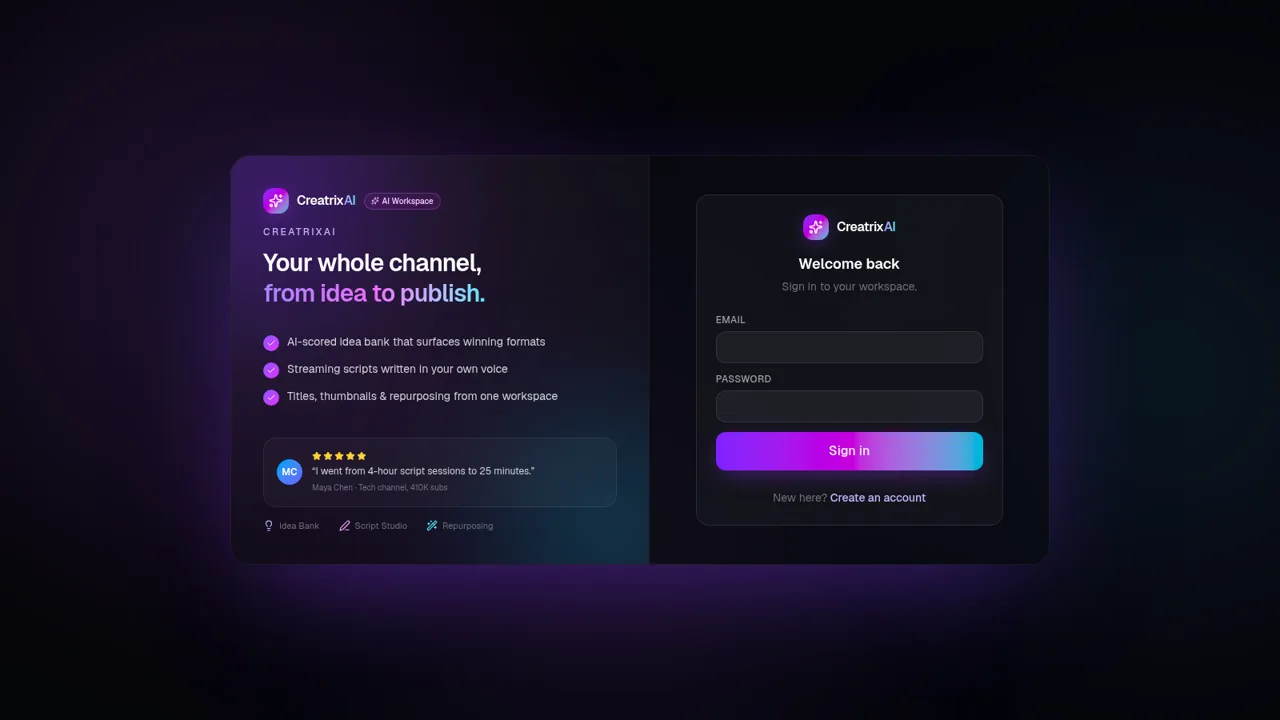
Choose the free sign-up option, enter a name, email address, and password, then name the shared studio. The onboarding flow creates the workspace and opens its overview dashboard.
Set the brand voice
Open Brand Kit and define the kit name, voice, tone, standard call to action, preferred keywords, and banned words. The live prompt preview shows how these settings will be merged into later generations, and Save kit applies the changes.
Draft a video script
Open Projects, describe the video topic, choose a format such as tutorial, listicle, guide, vlog, short, or review, and select Generate script. The page reports the remaining monthly quota and displays the generation response below the form.
Manage the pipeline
Use Idea Bank to collect concepts, Projects to organize video work, Calendar to review scheduled items, and Analytics to inspect performance once channel data and published content are available.
Similar Sites
 26
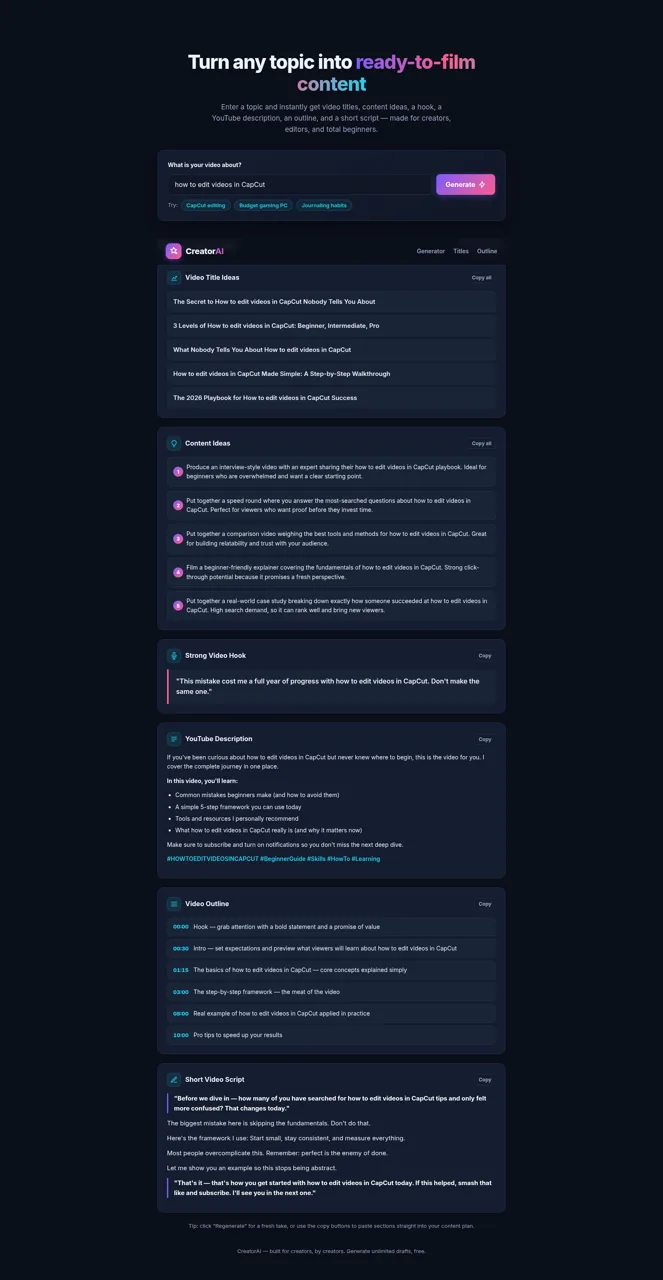
26CreatorAI – AI Content Idea & Script Generator
Generate YouTube video titles, content ideas, hooks, descriptions, outlines, and scripts from any topic.
 22
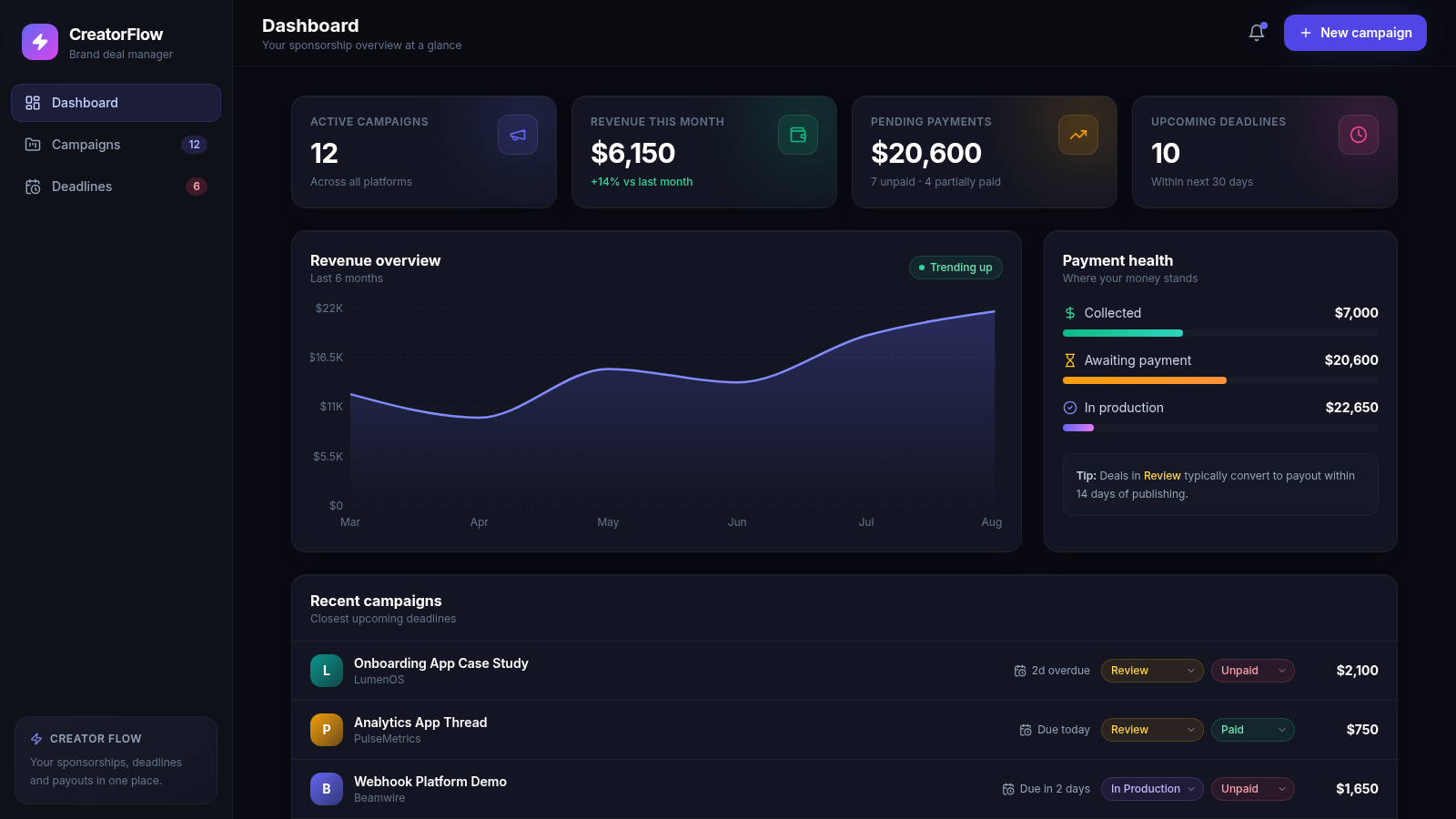
22CreatorFlow — Brand Deals
Sponsorship and brand-deal management for content creators
 22
22ViralShopee AI
A IA encontra oportunidades. Você monetiza o conteúdo.
 17
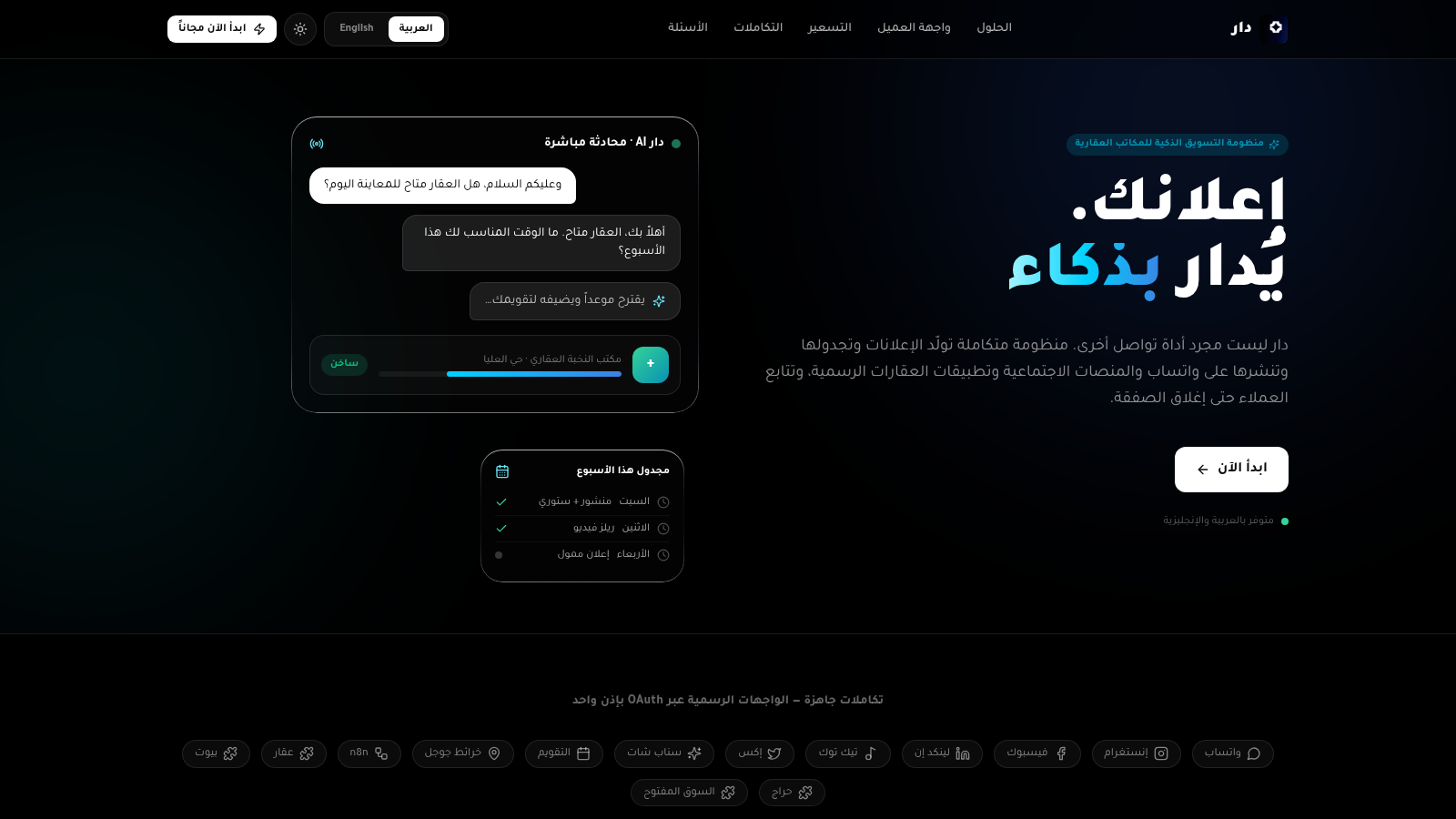
17دار — منظومة المكاتب العقارية
منظومة دار الذكية: تسويق ومتابعة العقارات، إيجارات، عملاء وفرق عمل
 15
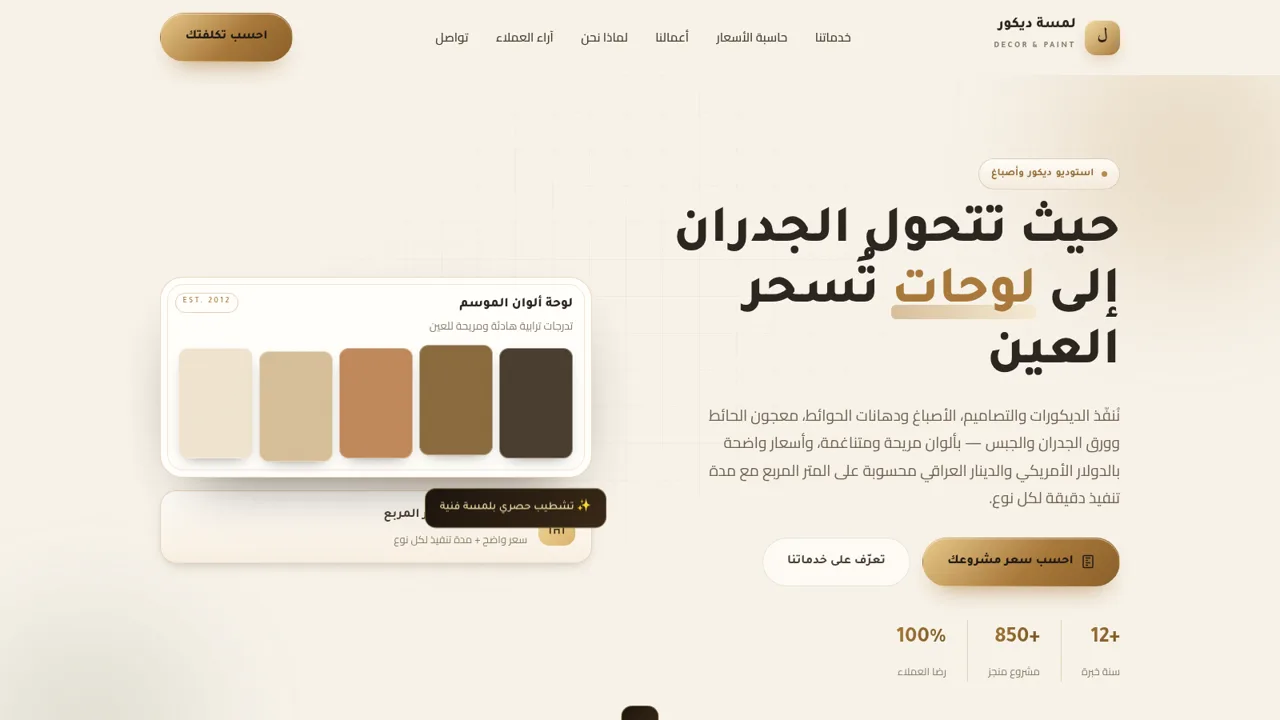
15لمسة ديكور
ديكور وأصباغ ومعجون حائط مع حاسبة أسعار بالدولار والدينار العراقي للمتر.
 15
15Ranyelle Alves Nail Designer
Agende seu horário com Ranyelle Alves Nail Designer. Confira serviços, valores e horários disponíveis.