
Magic Dent POS


An Arabic point-of-sale workspace for dental clinic supplies, from product selection to printed invoice.
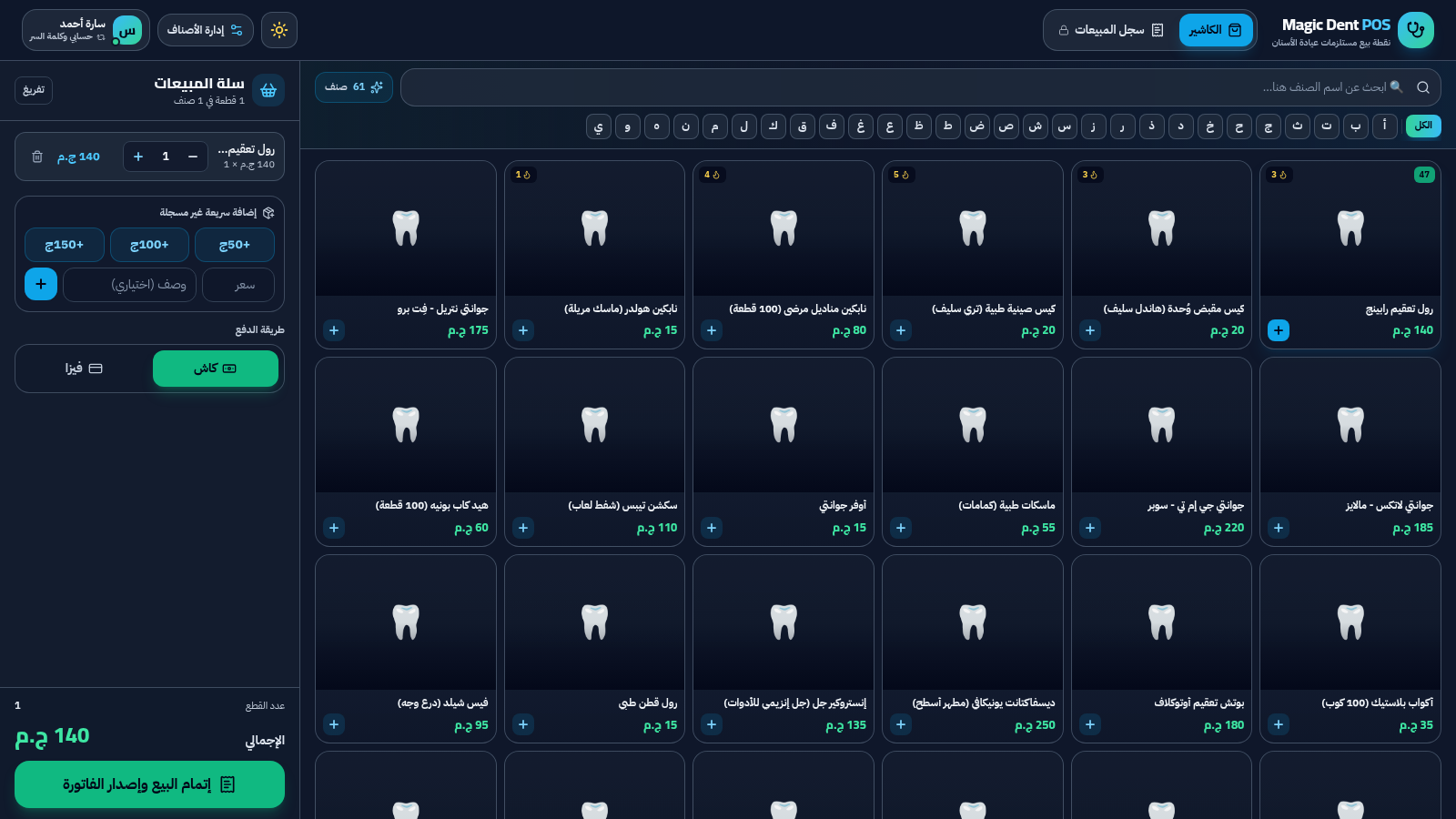
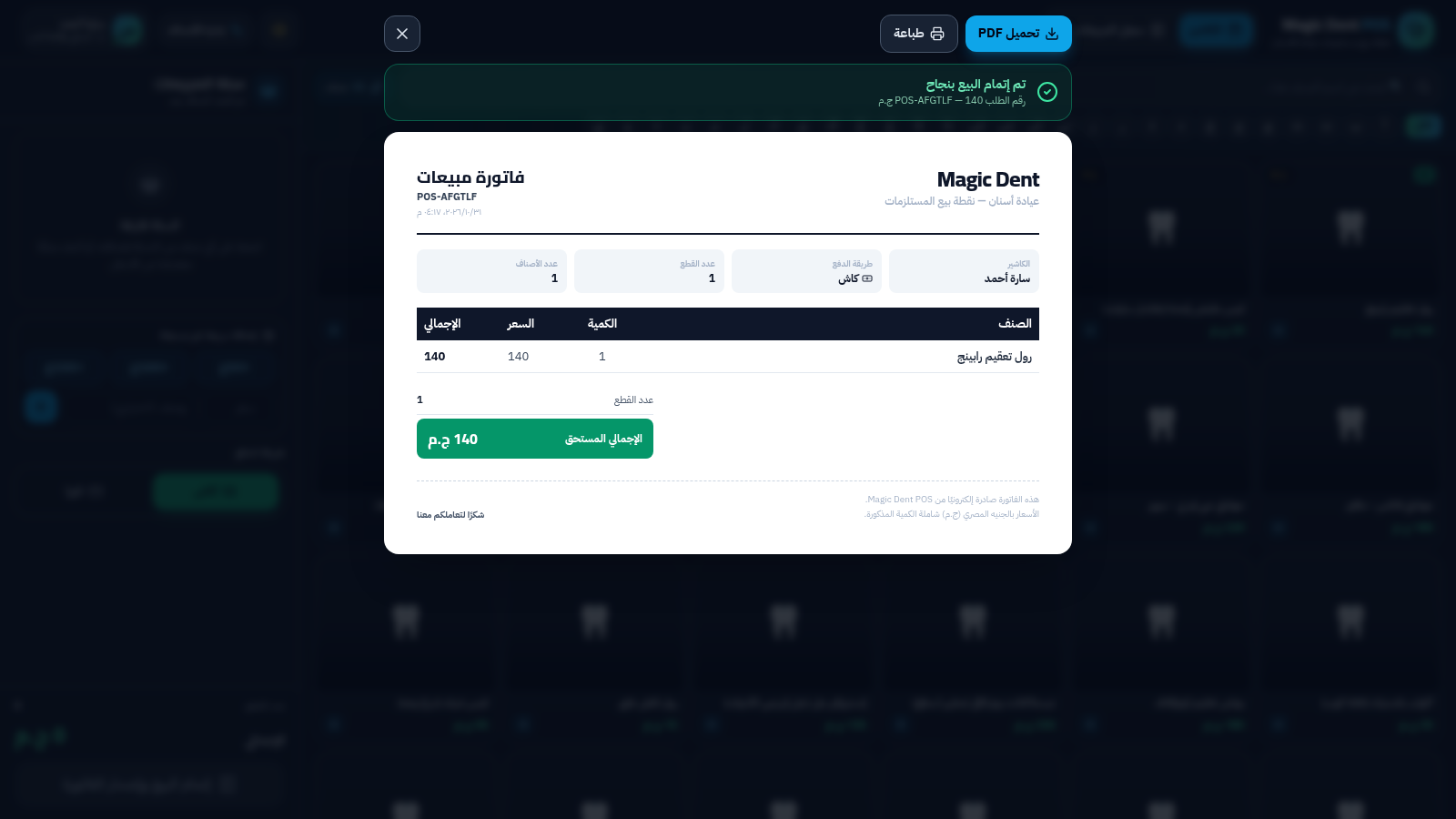
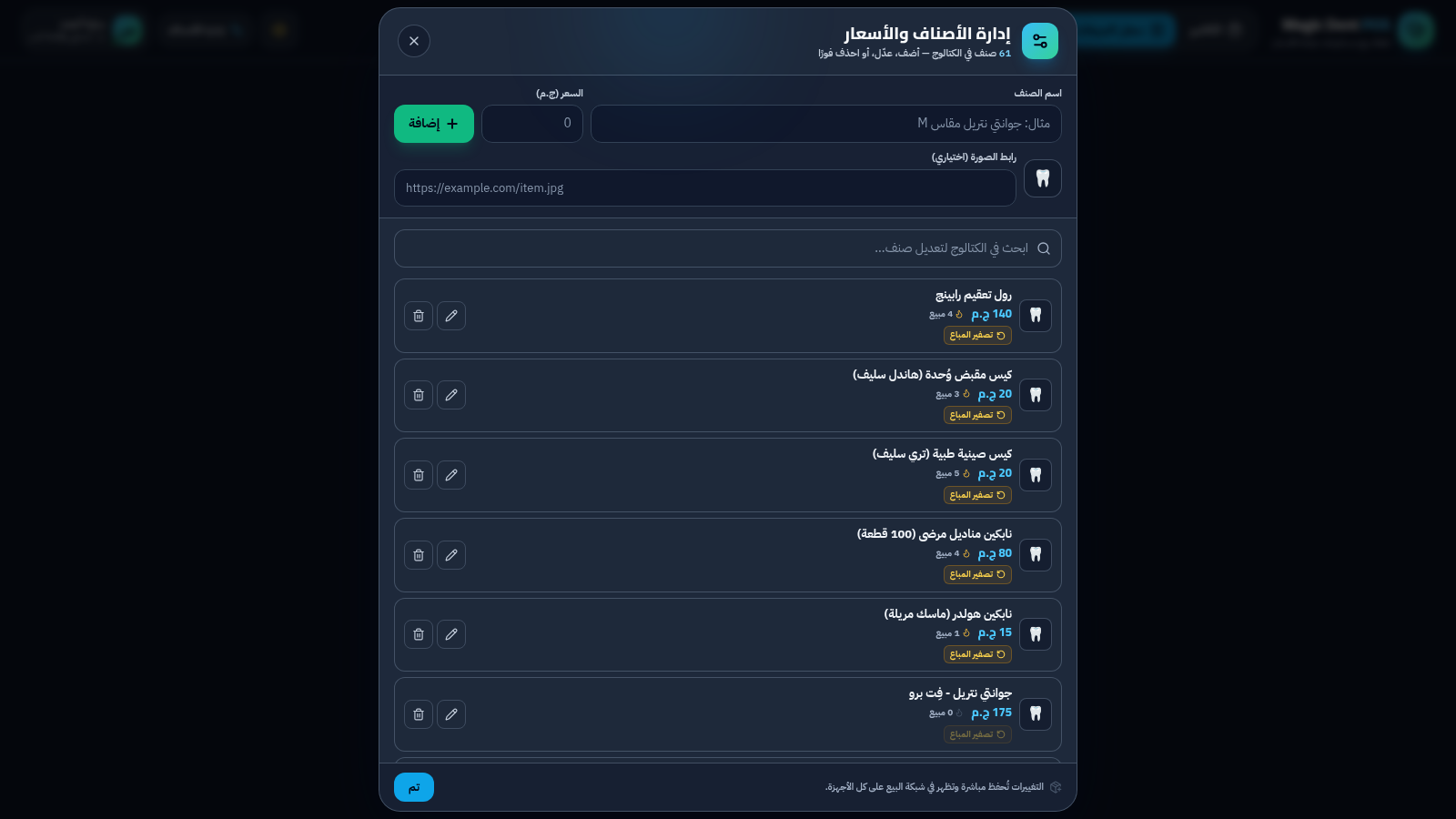
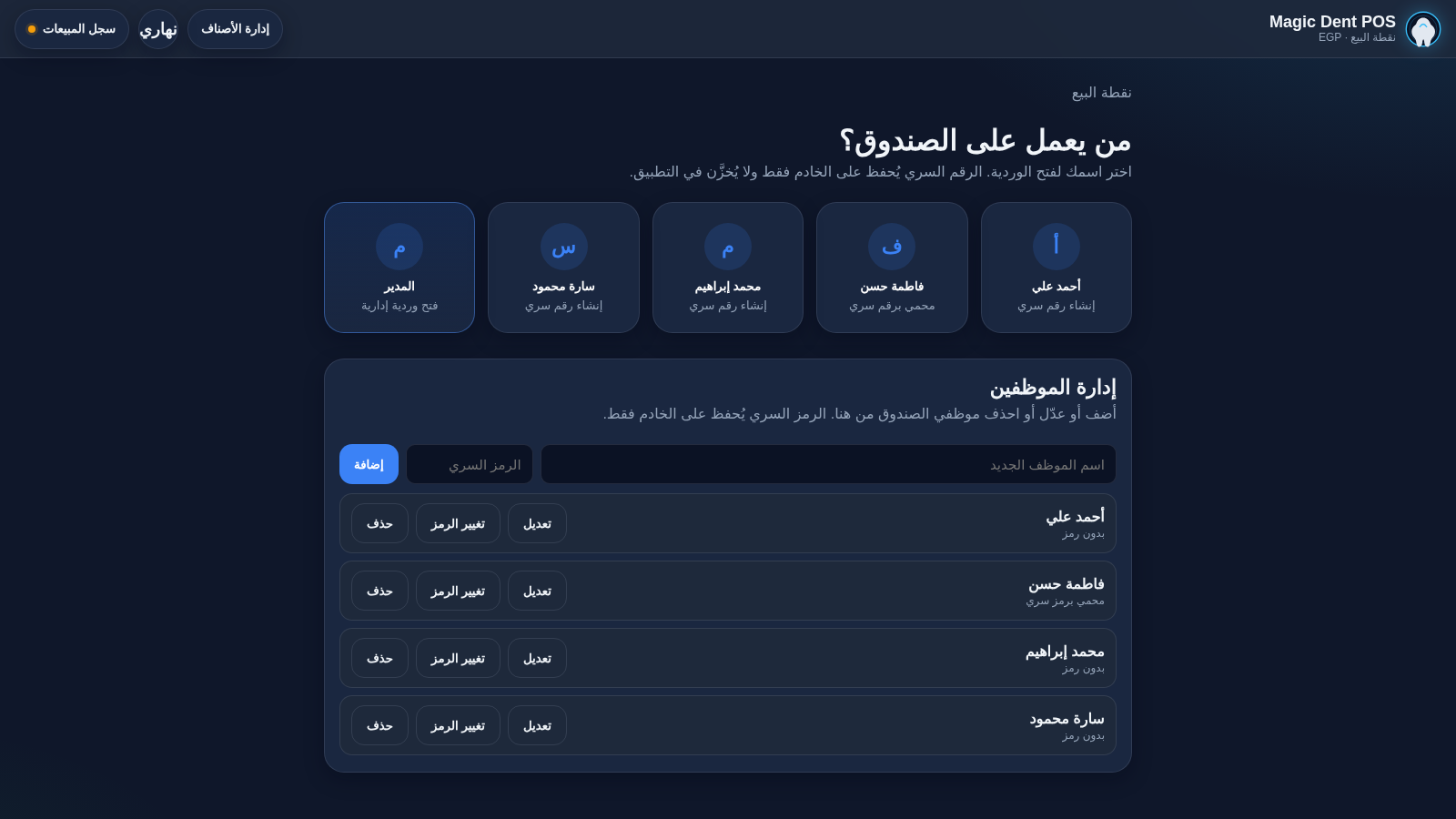
Magic Dent POS is a browser-based point-of-sale system designed for a dental clinic supply store. The interface is in Arabic and laid out right to left. Cashiers choose an employee profile and open a shift with a four-digit PIN, browse a 61-item catalogue, filter products by Arabic initial or search by name, add items to a cart, adjust quantities or add a custom amount, select cash or card, and complete the sale. Completing a sale produces an invoice with an order number, cashier name, item lines and total, plus print and PDF actions. A separate inventory screen lists every product with price and units sold, and allows adding, editing, deleting and resetting sales counts. A manager area for the sales log is protected by a manager password.
Highlights
61-item catalogue
Searchable supplies
Fast cart checkout
Cash and card pay
Printable invoices
PDF export included
Inventory editing
Add or edit items
Employee shifts
PIN cashier access
Arabic RTL layout
RTL Arabic interface
How to Use
Choose an employee
Open the site and the start-shift dialog appears. Pick an employee from the list. If that employee has no PIN yet, the page asks for a new four-digit password and a confirmation; saving it opens the cashier screen for that shift.
Build the cart
Use the Arabic letter buttons or the search field to find a supply. Click a product card to add one unit; repeat or use the cart quantity controls to increase the count. The side panel updates the item count and total, and the quick amount buttons add a custom unlisted charge.
Complete a sale
Choose cash or card as the payment method, then press the complete sale button. The app shows a success notice with an order number and opens an invoice that lists cashier, payment method, item lines and total, with buttons to download a PDF or print.
Manage inventory
Open the item management screen from the header. The page lists each product with its price and sold count. Fill in the name, price and optional image link at the top to add an item, use the row controls to edit or delete, or reset a product sales count.
Similar Sites
 15
15Magic Dent POS
Arabic dental clinic POS for cashiers, invoices, and catalog
 9
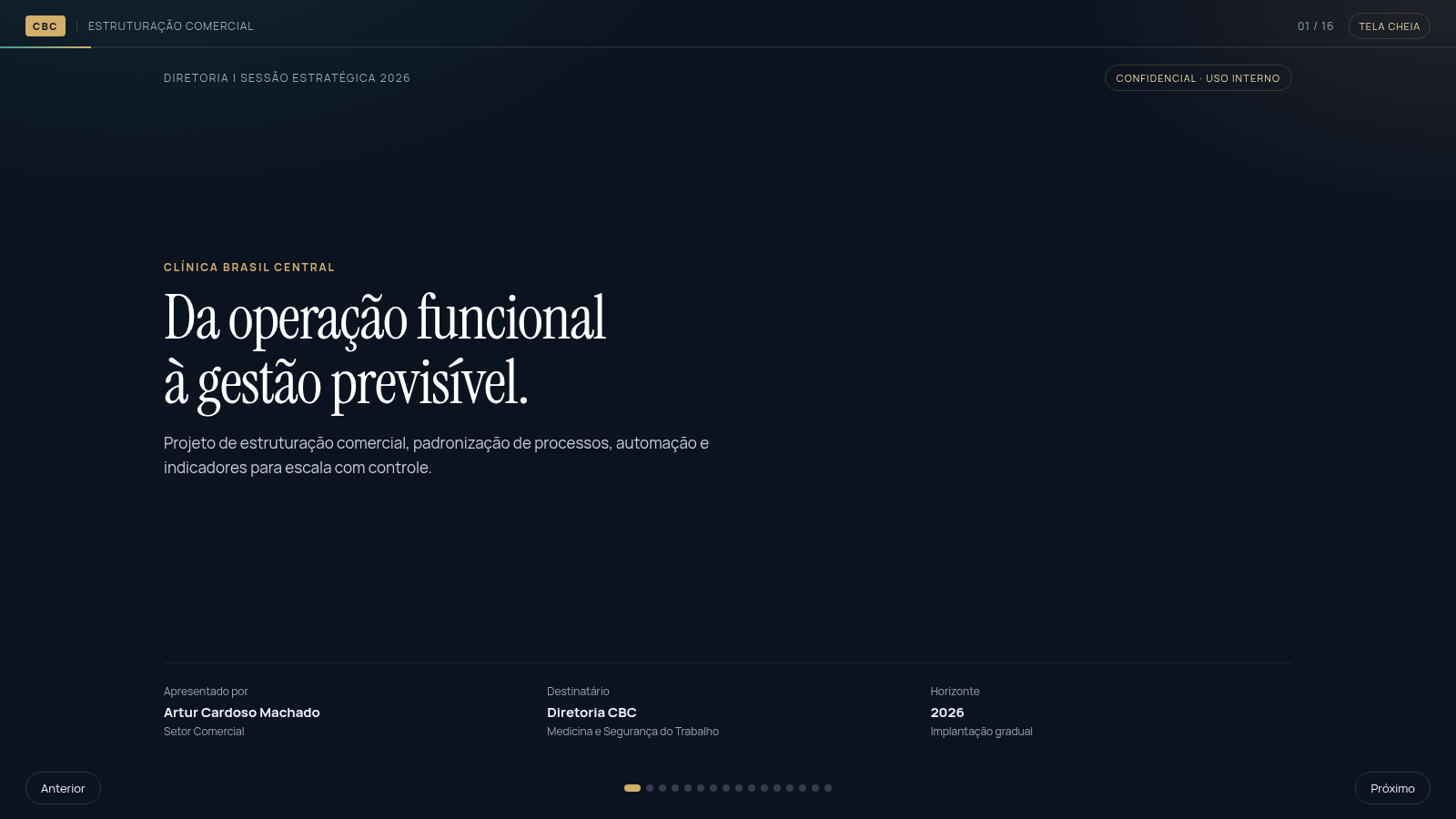
9CBC | Estruturação Comercial
Apresentação estratégica da CBC: processos, automação e gestão por dados.
 7
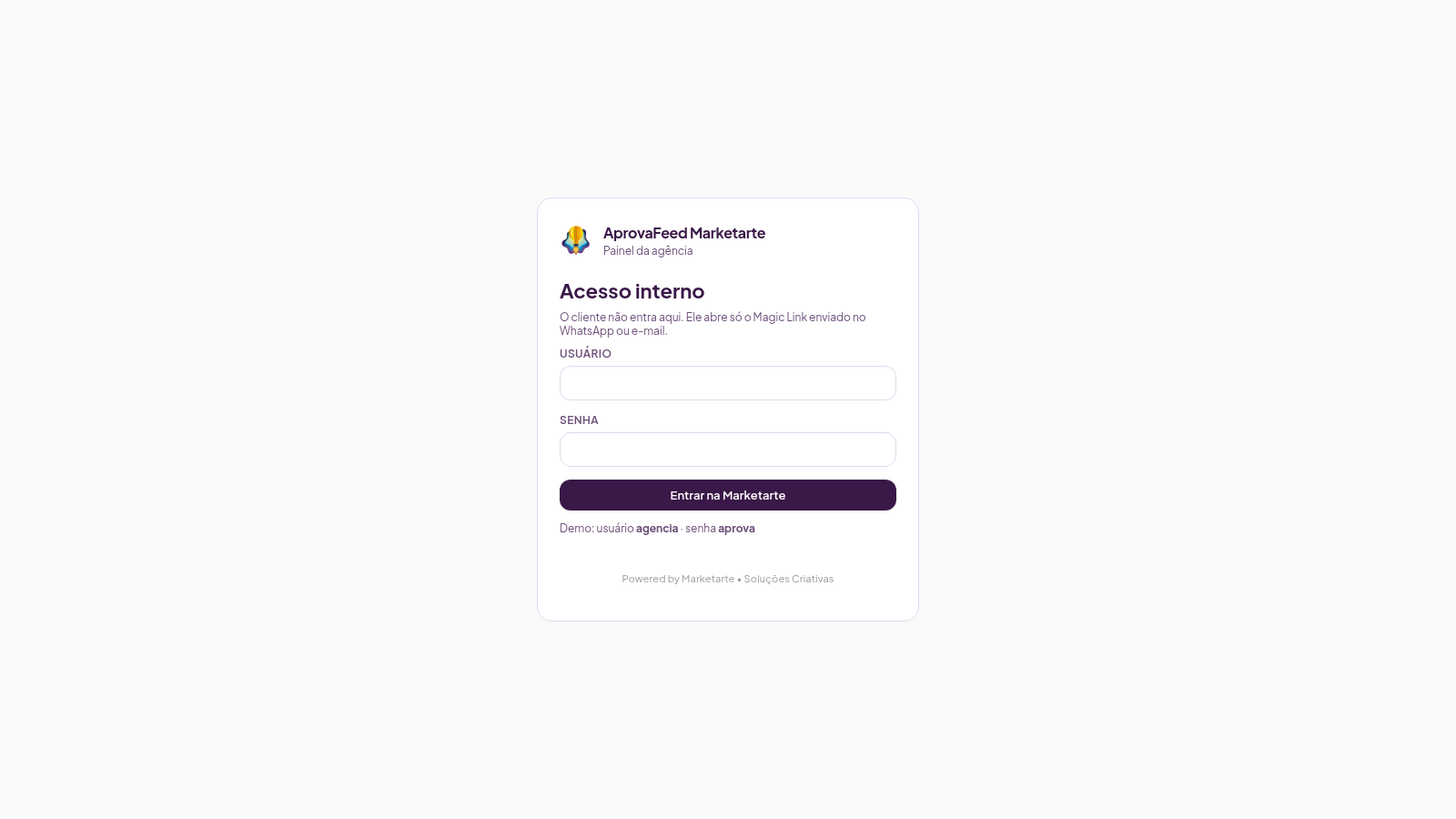
7AprovaFeed Marketarte
Feed Instagram para a agência apresentar e o cliente aprovar posts, reels, carrosséis e stories.
 1
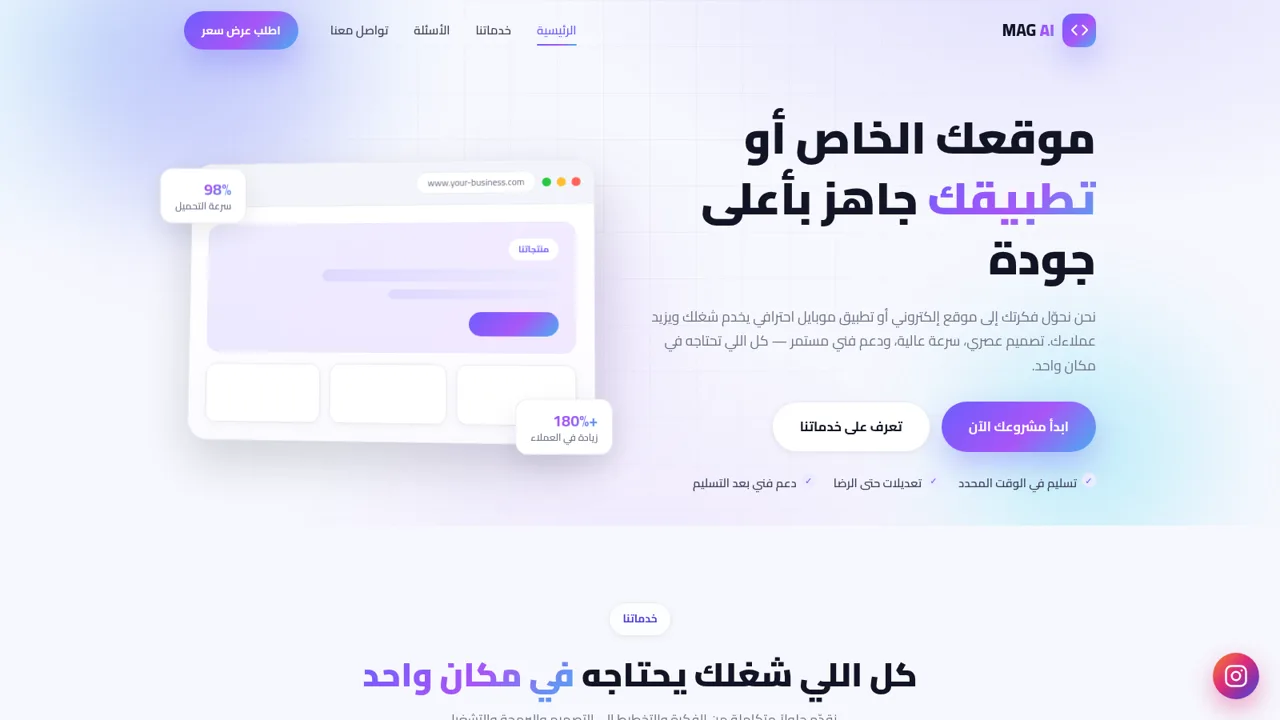
1MAG AI - تصميم مواقع وتطبيقات
استوديو متخصص في تصميم وتطوير المواقع الإلكترونية وتطبيقات الموبايل
 69
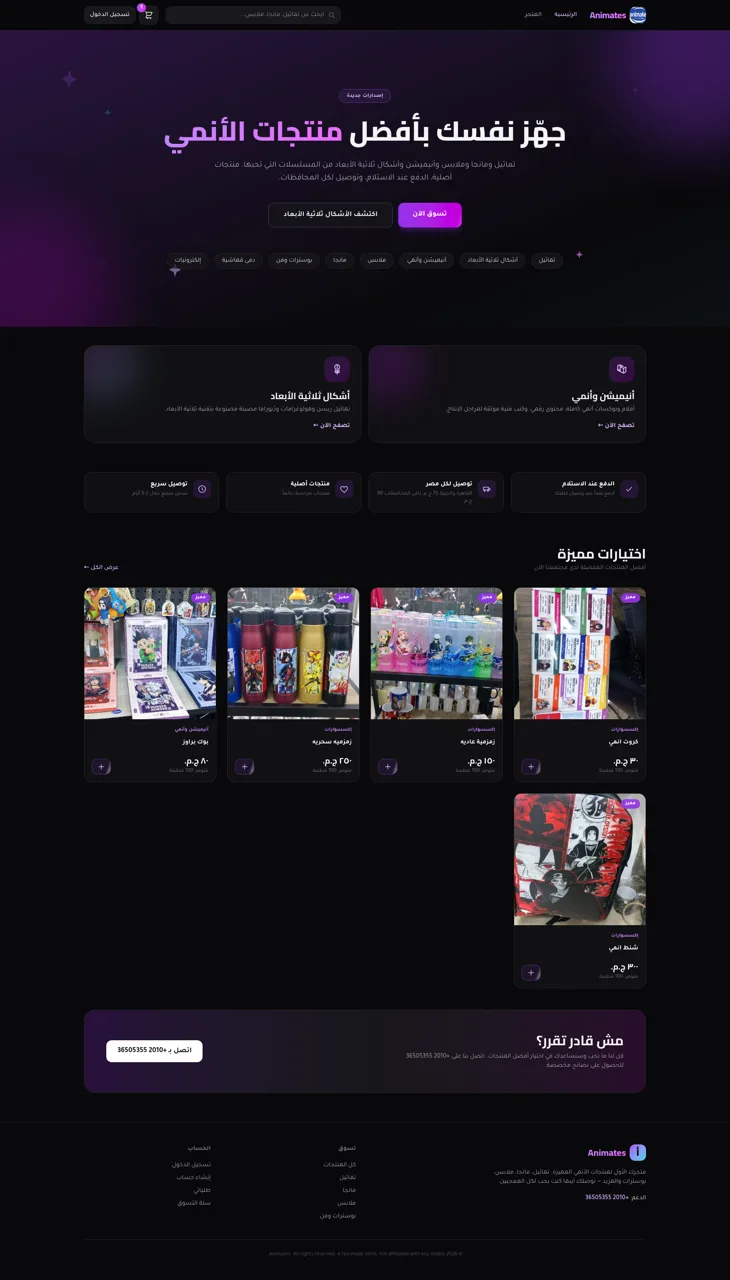
69Animates — Anime Merch Store
Full-stack Arabic RTL anime merch store with COD checkout and admin dashboard
 68
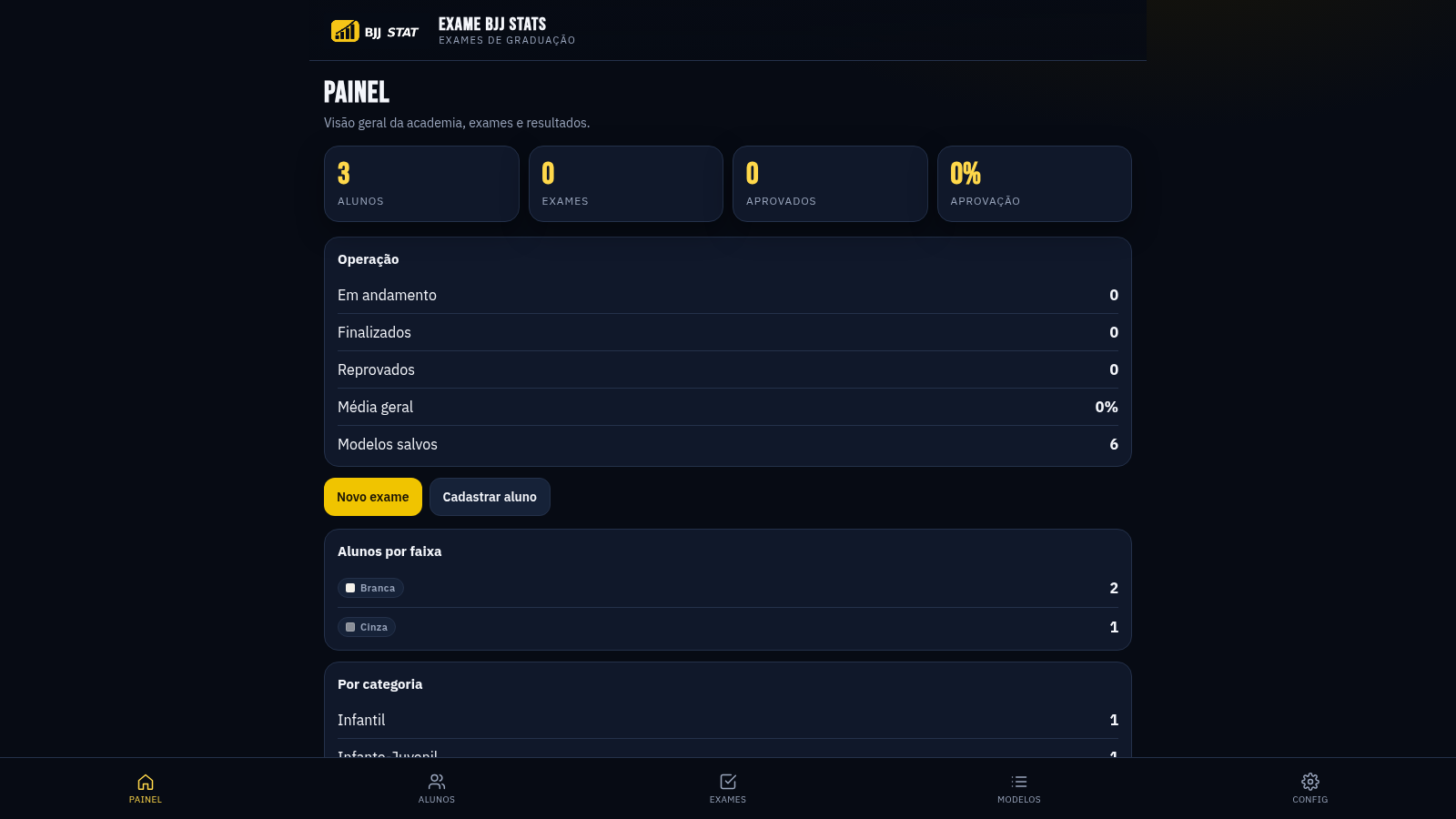
68EXAME BJJ STATS
Sistema profissional de exames de graduação BJJ, com modelos por faixa e relatório APROVADO/REPROVADO.