
NexusForge AI
Multi-provider AI article generator that runs entirely in the browser
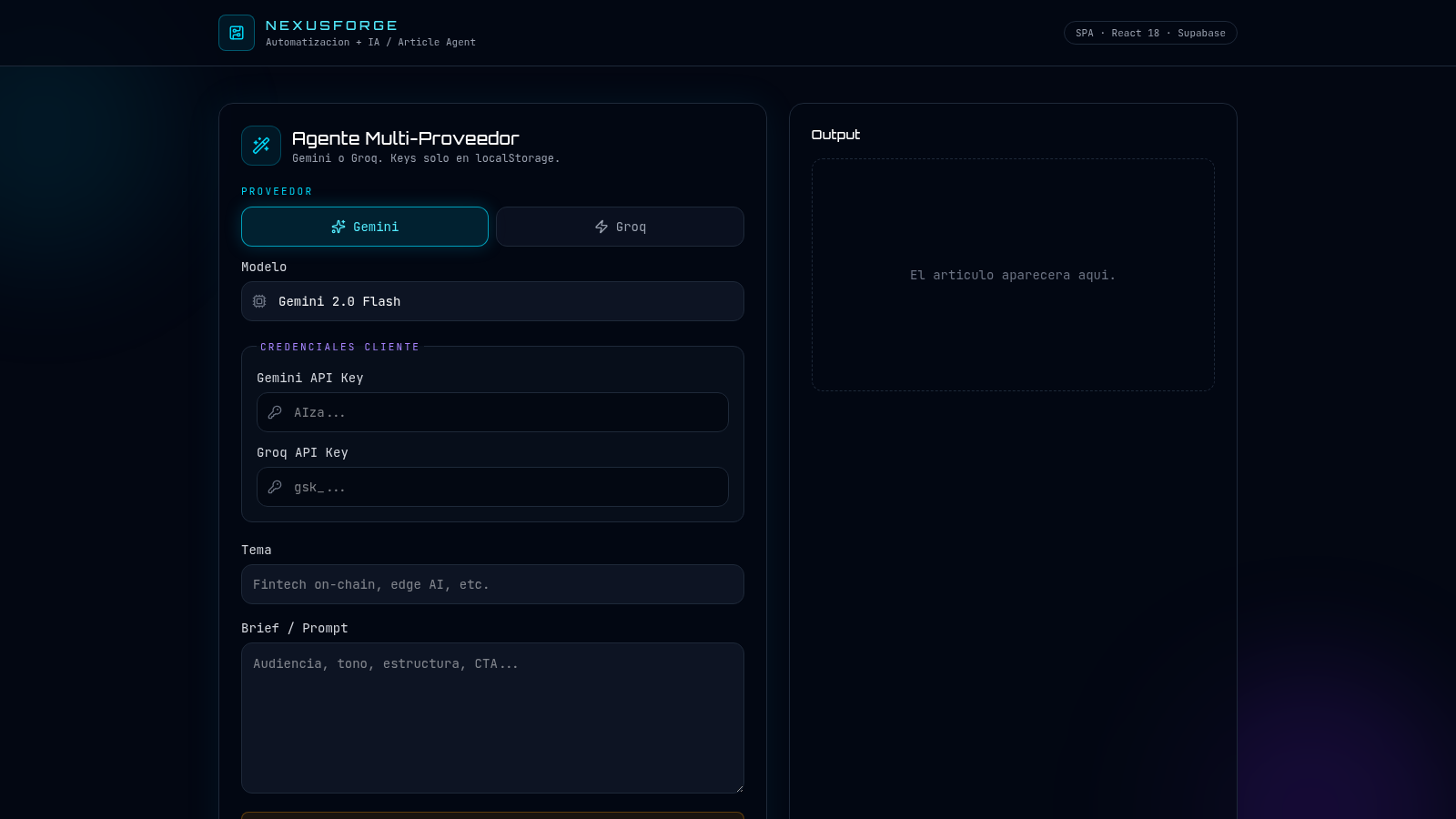
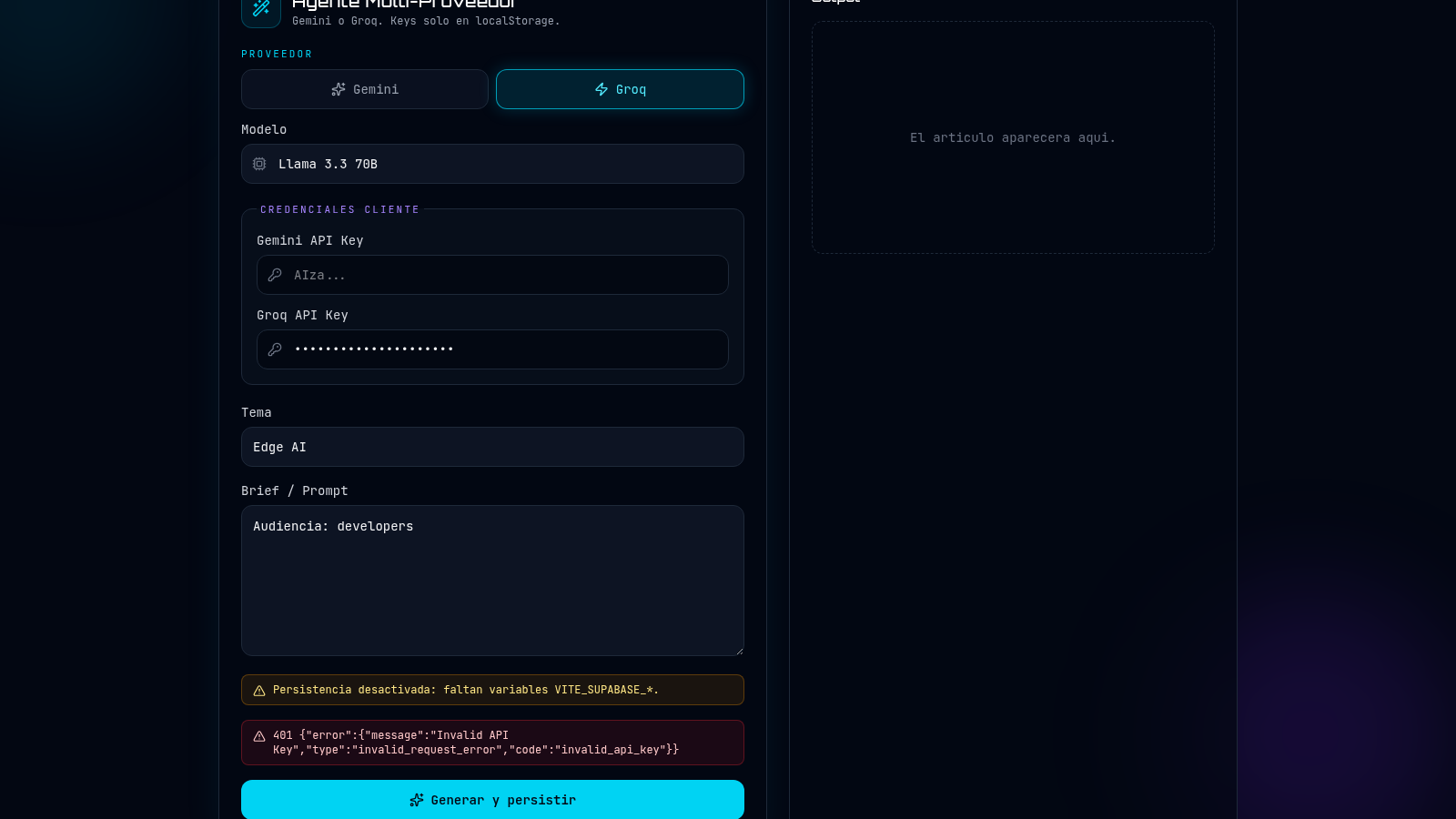
NexusForge AI is a single-page React app for turning a short brief into an article draft. Users pick an AI provider (Gemini or Groq), choose one of that provider's models, paste their own API key, then enter a topic and a brief and press the generate button. The generated text is meant to appear in the Output panel on the right. Keys are kept only in the browser local storage, and the interface reports missing credentials or provider errors inline. Article persistence is currently disabled because the Supabase environment variables are not configured.
Highlights
Dual provider
Gemini or Groq
Local API keys
Keys stay local
Live model list
Models per provider
Clear errors
Inline error notes
How to Use
Choose a provider and model
At the top of the left card, switch the provider toggle between Gemini and Groq. The Model dropdown updates immediately, listing Gemini 2.0 Flash, Gemini 2.5 Flash and Gemini 1.5 Pro for Gemini, or Llama 3.3 70B, Llama 3.1 8B Instant and Mixtral 8x7B for Groq.
Enter your API key
In the client credentials section, paste the matching API key into the Gemini API Key or Groq API Key field. The placeholders show AIza... for Gemini and gsk_... for Groq. Keys are described as living only in local storage, and they are required before generation can start.
Describe the article
Fill in the Tema field with the topic, such as a short keyword phrase, and use the Brief / Prompt textarea to describe audience, tone, structure or a call to action. These two inputs shape what the model is asked to write.
Generate and read the output
Press the Generar y persistir button. If a key is missing the page tells you which provider key to configure; if the provider rejects the key, the returned error is printed above the button. With a valid key the generated article text appears in the Output card on the right.
Similar Sites
 126
126Agenda de Pedidos - Confeitaria
Agenda digital de pedidos para confeitaria com integração WhatsApp
 49
49SGI CONTROL
Sistema Integrado de Gestão da Qualidade (ISO 9001) com painel B2B multiempresa
 70
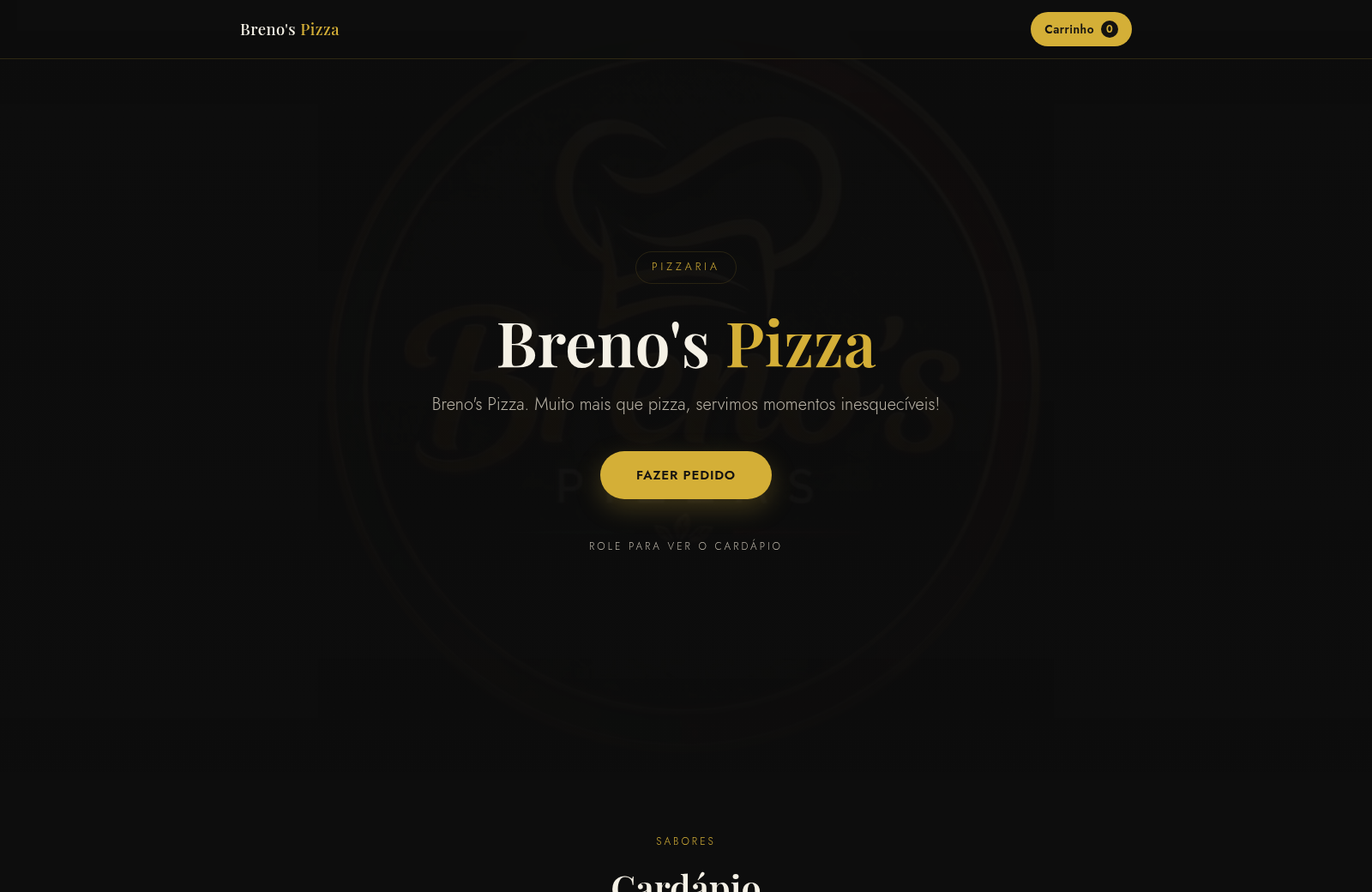
70Breno's Pizza
Breno's Pizza. Muito mais que pizza, servimos momentos inesqueciveis! Peça a sua pizza pelo WhatsApp.
 65
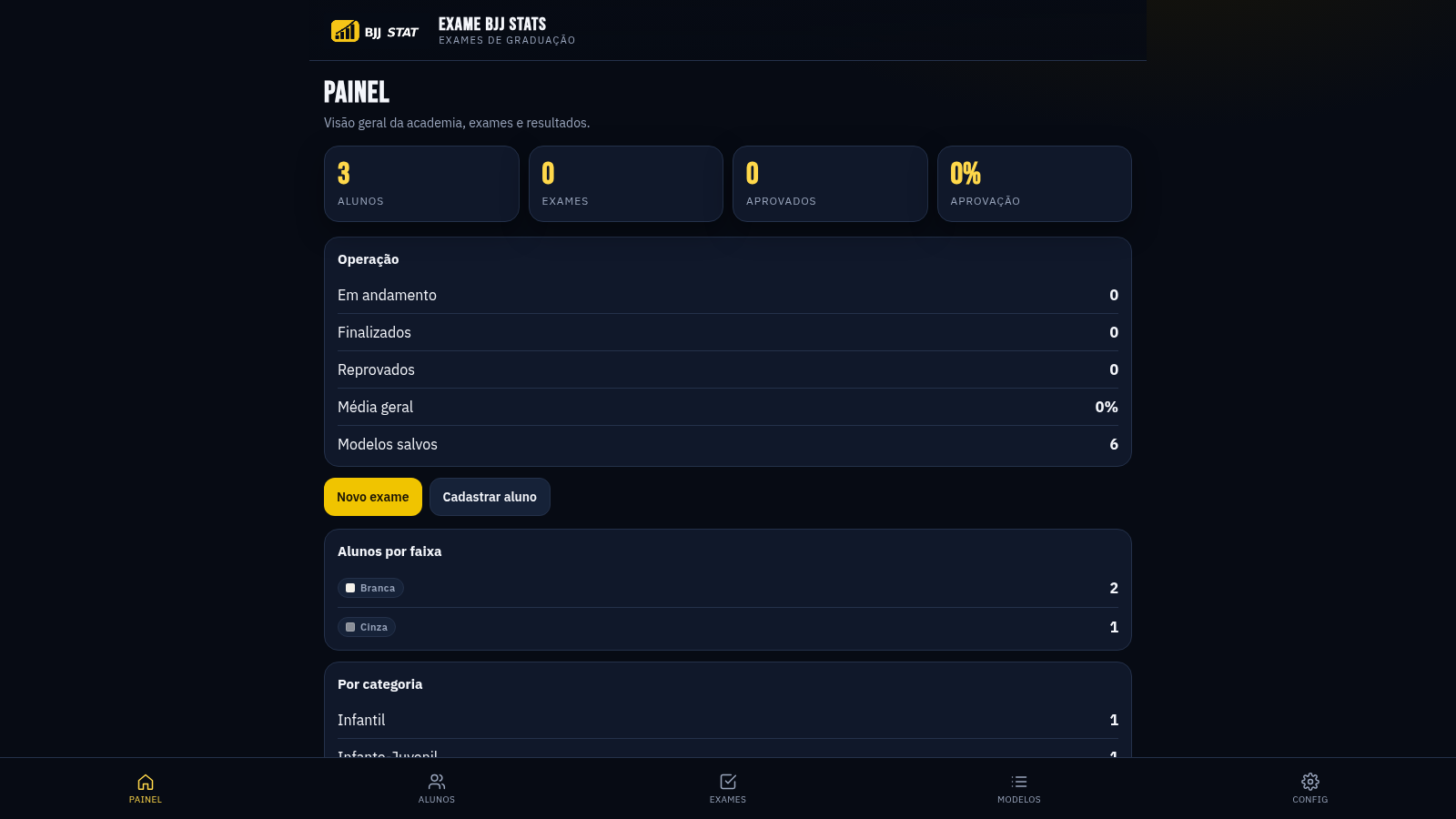
65EXAME BJJ STATS
Sistema profissional de exames de graduação BJJ, com modelos por faixa e relatório APROVADO/REPROVADO.
 63
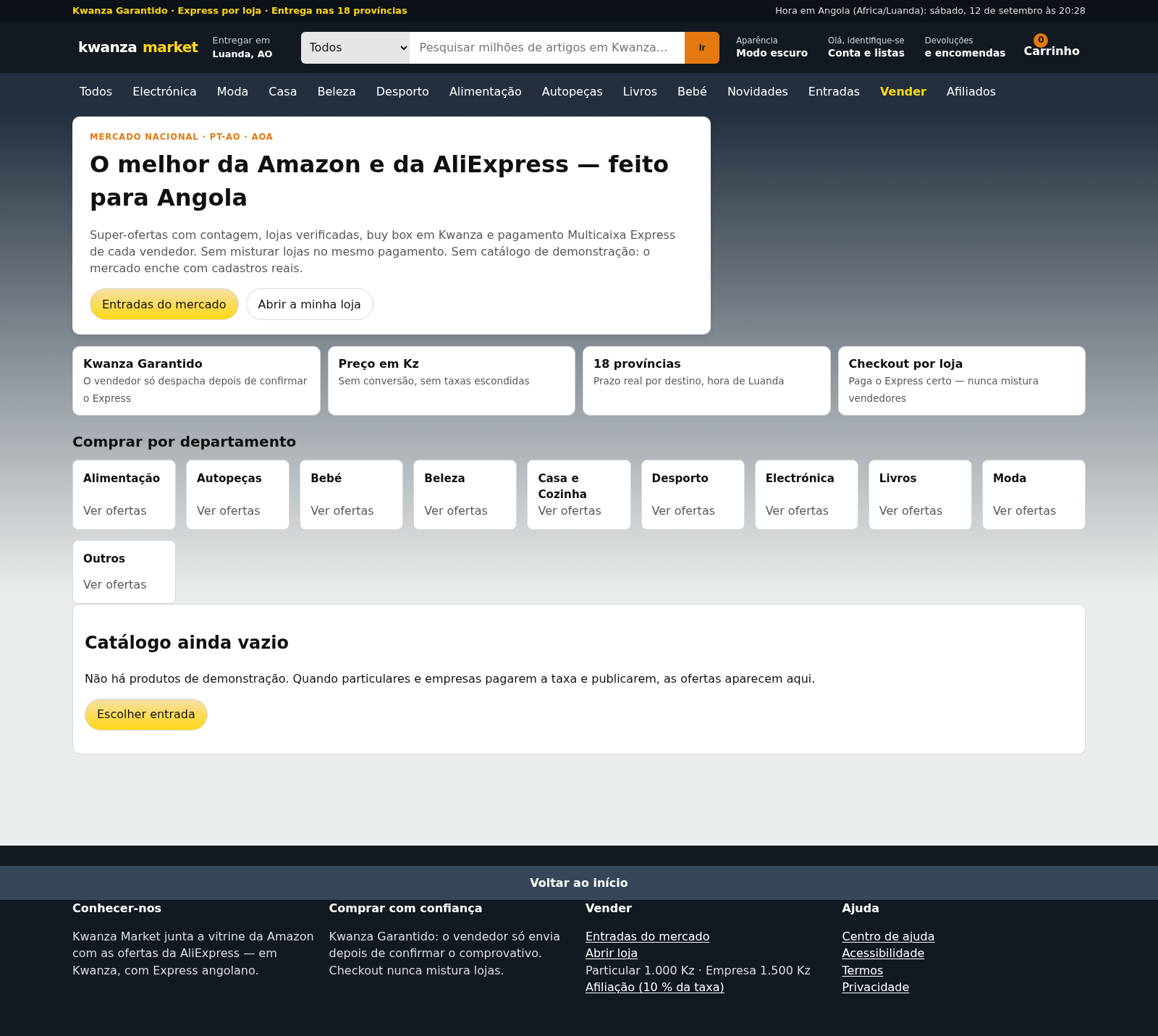
63Kwanza Market
Mercado de Angola: compre e venda em Kwanza com Multicaixa Express.
 61
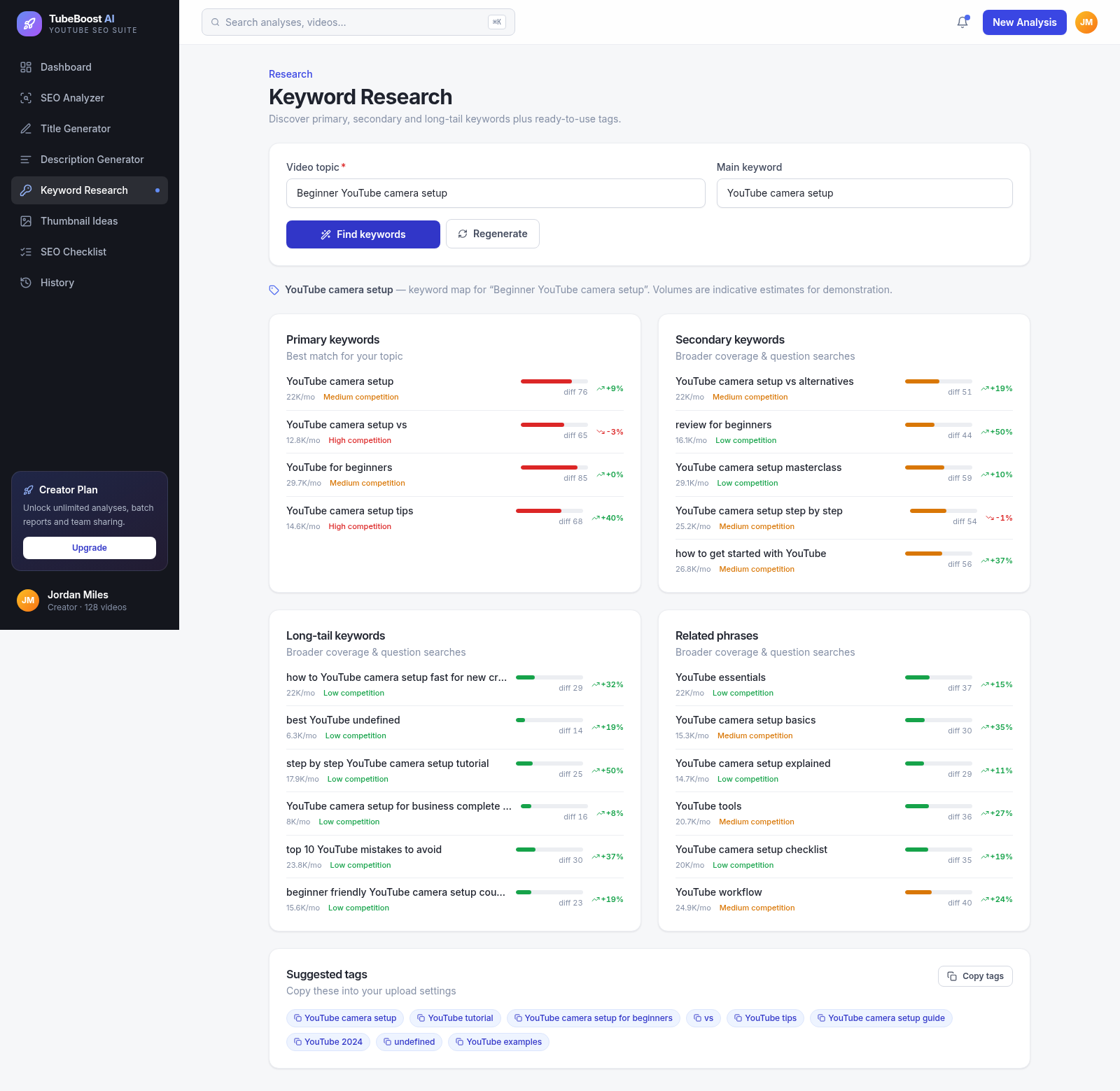
61TubeBoost AI — YouTube SEO
AI YouTube SEO tool: titles, descriptions, keywords, thumbnails.