
MOTRONIX ERP
Run an Asian car parts shop from one browser dashboard
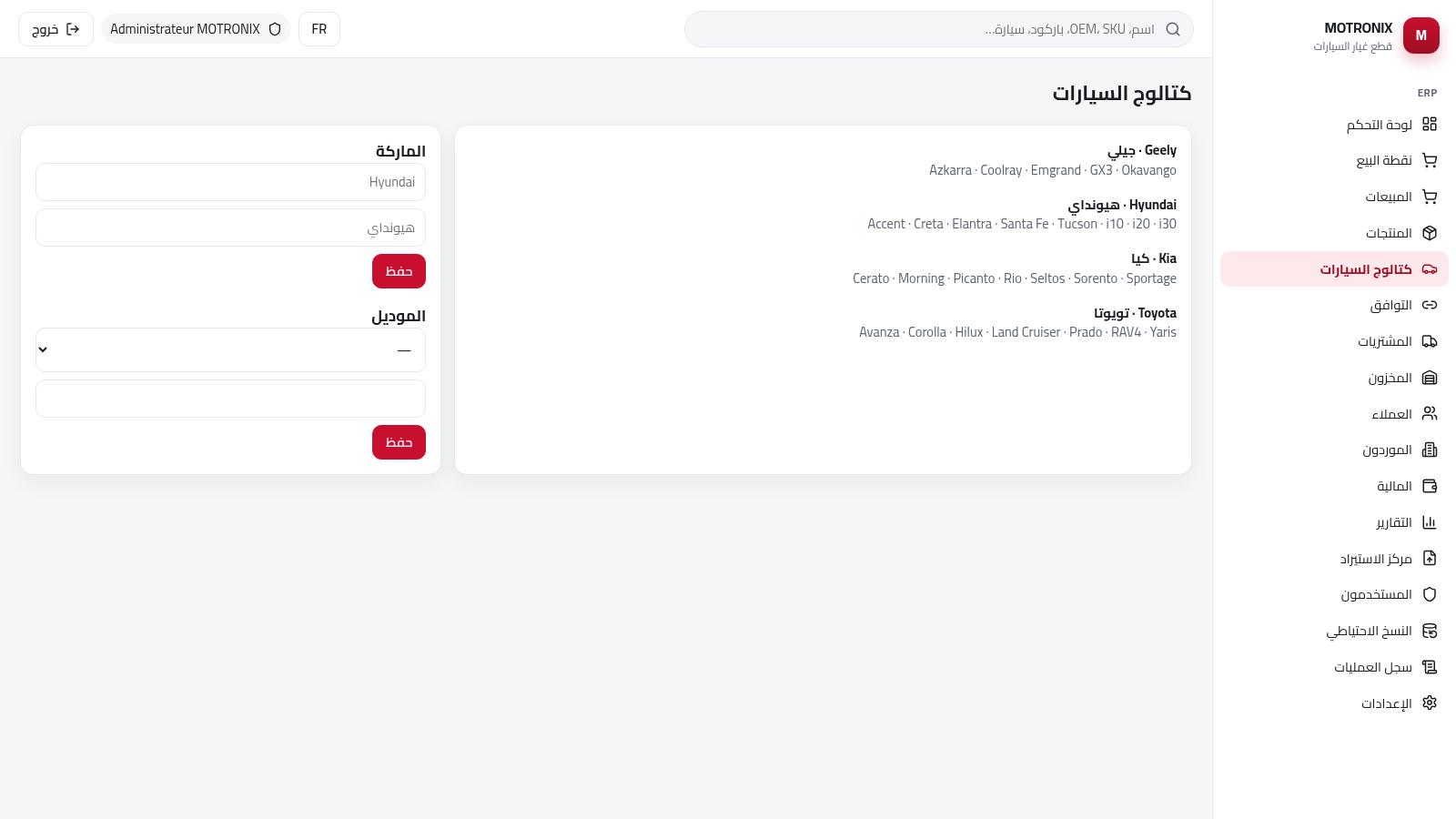
MOTRONIX ERP is a browser-based management system for an auto parts shop that sells Asian brands, with an Arabic right-to-left interface and a French language toggle. After signing in with the demo administrator account shown on the login card, you get a dashboard with sales, debt, stock and profit cards plus a sidebar that reaches every module: point of sale, sales, products, vehicle catalog, fitment, purchases, inventory, customers, suppliers, finance, reports, import center, users, backup, audit log and settings. Products support dual language names, OEM numbers, barcodes, cost and sale price, minimum stock levels, storage location, alternative references, category and brand. The vehicle catalog already lists Geely, Hyundai, Kia and Toyota models, and the point of sale supports cash, credit and mixed payments.
Highlights
POS terminal
Cash and credit
Four Asian brands
Geely Hyundai Kia
Dual language
Arabic and French
Stock alerts
Minimum quantity
Sales reports
Stock and profit
How to Use
Sign in with the demo account
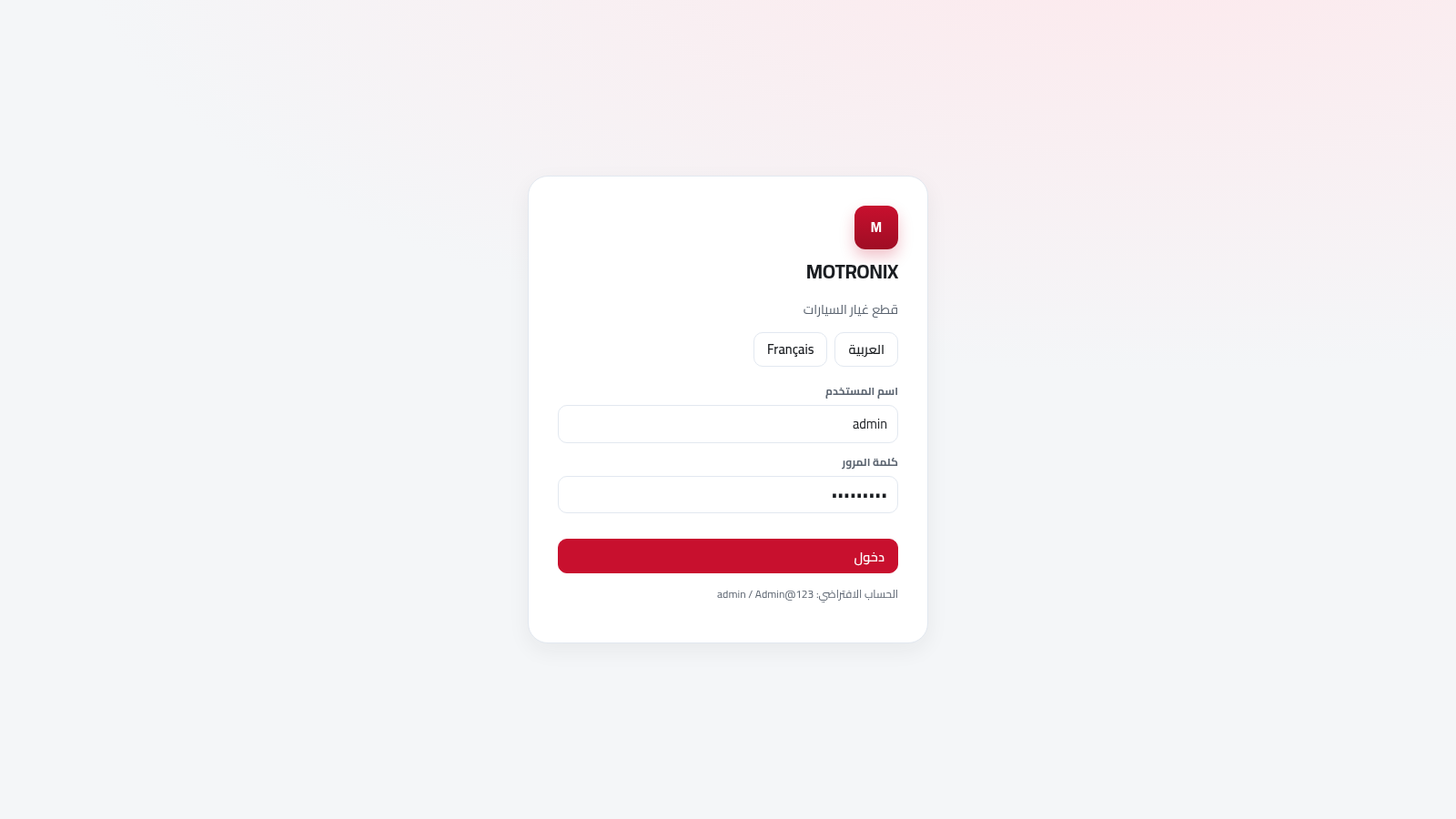
Open the site and use the credentials printed on the login card, admin with the password Admin@123. You can switch the interface between Arabic and French with the two buttons on the card before signing in.
Read the dashboard
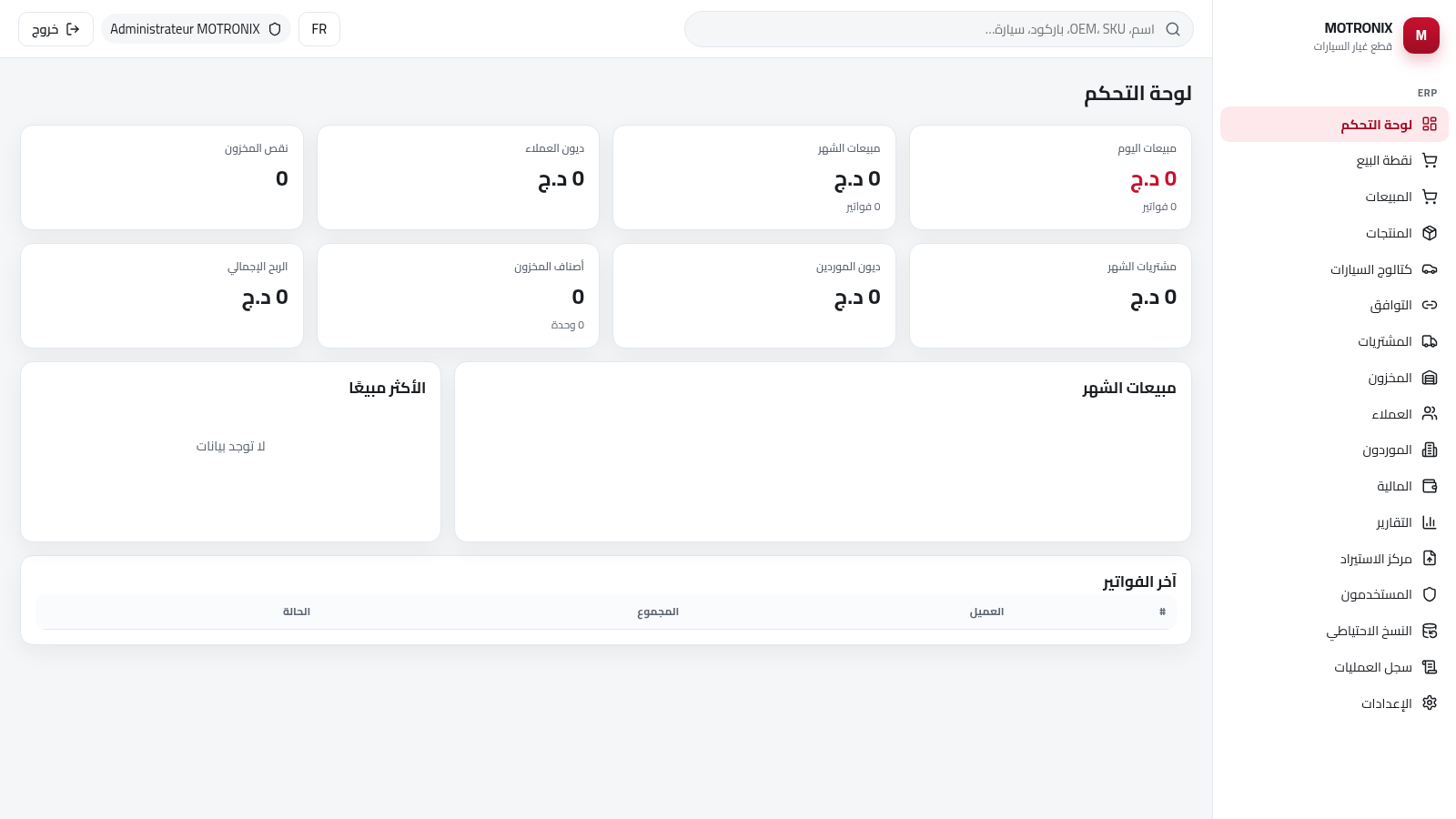
The dashboard shows KPI cards for today and monthly sales, customer and supplier debt, low stock, stock items and gross profit. On a fresh install these read zero; they start changing after you add products and record transactions.
Add products
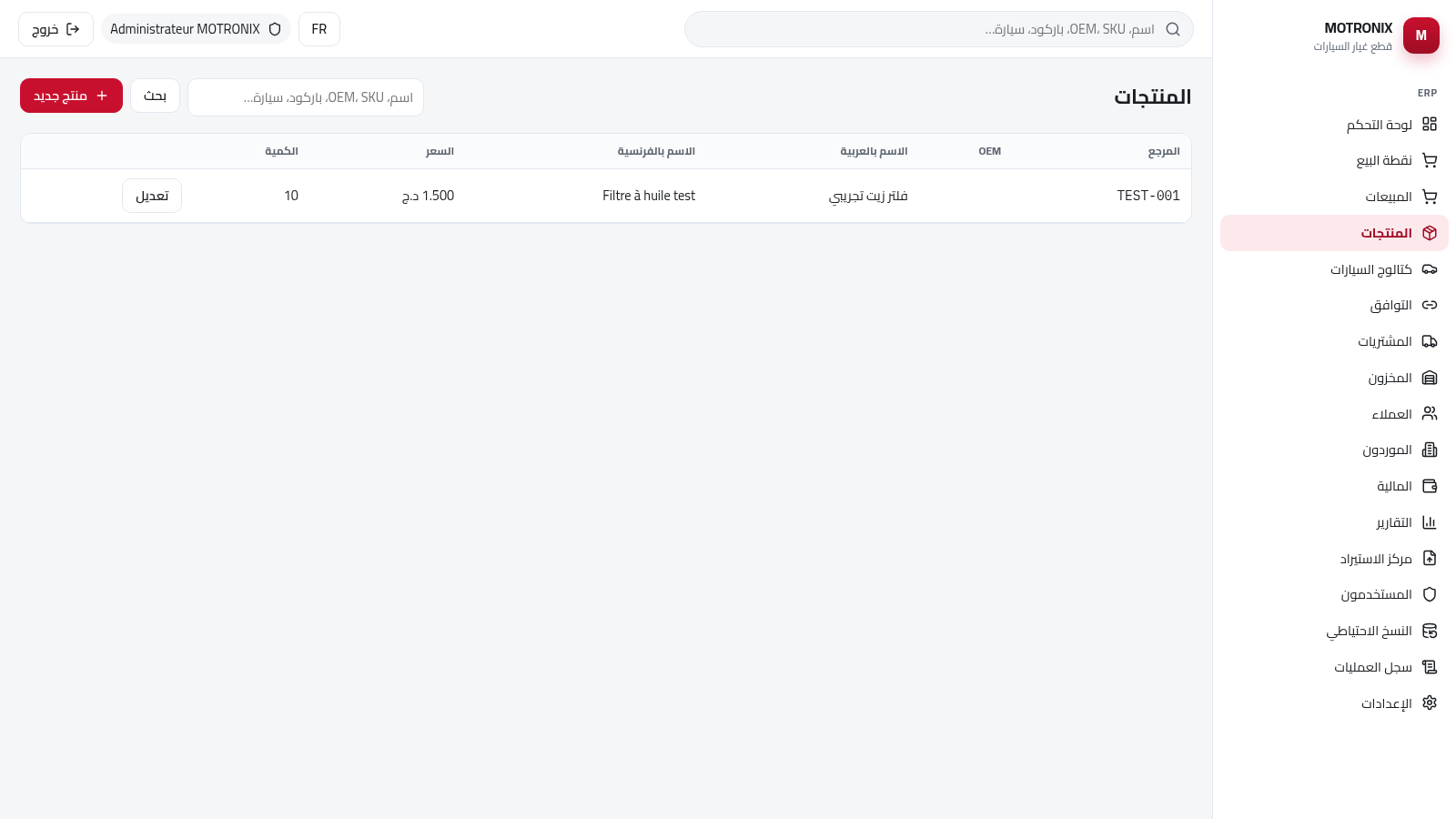
Open Products and press the new product button. Fill the reference, OEM number, Arabic and French names, price, cost, quantity, minimum quantity and category, then save. The row appears in the table and the reports and dashboard values update.
Set up the vehicle catalog
Open the vehicle catalog to see the seeded brands and models. Use the small forms on the right to add a brand with its Arabic and English names, then add a model to the selected brand; the tree refreshes with the new entries.
Run a sale at the point of sale
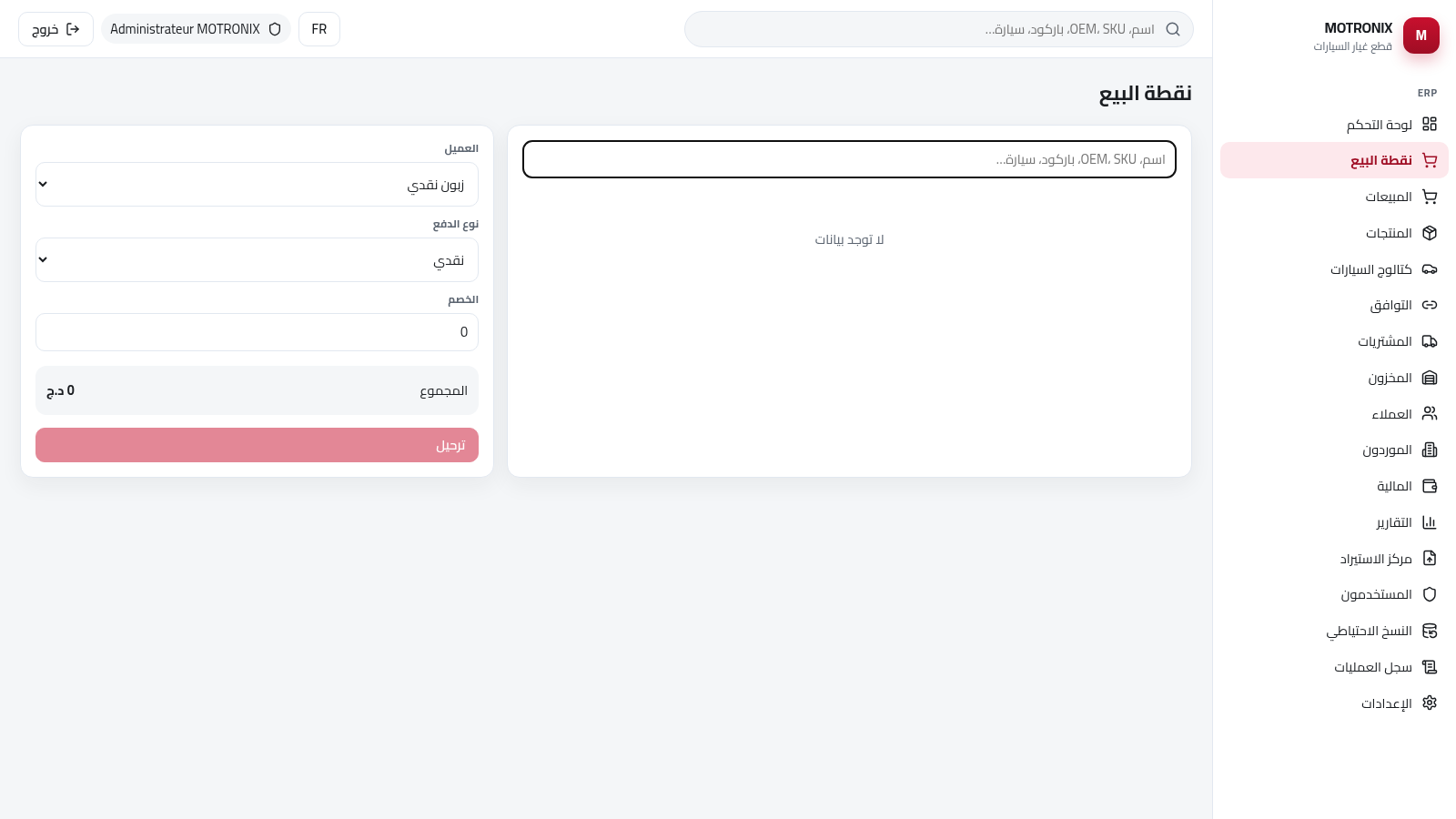
Open the point of sale, search for a product on the left, choose the customer, payment type and discount, and confirm the total in the cart before posting. Cash, credit and mixed payment options are available.
Similar Sites
 26
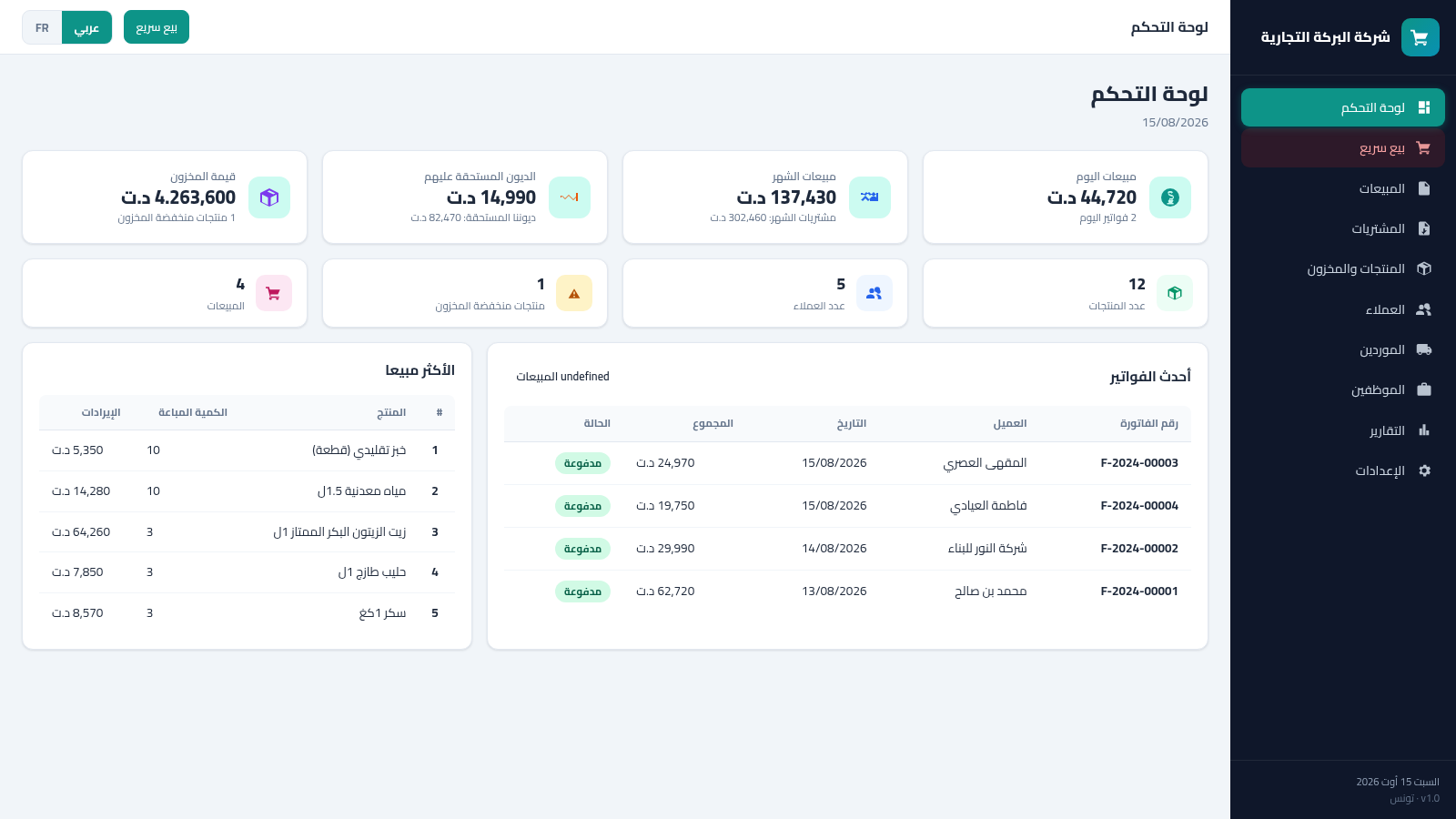
Tunisia ERP Commercial
Gestion commerciale: ventes, achats, factures, stock, clients - dinar tunisien AR/FR
 7
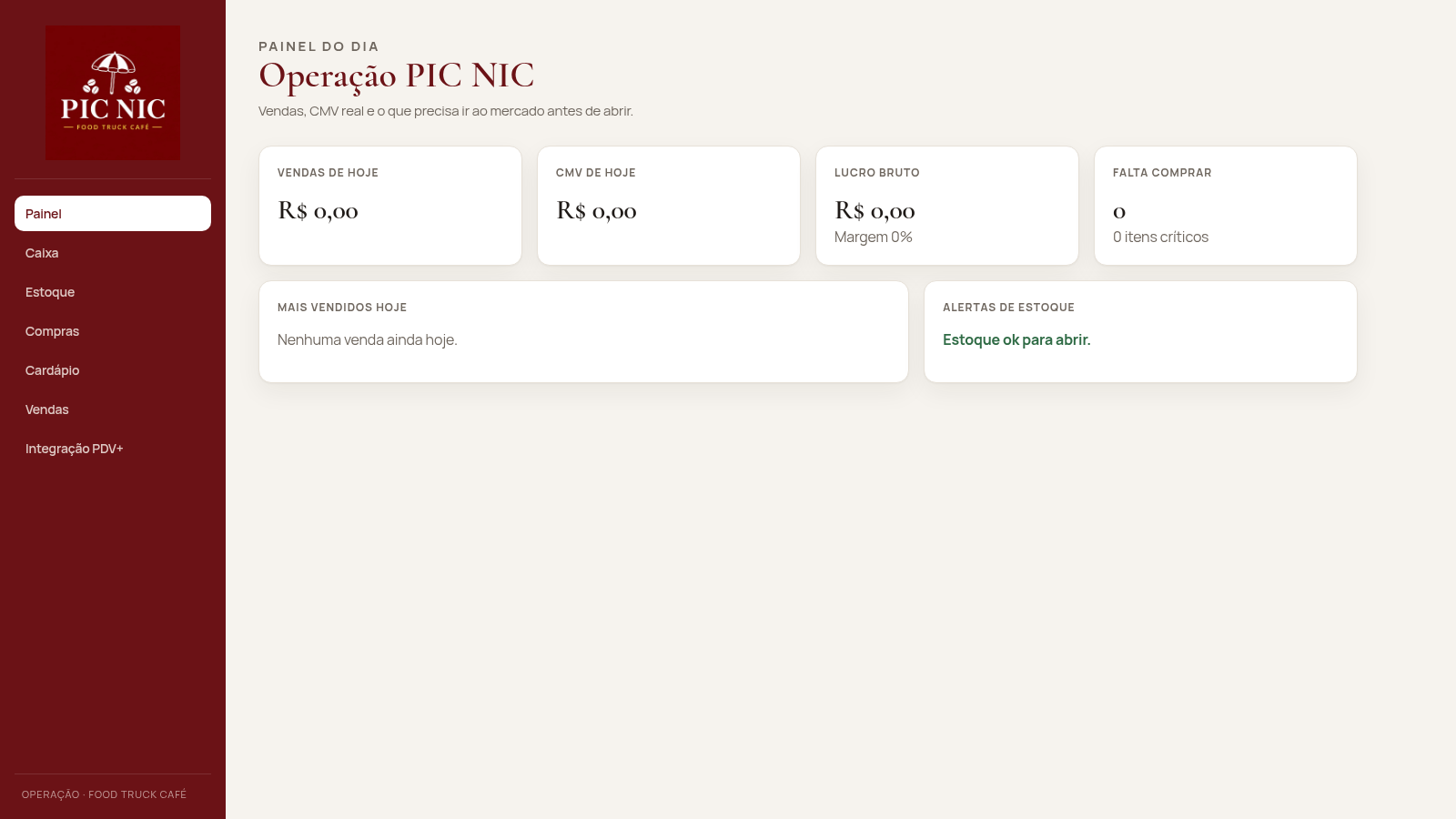
PIC NIC Caixa e Estoque
Caixa, estoque por receita e CMV real para o food truck PIC NIC.
 3
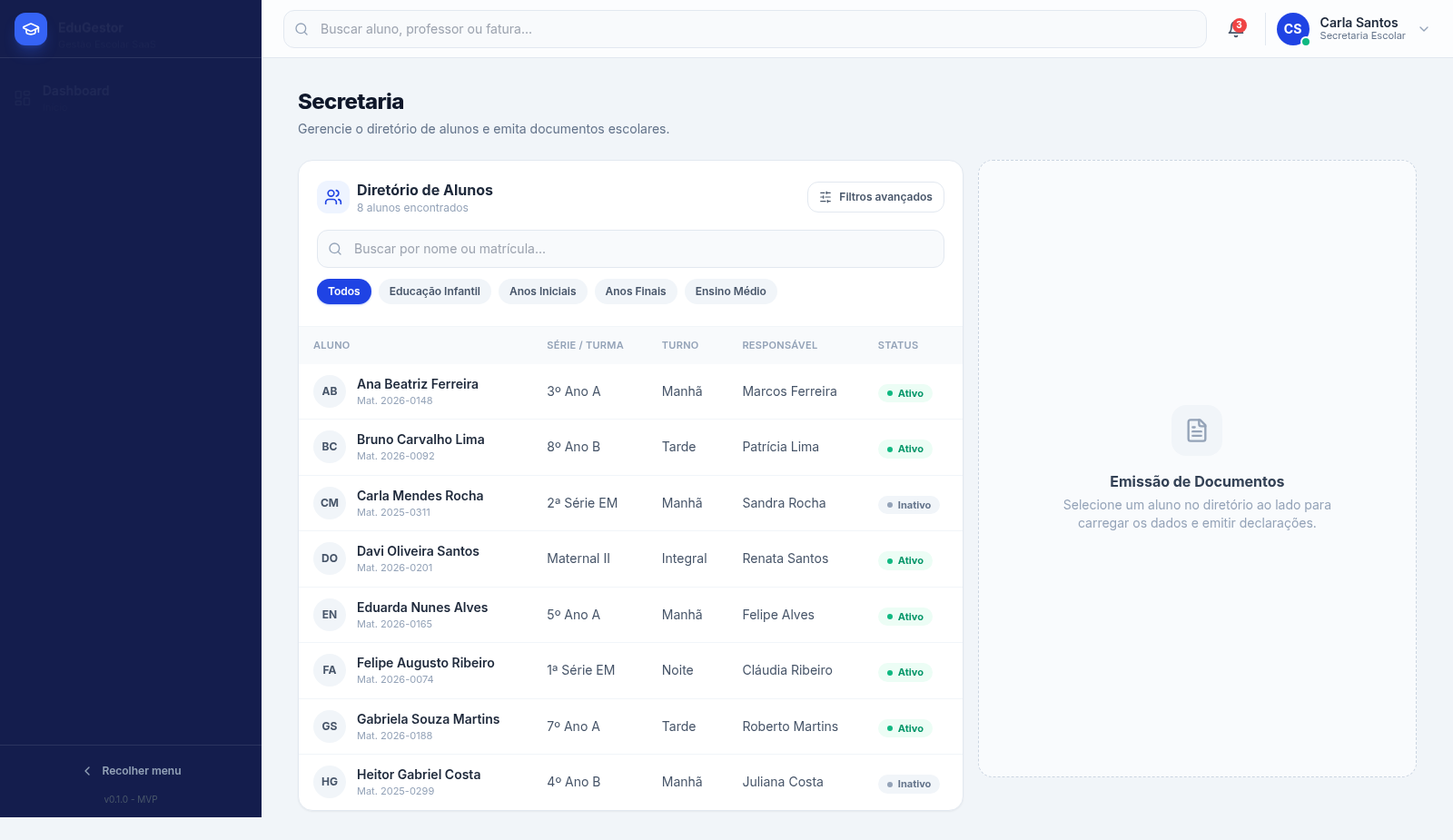
Projeto Saas - Gestao Escolar WD
ERP escolar com dashboard, secretaria, financeiro e importacao de dados.
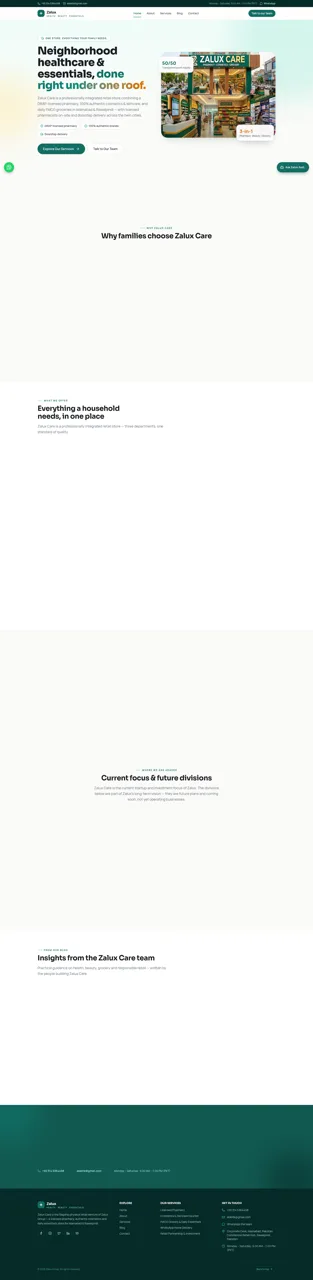 54
Zalux - Flagship Enterprise
Zalux Care: pharmacy, cosmetics & daily essentials in Islamabad & Rawalpindi.
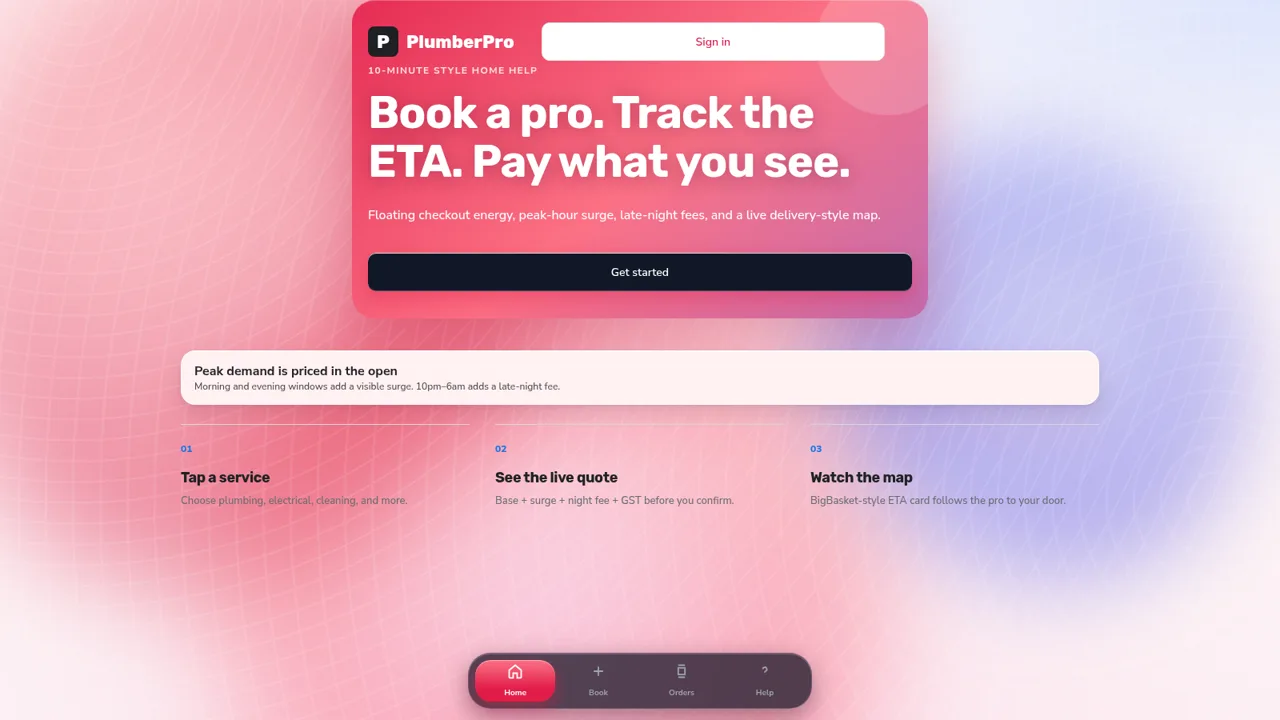 53
PlumberPro
Book home services in minutes with live ETA and transparent surge and late-night pricing.
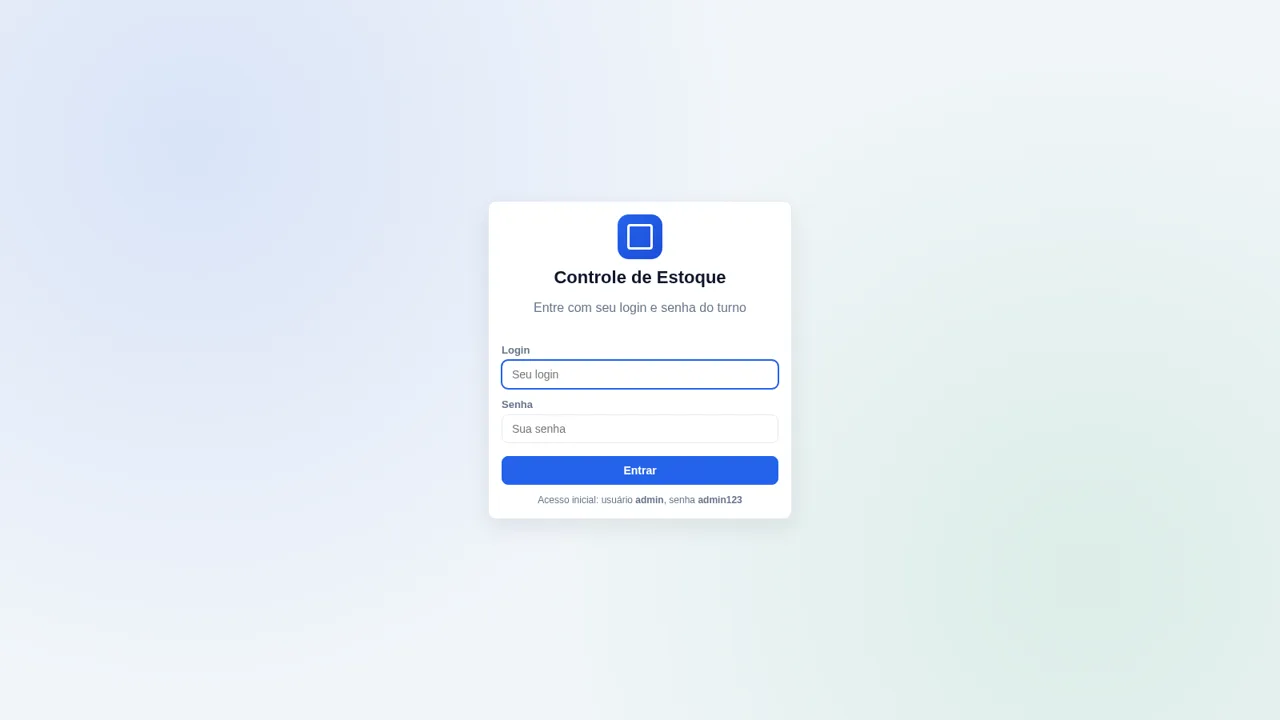 32
Controle de Estoque
Entrada e saída de materiais com baixa automática do estoque