
SwiftRide Cabs — Car Rentals
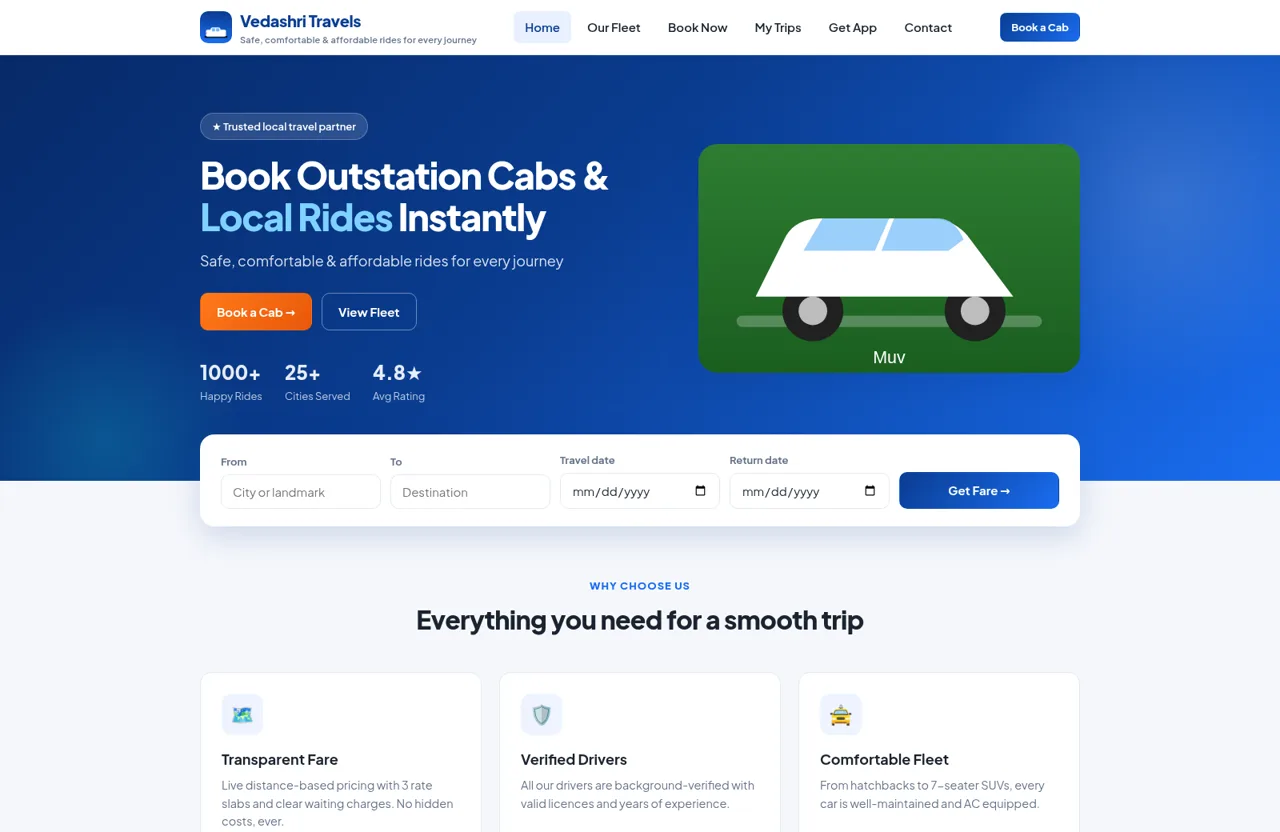
Plan a cab trip, compare distance-based fares, book a vehicle, and retrieve trip status from one browser-based service.
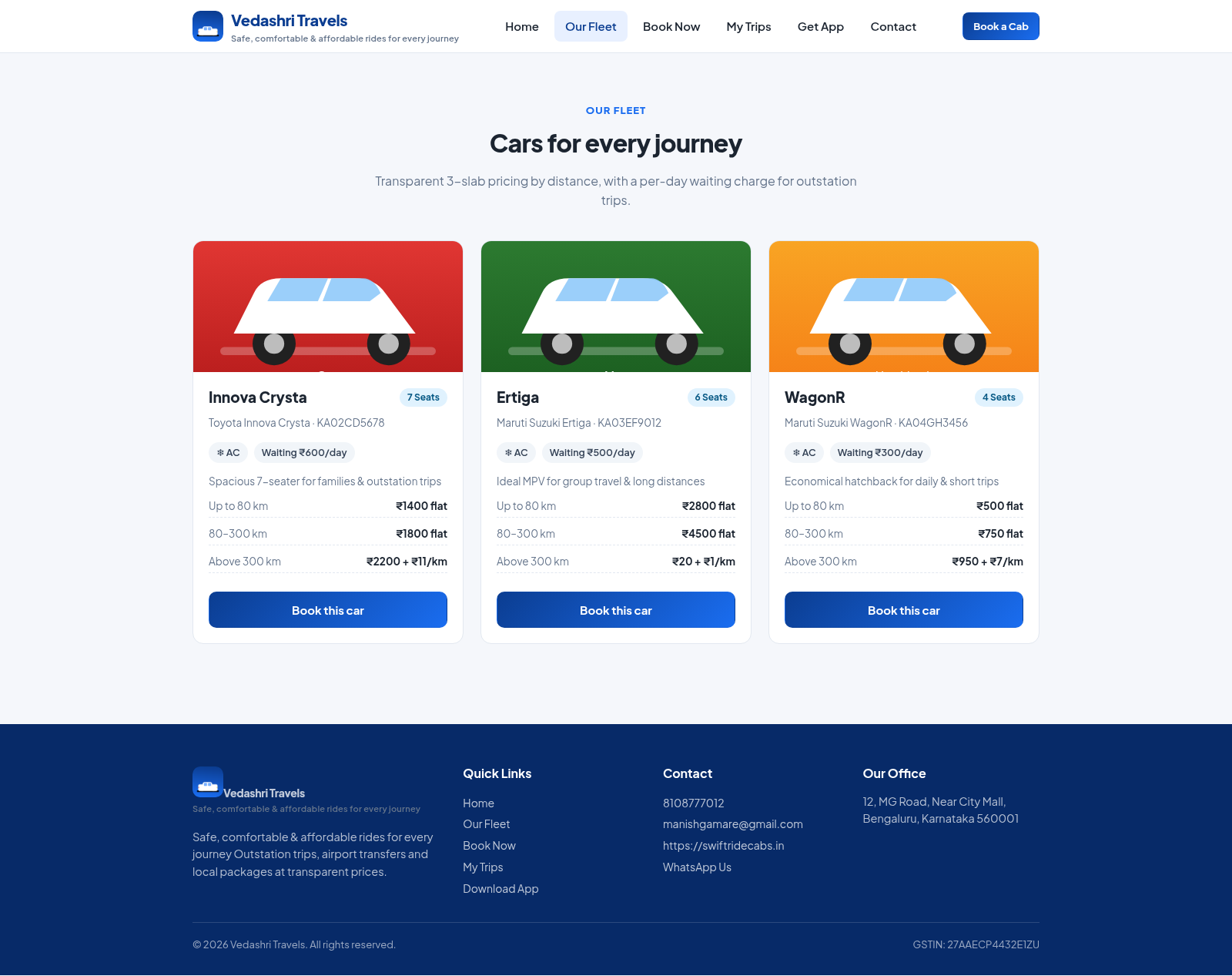
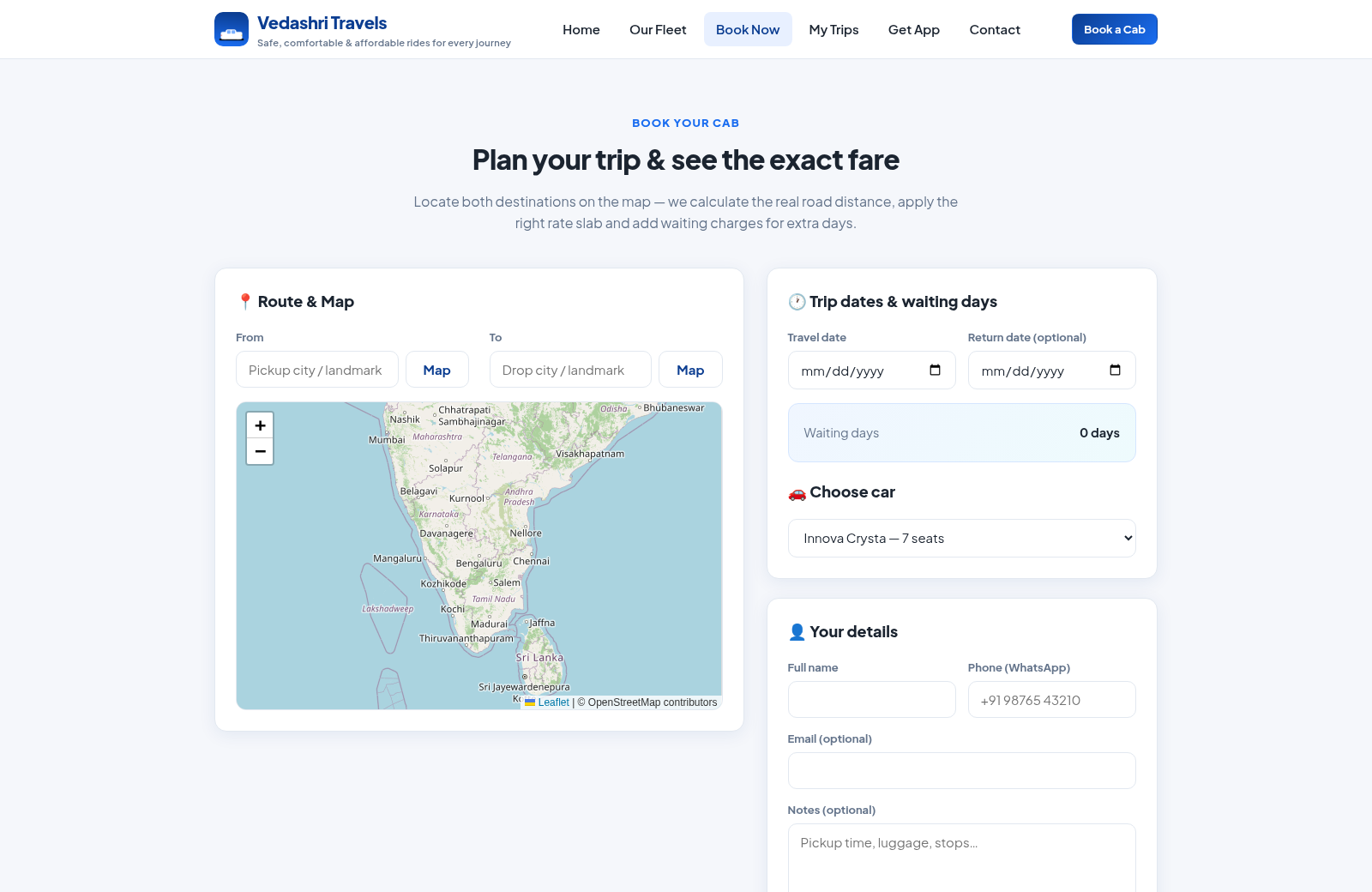
SwiftRide Cabs is the booking website for Vedashri Travels, covering outstation journeys, airport transfers, and local rides. The service presents a three-car AC fleet with seat counts, registration details, distance slabs, and daily waiting charges. Its booking flow combines pickup and destination search with an OpenStreetMap route view, travel dates, automatic waiting-day calculation, vehicle selection, fare breakdown, passenger details, and UPI, card, or cash payment choices. Customers can later search bookings by phone number to review the route, booking code, vehicle, travel date, distance, total fare, confirmation state, and payment status. A separate page explains how to install the website as a mobile app.
Highlights
Live Route Fare
Map-based trip pricing
Three-Car Fleet
Clear slabs and capacity
Trip Tracking
Phone-based booking lookup
Flexible Payment
UPI, card, or cash
How to Use
Compare the fleet
Open the fleet page to compare Innova Crysta, Ertiga, and WagonR options. Each card states its seat count, AC availability, distance-based fare slabs, and daily waiting charge before you proceed.
Set the route and dates
Open Book Now, enter pickup and destination locations, and locate them on the map. Select the travel date and an optional return date so the page can calculate road distance, rate slab, and waiting days.
Choose a car and payment
Select a vehicle and review the slab fare, waiting charge, and estimated total. Enter the passenger name and WhatsApp phone number, add optional email or notes, then choose UPI, card, or cash on travel before confirming.
Retrieve a booking
Open My Trips and enter the phone number used for booking. The page returns matching trips with route, confirmation state, booking code, car, date, distance, total fare, and payment status.
Install on a phone
Open Get App and use the Install App control when available. Android users can also choose Add to Home screen in Chrome, while iPhone users can use Add to Home Screen from the Safari share menu.
Similar Sites
 415
415Smile Patisserie
Smile Patisserie menu: cakes, oriental, bakery, and WhatsApp cart
 69
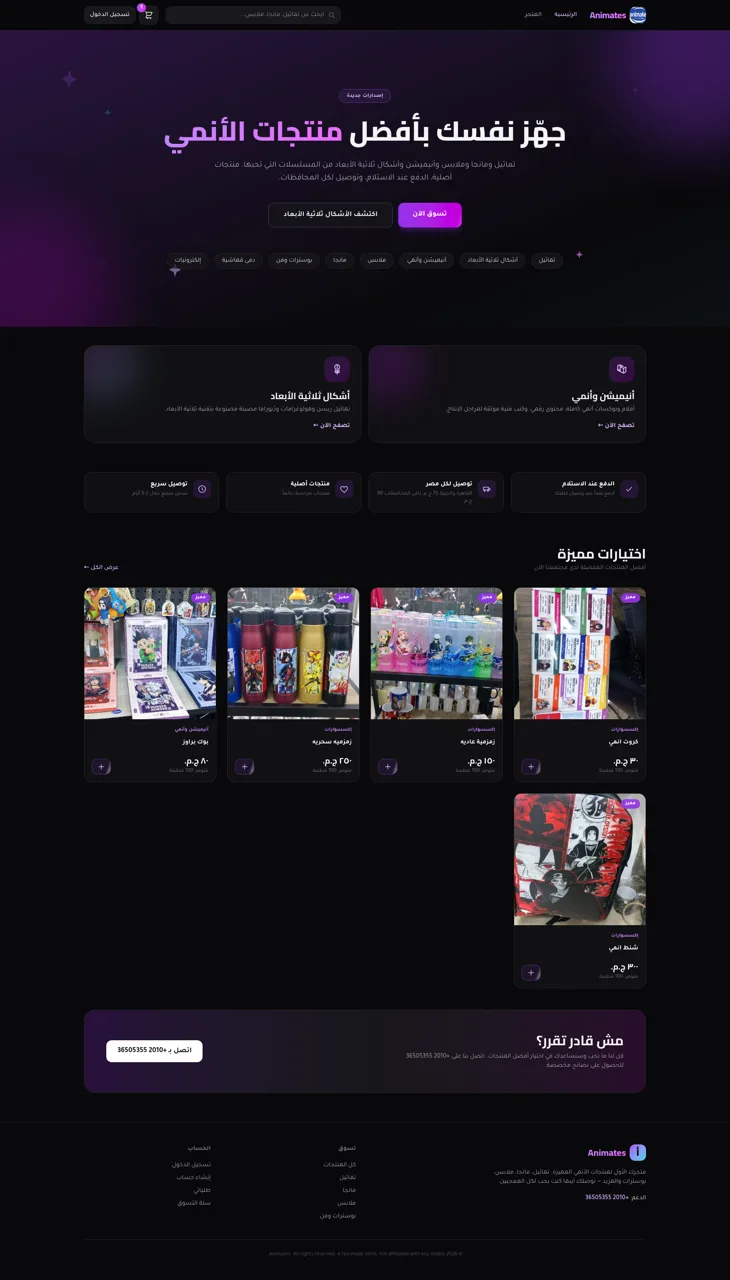
69Animates — Anime Merch Store
Full-stack Arabic RTL anime merch store with COD checkout and admin dashboard
 56
56Ferreira atelier
Venda de fotografias digitais e impressas com PIX, cartao e boleto.
 54
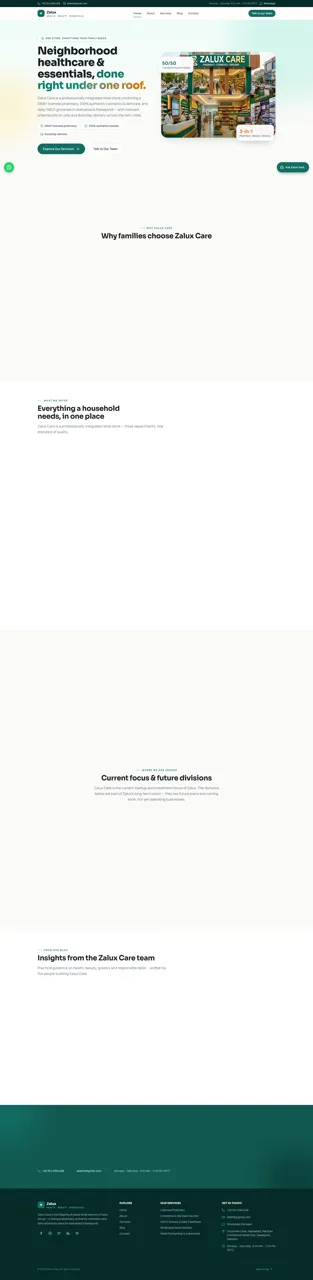
54Zalux - Flagship Enterprise
Zalux Care: pharmacy, cosmetics & daily essentials in Islamabad & Rawalpindi.
 49
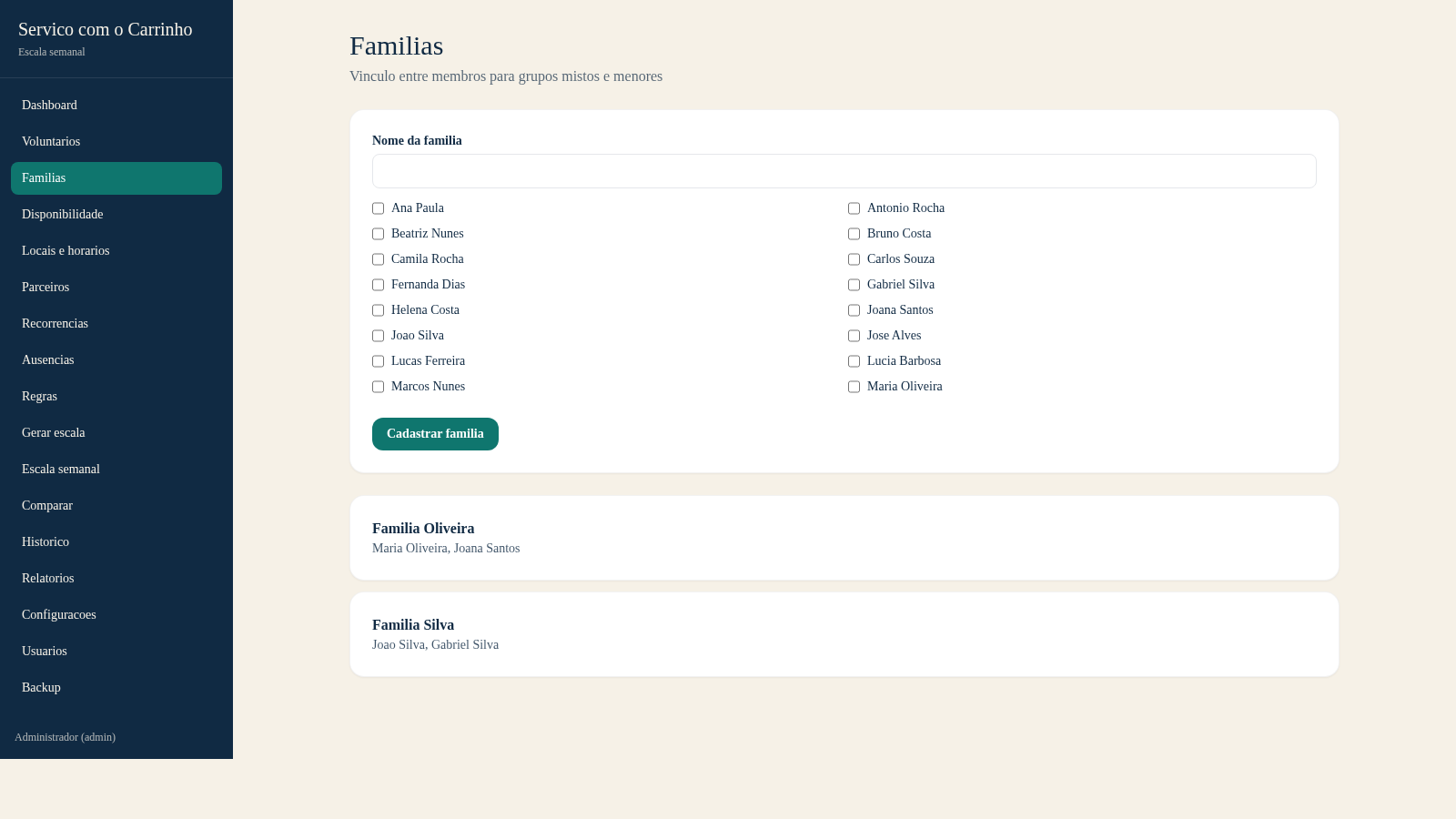
49Escala do Carrinho
Sistema de administracao e geracao automatica da escala semanal do Servico com o Carrinho
 42
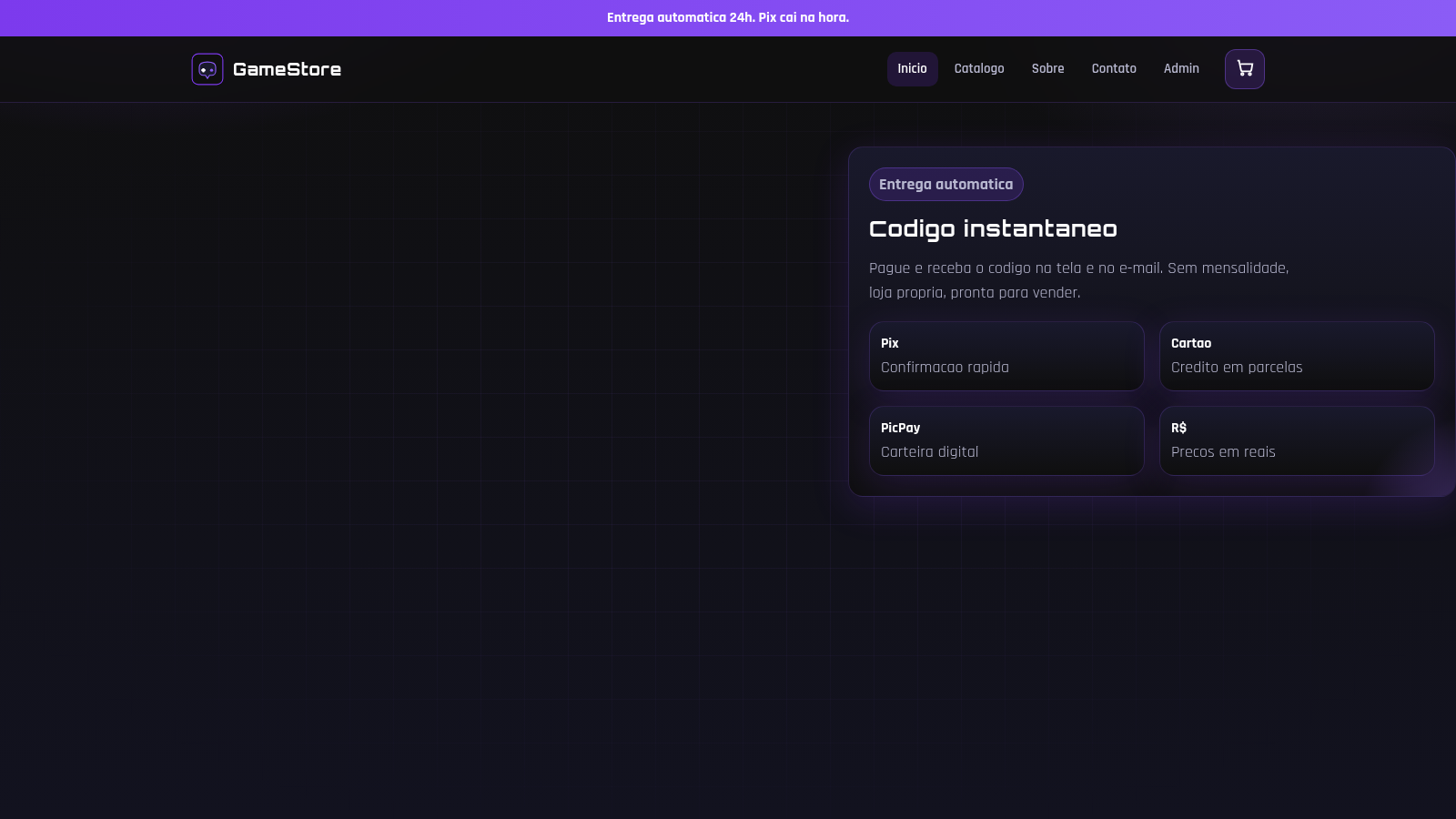
42GameStore
Gift cards, Robux, contas e skins com entrega automatica.