
LogiWMS - Gestao de Armazem
Multi-tenant warehouse management system with dashboard, mobile scanner and REST API
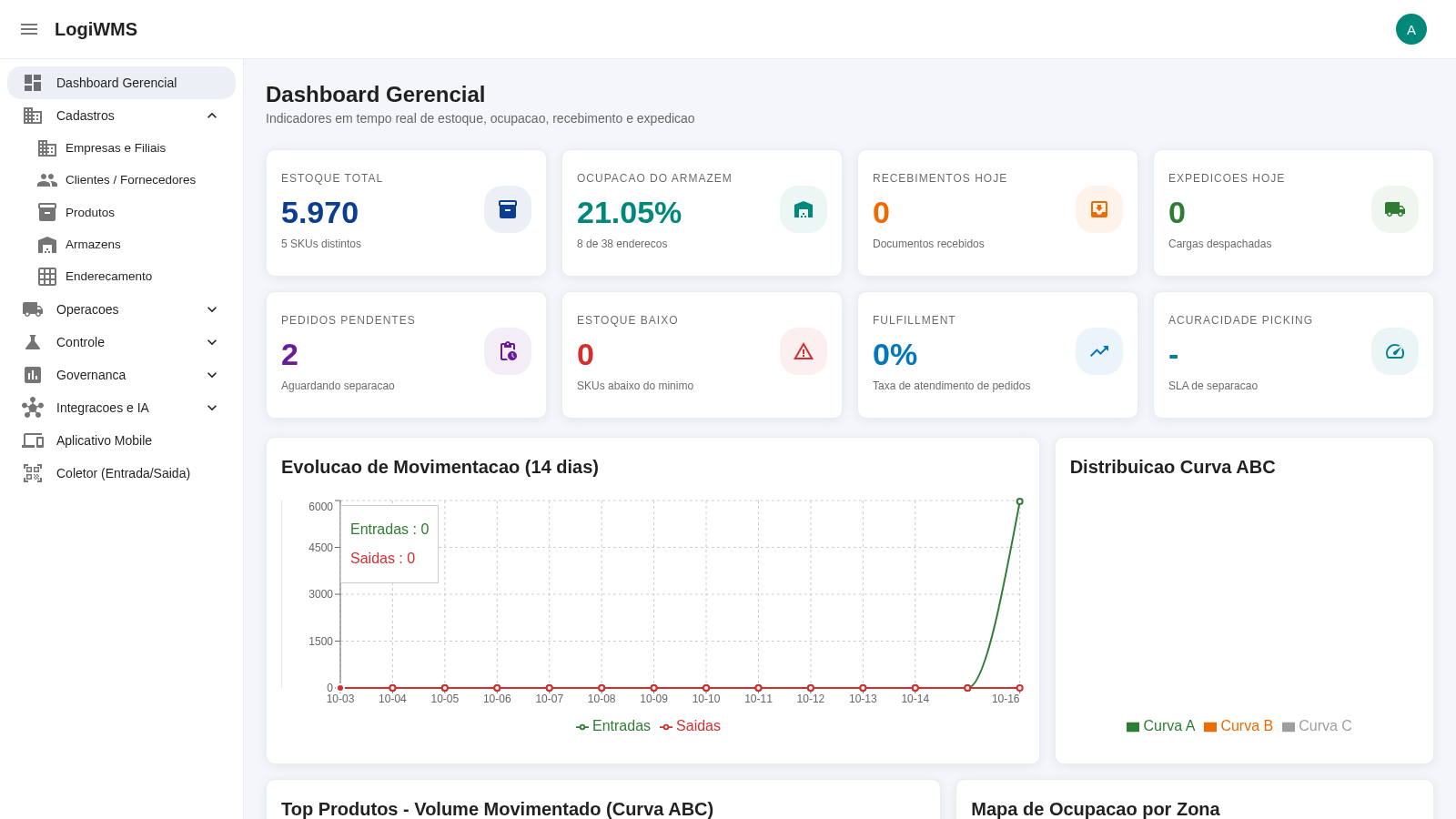
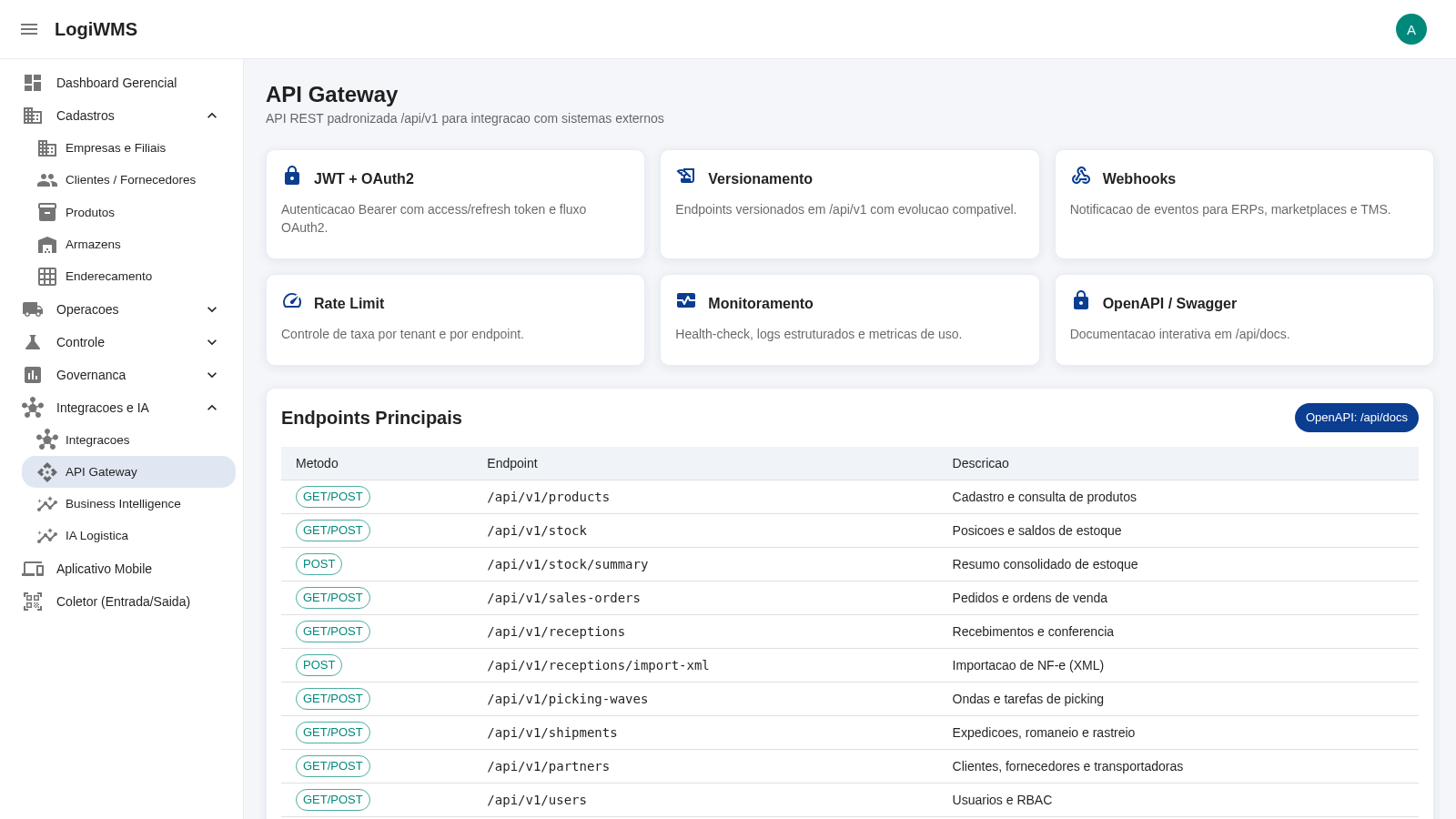
LogiWMS is a browser-based, multi-tenant Warehouse Management System. After signing in with the demo account shown on the login page, users reach a management dashboard that reports total stock, warehouse occupancy, daily receptions and shipments, pending orders, low stock, fulfillment rate and picking accuracy, alongside a 14-day movement chart, an ABC curve analysis and an occupancy map by zone. Separate modules cover master data (companies and branches, customers and suppliers, products, warehouses and addressing), operations, control, governance, integrations and AI logistics, a mobile app, and a collector for inbound and outbound confirmation. The product registry stores SKU, barcode, dimensions, FEFO/FIFO rules, lot and serial control, and the API Gateway documents a standardized /api/v1 REST surface with JWT and OAuth2 authentication, versioning, webhooks, rate limiting and OpenAPI/Swagger documentation. The interface language is Portuguese.
Highlights
Real-time dashboard
KPIs, charts and occupancy by zone
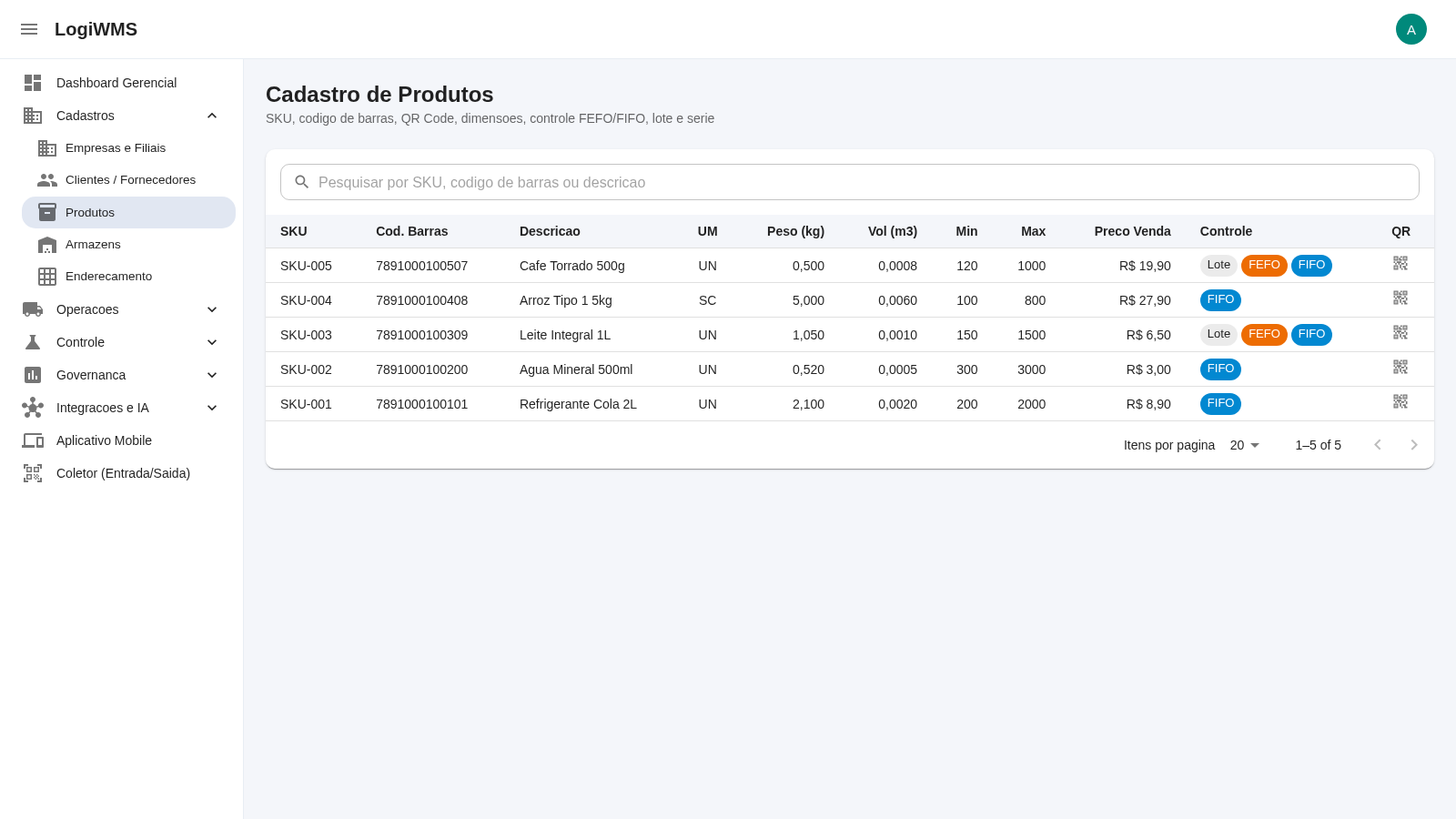
Master data modules
Products, warehouses and addressing
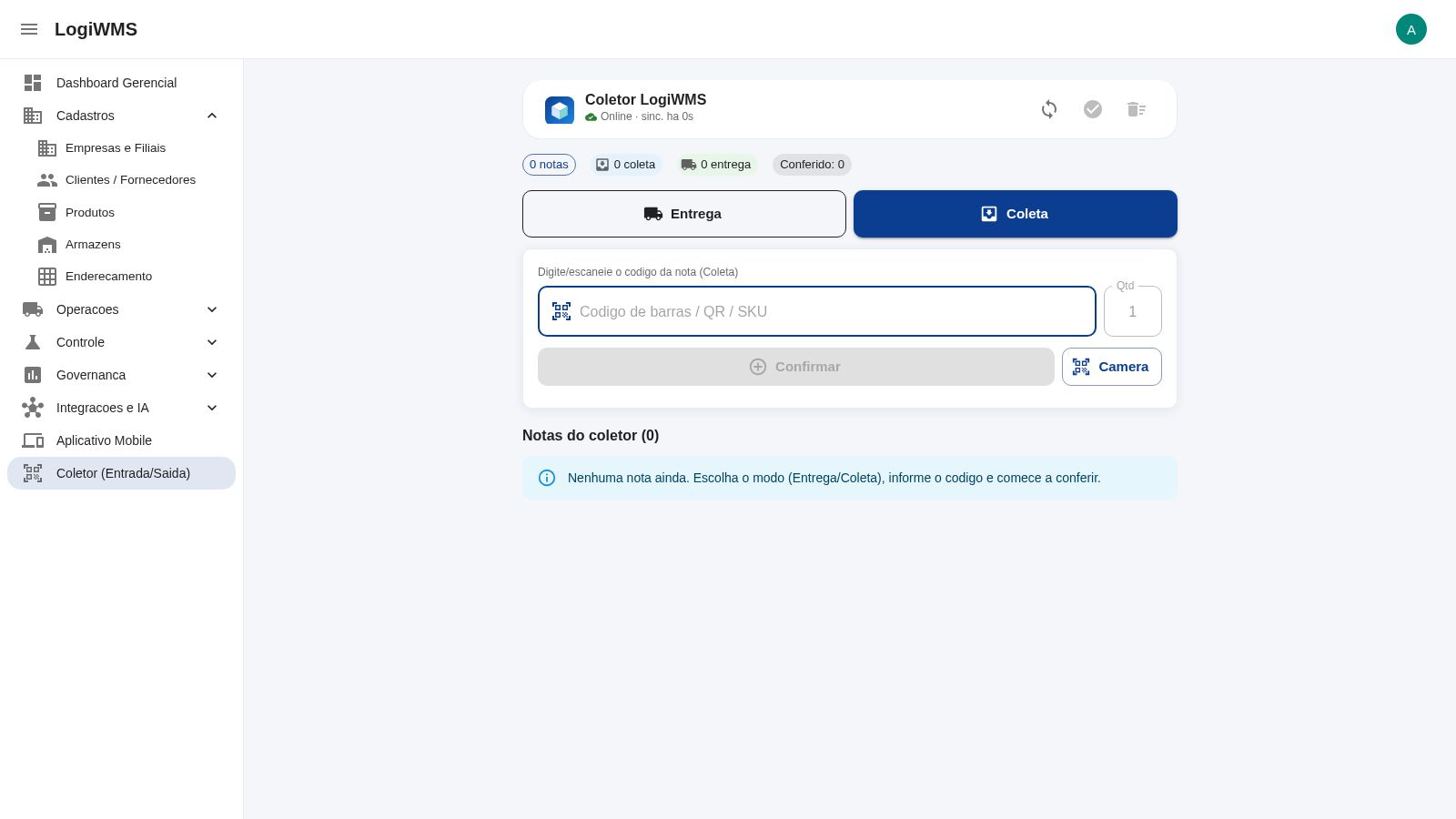
Mobile collector
Inbound and outbound confirmation flow
REST API gateway
Versioned /api/v1 with OpenAPI docs
How to Use
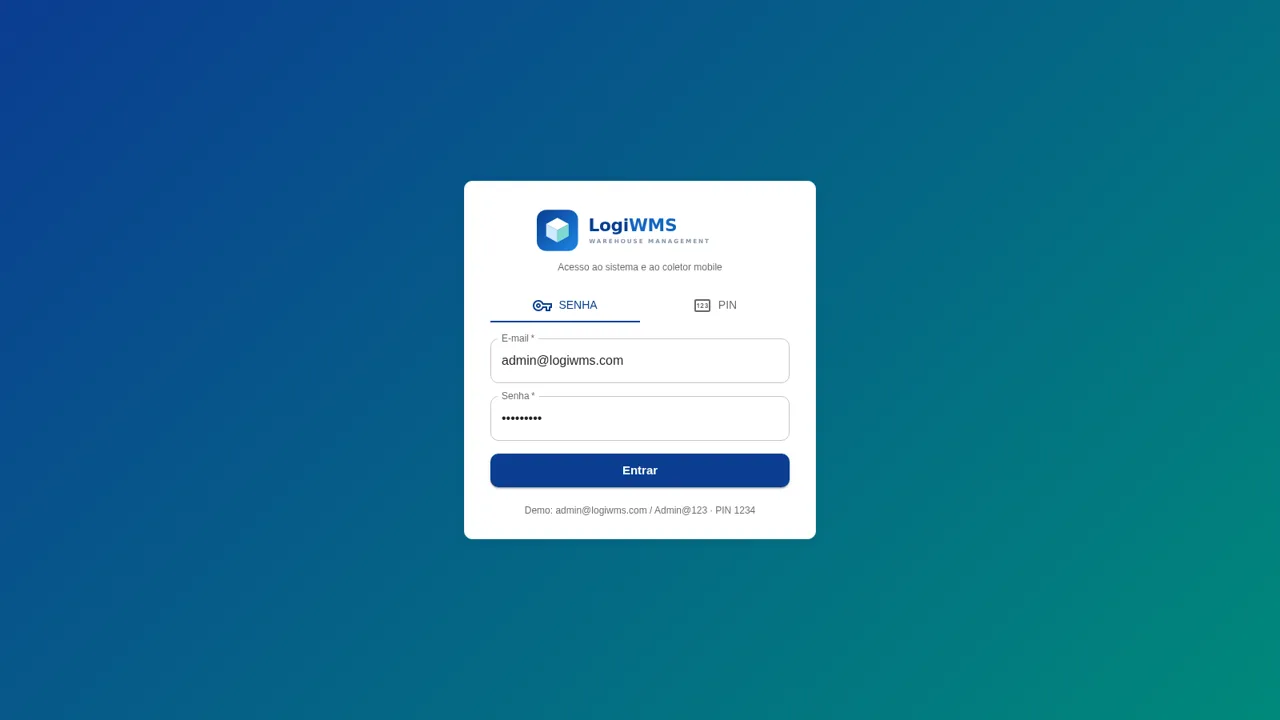
Sign in with the demo account
Open the site and use the credentials printed on the login page, [email protected] with password Admin@123, choosing the password tab. A quick-access dialog may appear offering to set a numeric PIN or biometrics for this device; you can skip it. After login the app loads the management dashboard and the left-hand multi-level menu becomes available.
Read the dashboard indicators
On the Dashboard Gerencial screen review the KPI cards for total stock, occupancy, receptions, shipments, pending orders, low stock, fulfillment and picking accuracy. Scroll down to see the 14-day movement chart, the ABC curve distribution, the top products by volume, the occupancy map per zone and the ABC analysis table, all of which load their data from the backend.
Browse and search master data
Open Cadastros in the sidebar and choose Produtos to view the product registry with columns for SKU, barcode, description, unit, weight, volume, minimum and maximum levels, sale price and control type. Type in the search box to filter by SKU, barcode or description and use the pagination selector to change the number of rows shown.
Use the mobile collector
Select Coletor (Entrada/Saida) to open the scanner view, which shows a connection status and counters for notes, collections and deliveries. Switch between the Entrega and Coleta modes, type or scan a document code in the input field, set the quantity and press Confirmar; notes you add appear in the list below and can be synchronized with the backend.
Review the API surface
Open Integracoes e IA and select API Gateway to see the documented REST endpoints such as /api/v1/products, /api/v1/stock, /api/v1/receptions and /api/v1/shipments, together with the authentication, versioning, webhook, rate-limit and OpenAPI notes. This page summarizes how external systems are expected to integrate with the platform.
Similar Sites
 15
15Islamic Bank Performance Evaluation
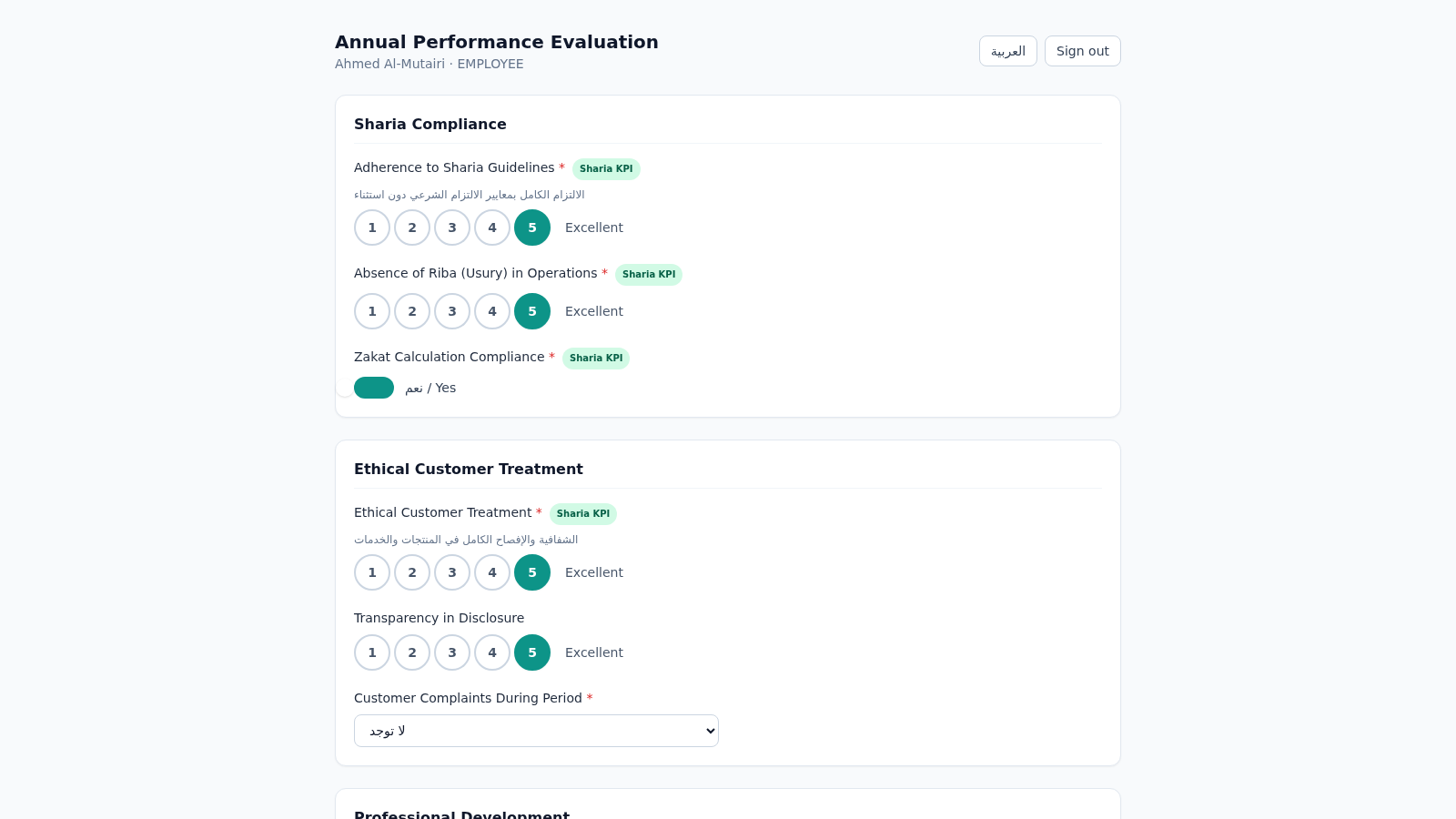
Annual performance evaluation system for an Islamic bank: dynamic Sharia-KPI form engine, weighted scoring, immutable cryptographic audit trail, and 3-role approval workflow with Arabic/RTL support.
 6
6Toledo Segurança
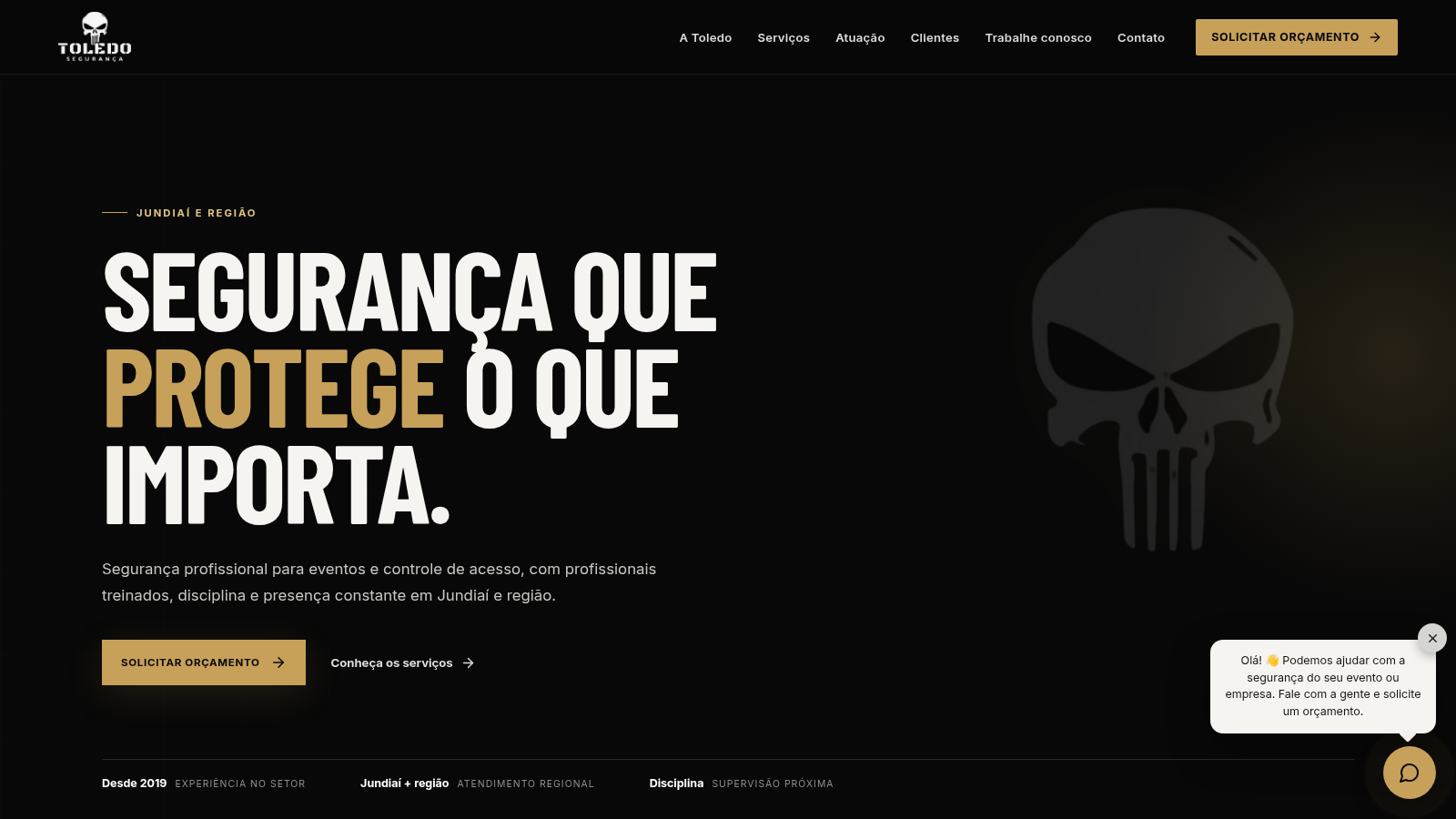
Segurança para eventos, portaria e controle de acesso em Jundiaí e região.
 1
1LogiFleet - Logística
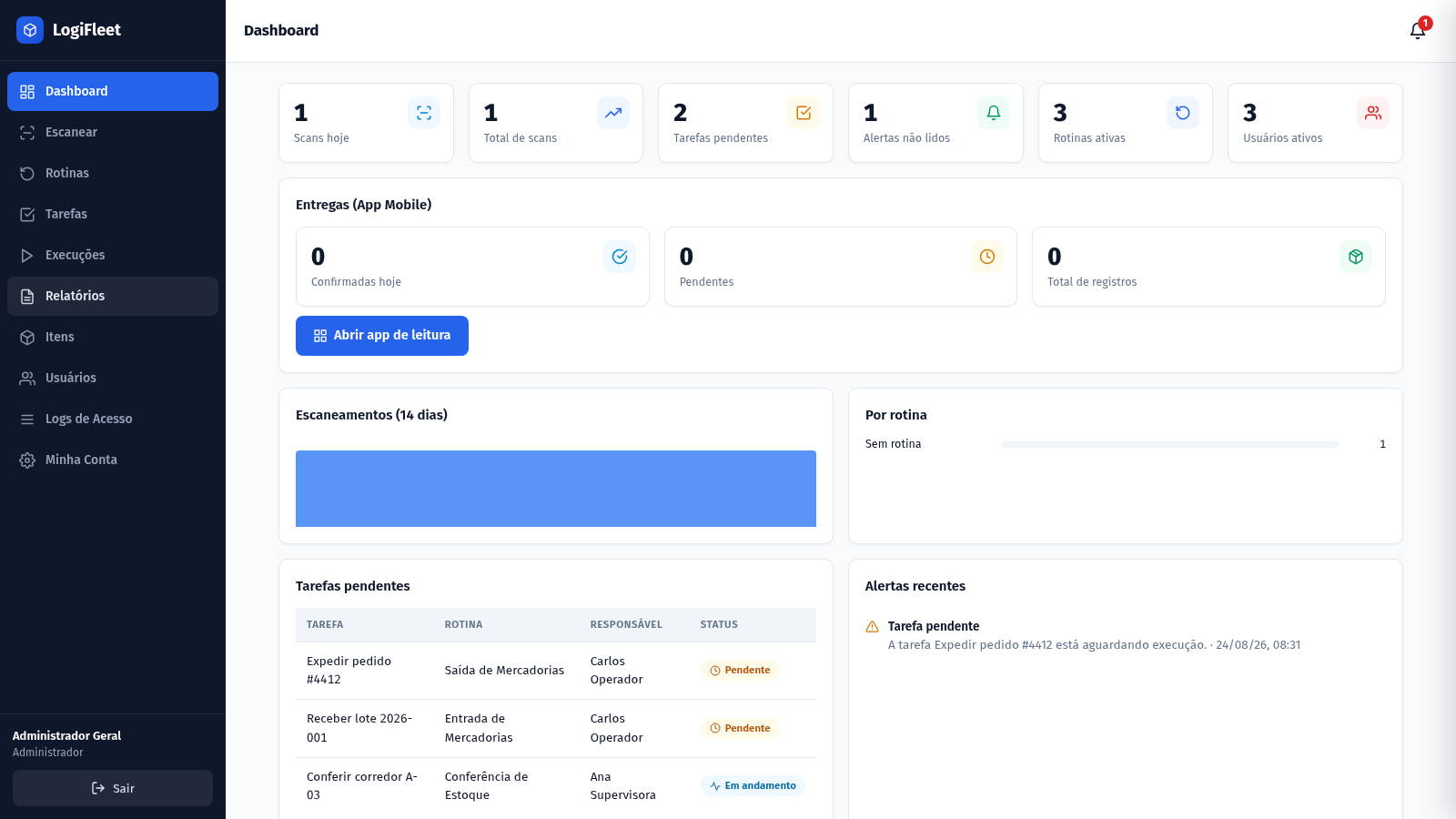
Gestão logística com leitura de códigos, rotinas, tarefas, entregas e app mobile PWA
 54
54Zalux - Flagship Enterprise
Zalux Care: pharmacy, cosmetics & daily essentials in Islamabad & Rawalpindi.
 37
37Warranty Manager
Track product warranties, expiry reminders, and full complaint lifecycles
 32
32Controle de Estoque
Entrada e saída de materiais com baixa automática do estoque