
Painel de Audiências 8º JEC
A shared, password-protected hearing agenda for the 8th Special Civil Court of Goiânia.
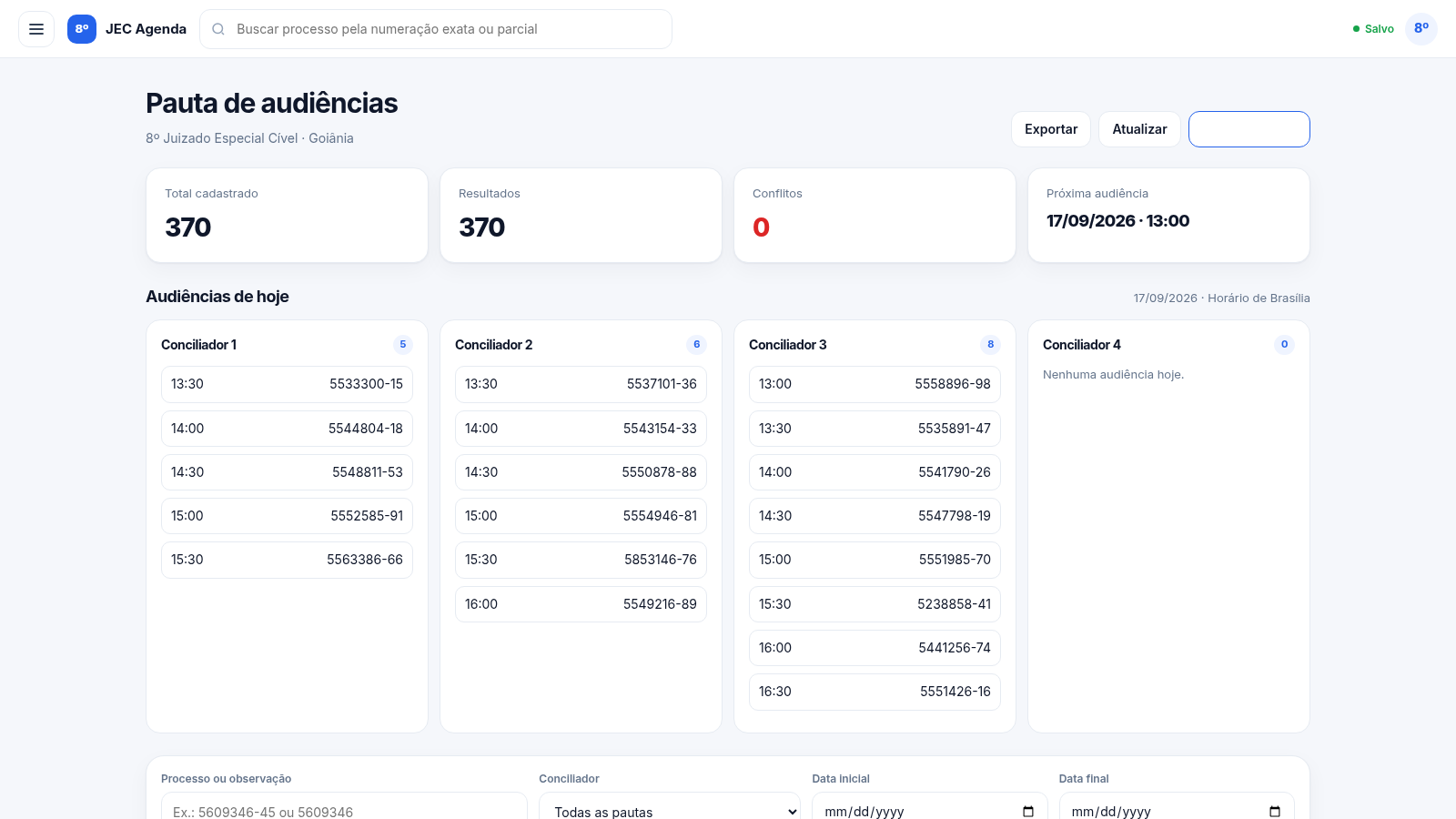
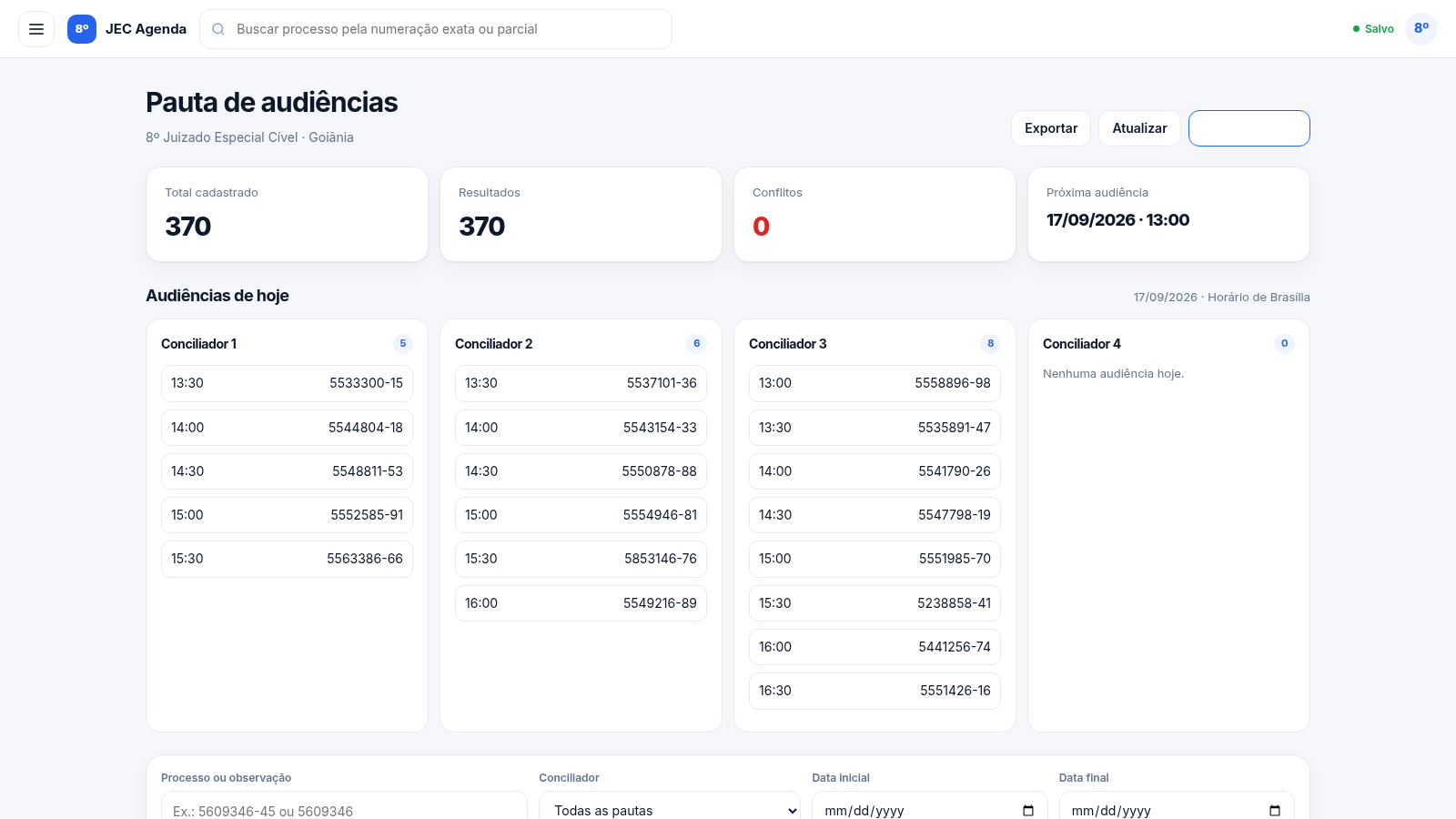
Painel de Audiências is a single-page web panel that helps the team of the 8º Juizado Especial Cível in Goiânia keep its hearing schedule in one place. After entering a team password, users land on a dashboard with four summary cards (total hearings, filtered results, scheduling conflicts and the next upcoming hearing) and a section that groups today's hearings per conciliator. Below that, the full agenda can be searched by case number or note, filtered by conciliator and date range, paginated 15 records at a time, and viewed as a time-slot matrix for any chosen date. Hearings can be added, edited and deleted through a modal form, and the current filtered selection can be exported to PDF or Excel. All data is stored in the browser.
Highlights
Dual agenda views
List and matrix
Add or edit records
Create edit delete
Conflict detection
Flag double bookings
PDF and Excel export
Download the list
Search and filter
Find by case number
How to Use
Sign in with the team password
Open the site and the first screen is a login card with a single password field. Enter the team access password and press Entrar no painel; a wrong entry shows an error message, while a correct one hides the login and loads the workspace with the four summary cards, today's hearings and the agenda table.
Read the overview and today's hearings
The top cards show the total number of registered hearings, how many match the active filters, how many scheduling conflicts exist, and the next upcoming hearing with its date and time. Just below, Audiências de hoje lists the current day's hearings in one column per conciliator, each entry showing the time and the case number.
Search, filter and paginate the agenda
Use the filter row to type a full or partial case number or an observation, choose a conciliator track, and set start and end dates. The table, the result counter and the summary cards refresh immediately, and the pager below moves through the records fifteen at a time, with the current page highlighted.
Add, edit or remove a hearing
Press + Marcar audiência to open the modal form, then enter the case number and choose the date, time slot, conciliator track and optional notes before saving. The new row appears in the table, the total counter increases and a toast confirms the save. Use the pencil icon on a row to edit it, or the bin icon to delete it after confirming the prompt; all changes persist in the browser.
Switch to the matrix or export
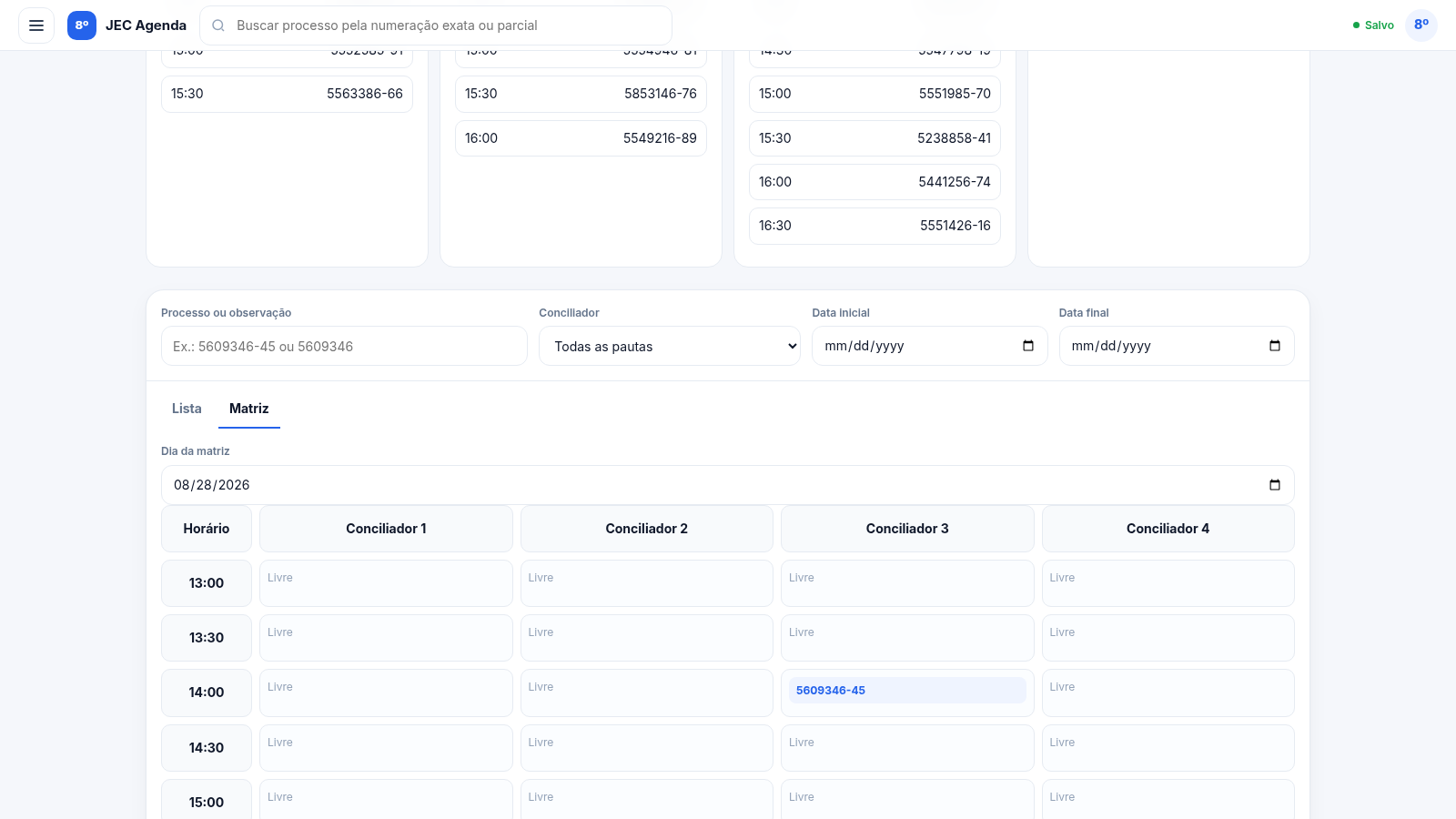
Open the Matriz tab to see the chosen date as a time-slot grid, one column per conciliator and one row per half-hour slot, with open cells marked Livre. From Exportar pauta you can generate a PDF or an Excel file containing exactly the hearings that match the active filters.
Similar Sites
 3
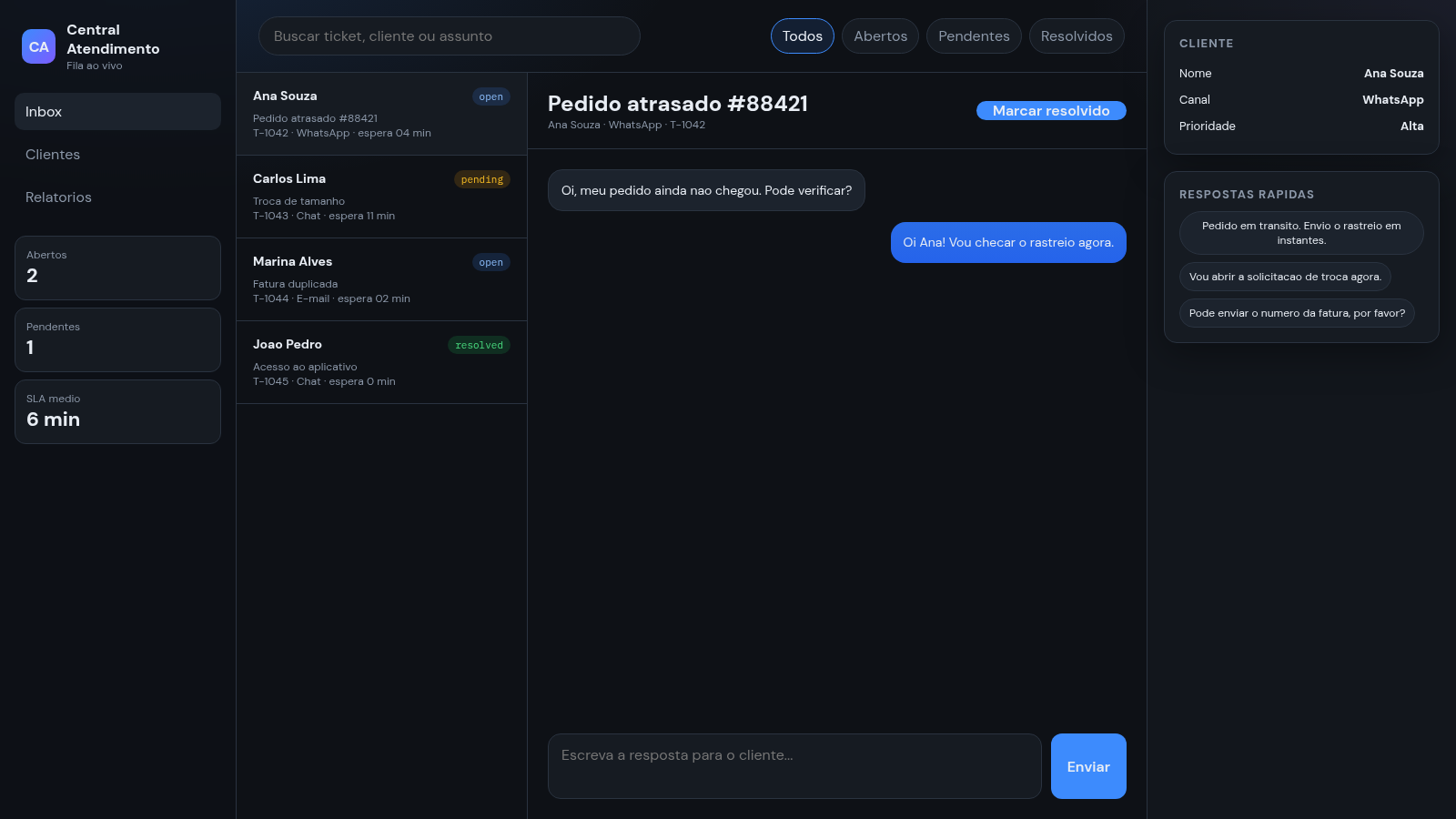
3Central de Atendimento
Painel de atendimento com fila de tickets, chat e respostas rapidas.
 51
51SGI CONTROL
Sistema Integrado de Gestão da Qualidade (ISO 9001) com painel B2B multiempresa
 14
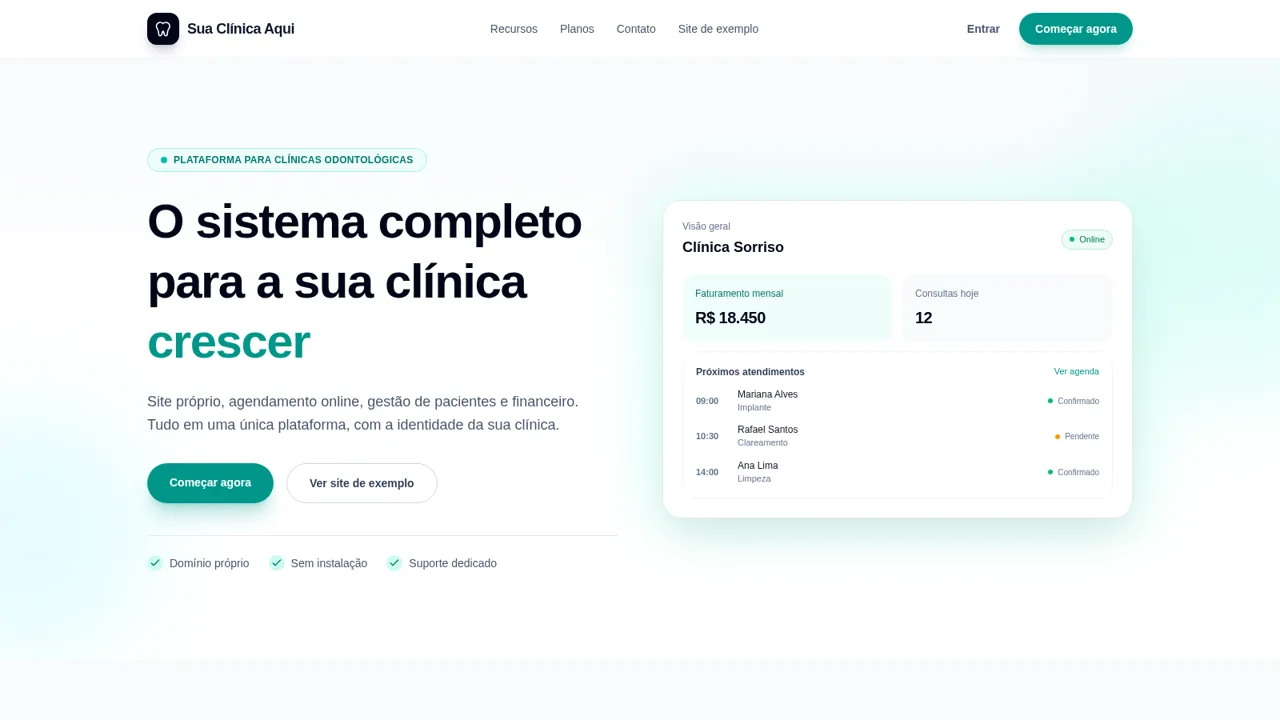
14Sua Clínica Aqui
Plataforma SaaS para clínicas odontológicas, com site institucional, agendamento e painel de gestão.
 46
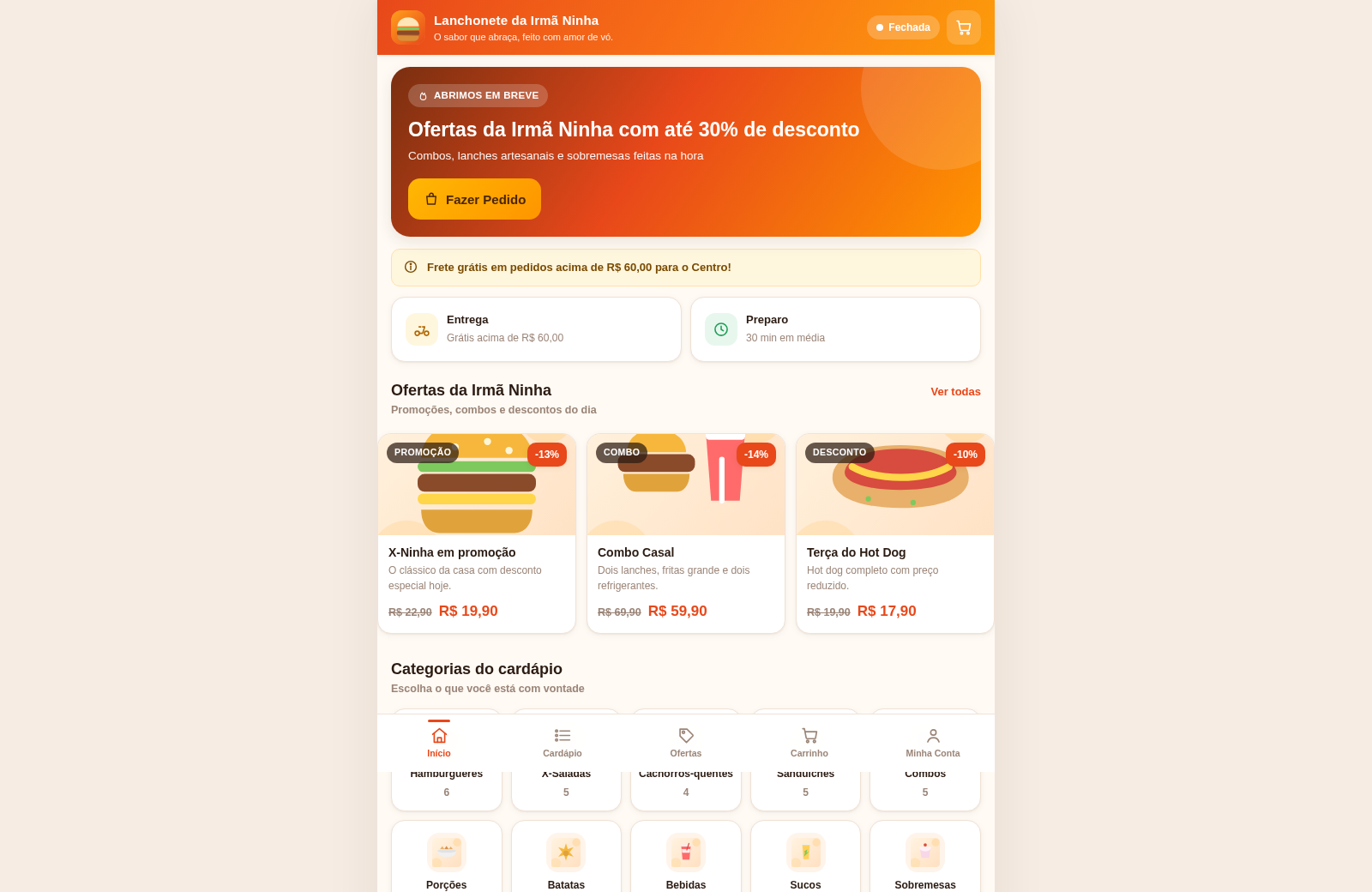
46Lanchonete da Irmã Ninha
Cardápio digital, ofertas e promoções com painel administrativo.
 40
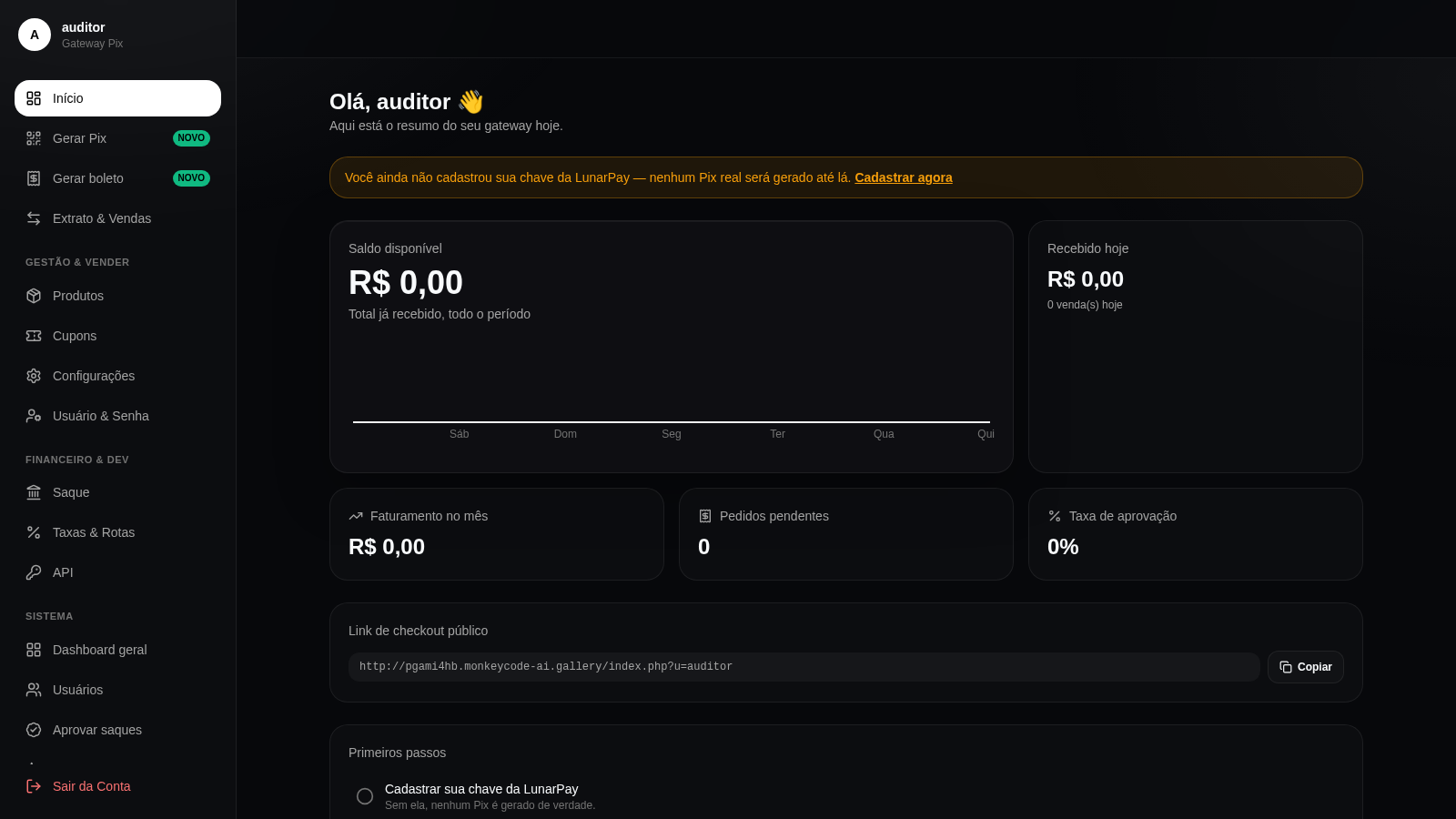
40Gateway Pix
Gateway Pix e boleto com painel de vendas, cupons e links de pagamento.
 26
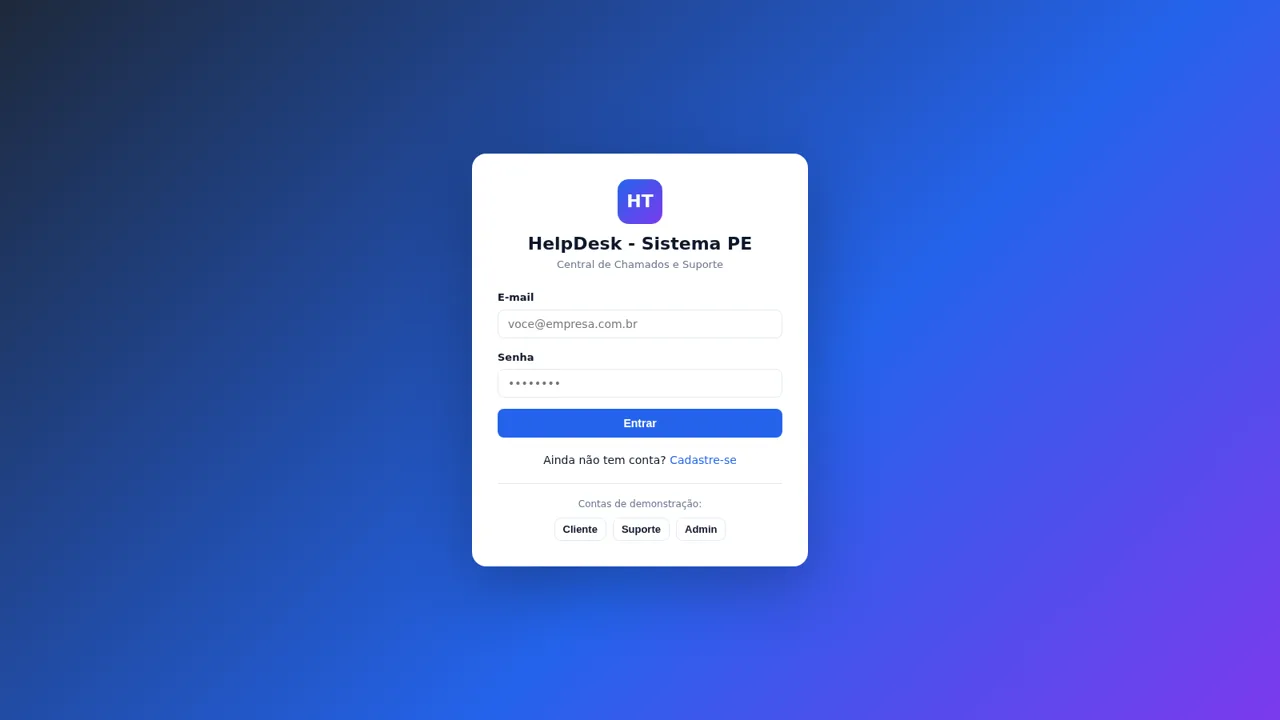
26HelpDesk - Sistema PE
Chamados e suporte com chat, painel admin e configurações de marca