
Loja Sintonia RP
Official in-game item storefront for the Sintonia RP roleplay server, built as a working demo shop.
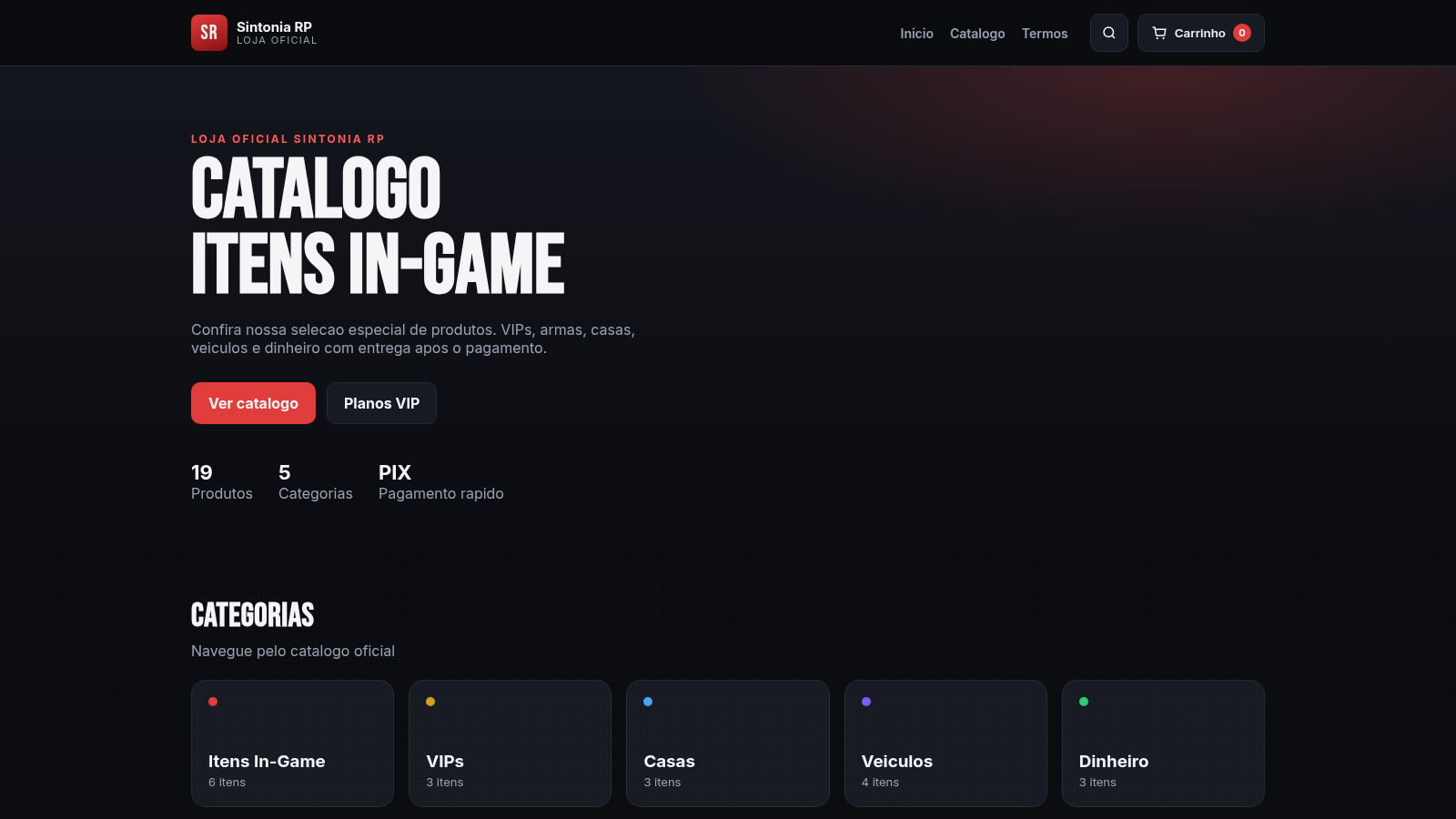
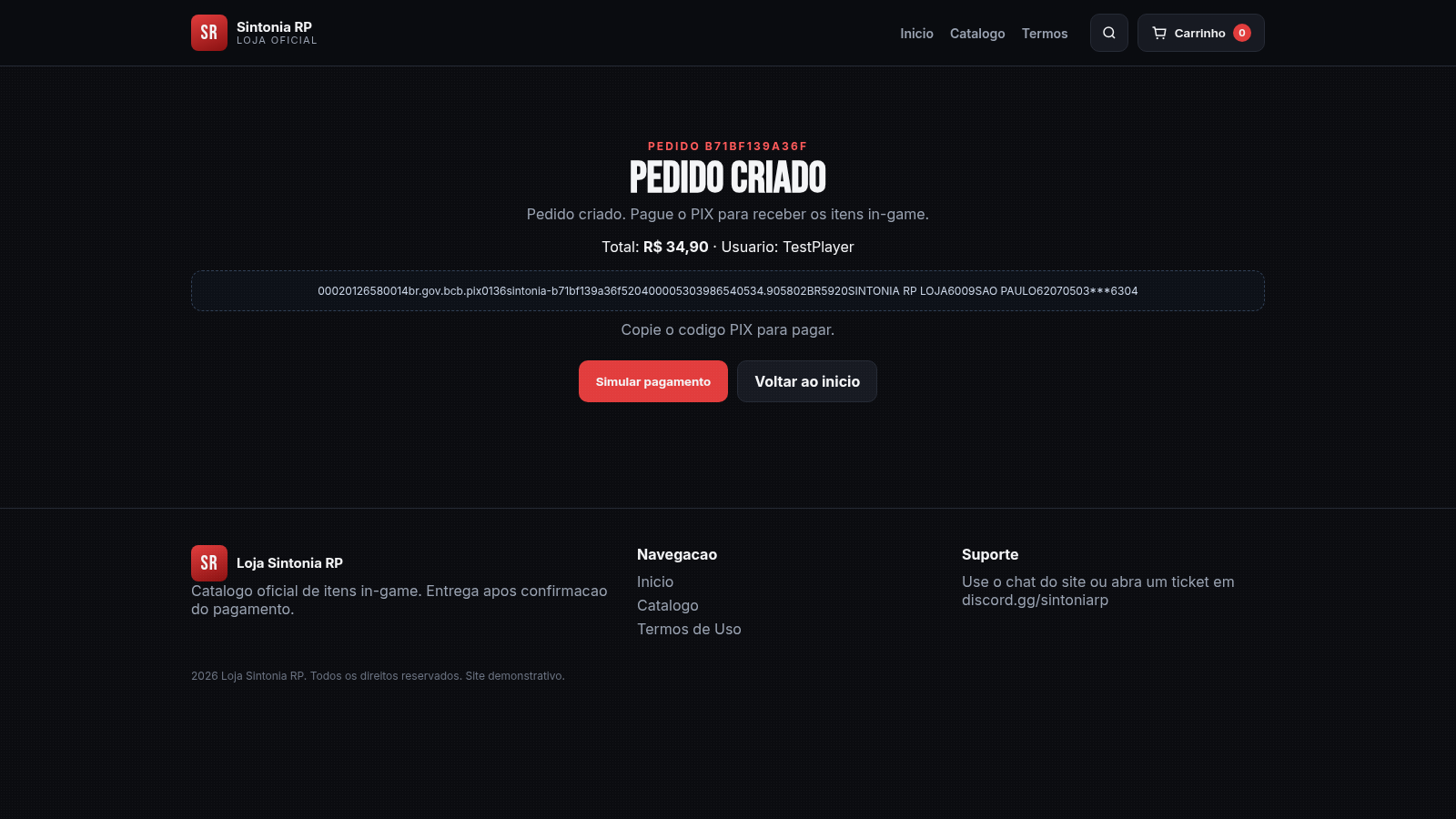
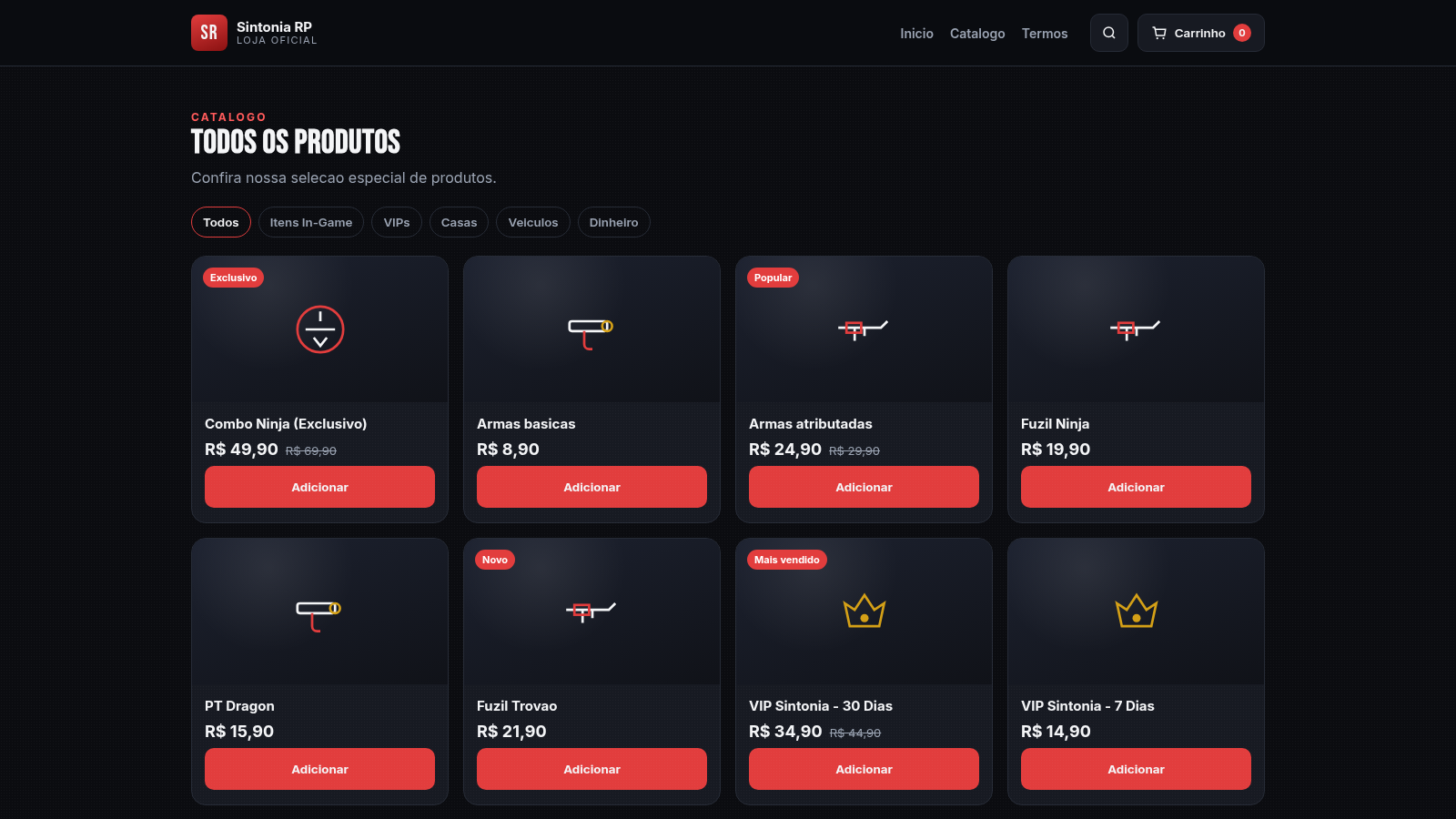
Loja Sintonia RP is a demonstration e-commerce storefront for the Sintonia RP roleplay server. The home page introduces the shop, states that the catalogue contains 19 products across 5 categories, and highlights PIX as a fast payment option. A catalogue page lists every product with price, discount badges such as Popular, Novo, Exclusivo, Mais vendido, Economia, Premium, Luxo and Melhor custo, and quick Add buttons. Category filters for Todos, Itens In-Game, VIPs, Casas, Veiculos and Dinheiro narrow the list, while a search box filters products by name. Each product has a detail page with a description, an item list for VIP packs, stock, a quantity selector and a Comprar agora button. A cart button in the header tracks the number of selected items. The checkout page collects a game nickname, an email and optional remarks, lets the shopper choose PIX or Cartao, and generates an order page showing a PIX copy-and-paste code, the total and a Simular pagamento button that confirms the order. A Termos page documents refund, delivery and support rules.
Highlights
Full item catalogue
19 items, 5 groups
Category filters
Browse by item type
Instant search
Filter by name
Guest checkout
No account needed
PIX order flow
Total and status
Clear terms page
Refund and delivery
How to Use
Explore the catalogue
Open the Catalogo page to see all 19 products. Use the category buttons for Itens In-Game, VIPs, Casas, Veiculos and Dinheiro, or type a name into the search box to narrow the list. Each card shows the price and any badge such as Popular or Mais vendido.
Review a product
Click a product card to open its detail page. VIP packs list the included vehicles, weapons and salary, while other items show a short description, the stock count and the price. Use the minus and plus buttons to set the quantity, then press Comprar agora to go straight to checkout or Adicionar to keep browsing.
Fill in the checkout
The checkout page asks for your in-game nickname, an email and optional remarks such as a chosen skin or weapon. Pick PIX or Cartao, then press Gerar pedido. The header cart counter reflects the items you have added along the way.
Finish the order
After Gerar pedido, the order page shows the total, your nickname and a PIX copy-and-paste code. Press Simular pagamento to confirm the order; the page then reports that the payment is confirmed and the items will be delivered to the character you entered. A link returns you to the home page.
Similar Sites
 5
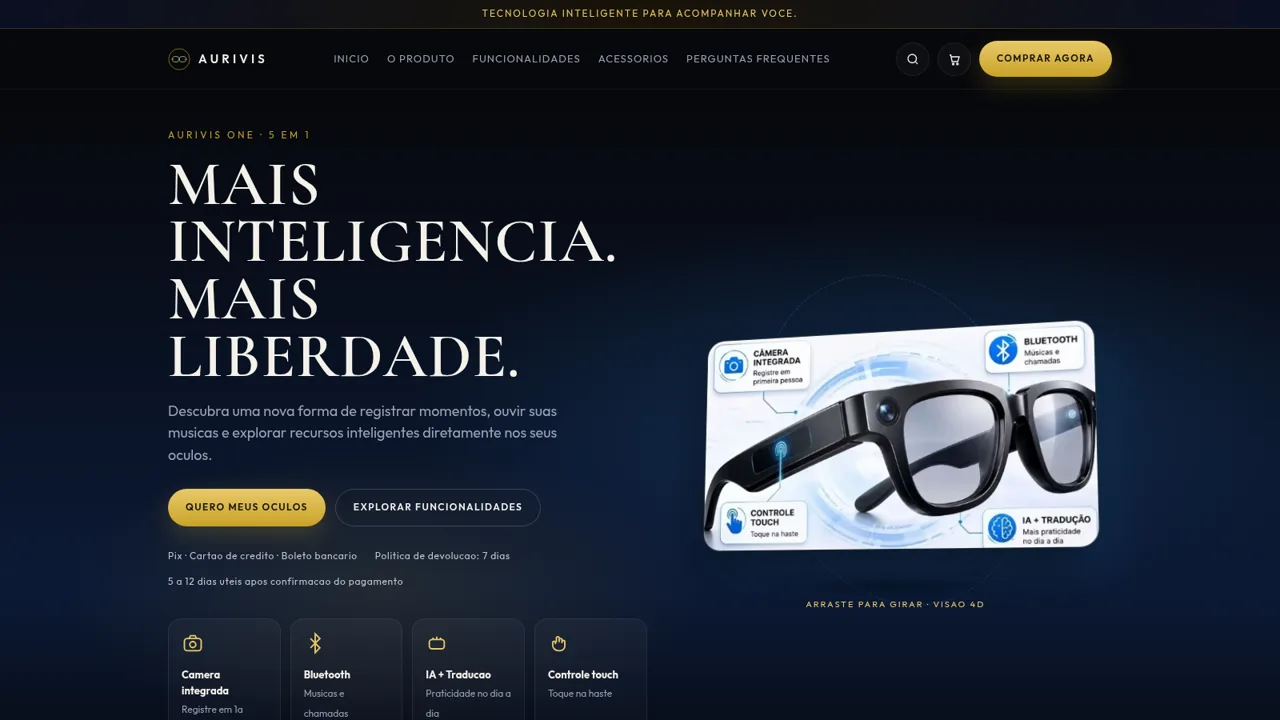
5AURIVIS Oculos Inteligentes
Loja AURIVIS de oculos inteligentes 5 em 1 com camera, Bluetooth, IA e checkout.
 3
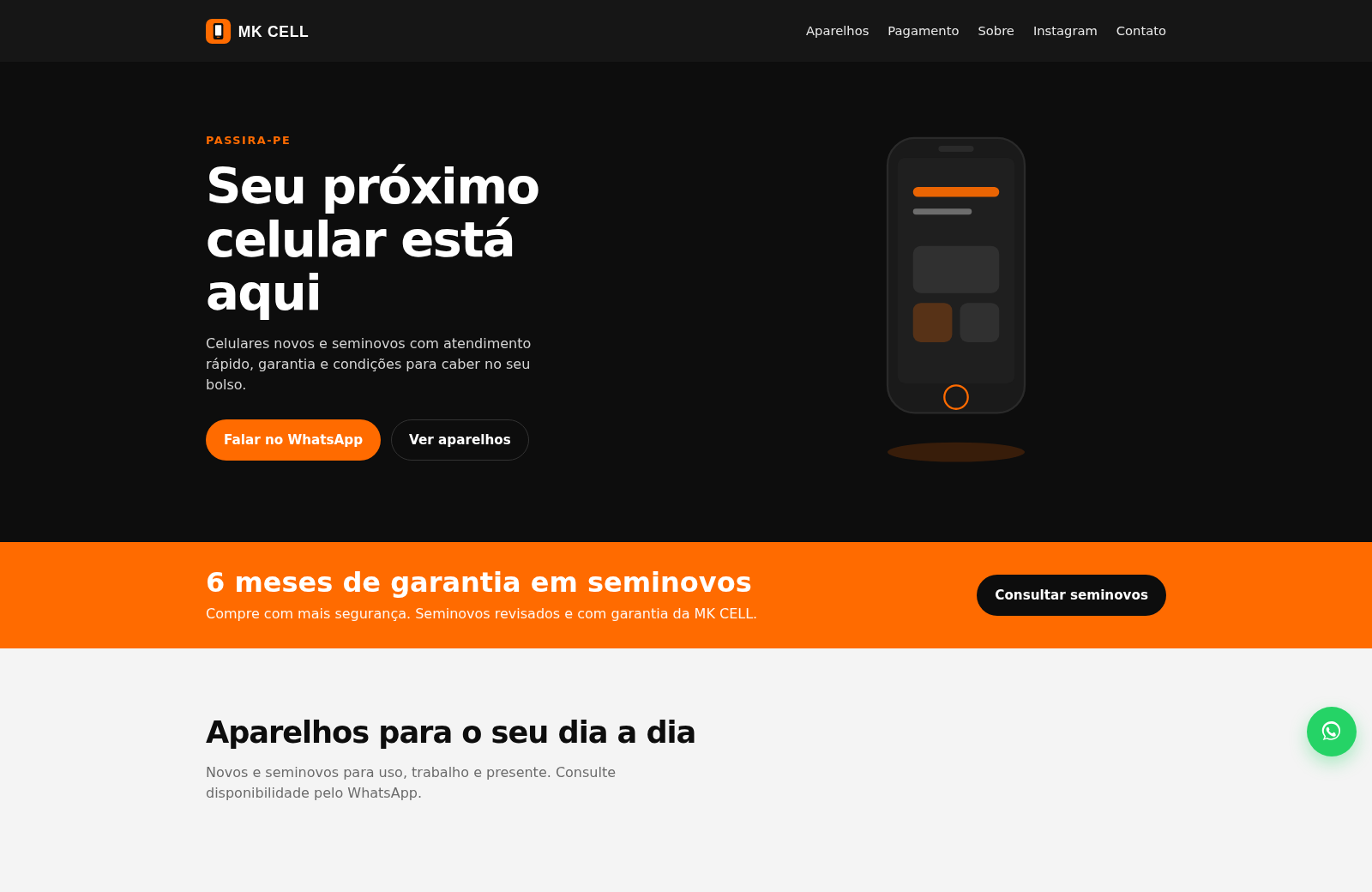
3MK CELL Celulares Passira-PE
Loja de celulares em Passira-PE com seminovos, garantia e WhatsApp.
 1
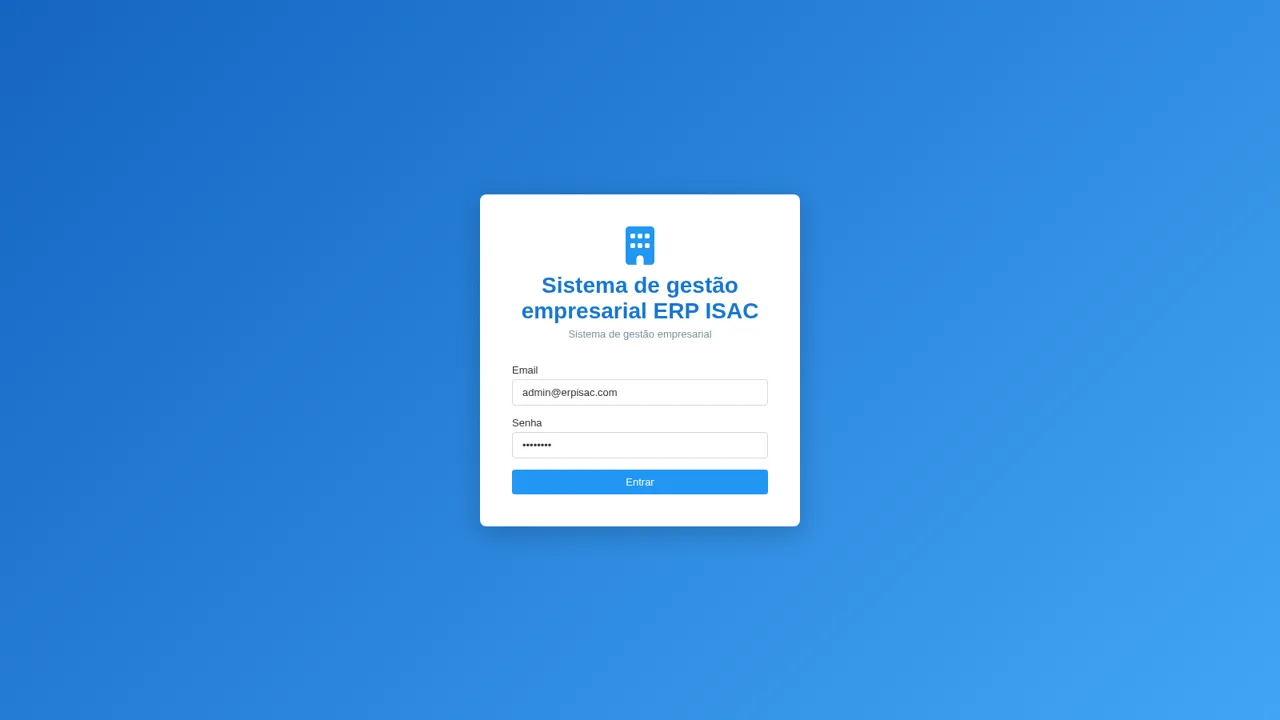
1ERP ISAC
ERP para loja e assistencia: PDV, CRM, financeiro e NF-e
 54
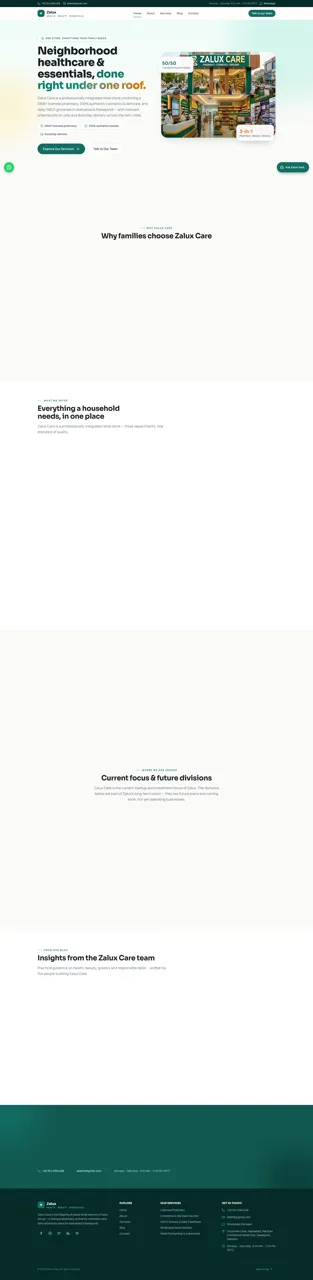
54Zalux - Flagship Enterprise
Zalux Care: pharmacy, cosmetics & daily essentials in Islamabad & Rawalpindi.
 53
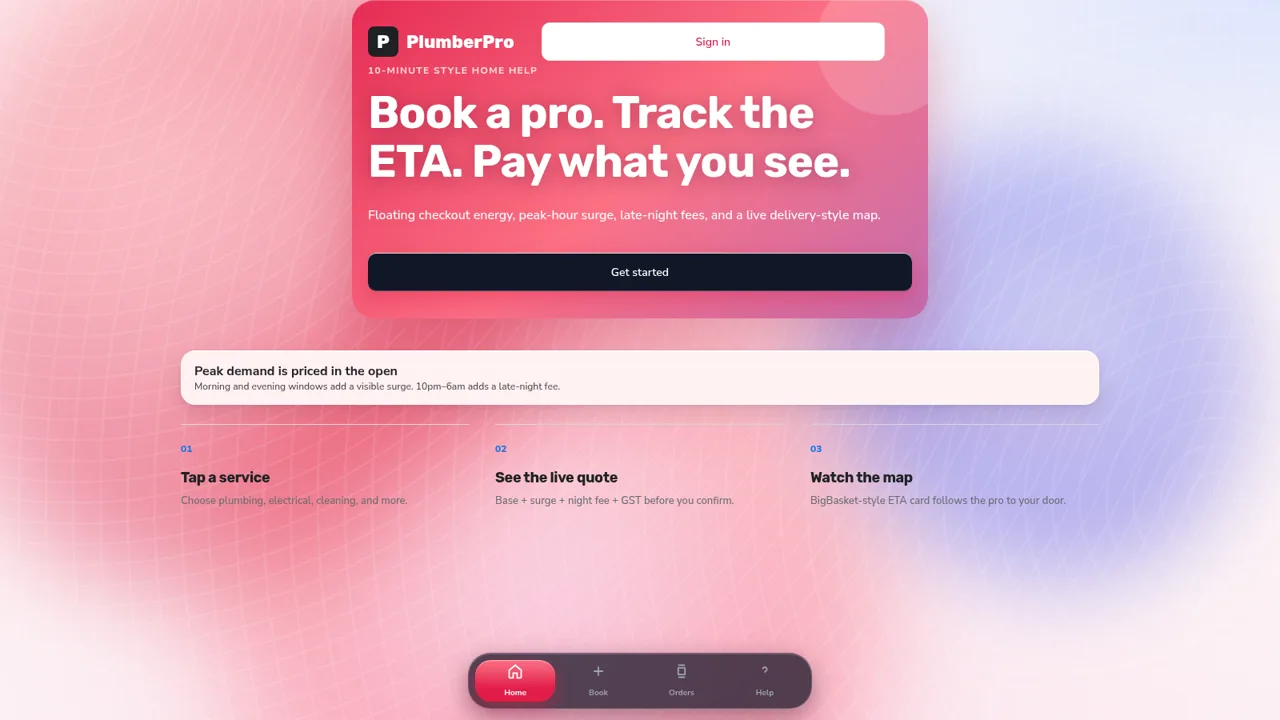
53PlumberPro
Book home services in minutes with live ETA and transparent surge and late-night pricing.
 32
32SwiftRide Cabs — Car Rentals
Outstation car rentals with instant fare, online payment, and a full owner dashboard