
AURIVIS Oculos Inteligentes
A premium Portuguese-language storefront for 5-in-1 smart glasses
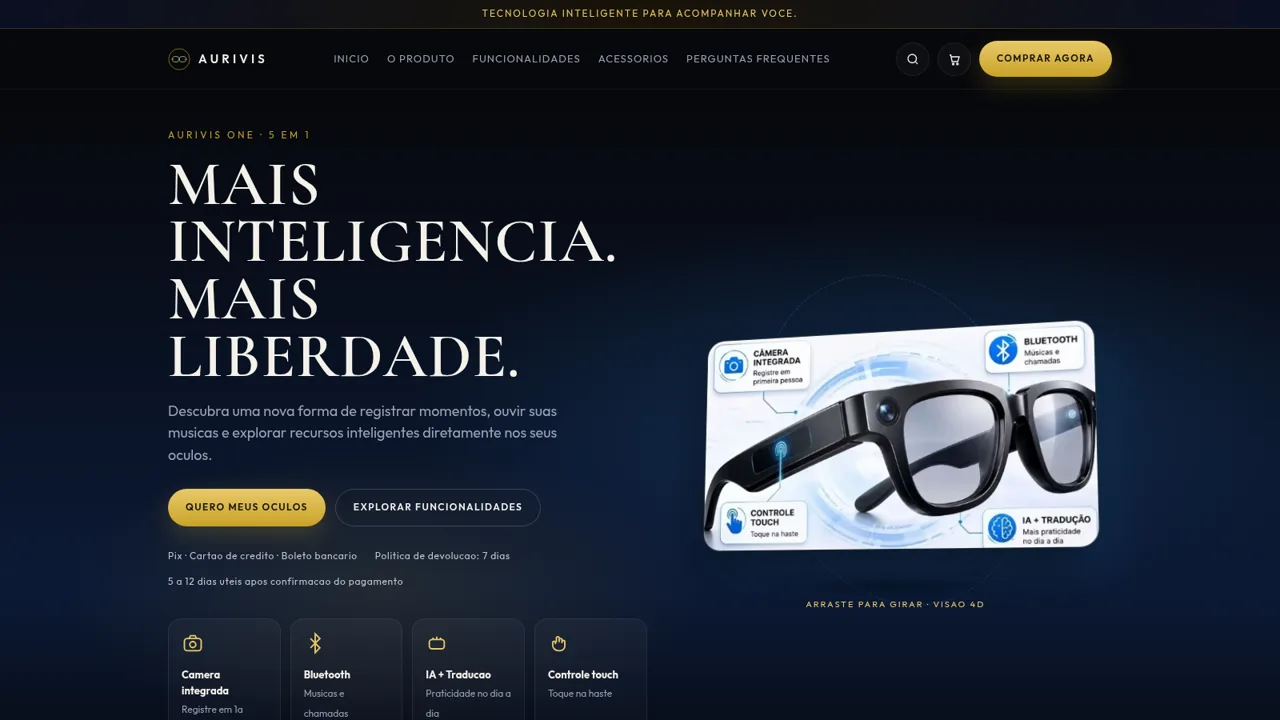
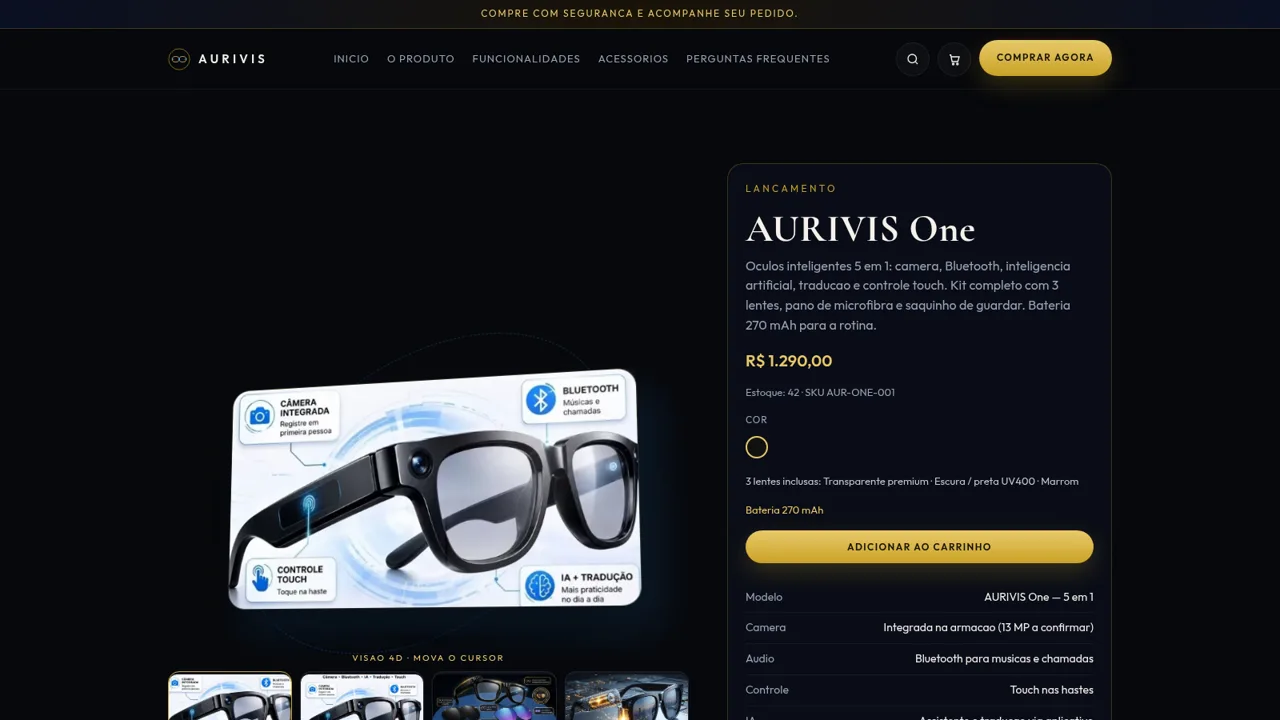
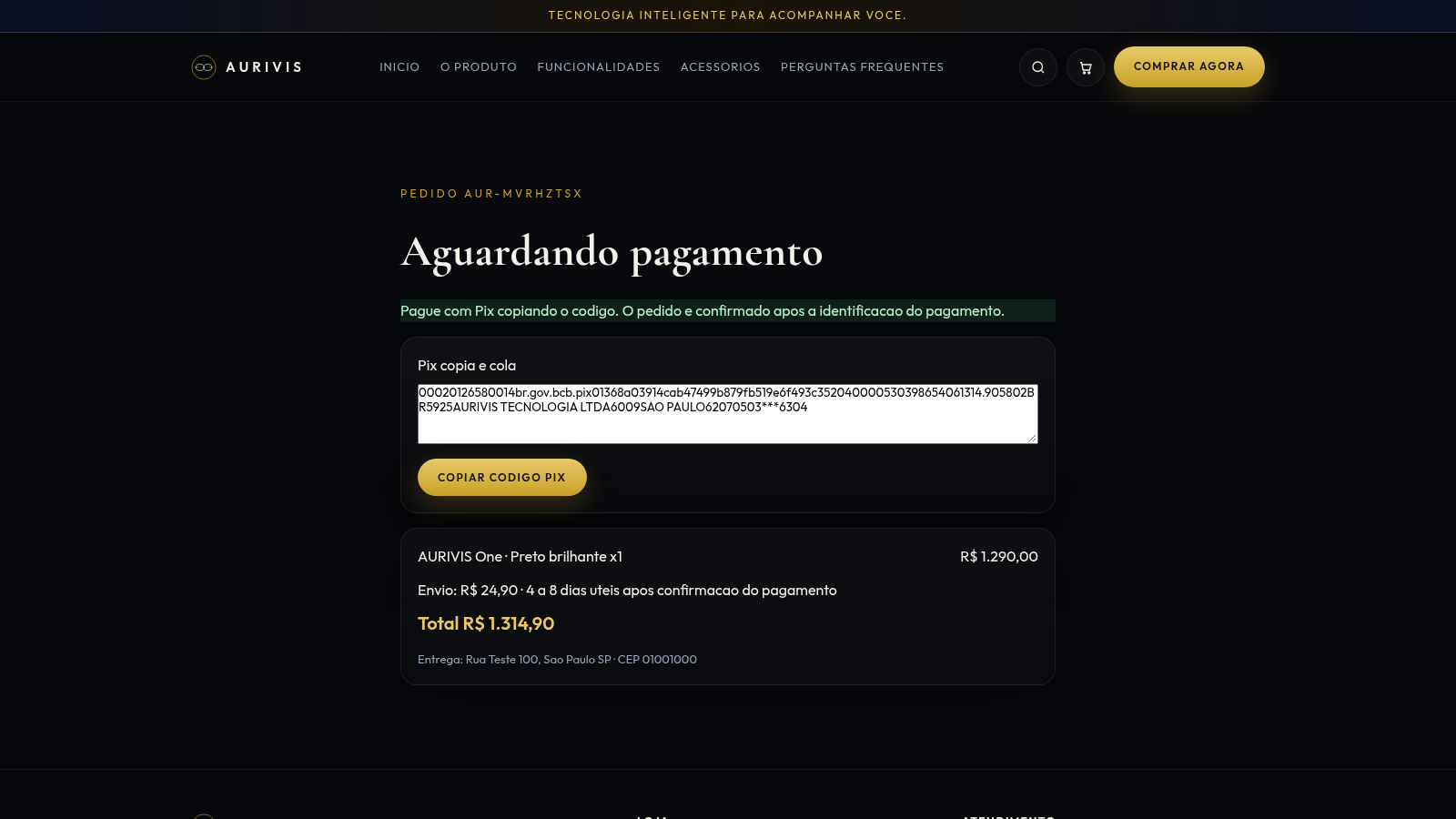
AURIVIS is a single-brand online store for the AURIVIS One, a pair of smart glasses that combines a built-in camera, Bluetooth audio for music and calls, AI assistance with translation, and touch controls on the temples. The site is written in Brazilian Portuguese and covers the product with a hero section, a five-feature overview, a camera showcase, a photo gallery, the included lens kit, battery information, four official accessories with prices, and eight FAQ entries. Shoppers can search the catalog live, choose the bundled lens color, add the glasses or accessories to a cart drawer, and complete a guest checkout with name, contact, address and payment details. Submitting the order creates an order page that shows the order number, payment status, item summary, shipping cost, total and delivery address.
Highlights
Five-in-one eyewear
Camera, BT, AI, tap
Three lenses
Clear, dark, brown
Live product search
Filter as you type
Accessory lineup
Four add-on items
Guest checkout
Pix, card, boleto
Order confirmation
Pix code and ID
How to Use
Browse the product
Open the homepage and scroll through the hero, feature grid, camera section, gallery and battery block. Use the top navigation to jump to the product section, features, accessories or frequently asked questions, or open the dedicated product page with the Comprar agora button to read the full specification table and price.
Search and compare
Click the magnifier icon in the header and type a term such as lentes. A dropdown updates as you type and lists matching products with their prices, so you can open a result directly or clear the field to return to the normal page. The accessories page separately lists the case, extra lens pair, USB-C cable and nose pad kit with individual prices.
Fill the cart
On the product page choose the lens color option and press Adicionar ao carrinho. The cart drawer opens on the right with the selected item, its price, a quantity stepper and a remove action. The subtotal updates immediately, and the drawer notes that shipping is calculated at checkout from the postal code.
Complete checkout
Press Finalizar compra in the cart to reach the checkout form. Enter full name, email, phone, postal code, state, street, optional complement and city, then choose Pix, credit card or boleto as the payment method. Submitting the form creates an order and redirects to an order page that repeats the item, shipping fee, total and delivery address.
Review the order
The order page shows a generated order code, the current payment status and a Pix copy-and-paste field with a copy button. It also lists the product with its color, the shipping cost and estimated delivery window, plus the delivery address, so the buyer can confirm what was submitted.
Similar Sites
 13
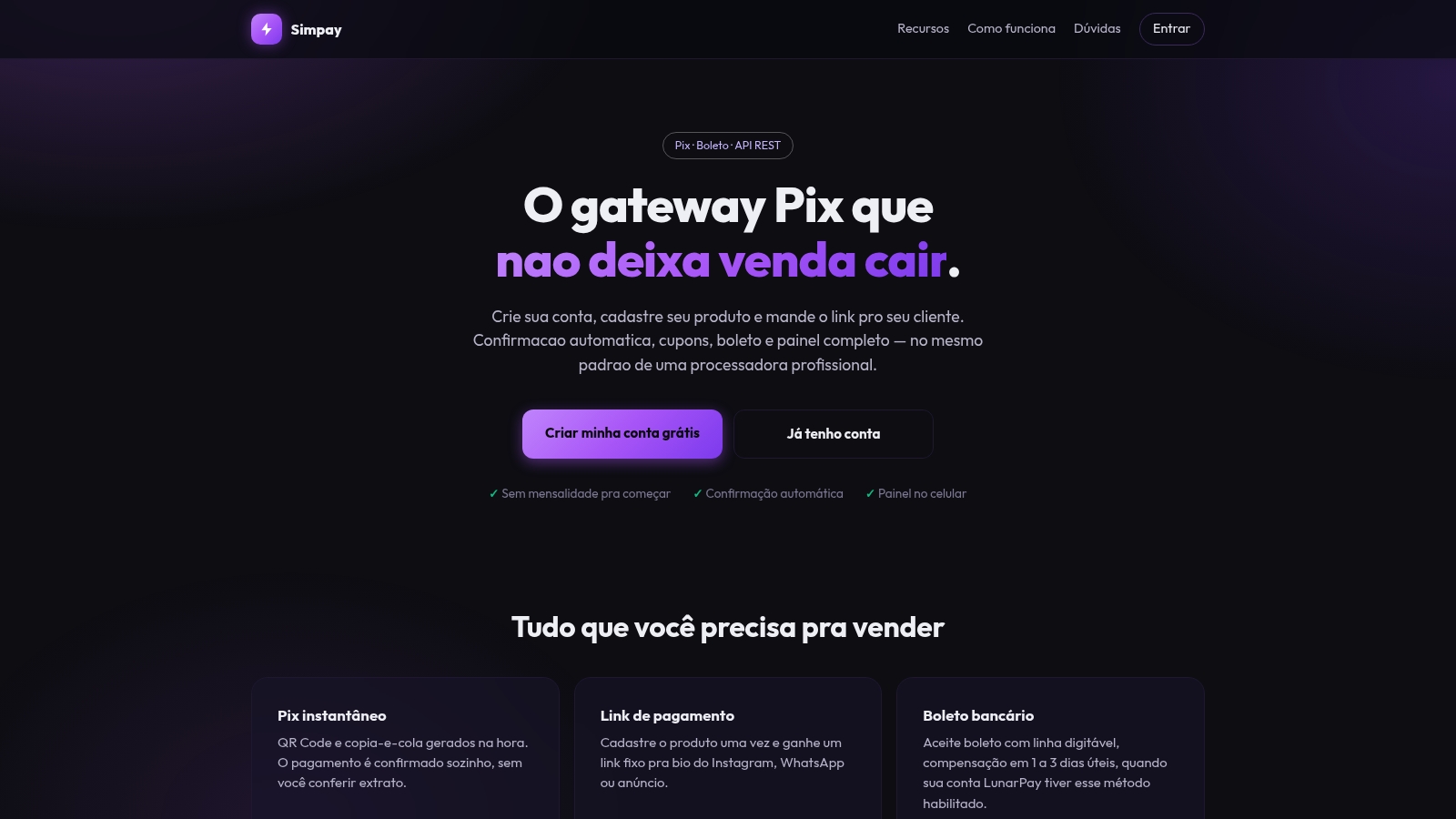
13Gateway Pix
Receba por Pix e boleto com link de pagamento, cupons e painel de vendas.
 3
3Seu Manoel Restaurante
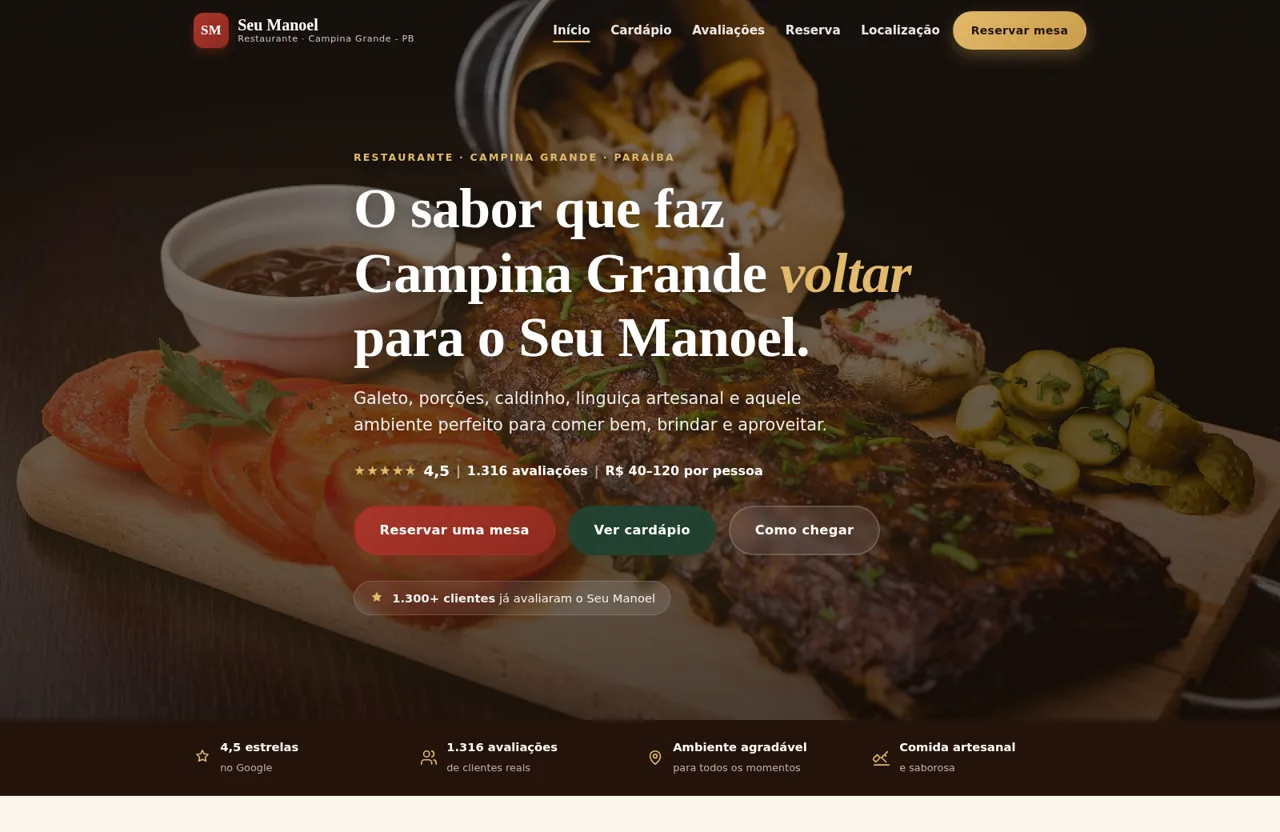
Restaurante em Campina Grande. Galeto, caldinho e porções. 4,5 em 1.316 avaliações.
 1
1Nexus AI Studio
Agência de sites, sistemas e soluções com IA para empresas crescerem no digital.
 420
420Smile Patisserie
Smile Patisserie menu: cakes, oriental, bakery, and WhatsApp cart
 500
500حاسبة رسوم الجمعية
حاسبة رسوم الجمعية لوكلاء Money Fellows — حساب القسط وصافي القبض شهر بشهر.
 51
51SGI CONTROL
Sistema Integrado de Gestão da Qualidade (ISO 9001) com painel B2B multiempresa