
SchoolHub | إدارة المدرسة
Manage daily school operations in Arabic through one offline-ready workspace.
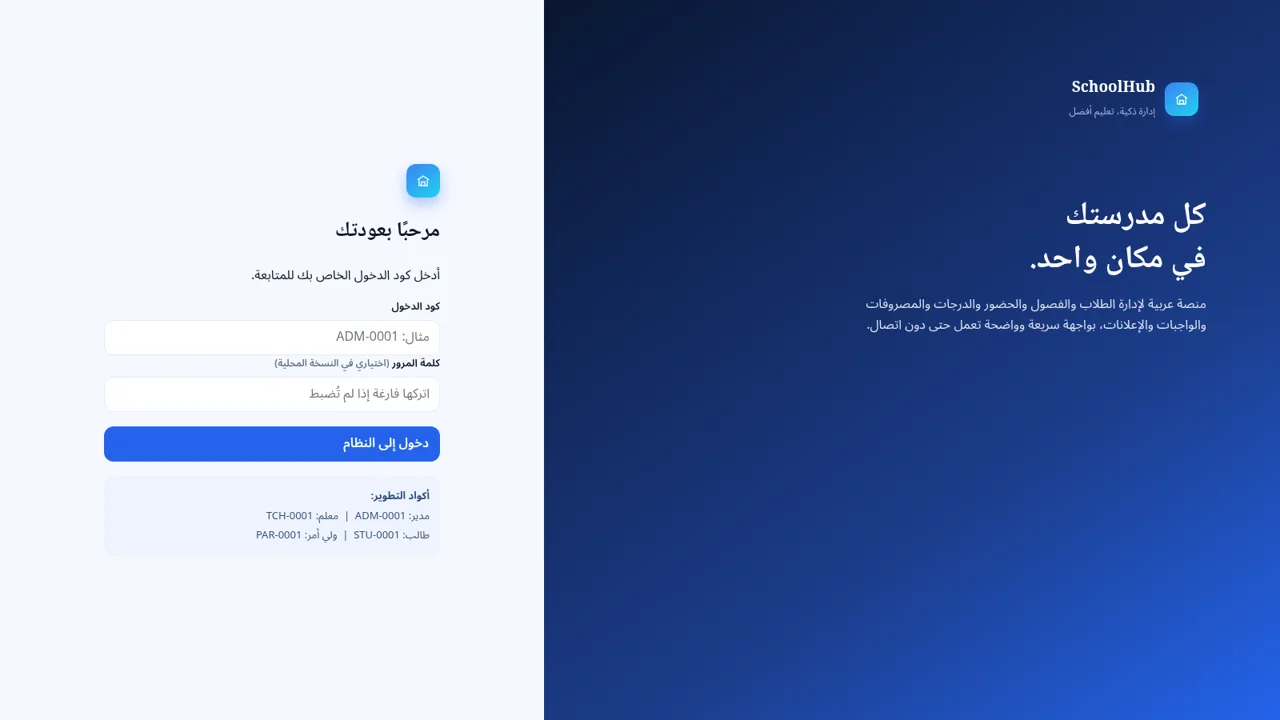
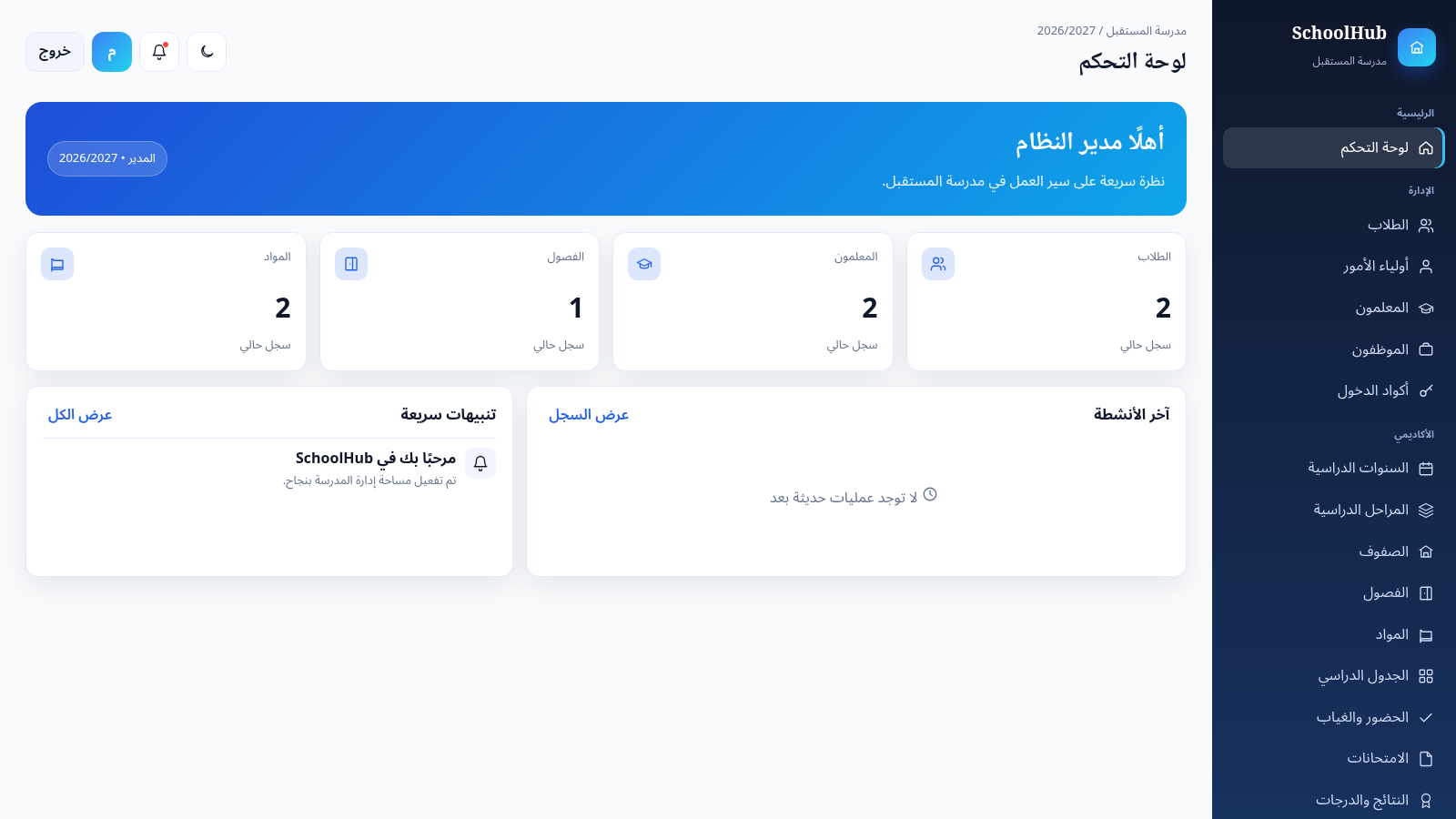
SchoolHub is a right-to-left Arabic school administration application for managing people, academics, attendance, finance, communication, and system records. The login page exposes development access codes for administrators, teachers, students, and parents. The administrator workspace presents a summary dashboard and a broad navigation structure covering students, guardians, teachers, employees, access codes, academic years, education stages, grades, classes, subjects, timetables, attendance, examinations, results, homework, fees, payments, files, announcements, notifications, reports, activity history, backups, and school settings. Data is stored locally in the browser, allowing the application to remain useful without a continuous server connection.
Highlights
Arabic RTL workspace
Clear native RTL layout
Broad school coverage
Academic and admin tools
Offline-ready records
Browser-local data storage
Multiple user roles
Four provided role codes
How to Use
Sign in with a role code
Open the landing page and enter one of the displayed development codes. Use ADM-0001 for the administrator workspace, or choose the listed teacher, student, or parent code to inspect the corresponding role experience. The password may remain blank in the local version.
Review the administration dashboard
After administrator sign-in, use the dashboard cards to review current student, teacher, class, and subject counts. The persistent right-side navigation groups the available tools into administration, academics, communication and finance, and system reporting sections.
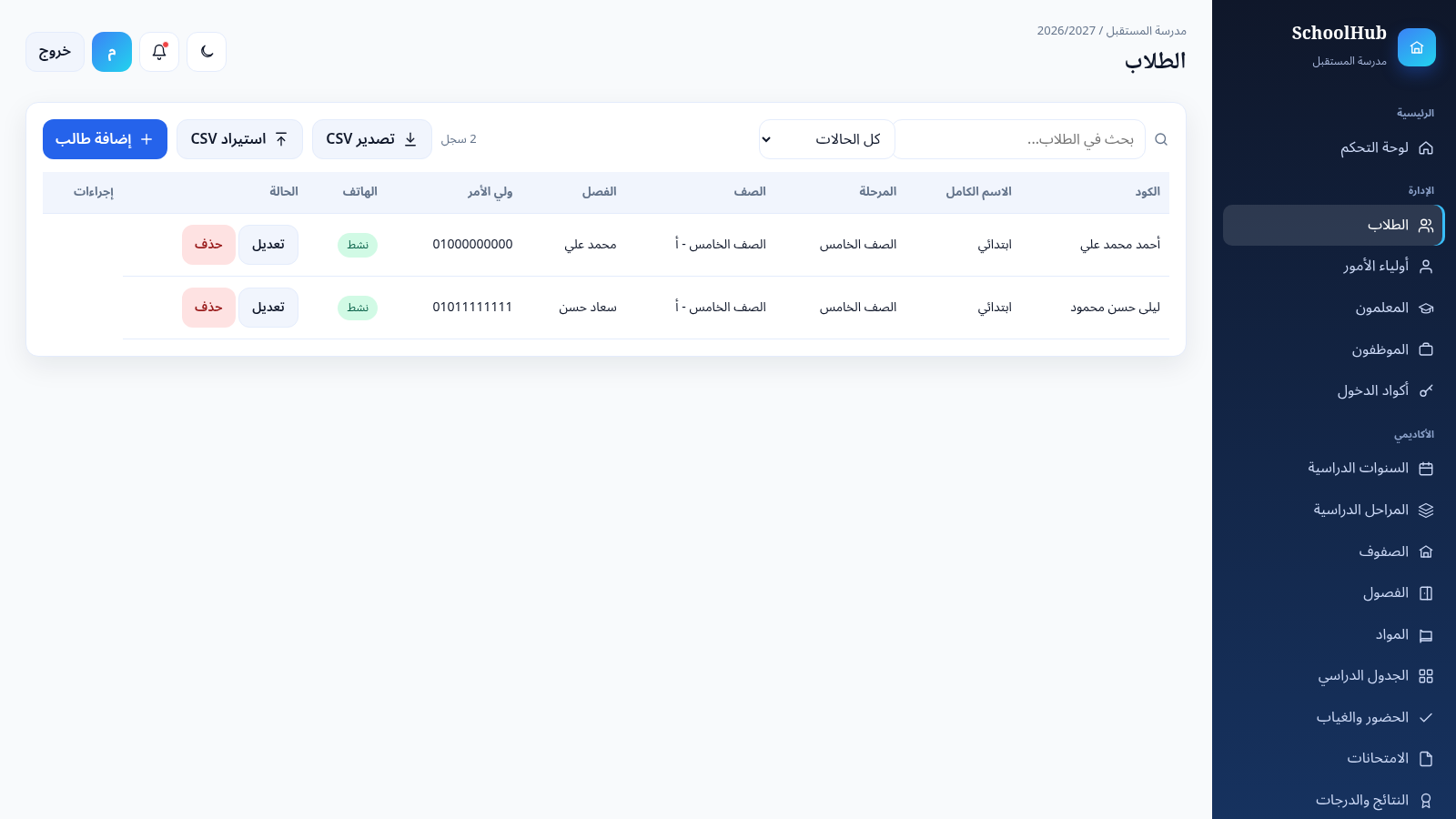
Manage people and academic records
Open Students or another directory to search and filter records, add a new entry, or use the visible edit and delete controls. The student page also provides CSV import and export actions for moving roster data.
Plan classes and record attendance
Use the timetable page to inspect periods by weekday, class, subject, teacher, and room. On the attendance page, select a class to load its students, assign each attendance status, and save the register for the chosen date.
Track fees and payments
Open Payments and Receipts to search existing transactions or start a new payment record. Select a student, enter an amount and date, choose a payment method and status, then save the record for later reporting.
Similar Sites
 17
17الحيدري نت
بوابة واي فاي عربية لإدارة الدخول والباقات والإعلانات على MikroTik
 13
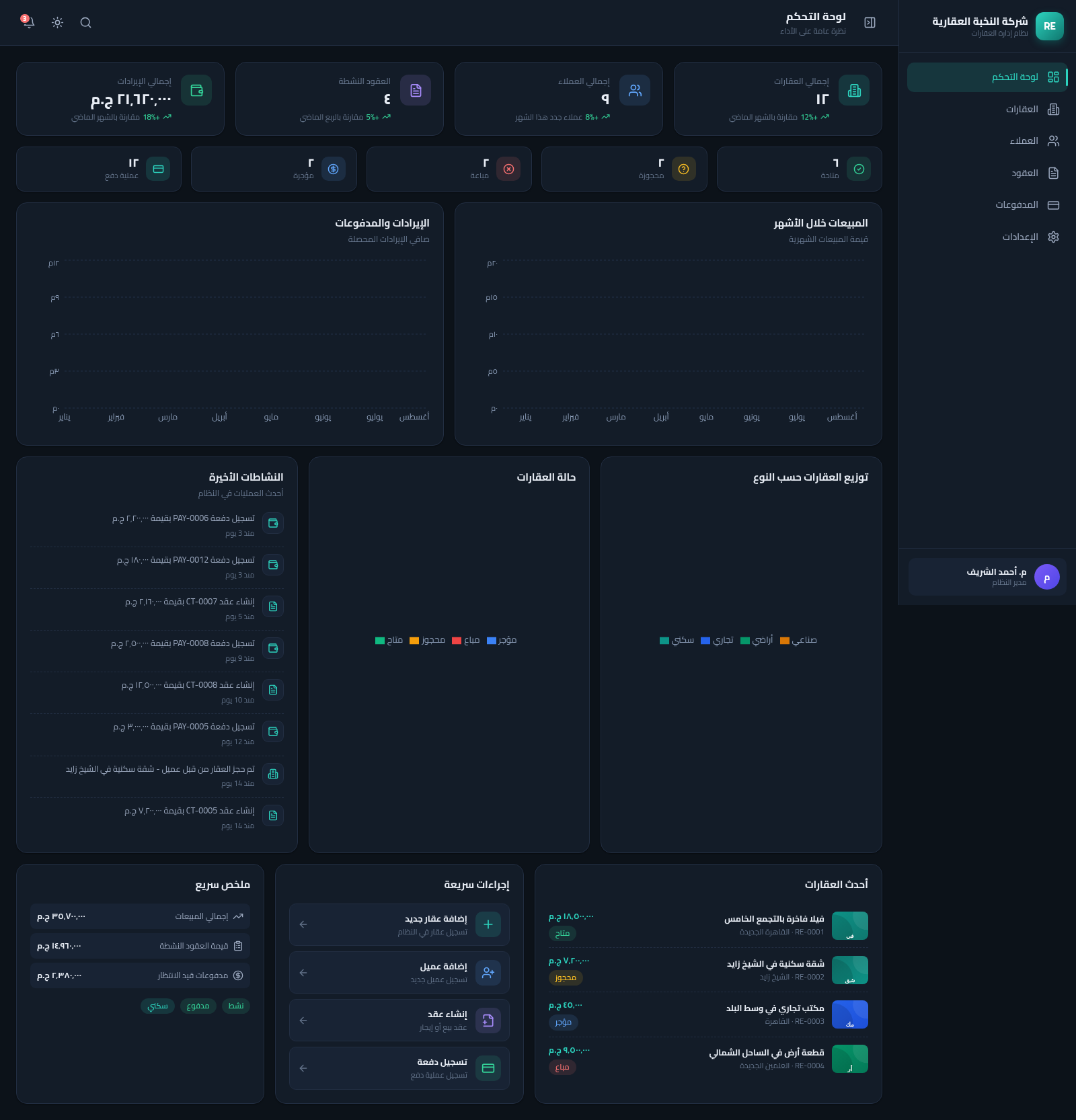
13Real Estate Manager
نظام متكامل لإدارة العقارات والعملاء والعقود والمدفوعات بواجهة عربية RTL
 9
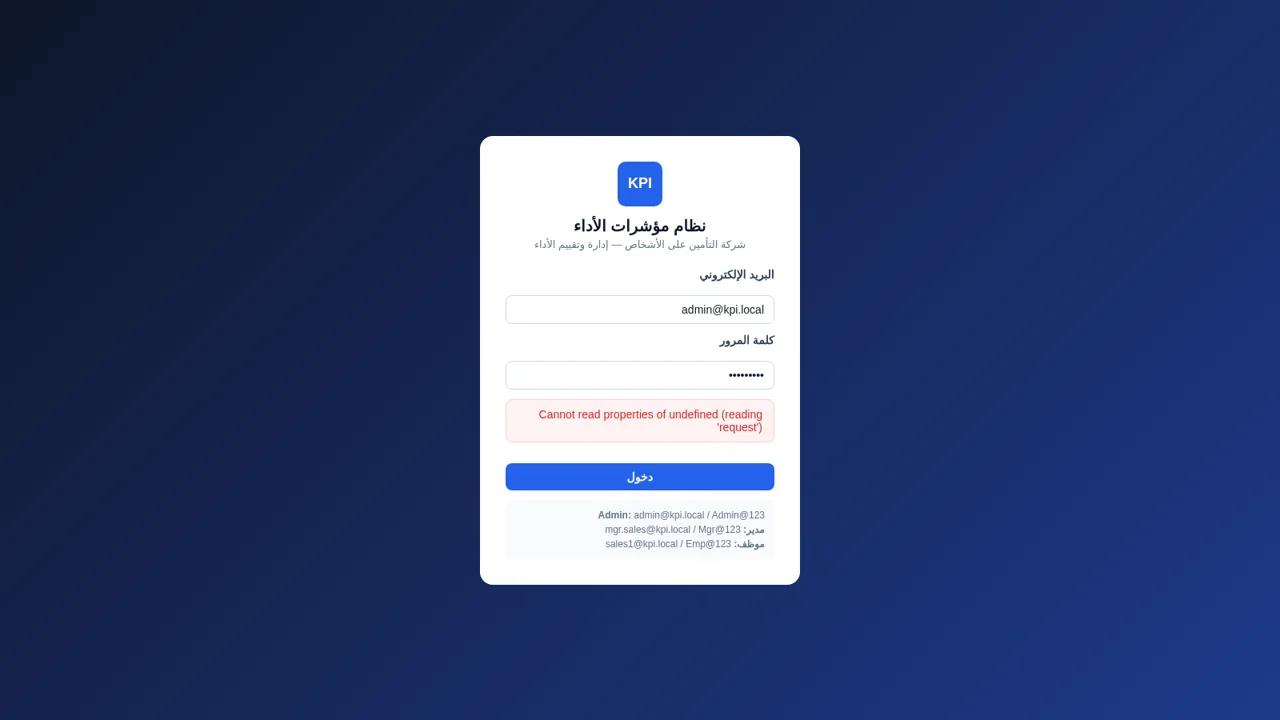
9نظام KPI لشركة التأمين
إدارة وتقييم مؤشرات أداء الموظفين في شركة تأمين على الأشخاص
 7
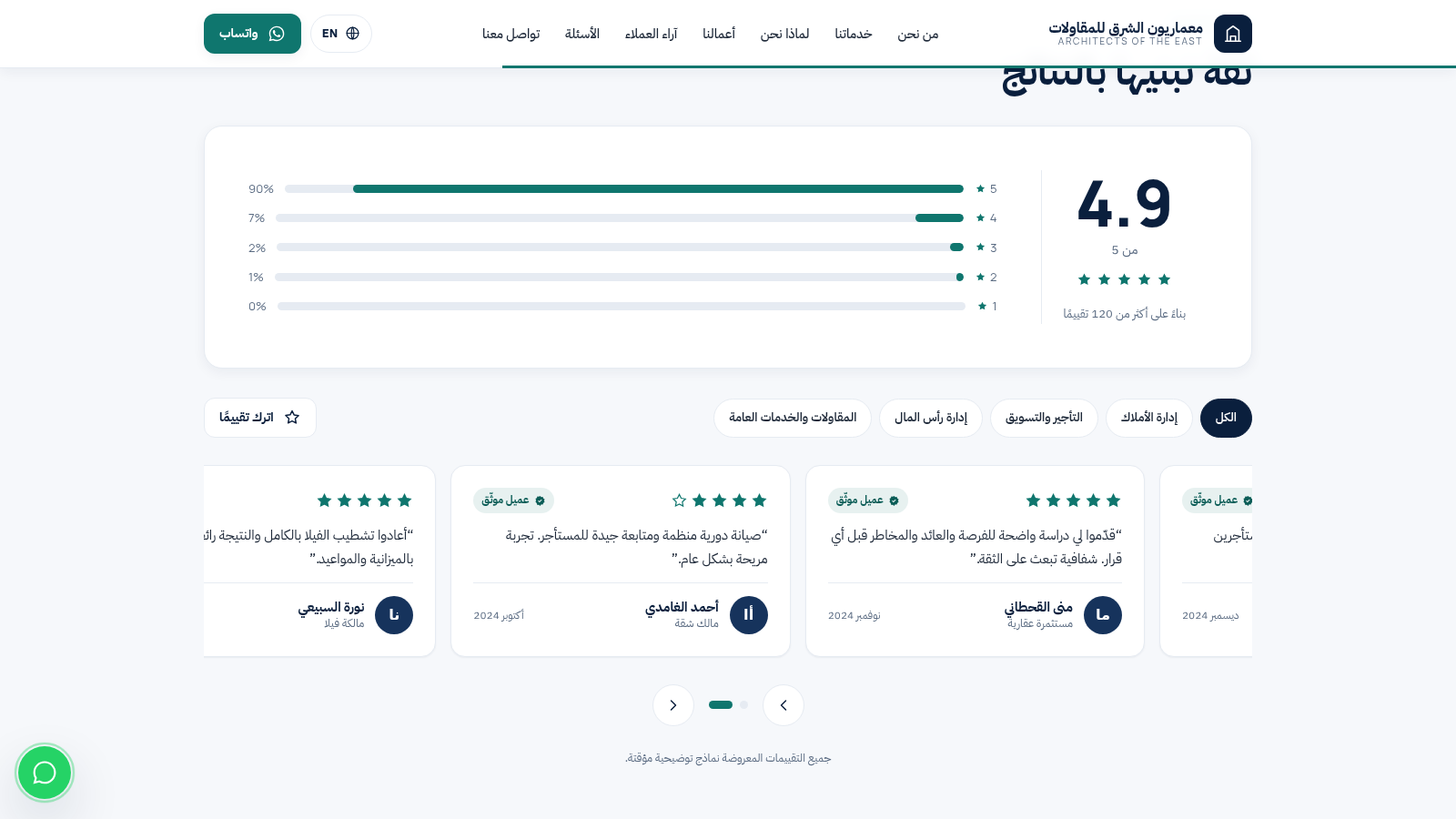
7معماريون الشرق للمقاولات
مقاولات وإدارة أملاك وتأجير وإدارة رأس المال في جدة
 5
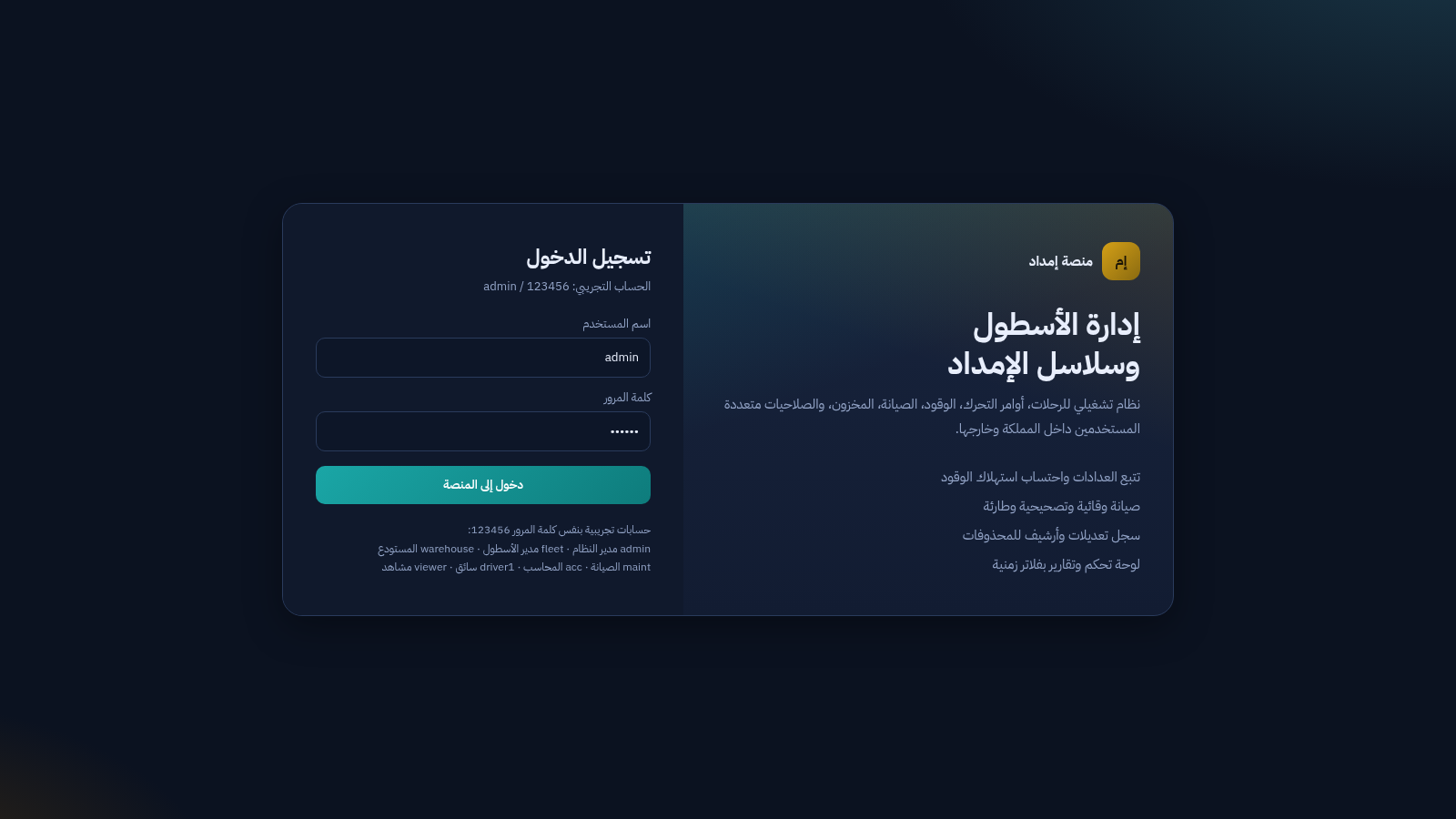
5منصة إمداد
نظام عربي لإدارة الأسطول والرحلات والوقود والصيانة وسلاسل الإمداد
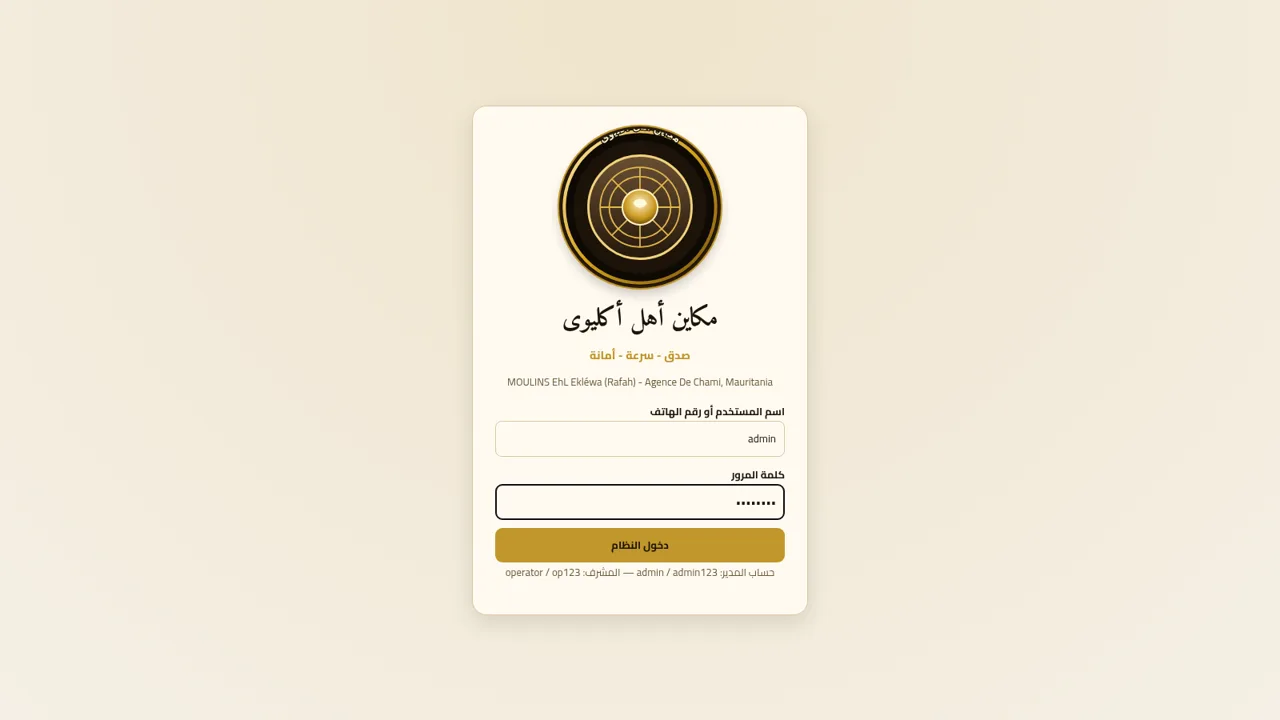 2
2مكاين أهل أكليوى
نظام إدارة فواتير وطحن الحجارة والمعادن لمكاين أهل أكليوى