
أنمي سكجول
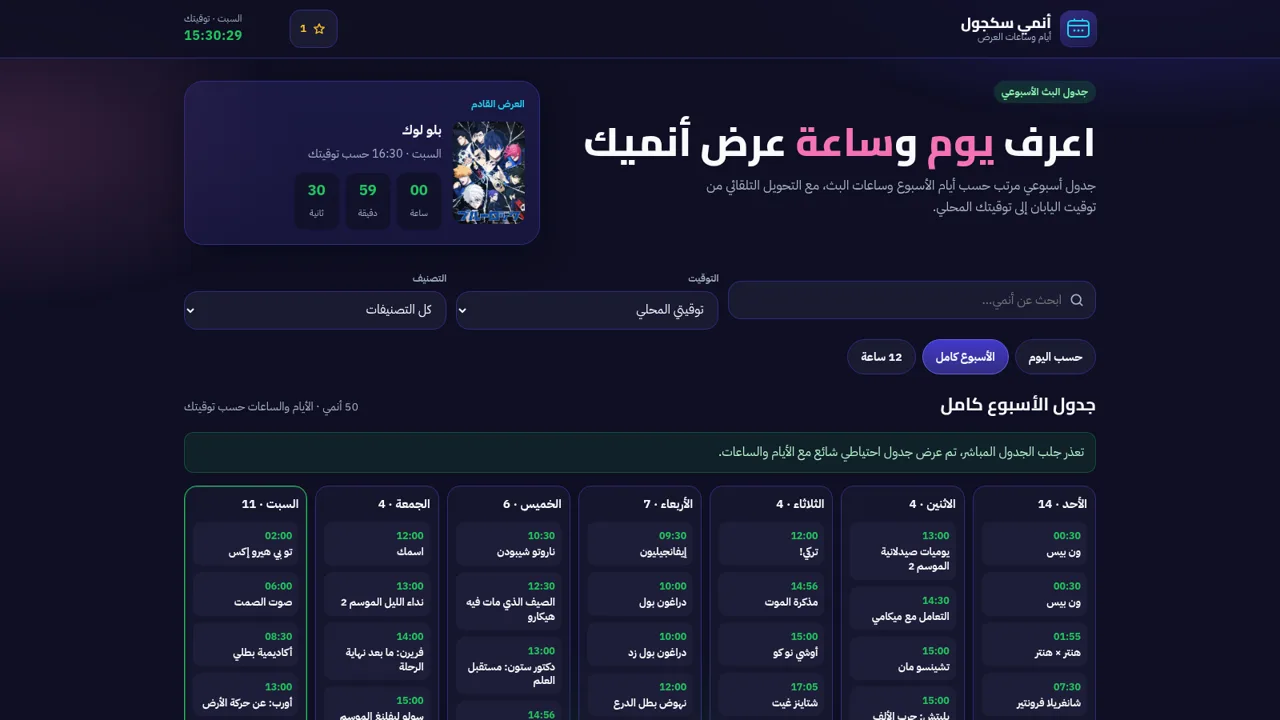
An Arabic web tool that maps a weekly anime broadcast schedule and converts every air time to your chosen timezone.
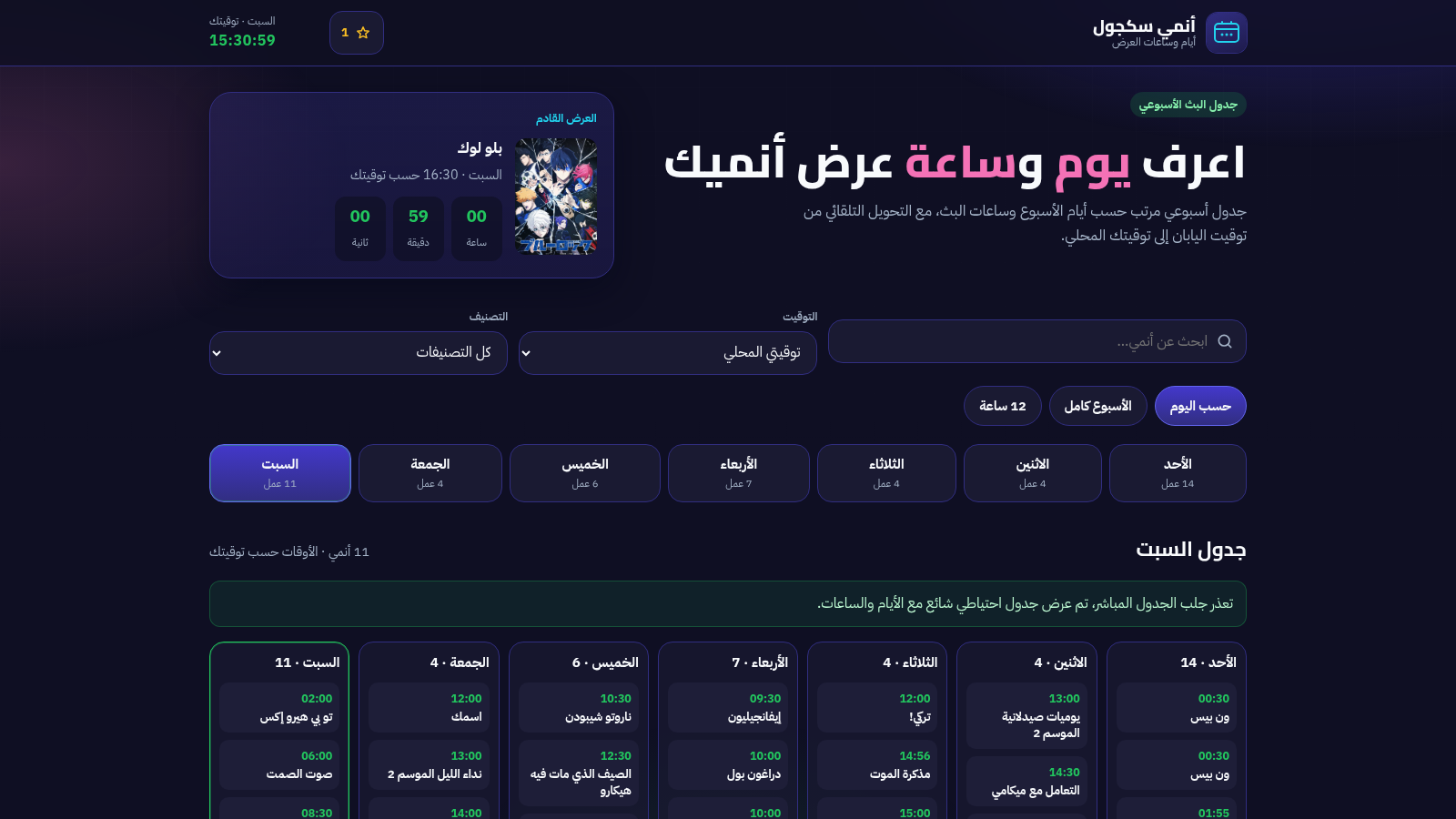
Anmi Schedule is an Arabic-language browser tool for finding out when anime air during the week. The page opens on a dark, right-to-left layout with the current weekday and a live clock, followed by a highlighted card for the next broadcast that includes a running countdown. A filter bar offers title search, a timezone dropdown covering local time and several Arab cities plus Tokyo, a genre dropdown with around twenty options, and three view modes (by day, full week, twelve-hour clock). A row of weekday tabs shows how many titles air each day, and the schedule is grouped by clock time. Each entry is a card with a poster, the Arabic title, a rating, an episode count, the original Japan Standard Time and the converted local time, a follow button and genre tags, with a now-airing badge on some items. Clicking a card opens a detail panel with the poster, original title, local and JST air times, genres, a synopsis and a follow action. Followed shows are counted in the header and kept locally, so no account is required.
Highlights
Weekly schedule grid
Seven-day air times
Timezone conversion
JST to your zone
Search and filters
Filter by genre
Follow list
Save anime to track
Next show countdown
Countdown to next
How to Use
Read the next broadcast
When the page loads, look at the highlighted card at the top. It names the next anime to air, shows its time in your zone and runs a countdown in hours, minutes and seconds. The header also displays the current weekday and a live clock for your local time.
Narrow the list with the filters
Type part of a title into the search box to filter the schedule instantly, or open the genre dropdown to keep only one category. Use the timezone dropdown to switch between your local time and cities such as Riyadh, Dubai, Cairo, Casablanca or Tokyo, and use the three view buttons to choose a single day, the full week or a twelve-hour clock format.
Open a show for details
Click any card in the schedule to open a detail panel. It repeats the poster, the Arabic title, the original title, the local and Japan Standard Time air times and the genre tags, and adds a short synopsis. Close the panel with the close button when you are done.
Build a follow list
Press the follow button on a card or inside the detail panel to add the show to your list. The number in the header updates immediately and the selection is stored in your browser, so it remains after a reload. Pressing the button again removes the show from the list.
Similar Sites
 140
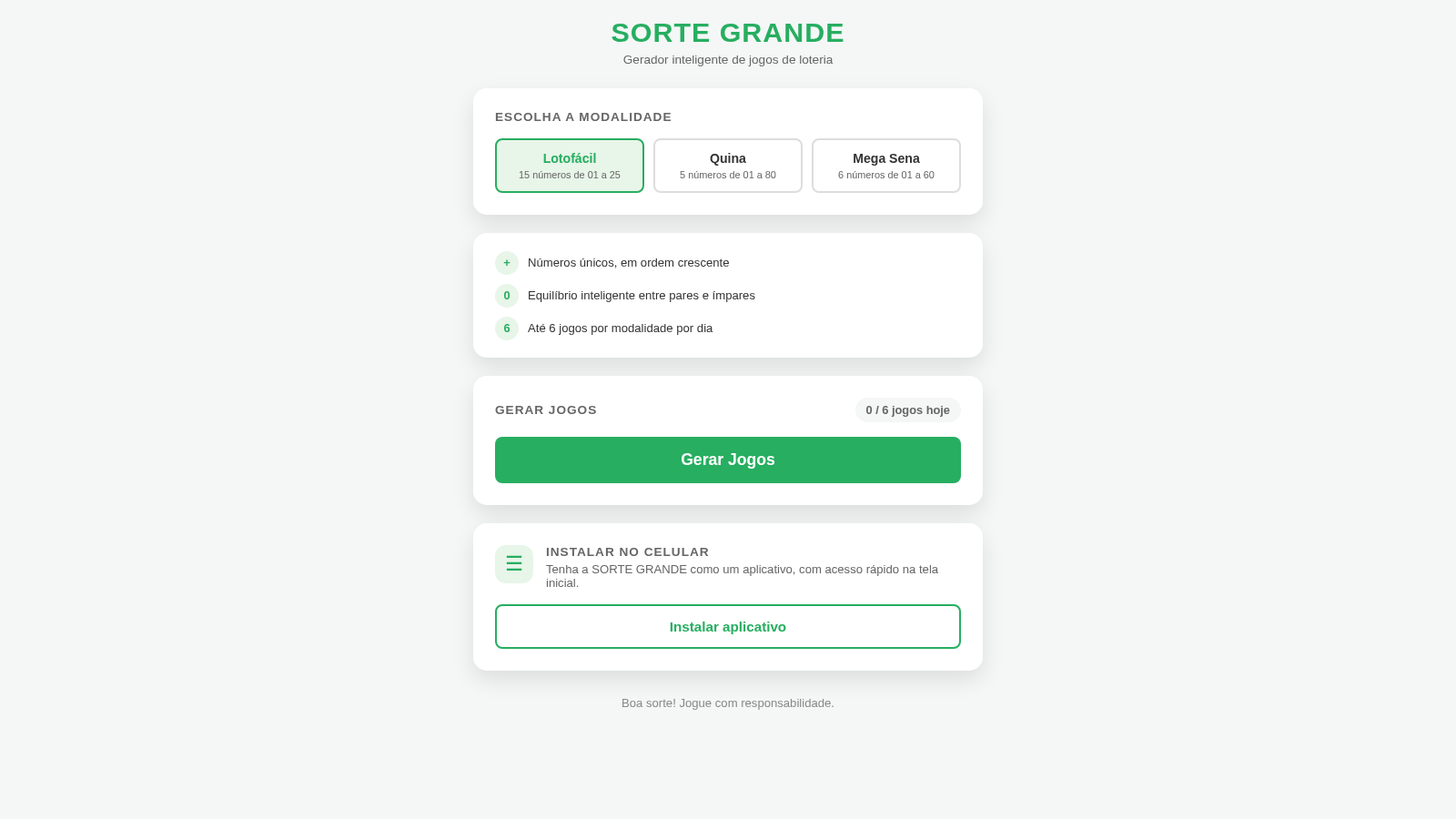
140Sorte Grande
Gerador inteligente de jogos de loteria (Lotofácil, Quina e Mega Sena)
 88
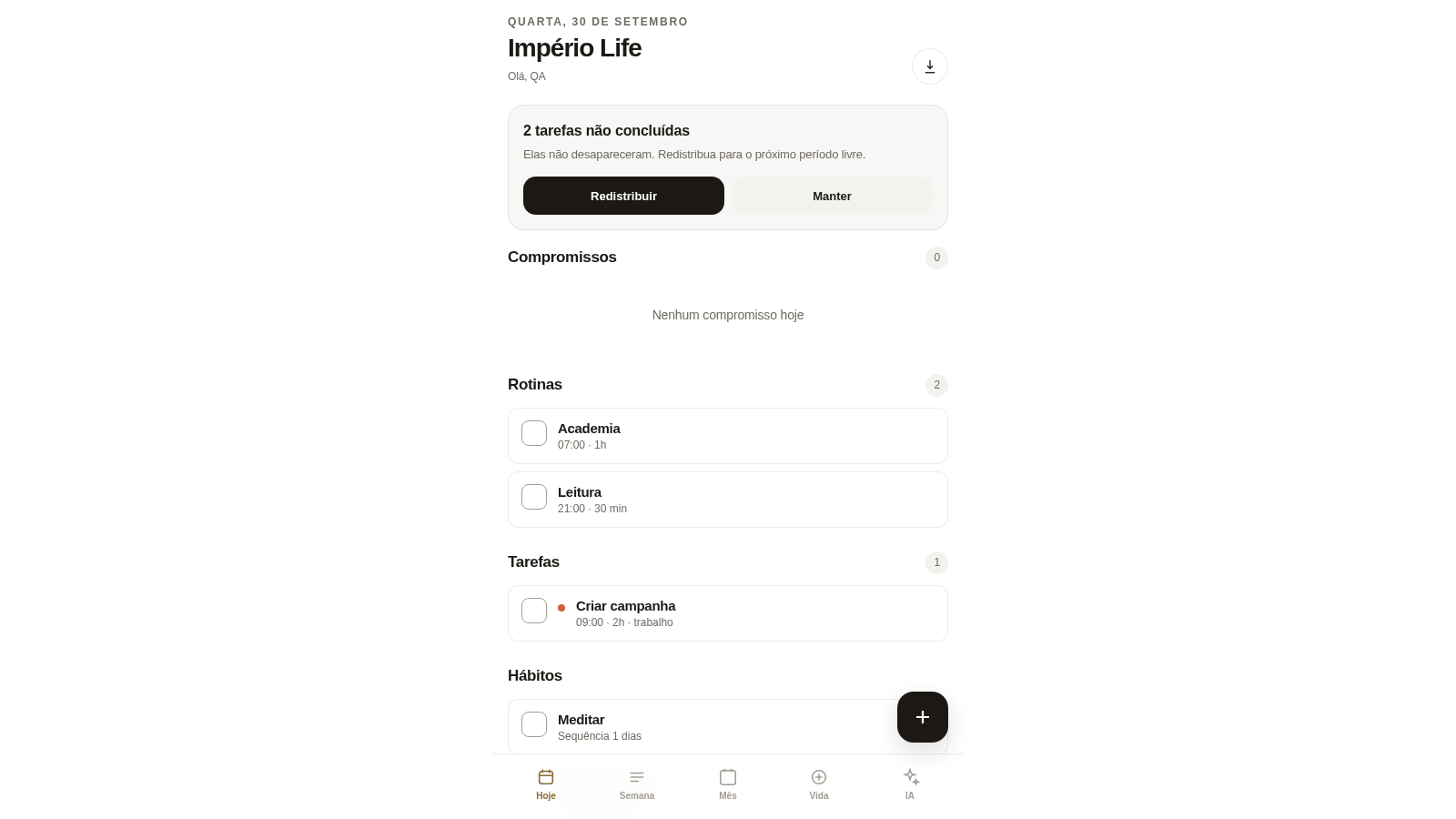
88Império Life
Organização pessoal: tarefas, rotinas e planejamento semanal.
 36
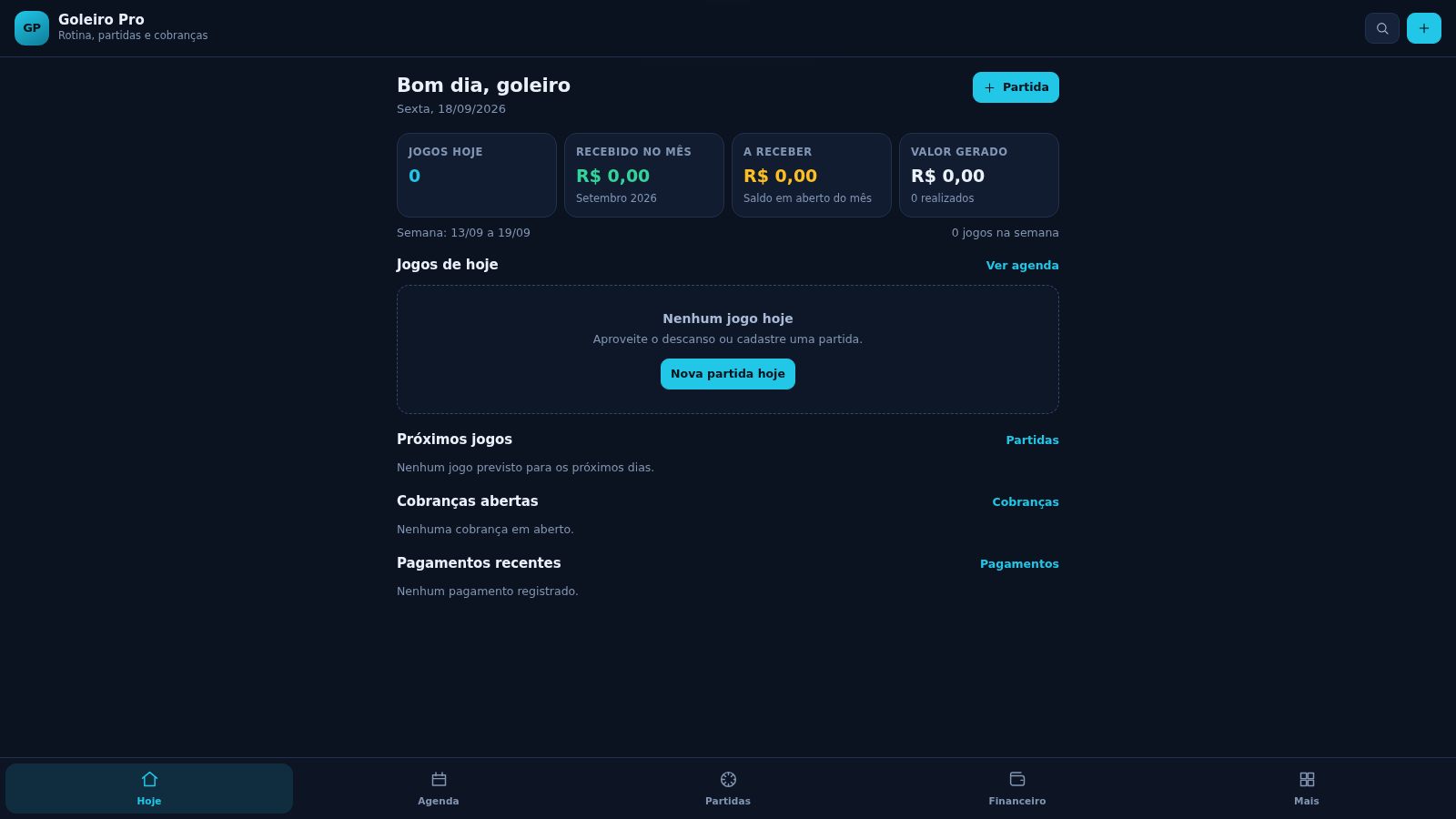
36Goleiro Pro
Controle pessoal de rotina, partidas, cobrancas, pagamentos e recibos do goleiro.
 33
33CONVIVA
CONVIVA — O familiar acompanha. O idoso vive. O Conviva conecta.
 29
29MuscleTri
App web mobile-first de treinos, alimentação e evolução física.
 23
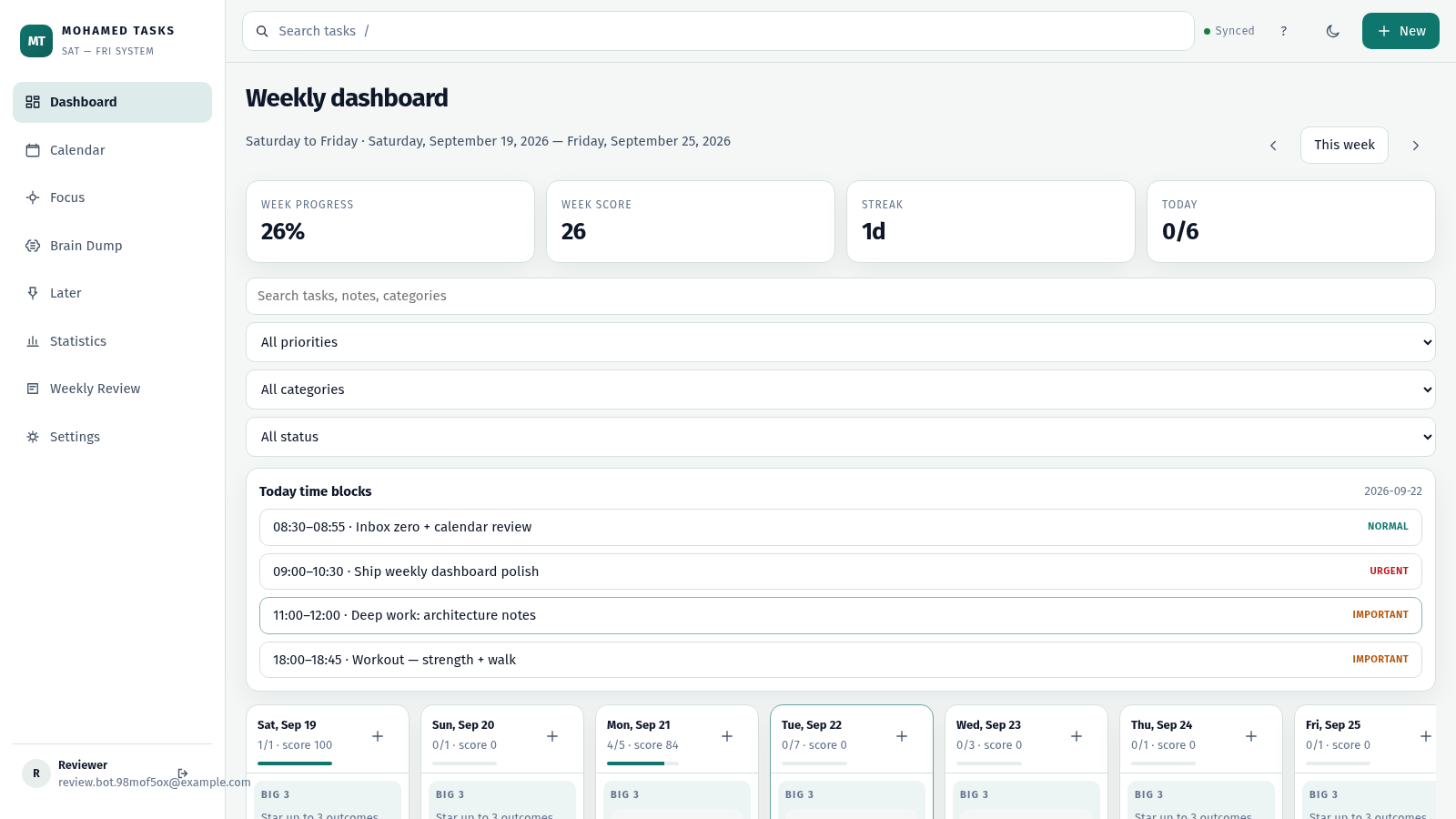
23MOHAMED TASKS
Weekly productivity dashboard with cloud sync, Big 3, and focus mode.