
Quote Snap

Discover, collect, and turn quotes into shareable image cards
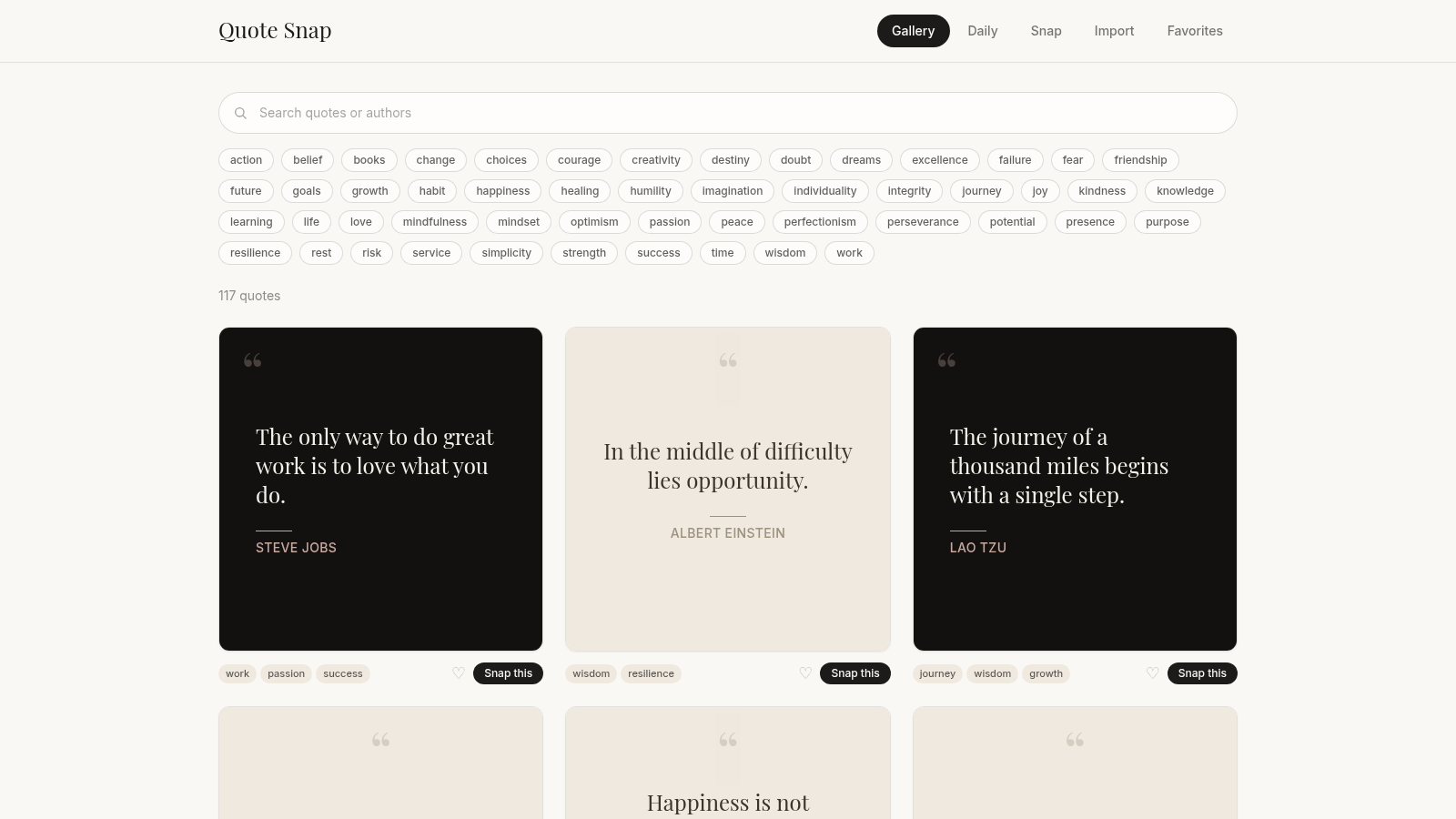
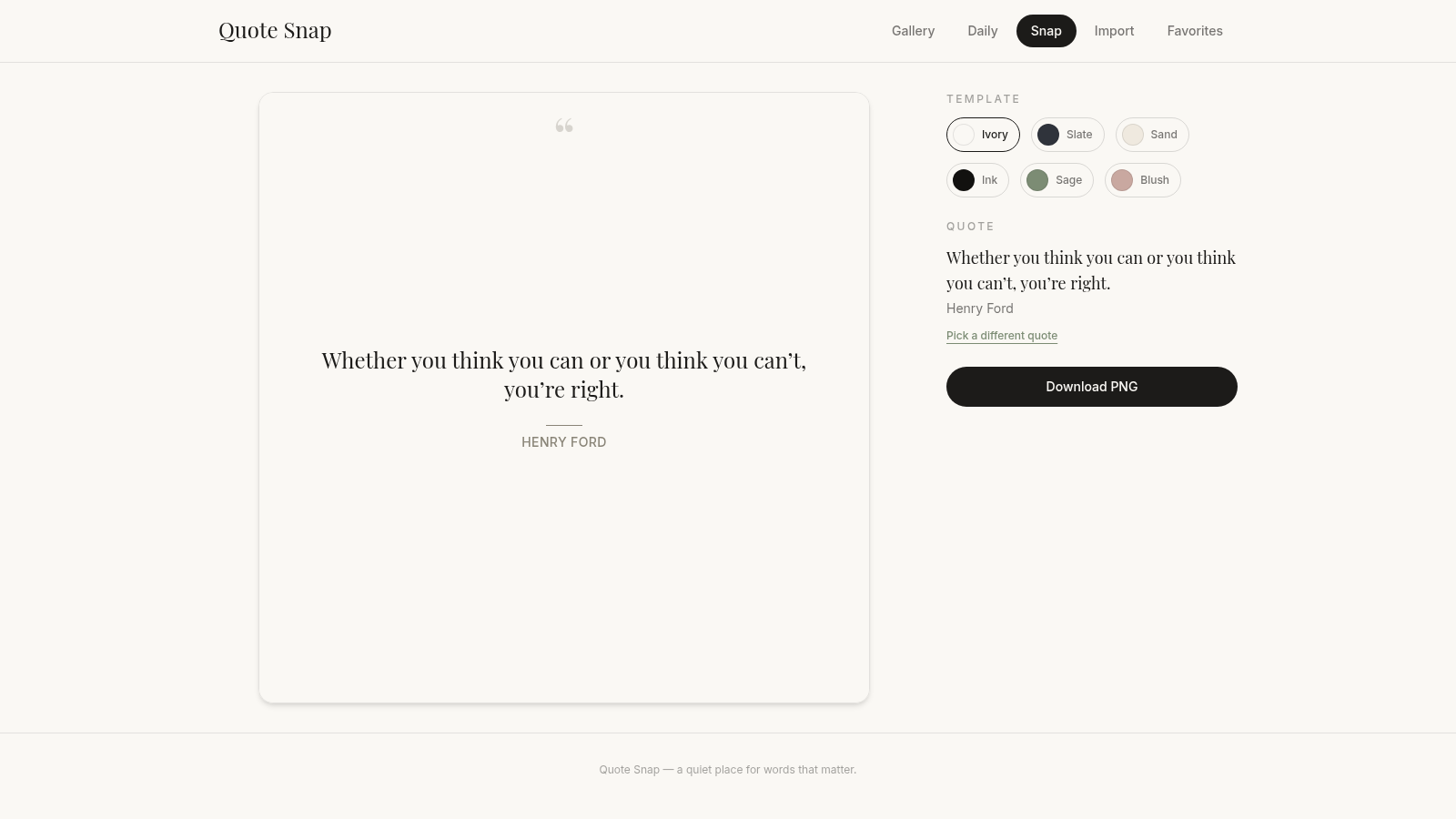
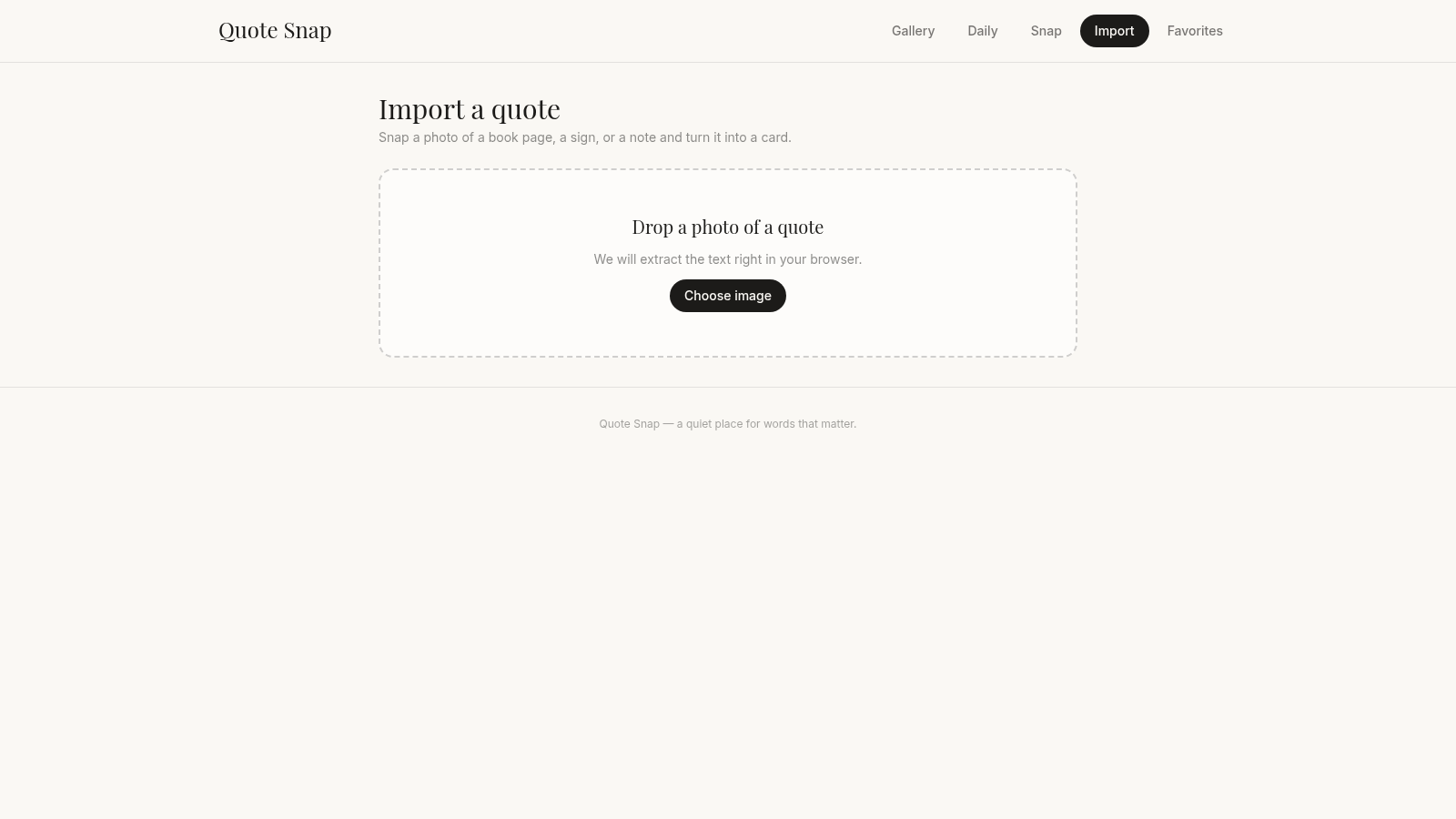
Quote Snap is a browser-based app for working with quotes. The Gallery lists a curated set of famous lines with their authors and theme tags, and you can search by keyword or narrow the grid by clicking tags such as courage, growth, love, or wisdom. A heart button saves any quote to Favorites. The Daily view presents a quote of the day with the weekday and date, plus quick actions to favorite it, open it in the card studio, copy the text, or download a PNG. The Snap studio is where the project gets its name: choose a quote, pick one of six color templates, and export the result as an image card you can share. An Import screen accepts a photo of a book page, sign, or note and extracts the text in the browser. Everything runs client-side with no account.
Highlights
Quote gallery
117 quotes to browse
Tag filtering
Filter by 50+ themes
Snap studio
6 color templates
Daily quote
Fresh pick each day
Download PNG
Save cards as images
Photo import
Read text from photo
How to Use
Browse the gallery
Open the site and you land on the Gallery, where the quote count appears above a grid of quote cards. Each card shows the quote, the author, and a few theme tags. Use the search box to look up a keyword, or scroll to read through the full set.
Filter and save favorites
Click any of the tag buttons along the top to narrow the grid to that theme, then click a tag again or clear it to widen the list. Press the heart on a card to save it, and switch to the Favorites tab to see everything you kept.
Make a card in Snap
Open the Snap tab to see a large preview of a quote next to a Template panel. Choose among Ivory, Slate, Sand, Ink, Sage, and Blush to change the color scheme, and use Pick a different quote if you want another line. When the preview looks right, press Download PNG to save the card as an image.
Check the Daily quote
The Daily tab shows one quote of the day with the current weekday and date. From there you can favorite it, open it directly in the Snap studio, copy the plain text, or download a ready-made PNG.
Import from a photo
On the Import tab, click Choose image and select a photo of a book page, a sign, or a note. The page states that the text is extracted right in your browser, so no upload is needed before the quote can be turned into a card.
Similar Sites
 3
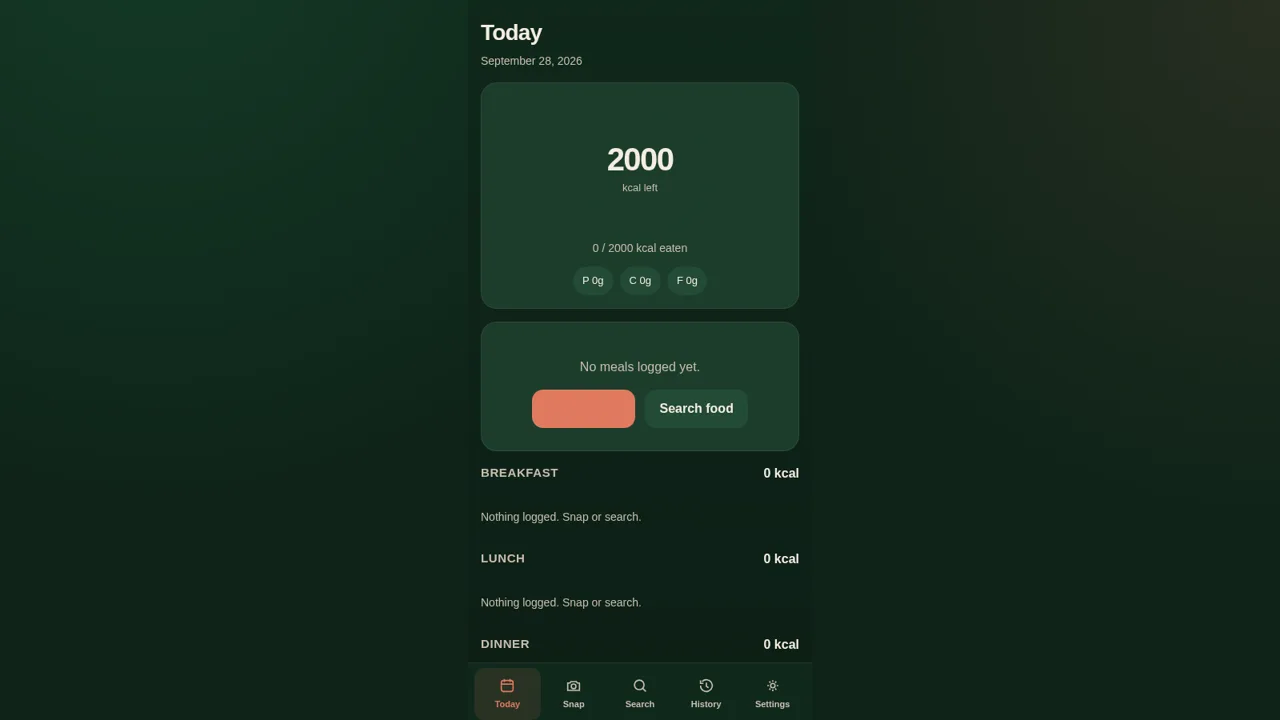
3CalorieSnap
Estimate calories from a food photo and keep a daily diary.
 122
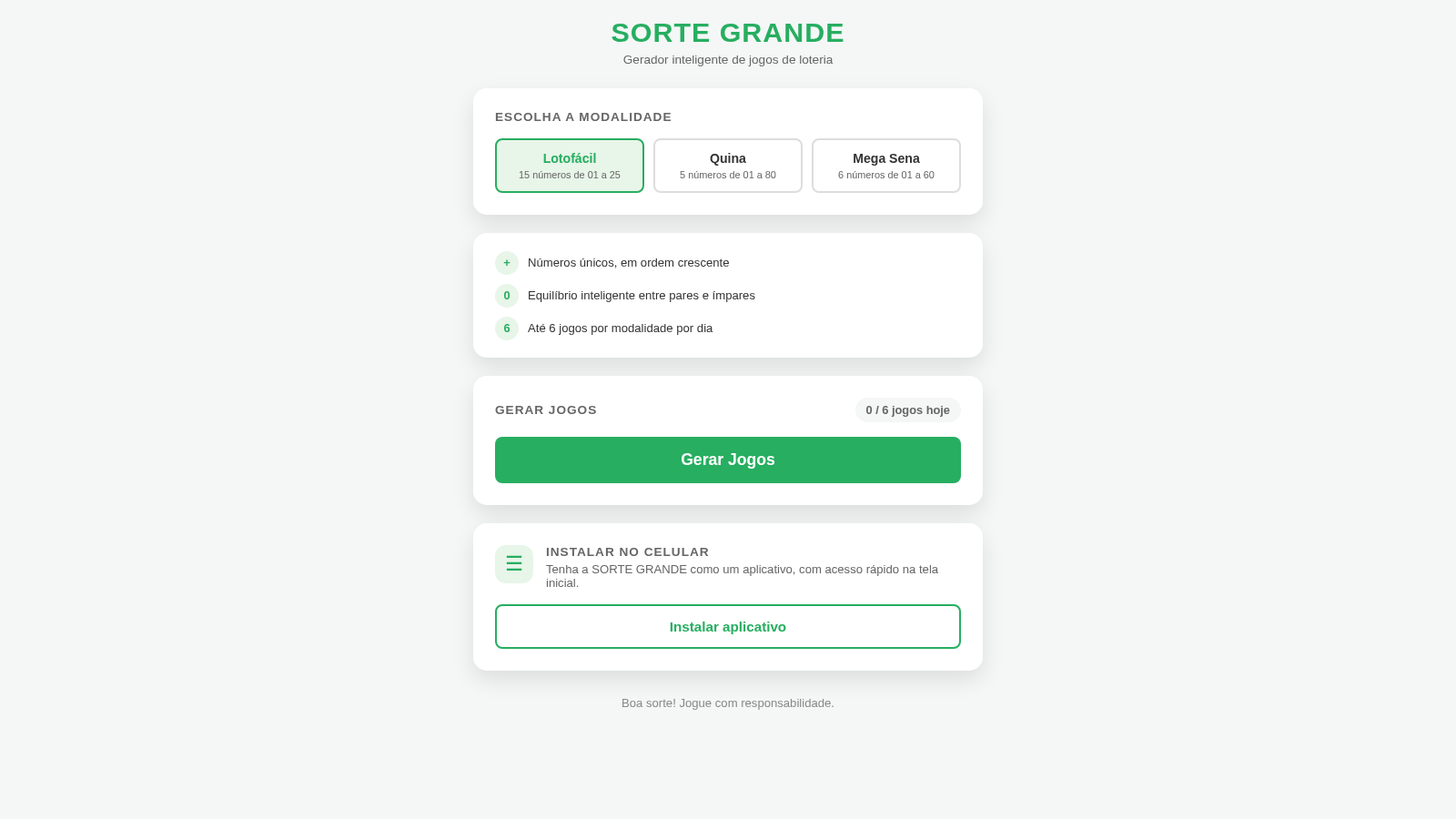
122Sorte Grande
Gerador inteligente de jogos de loteria (Lotofácil, Quina e Mega Sena)
 87
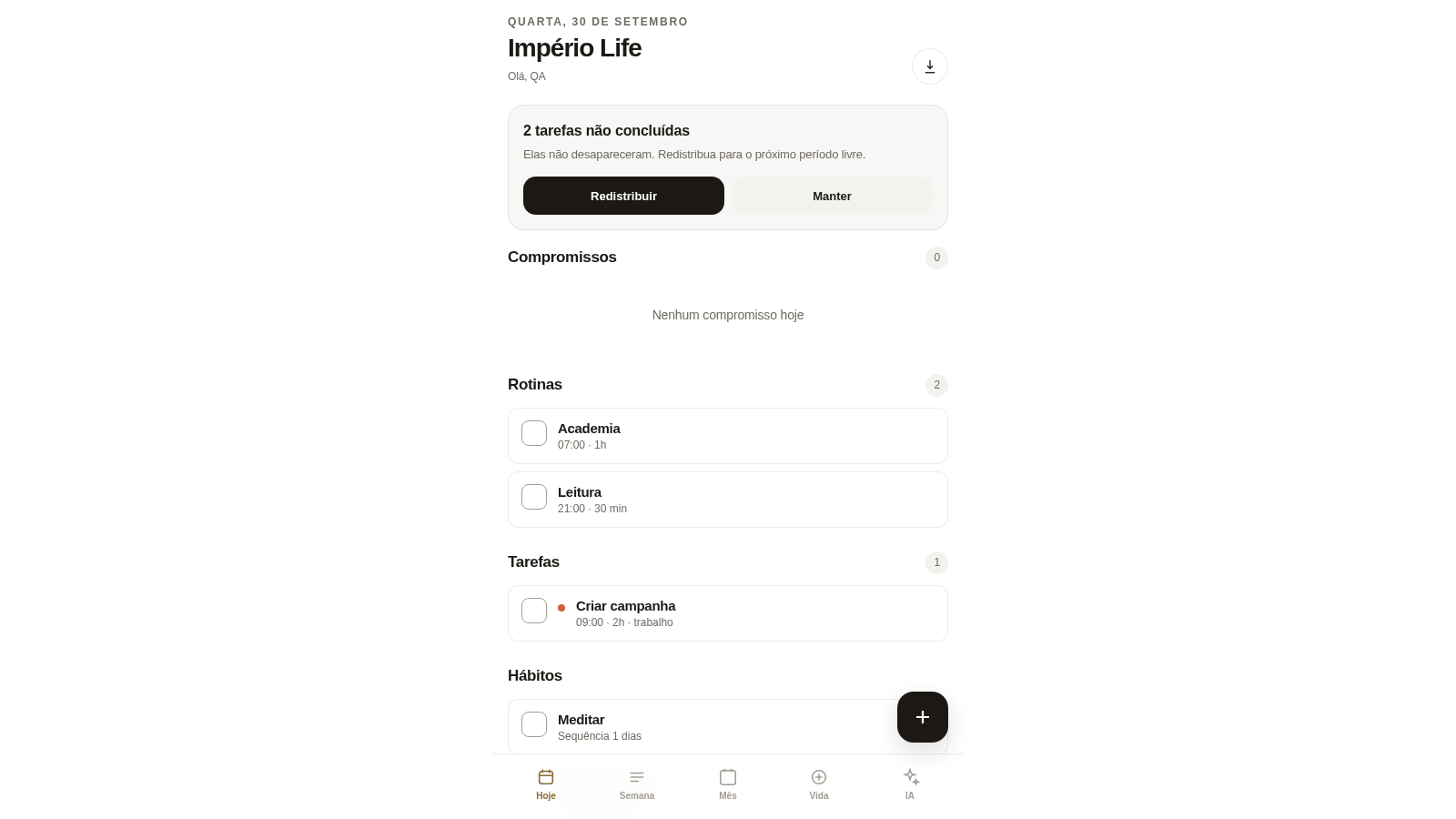
87Império Life
Organização pessoal: tarefas, rotinas e planejamento semanal.
 35
35Goleiro Pro
Controle pessoal de rotina, partidas, cobrancas, pagamentos e recibos do goleiro.
 33
33CONVIVA
CONVIVA — O familiar acompanha. O idoso vive. O Conviva conecta.
 28
28MuscleTri
App web mobile-first de treinos, alimentação e evolução física.