
CalorieSnap
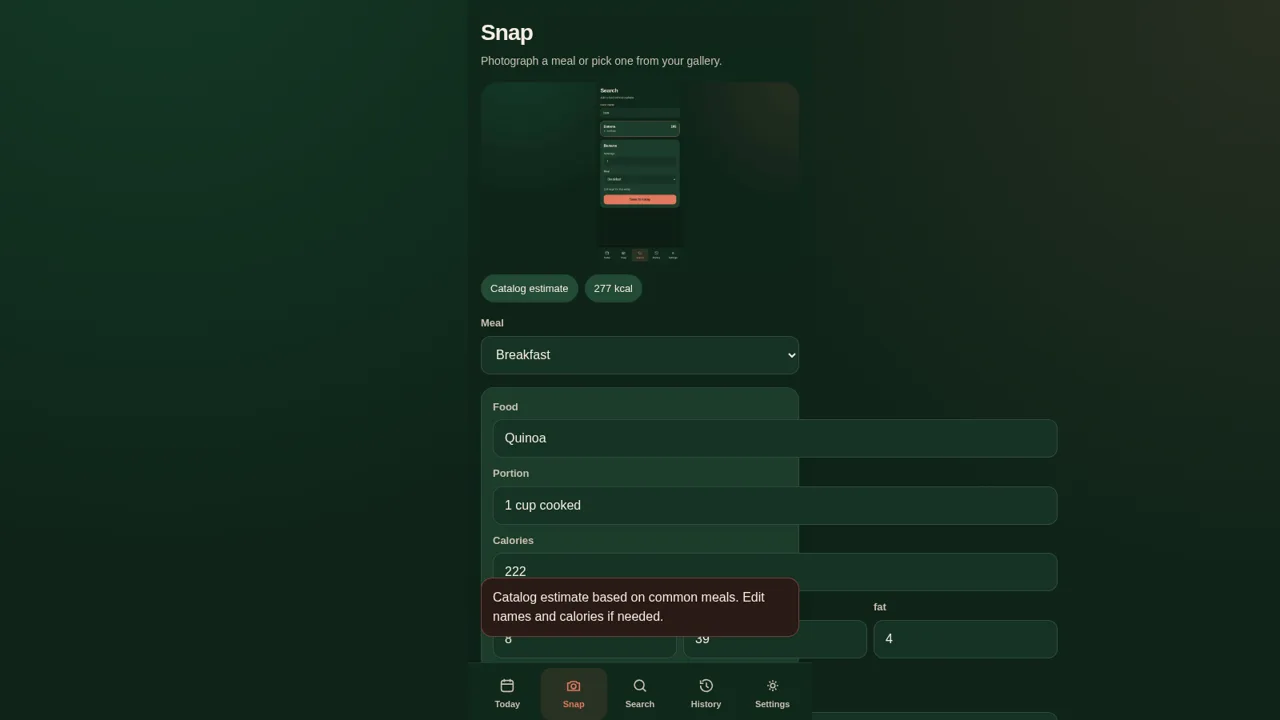
Photograph a meal, estimate its calories, and track your daily intake
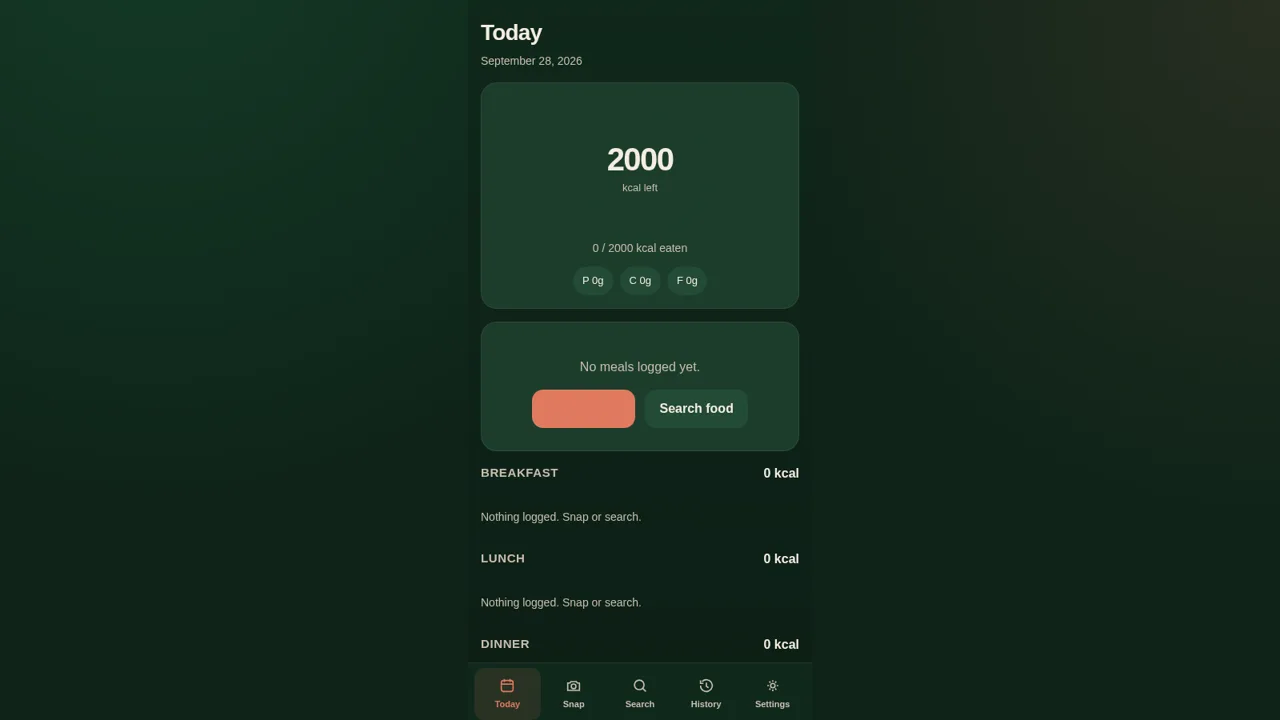
CalorieSnap is a browser-based food diary built around a single day. It shows a calorie ring with the amount left against a daily goal, macronutrient totals for protein, carbs and fat, and four meal sections for breakfast, lunch, dinner and snacks. Meals can be added either by uploading a photo, which produces an editable catalog-based calorie estimate, or by searching a built-in list of common foods and choosing a portion. Everything is stored locally in the browser, so there is no account and no server sync, and a History view lists the days that have logged meals.
Highlights
Photo estimates
Snap a meal for kcal
Daily diary
Meals by day
Macro totals
Protein, carbs, fat
Food search
Filter common foods
Calorie goal
Set a daily target
History view
See days you logged
How to Use
Open the day view
The home screen shows the current date, a circular calorie ring, the eaten versus goal figure, and four meal sections. Each empty section offers a Snap or search link, and the bottom navigation bar switches between Today, Snap, Search, History and Settings.
Log a meal from a photo
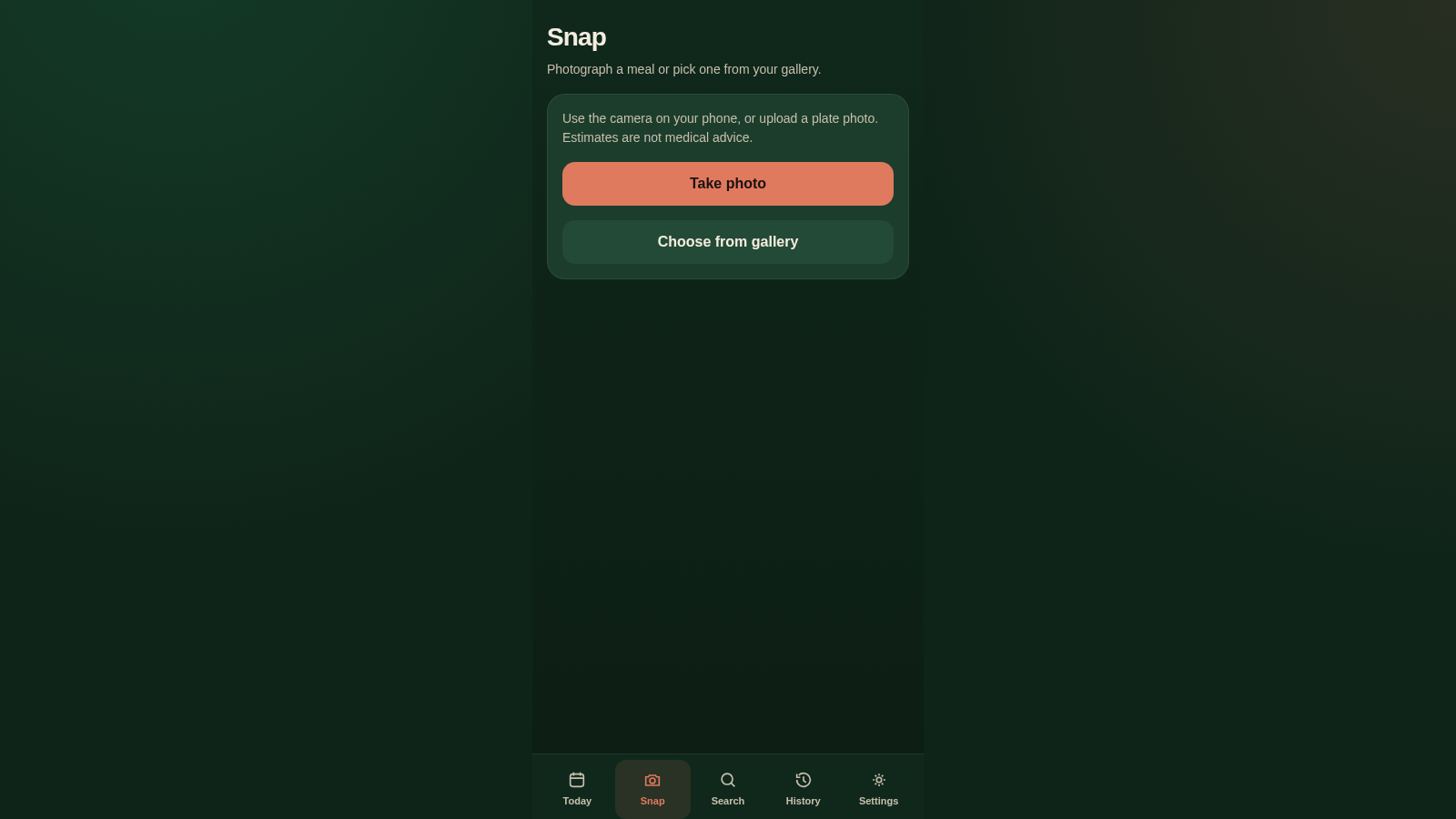
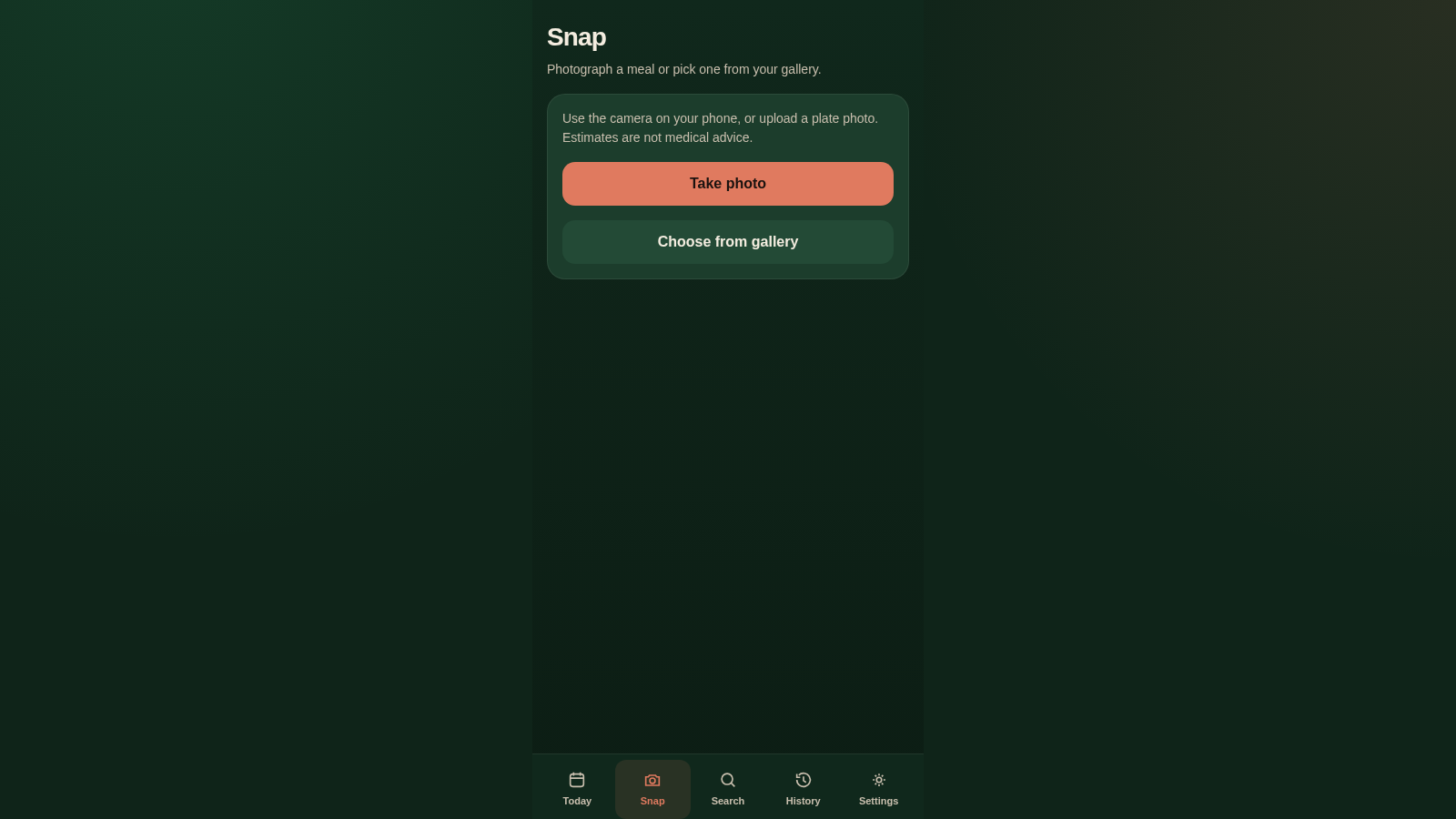
On the Snap screen choose Take photo or Choose from gallery and supply a food image. After it is accepted, press Analyze calories to get a Catalog estimate panel with a calorie figure, meal selector buttons, and an editable table of food, portion, calories and macros. Adjust anything you like, then press Save to today to return to the diary with the entry counted.
Log a meal without a photo
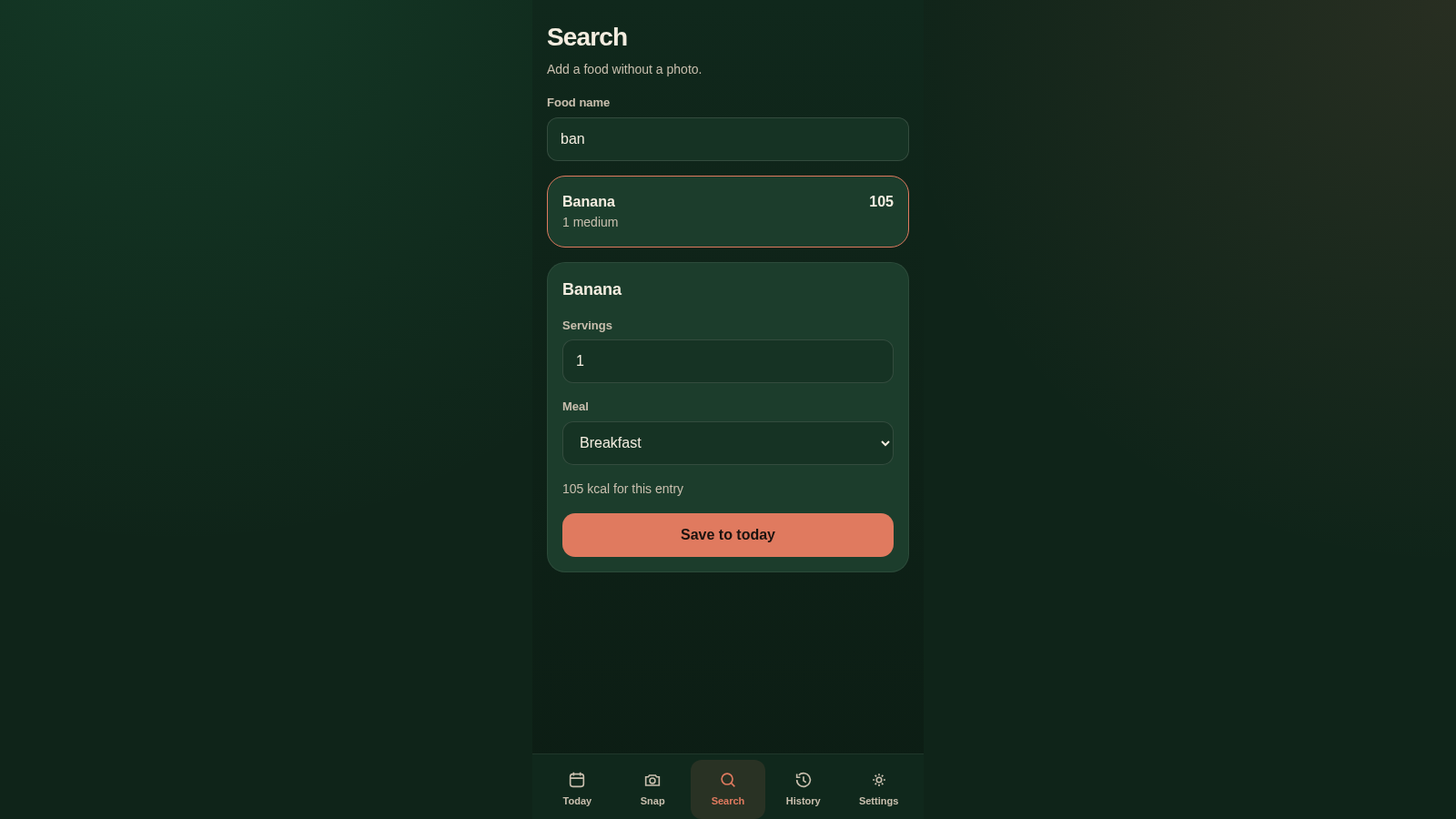
The Search screen has a text field above a list of common foods with calorie and portion details. Typing filters the list immediately. Selecting an item opens a sheet where you set servings and pick the meal, show the resulting calories, and save the entry to the current day.
Adjust the goal and review history
Settings provides a single number input for the daily calorie goal plus notes about the optional AI analysis and local data, and a button to clear all stored data. History lists each day that has at least one logged meal along with its calorie total and how far under or over the goal it was.
Similar Sites
 3
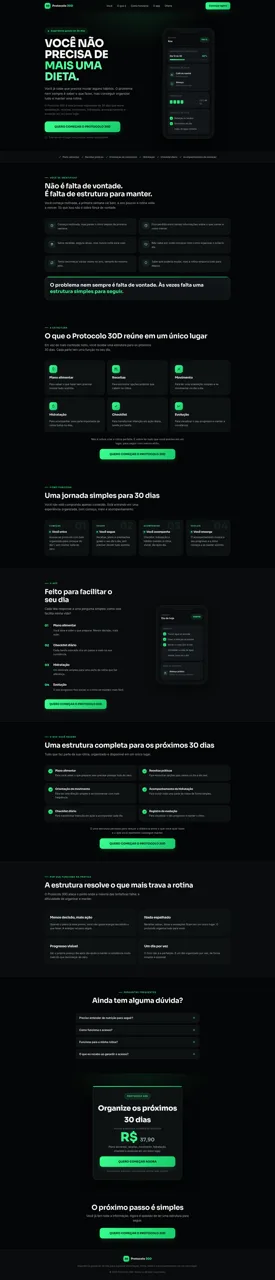
3Protocolo 30D
Estrutura guiada de 30 dias para organizar alimentação, rotina e hábitos em um único lugar.
 120
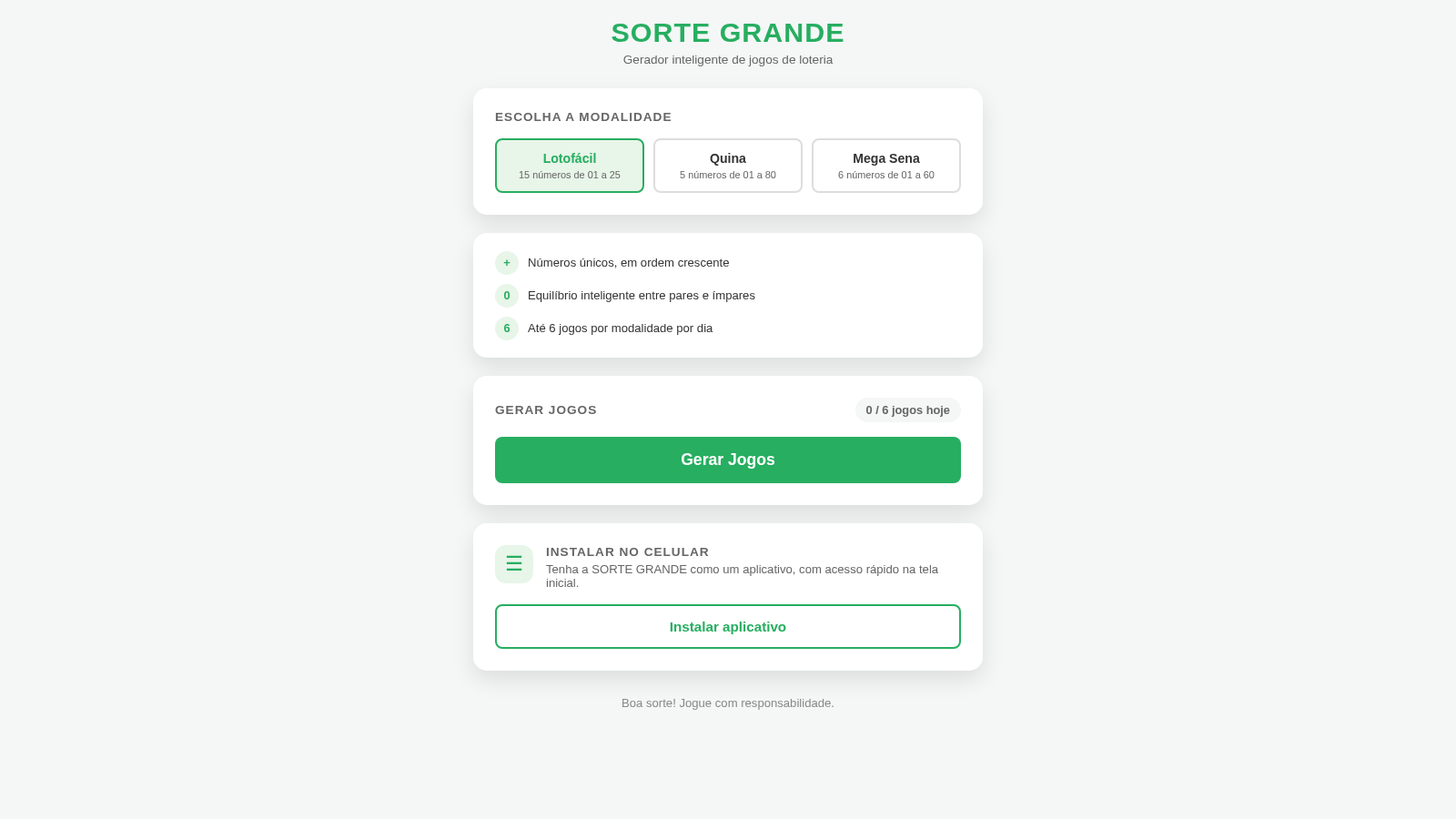
120Sorte Grande
Gerador inteligente de jogos de loteria (Lotofácil, Quina e Mega Sena)
 87
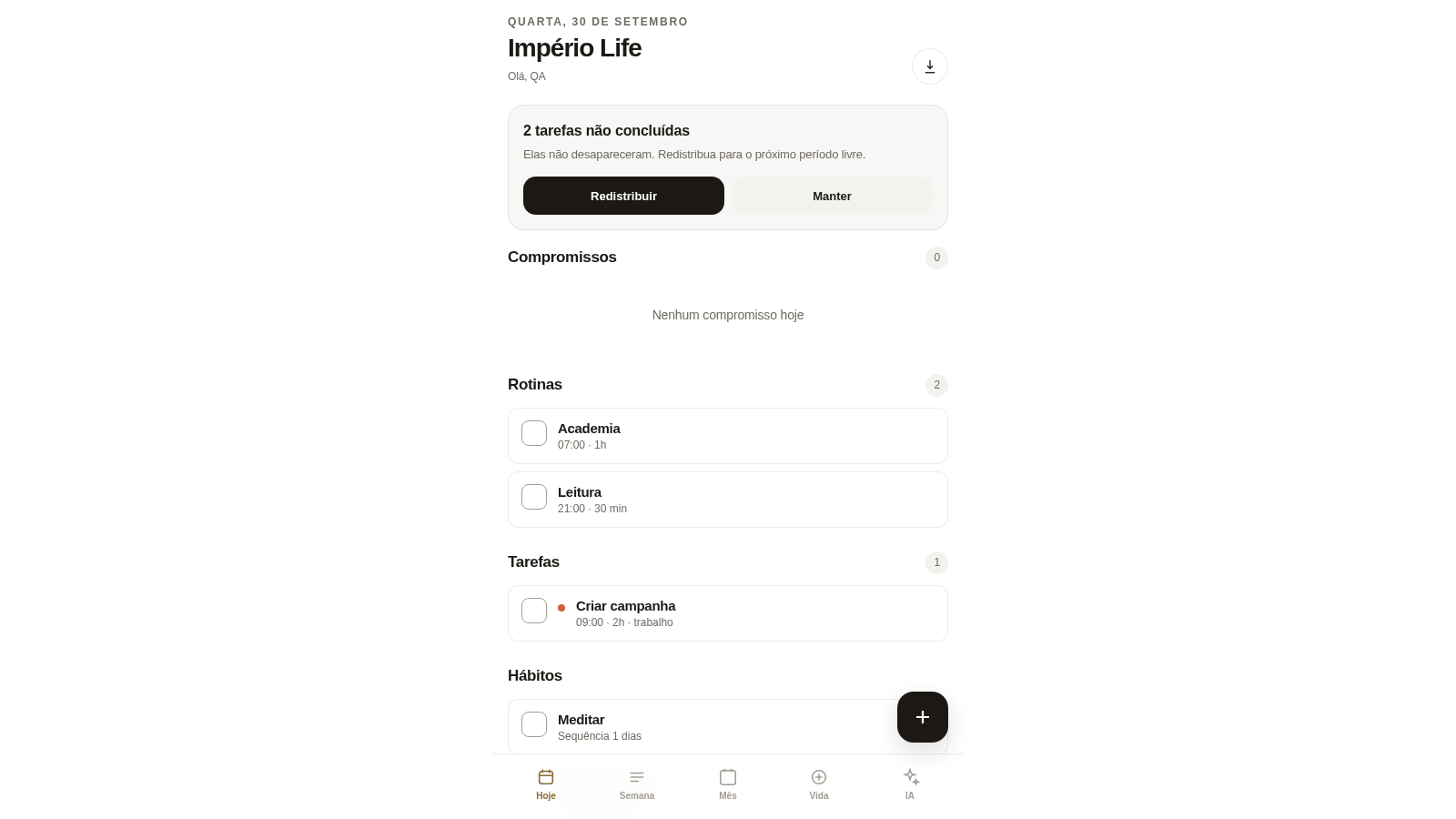
87Império Life
Organização pessoal: tarefas, rotinas e planejamento semanal.
 35
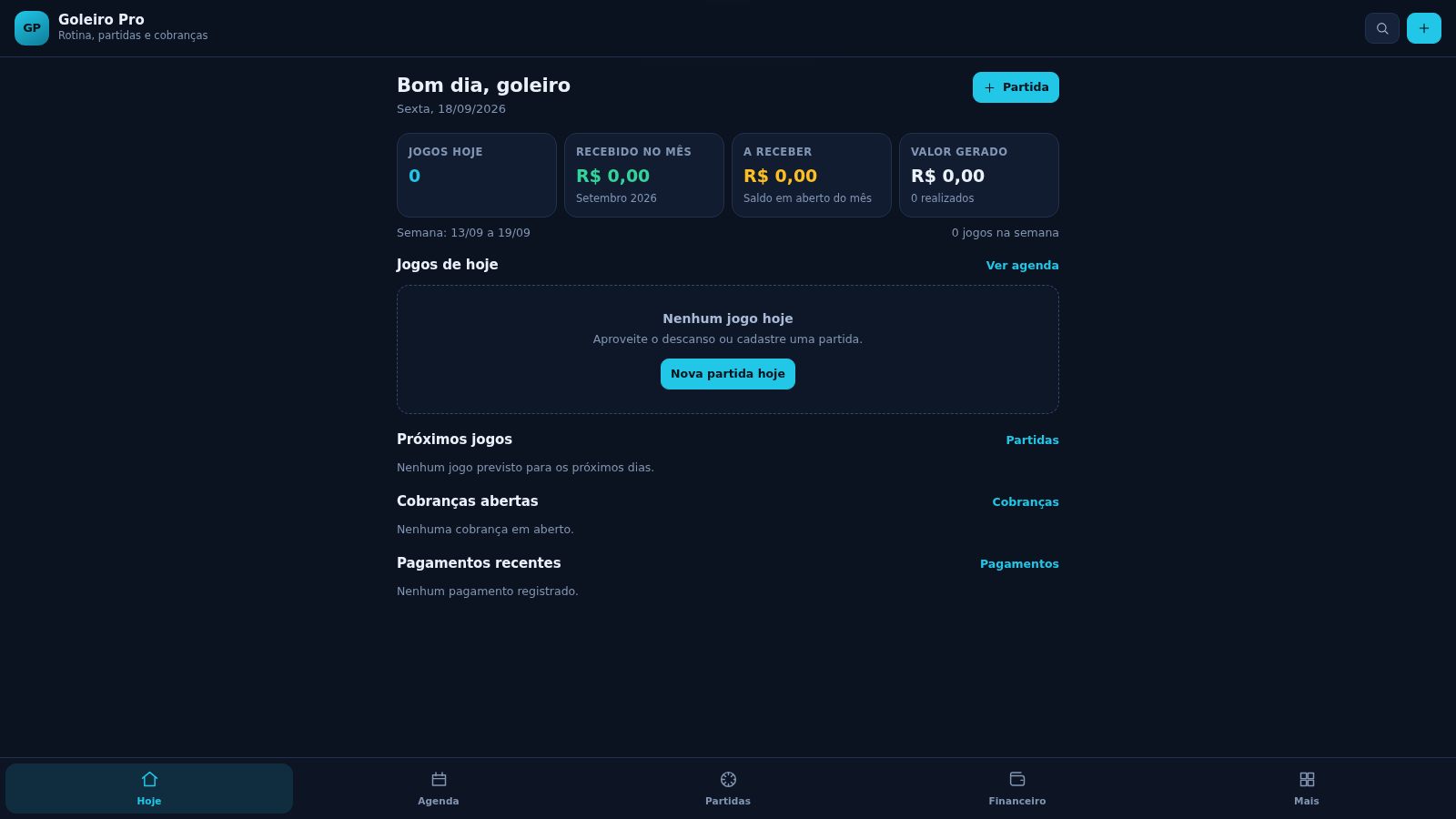
35Goleiro Pro
Controle pessoal de rotina, partidas, cobrancas, pagamentos e recibos do goleiro.
 33
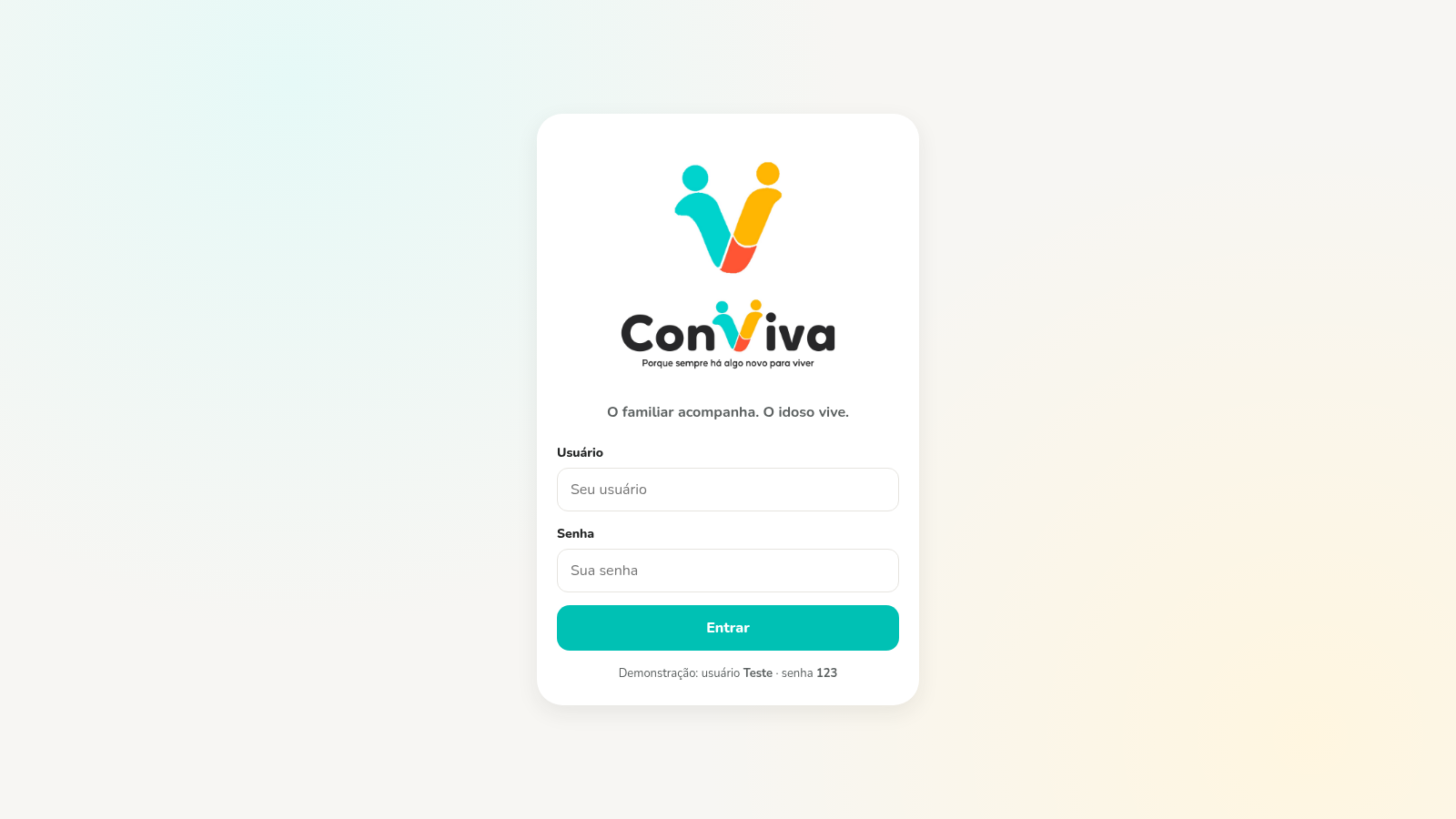
33CONVIVA
CONVIVA — O familiar acompanha. O idoso vive. O Conviva conecta.
 9
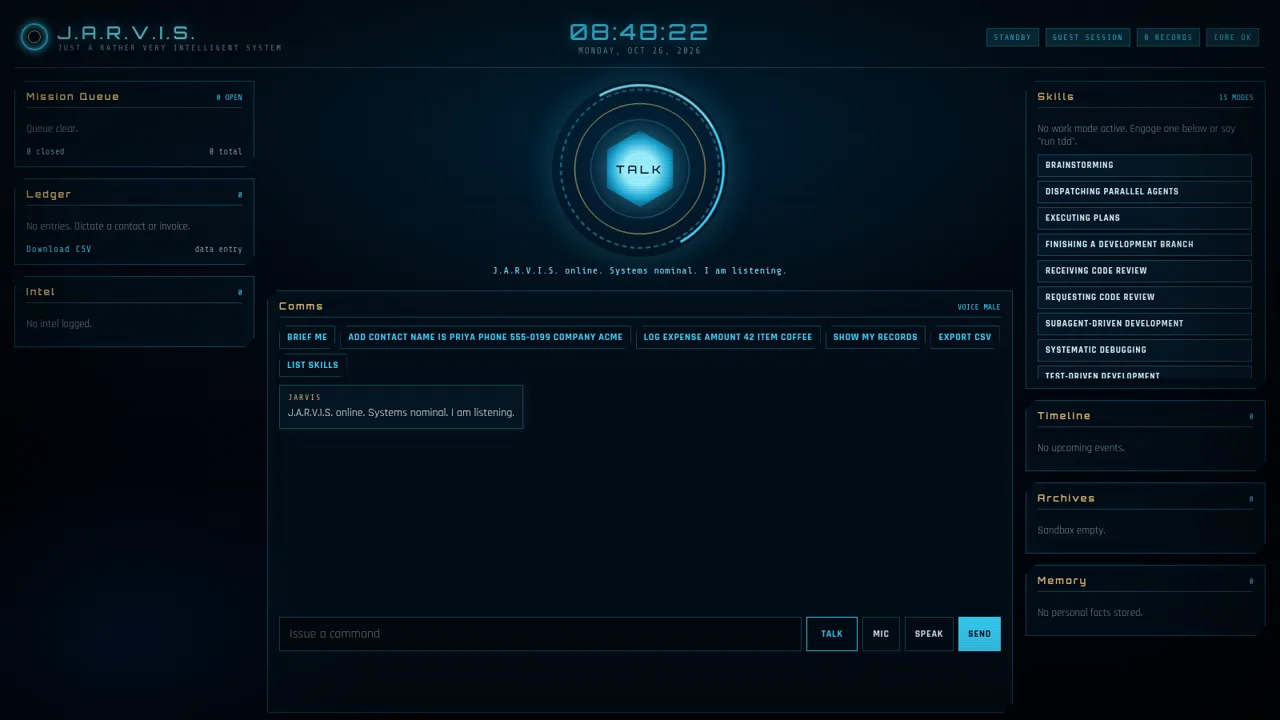
9J.A.R.V.I.S.
Voice-first HUD assistant for todos, notes, calendar, ledger, and skill modes.