
Clique&Pede
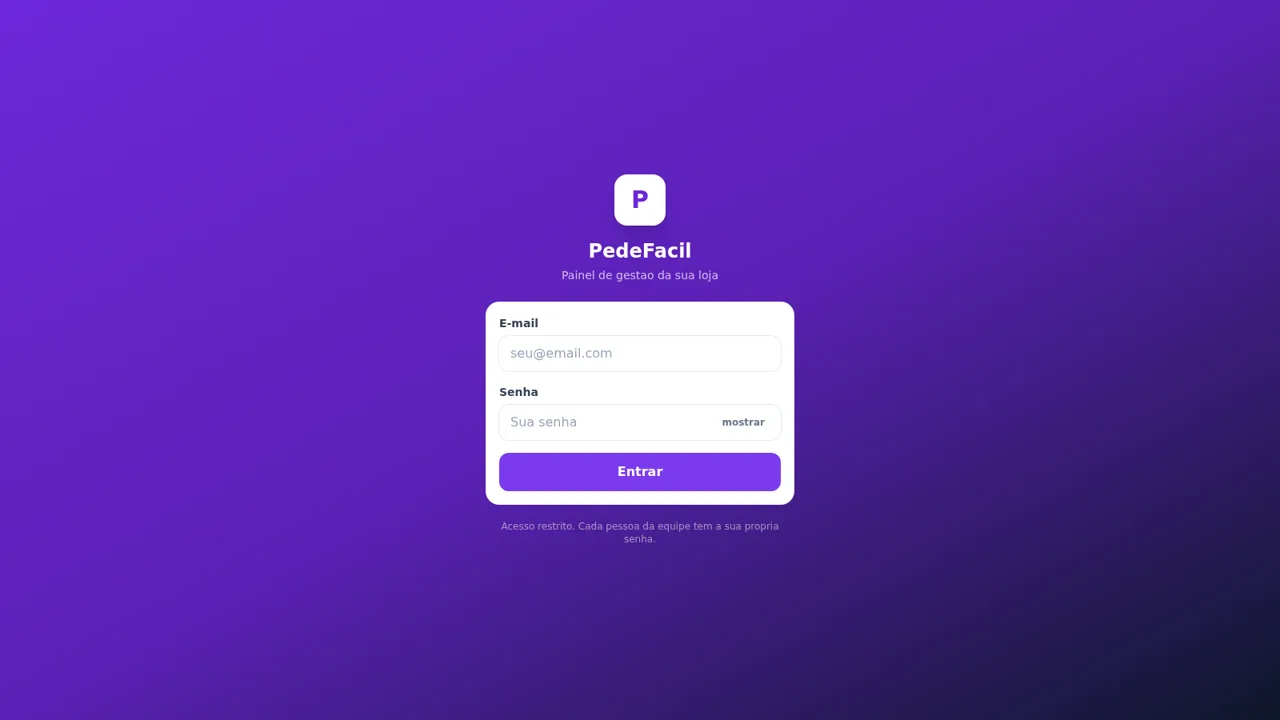
Run digital menus, customer orders, delivery operations, staff access, and thermal printing from one restaurant dashboard.
PedeFacil is a Portuguese-language restaurant management application built for snack bars and açaí shops. Customers can browse a public menu, customize products, build a cart, and proceed through delivery, pickup, or dine-in checkout. Staff can sign in with role-specific demo accounts to manage orders, menu products, printers, reports, team members, and store settings. The included Açaí Terra demo provides seeded products, delivery neighborhoods, active orders, and printer configurations so the main workflows can be evaluated without registration.
Highlights
Public ordering
Menu, cart, and checkout
Flexible fulfillment
Delivery, pickup, dine-in
Role-based access
Six staff demo roles
Order operations
Live status-based board
Thermal printing
Kitchen and receipt queues
Business reports
Revenue and item insights
How to Use
Browse the example menu
Open the Açaí Terra menu from the landing page, then use the category tabs to browse açaí, combos, portions, drinks, and promotions. Each product card shows its description, price, and whether customization is available.
Configure an item
Select a product, choose any required size, and add optional complements, fruit, or sauces. The panel updates the item configuration and price before adding it to the cart.
Prepare the order
Open the cart to check quantities and subtotal, then continue to the customer form. Choose delivery, pickup, or dine-in, provide the requested contact and address information, select a payment method, and review the order before submission.
Enter the staff dashboard
Open the management login and select one of the visible demo accounts to fill the credentials automatically. The owner account provides access to orders, menu products, printers, reports, team management, and configuration.
Manage active orders
Use the status columns and filters on the order dashboard to inspect pending, preparing, ready, and delivery orders. Available action buttons advance an order to its next operational stage and expose printing controls.
Review printer operations
Open the printer area to inspect kitchen production and receipt queues. Demo printers remain offline because no physical hardware is attached, while the page explains how the local agent connects network, USB, or Bluetooth printers.
Similar Sites
 50
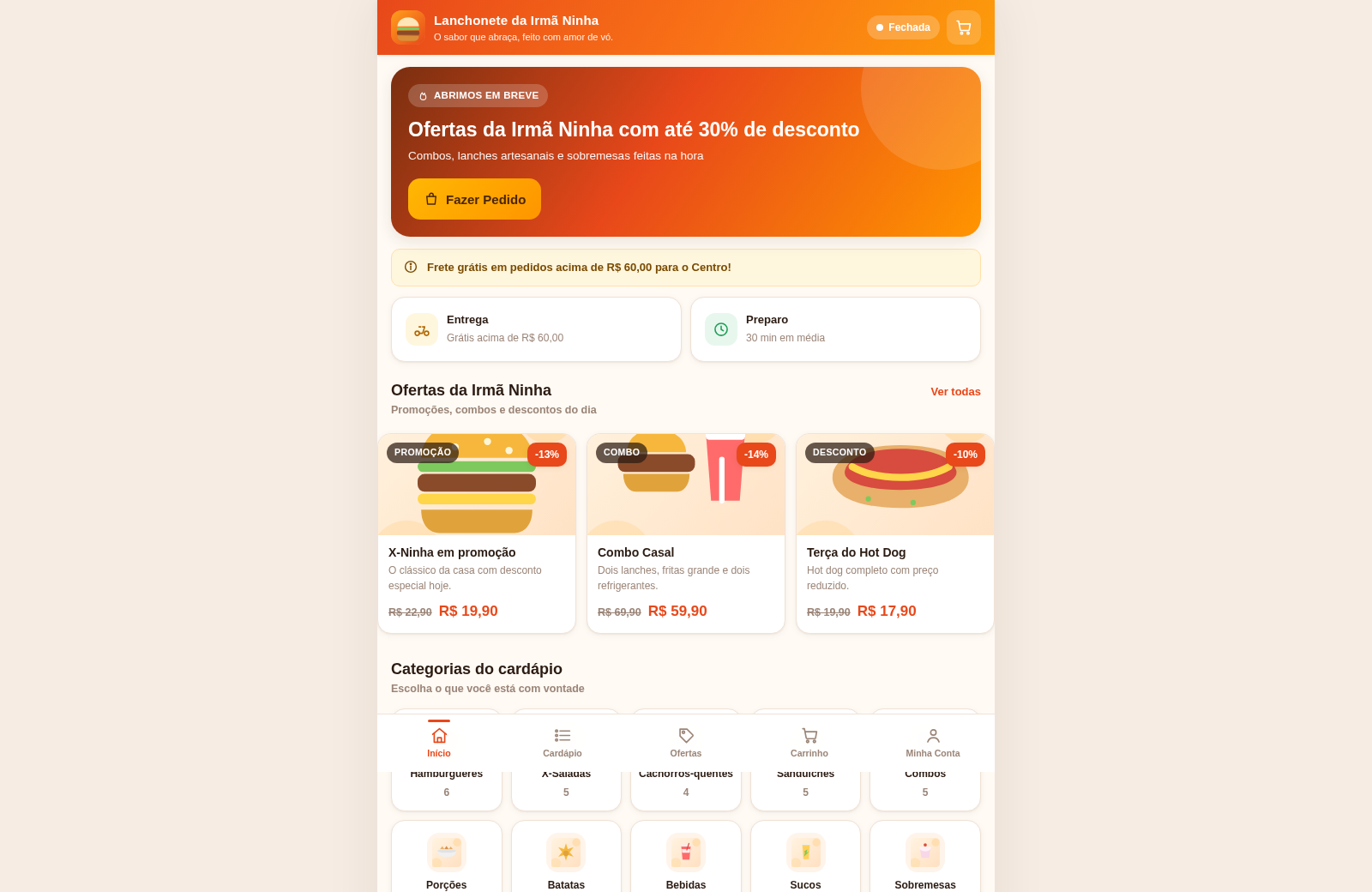
50Lanchonete da Irmã Ninha
Cardápio digital, ofertas e promoções com painel administrativo.
 32
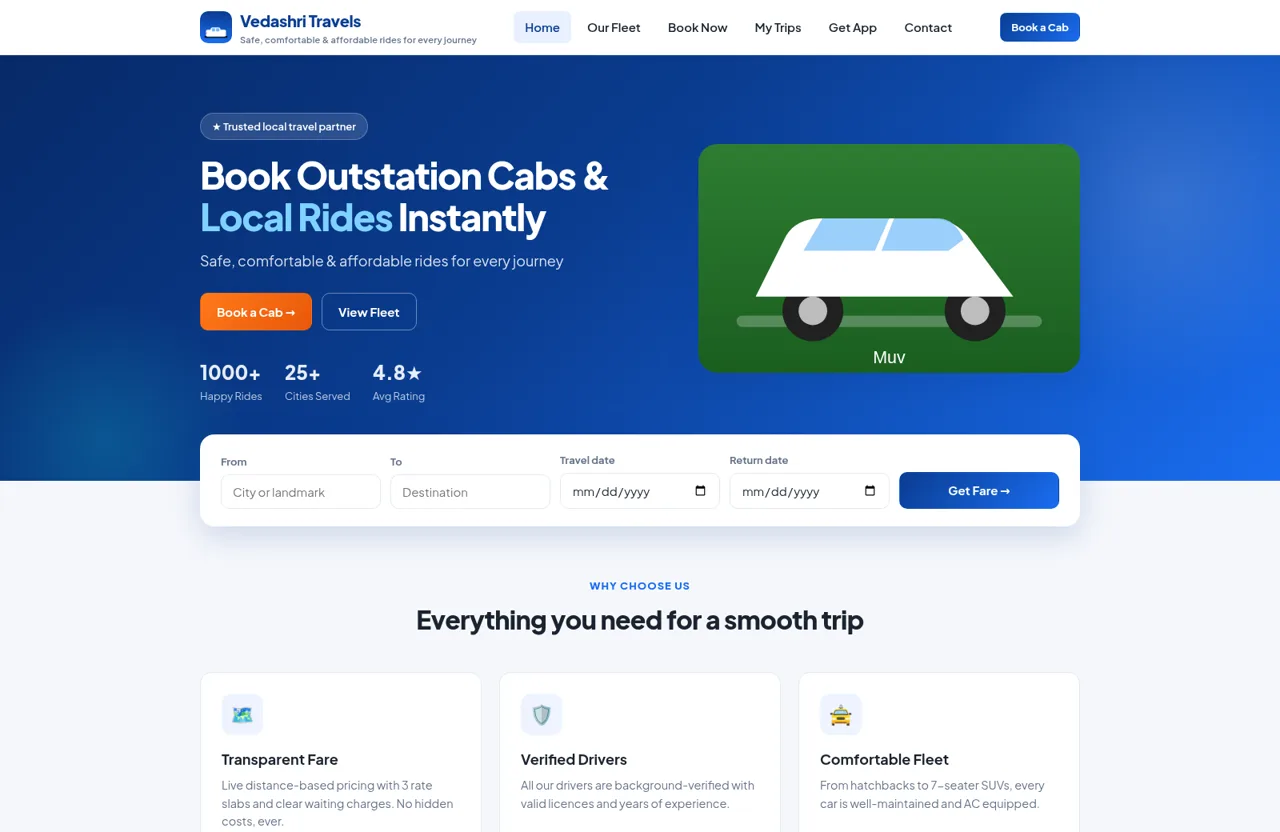
32SwiftRide Cabs — Car Rentals
Outstation car rentals with instant fare, online payment, and a full owner dashboard
 18
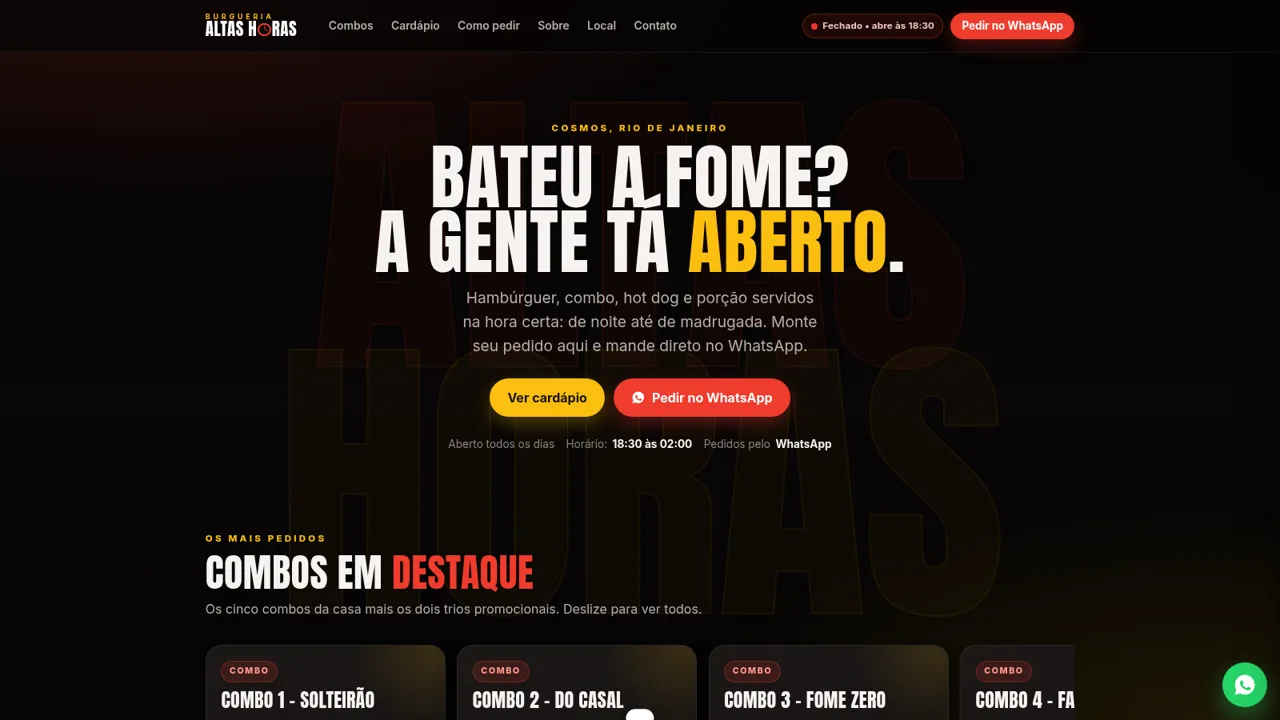
18Burgueria Altas Horas
Cardápio digital: combos, hambúrgueres, hot dogs, porções. Pedido pelo WhatsApp.
 3
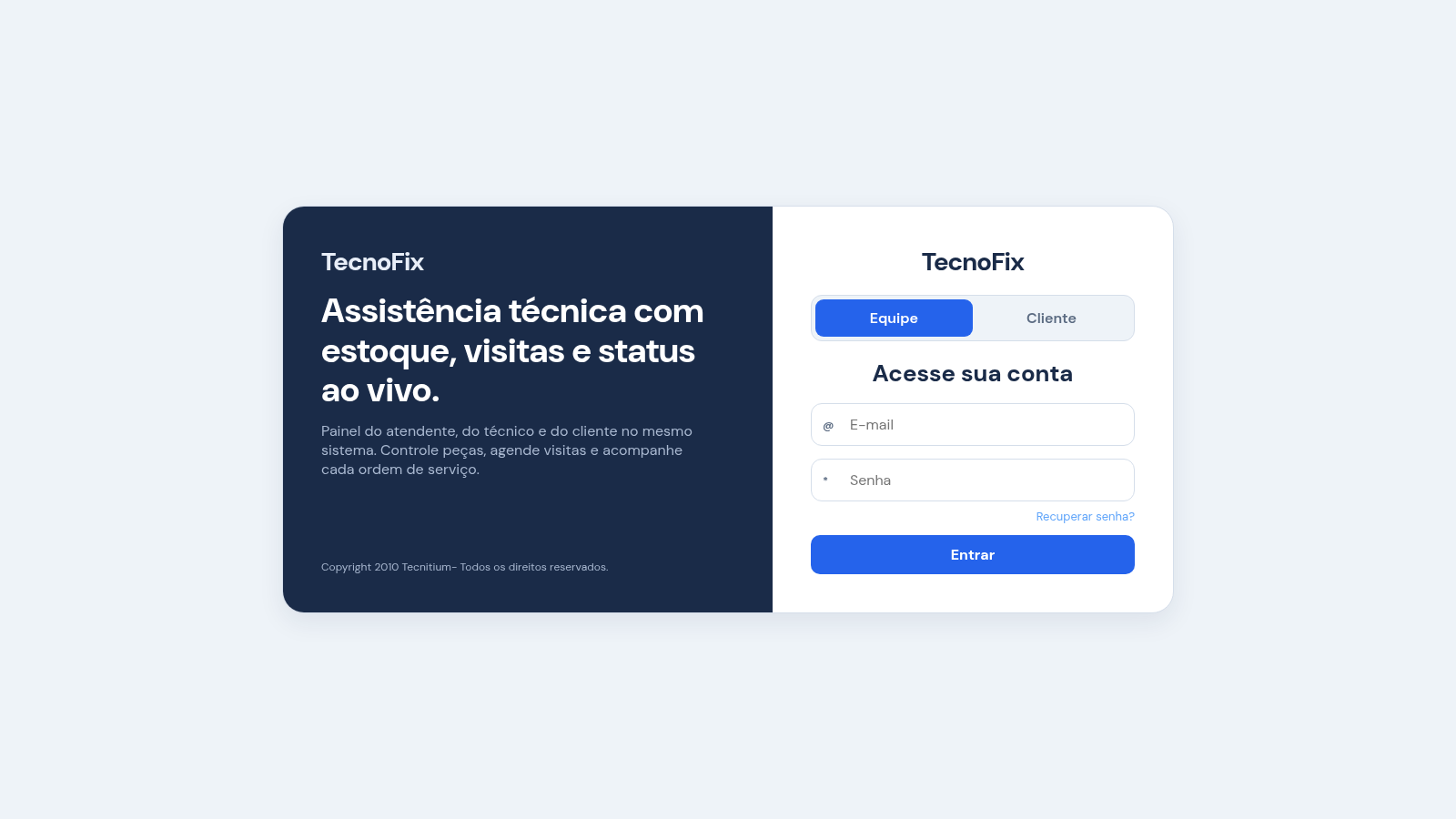
3TecnoFix
Gestão de assistência técnica: OS, visitas, estoque, vendas e relatórios.
 1
1Nova Store
Premium mobile shopping with cart, checkout, orders, and an owner dashboard.
 1
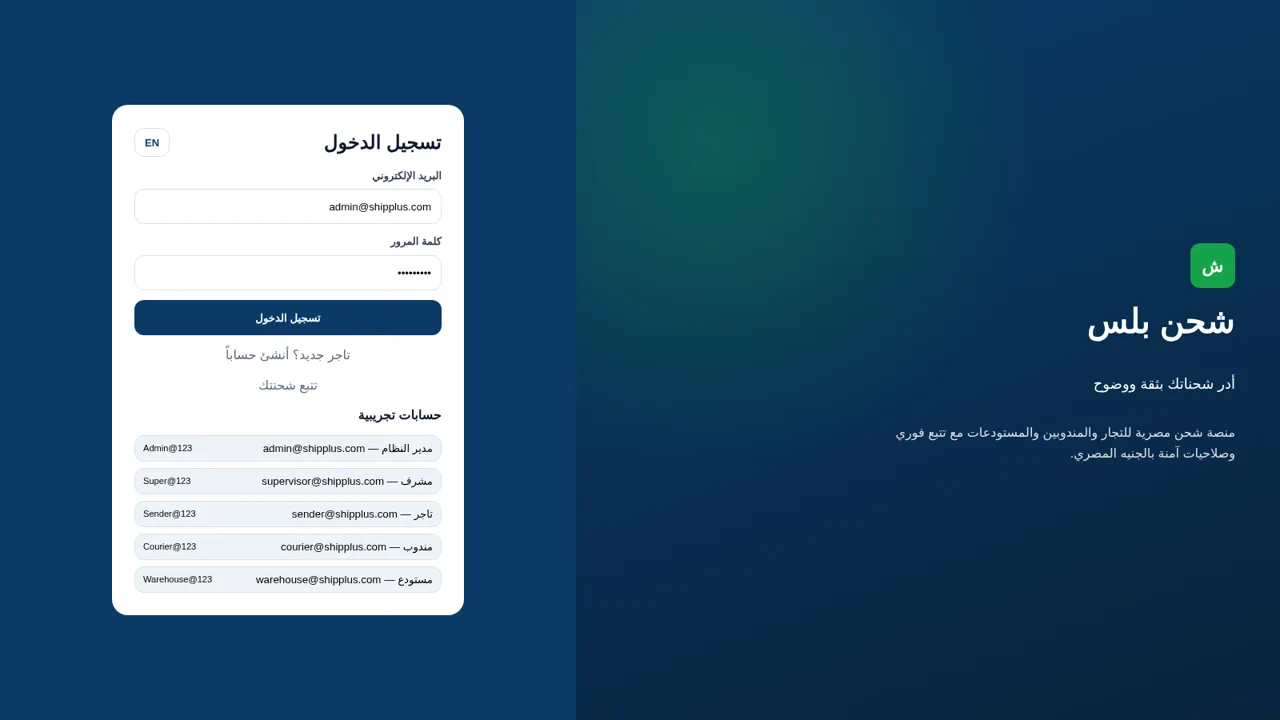
1شحن بلس
Egyptian shipping platform for sellers, couriers, and warehouses with tracking, rates, and finance