
MYCR77 SIGNALS
Turn pasted Telegram signals into a neon MYCR77 trading card
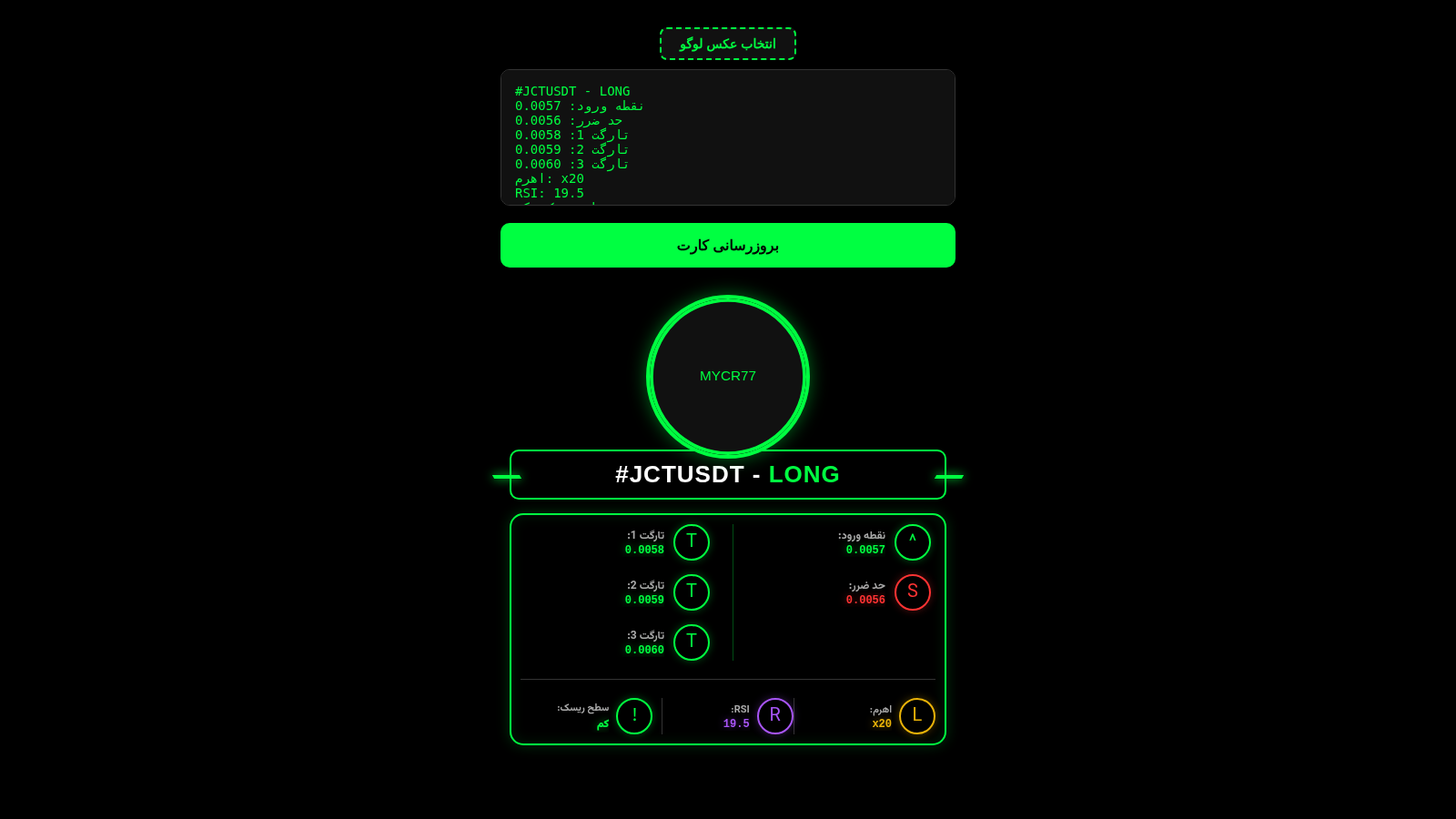
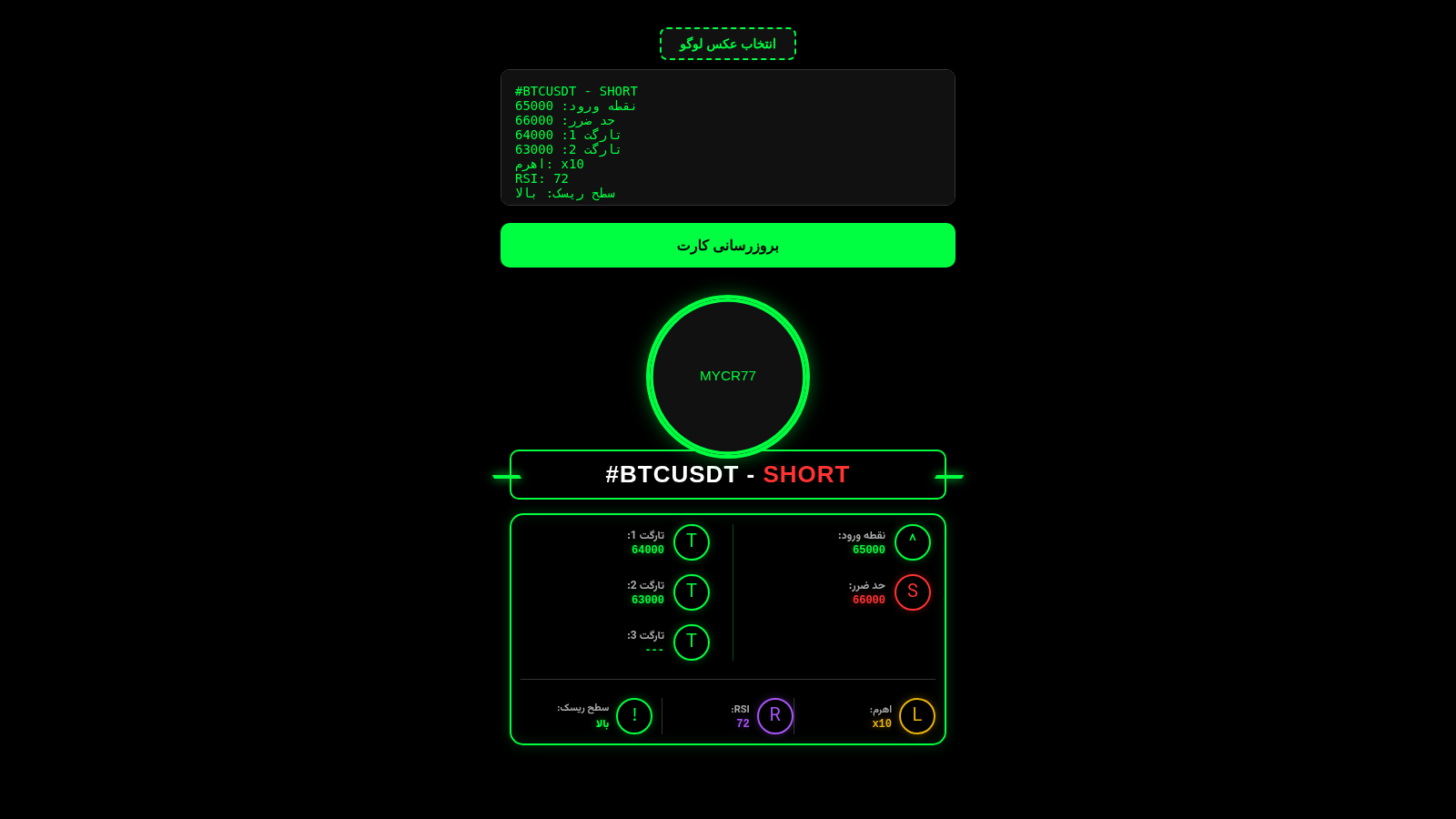
MYCR77 SIGNALS is a single-page browser tool for traders and signal publishers. You paste a raw Telegram signal message into the text box, press the update button, and the page reads the pair, LONG or SHORT direction, entry price, stop loss, up to three targets, leverage, RSI and risk level. The parsed values appear in a neon-green terminal-style card with a circular MYCR77 badge. A second button lets you choose a local image to replace the default badge. The interface labels are in Persian, while the parser also accepts English keywords such as Entry, Stop Loss, SL, Target and RSI.
Highlights
Live card preview
Redraws on refresh
Custom logo upload
Swap default badge
Neon terminal look
Black and neon green
Bilingual parsing
Handles both labels
How to Use
Paste the signal text
Paste the full Telegram signal message into the dark text box at the top of the page. The box uses a monospace font and accepts several lines containing the pair name and direction such as #BTCUSDT - SHORT, followed by labels for entry, stop loss, targets, leverage, RSI and risk level in Persian or English.
Generate and check the card
Press the large green update button below the box. The card underneath redraws immediately: the pair and direction appear in the glowing title bar with green for LONG and red for SHORT, the entry and stop loss sit in the left column, the three targets in the right column, and leverage, RSI and risk level run along the bottom strip.
Replace the badge if needed
Click the dashed button above the text box to open a file picker and choose an image from your device. The circular MYCR77 badge in the card is replaced by the selected image right away, and you can generate the card again after updating the signal text to keep the preview in sync.
Similar Sites
 10
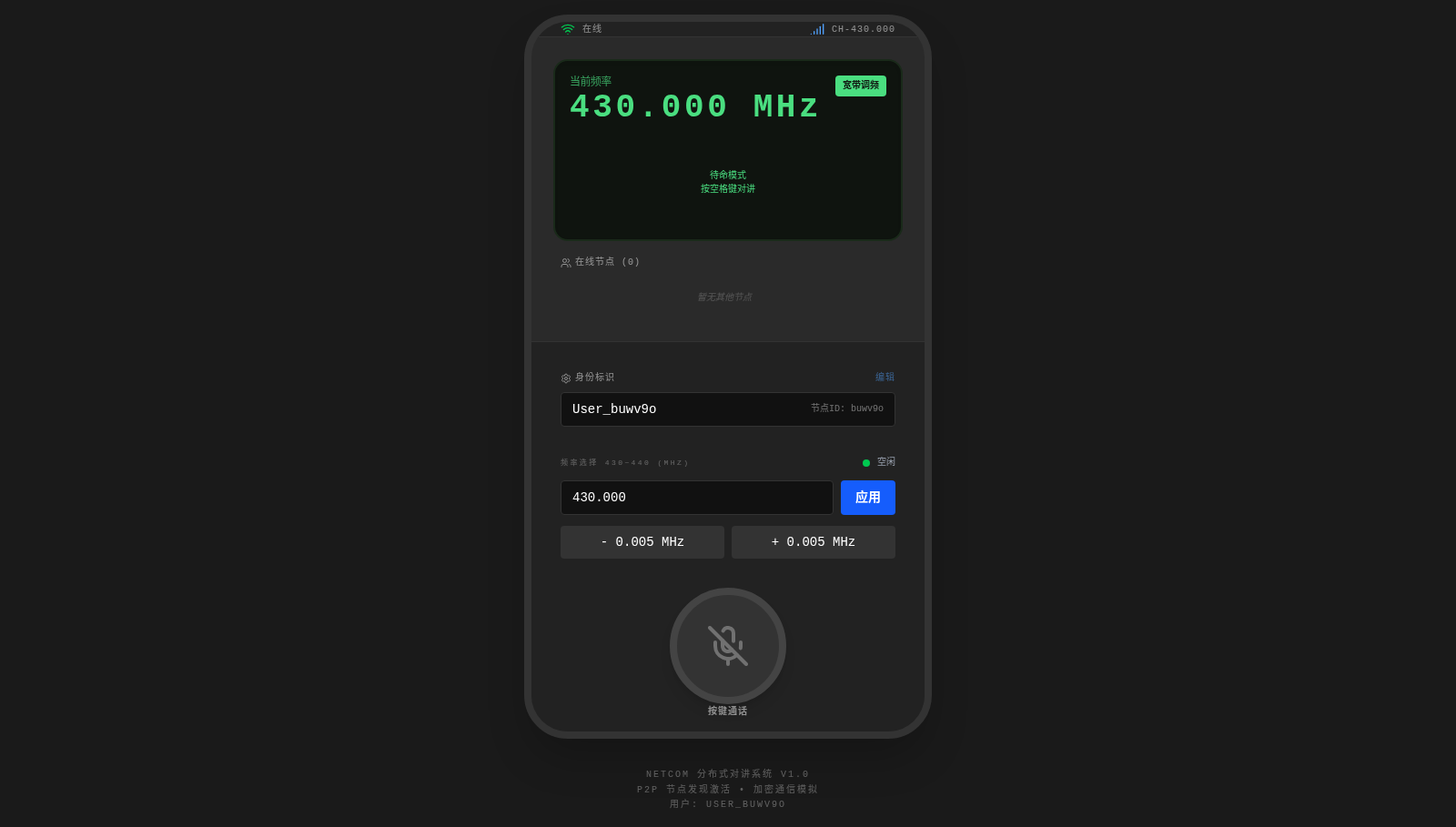
10NetCom
Amateur radio network walkie-talkie supporting voice PTT, text messages, callsign registration, and channel reservation
 94
94OhMyPS - AI Image Editor
Brush, describe, and quickly edit part of an image with AI.
 82
82PDF Master AI
Private in-browser PDF toolkit to convert, merge, compress, edit, and protect files.
 77
77BJJ STAT — ANALISE. ENTENDA. EVOLUA.
Scout de Jiu-Jitsu em um toque. Placar IBJJF, relatórios visuais e PWA offline.
 60
60ToolCraft - Free Online Tools
Free, fast, privacy-friendly online tools & expert guides - all in your browser.
 30
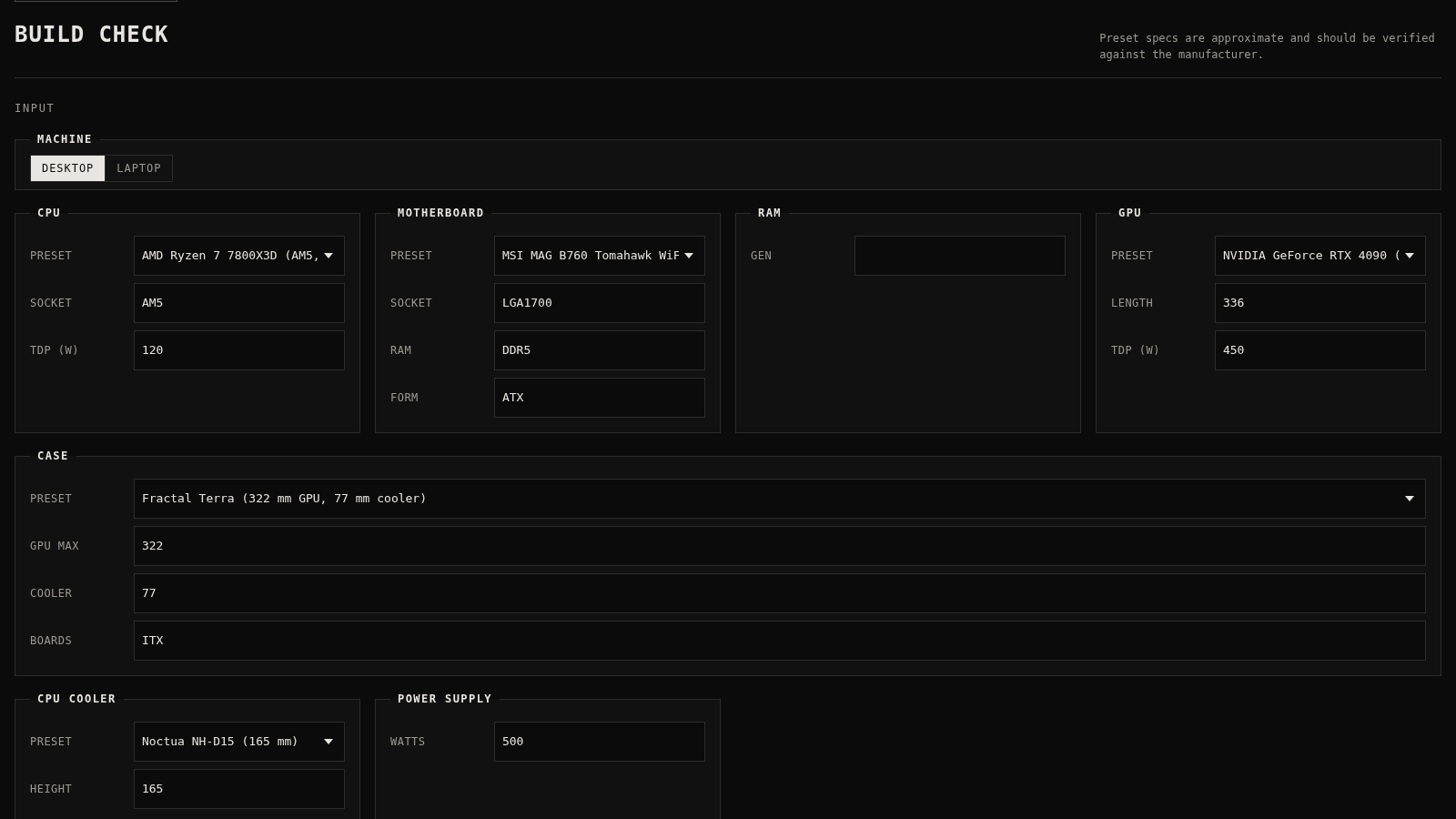
30PC Build Checker
Check desktop and laptop PC builds for compatibility, scores, and upgrades.