
ImmoVeille
Turn pasted property ads into structured, filterable listings
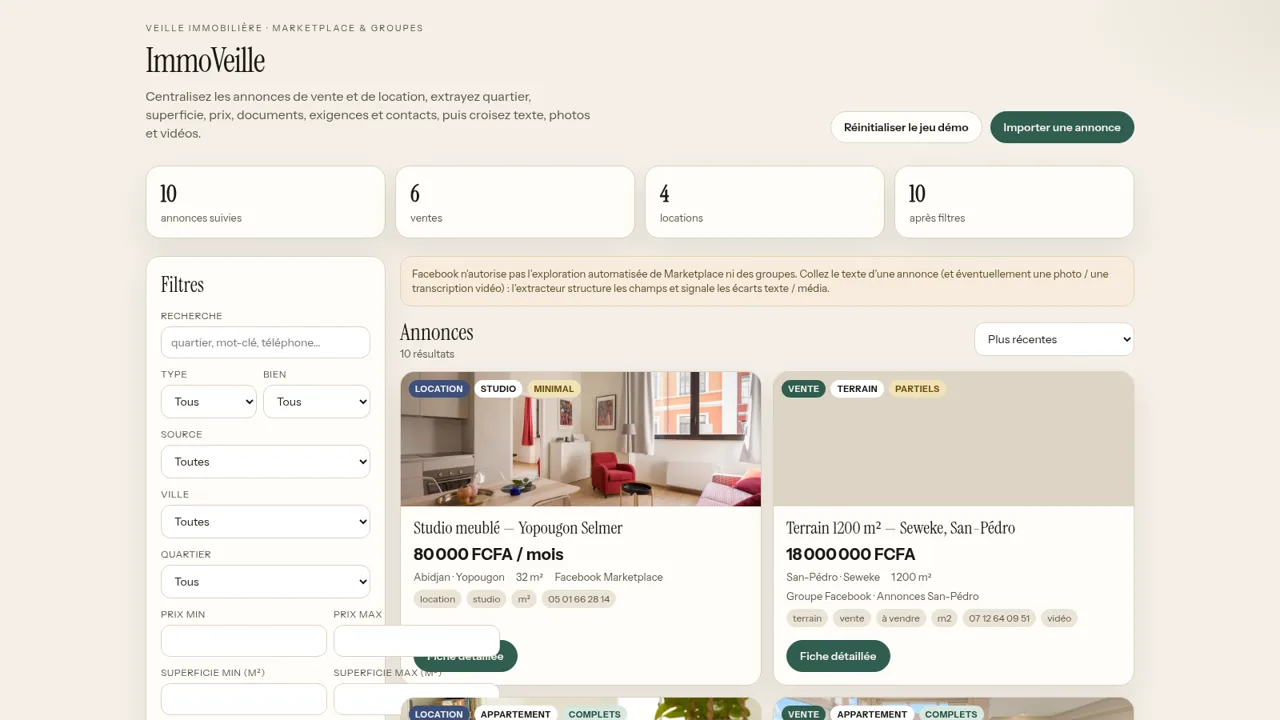
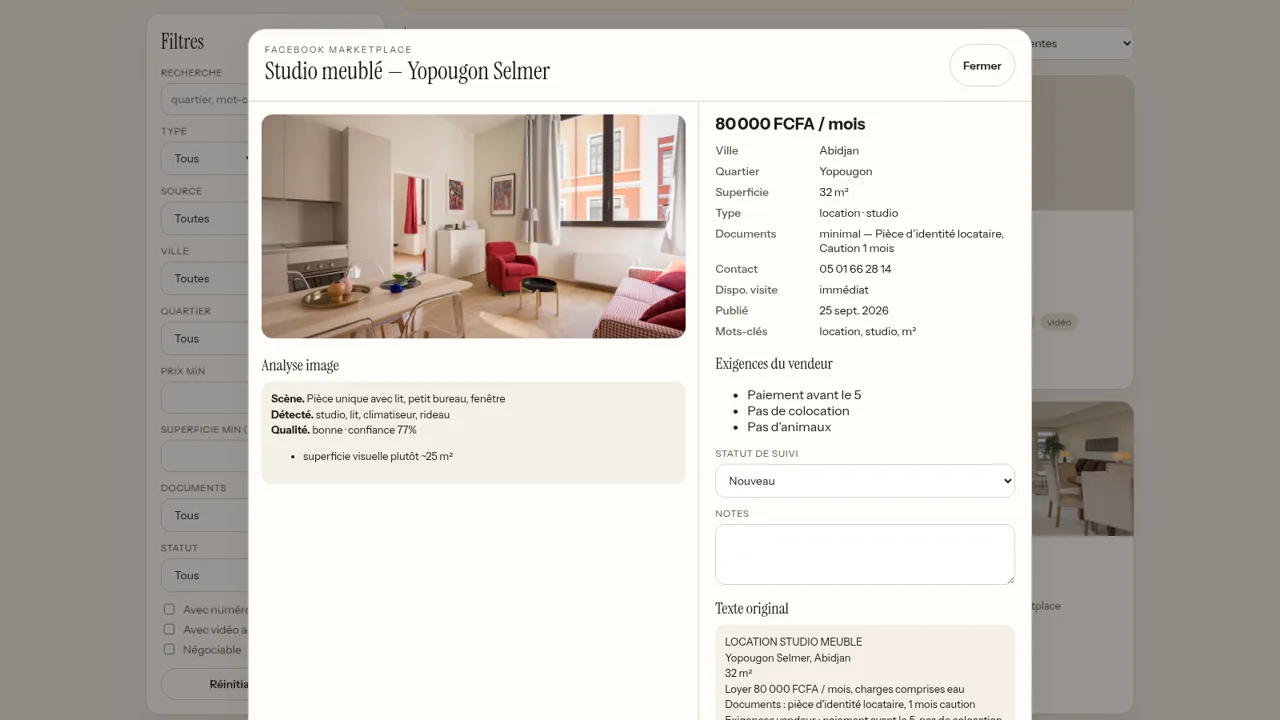
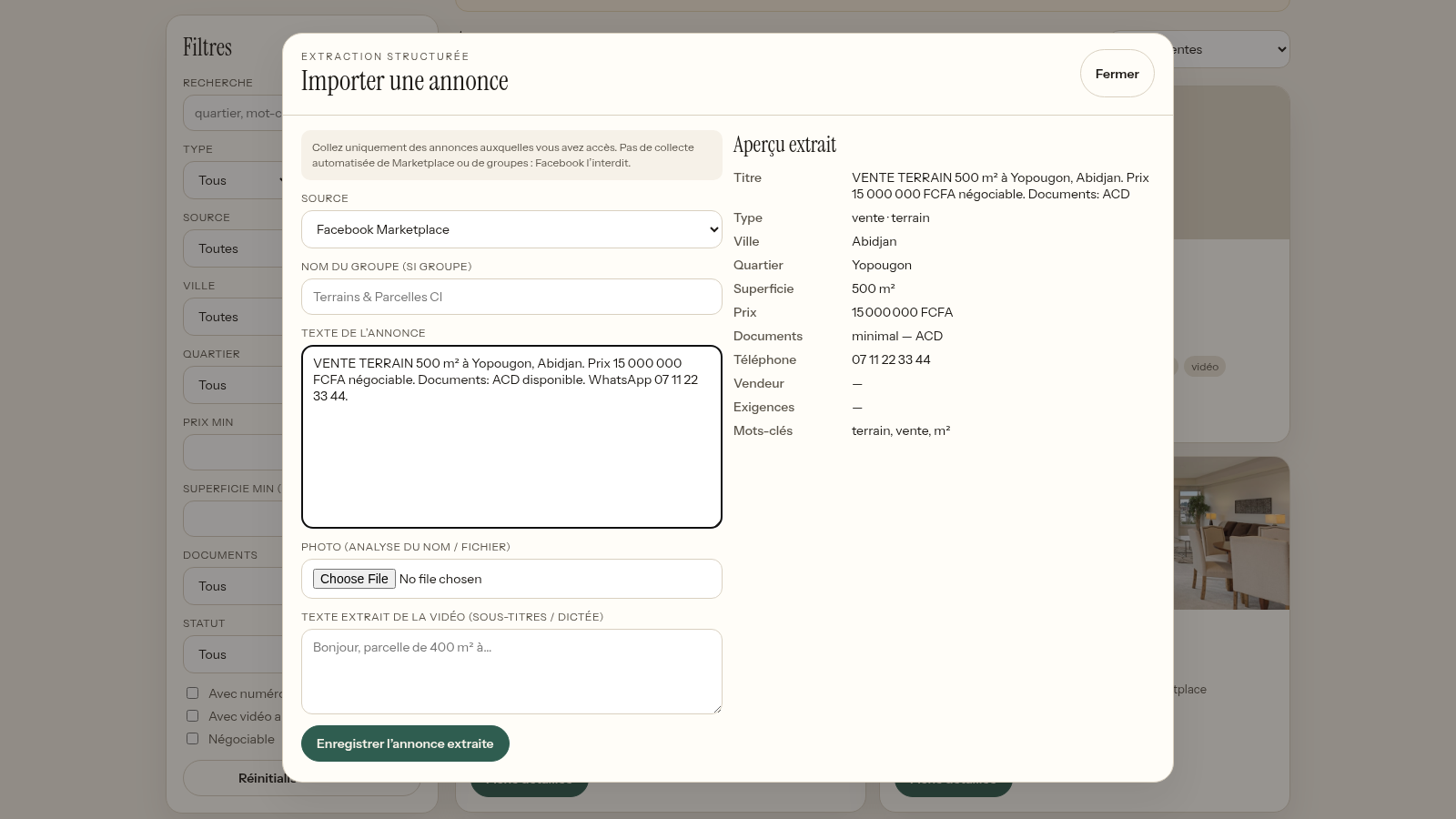
ImmoVeille is a French-language browser tool for tracking real estate classified ads. You paste the text of an ad you have access to, and the page extracts structured fields such as city, neighbourhood, price, surface area, property type, document completeness, seller requirements and contact details. The demo ships with ten sample listings from Côte d'Ivoire that can be filtered by transaction type, property kind, source, city, neighbourhood, price and surface ranges, document level and follow-up status. Each listing opens into a detail view with a photo analysis block, seller requirements, a tracking status, notes and the original ad text. An import dialog with a live extraction preview shows how new ads are structured before saving.
Highlights
Live ad extraction
Paste text, get data
Rich filtering
Filter city, price
Photo analysis
Scene, object tags
Seller requirements
Listed conditions
Follow-up status
Track every listing
How to Use
Browse the listing grid
Open the site and the main view shows a filter panel on the left and a grid of sample property ads on the right, with a header that counts total listings, sales and rentals. Scroll the grid to see each card's badges for transaction type, property kind and document level, along with price in FCFA, city, neighbourhood, surface area and source.
Narrow results with filters
Type a keyword in the search box or change the dropdowns for type, property kind, source, city, neighbourhood, document level and follow-up status, and set minimum or maximum price and surface values. The result count updates as you go; use the sort selector to reorder by recency or price, and the reset button to clear everything.
Open a listing detail
Click the detail button on a card to open a panel with the photo analysis (scene, detected objects, confidence and an area estimate), structured fields, a seller requirements list, a follow-up status dropdown, a notes box and the original ad text. Change the status or write notes to keep track of where the listing stands, then close the panel to return to the grid.
Import a new ad
Click the import button to open the structured extraction dialog. Choose the source, optionally enter the Facebook group name, paste the ad text, attach a photo and add a video transcript. The extraction preview fills in live with the detected title, type, city, neighbourhood, surface, price, document level, phone number and keywords, and the save button stores the listing.
Similar Sites
 7
7AprovaFeed Marketarte
Feed Instagram para a agência apresentar e o cliente aprovar posts, reels, carrosséis e stories.
 5
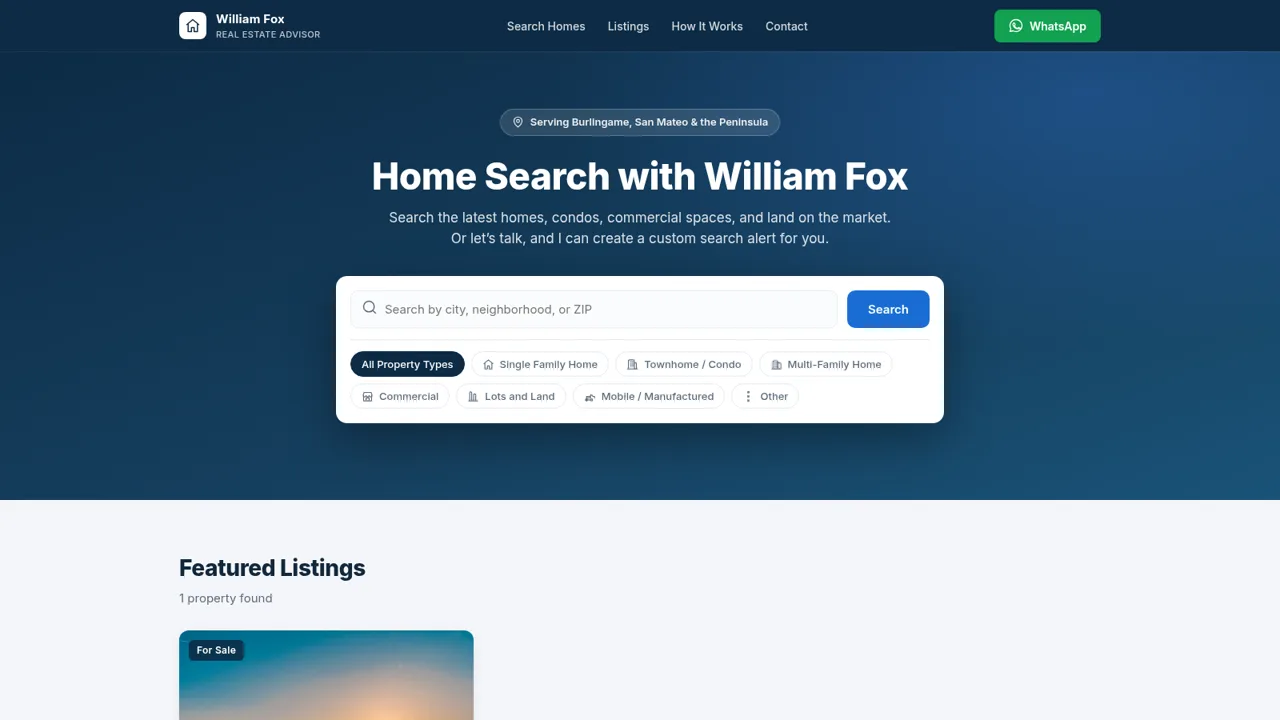
5Home Search with William Fox
Real estate home search with William Fox
 2
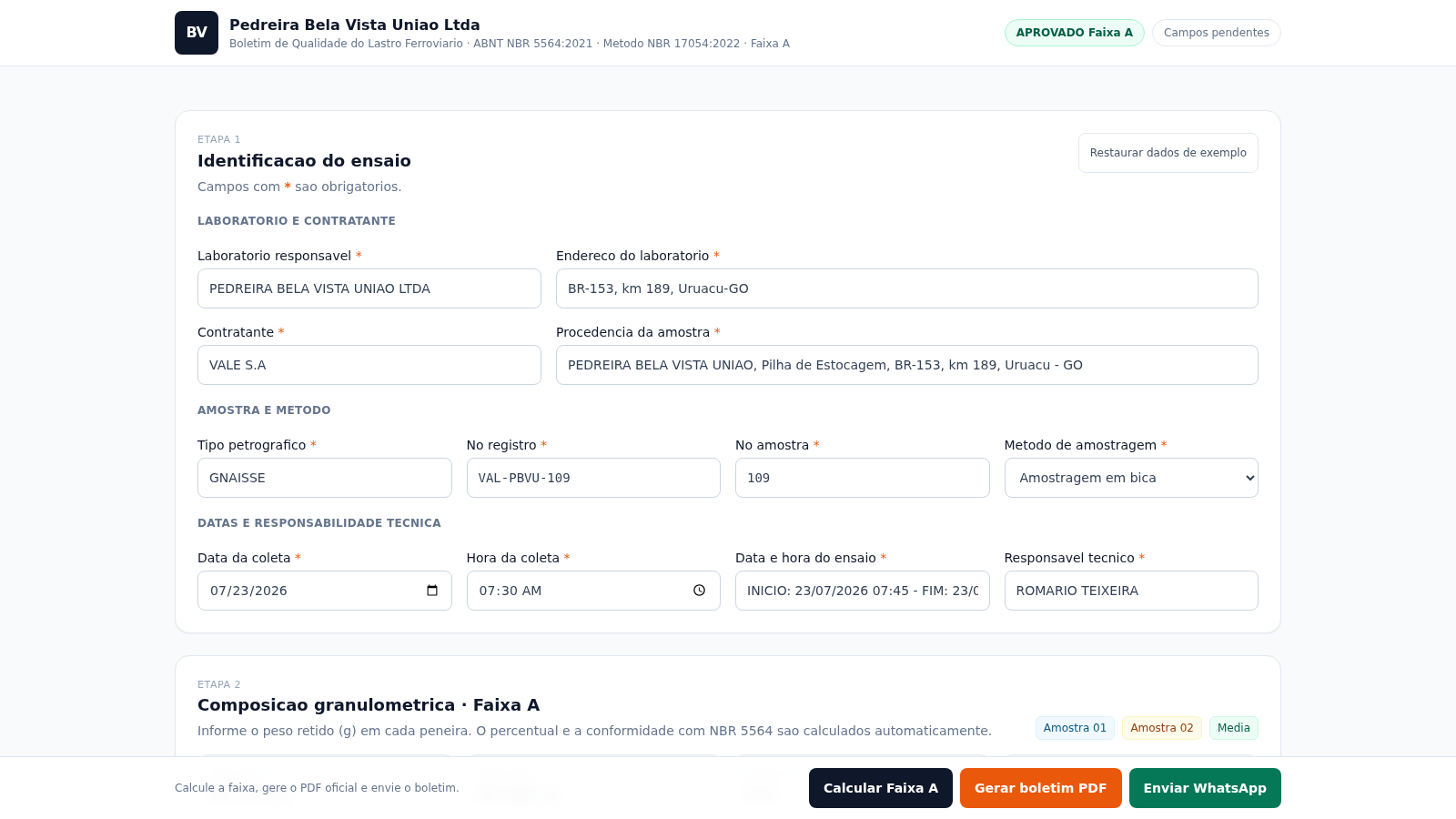
2Boletim Lastro NBR 5564
Boletim de qualidade do lastro ferroviario ABNT NBR 5564:2021 Faixa A
 418
418Smile Patisserie
Smile Patisserie menu: cakes, oriental, bakery, and WhatsApp cart
 499
499حاسبة رسوم الجمعية
حاسبة رسوم الجمعية لوكلاء Money Fellows — حساب القسط وصافي القبض شهر بشهر.
 126
126Agenda de Pedidos - Confeitaria
Agenda digital de pedidos para confeitaria com integração WhatsApp