
Boletim Lastro NBR 5564
Set up railway ballast bulletins and grade them against NBR 5564 Faixa A in the browser
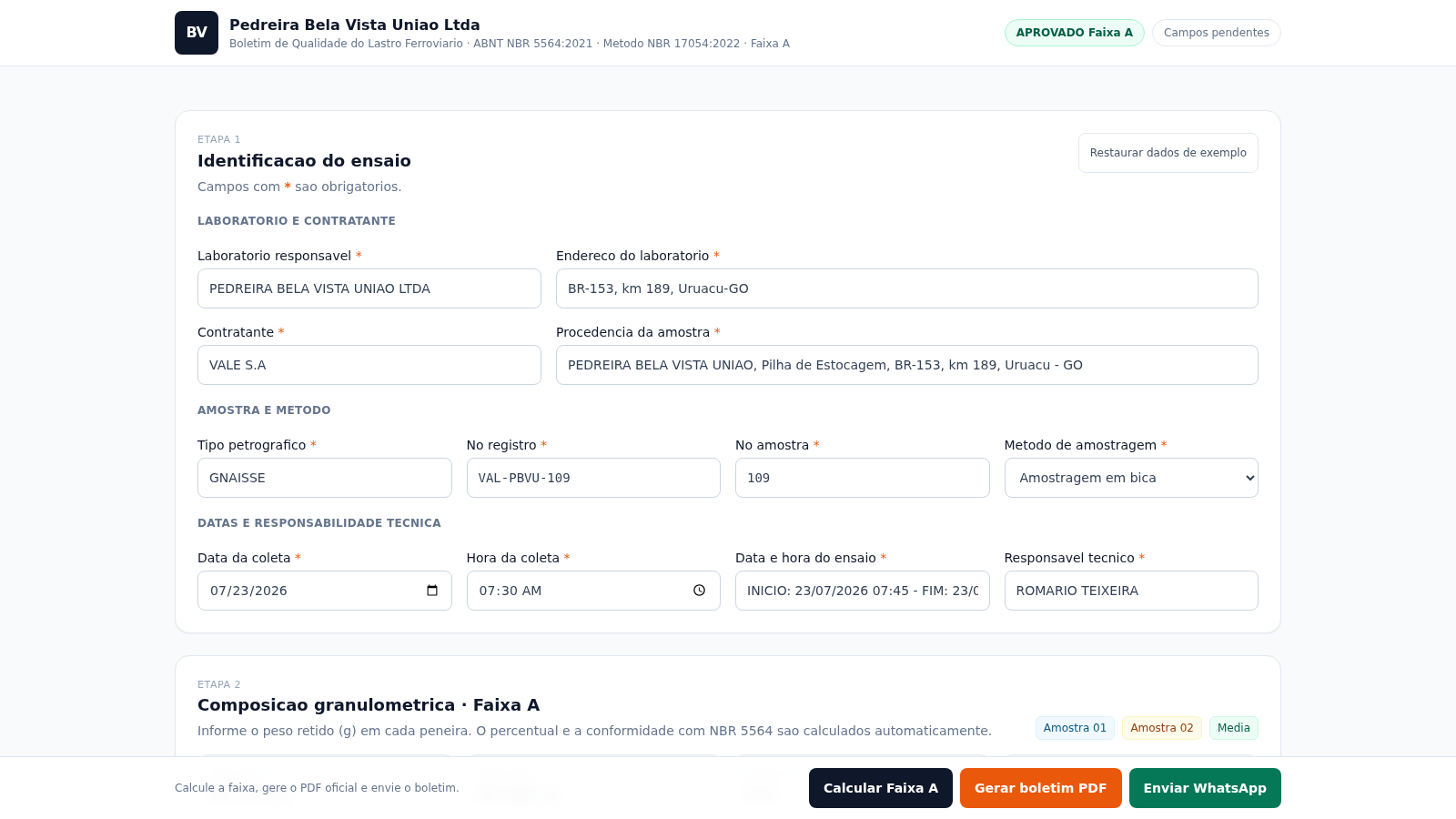
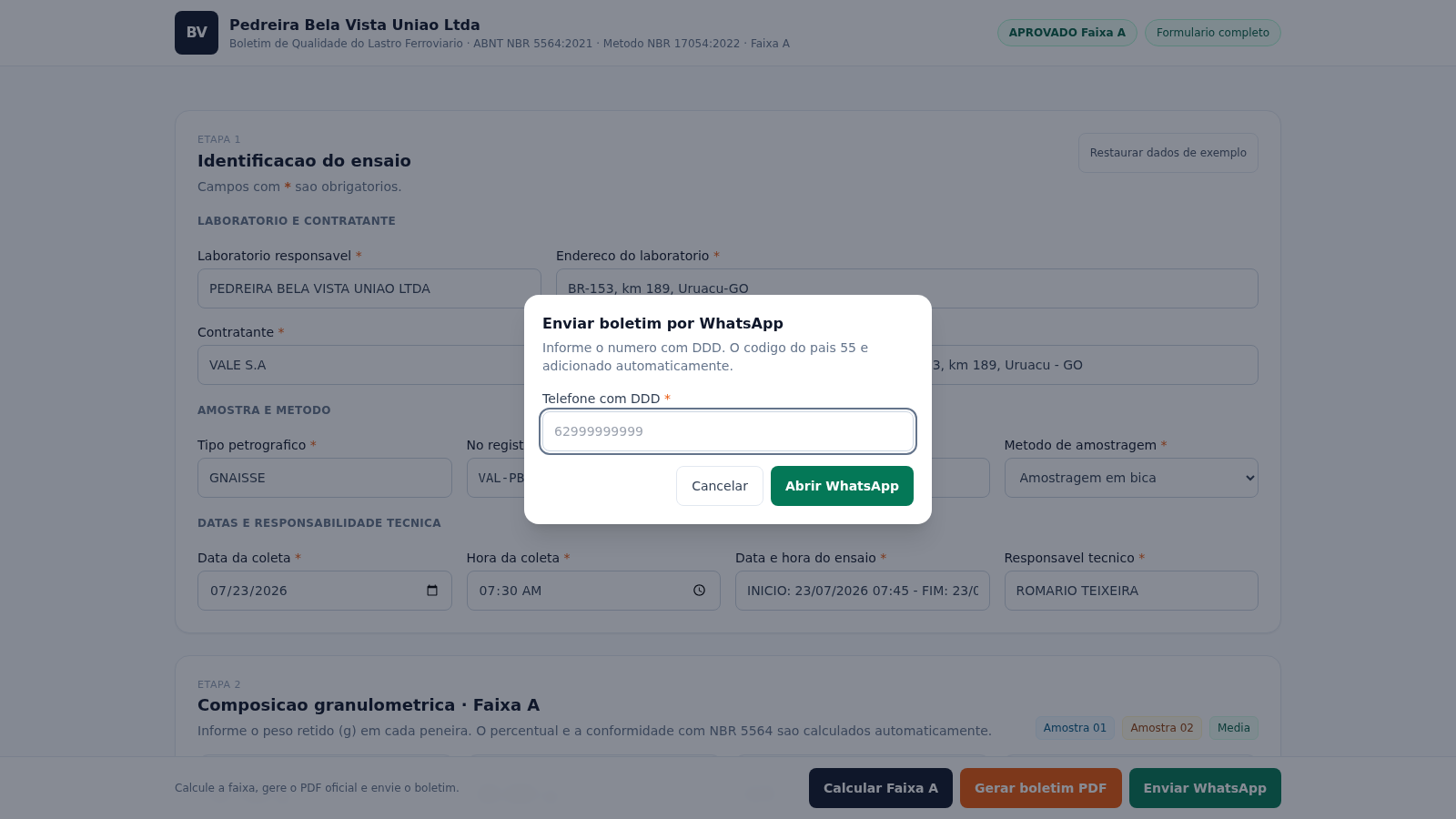
Boletim Lastro Ferroviario is a single-page web tool for Brazilian railway ballast quality control. It is organised as a test bulletin that a laboratory completes in stages. In the first stage you enter the laboratory and contractor, sample provenance, petrographic type, registry and sample numbers, sampling method, collection date and time, test start and end, and the technical responsible person. The second stage is a granulometric table: for each ASTM sieve from 3 inches down to the pan you type the retained mass in grams for two samples, and the page computes retained percentage, cumulative percentage, the mean of both samples, the Faixa A minimum and maximum, and a per-sieve approve or reject verdict. A summary shows the mass of each sample, how many positions are within range, and the overall Faixa A result. A third stage draws a logarithmic, inverted granulometric curve with the Faixa A limits as dashed lines. The remaining sections collect test photos, equipment certificates, calibration dates, logos and signatures. A fixed action bar lets you recalculate, export the bulletin as a PDF, and share it through WhatsApp.
Highlights
Live Faixa A grading
Sieve pass or fail as you type
Granulometric curve
Chart shows the limit lines
One-click bulletin PDF
Exports the full report
Load demo data anytime
Full realistic example set
Logos and signatures
Attach report evidence
Send via WhatsApp
Share the finished bulletin
How to Use
Fill the test identification
Open the page and work through Etapa 1. Enter the responsible laboratory and its address, the contractor, the sample provenance, the petrographic type, the registry and sample numbers, and pick a sampling method from the dropdown. Then complete the collection date and time, the test start and end datetime, and the technical responsible person. If you want to see how the form behaves first, press Restaurar dados de exemplo to fill every field with a realistic example set.
Enter the sieve masses
In Etapa 2 find the ASTM sieve table. For each sieve row type the retained mass in grams for sample A01 and sample A02. As you type, the retained percentage, cumulative percentage, mean retained, mean cumulative, and the Faixa A minimum and maximum columns update, and each row shows an approve or reject verdict. The summary cards above the table update with the sample masses, the number of sieve positions within range, and the overall result, while the header status chips show whether the sample is approved and whether any required field is still pending.
Check the curve and recalculate
Scroll to Etapa 3 to inspect the granulometric curve. The x axis is logarithmic and inverted in millimetres, and the dashed lines mark the Faixa A limits, so you can see at a glance whether the plotted points stay inside the envelope. After any change to the table, use the Calcular Faixa A button in the bottom action bar to refresh the verdict and the status display.
Attach evidence and export
Complete the attachments section by adding test photos, the scale and sieve certificate details, the calibration and next calibration dates, two logos, and two signatures, each through its own file slot. When the bulletin is ready, press Gerar boletim PDF in the bottom bar. The page reports the produced file name in a status message and downloads the PDF. Use Enviar WhatsApp if you want to forward the bulletin through WhatsApp in one step.
Similar Sites
 415
415Smile Patisserie
Smile Patisserie menu: cakes, oriental, bakery, and WhatsApp cart
 486
486حاسبة رسوم الجمعية
حاسبة رسوم الجمعية لوكلاء Money Fellows — حساب القسط وصافي القبض شهر بشهر.
 126
126Agenda de Pedidos - Confeitaria
Agenda digital de pedidos para confeitaria com integração WhatsApp
 49
49SGI CONTROL
Sistema Integrado de Gestão da Qualidade (ISO 9001) com painel B2B multiempresa
 49
49MKBLab Analytics
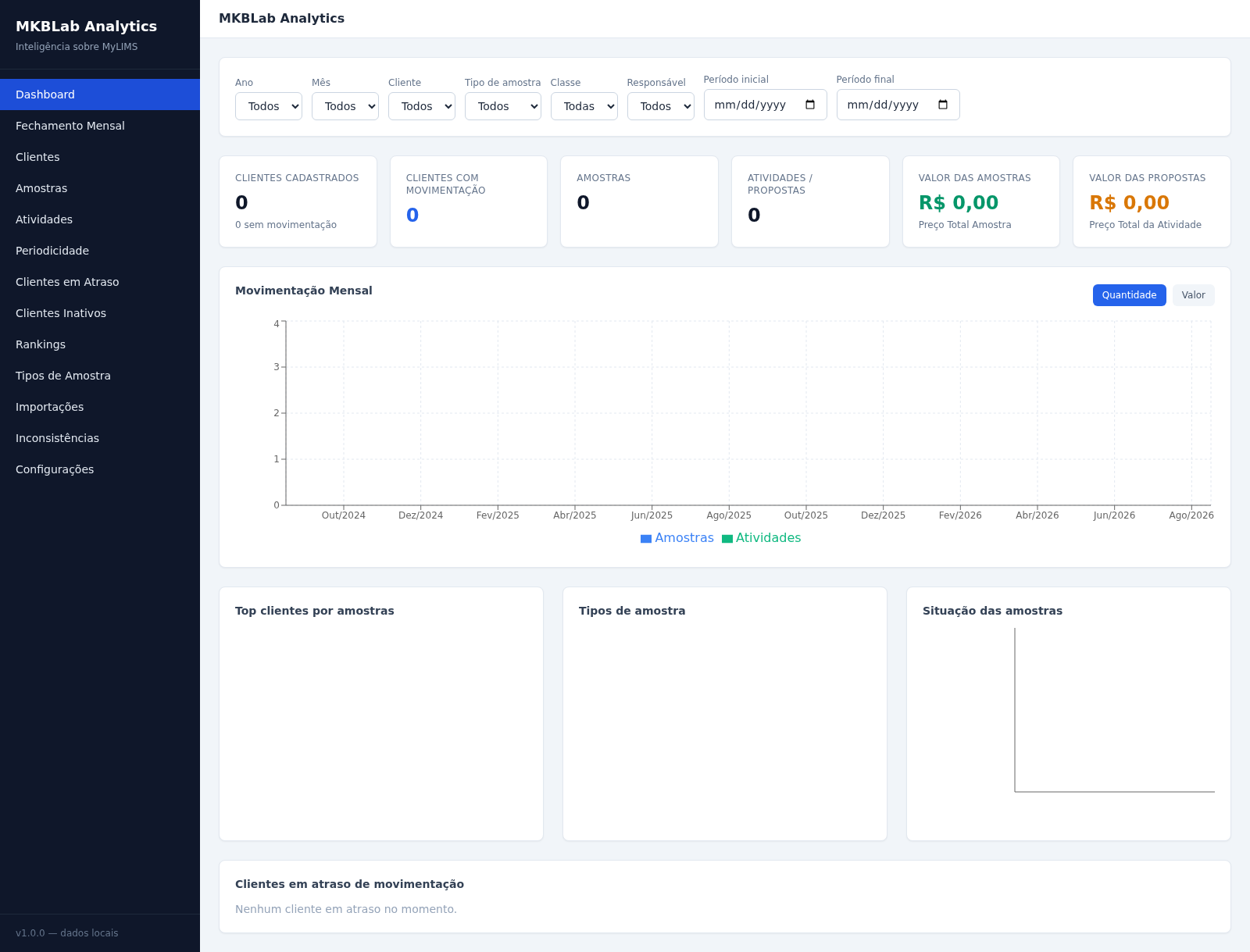
Dashboard gerencial com importação de relatórios XLSX do MyLIMS
 70
70Breno's Pizza
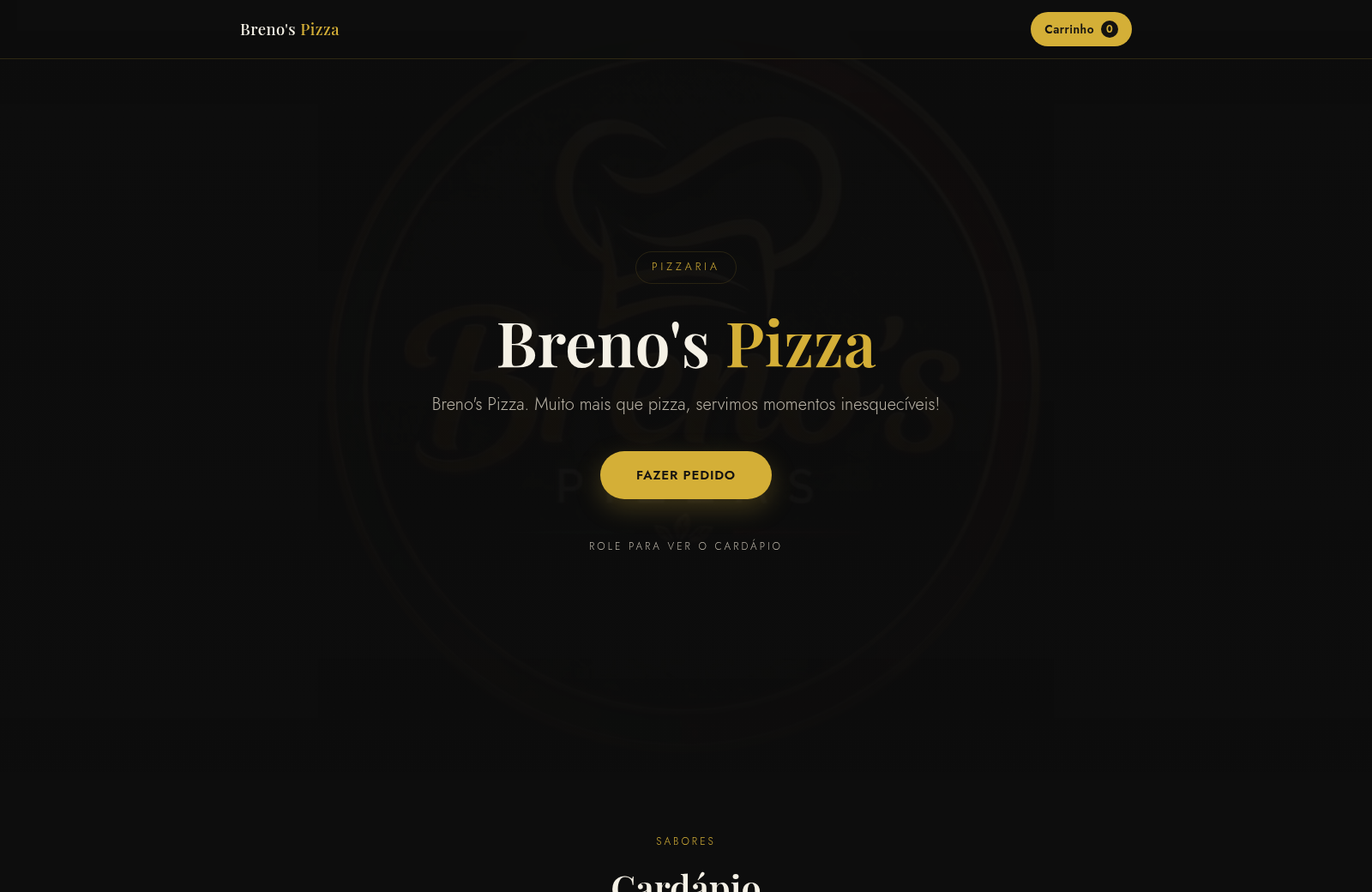
Breno's Pizza. Muito mais que pizza, servimos momentos inesqueciveis! Peça a sua pizza pelo WhatsApp.