
Raven Billiards & Gaming Zone

Book tables, stations and memberships at a premium billiards and gaming venue.
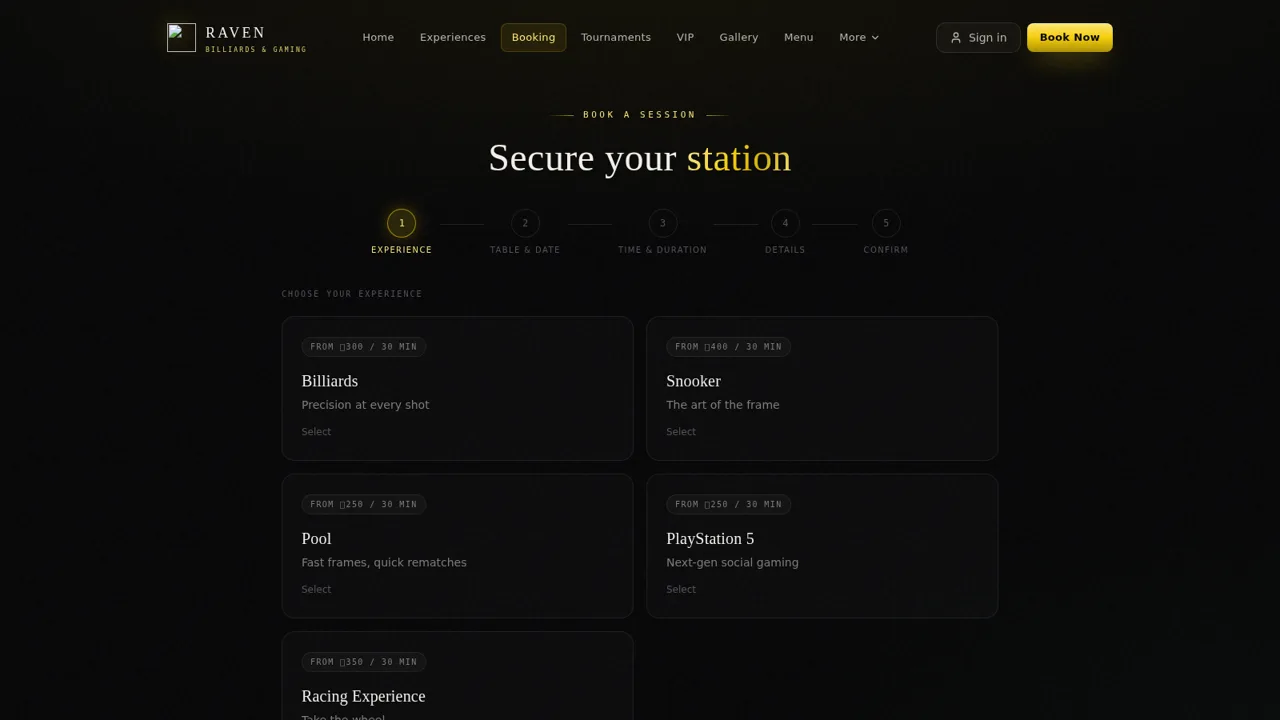
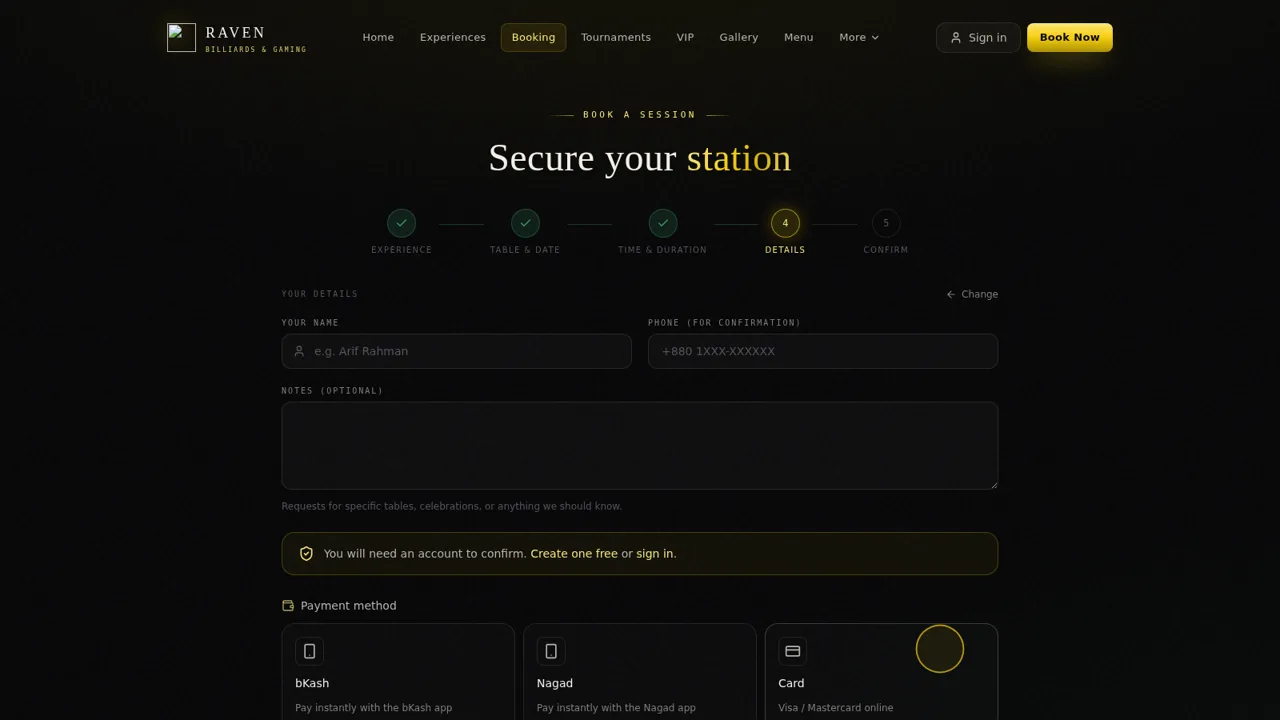
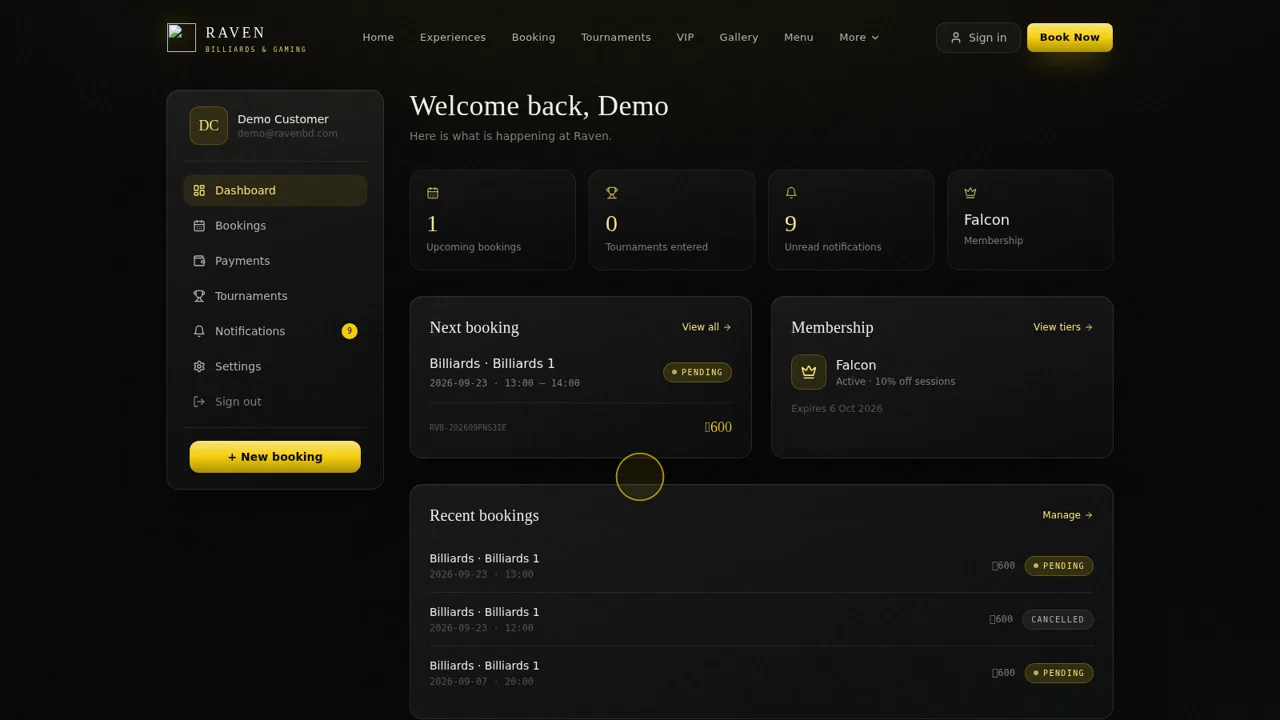
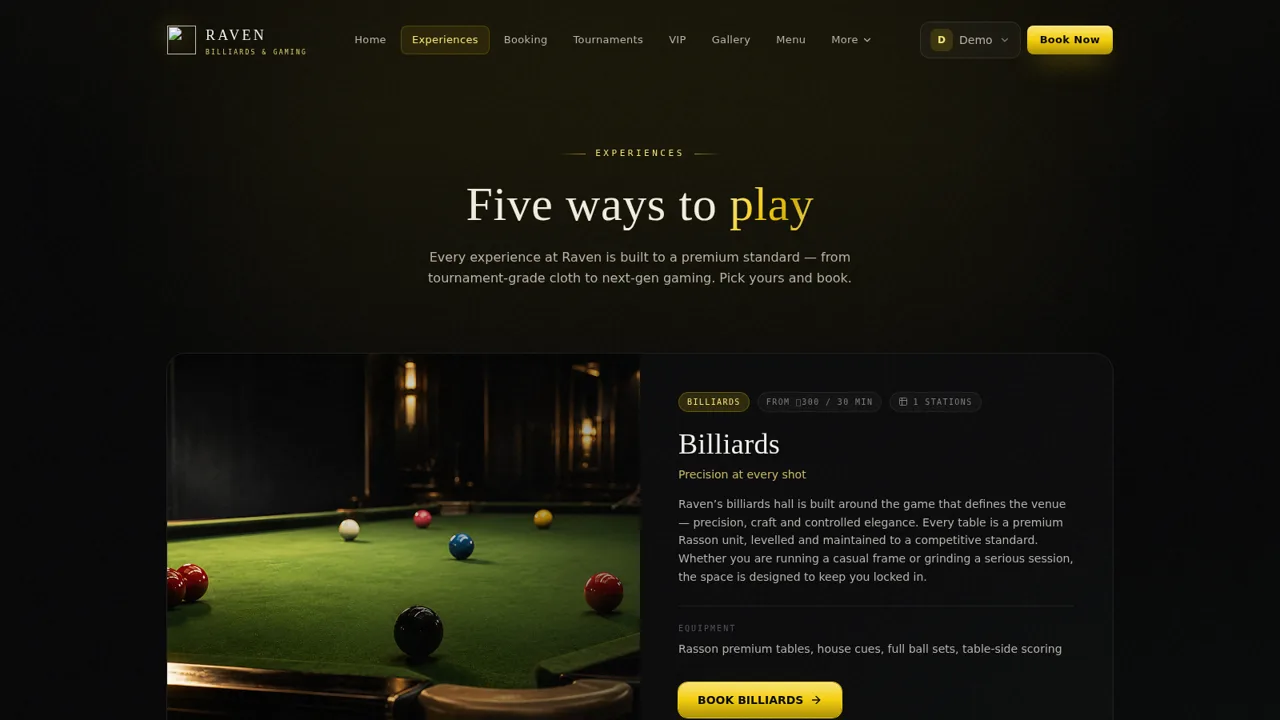
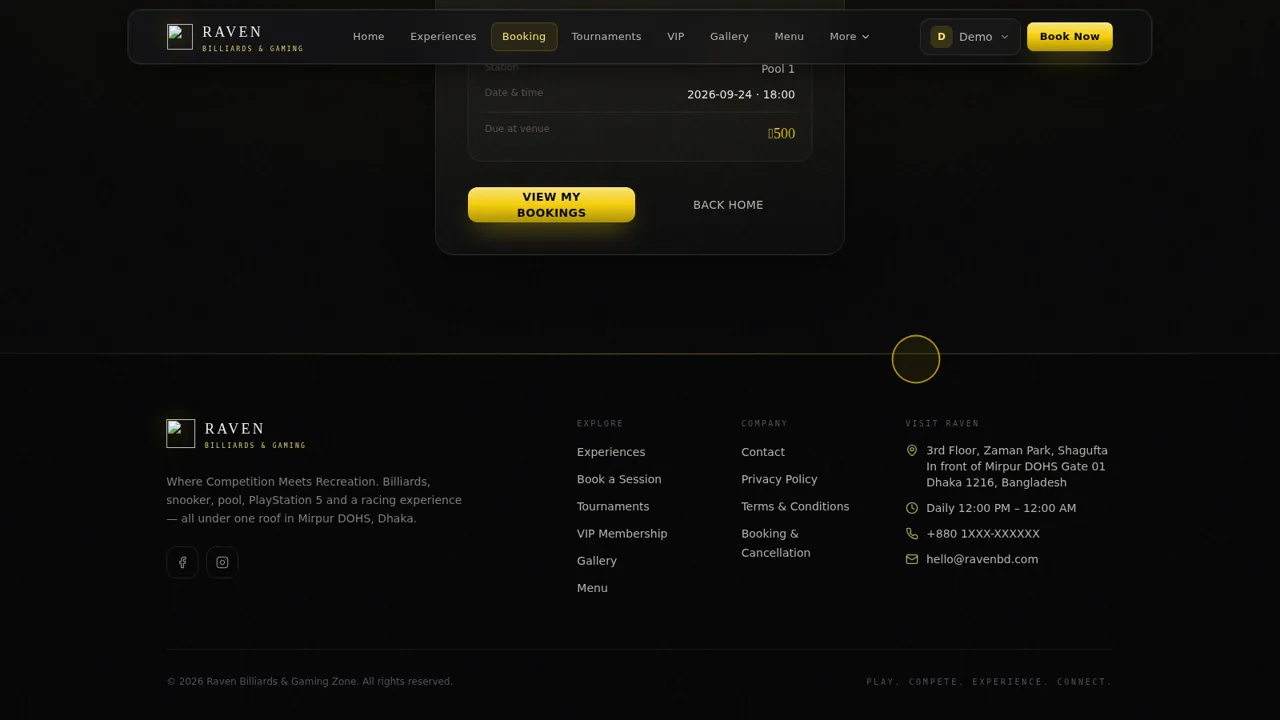
Raven Billiards & Gaming Zone is the official website of a physical gaming venue in Mirpur DOHS, Dhaka. Visitors can explore five play experiences (billiards, snooker, pool, PlayStation 5 and a racing rig) with prices, station counts and equipment details, check live station availability for a chosen date, and reserve a table through a five-step booking flow with a choice of bKash, Nagad, card, bank transfer or pay-at-venue. Registered users get an account dashboard for bookings, payments, tournaments, notifications and membership, while the site also covers tournament registration, VIP tiers, a gallery, a food menu, guest reviews and the venue location.
Highlights
Five experiences
Billiards to racing
Live availability
Free, held or booked
Multi-step booking
Table, date, pay
Member dashboard
Bookings, membership
Tournaments open
PS5, pool, snooker
Demo logins
Customer and staff
How to Use
Browse the experiences
Start on the homepage or open the Experiences page to compare billiards, snooker, pool, PlayStation 5 and the racing rig. Each entry shows the starting hourly price, the number of stations and the equipment provided, and a Book button jumps straight into the booking flow for that discipline.
Pick a table, date and time
In the booking wizard, choose an experience first, then a specific table and a date; the station list updates for that day and marks each one as available or unavailable. Next, select a start time from the slot list and a duration such as 30, 60 or 90 minutes; the estimated price updates as you go.
Enter details and confirm
The final step prefills your name and phone if you are signed in, lets you add an optional note and choose a payment method (bKash, Nagad, card, bank transfer or pay at venue). Pressing Confirm Booking submits the request and shows a confirmation with a reference number and the station, date, time and amount due.
Manage bookings and membership
After signing in you land on an account dashboard that shows upcoming bookings, recent booking history, unread notifications and your membership tier, with links to manage bookings, view payments and see tournaments you have entered.
Similar Sites
 60
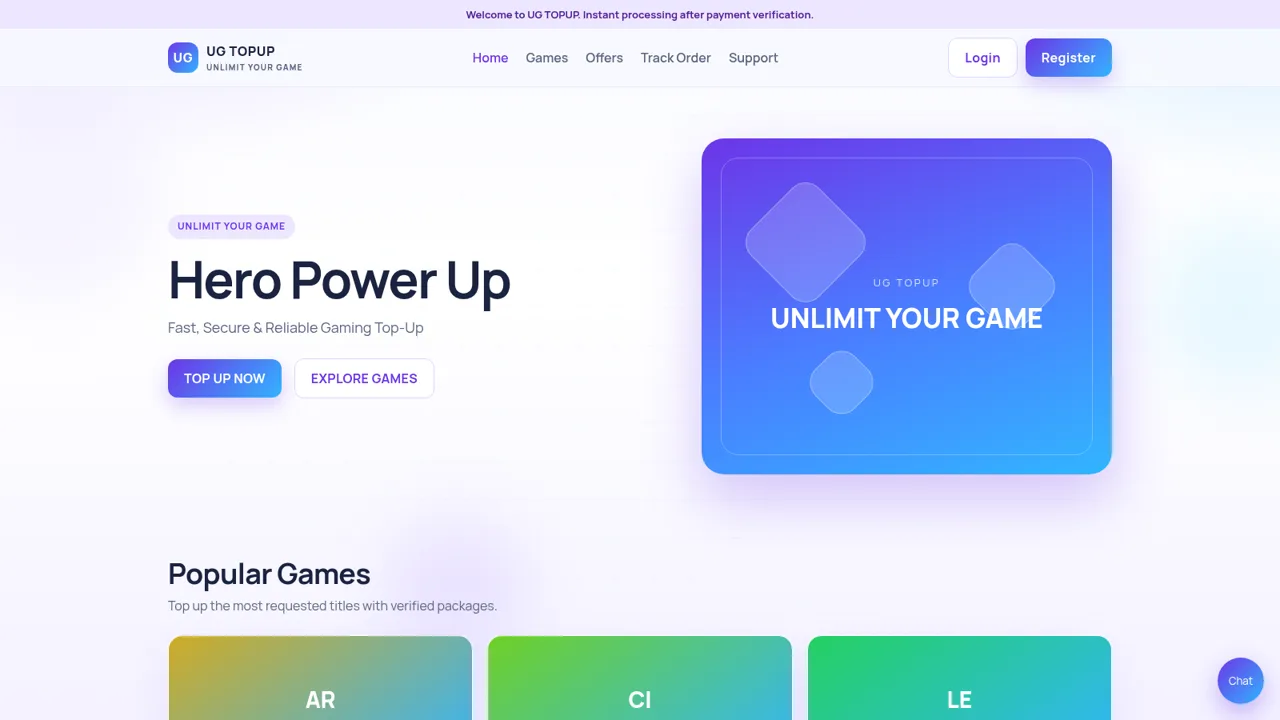
60UG TOPUP
Fast, secure gaming top-up for diamonds, UC, coins and crystals.
 37
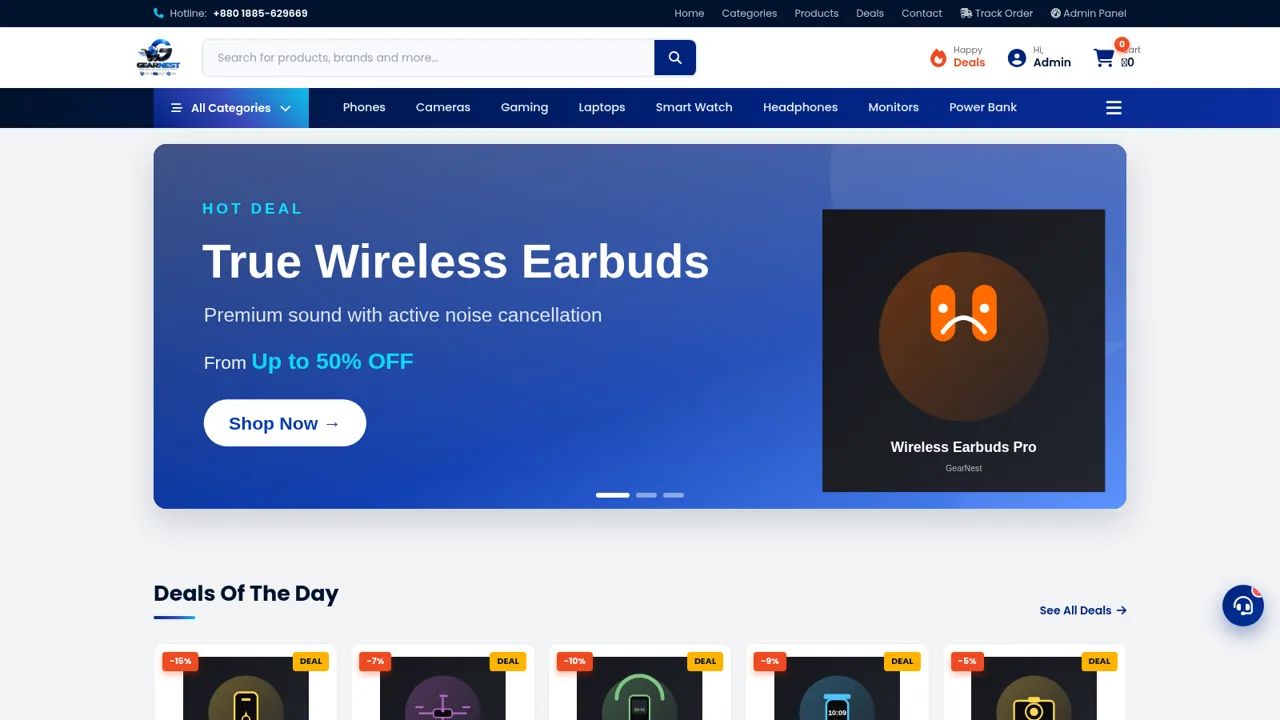
37GearNest | Premium Gadgets Store
Online store for original gadgets, phones, laptops and accessories in Bangladesh.
 19
19Clique&Pede
Cardapio digital, delivery e impressao termica para lanchonetes e acaiterias
 1
1Throttle Rentals
Motorcycle hire with Google Sheets inventory, Forms ID check, and Maps hubs.
 413
413Smile Patisserie
Smile Patisserie menu: cakes, oriental, bakery, and WhatsApp cart
 447
447حاسبة رسوم الجمعية
حاسبة رسوم الجمعية لوكلاء Money Fellows — حساب القسط وصافي القبض شهر بشهر.