
مختبر TLS و HTTPS
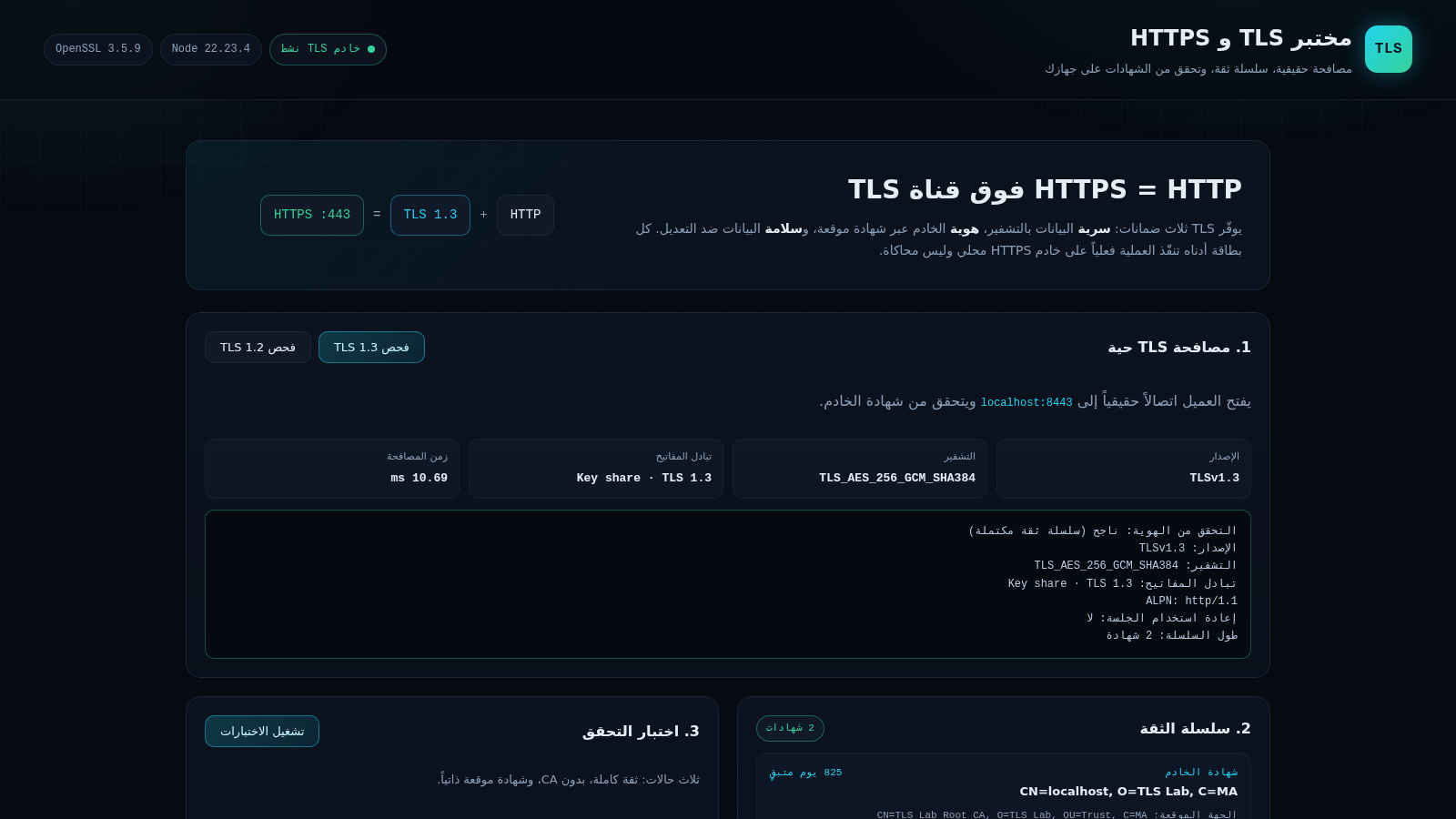
An Arabic-language interactive lab for TLS handshakes, trust chains and certificate checks
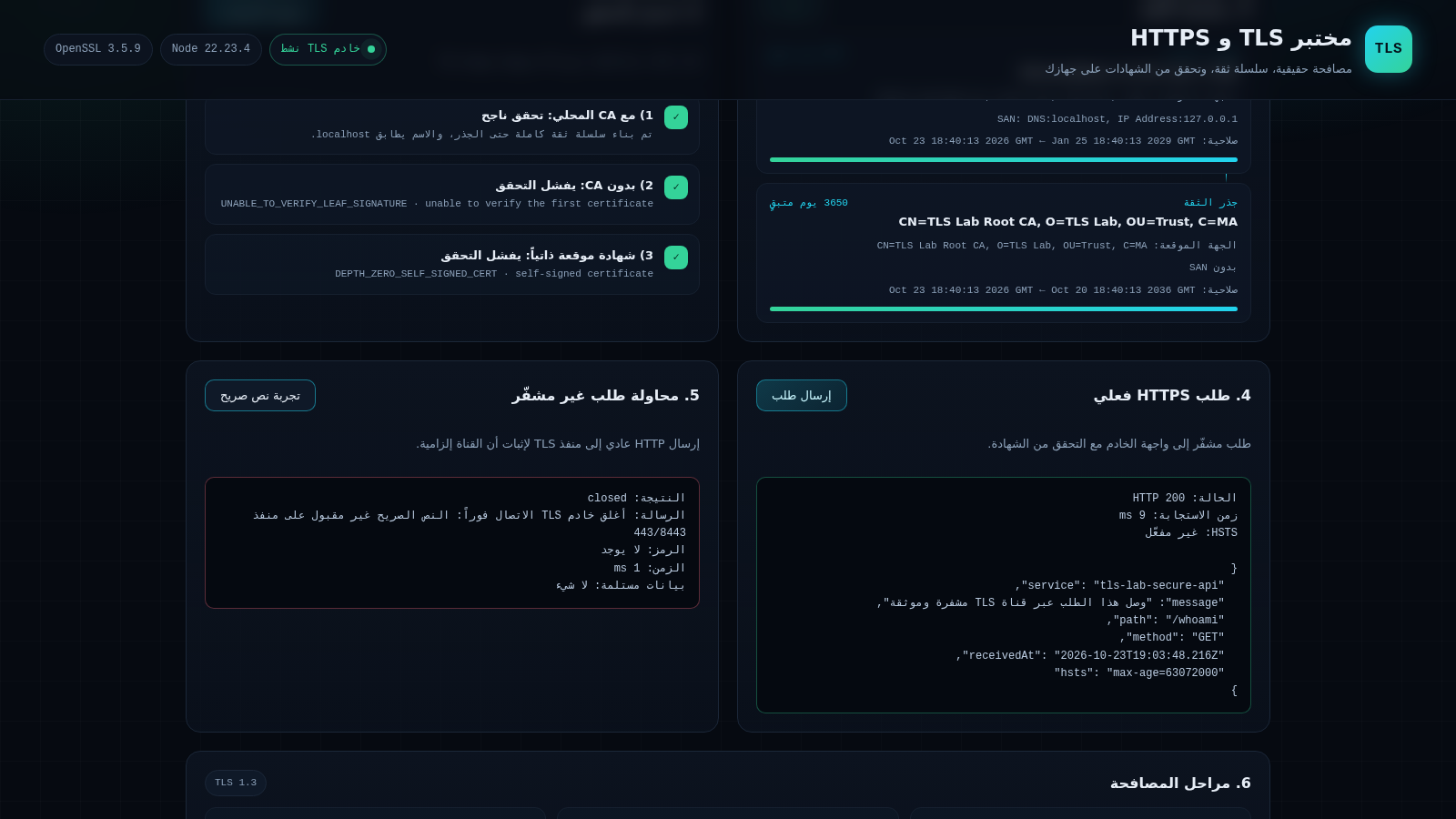
This is a single-page educational lab written in Arabic that explains how HTTPS runs on top of a TLS channel. It opens with the three guarantees TLS provides: confidentiality through encryption, identity through a signed certificate and integrity against modification. Instead of only describing the concepts, each of the eight numbered cards runs a real operation against the lab server. Visitors can trigger TLS 1.3 and TLS 1.2 handshakes, inspect the two-certificate trust chain, run three certificate verification scenarios, send an encrypted request to the API, try a plaintext request against the TLS port, review the six handshake phases, download the local root CA and copy ready-made OpenSSL and curl commands.
Highlights
Real TLS handshakes
1.3 and 1.2 scans
Live trust chain
Server and root details
Certificate tests
Three verify scenarios
Real HTTPS request
Status, timing, body
Plaintext blocked
Port rejects clear text
Local root CA
Download and copy PEM
How to Use
Start with the handshake card
Open the page and find card one, which offers a TLS 1.3 and a TLS 1.2 button. Press either one; the four tiles below fill with the negotiated protocol version, cipher suite, key exchange type and elapsed handshake time, and a text block reports identity verification, ALPN, session reuse and chain length.
Inspect the trust chain and run the tests
Card two lists the server certificate and the root certificate with subject, issuer, SAN, validity dates and remaining days. In card three press the run tests button to execute three scenarios at once: full trust with the local CA, verification without the CA and a self-signed certificate, each returning a success or failure line with its error code.
Compare encrypted and plaintext requests
Card four sends an encrypted request to the lab API and shows the HTTP status, response time and JSON body. Card five sends ordinary HTTP to the TLS port and reports that the connection was closed immediately, which demonstrates why the encrypted channel is mandatory on that port.
Use the CA and the command references
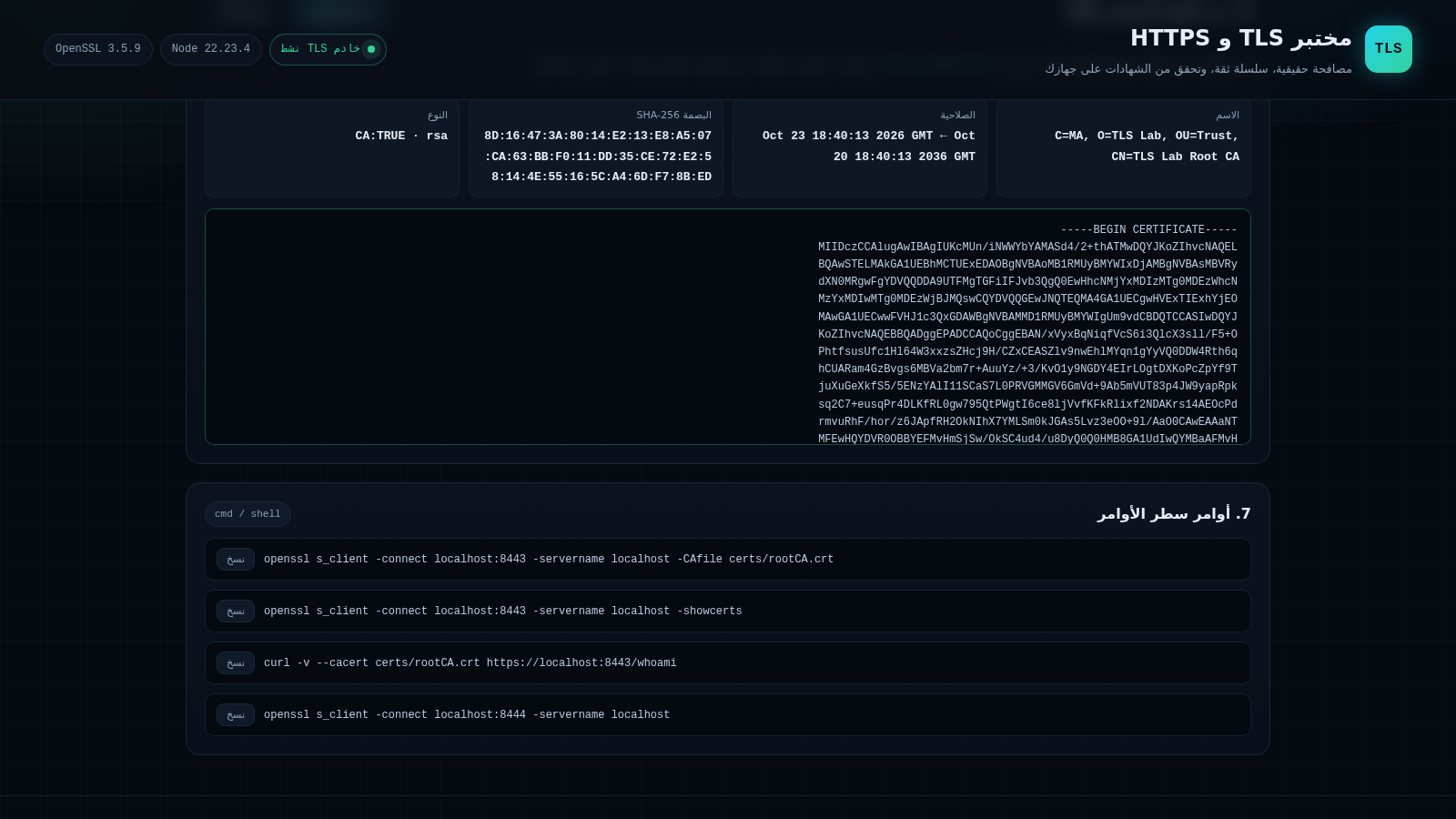
Card seven contains four OpenSSL and curl commands with copy buttons for reproducing the checks in a shell. Card eight lets you download the public root certificate at /ca.crt or copy its PEM text, and explains that the private root key stays on the server; installing the certificate locally is optional and only affects whether your own tools treat the lab certificates as trusted.
Similar Sites
 20
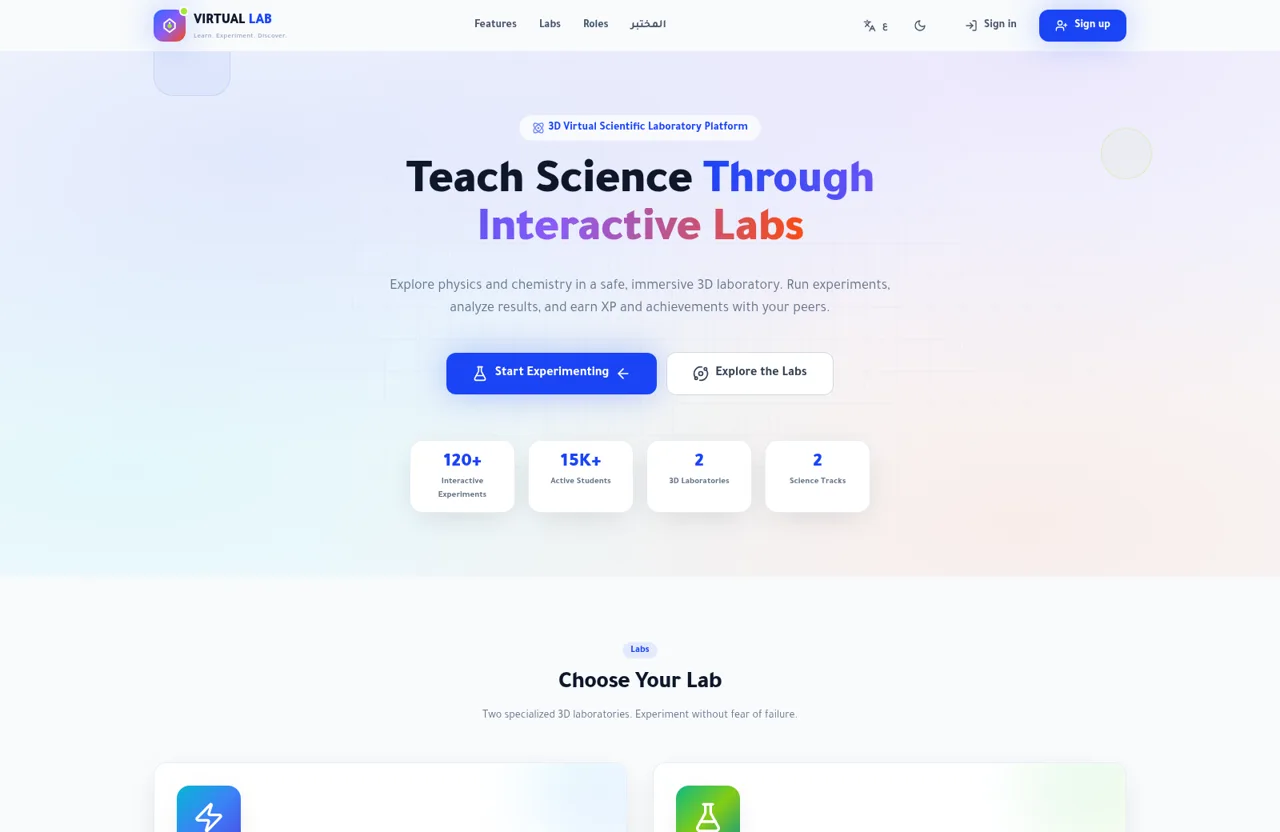
20المختبر العلمي الافتراضي - VIRTUAL LAB
منصة مختبر علمي افتراضي تفاعلي للفيزياء والكيمياء مع تجارب ومكتبة معرفة
 7
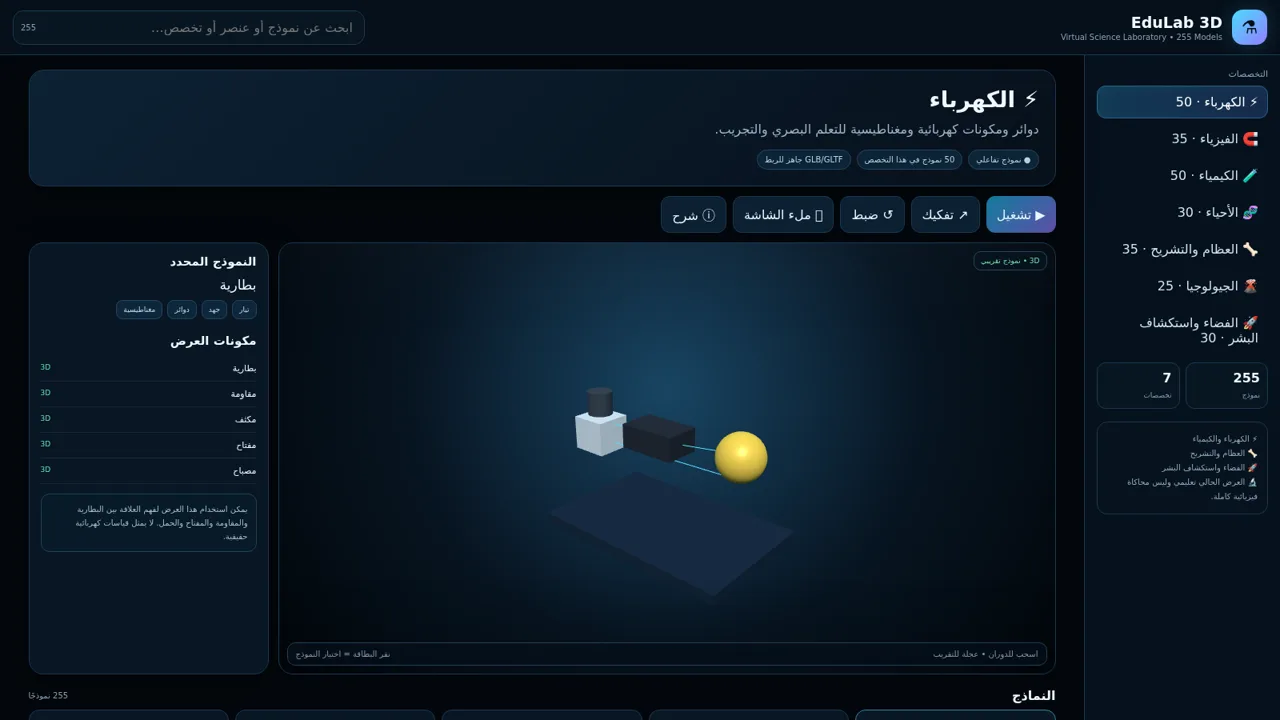
7EduLab 3D — مختبر العلوم
EduLab 3D — مختبر علوم تفاعلي يحتوي على 255 نموذجًا تعليميًا في سبعة تخصصات.
 5
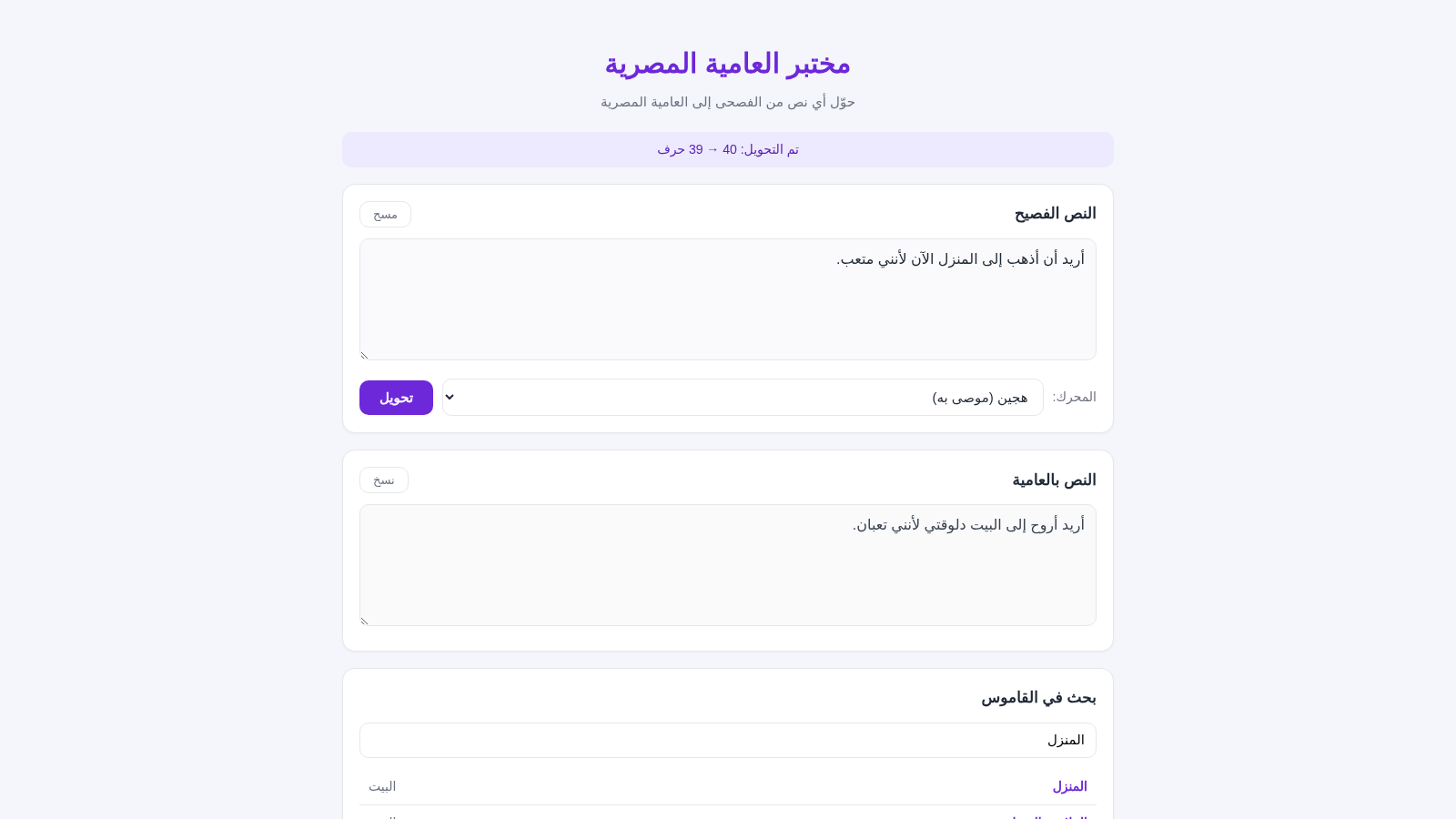
5مختبر العامية المصرية
حوّل النصوص من الفصحى إلى العامية المصرية بضغطة واحدة
 1
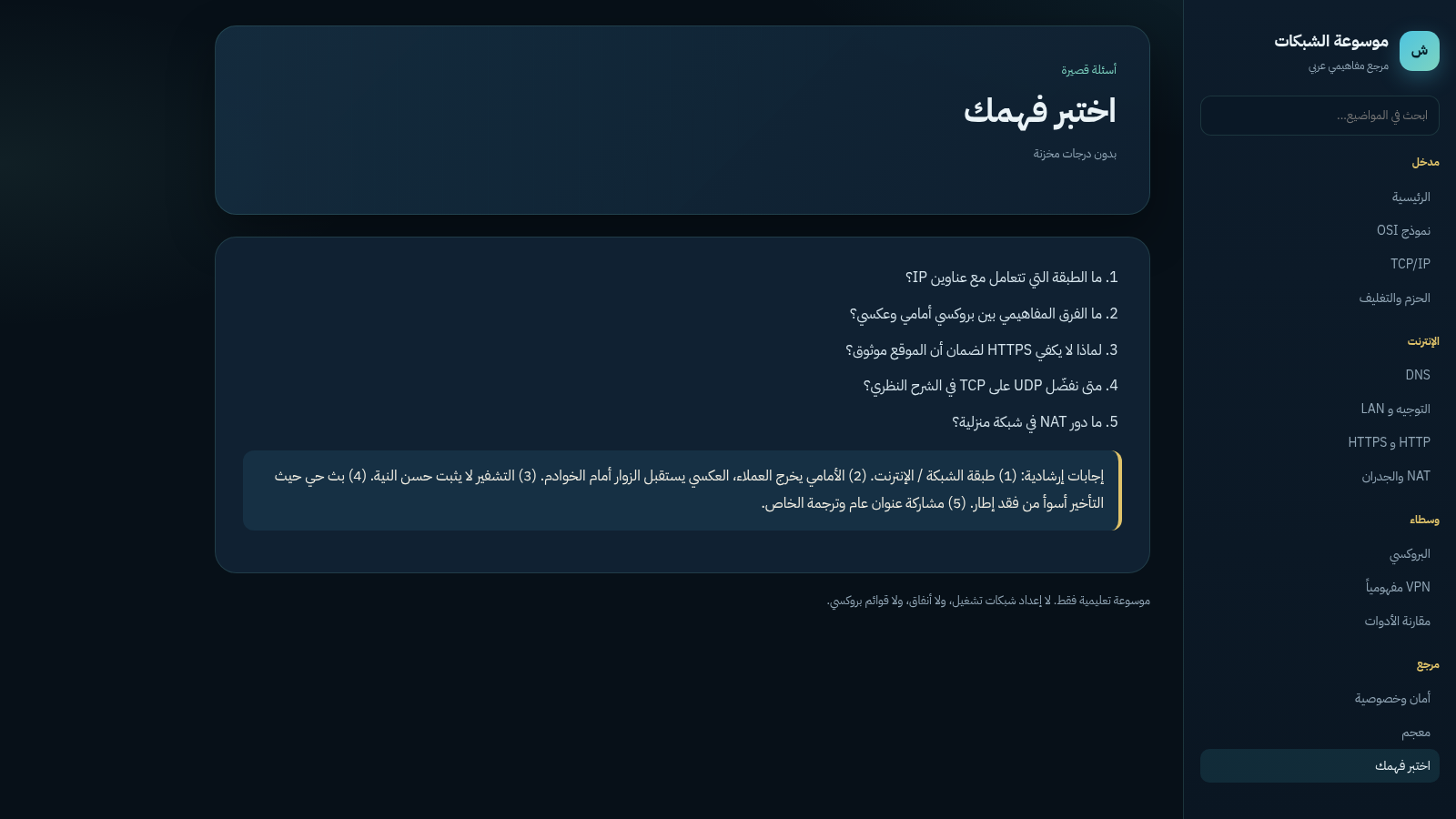
1موسوعة الشبكات والبروكسي
مرجع عربي تعليمي عن مفاهيم الشبكات والبروكسي والـ VPN
 12
12CodeNest
Student coding studio with a live editor for 18 languages.
 10
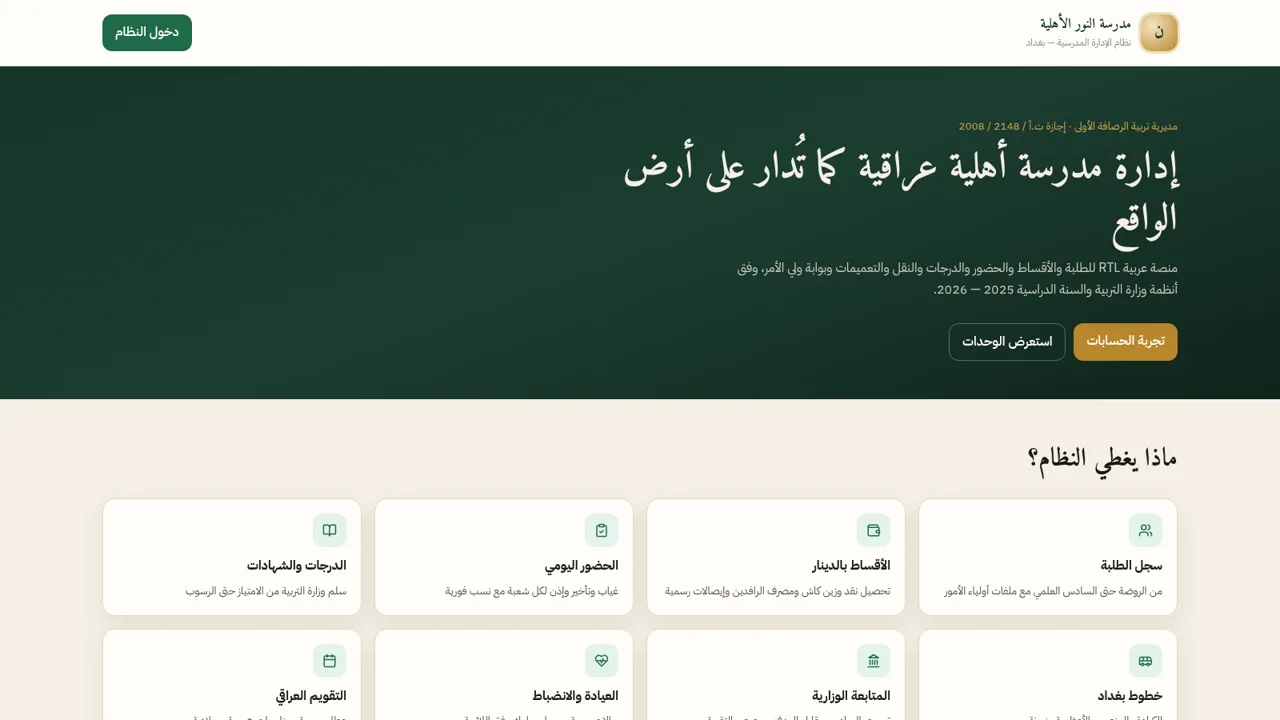
10مدرسة النور الأهلية
نظام عربي لإدارة مدرسة أهلية عراقية: طلبة وأقساط وحضور ودرجات