
CodeNest
A student coding studio with lessons, projects, snippets, and a live editor for 18 languages.
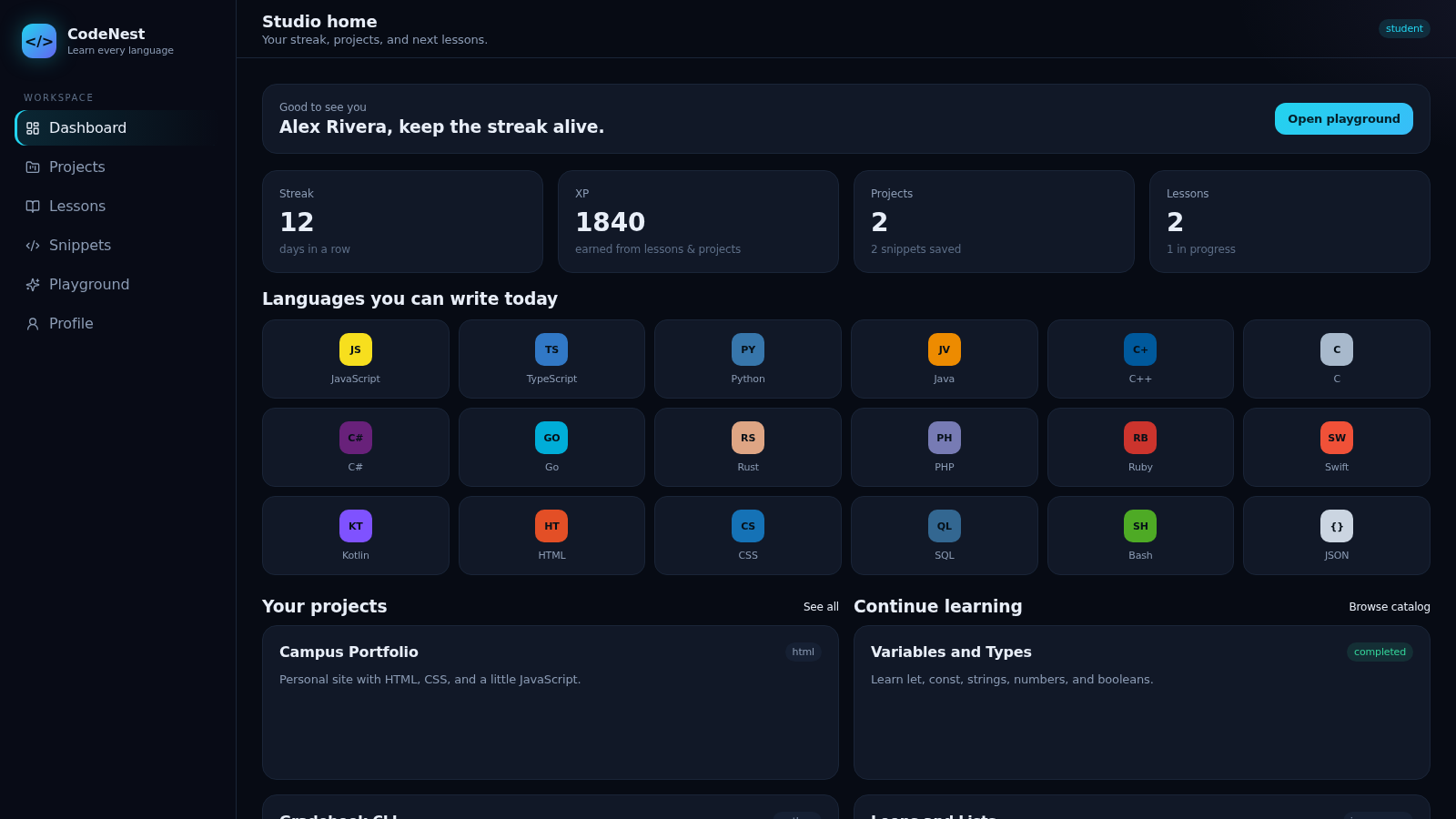
CodeNest is a browser-based coding studio for students. After signing in with a demo or new account, users land on a dashboard that summarizes streak, XP, projects, and lessons, then move between four main areas: guided lesson tracks, multi-file projects, a reusable snippet library, and a playground with a live editor. The playground and editors use Monaco and support 18 languages, with JavaScript executing live in a sandbox and other languages offering a guided preview so students can still draft code. Lessons include challenges and progress states, projects support multiple files plus a run button, and snippets collect short reusable pieces.
Highlights
Live 18-lang editor
JavaScript runs live
Guided lessons
Lessons with status
Multi-file projects
Edit, save, run
Reusable snippets
Search and save bits
XP and streak stats
XP, streak, progress
How to Use
Sign in
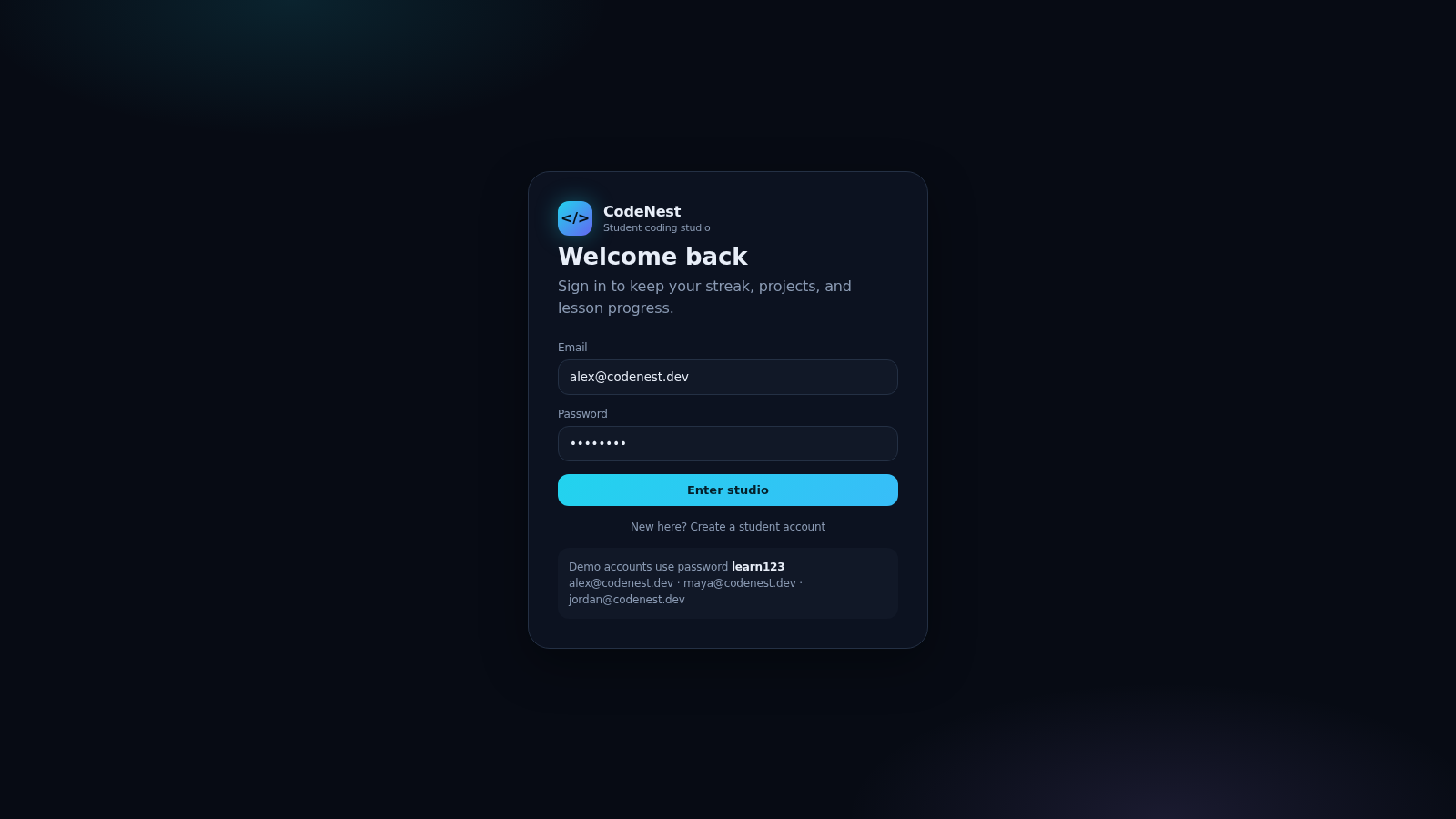
Open the site and you will land on the sign-in card. The demo credentials are already filled in, and the page lists the available demo accounts and their shared password. Press Enter studio to reach the dashboard, or use the Create a student account link to register your own account.
Try the playground
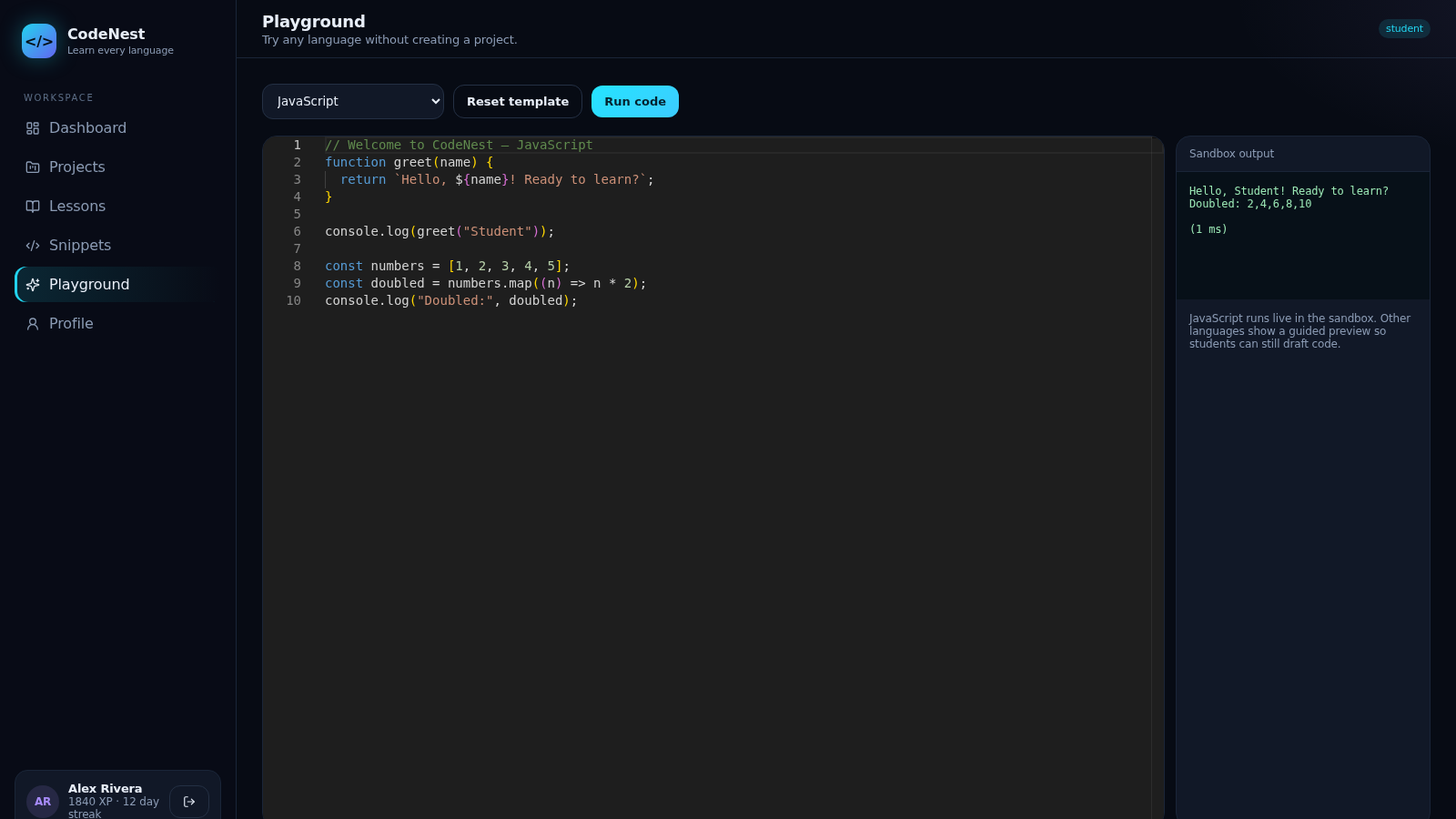
Choose Playground from the sidebar, pick any of the 18 languages from the dropdown, and the Monaco editor loads a starter template. Press Run code to execute it: JavaScript runs in the sandbox and prints output plus timing in the panel below, while other languages display a guided preview. Reset template restores the starter code.
Study a lesson
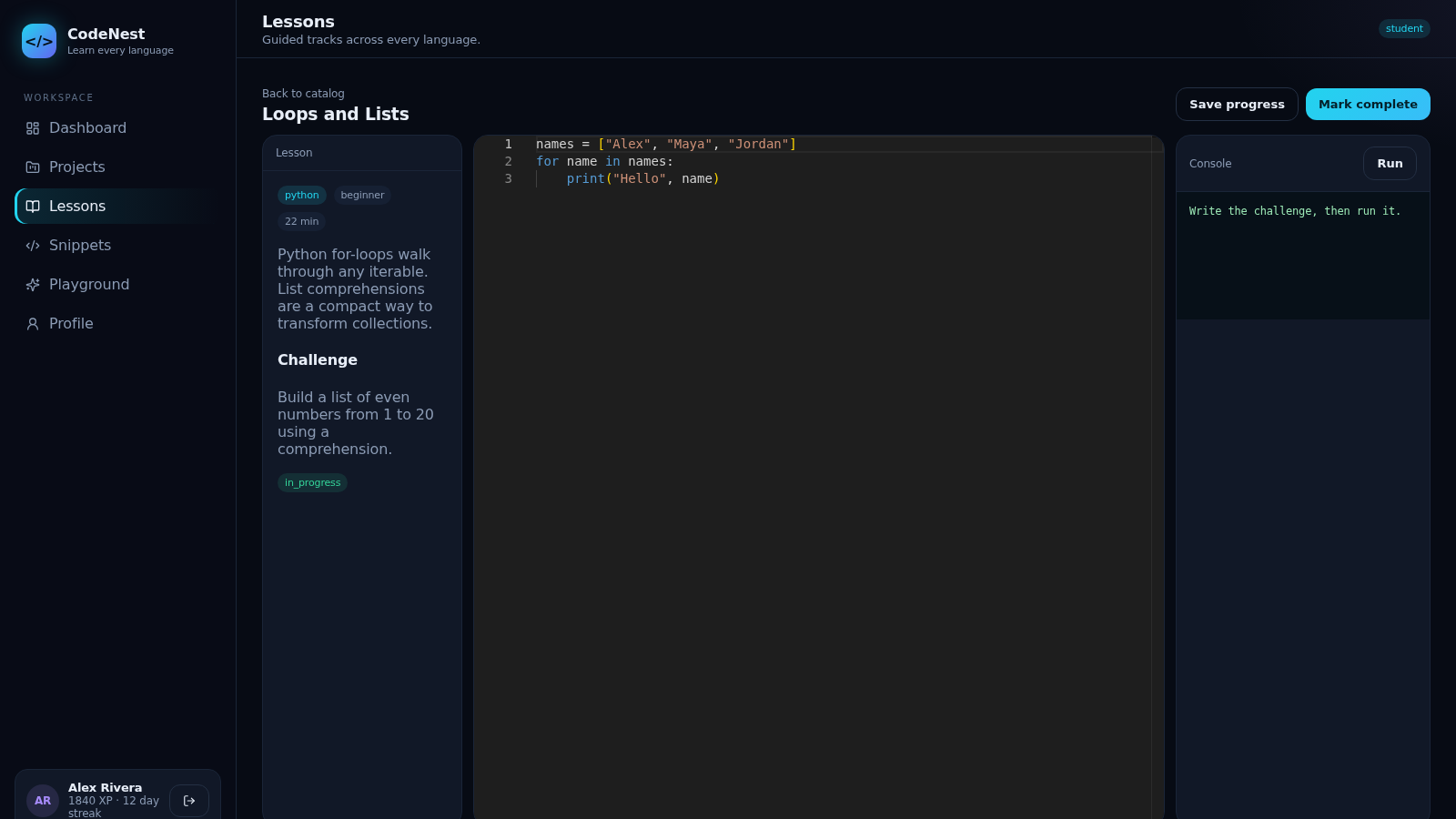
Open Lessons, filter by language or level, and choose Study on a card. The lesson view shows the description, a Challenge prompt, and a status, with Save progress and Mark complete buttons. An editor and Console panel sit on the right so you can write the challenge and run it in place.
Build a project
In Projects you can search, filter by language, and create a new project. Opening one shows its file list, with Add and Delete file controls, the editor for the selected file, and Edit, Delete, Save and Run buttons, plus an Output panel on the right.
Keep snippets
The Snippets page lists short reusable pieces with search and a Mine filter. Select a snippet to view it in the editor pane, where you can edit or delete it, or create a new snippet with the New snippet button.
Similar Sites
 61
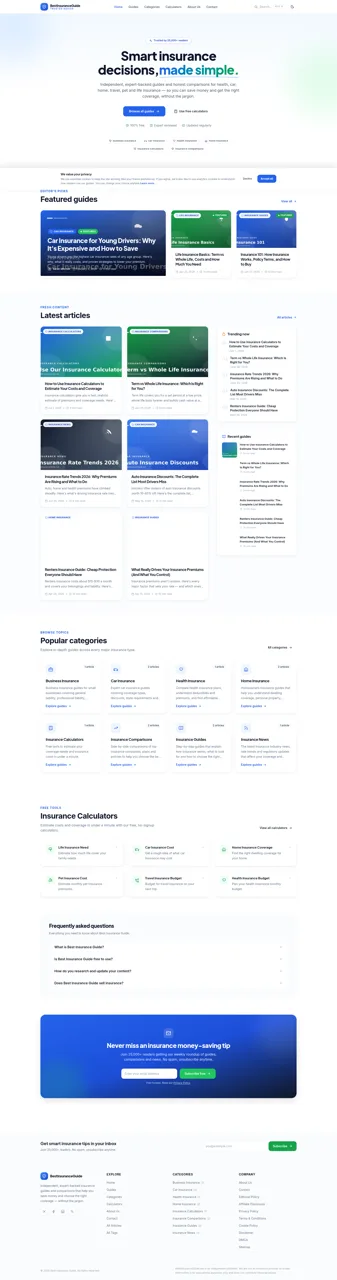
61Best Insurance Guide
Expert-written insurance guides, honest comparisons and trusted calculators.
 44
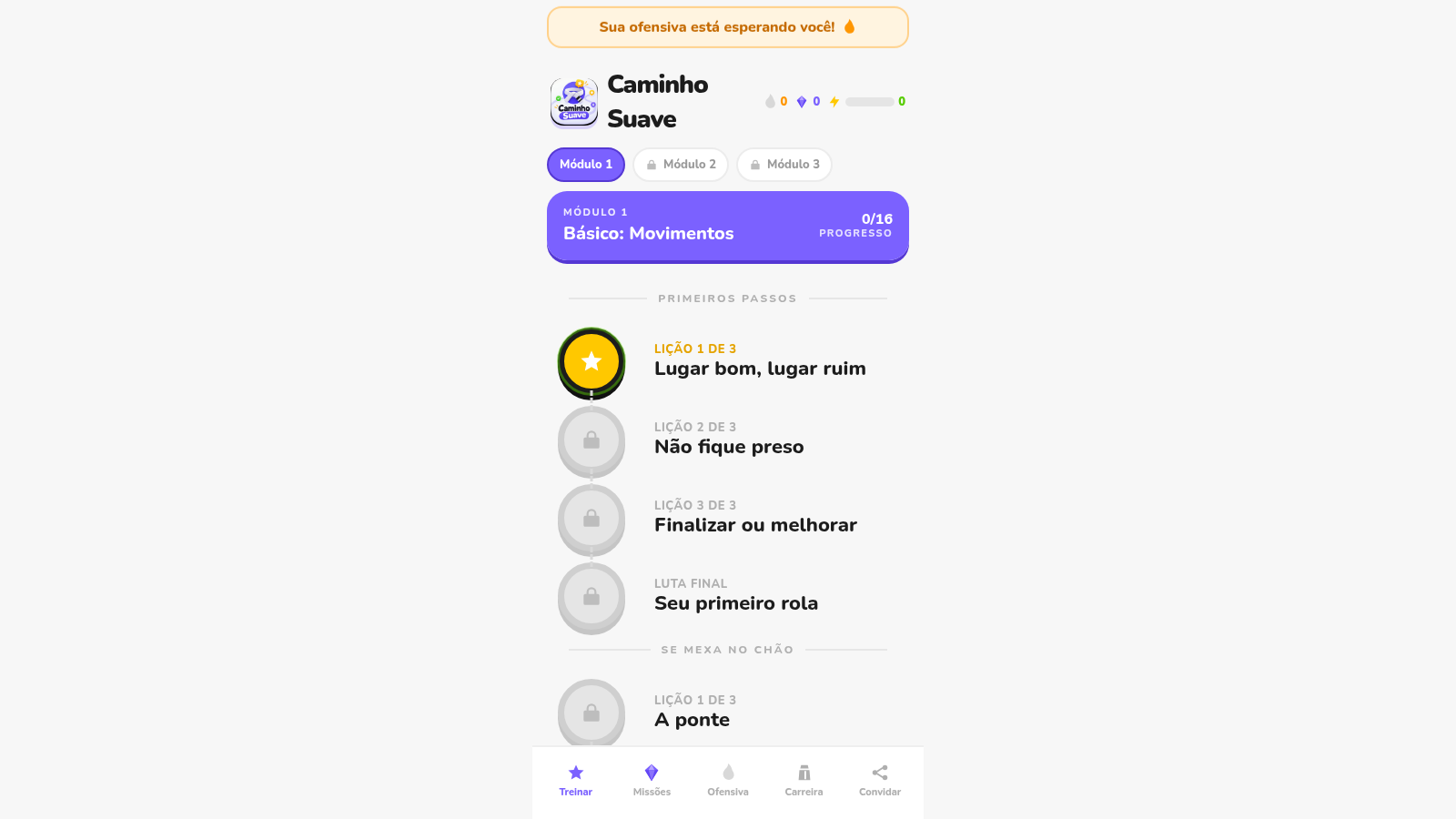
44Caminho Suave
Carreira kids de jiu-jitsu com faixas, aulas e atletas Premium
 43
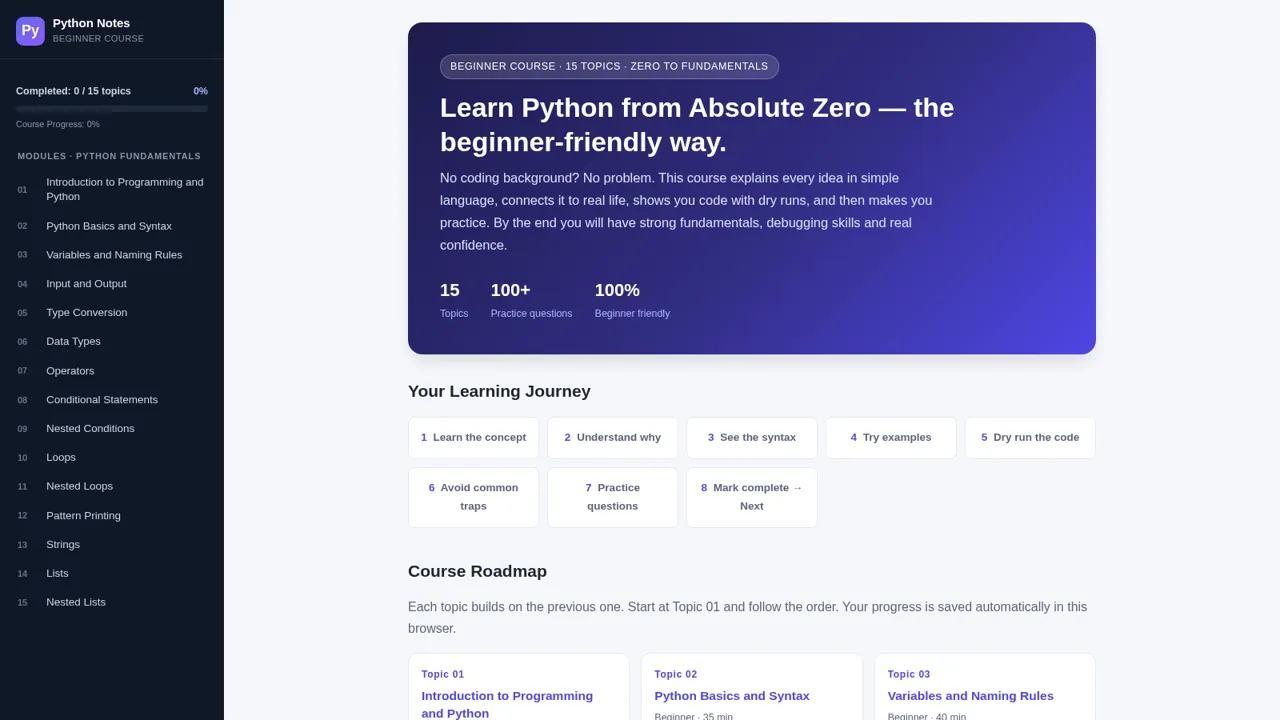
43Python Notes: Learn from Zero
A free beginner-friendly interactive course: learn Python from absolute zero across 15 hands-on topics
 7
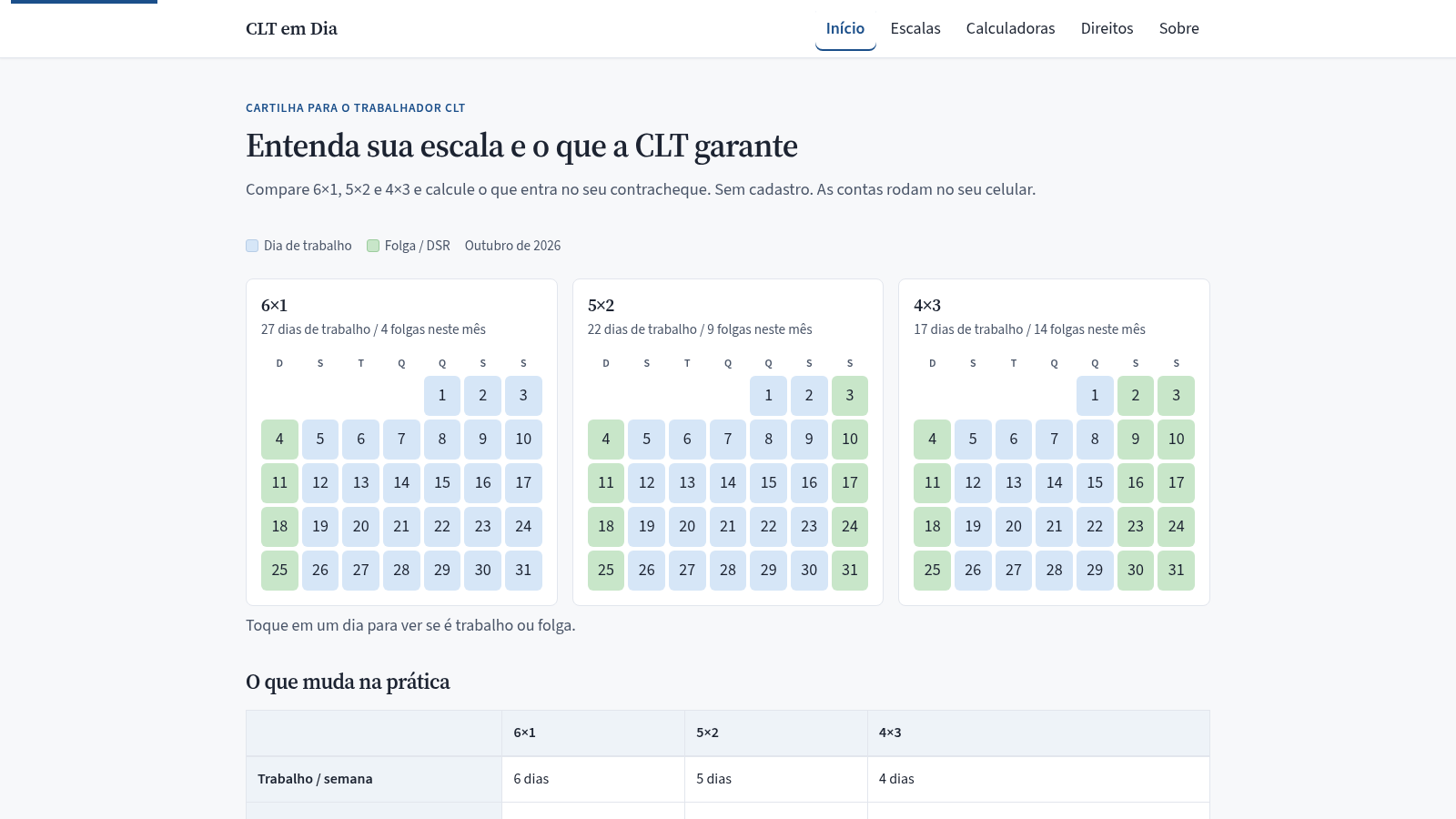
7CLT em Dia
Compare escalas 6x1, 5x2 e 4x3 e calcule hora extra, DSR e rescisão.
 34
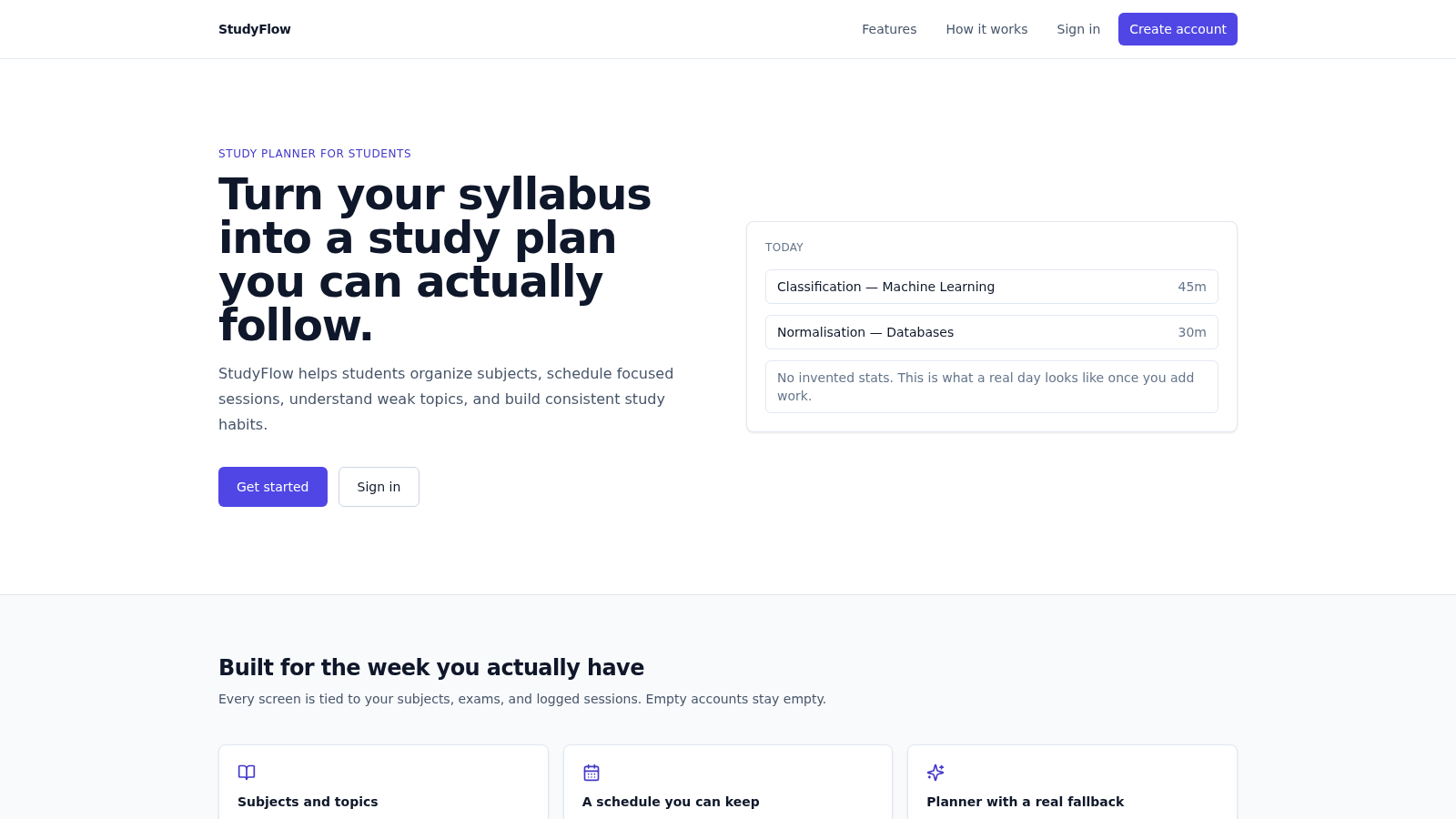
34StudyFlow
Student study planner with subjects, calendar, analytics, and an optional AI scheduler.
 33
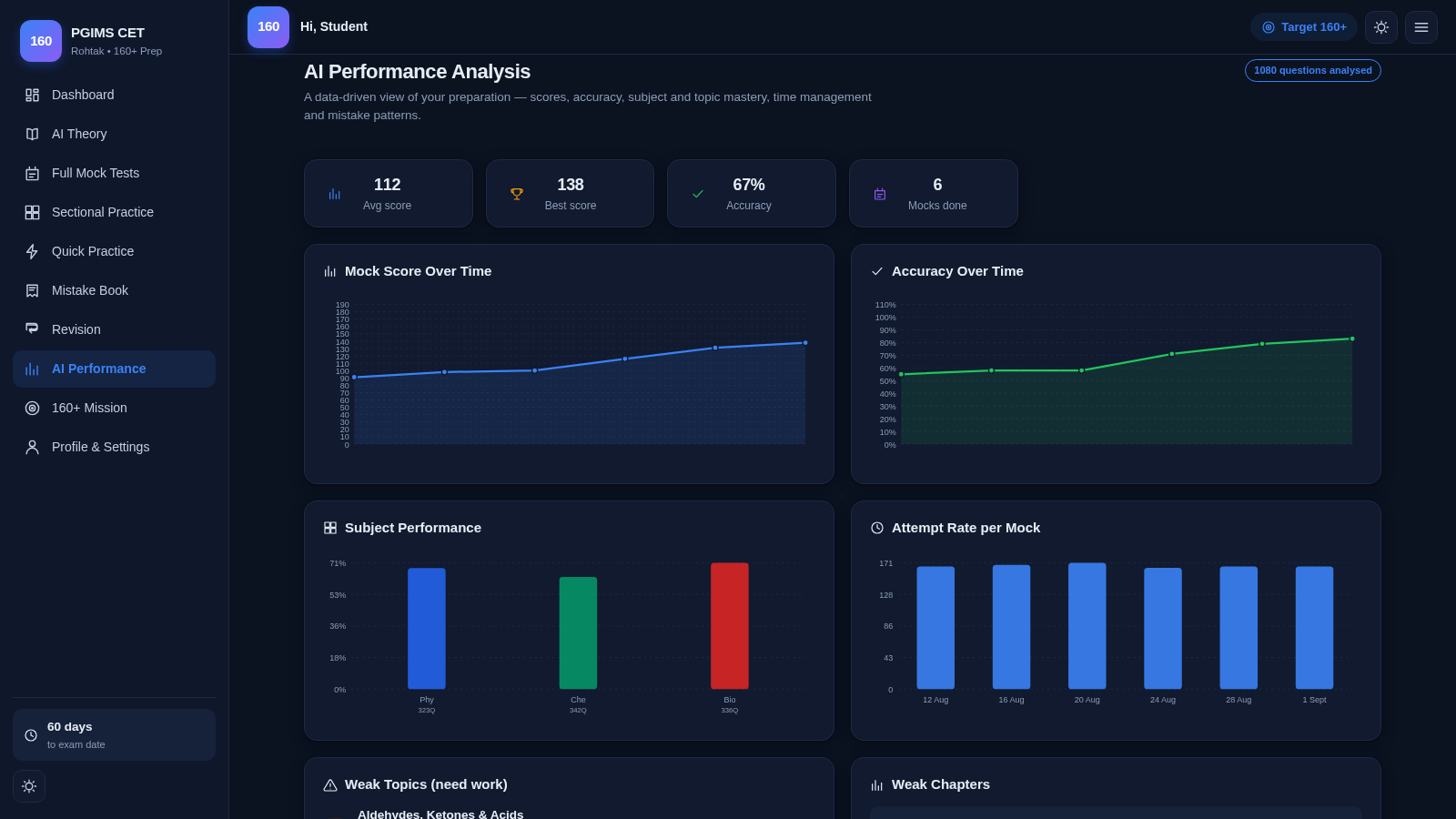
33PGIMS Rohtak CET 160+ Prep
PGIMS Rohtak CET prep: mock tests, AI theory, sectional practice, mistake book.