
المختبر العلمي الافتراضي - VIRTUAL LAB
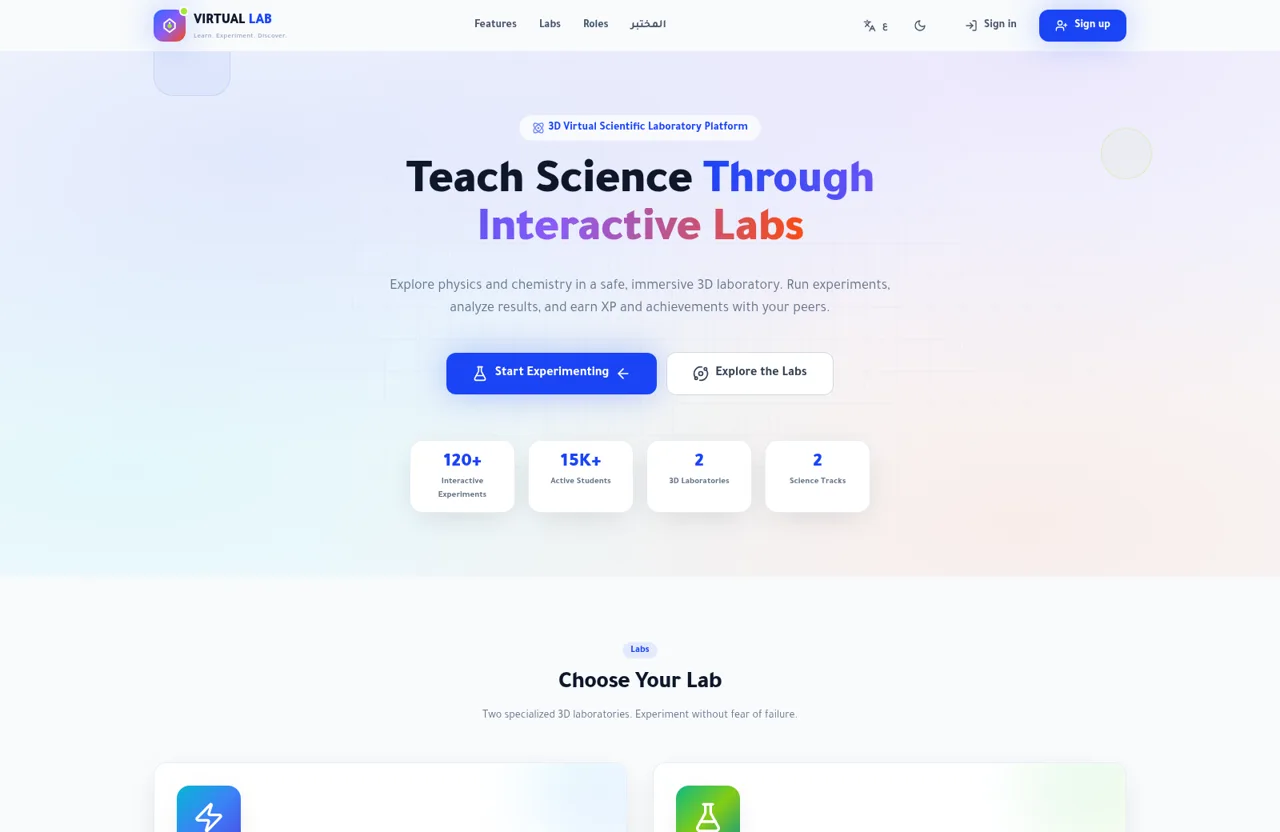
Explore physics and chemistry through guided virtual experiments, scientific data, and role-based learning dashboards.
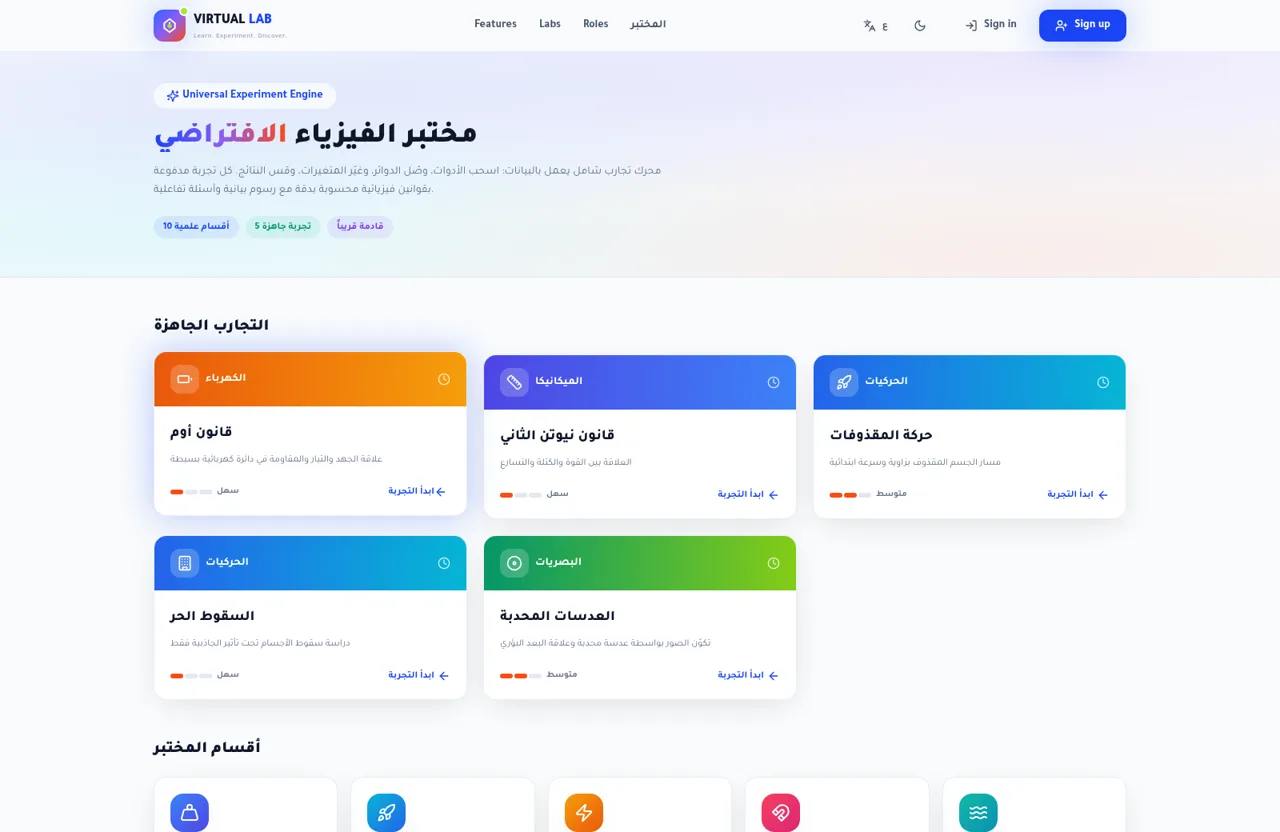
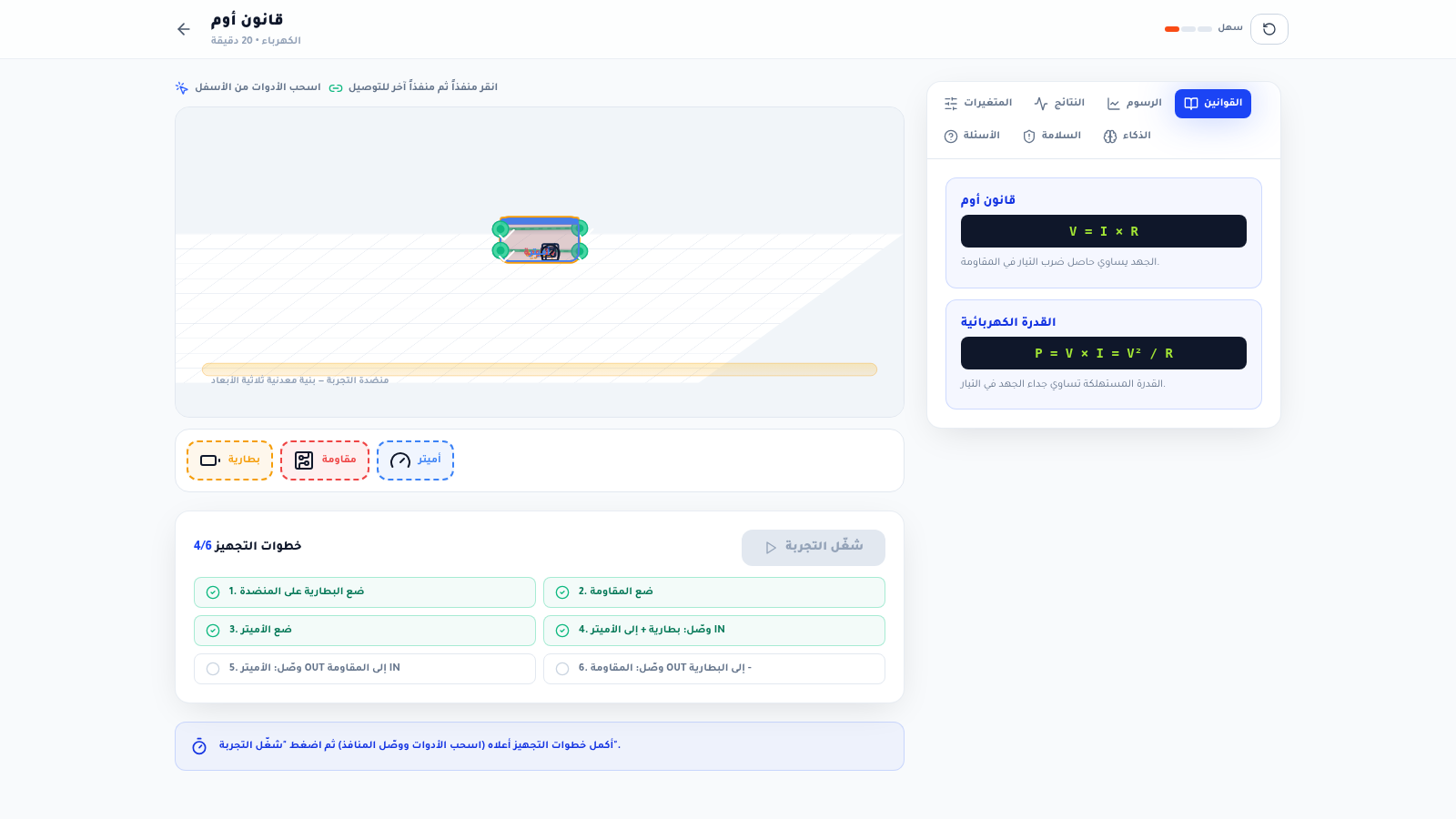
VIRTUAL LAB is an interactive science education platform with an Arabic-first laboratory experience and bilingual navigation. It combines a searchable experiment library, a large scientific knowledge base, guided physics and chemistry workspaces, and dashboards for students, teachers, and administrators. Learners can review concepts and formulas, assemble virtual apparatus, connect components, adjust variables, inspect results and graphs, answer questions, complete challenges, save activities, and track XP, achievements, and course progress. The inspected Ohms law activity includes a six-step circuit setup with a battery, resistor, and ammeter, followed by measurement, challenge, and review stages.
Highlights
Guided experiments
Learn, test, challenge
Large science library
Physics and chemistry
Knowledge database
1,768 indexed entries
Role dashboards
Student, teacher, admin
Progress rewards
XP and achievements
How to Use
Browse the experiment library
Open the experiment library from the main navigation, then filter by subject, branch, difficulty, or ordering. Select a card to open its concepts, expected duration, and guided activity.
Review the scientific concept
Read the learning section before starting. It presents the relevant formulas, explanations, introductory hints, expected duration, and number of setup steps for the selected experiment.
Build and run the setup
Start the practical stage, drag the required apparatus onto the virtual bench, and connect the labeled ports in the instructed sequence. Adjust available variables such as voltage and resistance, then run the experiment once every setup requirement is complete.
Inspect and apply results
Use the results, graphs, formulas, questions, safety, and intelligence tabs to interpret the activity. Continue to the challenge and review stages after the practical setup is complete.
Use an account pathway
Create a new account from the registration form or choose one of the student, teacher, or administrator demo buttons. The student dashboard shows progress, saved experiments, challenges, XP, streaks, rank, and achievements.
Similar Sites
 7
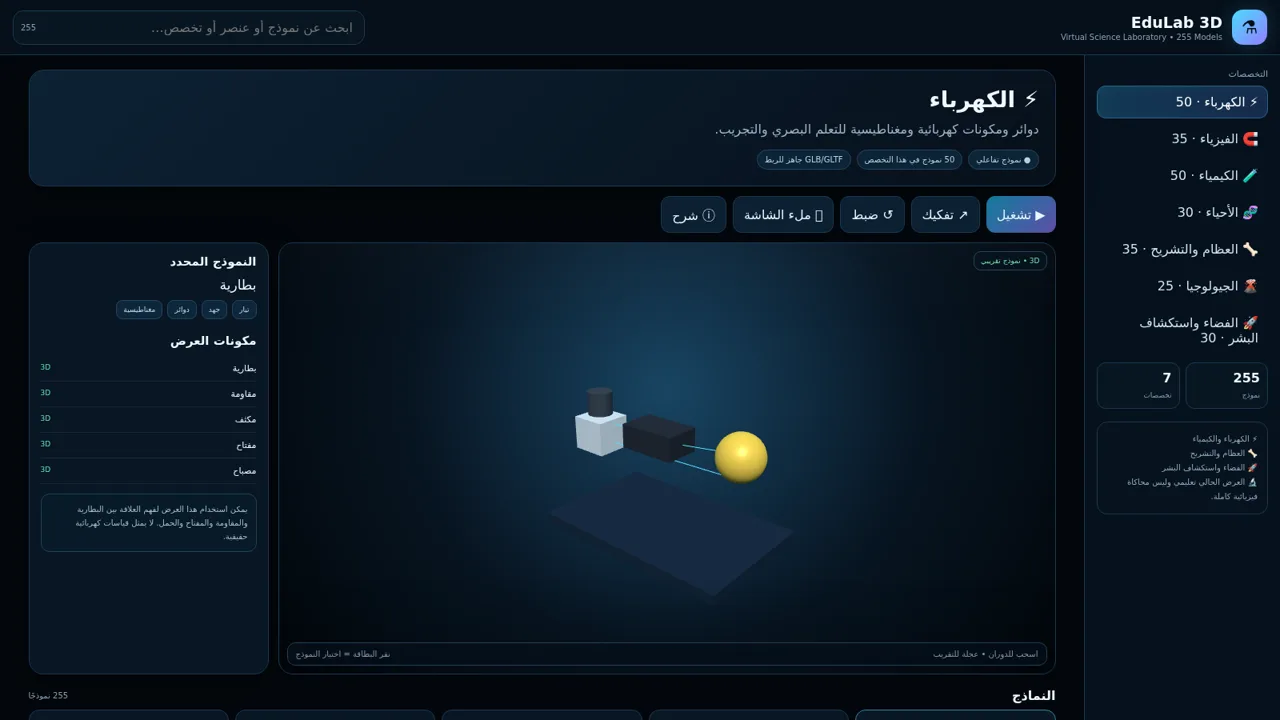
7EduLab 3D — مختبر العلوم
EduLab 3D — مختبر علوم تفاعلي يحتوي على 255 نموذجًا تعليميًا في سبعة تخصصات.
 35
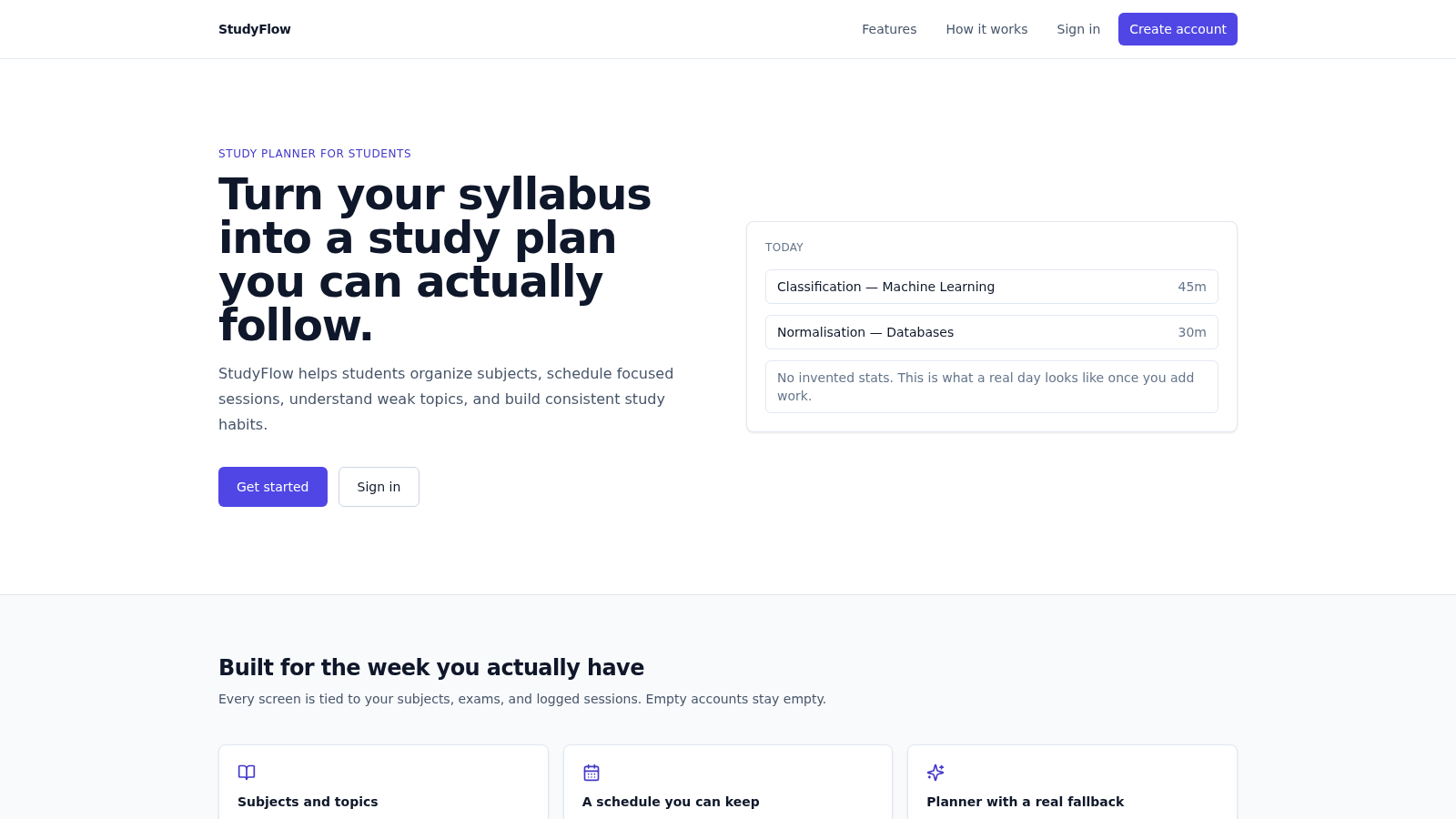
35StudyFlow
Student study planner with subjects, calendar, analytics, and an optional AI scheduler.
 19
19SSC CHSL 2026 Prep
SSC CHSL 2026 mock tests, topic practice and study notes
 5
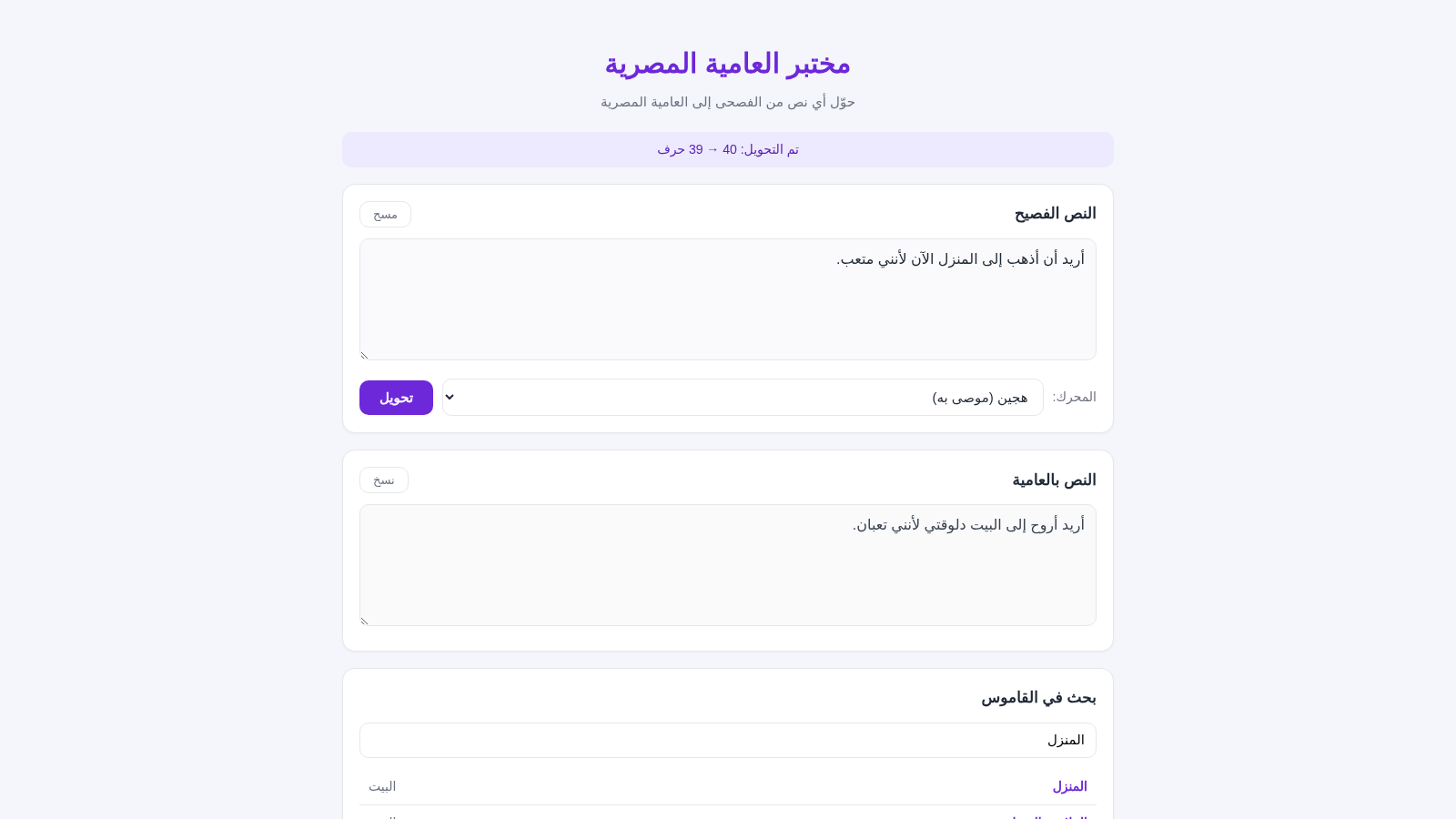
5مختبر العامية المصرية
حوّل النصوص من الفصحى إلى العامية المصرية بضغطة واحدة
 3
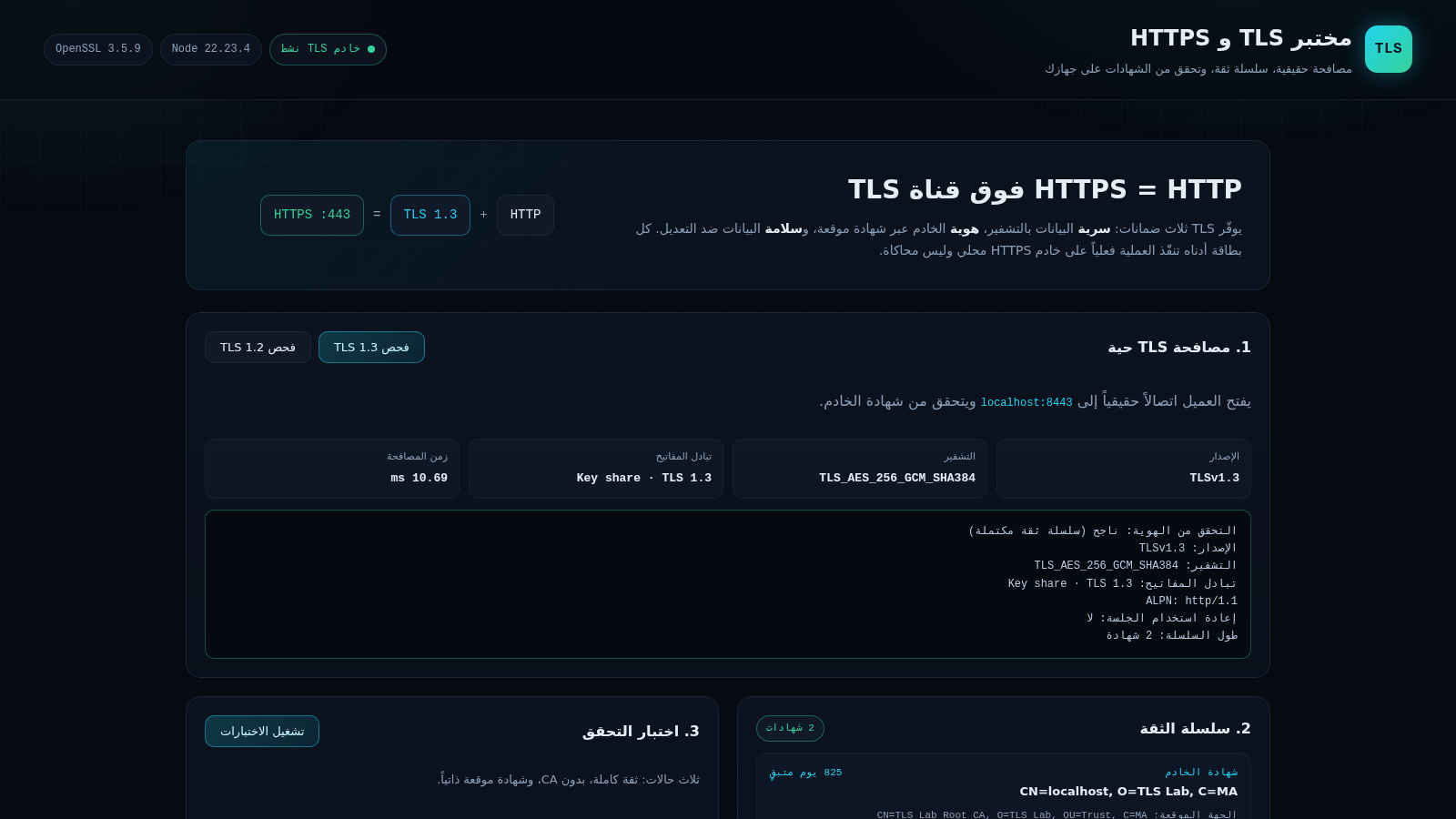
3مختبر TLS و HTTPS
مختبر عملي لشرح TLS و HTTPS وسلسلة الثقة
 1
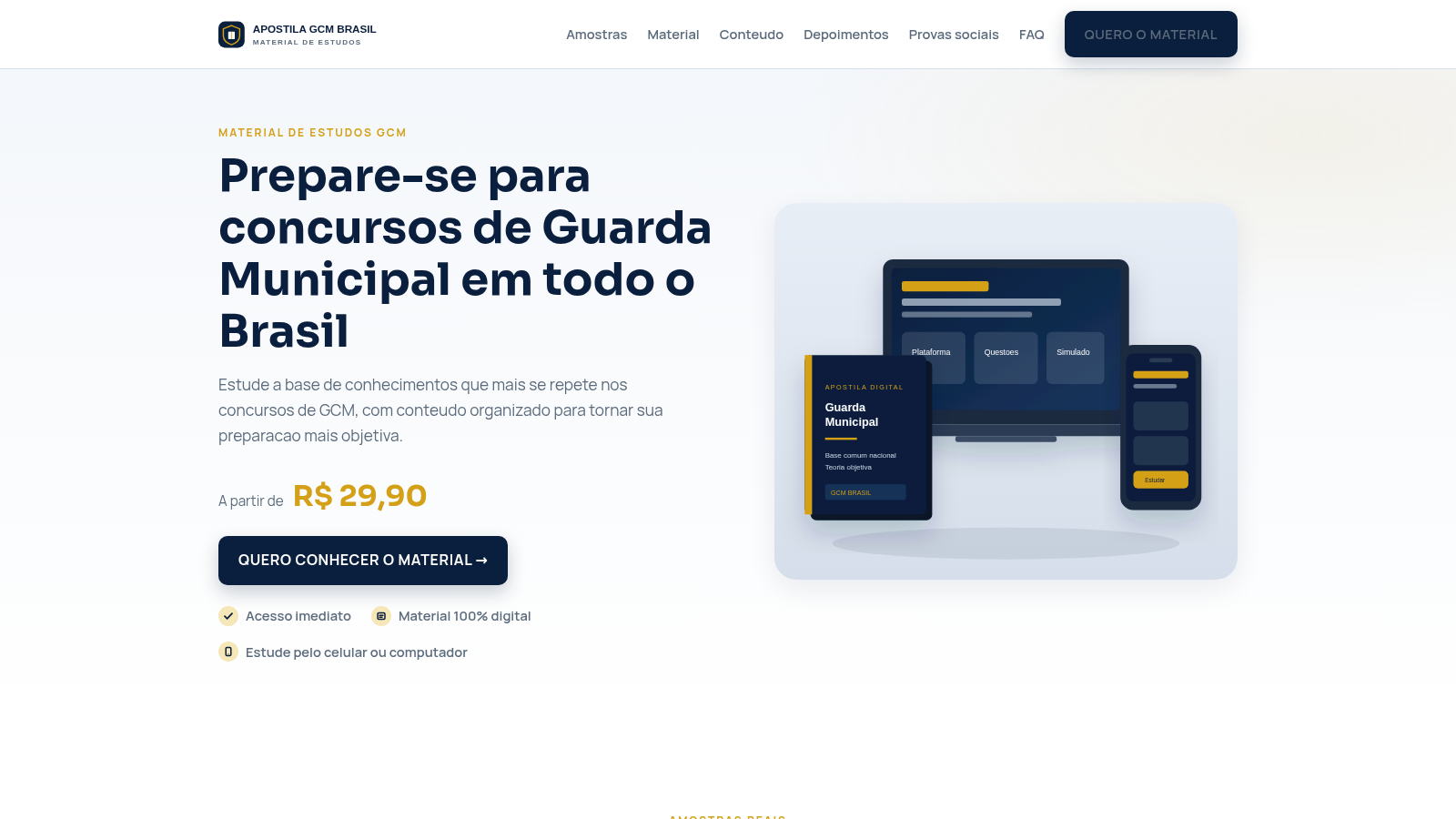
1Apostila GCM Brasil
Apostila digital para concursos de Guarda Municipal em todo o Brasil.