
موسوعة الشبكات والبروكسي
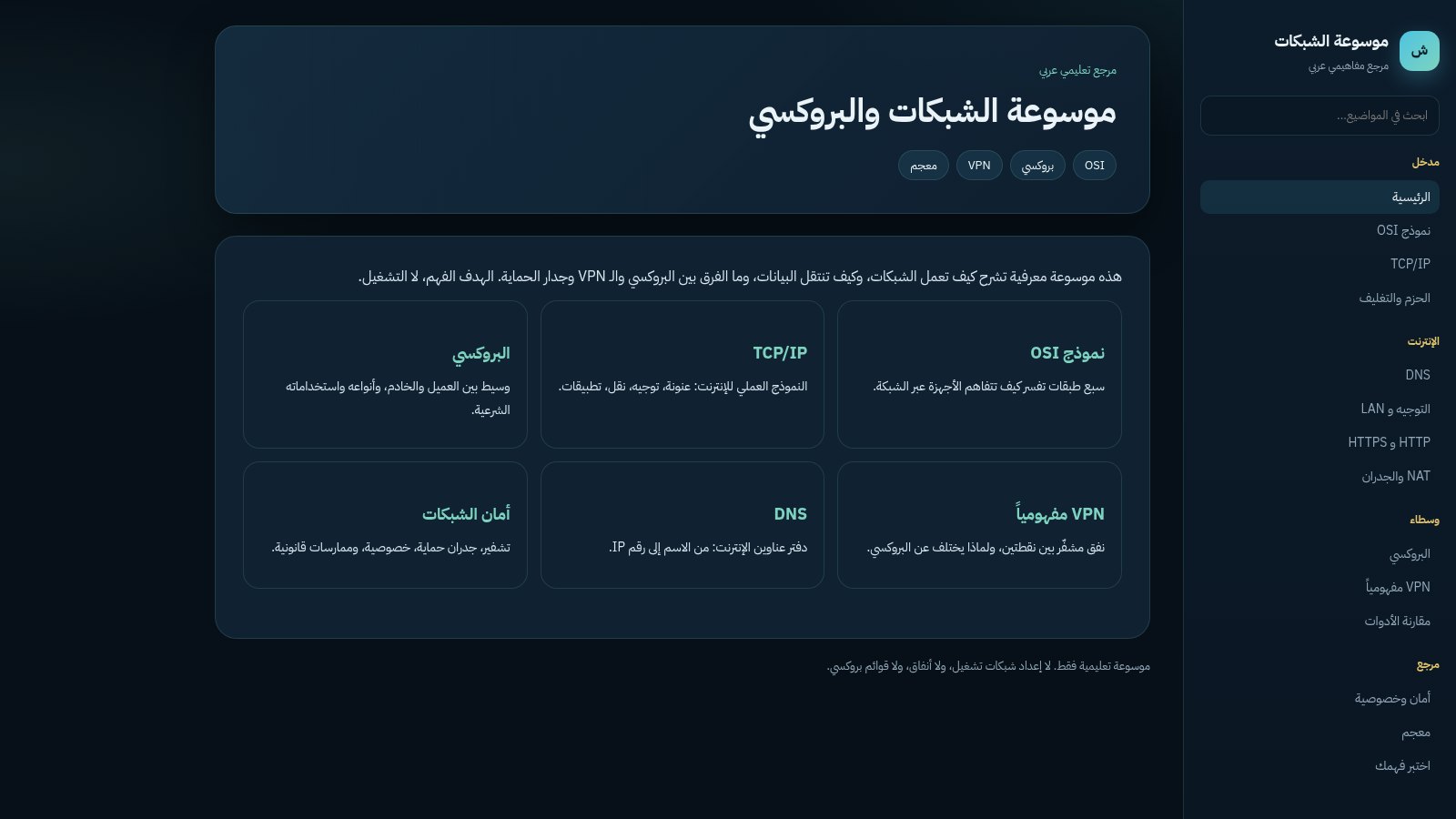
An Arabic reference explaining networks, proxy and VPN concepts
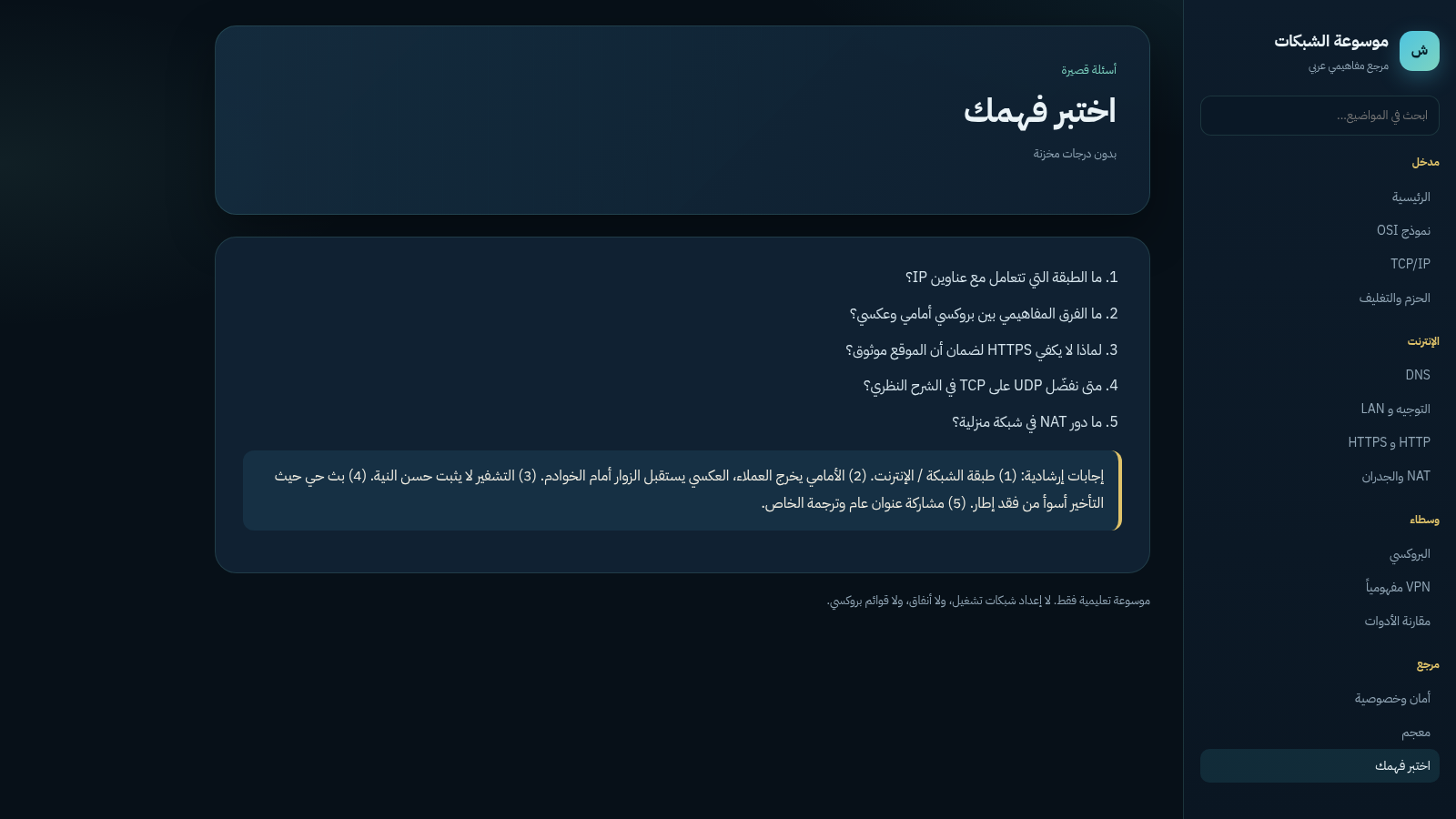
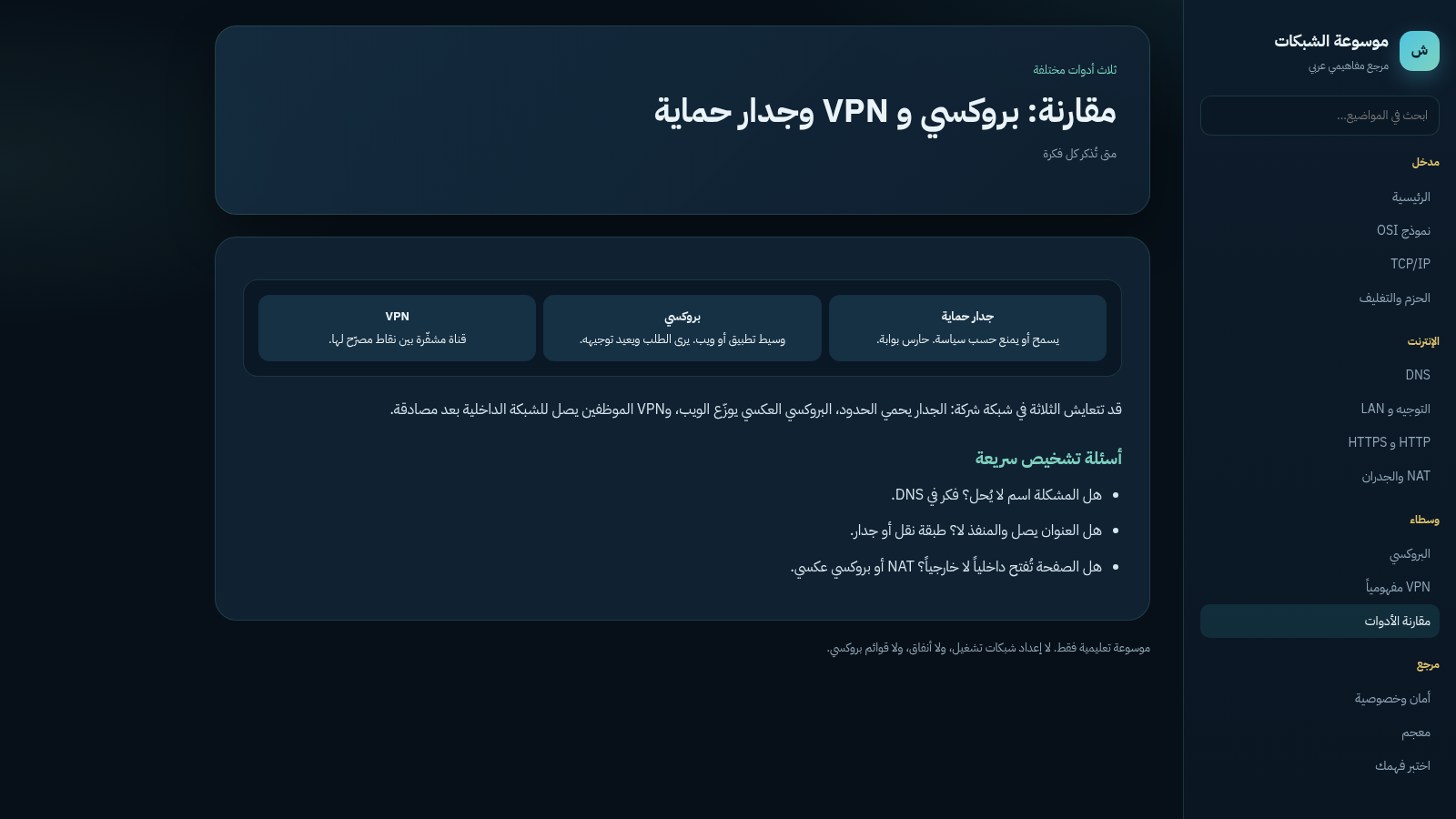
This is an Arabic-language educational encyclopedia about computer networks. It explains how networks work, how data travels, and how a proxy differs from a VPN and a firewall, with the stated goal of understanding rather than operation. A grouped sidebar organizes thirteen topics into Intro, Internet, Intermediaries and Reference sections, covering the OSI and TCP/IP models, packet encapsulation, DNS, routing and LAN, HTTP and HTTPS, NAT and firewalls, proxy types, VPN, network security and privacy, plus a glossary. A live search filters the sidebar, a comparison page places firewall, proxy and VPN side by side, and a self-assessment page presents five questions with a matching guided answer block. The site is a static reference for study and revision and does not provide operational setup, tunnels or proxy lists.
Highlights
Concept-first
Theory, not setup
13 topics
OSI, DNS, proxy, VPN
Live search
Filter topics fast
Self-test quiz
Five Q&A prompts
Compare view
Firewall, proxy, VPN
RTL Arabic
Arabic typography
How to Use
Pick a topic from the sidebar
The left sidebar groups topics under Intro, Internet, Intermediaries and Reference. Click any topic button, such as OSI Model, DNS, Proxy or VPN, and the main panel switches to that article immediately without reloading the page. Each article is short and text-driven, so you can read it top to bottom and then jump to the next topic.
Use the search field to jump quickly
A search box sits near the top of the sidebar. As you type, the topic lists are filtered to the matching entries, for example typing DNS narrows the sidebar to the DNS entry. Clear the field to restore the full list, then click a remaining topic to open it in the main panel.
Read a topic and its comparison
Open the Tool Comparison page under Intermediaries to see firewall, proxy and VPN described side by side, followed by a paragraph on how the three can coexist in a company network and three quick diagnostic questions. Other topics use the same layout of a short introduction, a small diagram or list, and a closing note.
Check your understanding
Open Test Your Understanding from the Reference group. The page lists five short questions, and directly beneath them a numbered answer block gives guided responses. Compare your own reasoning with the guided answers; the page states that no scores are stored, so you can revisit it as often as you like.
Similar Sites
 66
66Best Insurance Guide
Expert-written insurance guides, honest comparisons and trusted calculators.
 44
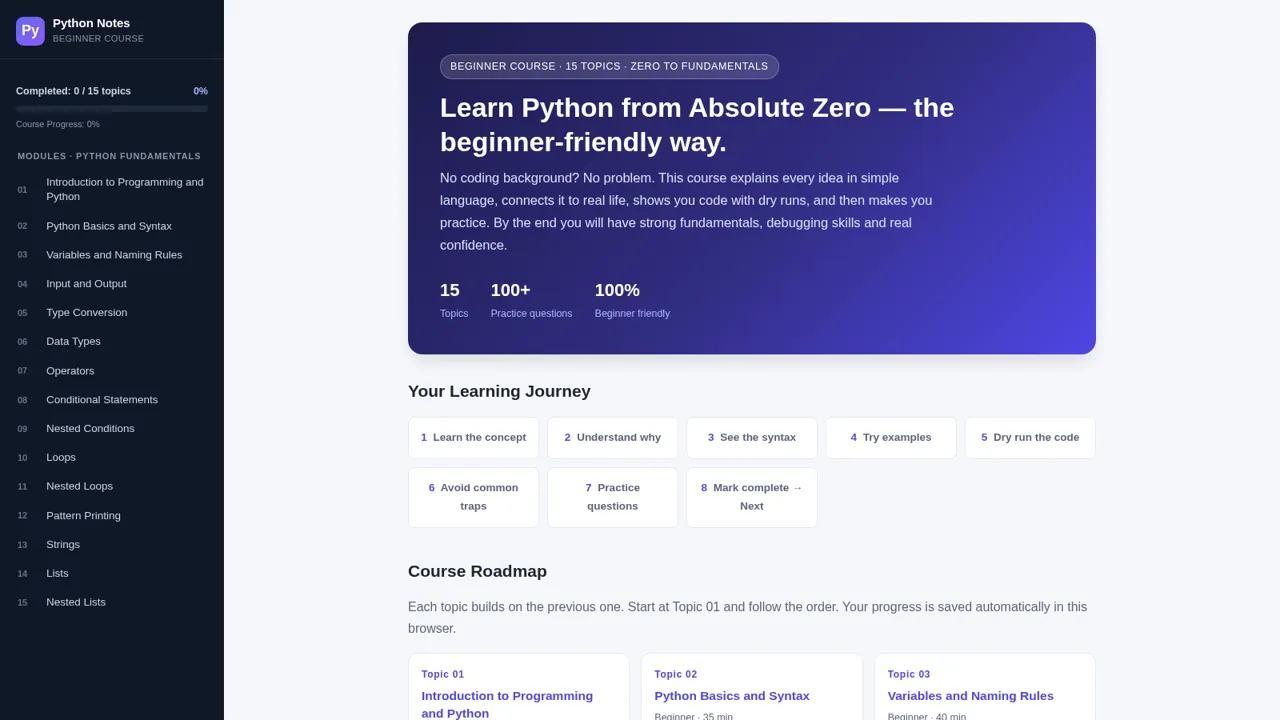
44Python Notes: Learn from Zero
A free beginner-friendly interactive course: learn Python from absolute zero across 15 hands-on topics
 44
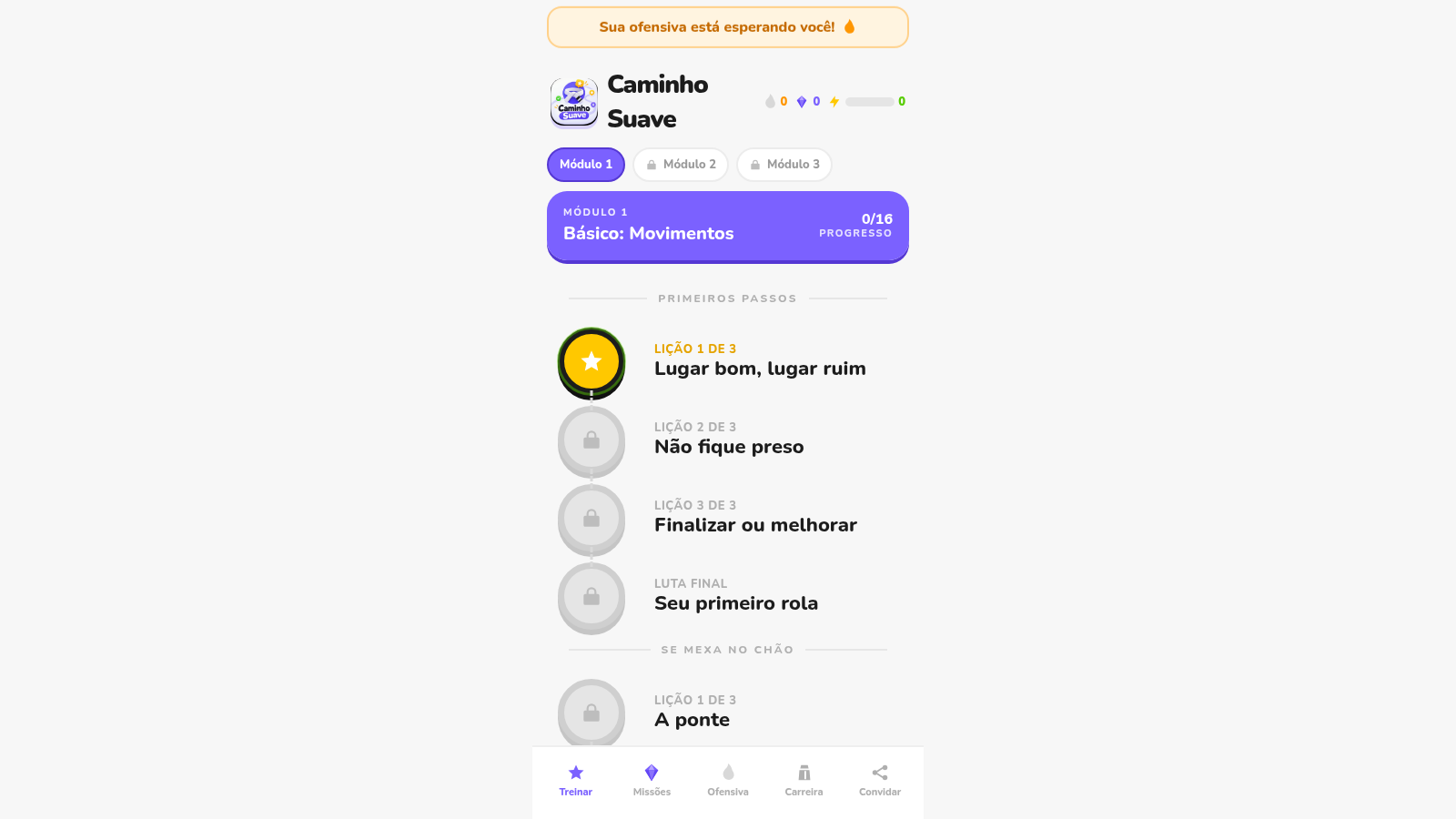
44Caminho Suave
Carreira kids de jiu-jitsu com faixas, aulas e atletas Premium
 35
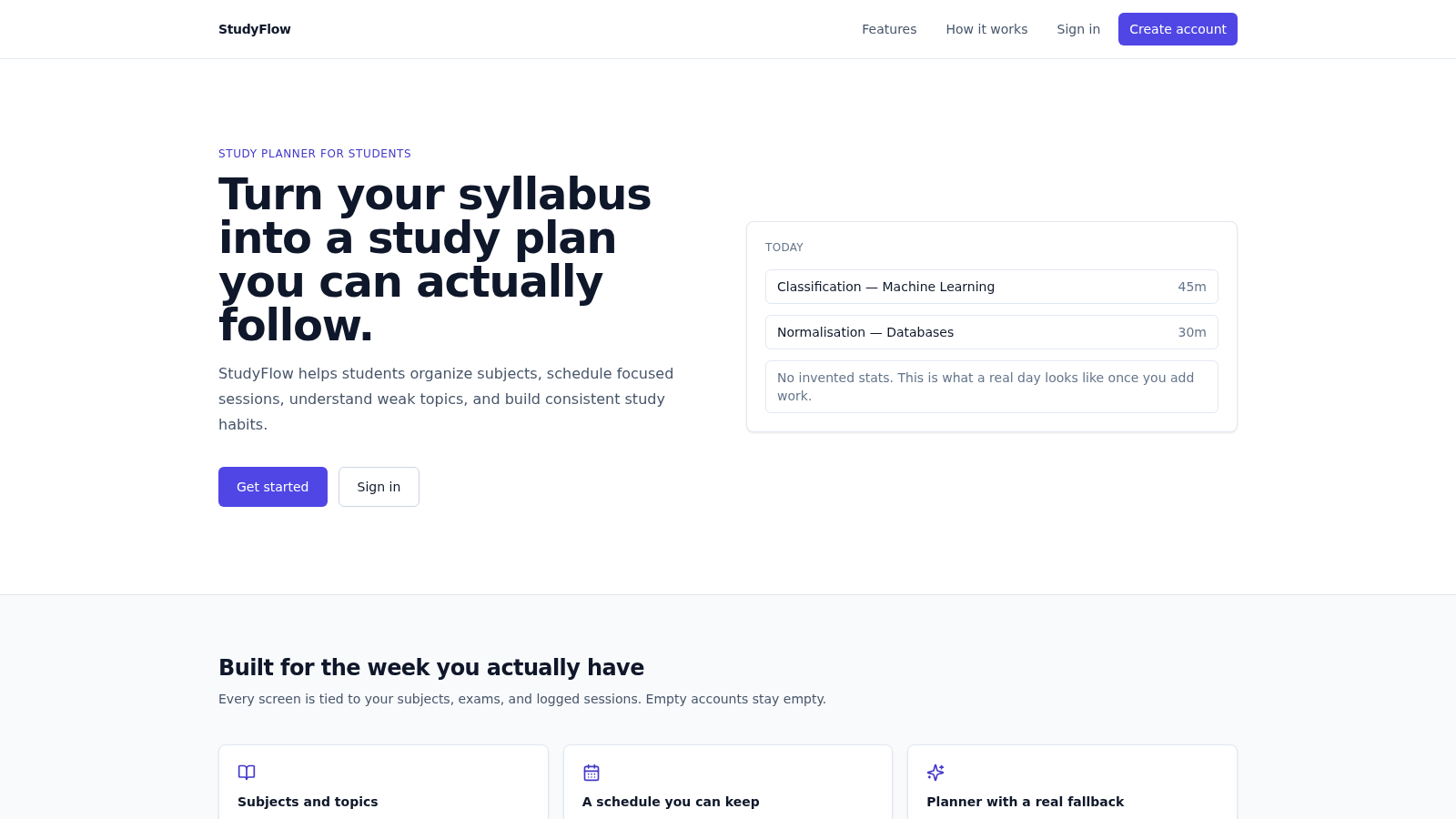
35StudyFlow
Student study planner with subjects, calendar, analytics, and an optional AI scheduler.
 33
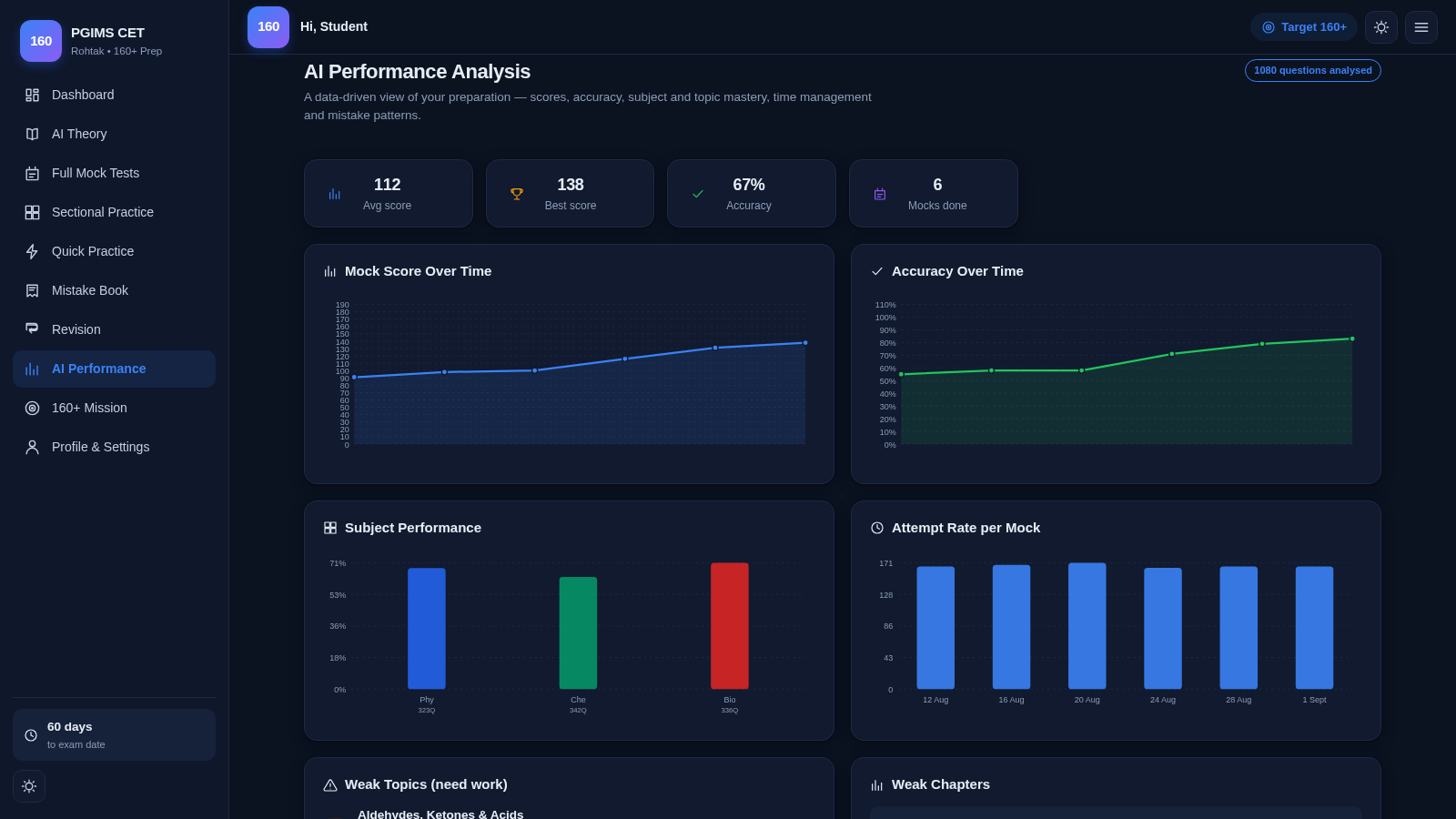
33PGIMS Rohtak CET 160+ Prep
PGIMS Rohtak CET prep: mock tests, AI theory, sectional practice, mistake book.
 32
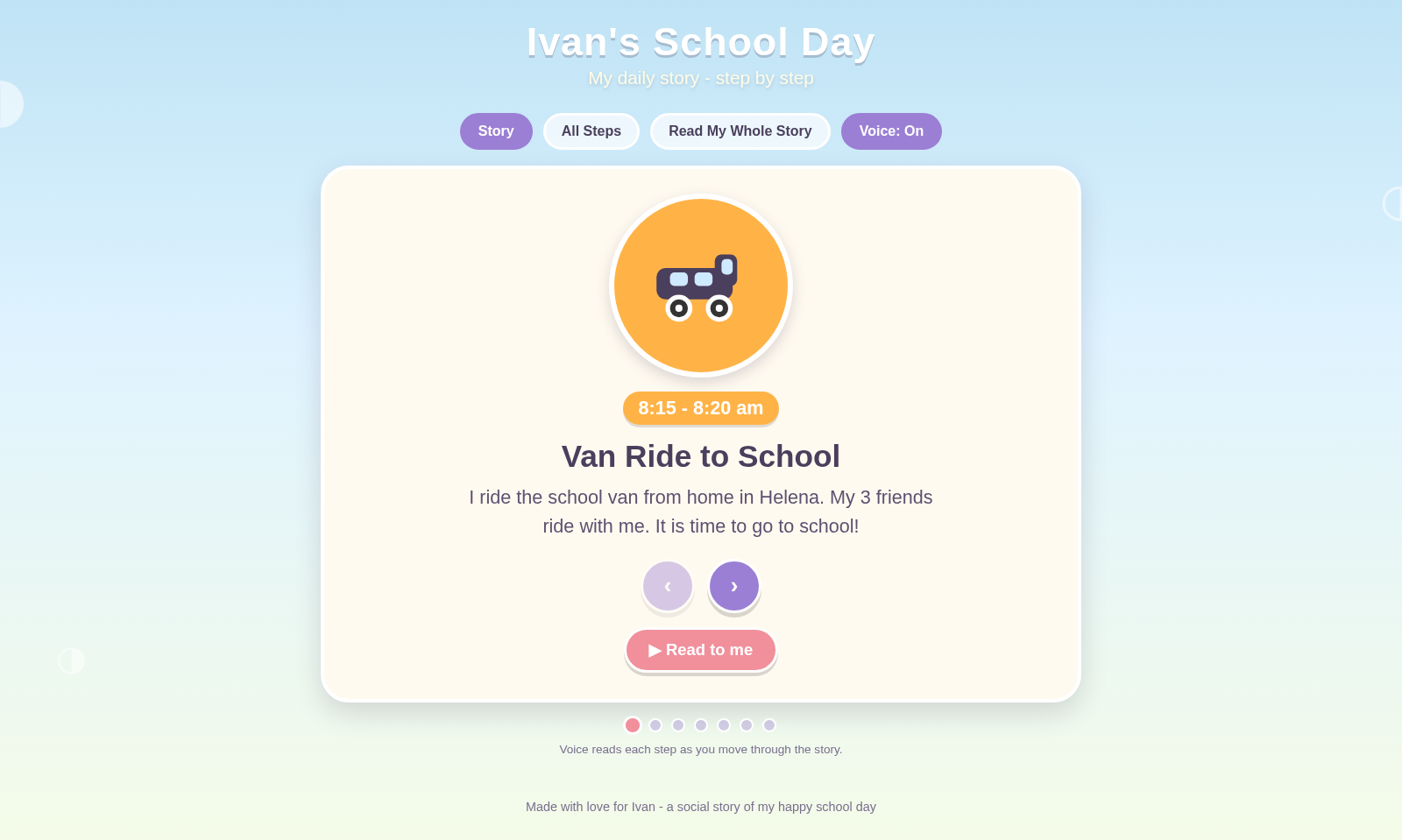
32Ivan's School Day
Ivan's school day routine as a voice-narrated social story